Send enquiry ⏎

UI/UX Design Online Live Class by Experts

Our Training/Internship Process

UI/UX Design Online Live Classes in Kerala | Free Demo Training

UI/UX Design - Syllabus, Fees & Duration

Figma Syllabus (15 Hours)

      Module 1: Figma Fundamentals (3 Hours)

        Introduction to Figma

      • Understanding the Figma interface and tools.
      • Layers, frames, and pages.
      • Shapes, text, and alignment.

        Design Basics

      • Color theory and typography basics.
      • Grids and layout principles.
      Module 2: Prototyping with Figma (3 Hours)

        Wireframing Basics

      • Creating low-fidelity wireframes for mobile and web apps.

        Prototyping Features

      • Adding interactions and transitions.
      • Clickable prototypes for user testing.
      Module 3: Mobile App Design Project (4 Hours)

        Designing a Mobile App

      • Screens for a sample app (e.g., task manager or food delivery).
      • Login, home, and profile pages.

        Components and Variants

      • Reusable buttons, icons, and cards.
      • Typography and color styles.

        Prototyping and Feedback

      • Linking screens and testing navigation.
      Module 4: Web App Design Project (5 Hours)

        Designing a Web App

      • Landing page, login screen, and dashboard for a web app.
      • Auto-layout for responsive designs.

        Final Prototype

      • Responsive breakpoints for desktop, tablet, and mobile.
      • Functional prototype with interactions.
    Web Development Syllabus (15 Hours)
      Module 1: HTML, CSS, and Bootstrap Basics (5 Hours)

        HTML Fundamentals (2 Hours)

      • Structuring web pages (header, footer, sections).
      • Essential tags: headings, lists, images, and links tables etc..

        CSS Basics (2 Hours)

      • Styling text and layout using CSS.
      • Box model, positioning, and Flexbox basics.

        Bootstrap Basics (1 Hour)

      • Setting up Bootstrap in a project.
      • Grid system and responsive layouts.
      • Common components: navbar, buttons, and cards.
      Module 2: Responsive Landing Page Conversion (5 Hours)

        Figma to Code Workflow (2 Hours)

      • Importing Figma designs for reference.
      • Structuring HTML and CSS with Bootstrap.

        Responsive Design (3 Hours)

      • Using media queries and Bootstrap utilities.
      • Creating a responsive navigation bar and hero section.
      • Ensuring design consistency with the Figma prototype.
      Module 3: Interactivity with JavaScript & Advanced Bootstrap (3 Hours)

        JavaScript Basics

      • Adding interactivity with JavaScript (e.g., form validation).
      • Bootstrap JavaScript components: modals, dropdowns, and carousels.

        CSS Animations & Transitions

      • Enhancing visuals with hover effects and animations.
      Module 4: Final Project and Deployment (2 Hours)

        Final Project: Responsive Landing Page

      • Convert a complete Figma design into a functional landing page.
      • Use Bootstrap and JavaScript for responsiveness and interactivity.

        Hosting and Deployment

      • Publish the project online using GitHub Pages or Netlify.
      Deliverables

        Figma:

      • Prototyped mobile app and web app designs.

        Web Development:

      • Fully responsive landing page with Bootstrap and interactivity.
      • Hosted live project link.

Download Syllabus - UI/UX Design
This syllabus is not final and can be customized as per needs/updates
   
10000+
20+
50+
25+

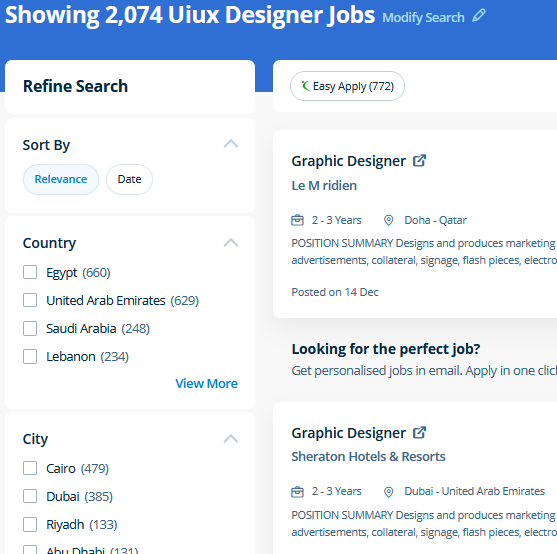
UI/UX Design Jobs in Kerala

Enjoy the demand

Find jobs related to UI/UX Design in search engines (Google, Bing, Yahoo) and recruitment websites (monsterindia, placementindia, naukri, jobshybrid.com, indeed.co.in, shine.com etc.) based in Kerala, chennai and europe countries. You can find many jobs for freshers related to the job positions in Kerala.

  • ui designer
  • ux designer
  • ui/ux designer
  • ui/ux developer
  • graphic designer
  • multimedia creator
  • photoshop
  • adobe illustrator
  • web design
  • html developer

UI/UX Design Internship/Course Details

UI/UX Design internship jobs in Kerala
UI/UX Design Photoshop may be a powerful and widespread image editing software that helps you to apply numerous effects easily and acquire consistent results. Our online training course in Dubai learn how a Vector application Creates shapes Composed of points, lines, and curves that are stored as mathematical instructions as opposed to a bitmap application, which creates shapes composed of pixel dots. Adobe Illustrators is a vector-based creative program designed for those involved with graphic design. Most of the print and screen designers use illustrator to create designs and artwork. Our aim is that each delegate leaves our InDesign Course with the confidence to apply their new skills effectively within the real world. Additionally as people who want to boost their current workflows to work quicker and more efficiently. In this course you will learn too use the Bootstrap 3 CSS framework to build websites with fluid and adaptive grid layouts. The Illustrator CC interface contains the tools, panels, menu, commanda, document, window, and artboards you will use when creating or editing an illustrator document. Our live online classes are a friendly and supportive alternative to looking at video tutorials – you’re ready to ask queries and receive answers from a skilled Nestsoft tutor in real time. concepts such as clusters, variables, operators, functions, and control structure in JavaScript Demonstrable knowledge of Functions - Passing the data to functions, JavaScript Function Syntax, Concise Body syntax, Return Keyword, and ES6 arrow functions basics of jQuery that assist you to boost your skills in Scriptwriting.


Meet a Few of our Industry Experts 🚀 Your Pathway to IT Career

Nauman

Mobile: +91 89210 61945
Location: Online (Kerala, India)
Qualification: BCA

Experience: Html css wordpress canva  more..

kshama

Mobile: +91 89210 61945
Location: Online (Kerala, India)
Qualification: BE

Experience: Angular Git Python php NodejsApplication for Angular JS  more..

Jobins

Mobile: +91 8301010866
Location: Online (Kerala, India)
Qualification: MCA

Experience: Problem solving leadership communication advanced analytical thinking programming Team work Adaptability knowledge in user interface Additional skills in programming language  more..

Saravanan

Mobile: +91 9895490866
Location: Online (Kerala, India)
Qualification: Bsc

Experience: I am flutter developer fresher  more..

Souro

Mobile: +91 91884 77559
Location: Online (Kerala, India)
Qualification: Btech

Experience: Seeking a career in Networking & related systems in a challenging environment that would give me the opportunity to bring  more..

deepthy

Mobile: +91 91884 77559
Location: Online (Kerala, India)
Qualification: btech

Experience: more than one year experience in IOS development   more..

Satti

Mobile: +91 91884 77559
Location: Online (Kerala, India)
Qualification: B.tech

Experience: python HTML CSS AUTOCAD CATIA  more..

Kshitij

Mobile: +91 9895490866
Location: Online (Kerala, India)
Qualification: BTech

Experience: Organisation | ZURAVERSE | Software 01 Dec 2020 - 10Jan 2020 Key Skills: JavaScript React Next js ● Part of  more..

Rohit

Mobile: +91 8301010866
Location: Online (Kerala, India)
Qualification: BTech

Experience: Fresher (2021 passout) Language-C C++ Python Have knowledge in HTML CSS JS Bootstrap Now im studying a web development course  more..

Nayan

Mobile: +91 94975 90866
Location: Online (Kerala, India)
Qualification: B.tech Computer science engineering

Experience: Android developer Java advance Python data mining Linux Oracle Firebase C++ Unity Game development Done 4 running projects in android  more..

Mrunal

Mobile: +91 91884 77559
Location: Online (Kerala, India)
Qualification: MBA

Experience: Skilled in digital marketing SEO PPC social media ads graphic design video marketing and email marketing Experienced in cross-selling market  more..

Axar

Mobile: +91 94975 90866
Location: Online (Kerala, India)
Qualification: Bca

Experience: I have work experience in native android with Java Kotlin Firebase Third party library s  more..

VEENA

Mobile: +91 94975 90866
Location: Online (Kerala, India)
Qualification: BTech ECE

Experience: python ML R SQL EXCEL TABLEUA  more..

Litheesh

Mobile: +91 8301010866
Location: Online (Kerala, India)
Qualification: B.sc cs

Experience: Hi I am s Litheesh Sharma I am a 22 year old boy I am B sc cs degree compled  more..

Narasimha

Mobile: +91 98474 90866
Location: Online (Kerala, India)
Qualification: B.Tech

Experience: 2 years experience in Automation testing having worked in a product based company I have deep understanding in test strategies  more..

Amrita

Mobile: +91 91884 77559
Location: Online (Kerala, India)
Qualification: BTech

Experience: 1 year and 4 months of experience in odoo python  more..

Jemsiya

Mobile: +91 8301010866
Location: Online (Kerala, India)
Qualification: B.tech computer science

Experience: HTML css javascript bootstrap Angular react js express js node jsApplication for Meanstack Developer Mean Stack  more..

Pankaj

Mobile: +91 98474 90866
Location: Online (Kerala, India)
Qualification: B.tech

Experience: I m pankaj kumar from mathura I have a exp in odoo 2 year and my skills is python sql  more..

S.

Mobile: +91 98474 90866
Location: Online (Kerala, India)
Qualification: BE (civil)

Experience: Oops concept SQL cucukumber framework jankins API testing TestNG   more..

Rajakani

Mobile: +91 9895490866
Location: Online (Kerala, India)
Qualification: Mca

Experience: As im fresher I did my software testing Java selenium python   more..

Shubham

Mobile: +91 9895490866
Location: Online (Kerala, India)
Qualification: B.Sc(H) Sports Sciences

Experience: With over three years of hands-on experience I possess advanced proficiency in video creation and editing using industry-standard software like  more..

Anagha

Mobile: +91 91884 77559
Location: Online (Kerala, India)
Qualification: B tech in ECE

Experience: Manual testing Automation testing java selenium jmeter  more..

Sadaf

Mobile: +91 91884 77559
Location: Online (Kerala, India)
Qualification: 10th qualified from IGCSE board and IB diploma program graduate

Experience: I have experieinced IGCSE since I myself graduated from igcse school and I did 12th from IB board I have  more..

Tanuj

Mobile: +91 91884 77559
Location: Online (Kerala, India)
Qualification: B.E. in ECE

Experience: I have worked as an Academic counsellor in inurture Skills: Technical skills including Computer programming and MS Excel my soft  more..

Success Stories

The enviable salary packages and track record of our previous students are the proof of our excellence. Please go through our students' reviews about our training methods and faculty and compare it to the recorded video classes that most of the other institutes offer. See for yourself how TechnoMaster is truly unique.

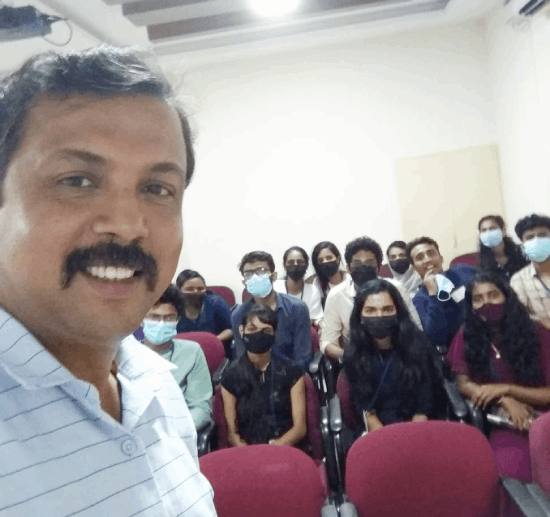
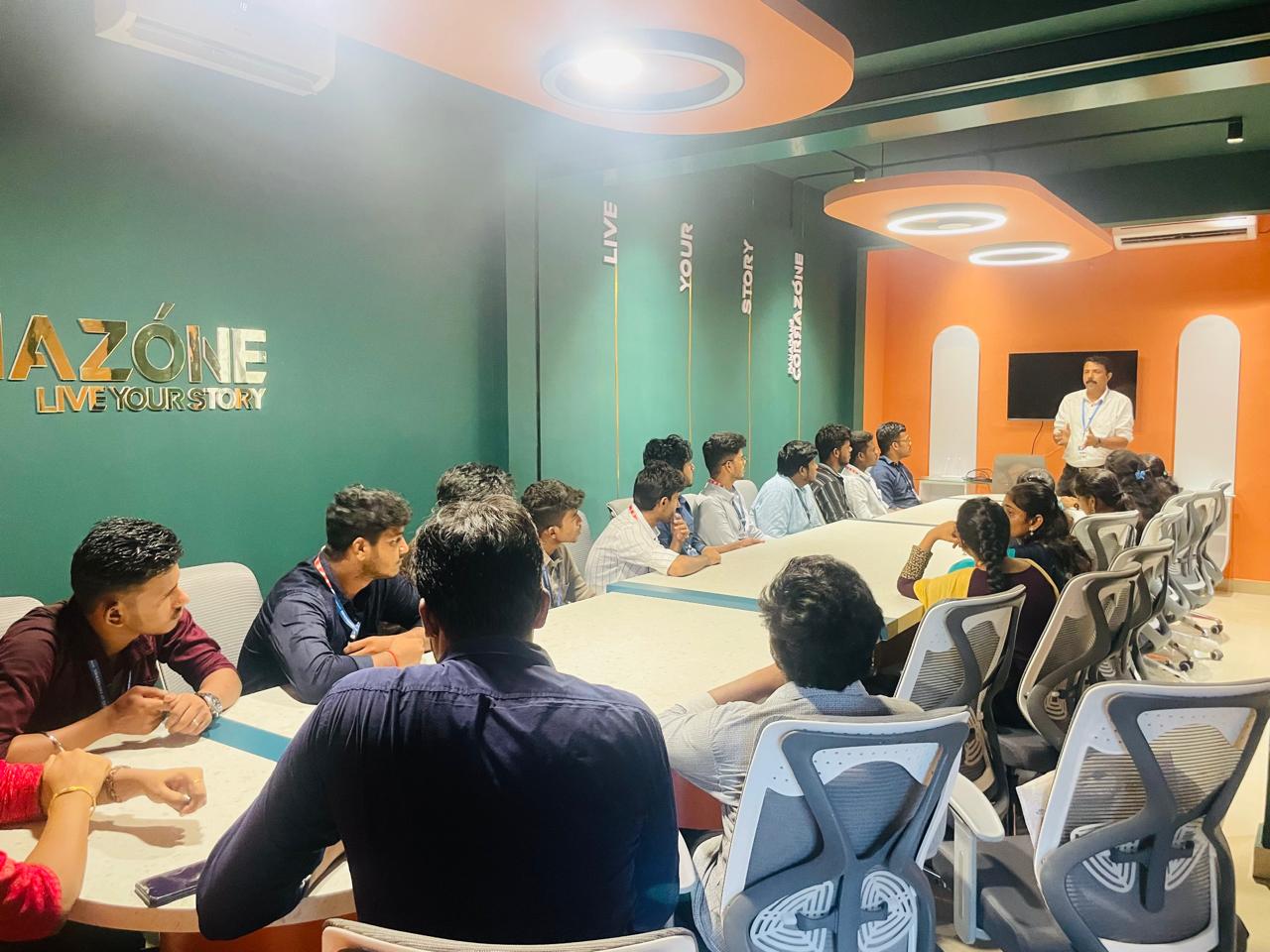
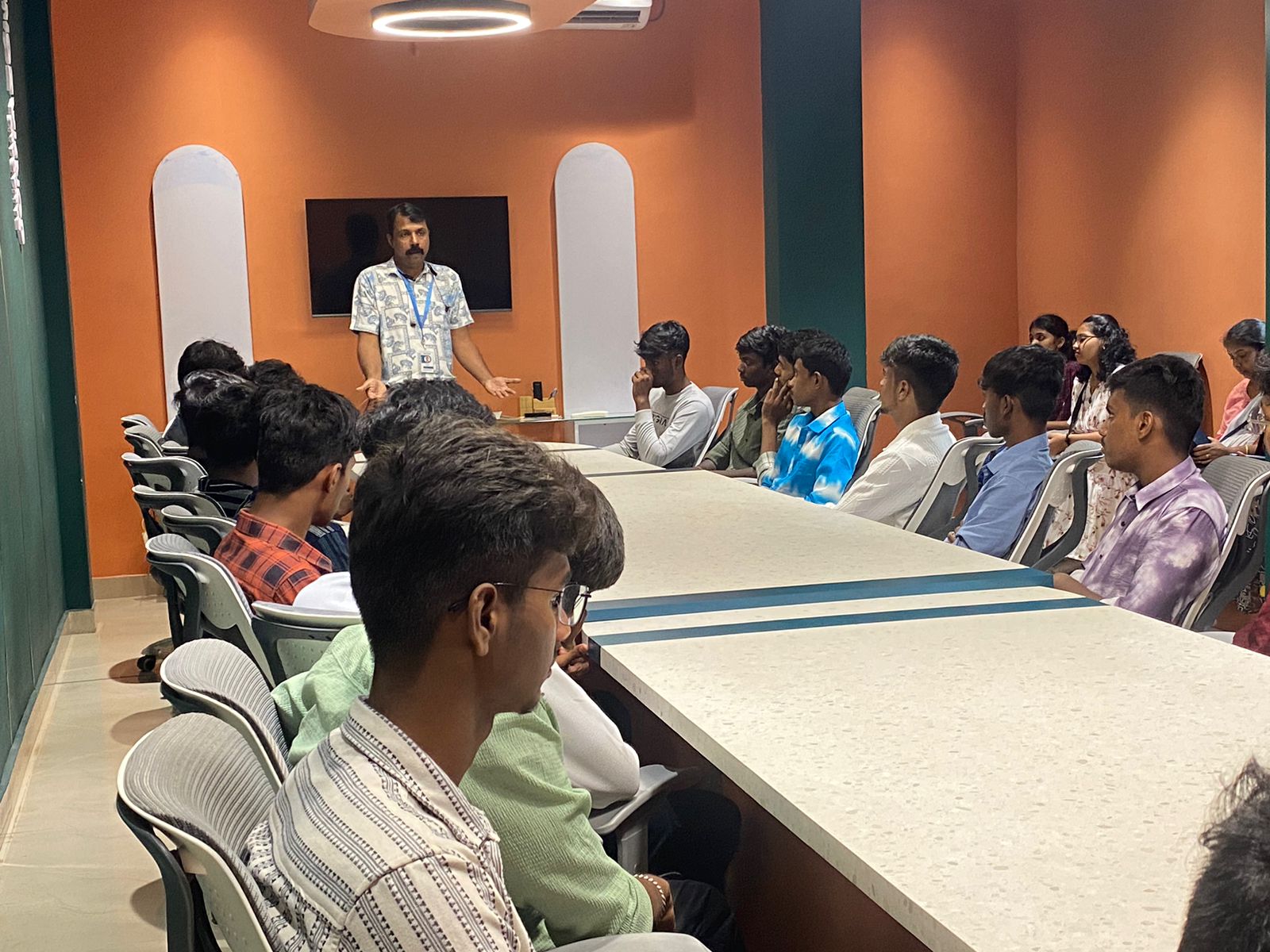
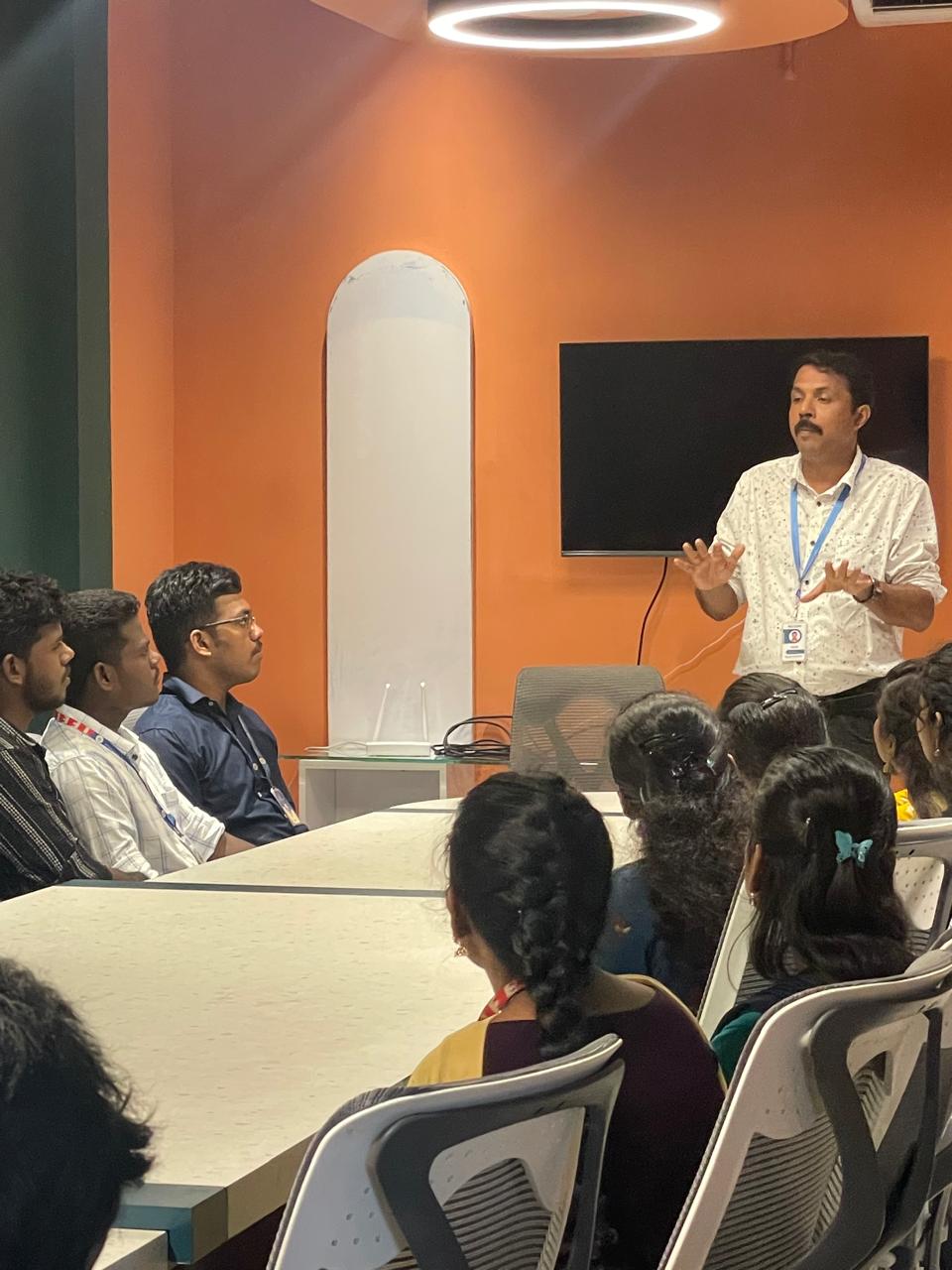
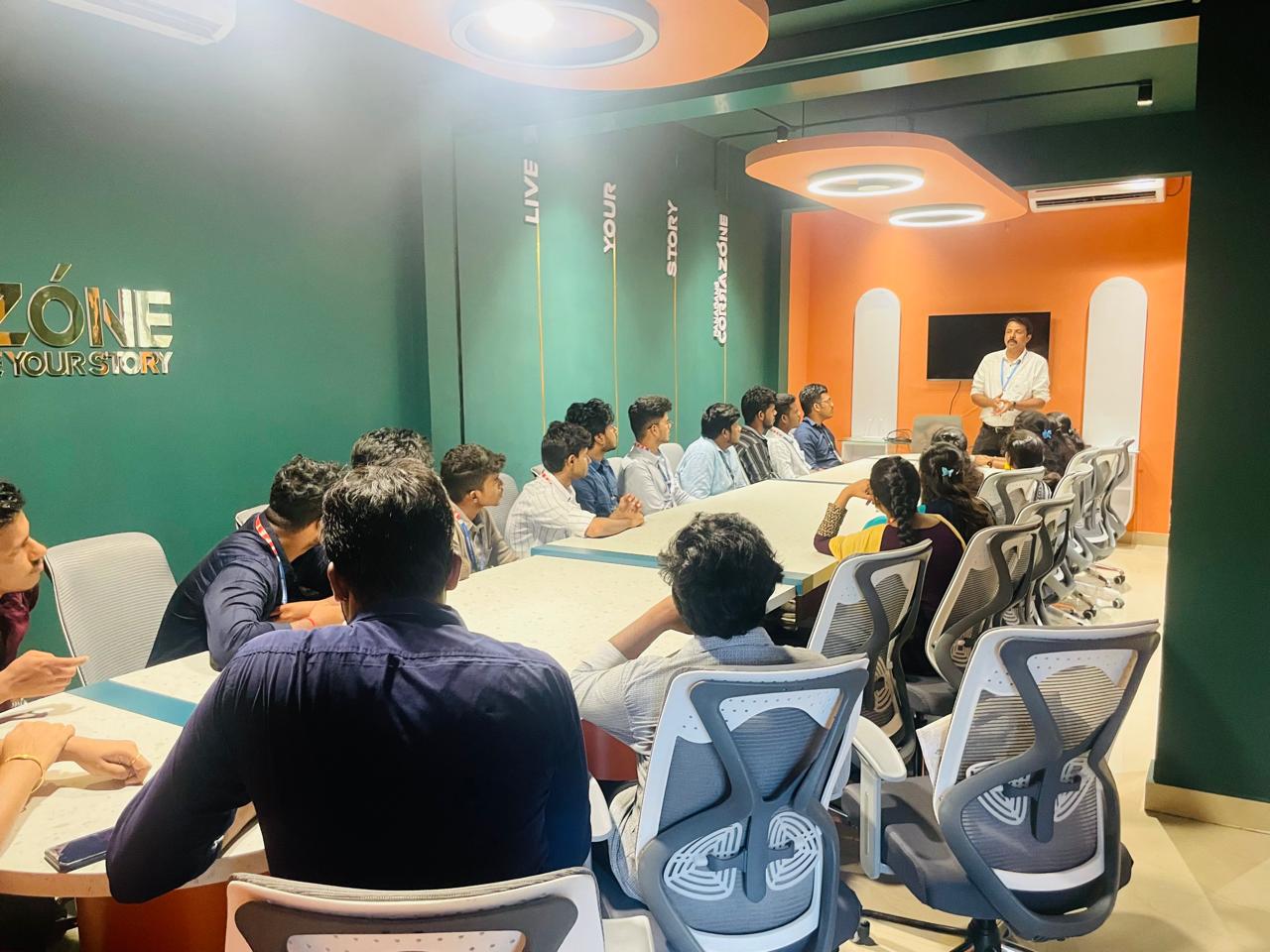
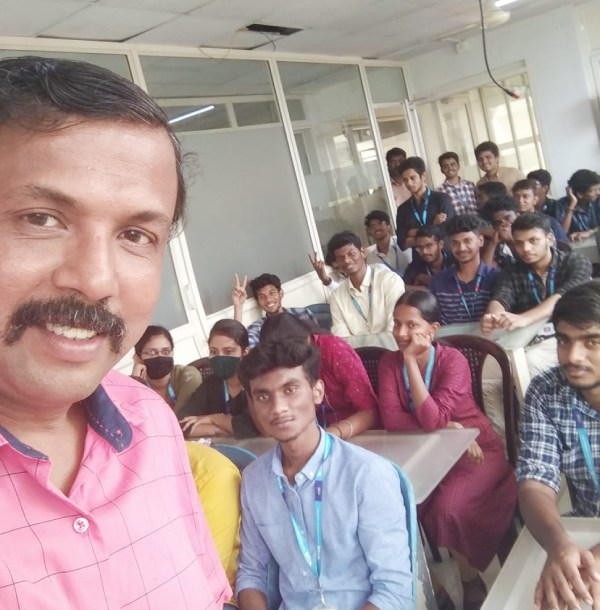
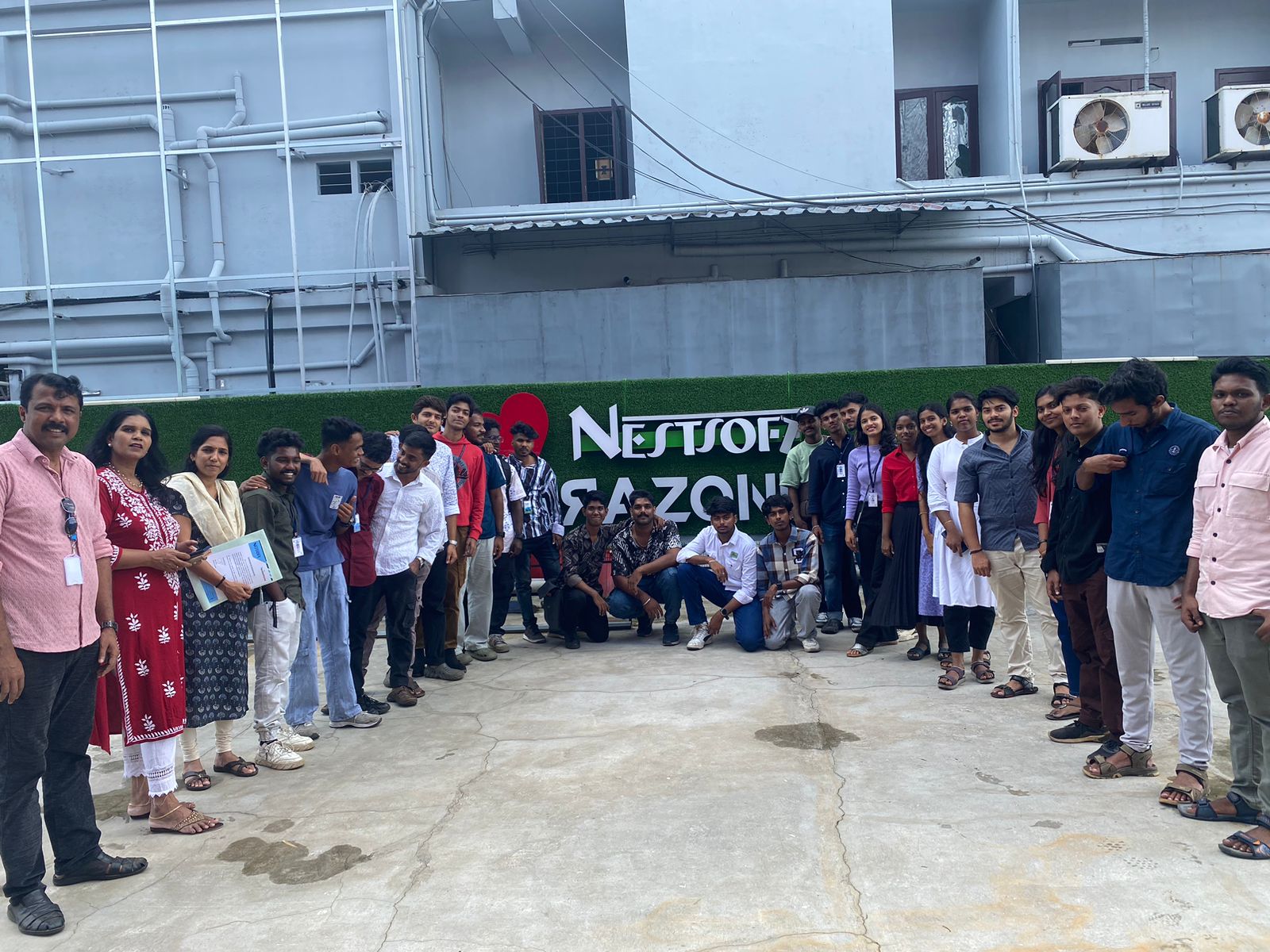
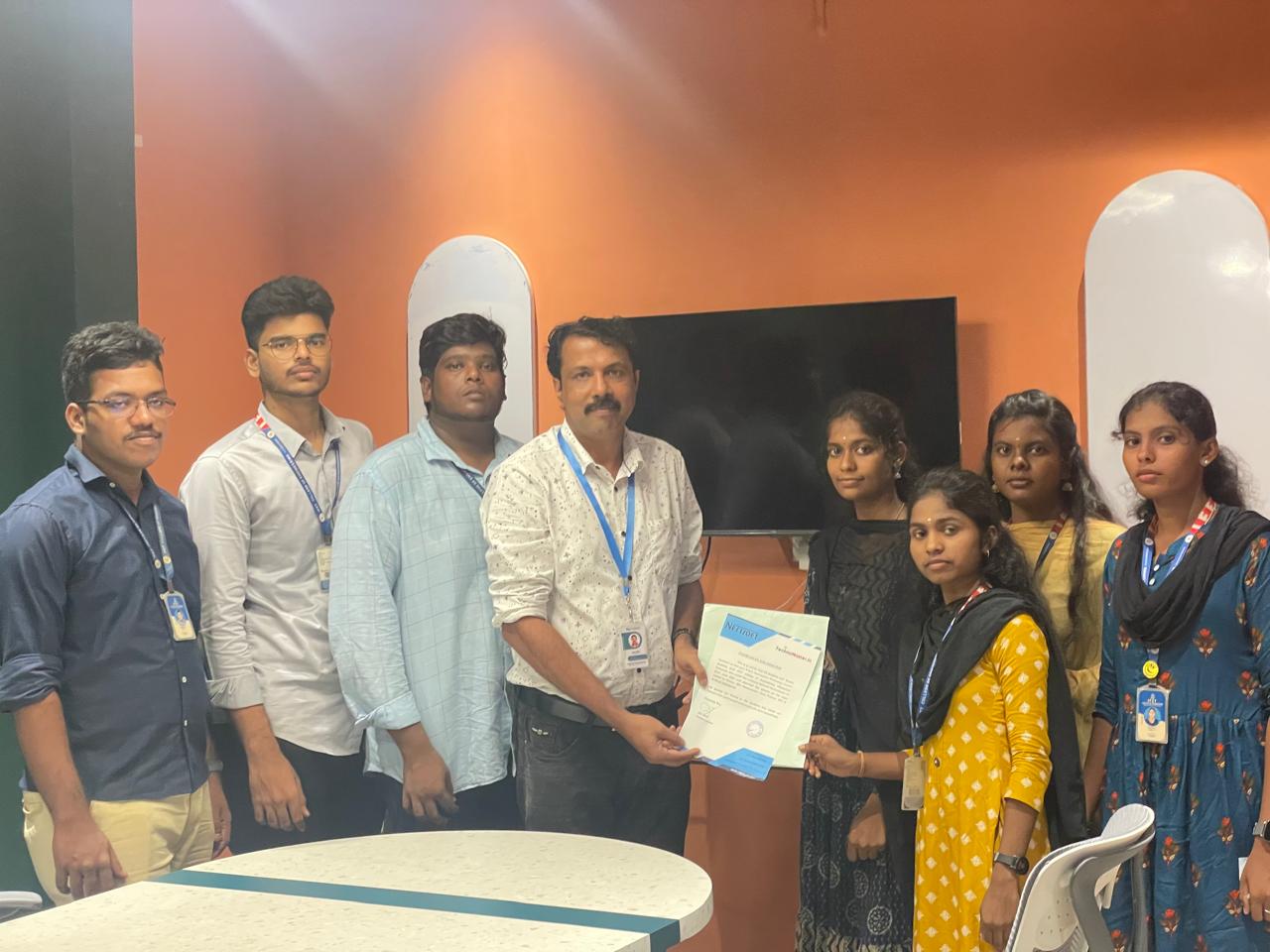
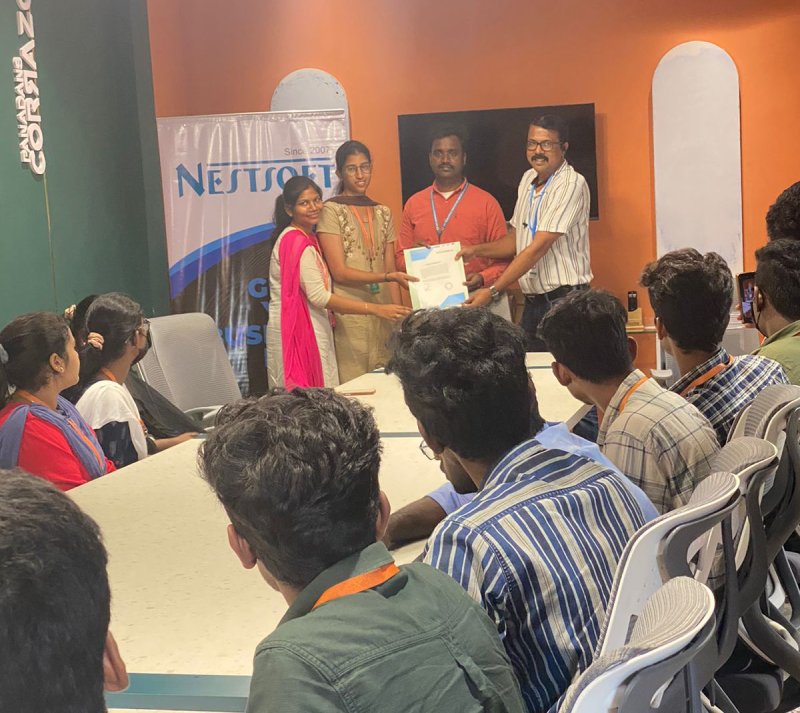
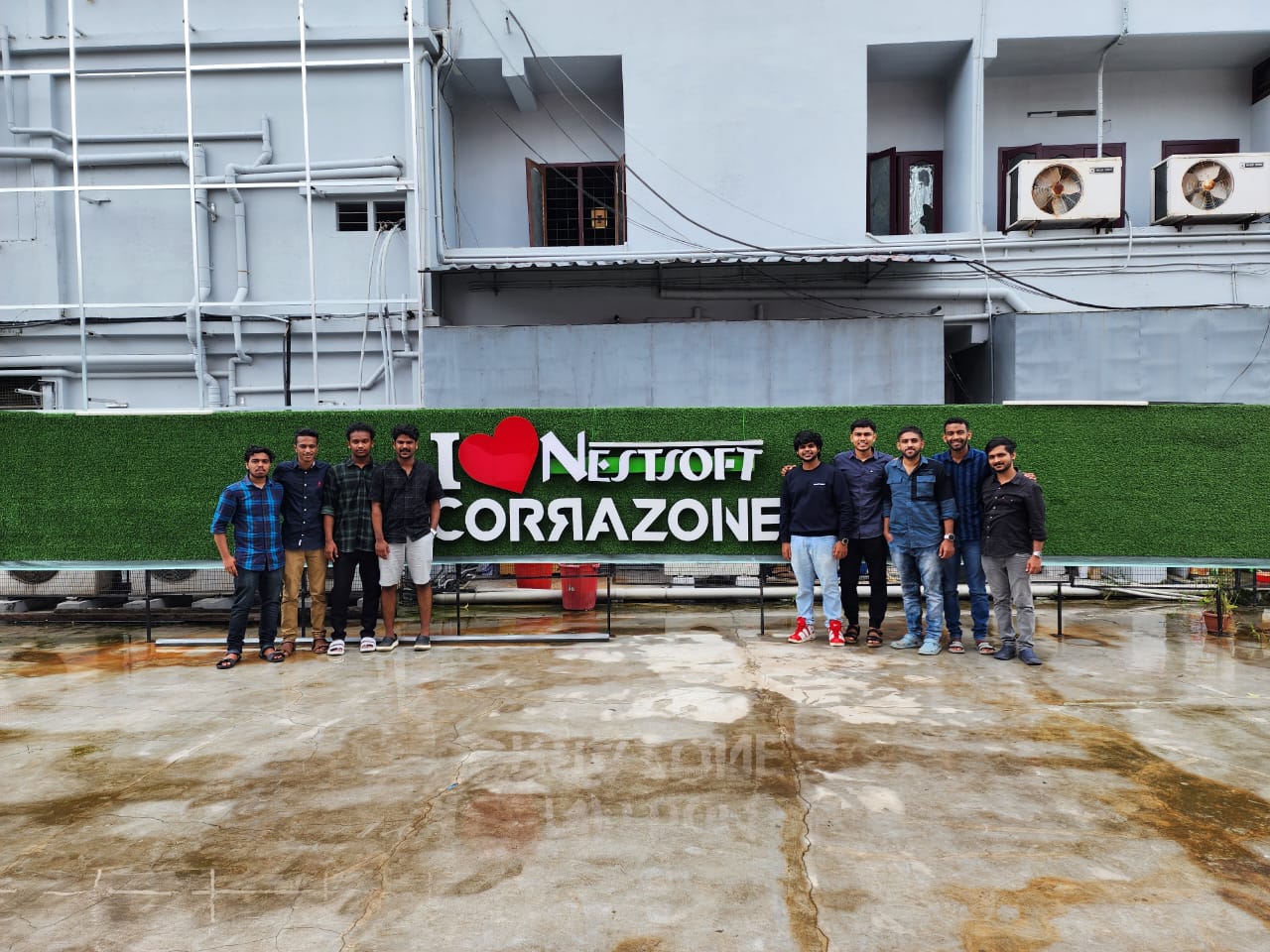
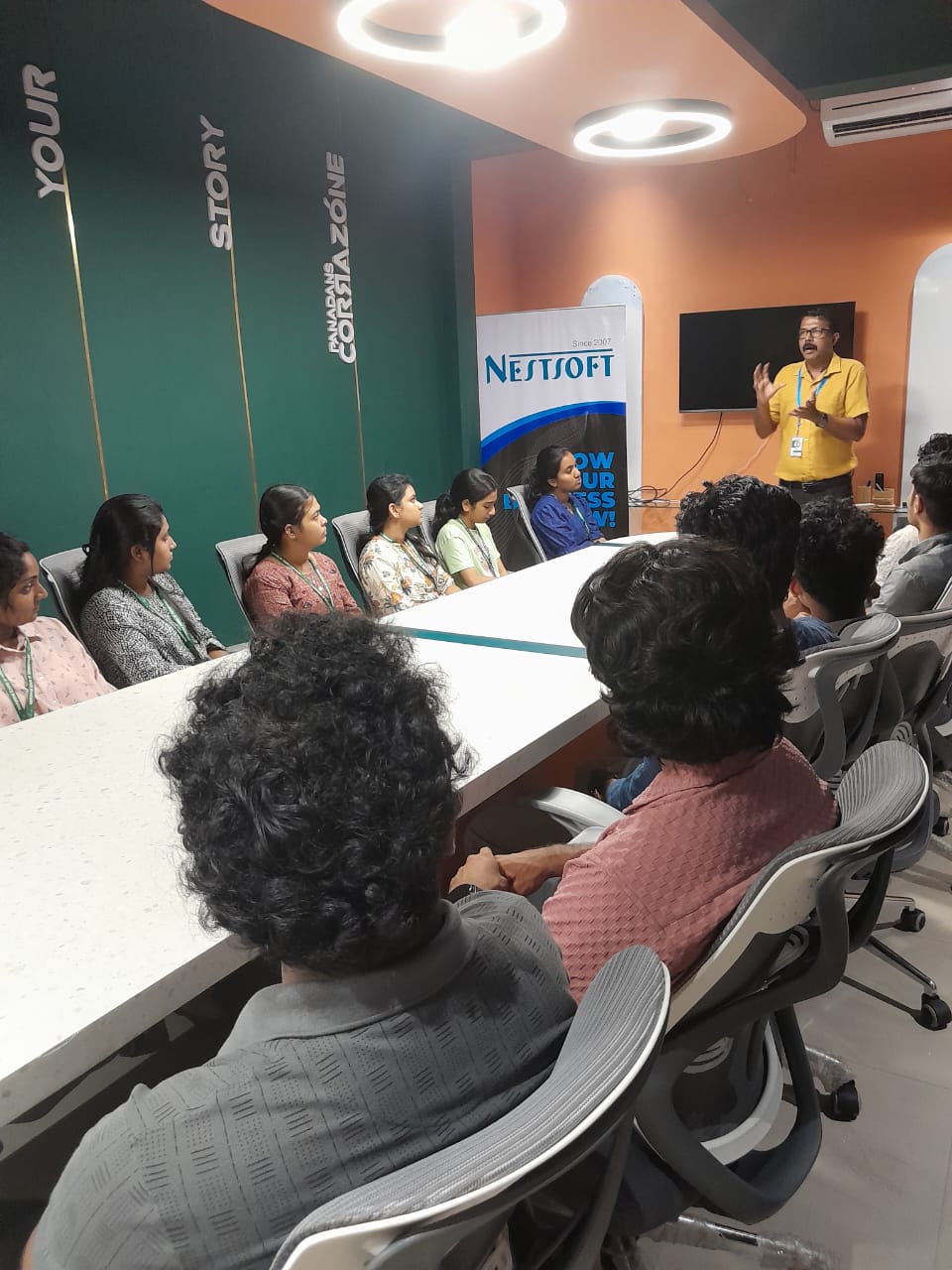
Photos of Training / Internships

Internship/projects in kerala

Trained more than 10000+ students who trust Nestsoft TechnoMaster

Get Your Personal Trainer