Send enquiry ⏎

UI/UX Design Online Live Class by Experts

Our Training/Internship Process

UI/UX Design Online Live Classes in Kollam | Free Demo Training

UI/UX Design - Syllabus, Fees & Duration

Figma Syllabus (15 Hours)

      Module 1: Figma Fundamentals (3 Hours)

        Introduction to Figma

      • Understanding the Figma interface and tools.
      • Layers, frames, and pages.
      • Shapes, text, and alignment.

        Design Basics

      • Color theory and typography basics.
      • Grids and layout principles.
      Module 2: Prototyping with Figma (3 Hours)

        Wireframing Basics

      • Creating low-fidelity wireframes for mobile and web apps.

        Prototyping Features

      • Adding interactions and transitions.
      • Clickable prototypes for user testing.
      Module 3: Mobile App Design Project (4 Hours)

        Designing a Mobile App

      • Screens for a sample app (e.g., task manager or food delivery).
      • Login, home, and profile pages.

        Components and Variants

      • Reusable buttons, icons, and cards.
      • Typography and color styles.

        Prototyping and Feedback

      • Linking screens and testing navigation.
      Module 4: Web App Design Project (5 Hours)

        Designing a Web App

      • Landing page, login screen, and dashboard for a web app.
      • Auto-layout for responsive designs.

        Final Prototype

      • Responsive breakpoints for desktop, tablet, and mobile.
      • Functional prototype with interactions.
    Web Development Syllabus (15 Hours)
      Module 1: HTML, CSS, and Bootstrap Basics (5 Hours)

        HTML Fundamentals (2 Hours)

      • Structuring web pages (header, footer, sections).
      • Essential tags: headings, lists, images, and links tables etc..

        CSS Basics (2 Hours)

      • Styling text and layout using CSS.
      • Box model, positioning, and Flexbox basics.

        Bootstrap Basics (1 Hour)

      • Setting up Bootstrap in a project.
      • Grid system and responsive layouts.
      • Common components: navbar, buttons, and cards.
      Module 2: Responsive Landing Page Conversion (5 Hours)

        Figma to Code Workflow (2 Hours)

      • Importing Figma designs for reference.
      • Structuring HTML and CSS with Bootstrap.

        Responsive Design (3 Hours)

      • Using media queries and Bootstrap utilities.
      • Creating a responsive navigation bar and hero section.
      • Ensuring design consistency with the Figma prototype.
      Module 3: Interactivity with JavaScript & Advanced Bootstrap (3 Hours)

        JavaScript Basics

      • Adding interactivity with JavaScript (e.g., form validation).
      • Bootstrap JavaScript components: modals, dropdowns, and carousels.

        CSS Animations & Transitions

      • Enhancing visuals with hover effects and animations.
      Module 4: Final Project and Deployment (2 Hours)

        Final Project: Responsive Landing Page

      • Convert a complete Figma design into a functional landing page.
      • Use Bootstrap and JavaScript for responsiveness and interactivity.

        Hosting and Deployment

      • Publish the project online using GitHub Pages or Netlify.
      Deliverables

        Figma:

      • Prototyped mobile app and web app designs.

        Web Development:

      • Fully responsive landing page with Bootstrap and interactivity.
      • Hosted live project link.

Download Syllabus - UI/UX Design
This syllabus is not final and can be customized as per needs/updates
   
10000+
20+
50+
25+

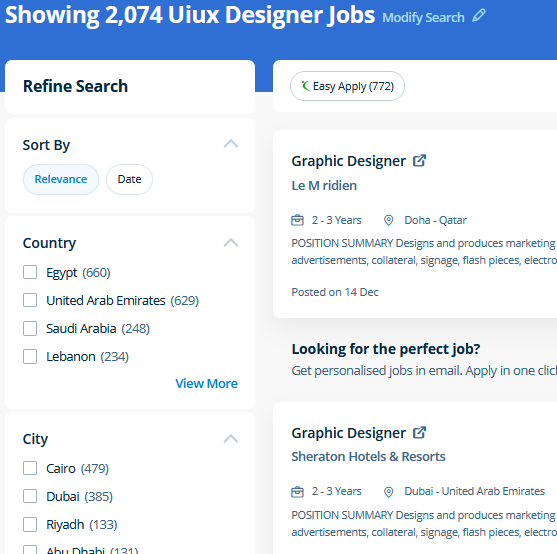
UI/UX Design Jobs in Kollam

Enjoy the demand

Find jobs related to UI/UX Design in search engines (Google, Bing, Yahoo) and recruitment websites (monsterindia, placementindia, naukri, jobshybrid.com, indeed.co.in, shine.com etc.) based in Kollam, chennai and europe countries. You can find many jobs for freshers related to the job positions in Kollam.

  • ui designer
  • ux designer
  • ui/ux designer
  • ui/ux developer
  • graphic designer
  • multimedia creator
  • photoshop
  • adobe illustrator
  • web design
  • html developer

UI/UX Design Internship/Course Details

UI/UX Design internship jobs in Kollam
UI/UX Design Most of the print and screen designers use illustrator to create designs and artwork. Additionally as people who want to boost their current workflows to work quicker and more efficiently. For anyone who wants to do something productive in computers, Adobe Photoshop provides options that explore creativity . The outline of the course also contains the productive and helpful info on the correct and applicable utilization of the gradients, swatches and colors. Usually, it produces the best products for a majority of the processing effects. Your works on the projects make easier and more efficient by adding special effects or interesting features on plugins and you can use various tools like brushes, overlays, fonts, and textures etc. Adobe Illustrators is a vector-based creative program designed for those involved with graphic design. Our core features of the bootstrap training in Dubai includes: Design layouts adhering to a fluid grid Understand how the HTML, CSS and JavaScript components of Bootstrap work Customise a Bootstrap installation Optimise a Bootstrap design for target device features Create responsive images and graphics . Get acquainted with the JavaScript Libraries solid understanding of Conditionals - else, if, if-else, ternary syntax, and switch for controlling the flow of the program in the Javascript. At the end of this course at nestsoft inDubai we cover advanced topics such as Script validations, Building modular tests, Developing automation test suites for a broad range of desktop Web Applications.


Meet a Few of our Industry Experts 🚀 Your Pathway to IT Career

Arcod

Mobile: +91 89210 61945
Location: Online (Kollam, India)
Qualification: MTech

Experience: Selenium webdriver Manual Testing Java SQL API Testing Desktop automation Debugging Cucumber Behaviour driven development  more..

Mahesh

Mobile: +91 9895490866
Location: Online (Kollam, India)
Qualification: BTech(cs)

Experience: I have used Java and Kotlin with MVVM MVC Architecture I have integrated Metamask ( Blockchain Wallet) Stripe Payment Sdk  more..

ANUSREE

Mobile: +91 94975 90866
Location: Online (Kollam, India)
Qualification: B Tech

Experience: Manual Testing Proficiency Strong in SDLC STLC and Bug Life Cycle Knowledge on Test Plan writing reviewing and executing Test  more..

Namita

Mobile: +91 91884 77559
Location: Online (Kollam, India)
Qualification: B.A in economics

Experience: Completed a course of Full Stack Web development from ITVEDANT institute Thane I have learned skills like SQL HTML CSS  more..

GLADSON

Mobile: +91 98474 90866
Location: Online (Kollam, India)
Qualification: B.Tech

Experience: Language like java and kotlin dart Flutter Rest Api integration 2 android app published in play Store 1 year experience  more..

Jonnalagadda

Mobile: +91 89210 61945
Location: Online (Kollam, India)
Qualification: B. Tech

Experience: I have the 3 years experience in web development like design hosting Etc and I have created a my personal  more..

Tanya

Mobile: +91 94975 90866
Location: Online (Kollam, India)
Qualification: 12th, Diploma in Fashion Design & Currently pursuing Graduation

Experience: Canva designer video editor social media post design  more..

Jitendra

Mobile: +91 98474 90866
Location: Online (Kollam, India)
Qualification: B.tech Mechincal engineering

Experience: Sap ERP Power Bi Inventory management Procurement operations Vendor development Localization of import  more..

Sudarsan

Mobile: +91 9895490866
Location: Online (Kollam, India)
Qualification: Diploma in Computer Science

Experience: 8years experience as a HTML developer   more..

Akshat

Mobile: +91 9895490866
Location: Online (Kollam, India)
Qualification: BTECH CSE

Experience: EXPERIENCE Software Developer Intern AD Infocom Systems Gurugram(hybrid) — May 2023 - July 2023 (ReactJS JavaScript NodeJS NPM MongoDB) •  more..

Deepak

Mobile: +91 98474 90866
Location: Online (Kollam, India)
Qualification: B.tech

Experience: I have total 1 4 years experience of on page off page activities technical seo content management project management and  more..

Sidharth

Mobile: +91 91884 77559
Location: Online (Kollam, India)
Qualification: B tech

Experience: Manual testing Good in test case writing Well knowledge in integration and regression testing Java basics  more..

Neha

Mobile: +91 9895490866
Location: Online (Kollam, India)
Qualification: Currently pursuing degree

Experience: Canva skills and design skills Experience on fiverr and personal projects  more..

Soundarya

Mobile: +91 91884 77559
Location: Online (Kollam, India)
Qualification: B.Tech

Experience: I have a 1 year experience as a UI developer in resilient lab Pvt Ltd Kolhapur   more..

karthikeyan

Mobile: +91 91884 77559
Location: Online (Kollam, India)
Qualification: Bachelor of Engineering

Experience: C C++ ASP NET python SQL HTML css Java  more..

Amit

Mobile: +91 8301010866
Location: Online (Kollam, India)
Qualification: Mba

Experience: 4 years of experience in seo   more..

megha

Mobile: +91 94975 90866
Location: Online (Kollam, India)
Qualification: Msc computer science

Experience: I have 2 years of experience in Android development during which I have honed my skills in Java and Kotlin  more..

Muhammed

Mobile: +91 9895490866
Location: Online (Kollam, India)
Qualification: Btech

Experience: Communication team player web development technology  more..

Moin

Mobile: +91 91884 77559
Location: Online (Kollam, India)
Qualification: Bachelor

Experience: Android development Kotlin Jetpack compose XML Firebase Github Version control   more..

Karunakaran

Mobile: +91 9895490866
Location: Online (Kollam, India)
Qualification: BE-ECE

Experience: Full-stack developer with 4+ years of experience in building web and mobile applications Proficient in Javascript frameworks (Angular React Ionic)  more..

DUSHYANT

Mobile: +91 91884 77559
Location: Online (Kollam, India)
Qualification: B.Tech

Experience: i have 3 year web developement skill In wix specially i am doing coding part till now i handled to  more..

Shanthini

Mobile: +91 9895490866
Location: Online (Kollam, India)
Qualification: 12th pass

Experience: canva web developer web designing full stack communication html css javascript advanced computer skills writing creative leadership Projects: Online Second  more..

Salman

Mobile: +91 91884 77559
Location: Online (Kollam, India)
Qualification: 12+

Experience: I have total 5+ years expirence Desktop support and networking in Wipro DNA |   more..

Himani

Mobile: +91 94975 90866
Location: Online (Kollam, India)
Qualification: BE Computer

Experience: Experience with all stages of development life cycle for dynamic project Develop project concepts and maintain optimal workflow Mostly interaction  more..

Success Stories

The enviable salary packages and track record of our previous students are the proof of our excellence. Please go through our students' reviews about our training methods and faculty and compare it to the recorded video classes that most of the other institutes offer. See for yourself how TechnoMaster is truly unique.

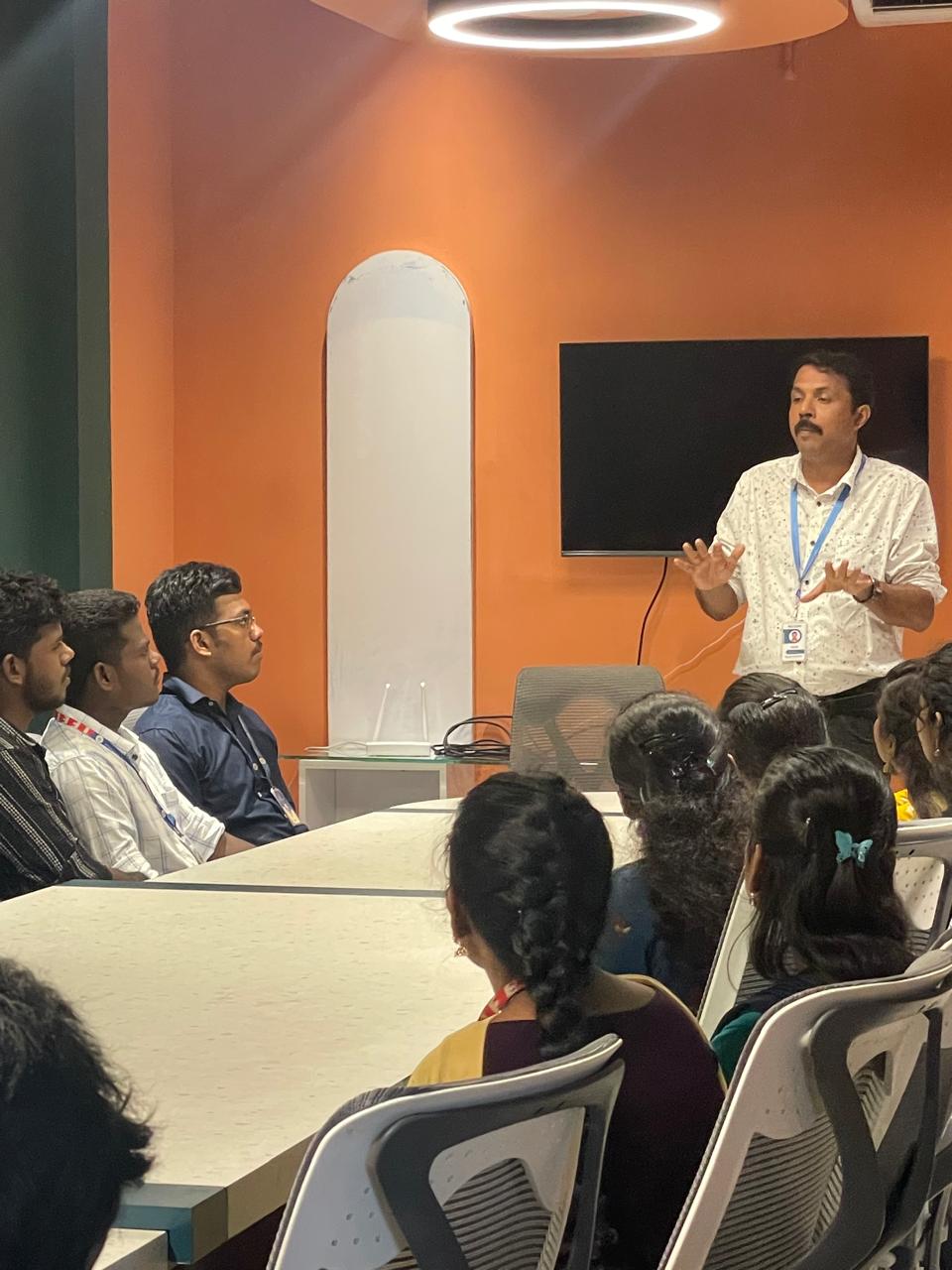
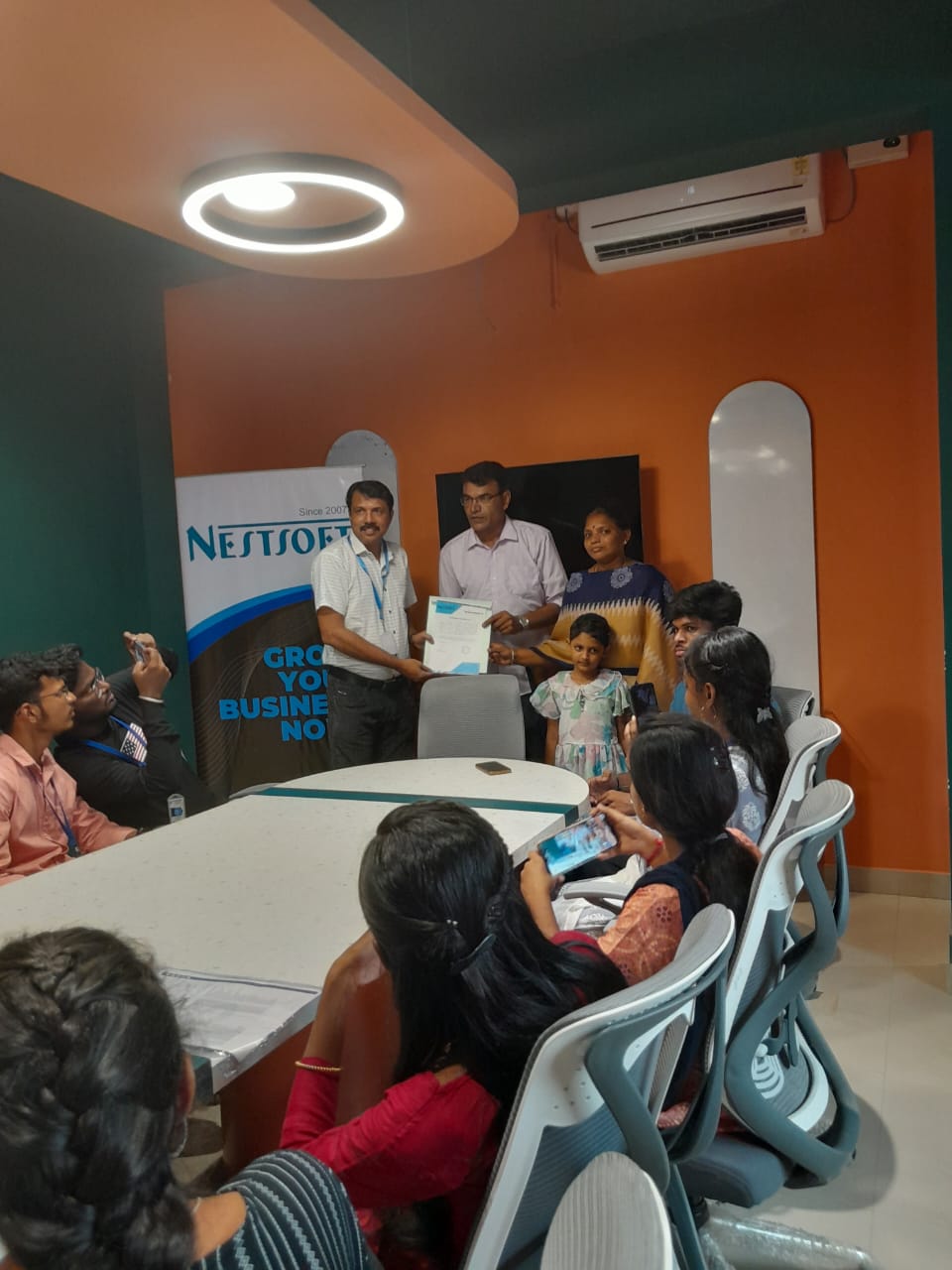
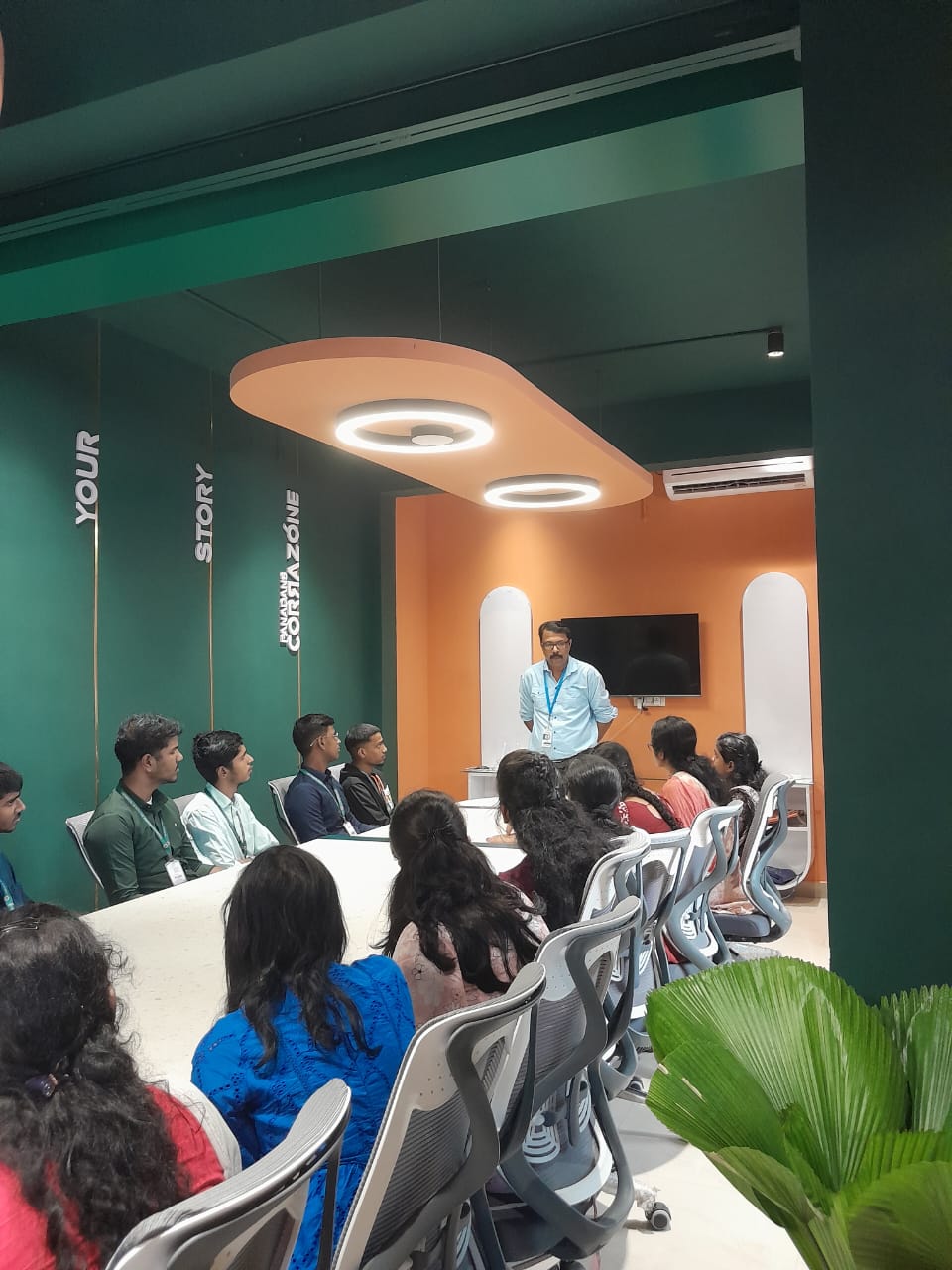
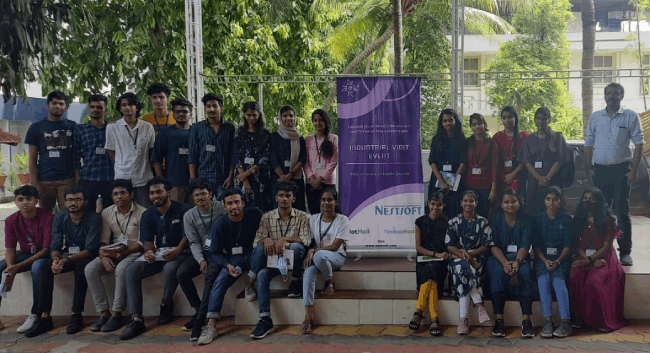
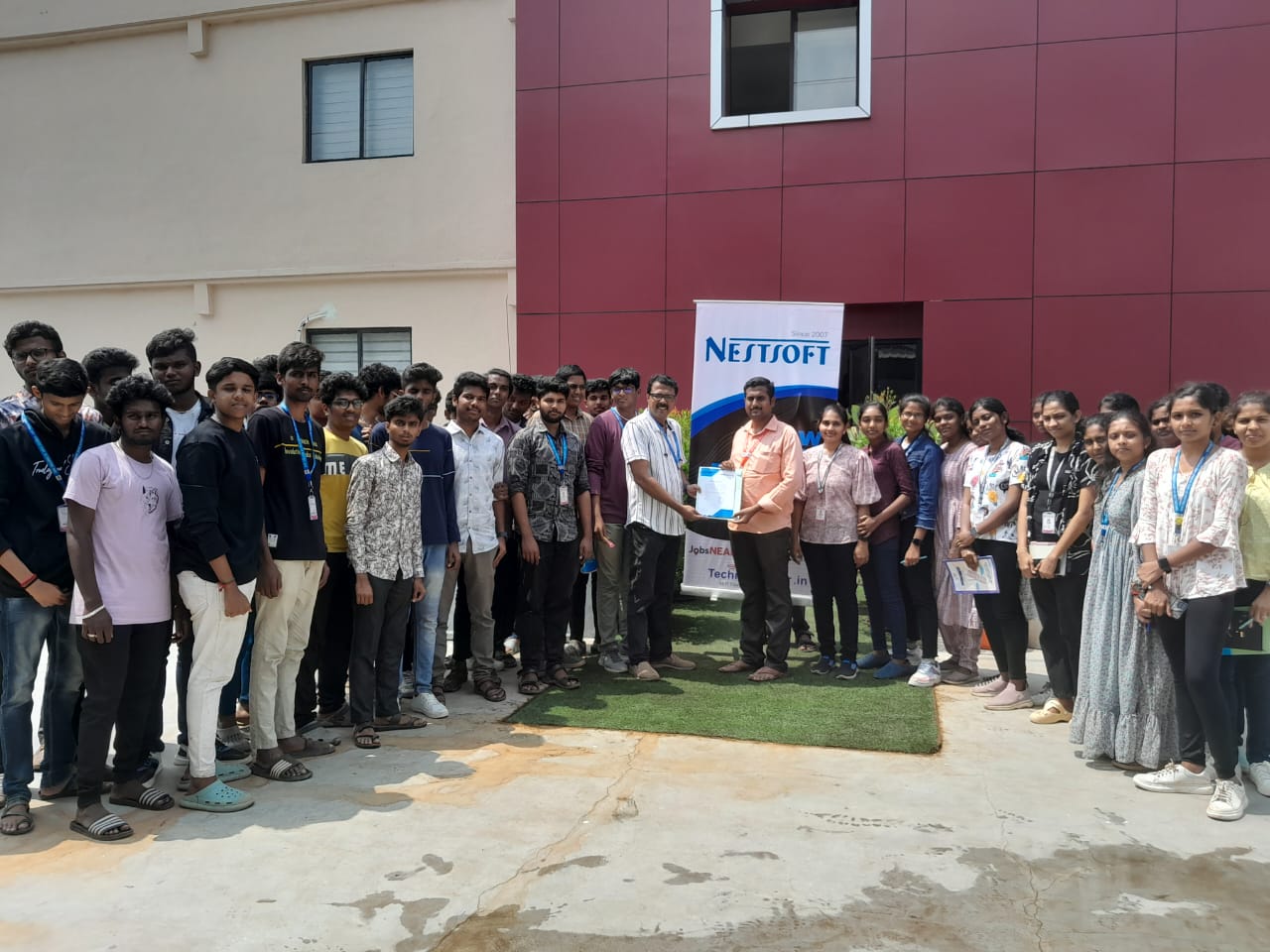
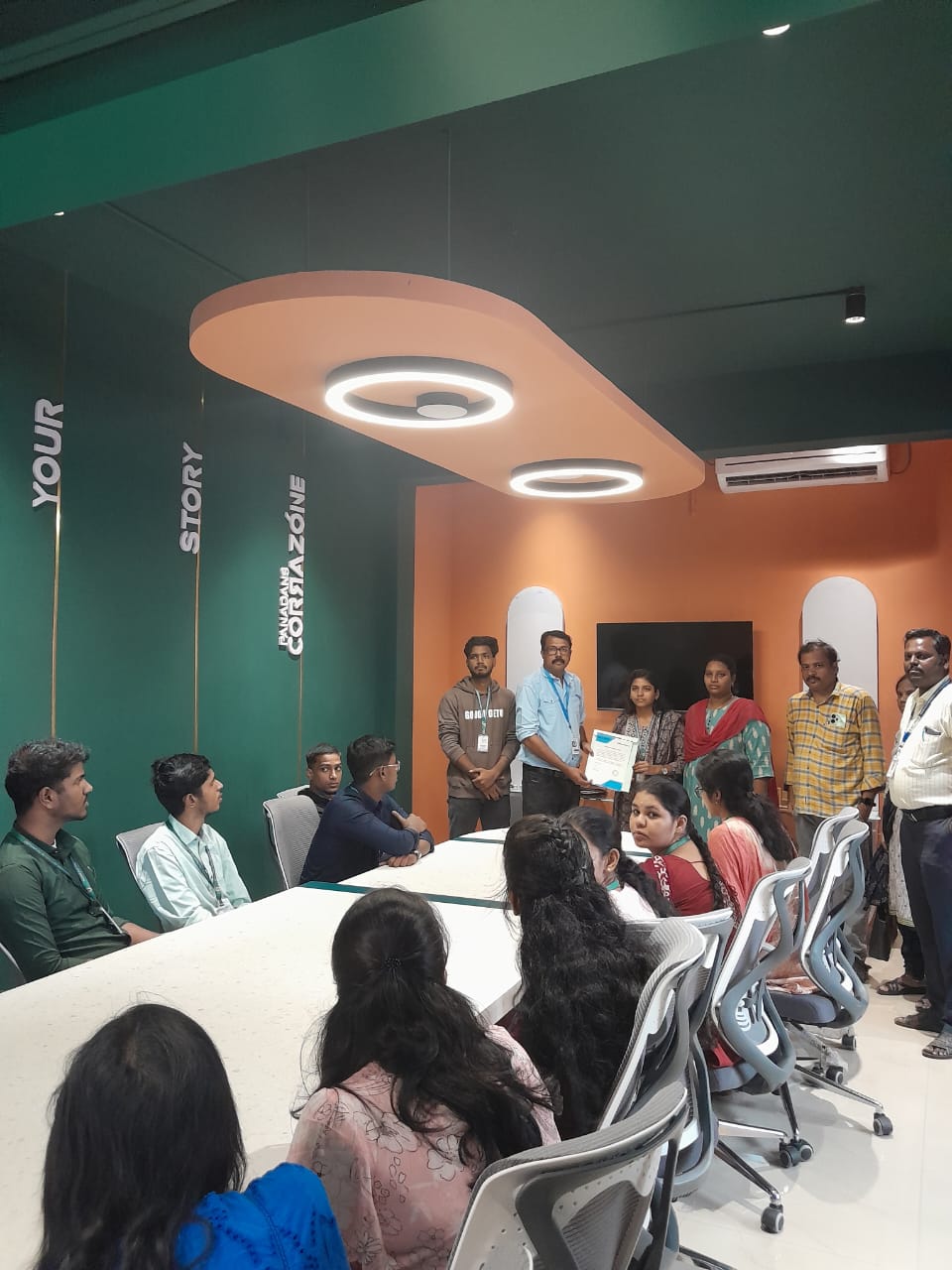
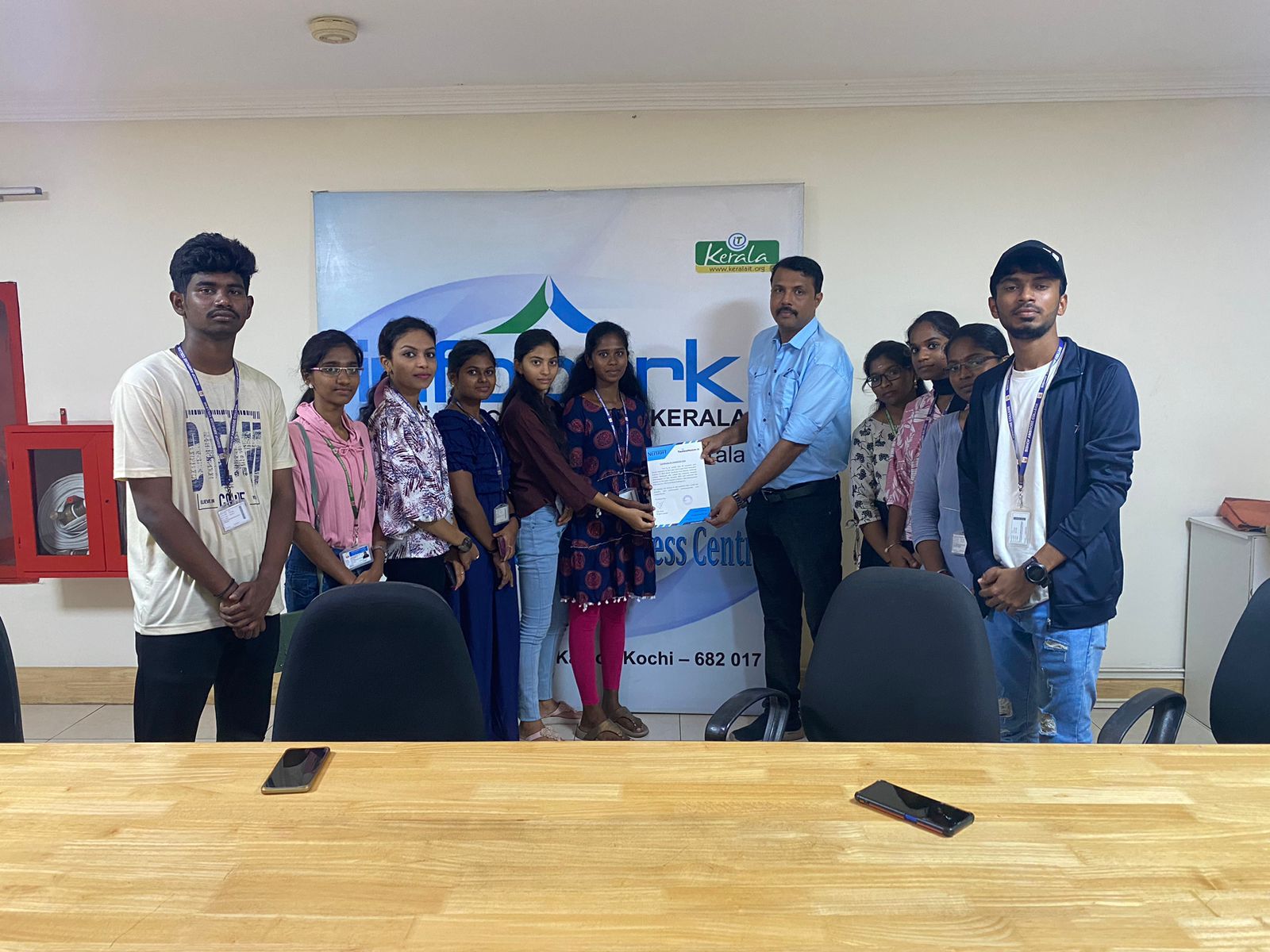
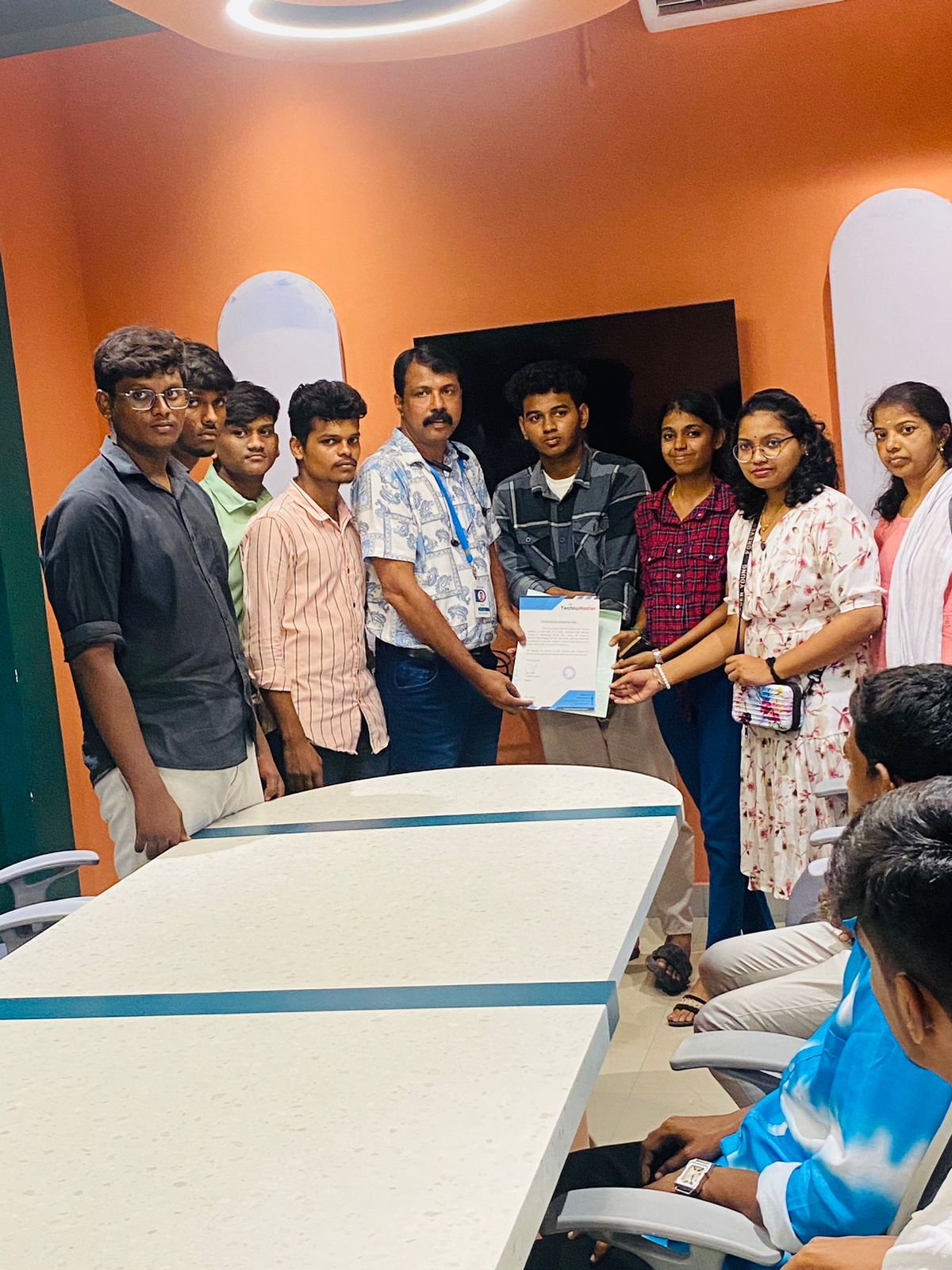
Photos of Training / Internships

Internship/projects in kollam

Trained more than 10000+ students who trust Nestsoft TechnoMaster

Get Your Personal Trainer