Send enquiry ⏎

Business Analytics Online Live Class by Experts

Our Training/Internship Process

Business Analytics Online Live Classes in Mangaluru | Free Demo Training

Business Analytics - Syllabus, Fees & Duration

Business Analytics Course Syllabus (60 Hours)

Mode: Live Online / Offline
Level: Beginner to Intermediate
Certification: Yes
Placement Assistance: Included


Module 1: Introduction to Business Analytics (3 Hours)
  • What is Business Analytics?

  • Importance of data-driven decision making

  • Types of analytics: Descriptive, Predictive, Prescriptive

  • Analytics in different business functions (HR, Marketing, Finance)


Module 2: Statistics and Data Interpretation (6 Hours)
  • Basic statistics: mean, median, mode, range, standard deviation

  • Probability concepts

  • Data distribution and sampling

  • Hypothesis testing

  • Use of Excel/SPSS for basic statistics


Module 3: Excel for Business Analytics (6 Hours)
  • Advanced Excel functions: VLOOKUP, HLOOKUP, INDEX-MATCH

  • PivotTables, PivotCharts

  • Conditional formatting, What-If analysis

  • Excel Dashboards for data visualization


Module 4: SQL for Data Extraction (6 Hours)
  • Introduction to relational databases

  • Writing queries: SELECT, WHERE, GROUP BY, JOIN

  • Aggregation and filtering data

  • Real-time data extraction exercises


Module 5: Data Visualization (6 Hours)
  • Importance of visualization in analytics

  • Introduction to Tableau / Power BI

  • Charts, filters, dashboards

  • Visual storytelling with data


Module 6: Predictive Analytics & Forecasting (9 Hours)
  • Linear regression

  • Logistic regression

  • Time series forecasting

  • Model evaluation techniques (R², RMSE)

  • Use of tools: Excel, Python (optional introduction)


Module 7: Business Intelligence Concepts (5 Hours)
  • ETL process overview

  • BI systems in enterprises

  • KPIs & performance metrics

  • Case studies from domains: retail, finance, healthcare


Module 8: Real-Time Projects & Capstone (10 Hours)
  • Project planning & requirement gathering

  • Work on real datasets

  • Build a dashboard/report

  • Present findings to a panel

  • Individual or group project submission


Module 9: Career Preparation & Certification (3 Hours)
  • Resume building with analytics skills

  • Mock interview & Q&A

  • Job roles in business analytics

  • Final test & certification issue


Tools Covered

  • Microsoft Excel (Advanced)

  • SQL (MySQL/PostgreSQL)

  • Tableau / Power BI

  • Optional: Basics of Python for analytics

Download Syllabus - Business Analytics
This syllabus is not final and can be customized as per needs/updates
   
10000+
20+
50+
25+

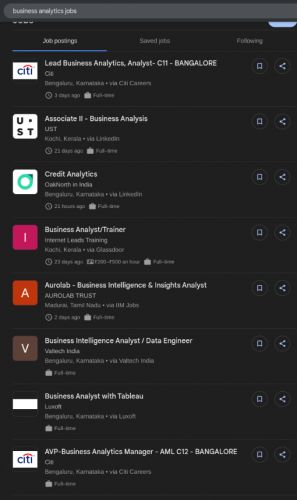
Business Analytics Jobs in Mangaluru

Enjoy the demand

Find jobs related to Business Analytics in search engines (Google, Bing, Yahoo) and recruitment websites (monsterindia, placementindia, naukri, jobshybrid.com, indeed.co.in, shine.com etc.) based in Mangaluru, chennai and europe countries. You can find many jobs for freshers related to the job positions in Mangaluru.

  • Business Analyst
  • Data Analyst
  • Business Intelligence Analyst
  • Market Research Analyst
  • Financial Analyst
  • Operations Analyst
  • Product Analyst
  • HR Analyst
  • Data Visualization Specialist
  • Reporting Analyst

Business Analytics Internship/Course Details

Business Analytics internship jobs in Mangaluru
Business Analytics Students will learn to interpret data, apply statistical techniques, build dashboards, and use predictive models for informed decision-making. Whether you’re a student, professional, or entrepreneur, this course is ideal for anyone looking to enhance their analytical thinking and career prospects. Nestsoft’s Business Analytics Course is designed to equip learners with the analytical tools and decision-making skills needed in today’s data-driven business environment. The course covers essential topics like descriptive and inferential statistics, data visualization, business intelligence, and the basics of predictive analytics. Start your journey to becoming a data-savvy decision-maker and gain a competitive edge in the business world. Delivered through live interactive sessions by industry experts, it includes a capstone project, certification, and placement assistance for eligible candidates. This 60-hour program combines theory with hands-on training in Excel, SQL, Tableau/Power BI, and real-world business scenarios to help you turn data into actionable insights.


Meet a Few of our Industry Experts 🚀 Your Pathway to IT Career

Safal

Mobile: +91 9895490866
Location: Online (Mangaluru, India)
Qualification: B.Tech CSE with specialisation Cyber Security

Experience: In the last three years I've immersed myself in cybersecurity gaining expertise as a campaign leader and active Mozilla community  more..

Rahul

Mobile: +91 91884 77559
Location: Online (Mangaluru, India)
Qualification: MBA in marketing

Experience: On-page seo Off-page seo Website Audits Keyword research Content analysis   more..

Gomathi

Mobile: +91 89210 61945
Location: Online (Mangaluru, India)
Qualification: Bachelor degree

Experience: Java Javascript react Html css  more..

Kamlesh

Mobile: +91 91884 77559
Location: Online (Mangaluru, India)
Qualification: B.Sc

Experience: Computer web design YouTube channel ms office excel PowerPoint etc  more..

venkatesh

Mobile: +91 89210 61945
Location: Online (Mangaluru, India)
Qualification: B.E

Experience: Currently pursuing software testing course  more..

Satya

Mobile: +91 8301010866
Location: Online (Mangaluru, India)
Qualification: MCA

Experience: SQL manual testing agile methodologies   more..

anusha

Mobile: +91 8301010866
Location: Online (Mangaluru, India)
Qualification: m.tech

Experience: manual testing core java automation testing with selenium worked as a administrator in medha language theatre for 1 year  more..

Deependra

Mobile: +91 91884 77559
Location: Online (Mangaluru, India)
Qualification: M.Tech

Experience: Selenium with java Html Manual testing automation testing Cucumber testNG Junit and MySQL  more..

Namrata

Mobile: +91 98474 90866
Location: Online (Mangaluru, India)
Qualification: B.tech

Experience: Manual testing API Cypress Javascript SQL  more..

Sachin

Mobile: +91 98474 90866
Location: Online (Mangaluru, India)
Qualification: B.E. electrical engineering

Experience: Digital forensics owasp top 10 vulnerabilities vapt firewall etc  more..

Suraj

Mobile: +91 91884 77559
Location: Online (Mangaluru, India)
Qualification: BTech in Electronics And Telecommunication Engineering.

Experience: I am web developer I have knowledge about HTML CSS Javascript Database mySql Knowledge about git hub and rtc  more..

TAPAN

Mobile: +91 91884 77559
Location: Online (Mangaluru, India)
Qualification: MCA

Experience: My Skills is C C++ JAVA C# ASP NET HTML CSS JAVASCRIPT BOOTSTRAP MYSQL SQL SERVER Experience is now I  more..

Dipali

Mobile: +91 91884 77559
Location: Online (Mangaluru, India)
Qualification: Bsc (Biotechnology)

Experience: I have 3 years of experience as software test engineer in hands-on Automation Testing and Manual with Api testing i  more..

Adithya

Mobile: +91 89210 61945
Location: Online (Mangaluru, India)
Qualification: 12th Graduate

Experience: I am a recent high school graduate with a resolute dedication to excel in the field of design while actively  more..

swarada

Mobile: +91 8301010866
Location: Online (Mangaluru, India)
Qualification: Masters

Experience: Skills-Java Selenium Testng API testing Experience-working as quality analyst in Ephanti Ince from Sep-2022 Writing manual test cases executing automation  more..

Ankita

Mobile: +91 94975 90866
Location: Online (Mangaluru, India)
Qualification: M E

Experience: Selenium testing functional testing regression testing core java jira  more..

Aman

Mobile: +91 94975 90866
Location: Online (Mangaluru, India)
Qualification: Master

Experience: Html javascript bootstrap react jQuery WordPress css  more..

Rajakani

Mobile: +91 91884 77559
Location: Online (Mangaluru, India)
Qualification: Mca

Experience: As im fresher I did my software testing Java selenium python   more..

KARTHIK

Mobile: +91 89210 61945
Location: Online (Mangaluru, India)
Qualification: bsc

Experience: i have pretty good with python and sql and know c and c++  more..

kamal

Mobile: +91 9895490866
Location: Online (Mangaluru, India)
Qualification: Btech in computer science

Experience: I am a WordPress developer having 3 years of experience I worked on multiple themes and plugins like elementor elementor  more..

Parik

Mobile: +91 8301010866
Location: Online (Mangaluru, India)
Qualification: Mca

Experience: Dear Sir or Madam Thank you for the opportunity to submit my application for the Android developer position I possess  more..

Sreenivasan

Mobile: +91 91884 77559
Location: Online (Mangaluru, India)
Qualification: Diploma in Multimedia and animation

Experience: I am proficient in using software such as Adobe Photoshop Illustrator InDesign Corel DRAW and other graphic design programs i  more..

Neethu

Mobile: +91 94975 90866
Location: Online (Mangaluru, India)
Qualification: B.Tech

Experience: java Core java advanced java Basics of python Sql HTML DBMSApplication for Java Spring  more..

Naimesh

Mobile: +91 91884 77559
Location: Online (Mangaluru, India)
Qualification: Graduate

Experience: Adobe creative suite Html wordpress  more..

Success Stories

The enviable salary packages and track record of our previous students are the proof of our excellence. Please go through our students' reviews about our training methods and faculty and compare it to the recorded video classes that most of the other institutes offer. See for yourself how TechnoMaster is truly unique.

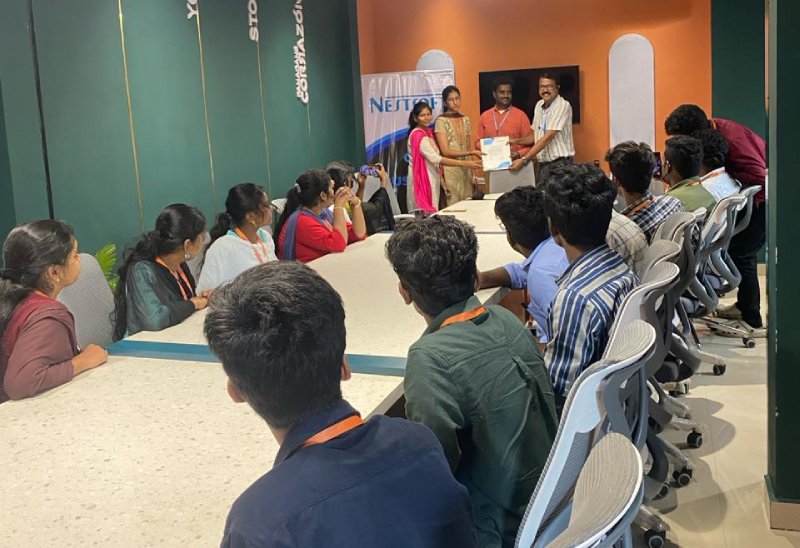
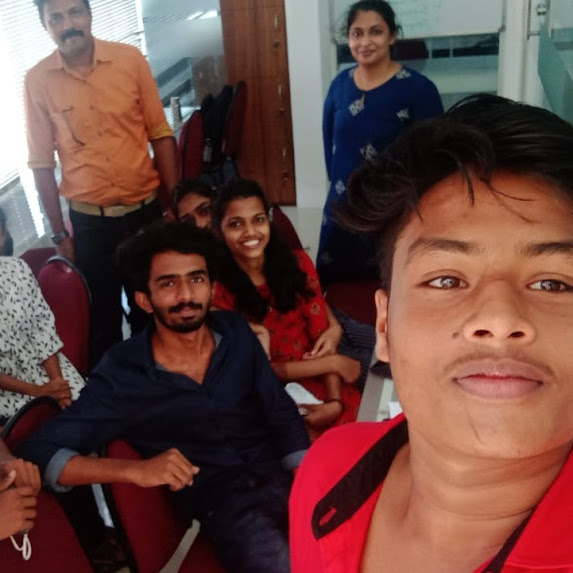
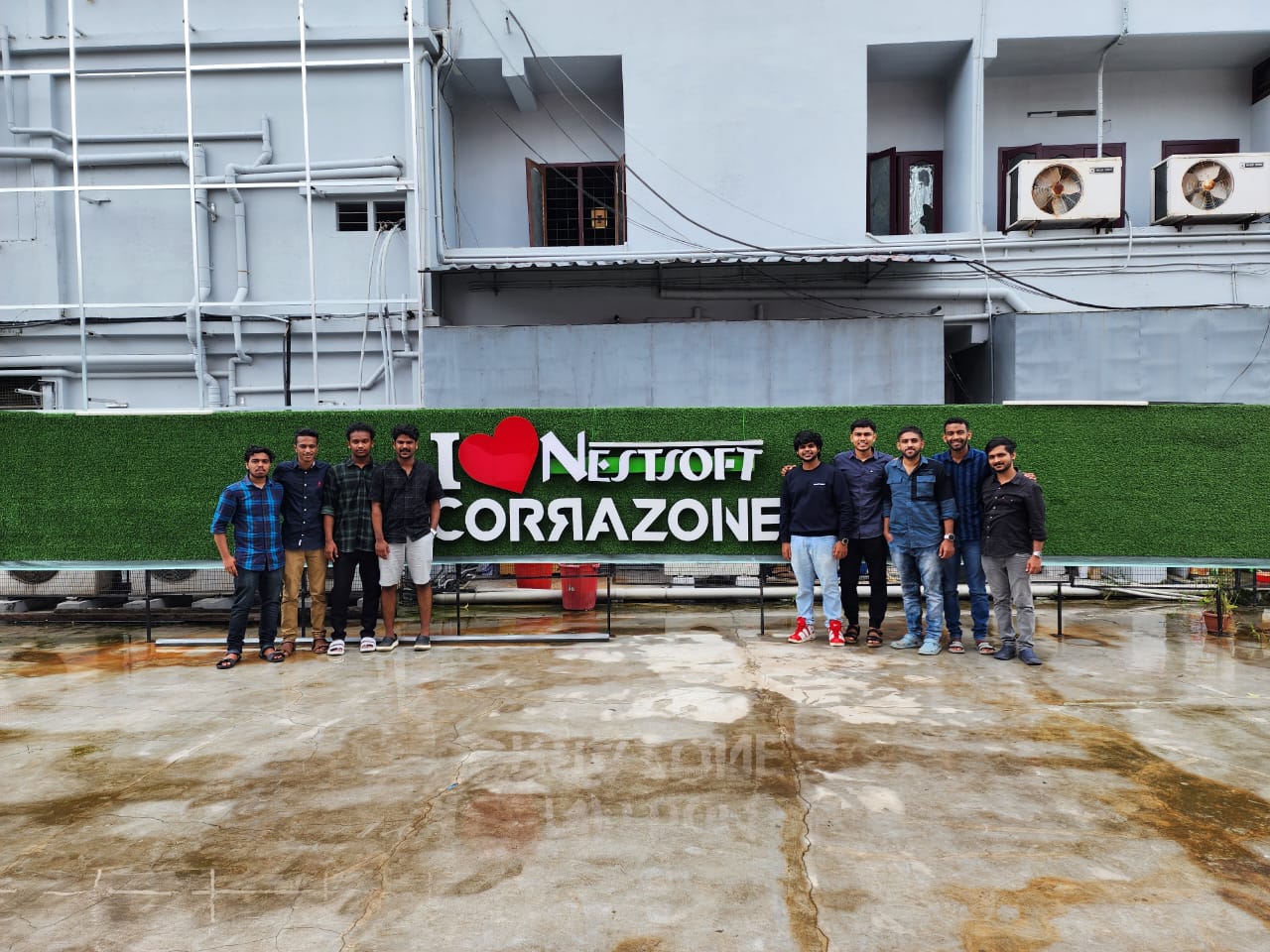
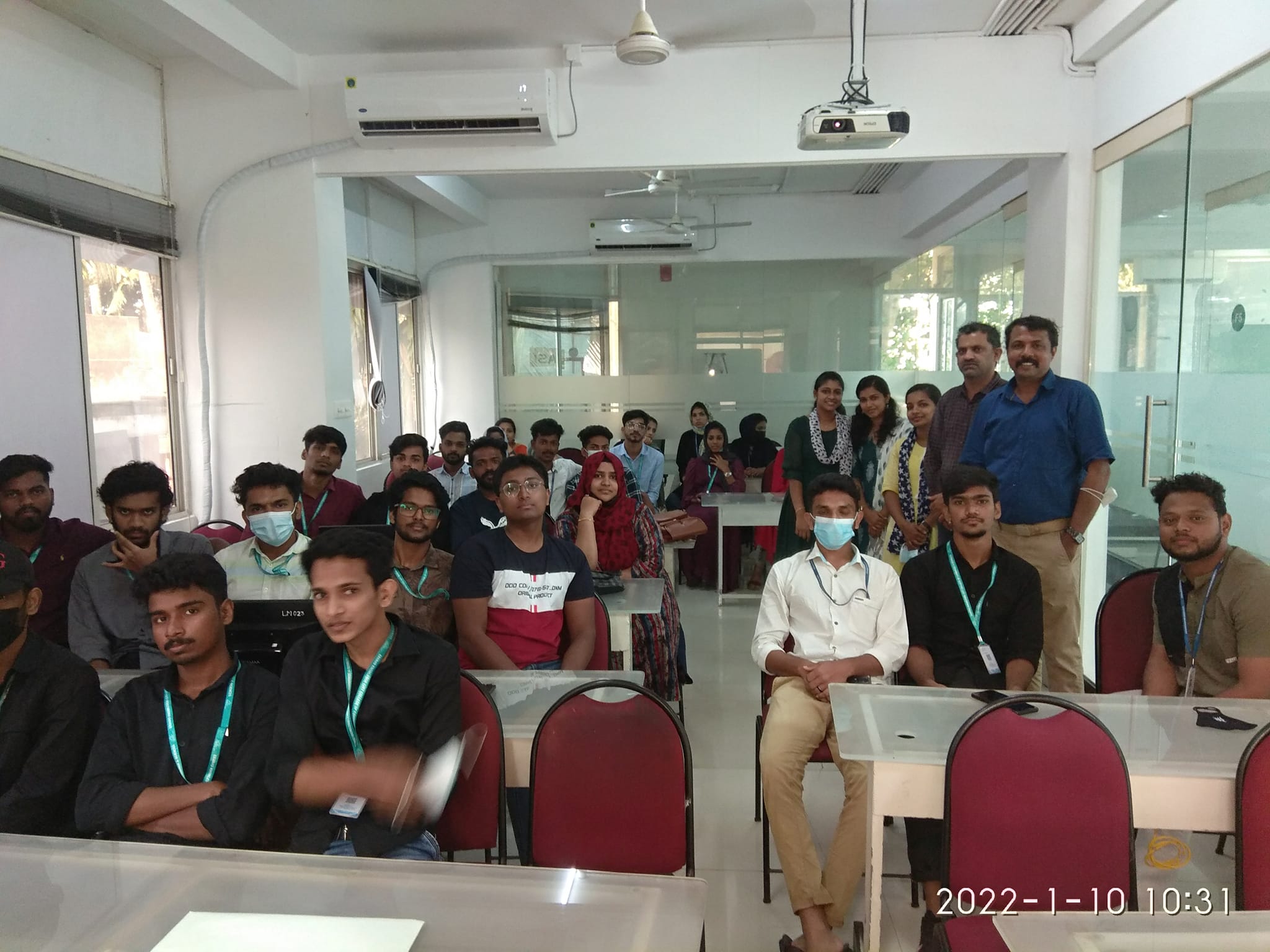
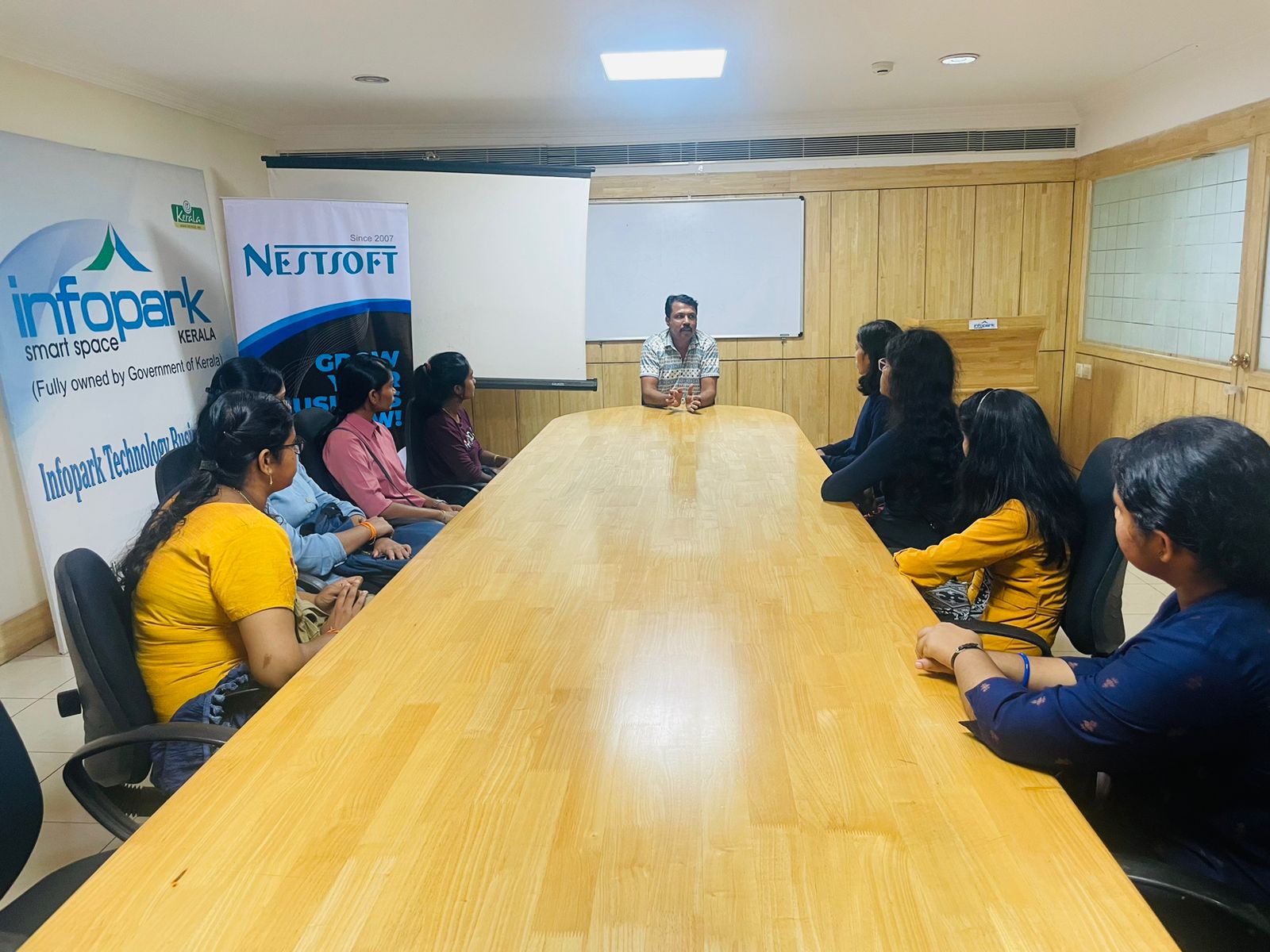
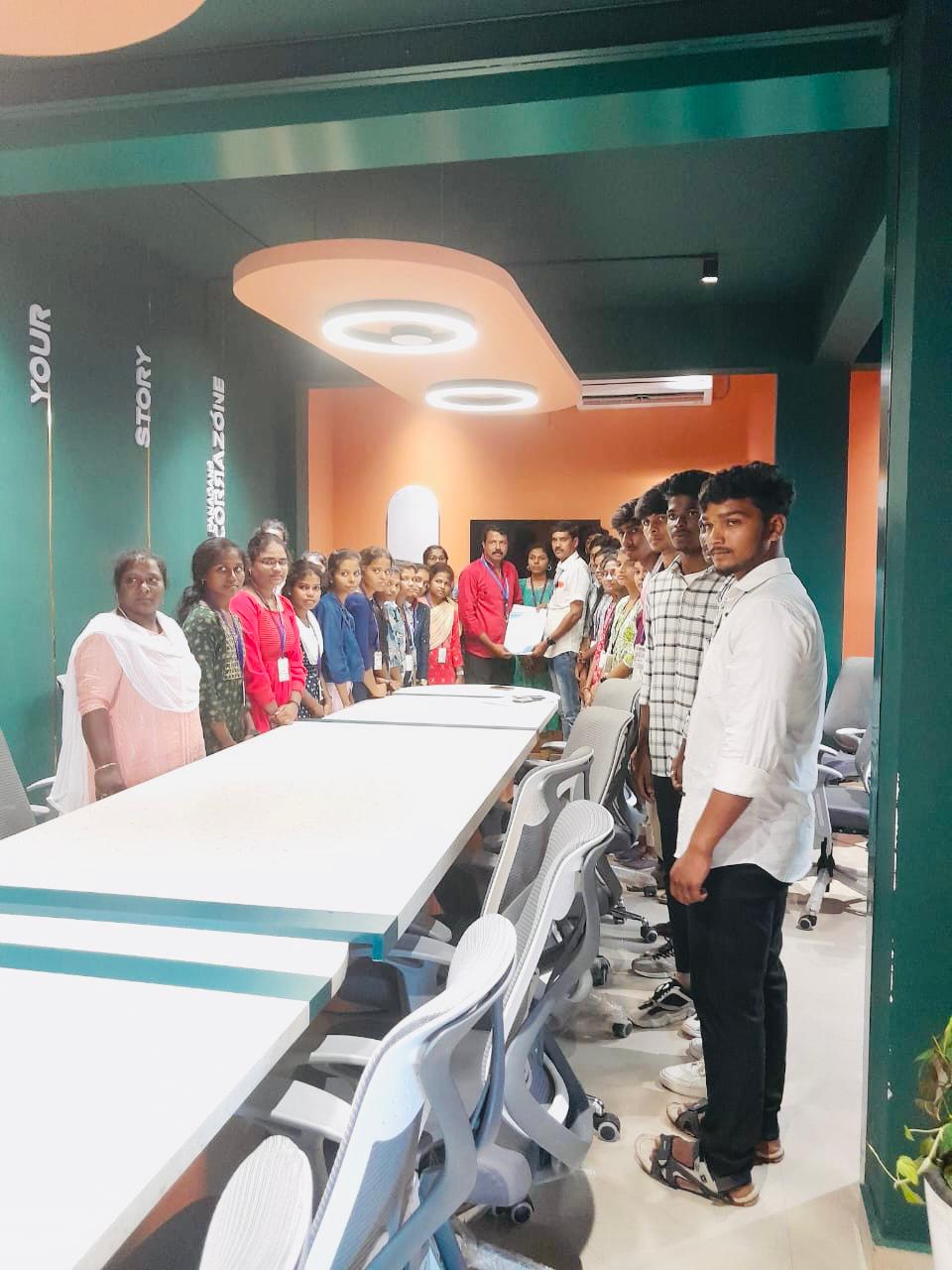
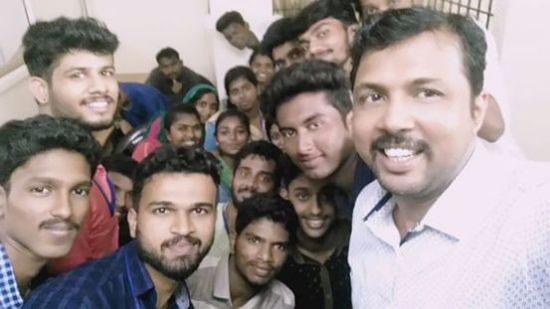
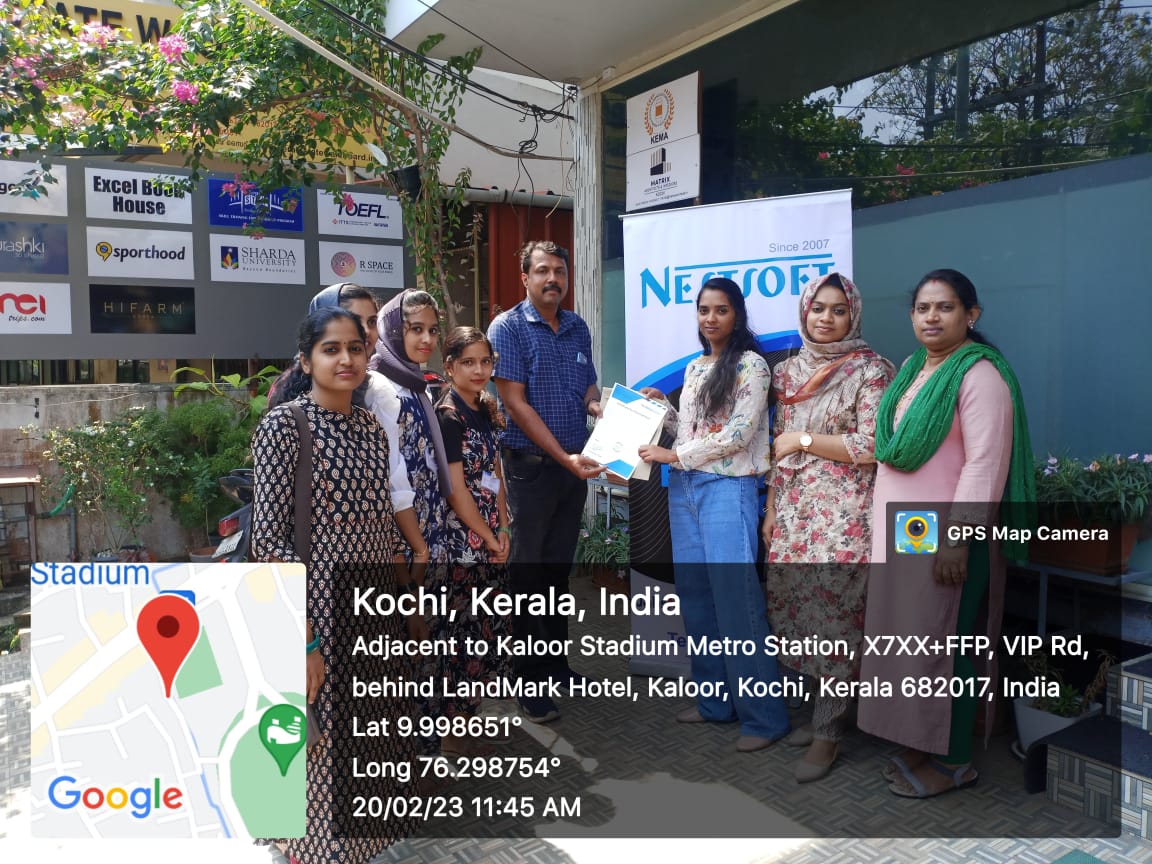
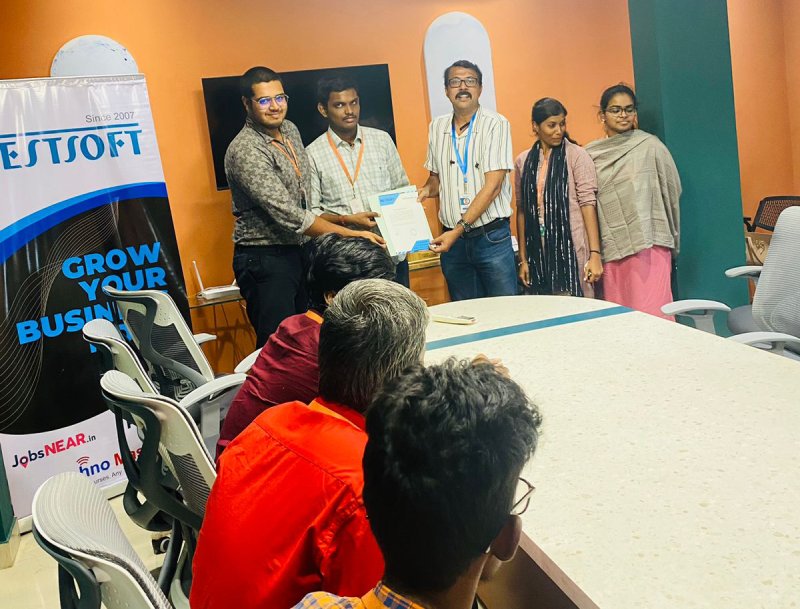
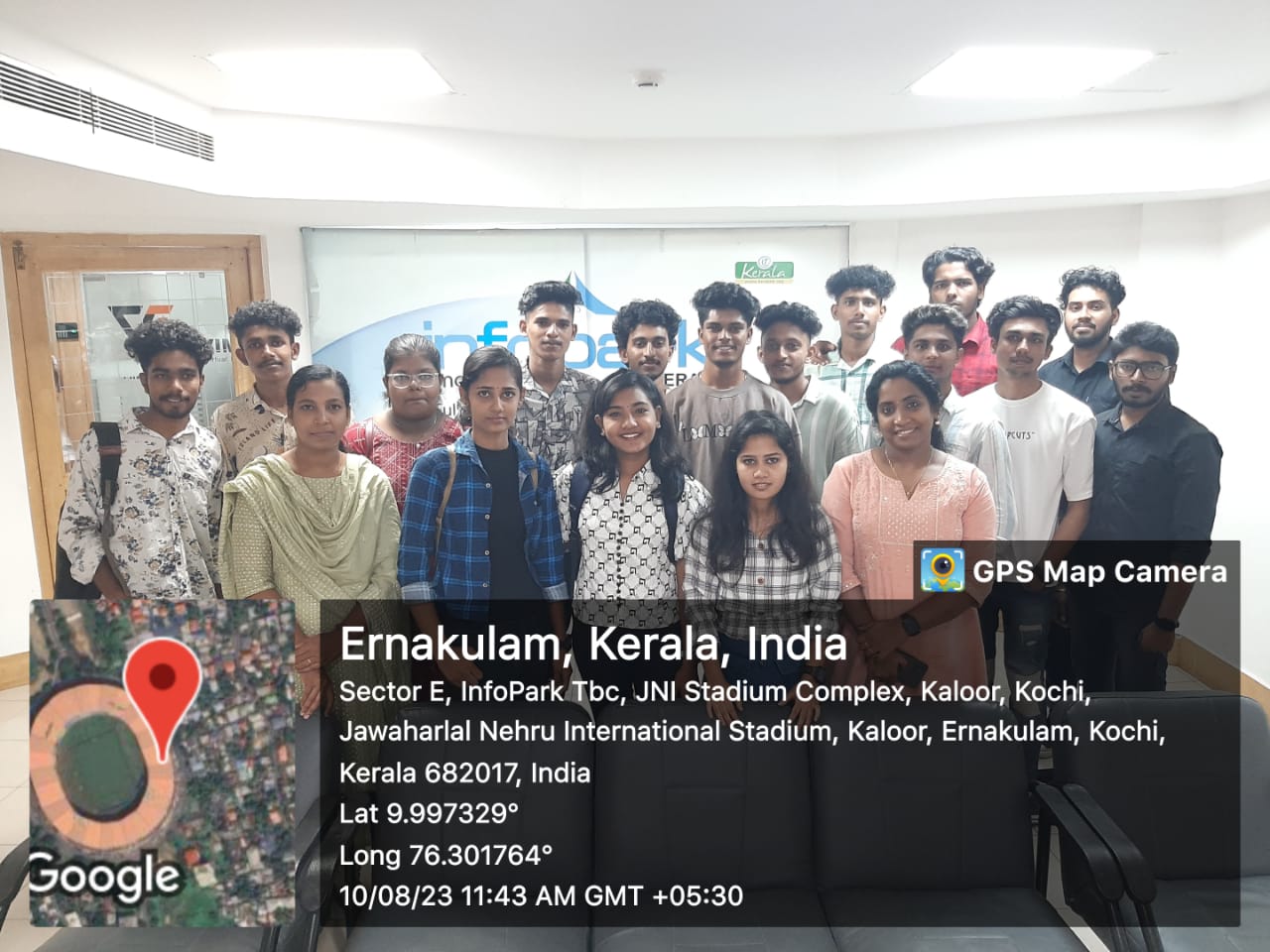
Photos of Training / Internships

Internship/projects in mangaluru

Trained more than 10000+ students who trust Nestsoft TechnoMaster

Get Your Personal Trainer