Send enquiry ⏎

Adobe InDesign Online Live Class by Experts

Our Training/Internship Process

Adobe InDesign Online Live Classes in Pune | Free Demo Training

Adobe InDesign - Syllabus, Fees & Duration

Section 1

    Straight Lines
  • Using the Pen Tool
  • Adjusting the Workspace
  • Arranging Objects
  • Color Fills
    Curves
  • Drawing Curves (Pen Tool)
  • Anchor Points and Direction Points
  • Default Fill and Stroke
    Corners and Curves
  • Drawing Corners and Curves (Pen Tool)
  • Adjusting Anchor Points

Section 2

    No Smoking Sign
  • Fill and Stroke
  • Basic Shape Tools
  • Grouping Objects
  • Layers Panel
  • Working with Templates
    Super Hero
  • Live Trace and Live Paint
  • Tracing Hand-Drawn Images
  • Coloring Live Paint Objects
  • Brushes
  • Flare Tool

Section 3

    What’s Behind the Green Door?
  • Compound Paths
  • Group Selection Tool
    Mask Till You Drop
  • Clipping Masks (Shapes)
  • Blob Brush Tool
  • Eraser Tool
  • Reflect Tool
    Masking with Type
  • Type Tool
  • Clipping Masks (Editable Type)
  • Filling Text with a Photo
  • Placing Linked Images
    3D Shape: Milk Duds Box
  • 3D Extrude & Bevel
  • Creating Symbols from Artwork
  • Mapping Symbols onto 3D Objects
  • Lighting and Shadows for 3D Objects

Section 3

    Will It Blend?
  • Blend Tool
  • Blending Options
    Wavy Line Blend
  • Blending Lines
  • Reflect Tool
  • Rotate Tool
    Juggling Colors and Gradients
  • Dashed Lines and Stroke Options
  • Saving Colors as Swatches
  • Blending Modes
  • Gradient Tool
  • Saving Gradient Swatches
    Combining Shapes with the Pathfinder
  • Merging Paths (Pathfinder)
  • Transparency Options
  • Grouping Objects

Section 5

    Patterns
  • Creating and Applying Pattern Swatches
  • Scaling and Rotating Patterns
  • Working with Layers
  • Align Panel
    One-Page Advertisement
  • Working with Type
  • Text and Character Options
  • Adding a Drop Cap
  • Type on a Path
  • Text Wrap
  • Fill Text with a Pattern
    Stylin’ Effects
  • Using the Appearance Panel
  • Transparency
  • Blending Modes
  • Drop Shadows
  • Arrowheads
    Appearance and Graphic Styles
  • Graphic Styles
  • Appearance Panel
  • Multiple Fills
  • Auto-sizing Text Boxes

Section 6

    Layers, Artboards & Recoloring Artwork
  • Adding and Removing Layers
  • Creating and Using Multiple Artboards
  • Recoloring Artwork

Download Syllabus - Adobe InDesign
This syllabus is not final and can be customized as per needs/updates
   
10000+
20+
50+
25+

Adobe InDesign Jobs in Pune

Enjoy the demand

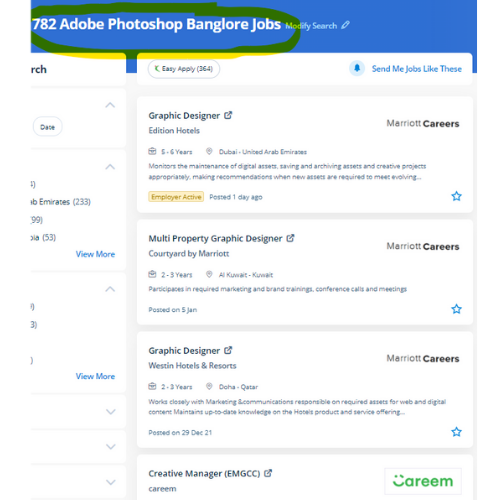
Find jobs related to Adobe InDesign in search engines (Google, Bing, Yahoo) and recruitment websites (monsterindia, placementindia, naukri, jobshybrid.com, indeed.co.in, shine.com etc.) based in Pune, chennai and europe countries. You can find many jobs for freshers related to the job positions in Pune.

  • Graphic Designer
  • Creative Graphic Designer
  • Flexible Graphic Designer
  • Web Graphics Designer
  • Content Creator
  • Desktop Support
  • Digital Designer
  • Design Assistant
  • Ui/Ux Designer
  • Designing Trainer

Adobe InDesign Internship/Course Details

Adobe InDesign internship jobs in Pune
Adobe InDesign we provide Adobe InDesign coaching online which will prepare you for the Adobe Certified skilled exam. However, whereas it’s aimed toward graphic style professionals, it’s not too powerful to find out. one of the advantages of the tools contained in Adobe InDesign is that it's some image editing which will provide identical results as that of Adobe Photoshop just like a shadow, bevel, glow, and so forth. nowadays Adobe InDesign has many job opportunities. Our live online classes are a friendly and supportive variety of viewing video tutorials – you’re able to raise queries and receive answers from a talented Nestsoft tutor in real-time. . Our target is to create talented students in our InDesign Course with the would possibly confidence to use their new skills effectively in the real world. Live classes are supported by an energetic class forum where your tutor provides additional data and feedback outside of class times. The software's interface creates it easy for users of all talent levels to jump right in and make their projects with ease, because of its selection of pre-installed templates, fonts, and other resources. This course is for intermediate users that require to find out a lot of advanced tools in InDesign.


Meet a Few of our Industry Experts 🚀 Your Pathway to IT Career

Aman

Mobile: +91 9895490866
Location: Online (Pune, India)
Qualification: Master

Experience: Html javascript bootstrap react jQuery WordPress css  more..

Pravallika

Mobile: +91 89210 61945
Location: Online (Pune, India)
Qualification: B tech

Experience: Taking the training on the Java full stack development   more..

saurav

Mobile: +91 91884 77559
Location: Online (Pune, India)
Qualification: BCA

Experience: Golang python Rust Backend postgres mongodb linux  more..

jaivansh

Mobile: +91 9895490866
Location: Online (Pune, India)
Qualification: CEH

Experience: Because of my special combination of expertise abilities and enthusiasm for cybersecurity I think I'm a great fit for this  more..

Vivek

Mobile: +91 91884 77559
Location: Online (Pune, India)
Qualification: BCA

Experience: I have skills in multiple internet related parts like Website designing(wordpress wix) domain hosting seo smo html css chatgpt google’s  more..

Jemsiya

Mobile: +91 98474 90866
Location: Online (Pune, India)
Qualification: B.tech computer science

Experience: HTML css javascript bootstrap Angular react js express js node jsApplication for Meanstack Developer Mean Stack  more..

Suraj

Mobile: +91 8301010866
Location: Online (Pune, India)
Qualification: B.Tech in CS

Experience: My role in current project involves developing applications using Angular and creating APIs through serverless function apps I possess valuable  more..

Sonu

Mobile: +91 8301010866
Location: Online (Pune, India)
Qualification: Graduate

Experience: Worked as intern (react js) in outlogics for 3 months  more..

Hardeep

Mobile: +91 9895490866
Location: Online (Pune, India)
Qualification: Master

Experience: Assistant professor computer application and language java html php c++ and pte trainer  more..

Midhun

Mobile: +91 8301010866
Location: Online (Pune, India)
Qualification: MCA

Experience: Completed Software testing course from STC  more..

Rahil

Mobile: +91 8301010866
Location: Online (Pune, India)
Qualification: B.Tech

Experience: Java developer with 10 years of experience that includes working as Programmer Analyst and in Associate Role in Cognizant Technology  more..

Prince

Mobile: +91 9895490866
Location: Online (Pune, India)
Qualification: Graduated from B.com (CA) , Web development course

Experience: MY name is Prince Khedkar❤️ I am a skilled and motivated Web Developer & Designer with a passion for creating  more..

Chintan

Mobile: +91 89210 61945
Location: Online (Pune, India)
Qualification: Diploma in computer engineering

Experience: I'm a have good knowledge about professional android deployment like jetpack component MVVM Kotlin  more..

DOI

Mobile: +91 94975 90866
Location: Online (Pune, India)
Qualification: Btech

Experience: Java Android kotlin Rest-Api Third party libraries xml retrofit firebase flutter dart  more..

Tarun

Mobile: +91 98474 90866
Location: Online (Pune, India)
Qualification: MCA

Experience: Docker AWS GCP Jenkins linux git github terraform ansible bash script python django postgres   more..

SHARMI

Mobile: +91 8301010866
Location: Online (Pune, India)
Qualification: Post Graduate

Experience: I have 2years experienced in odoo industry I have worked 100+ qweb reports I have worked modules are CRM Sales  more..

DOGIPARTHI

Mobile: +91 91884 77559
Location: Online (Pune, India)
Qualification: B tech

Experience: I have 6+ months experience as a intern in application Developer for web and Mobile I have hands on experience  more..

Anuja

Mobile: +91 89210 61945
Location: Online (Pune, India)
Qualification: B.E

Experience: C# asp net vb net MVC web api wcf wpf jquery ajax SQL dot net core azure javascript  more..

Ashish

Mobile: +91 91884 77559
Location: Online (Pune, India)
Qualification: Frontend developer

Experience: 4+ years HTML5 CSS3 bootstrap Webflow Unbounse react(basics) Shopify(learning)  more..

Hari

Mobile: +91 94975 90866
Location: Online (Pune, India)
Qualification: Mca

Experience: Html css javascript wordpress angular react  more..

Vignesh

Mobile: +91 91884 77559
Location: Online (Pune, India)
Qualification: BCA

Experience: HTml css python django ms office and 7 month experience in data entry  more..

Sneha

Mobile: +91 89210 61945
Location: Online (Pune, India)
Qualification: Bachelors of Engineering

Experience: 2 7 year of experience Html5 css bootstrap basic javascript Java c c++ basic of php   more..

Anand

Mobile: +91 89210 61945
Location: Online (Pune, India)
Qualification: Bachelor's degree BFA

Experience: Video editing video grapher managing social media content creation and graphic design  more..

Anandhu

Mobile: +91 8301010866
Location: Online (Pune, India)
Qualification: BCA

Experience: 1 5 years of Digital Marketing; social media management content development and project management experience in identifying trends engaging users  more..

Success Stories

The enviable salary packages and track record of our previous students are the proof of our excellence. Please go through our students' reviews about our training methods and faculty and compare it to the recorded video classes that most of the other institutes offer. See for yourself how TechnoMaster is truly unique.

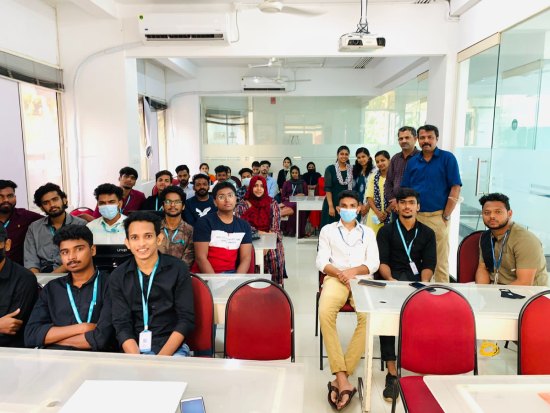
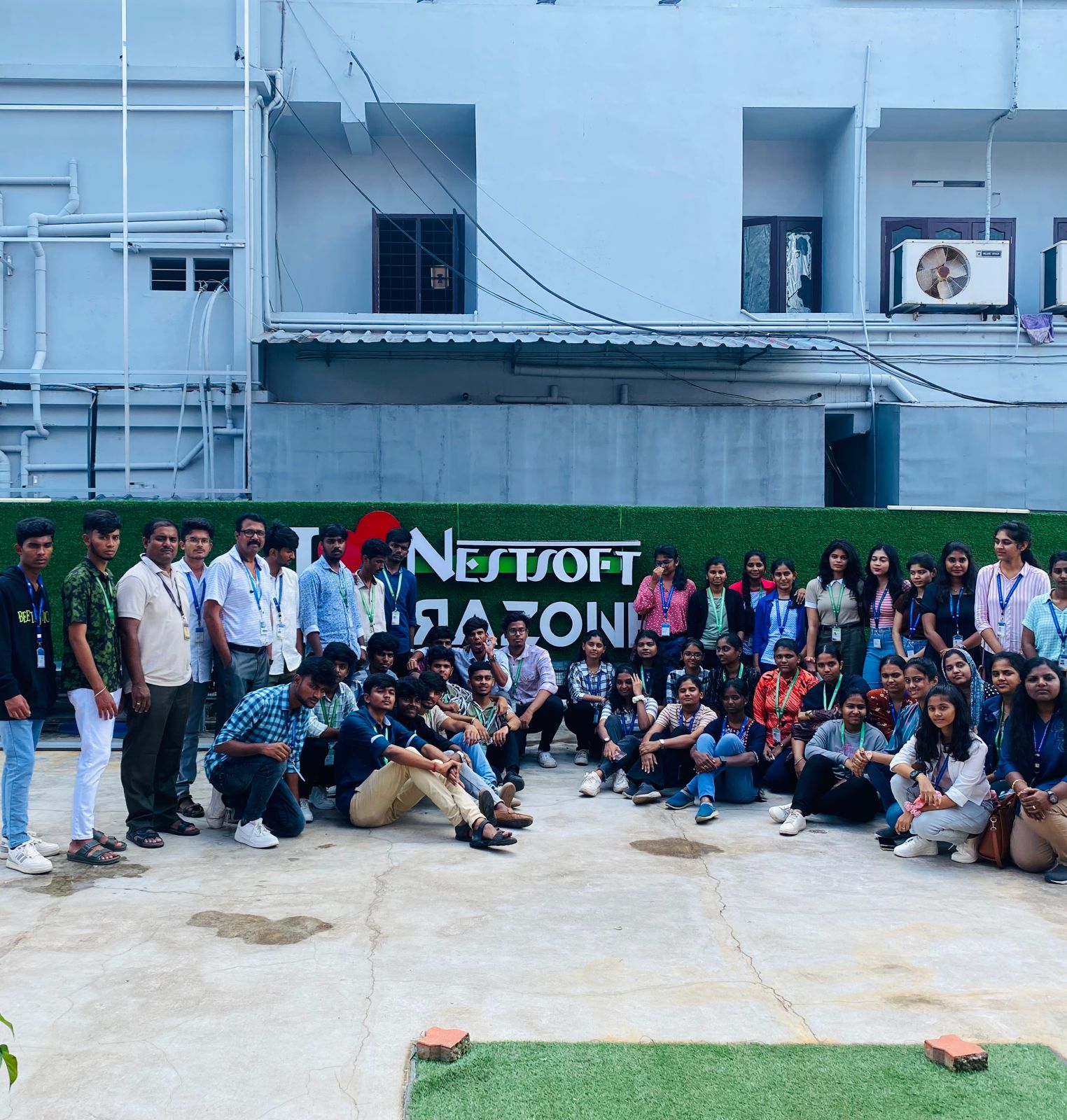
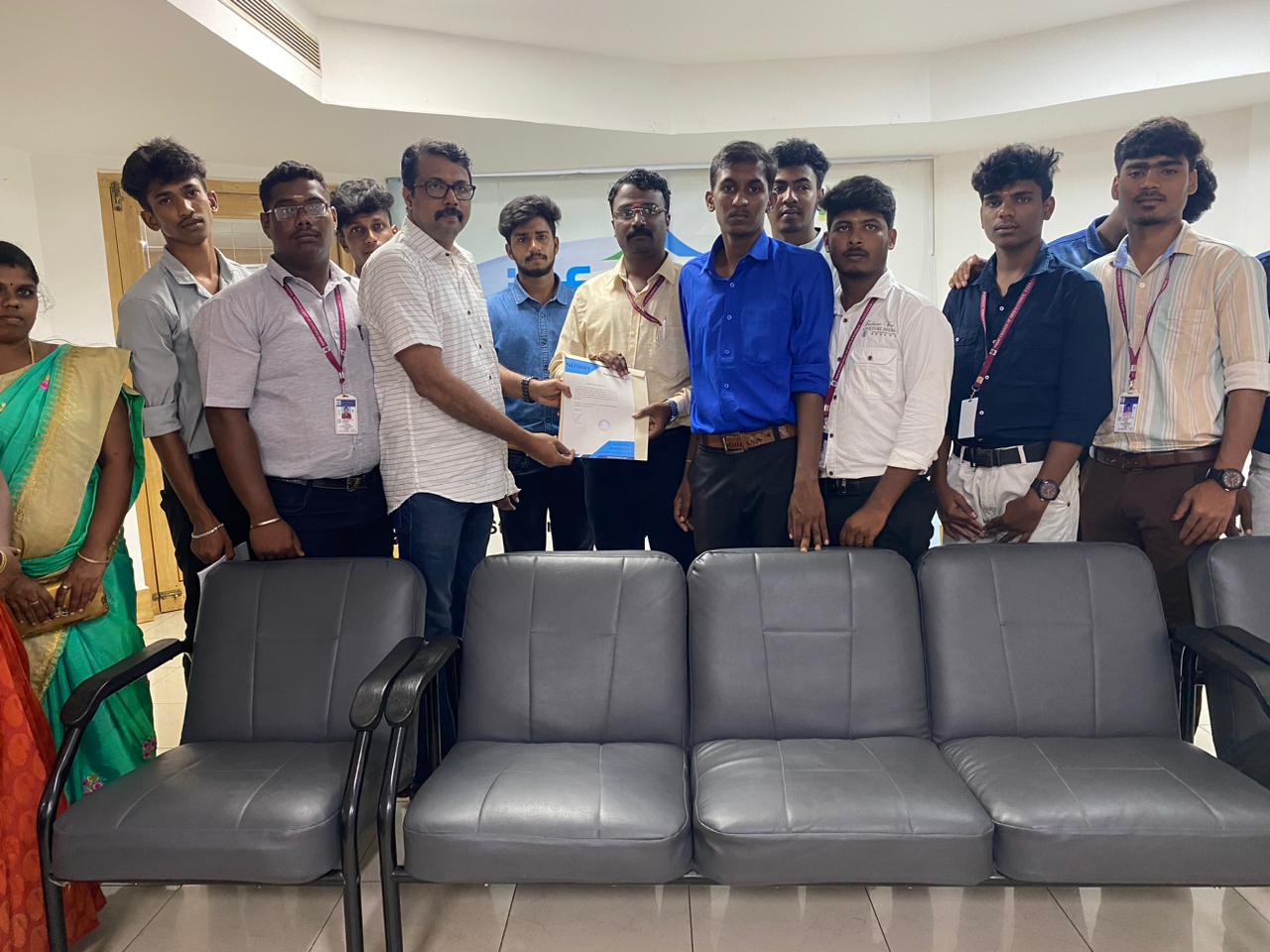
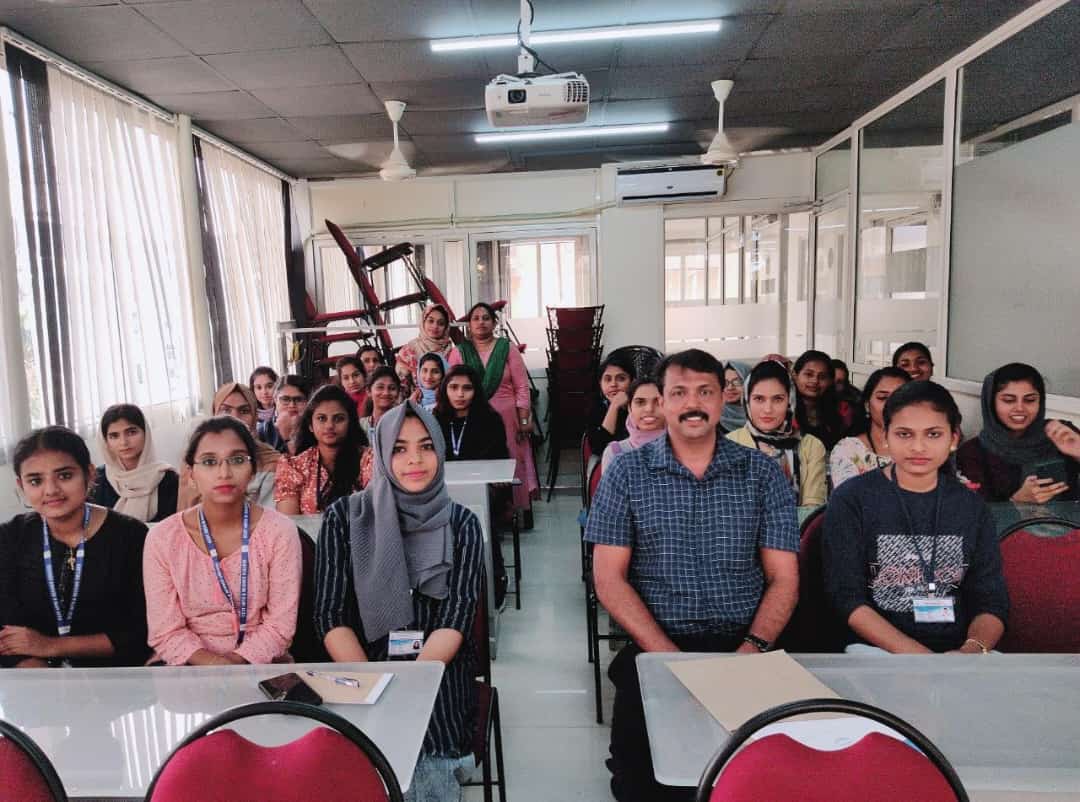
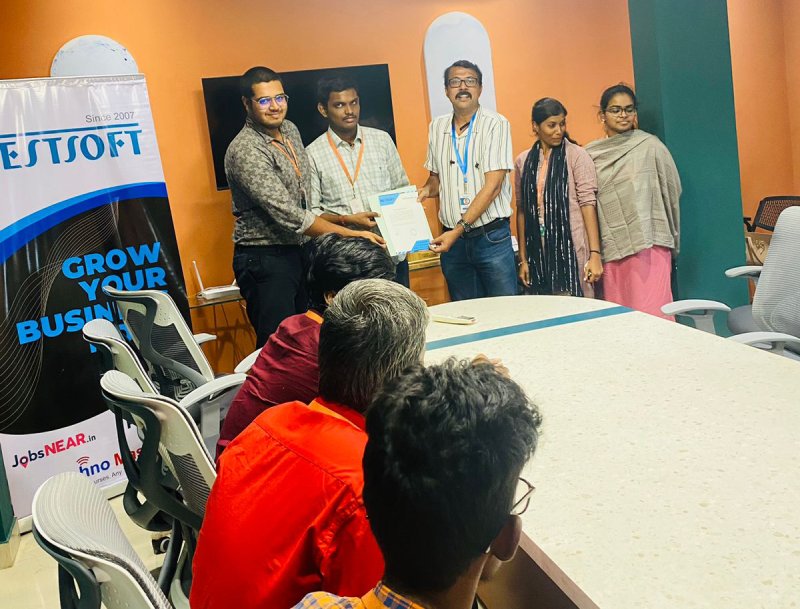
Photos of Training / Internships

Internship/projects in pune

Trained more than 10000+ students who trust Nestsoft TechnoMaster

Get Your Personal Trainer