Send enquiry ⏎

UI/UX Design Online Live Class by Experts

Our Training/Internship Process

UI/UX Design Online Live Classes in Kolkata | Free Demo Training

UI/UX Design - Syllabus, Fees & Duration

Figma Syllabus (15 Hours)

      Module 1: Figma Fundamentals (3 Hours)

        Introduction to Figma

      • Understanding the Figma interface and tools.
      • Layers, frames, and pages.
      • Shapes, text, and alignment.

        Design Basics

      • Color theory and typography basics.
      • Grids and layout principles.
      Module 2: Prototyping with Figma (3 Hours)

        Wireframing Basics

      • Creating low-fidelity wireframes for mobile and web apps.

        Prototyping Features

      • Adding interactions and transitions.
      • Clickable prototypes for user testing.
      Module 3: Mobile App Design Project (4 Hours)

        Designing a Mobile App

      • Screens for a sample app (e.g., task manager or food delivery).
      • Login, home, and profile pages.

        Components and Variants

      • Reusable buttons, icons, and cards.
      • Typography and color styles.

        Prototyping and Feedback

      • Linking screens and testing navigation.
      Module 4: Web App Design Project (5 Hours)

        Designing a Web App

      • Landing page, login screen, and dashboard for a web app.
      • Auto-layout for responsive designs.

        Final Prototype

      • Responsive breakpoints for desktop, tablet, and mobile.
      • Functional prototype with interactions.
    Web Development Syllabus (15 Hours)
      Module 1: HTML, CSS, and Bootstrap Basics (5 Hours)

        HTML Fundamentals (2 Hours)

      • Structuring web pages (header, footer, sections).
      • Essential tags: headings, lists, images, and links tables etc..

        CSS Basics (2 Hours)

      • Styling text and layout using CSS.
      • Box model, positioning, and Flexbox basics.

        Bootstrap Basics (1 Hour)

      • Setting up Bootstrap in a project.
      • Grid system and responsive layouts.
      • Common components: navbar, buttons, and cards.
      Module 2: Responsive Landing Page Conversion (5 Hours)

        Figma to Code Workflow (2 Hours)

      • Importing Figma designs for reference.
      • Structuring HTML and CSS with Bootstrap.

        Responsive Design (3 Hours)

      • Using media queries and Bootstrap utilities.
      • Creating a responsive navigation bar and hero section.
      • Ensuring design consistency with the Figma prototype.
      Module 3: Interactivity with JavaScript & Advanced Bootstrap (3 Hours)

        JavaScript Basics

      • Adding interactivity with JavaScript (e.g., form validation).
      • Bootstrap JavaScript components: modals, dropdowns, and carousels.

        CSS Animations & Transitions

      • Enhancing visuals with hover effects and animations.
      Module 4: Final Project and Deployment (2 Hours)

        Final Project: Responsive Landing Page

      • Convert a complete Figma design into a functional landing page.
      • Use Bootstrap and JavaScript for responsiveness and interactivity.

        Hosting and Deployment

      • Publish the project online using GitHub Pages or Netlify.
      Deliverables

        Figma:

      • Prototyped mobile app and web app designs.

        Web Development:

      • Fully responsive landing page with Bootstrap and interactivity.
      • Hosted live project link.

Download Syllabus - UI/UX Design
This syllabus is not final and can be customized as per needs/updates
   
10000+
20+
50+
25+

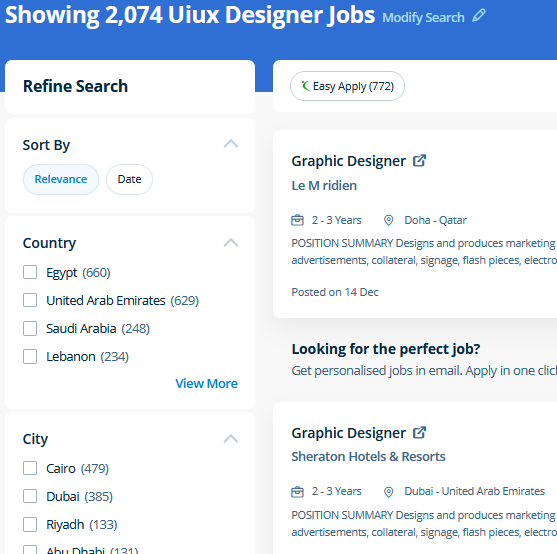
UI/UX Design Jobs in Kolkata

Enjoy the demand

Find jobs related to UI/UX Design in search engines (Google, Bing, Yahoo) and recruitment websites (monsterindia, placementindia, naukri, jobshybrid.com, indeed.co.in, shine.com etc.) based in Kolkata, chennai and europe countries. You can find many jobs for freshers related to the job positions in Kolkata.

  • ui designer
  • ux designer
  • ui/ux designer
  • ui/ux developer
  • graphic designer
  • multimedia creator
  • photoshop
  • adobe illustrator
  • web design
  • html developer

UI/UX Design Internship/Course Details

UI/UX Design internship jobs in Kolkata
UI/UX Design Our live online classes are a friendly and supportive alternative to looking at video tutorials – you’re ready to ask queries and receive answers from a skilled Nestsoft tutor in real time. At the end of this course at nestsoft inDubai we cover advanced topics such as Script validations, Building modular tests, Developing automation test suites for a broad range of desktop Web Applications. Photographers, web designers, or graphic designers must know how to use Adobe Photoshop. CSS is currently the only standard in website design that plugs directly into your HTML, even the latest HTML5 standards. Adobe Illustrators is a vector-based creative program designed for those involved with graphic design. concepts such as clusters, variables, operators, functions, and control structure in JavaScript Demonstrable knowledge of Functions - Passing the data to functions, JavaScript Function Syntax, Concise Body syntax, Return Keyword, and ES6 arrow functions basics of jQuery that assist you to boost your skills in Scriptwriting. Anatomy of a CSS ruleset Selecting multiple elements Different types of a selector Fonts and text Boxes, boxes, it’s all about boxes Changing the page color Sorting the body out Positioning and styling our main page title Centering the image Backgrounds and Borders Image values and replaced Content Text Effects 2D/3D Transformations Animations Multiple Column Layout User Interface . You make changes to the files using Photoshop and directly use the outputs from that software. Literally, you'll create anything with Adobe Photoshop software. Files created in Adobe Photoshop can be easily transferred between totally different programs via creative Suite.


Meet a Few of our Industry Experts 🚀 Your Pathway to IT Career

Sunitha

Mobile: +91 8301010866
Location: Online (Kolkata, India)
Qualification: M. E

Experience: I have two years of experience in web development My skills: Html Css javascript mysql flutterflow nodejs I have interest  more..

Saumadip

Mobile: +91 91884 77559
Location: Online (Kolkata, India)
Qualification: B.tech

Experience: Experienced Cyber Security Analyst with a passion for ethical hacking vulnerability assessment and penetration testing Skilled in delivering impactful cybersecurity  more..

Naga

Mobile: +91 8301010866
Location: Online (Kolkata, India)
Qualification: Bachelor Degree

Experience: Hands-on experience in Selenium Automation testing BDD Cucumber and REST Assured API testing Created multiple automation projects for different web  more..

John

Mobile: +91 91884 77559
Location: Online (Kolkata, India)
Qualification: B. Tech

Experience: Flutter and dart Java android   more..

Mrinal

Mobile: +91 91884 77559
Location: Online (Kolkata, India)
Qualification: H. S

Experience: 3 years experience in computer hardware and networking field at jdb itcare 3 years experience in php development 6 month  more..

Pravallika

Mobile: +91 94975 90866
Location: Online (Kolkata, India)
Qualification: B tech

Experience: Taking the training on the Java full stack development   more..

Suraj

Mobile: +91 89210 61945
Location: Online (Kolkata, India)
Qualification: B.Tech in CS

Experience: My role in current project involves developing applications using Angular and creating APIs through serverless function apps I possess valuable  more..

Arpita

Mobile: +91 94975 90866
Location: Online (Kolkata, India)
Qualification: Engineering (computer science)

Experience: C c++ java python HTML CSS PHP MySQL ms-office ms-word DBMS Oracle   more..

Rohit

Mobile: +91 94975 90866
Location: Online (Kolkata, India)
Qualification: Bachelor of engineering

Experience: Java selenium testng api testing Java selenium Maven postman MySQL agile waterfall test scripts jira Sdlc stlc etc I have  more..

Gamini

Mobile: +91 91884 77559
Location: Online (Kolkata, India)
Qualification: MCA

Experience: HTML5 CSS3 JavaScript SCSS Bootstrap Jquery Ant design REST API JSON SOAP API ReactNative Hasura Graphql Socket IO websockets AWS  more..

chandru

Mobile: +91 89210 61945
Location: Online (Kolkata, India)
Qualification: BCA

Experience: Automation and manual testing  more..

Iswarya

Mobile: +91 94975 90866
Location: Online (Kolkata, India)
Qualification: BSc computer science

Experience: Web development html css javascript typescript angular 2+ to 15 angularJS react  more..

Anushka

Mobile: +91 9895490866
Location: Online (Kolkata, India)
Qualification: BCA

Experience: As a fresher in Software Testing I am enthusiastic about ensuring software quality through meticulous testing Proficient in both manual  more..

Shital

Mobile: +91 89210 61945
Location: Online (Kolkata, India)
Qualification: BCA

Experience: Skills: - Proficient in WordPress theme and plugin development - Strong understanding of HTML CSS JavaScript and PHP - Experienced  more..

ARCHANA

Mobile: +91 91884 77559
Location: Online (Kolkata, India)
Qualification: Btech ECE

Experience: Manual testing selenium Jmeter   more..

Bhavesh

Mobile: +91 91884 77559
Location: Online (Kolkata, India)
Qualification: Greduate

Experience: I am fresher looking for react js job  more..

Ashish

Mobile: +91 91884 77559
Location: Online (Kolkata, India)
Qualification: BCA

Experience: HTML CSS Bootstrap javascript react jQuery SCSS WordPress  more..

Utkarsha

Mobile: +91 94975 90866
Location: Online (Kolkata, India)
Qualification: BE Computer

Experience: I have recently graduated in Computer Science Engineering from Pravara Rural College Of Engineering and I am currently looking  more..

josmy

Mobile: +91 91884 77559
Location: Online (Kolkata, India)
Qualification: bca

Experience: kotlin java android flutter XML   more..

Litheesh

Mobile: +91 89210 61945
Location: Online (Kolkata, India)
Qualification: B.sc cs

Experience: Hi I am s Litheesh Sharma I am a 22 year old boy I am B sc cs degree compled  more..

Dharshini

Mobile: +91 94975 90866
Location: Online (Kolkata, India)
Qualification: B.E CSE

Experience: I am confident that my dedication to continuous learning coupled with my technical expertise aligns well with the innovative and  more..

Sreejith

Mobile: +91 98474 90866
Location: Online (Kolkata, India)
Qualification: BE Mechanical

Experience: Manual testing Techsupport selenium ide  more..

Nikhil

Mobile: +91 98474 90866
Location: Online (Kolkata, India)
Qualification: B.E.

Experience: Manual testing and Having 1 year of experience  more..

KATHI

Mobile: +91 8301010866
Location: Online (Kolkata, India)
Qualification: Degree (B.com)

Experience: I am fresher Skills is good communication and convincing skills I will done coaching for web development   more..

Success Stories

The enviable salary packages and track record of our previous students are the proof of our excellence. Please go through our students' reviews about our training methods and faculty and compare it to the recorded video classes that most of the other institutes offer. See for yourself how TechnoMaster is truly unique.


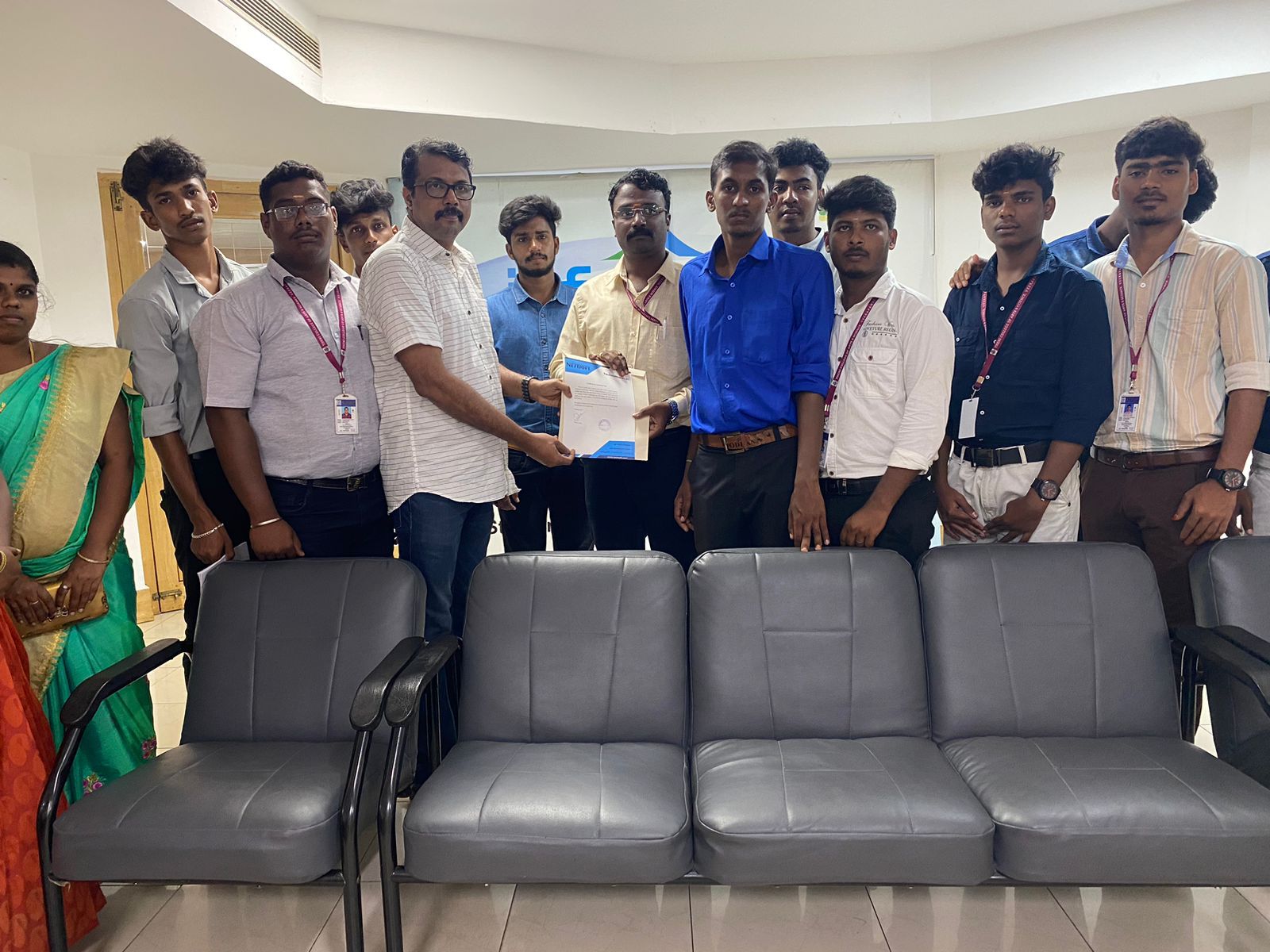
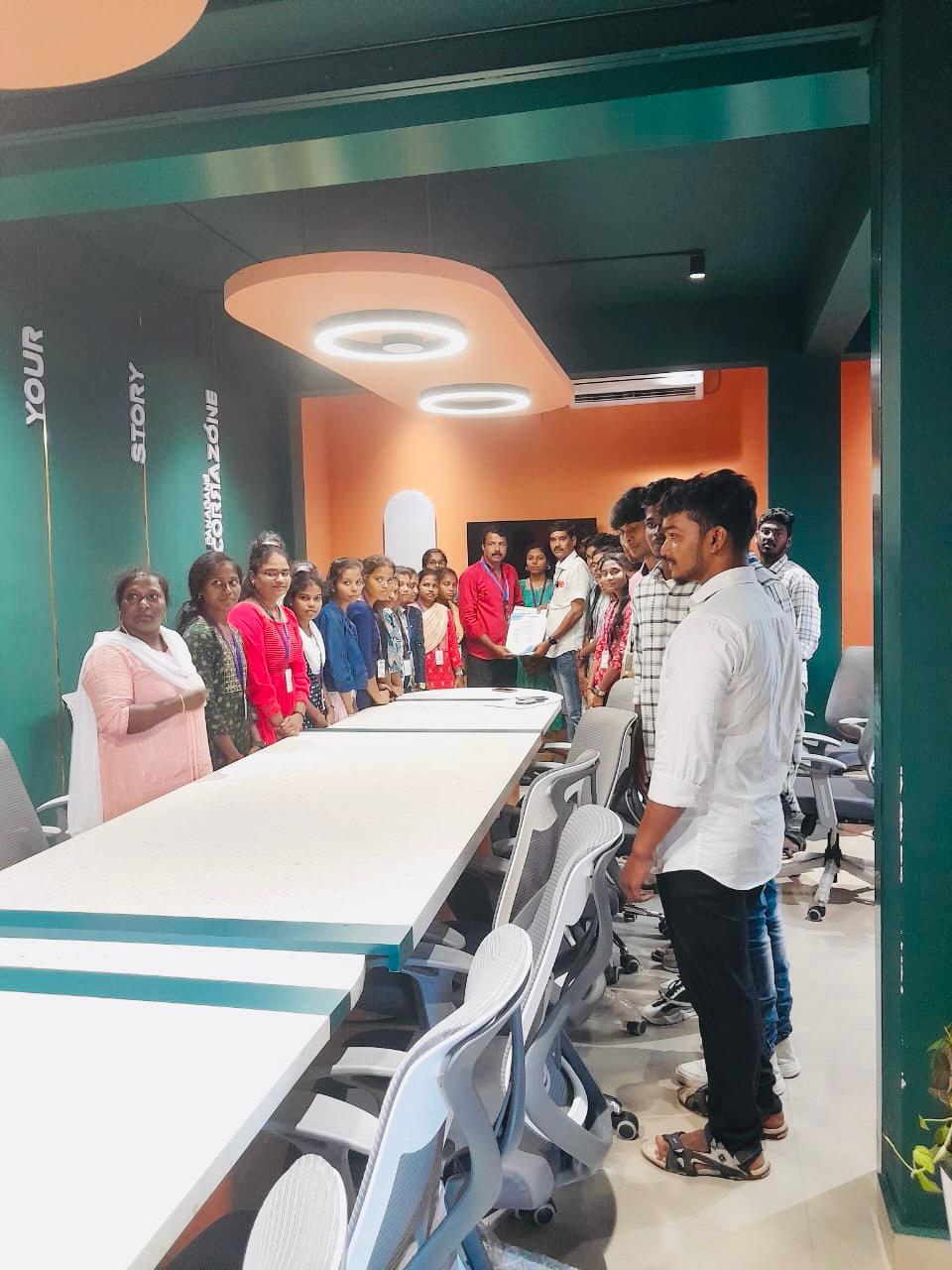
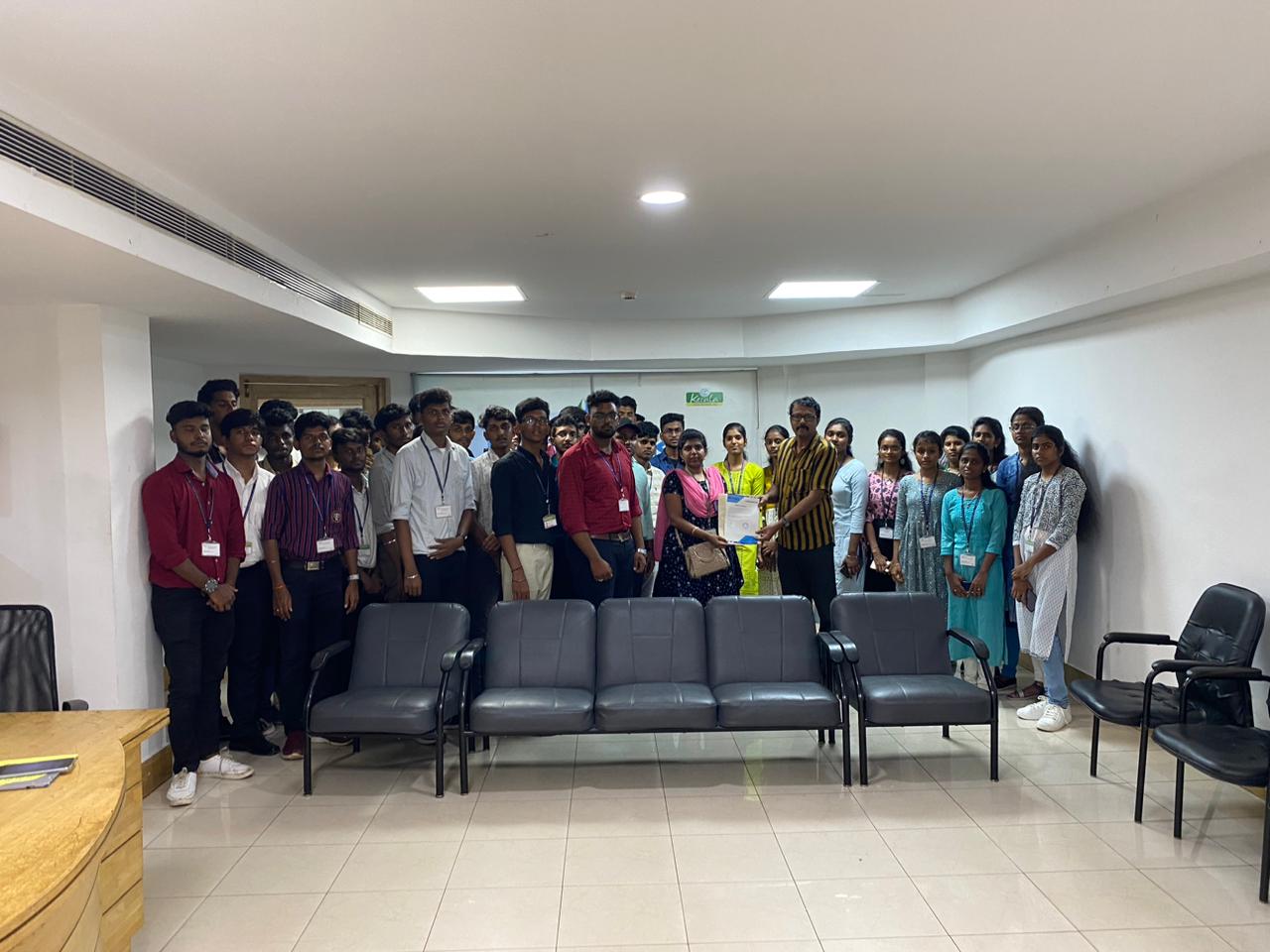
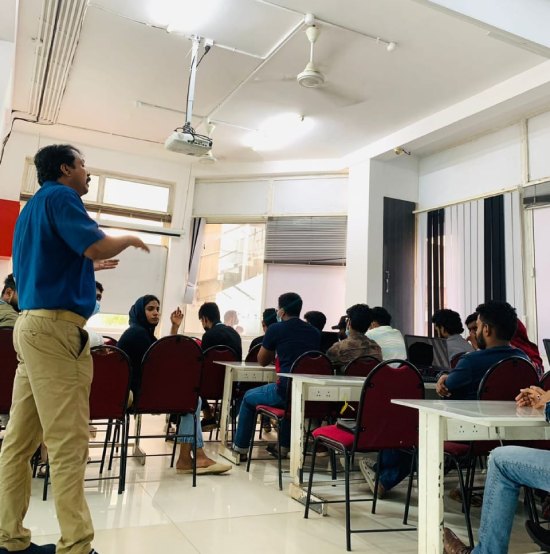
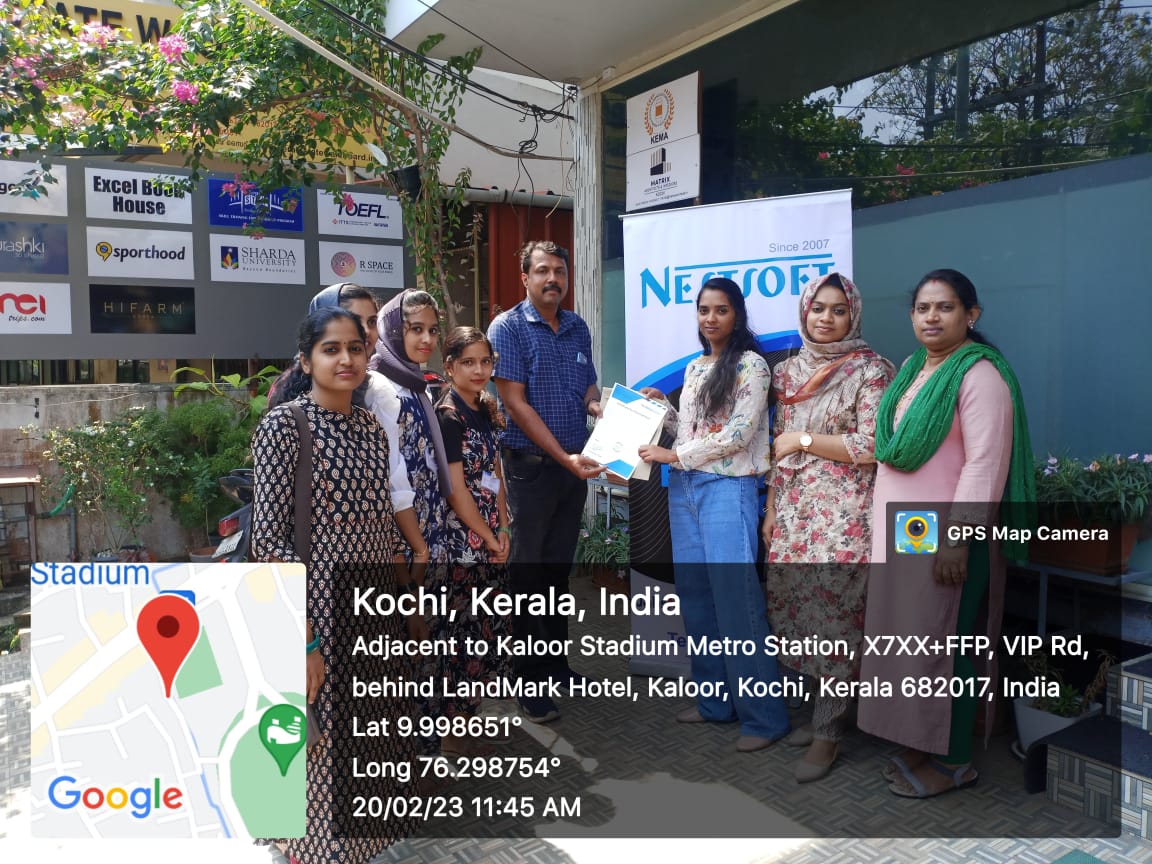
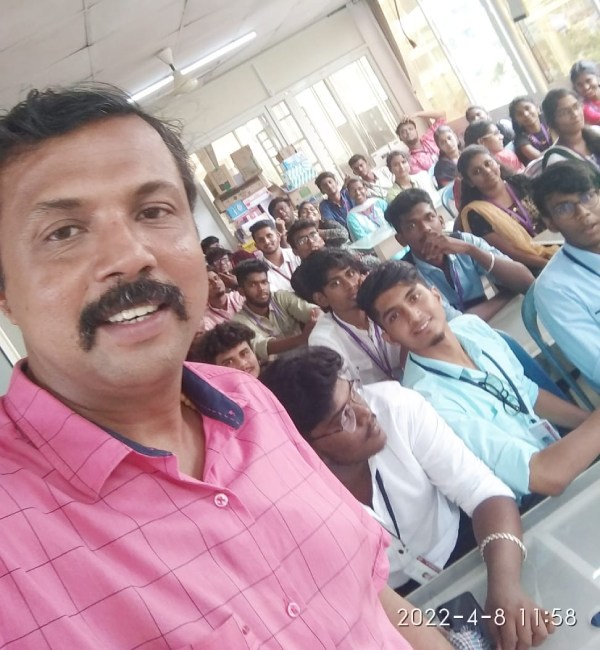
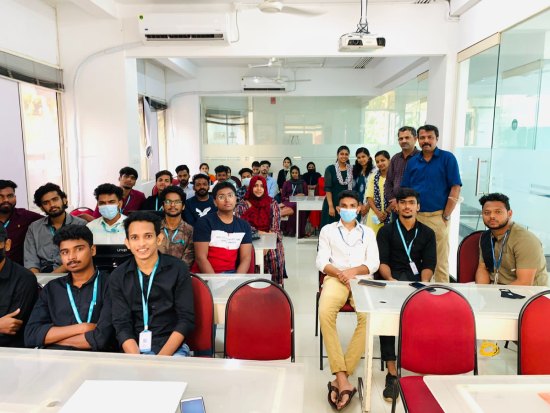
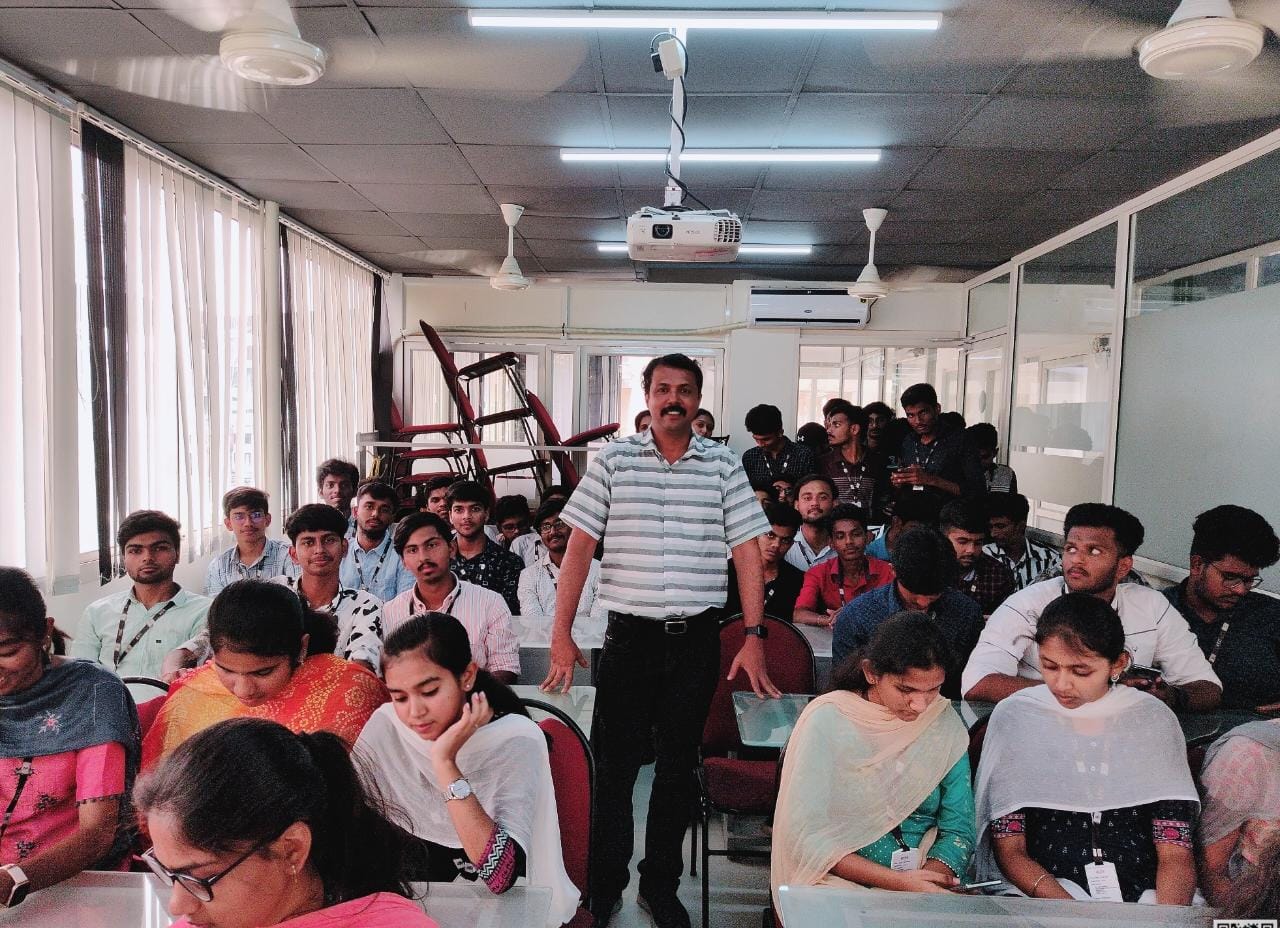
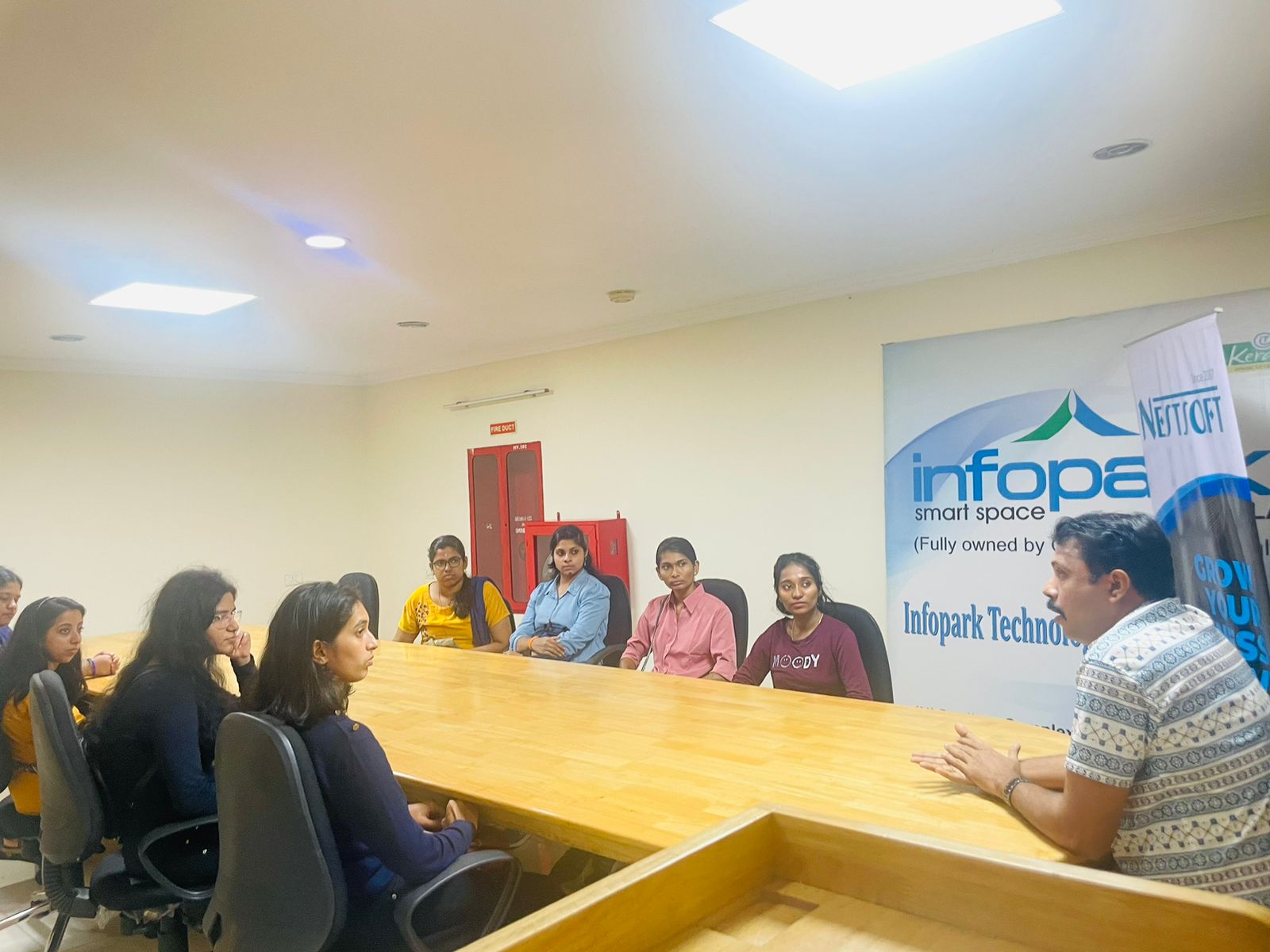
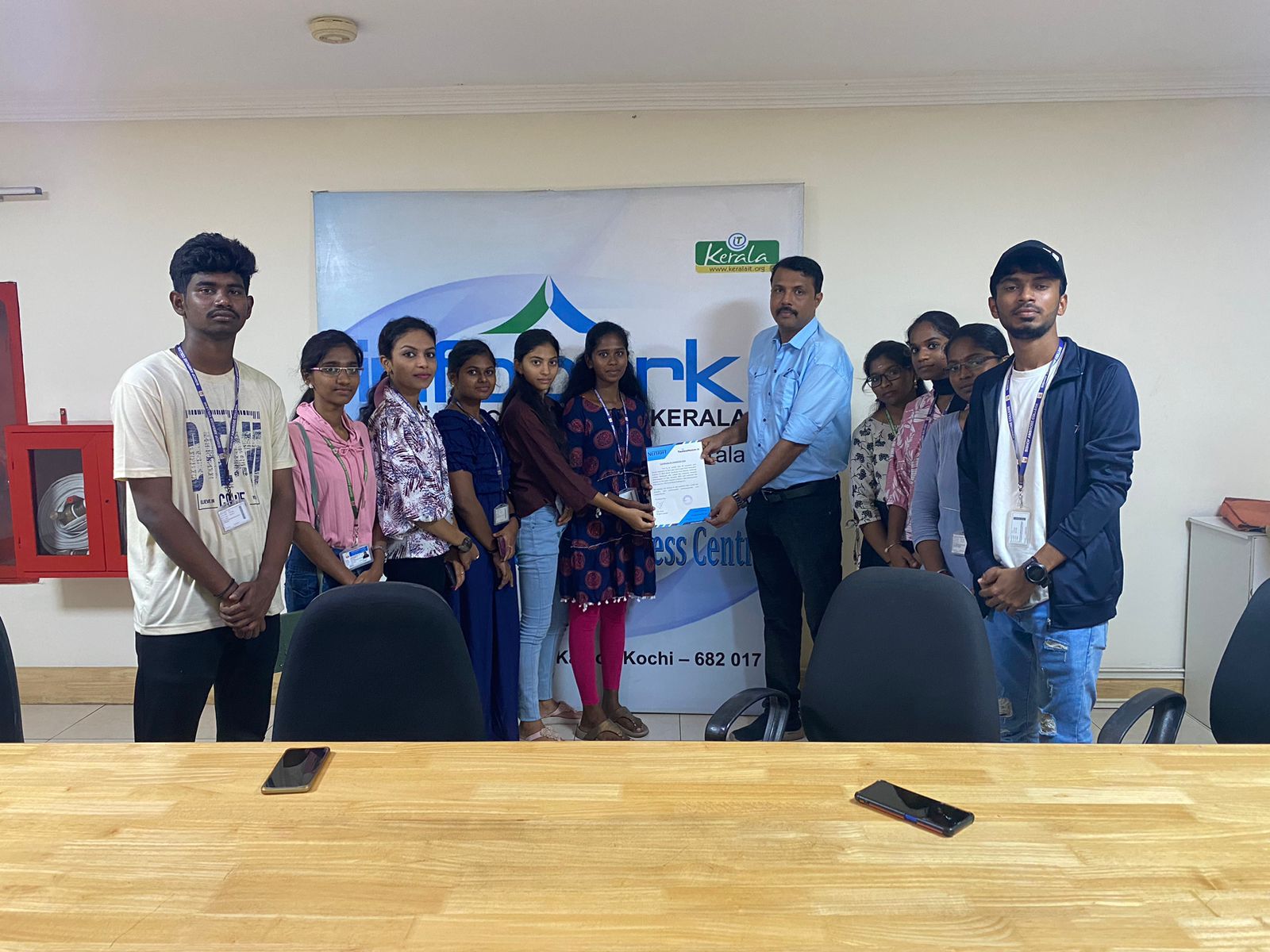
Photos of Training / Internships

Internship/projects in kolkata

Trained more than 10000+ students who trust Nestsoft TechnoMaster

Get Your Personal Trainer