Send enquiry ⏎

Adobe Illustrator Online Live Class by Experts

Our Training/Internship Process

Adobe Illustrator Online Live Classes in Gulbarga | Free Demo Training

Adobe Illustrator - Syllabus, Fees & Duration

      Module 1: Introduction to Illustrator (1.5 hrs)

    • Overview of Vector Graphics vs. Raster Graphics
    • Illustrator Interface and Navigation
      • Artboards and Workspaces
      • Tools Panel and Properties Panel
    • Creating and Saving Documents
    • Understanding File Formats (AI, EPS, SVG, PDF)

      Module 2: Basic Drawing Tools (2 hrs)

    • Shapes and Paths
      • Rectangle, Ellipse, Polygon, Line tools
      • Working with Fill and Stroke
    • Pen Tool Basics
      • Drawing and Editing Paths
      • Anchor Points and Handles
    • Using the Pencil and Brush Tools

      Module 3: Colors and Gradients (1.5 hrs)

    • Understanding the Color Panel
      • RGB vs. CMYK Modes
      • Swatches and Global Colors
    • Gradients and Gradient Mesh
    • Applying Transparency and Blending Modes

      Module 4: Working with Text (1.5 hrs)

    • Creating and Formatting Text
      • Character and Paragraph Panels
    • Converting Text to Outlines
    • Text on a Path and Text Wrap

      Module 5: Layers and Organizing Artwork (1.5 hrs)

    • Layers Panel Overview
      • Grouping and Ungrouping Objects
      • Locking, Hiding, and Rearranging Layers
    • Clipping Masks
    • Using Guides, Grids, and Smart Guides

      Module 6: Advanced Tools and Effects (2 hrs)

    • Pathfinder and Shape Builder Tools
    • Using the Appearance Panel
      • Applying Effects (Drop Shadow, Outer Glow, etc.)
    • Working with Symbols
    • Creating Patterns

      Module 7: Image Tracing and Masking (1.5 hrs)

    • Image Trace Tool
    • Creating and Using Clipping Masks
    • Opacity Masks for Advanced Effects

      Module 8: Exporting and Finalizing Projects (1.5 hrs)

    • Preparing Artwork for Print vs. Digital
    • Exporting File Formats (PNG, SVG, PDF, etc.)
    • Packaging Files for Clients or Printers

      Module 9: Hands-on Project (2 hrs)

    • Creating a Simple Logo Design
    • Designing a Business Card or Poster
    • Applying Learned Skills to a Practical Task

Download Syllabus - Adobe Illustrator
This syllabus is not final and can be customized as per needs/updates
   
10000+
20+
50+
25+

Adobe Illustrator Jobs in Gulbarga

Enjoy the demand

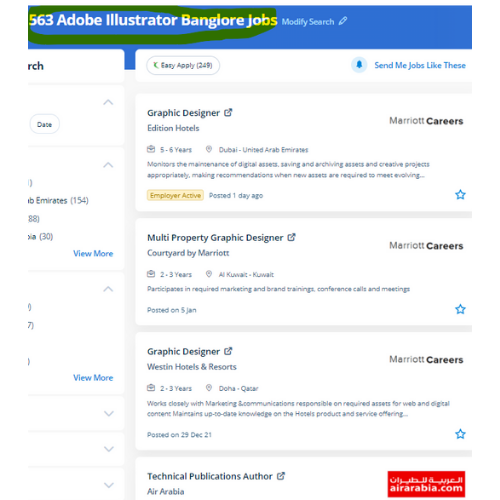
Find jobs related to Adobe Illustrator in search engines (Google, Bing, Yahoo) and recruitment websites (monsterindia, placementindia, naukri, jobshybrid.com, indeed.co.in, shine.com etc.) based in Gulbarga, chennai and europe countries. You can find many jobs for freshers related to the job positions in Gulbarga.

  • Graphic Designer
  • Graphic Trainer
  • Industrial Designer
  • Web Designer
  • Freelance Graphic Designer
  • Illustrator Designer
  • Design Assistant
  • Creative Designer
  • Digital UI/UX Designer
  • Female Graphic Designer

Adobe Illustrator Internship/Course Details

Adobe Illustrator internship jobs in Gulbarga
Adobe Illustrator we assure you that after you complete your illustrator Course at Nestsoft, you'd be ready to begin your work as our major focus is on all kinds of practical training. using this you'll turn out attractive logos, detailed illustrations, leaflets, web content designs, and plenty of more additionally produce a number of different sized artboards all in a similar document simply and quickly. Our on-line training course in learn the way a Vector application Creates shapes Composed of points, lines, and curves . Attain hands-on coaching via live projects with our team. The illustrator CC interface contains the tools, panels, menu, command, document, window, and artboards you will use when creating or editing an illustrator document. Adobe Illustrators could be a vector-based inventive program designed for those committed graphic design. you can use Adobe artist on all computer systems so long as the operating system is updated. We, at Nestsoft, are making our students prepared by coaching them on all the updated software and tools used for designing. it is effective for people who got to create adverts with integrated branding either a private user or massive enterprise. Most of the print and screen designers use illustrator to make styles and artwork.


Meet a Few of our Industry Experts 🚀 Your Pathway to IT Career

Arunkumar

Mobile: +91 89210 61945
Location: Online (Gulbarga, India)
Qualification: BTECH IT

Experience: i am a frontend developer who i has 2 yeaApplication for Meanstack Developer Mean Stack  more..

Rajeev

Mobile: +91 91884 77559
Location: Online (Gulbarga, India)
Qualification: B. Tech

Experience: Manual testing api testing postman automation testing  more..

Manish

Mobile: +91 91884 77559
Location: Online (Gulbarga, India)
Qualification: Pursuing B.Tech(Final year)

Experience: Circuit Design: Proficient in designing electronic circuits including analog digital and mixed-signal circuits Power Electronics: Knowledgeable about power supply design  more..

Indrajit

Mobile: +91 91884 77559
Location: Online (Gulbarga, India)
Qualification: B.Tech

Experience: Design: Proficient in design thinking wireframing and visual design Prototyping: Experienced with Figma Adobe Photoshop and Miro for prototyping User  more..

laxmanneela

Mobile: +91 91884 77559
Location: Online (Gulbarga, India)
Qualification: Bsc computers

Experience: Having 2 6 years of experience as oracle database administrator My skills are oracle rman asm datapump dataguard  more..

Nitesh

Mobile: +91 91884 77559
Location: Online (Gulbarga, India)
Qualification: Btech

Experience: Manual testing and Automation testing Selenium with Java & having a 1 year of experience  more..

Mohammed

Mobile: +91 91884 77559
Location: Online (Gulbarga, India)
Qualification: BTech

Experience: I have experience in digital marketing training in SEO SMM PPC wordpress content marketing  more..

Venkata

Mobile: +91 91884 77559
Location: Online (Gulbarga, India)
Qualification: B com computers

Experience: Core java adv java oracle |   more..

Suman

Mobile: +91 98474 90866
Location: Online (Gulbarga, India)
Qualification: MCA

Experience: I have near about 2 yr experience in android field  more..

AAKASH

Mobile: +91 91884 77559
Location: Online (Gulbarga, India)
Qualification: Bsc. Computer Science Graduate

Experience: I have been working as QA Test Engineer with 1 Year of Experience on Manual and Automation Testing I have  more..

Komal

Mobile: +91 94975 90866
Location: Online (Gulbarga, India)
Qualification: B tech

Experience: I have 4 years experience and my skills is php html css WordPress cms  more..

Abdul

Mobile: +91 91884 77559
Location: Online (Gulbarga, India)
Qualification: bsc.computer science

Experience: i can design web perfectly   more..

vimal

Mobile: +91 91884 77559
Location: Online (Gulbarga, India)
Qualification: BE-CSE

Experience: Software testing  more..

sangeeth

Mobile: +91 91884 77559
Location: Online (Gulbarga, India)
Qualification: MCA

Experience: Hello i am aspiring full stack web developer woking on php domain for 2 6 years I have worked on  more..

Yogendra

Mobile: +91 91884 77559
Location: Online (Gulbarga, India)
Qualification: MCA

Experience: php & Wordpress Exp 7yrs  more..

Mohtasham

Mobile: +91 89210 61945
Location: Online (Gulbarga, India)
Qualification: 12th

Experience: Digital marketer social media marketer seo brand marketing google ads meta ads  more..

Sadashiv

Mobile: +91 91884 77559
Location: Online (Gulbarga, India)
Qualification: MCA

Experience: Have 7 years experience in digital marketing working on email marketing portals back end and front end development also done  more..

Shawn

Mobile: +91 98474 90866
Location: Online (Gulbarga, India)
Qualification: B.E

Experience: Manual testing Automation Testing Api testing Database testing Mobile testing Web app testing  more..

Ritu

Mobile: +91 91884 77559
Location: Online (Gulbarga, India)
Qualification: Computer Applications

Experience: I have eight years plus experience in web development I have mainly experience in wordpress and Laravel My skills and  more..

Arun

Mobile: +91 9895490866
Location: Online (Gulbarga, India)
Qualification: BE

Experience: Dear Sir Madam Hope you are doing well I am interested in applying for the position of Odoo Python developer  more..

karthikeyan

Mobile: +91 91884 77559
Location: Online (Gulbarga, India)
Qualification: Bachelor of Engineering

Experience: C C++ ASP NET python SQL HTML css Java  more..

Anju

Mobile: +91 94975 90866
Location: Online (Gulbarga, India)
Qualification: Btech

Experience: Python & django proficiency Frontend technologies Version controlling API development DBMS  more..

Deepika

Mobile: +91 8301010866
Location: Online (Gulbarga, India)
Qualification: Bba and currently I done with Ai with python course

Experience: Web developer  more..

Krishna

Mobile: +91 8301010866
Location: Online (Gulbarga, India)
Qualification: Bca

Experience: 2 years experience in Android kotlin and java 6 months experience of flutter dart  more..

Success Stories

The enviable salary packages and track record of our previous students are the proof of our excellence. Please go through our students' reviews about our training methods and faculty and compare it to the recorded video classes that most of the other institutes offer. See for yourself how TechnoMaster is truly unique.

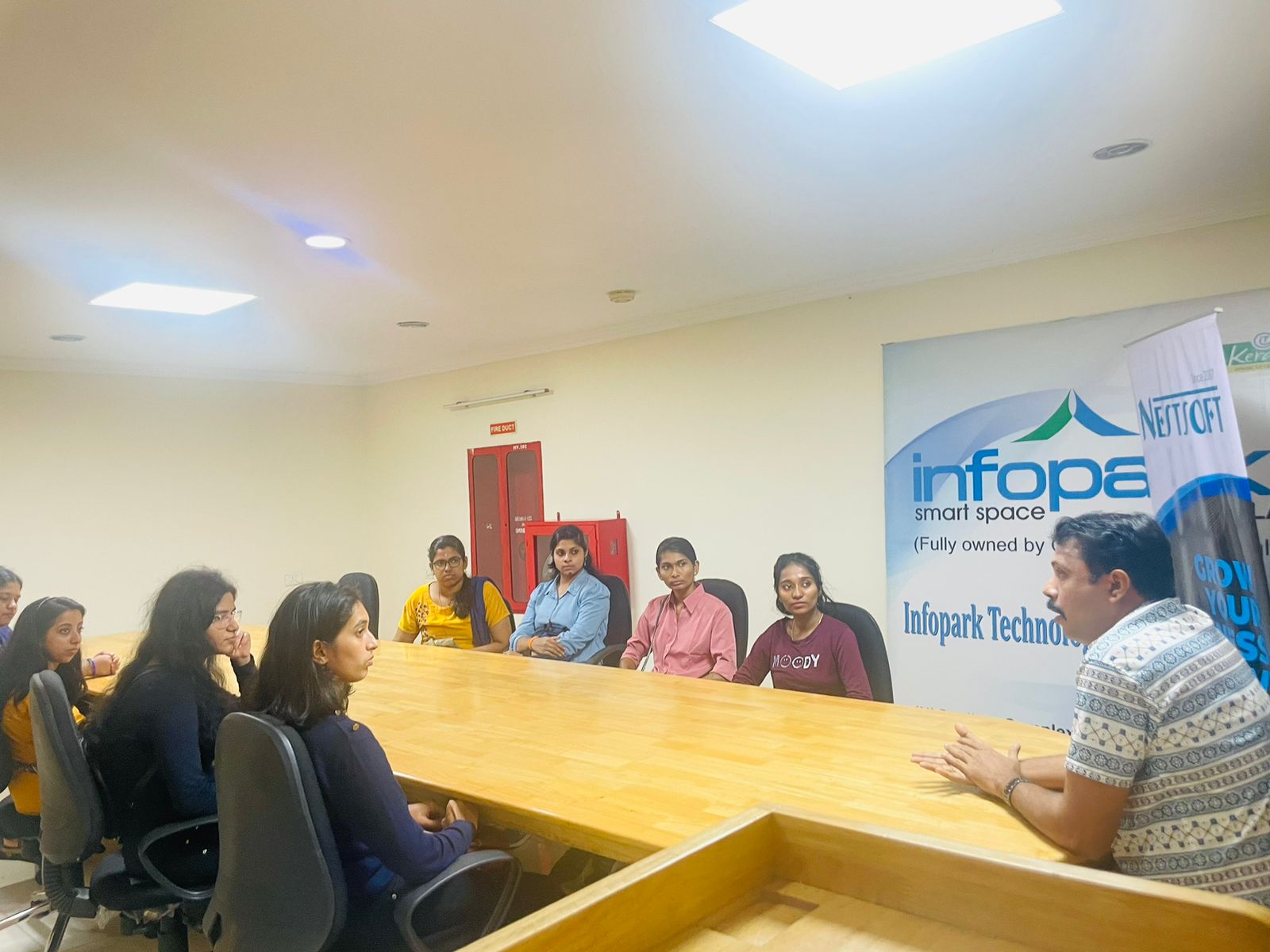
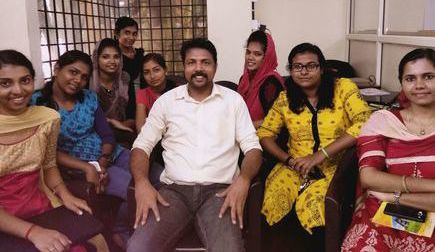
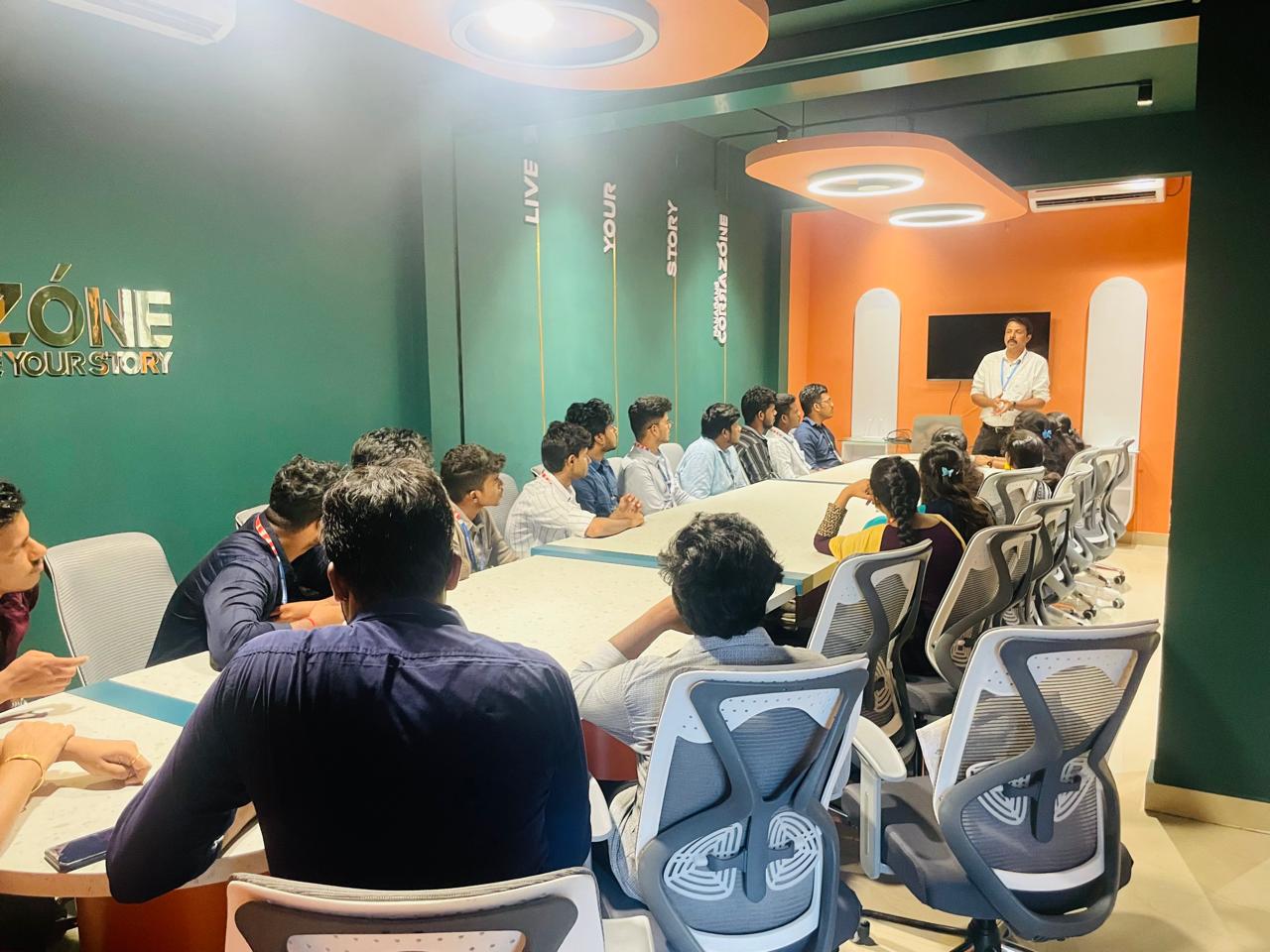
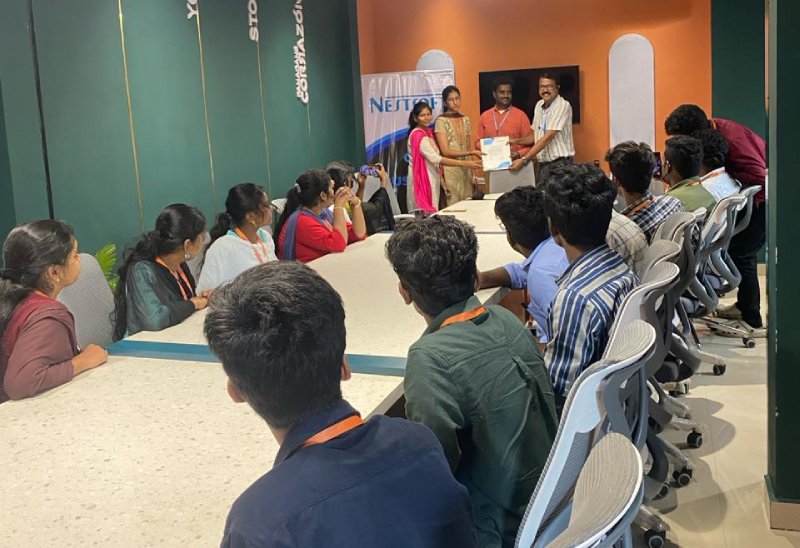
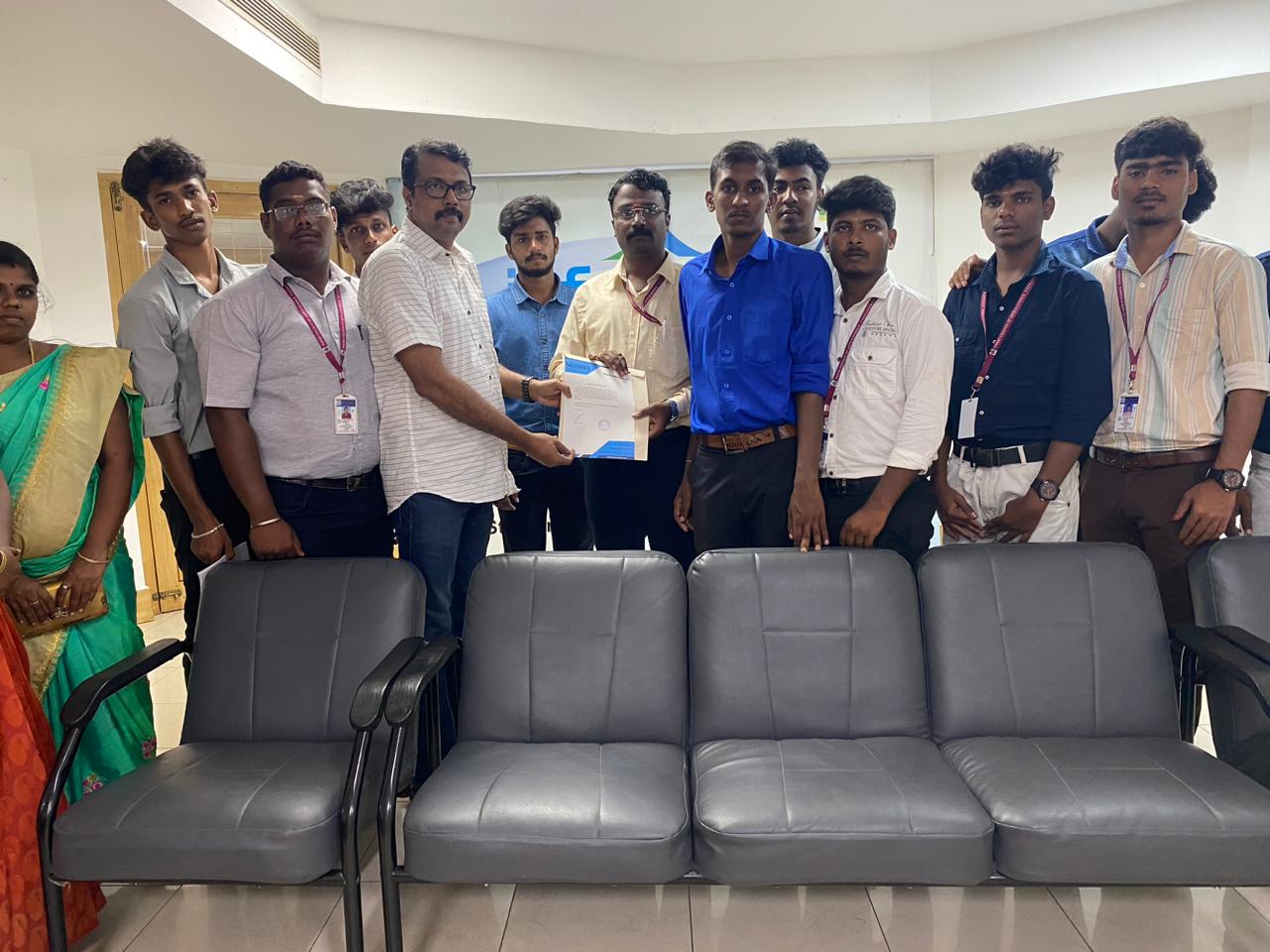
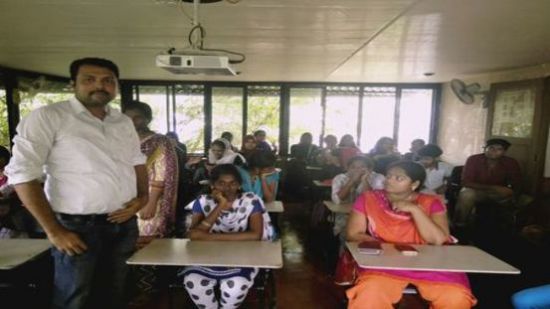
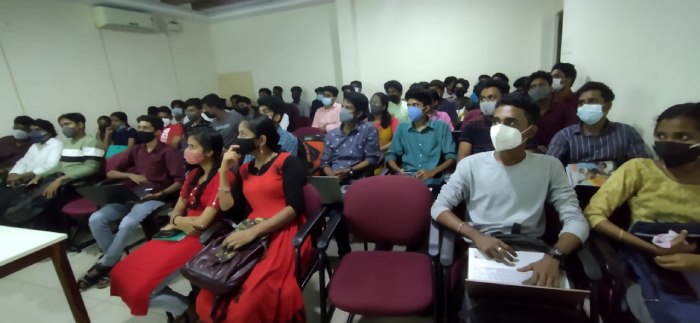
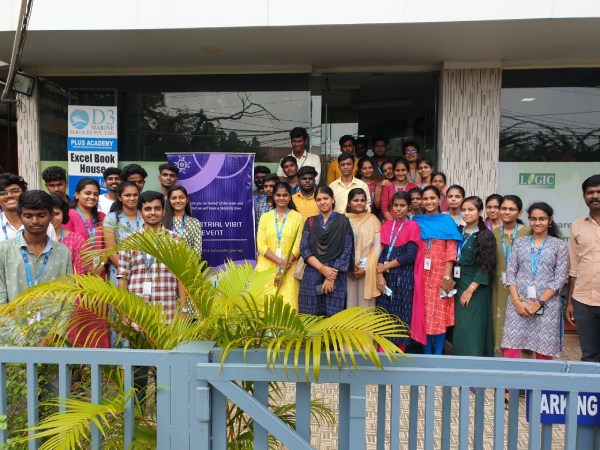
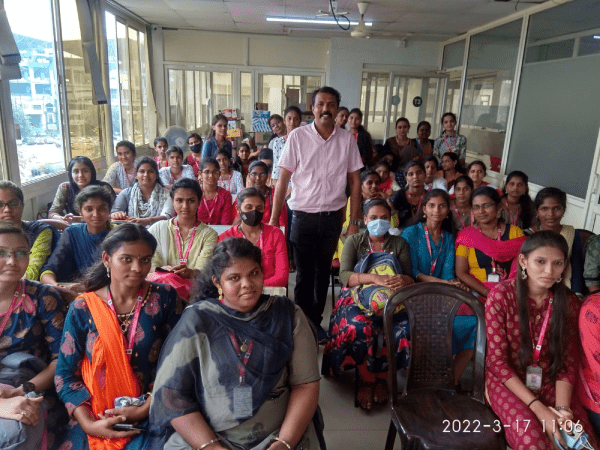
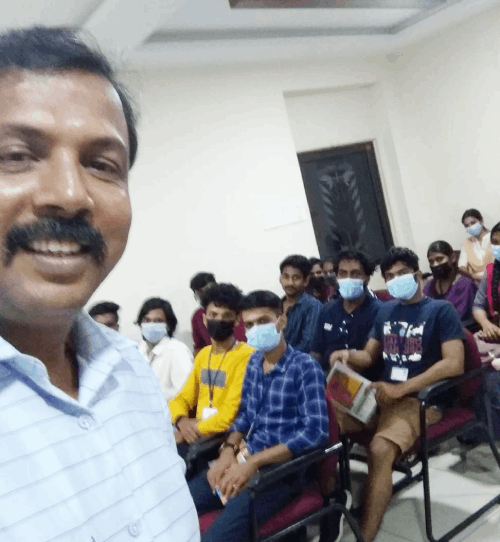
Photos of Training / Internships

Internship/projects in gulbarga

Trained more than 10000+ students who trust Nestsoft TechnoMaster

Get Your Personal Trainer