Send enquiry ⏎

Adobe Illustrator Online Live Class by Experts

Our Training/Internship Process

Adobe Illustrator Online Live Classes in Salem | Free Demo Training

Adobe Illustrator - Syllabus, Fees & Duration

      Module 1: Introduction to Illustrator (1.5 hrs)

    • Overview of Vector Graphics vs. Raster Graphics
    • Illustrator Interface and Navigation
      • Artboards and Workspaces
      • Tools Panel and Properties Panel
    • Creating and Saving Documents
    • Understanding File Formats (AI, EPS, SVG, PDF)

      Module 2: Basic Drawing Tools (2 hrs)

    • Shapes and Paths
      • Rectangle, Ellipse, Polygon, Line tools
      • Working with Fill and Stroke
    • Pen Tool Basics
      • Drawing and Editing Paths
      • Anchor Points and Handles
    • Using the Pencil and Brush Tools

      Module 3: Colors and Gradients (1.5 hrs)

    • Understanding the Color Panel
      • RGB vs. CMYK Modes
      • Swatches and Global Colors
    • Gradients and Gradient Mesh
    • Applying Transparency and Blending Modes

      Module 4: Working with Text (1.5 hrs)

    • Creating and Formatting Text
      • Character and Paragraph Panels
    • Converting Text to Outlines
    • Text on a Path and Text Wrap

      Module 5: Layers and Organizing Artwork (1.5 hrs)

    • Layers Panel Overview
      • Grouping and Ungrouping Objects
      • Locking, Hiding, and Rearranging Layers
    • Clipping Masks
    • Using Guides, Grids, and Smart Guides

      Module 6: Advanced Tools and Effects (2 hrs)

    • Pathfinder and Shape Builder Tools
    • Using the Appearance Panel
      • Applying Effects (Drop Shadow, Outer Glow, etc.)
    • Working with Symbols
    • Creating Patterns

      Module 7: Image Tracing and Masking (1.5 hrs)

    • Image Trace Tool
    • Creating and Using Clipping Masks
    • Opacity Masks for Advanced Effects

      Module 8: Exporting and Finalizing Projects (1.5 hrs)

    • Preparing Artwork for Print vs. Digital
    • Exporting File Formats (PNG, SVG, PDF, etc.)
    • Packaging Files for Clients or Printers

      Module 9: Hands-on Project (2 hrs)

    • Creating a Simple Logo Design
    • Designing a Business Card or Poster
    • Applying Learned Skills to a Practical Task

Download Syllabus - Adobe Illustrator
This syllabus is not final and can be customized as per needs/updates
   
10000+
20+
50+
25+

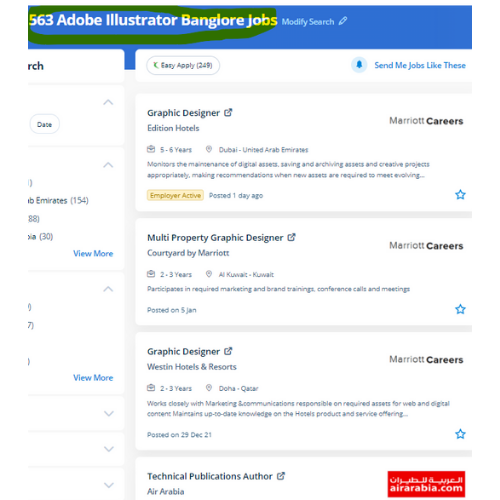
Adobe Illustrator Jobs in Salem

Enjoy the demand

Find jobs related to Adobe Illustrator in search engines (Google, Bing, Yahoo) and recruitment websites (monsterindia, placementindia, naukri, jobshybrid.com, indeed.co.in, shine.com etc.) based in Salem, chennai and europe countries. You can find many jobs for freshers related to the job positions in Salem.

  • Graphic Designer
  • Graphic Trainer
  • Industrial Designer
  • Web Designer
  • Freelance Graphic Designer
  • Illustrator Designer
  • Design Assistant
  • Creative Designer
  • Digital UI/UX Designer
  • Female Graphic Designer

Adobe Illustrator Internship/Course Details

Adobe Illustrator internship jobs in Salem
Adobe Illustrator illustrator has several tools in order that you'll show needed tools and additionally hide unwanted tools as a result of all tools are users rarely use, thus it’s vital to arrange them. Also, the file size is mostly little so that you'll easily share your layout without requiring quite a lot of area. Nestsoft institute offers one of the most effective Adobe illustrator courses. Our distinctive approach of coaching students into figures involves you working on live projects. This provides you the advantage of getting hands-on experience on illustrator projects whereas you are still learning. probably illustrator is the best editor for vector graphics and it produces artworks with pixel-perfect accuracy. you can use Adobe artist on all computer systems so long as the operating system is updated. Adobe illustrator files ar place into an Adobe Photoshop layer and keep the vector qualities. using this you'll turn out attractive logos, detailed illustrations, leaflets, web content designs, and plenty of more additionally produce a number of different sized artboards all in a similar document simply and quickly. you'll be able to use it to create web and print images and therefore the user interface is useful.


Meet a Few of our Industry Experts 🚀 Your Pathway to IT Career

Safal

Mobile: +91 91884 77559
Location: Online (Salem, India)
Qualification: B.Tech CSE with specialisation Cyber Security

Experience: In the last three years I've immersed myself in cybersecurity gaining expertise as a campaign leader and active Mozilla community  more..

Kodam

Mobile: +91 91884 77559
Location: Online (Salem, India)
Qualification: Mcom fa

Experience: Functionality testing Regression Testing retesting Blackbox testing ui testing  more..

vishal

Mobile: +91 9895490866
Location: Online (Salem, India)
Qualification: graduation(bba ca)

Experience: fresher good team leafing English written and spoken languages-hindi English malayalam seo beginner   more..

ABHIRAJ

Mobile: +91 89210 61945
Location: Online (Salem, India)
Qualification: Bsc. Animation & Vfx

Experience: As a motion designer at Reviens Tech I create engaging and dynamic animations for various web and mobile applications I  more..

Vishnu

Mobile: +91 98474 90866
Location: Online (Salem, India)
Qualification: B.com and HDCA programming

Experience: I have technical skills c c++ python HTML & CSS sql developer excel I am a fresher I don't have  more..

Sudarvizhi

Mobile: +91 89210 61945
Location: Online (Salem, India)
Qualification: B. E

Experience: Ios developer and 6 years of experience  more..

Mahesh

Mobile: +91 91884 77559
Location: Online (Salem, India)
Qualification: Bachelor's of Technology

Experience: Figma Prototyping Wireframing Icons design Style guide User persona Color theory Mockups Site maping User maping  more..

Nikund

Mobile: +91 89210 61945
Location: Online (Salem, India)
Qualification: MCA

Experience: I have total 5 year of exp in angular and node js I have worked angular 2 to 11   more..

Sanjay

Mobile: +91 89210 61945
Location: Online (Salem, India)
Qualification: Btech

Experience: Almost 6 years experience in nodejs angular reactjs nextjs aws python etcApplication for Node JS  more..

Raj

Mobile: +91 94975 90866
Location: Online (Salem, India)
Qualification: B.sc. Animation and VFX

Experience: Hi I hope this find you well I have worked in features flim as an Assistant editor and also worked  more..

Kalidaspandian

Mobile: +91 98474 90866
Location: Online (Salem, India)
Qualification: B.Tech (Computer Science)

Experience: I am new to Digital Marketing platform and as a quick learner i can able to catch up the points  more..

ANAND

Mobile: +91 89210 61945
Location: Online (Salem, India)
Qualification: Bachelor of Engineering - Computer Engineering (Pursuing)

Experience: Digital Forensics Forensic tools - Autopsy Ftk Imager Microsoft Office Programming language (basics) - python C++ Artifact parsing (Windows Forensics)  more..

Anna

Mobile: +91 91884 77559
Location: Online (Salem, India)
Qualification: BTech

Experience: I've participated in logo design contests and prepared posters and flyers for my friends; I'm an artist and I love  more..

Arshida.

Mobile: +91 8301010866
Location: Online (Salem, India)
Qualification: B.Ed in Mathematics

Experience: As part of my B Ed programme I got an opportunity to teach at SNDP VHSS Adimali I have 2  more..

VIPIN

Mobile: +91 91884 77559
Location: Online (Salem, India)
Qualification: B Tech

Experience: Experience in networking and system administration field Ccna ccnp mcse course completed  more..

Gokul

Mobile: +91 8301010866
Location: Online (Salem, India)
Qualification: diploma in computer engineering

Experience: php laravel  more..

Pavan

Mobile: +91 98474 90866
Location: Online (Salem, India)
Qualification: Bachelor of computer science

Experience: Java Developer Spring Spring Boot Jsp Servlet Html css java script react js mysql  more..

pradnya

Mobile: +91 8301010866
Location: Online (Salem, India)
Qualification: MCA

Experience: I am skilled in seo on page off page I have good knowledge of google ads and worked in search  more..

Piyush

Mobile: +91 94975 90866
Location: Online (Salem, India)
Qualification: Bsc graduate

Experience: I completed this course big data data engineer data analytics python language aslo  more..

Rashee

Mobile: +91 9895490866
Location: Online (Salem, India)
Qualification: B. Tech

Experience: HTM CSS JavaScript ReactJS Redux MongoDB WordPress Blender Adobe Photoshop Illustrator Canva Web Developer Intern Assist Design Automation Pvt Ltd  more..

Balachandar

Mobile: +91 89210 61945
Location: Online (Salem, India)
Qualification: B.Tech IT

Experience: Core Java c# basics of PHP and Android app development and 9 years of experience  more..

PURNAWATI

Mobile: +91 94975 90866
Location: Online (Salem, India)
Qualification: MCA

Experience: I have skill of Python developer I am fresher   more..

Mrinal

Mobile: +91 8301010866
Location: Online (Salem, India)
Qualification: H. S

Experience: 3 years experience in computer hardware and networking field at jdb itcare 3 years experience in php development 6 month  more..

Ande

Mobile: +91 8301010866
Location: Online (Salem, India)
Qualification: B-Tech

Experience: Programming skills : python C HTML EXCEL Communication skill   more..

Success Stories

The enviable salary packages and track record of our previous students are the proof of our excellence. Please go through our students' reviews about our training methods and faculty and compare it to the recorded video classes that most of the other institutes offer. See for yourself how TechnoMaster is truly unique.

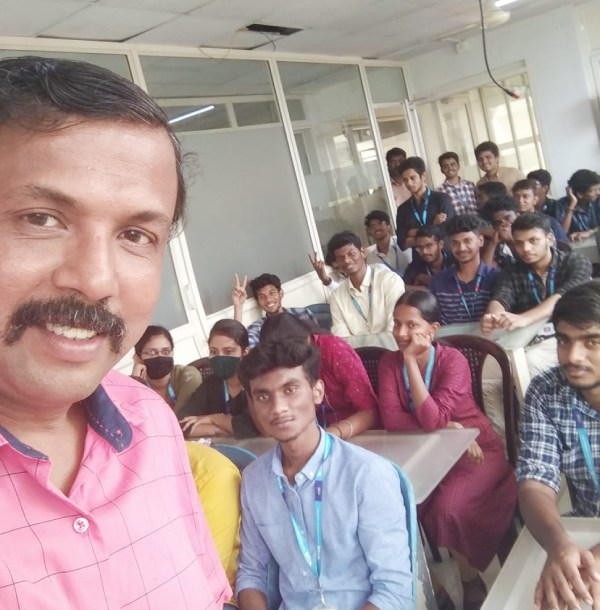
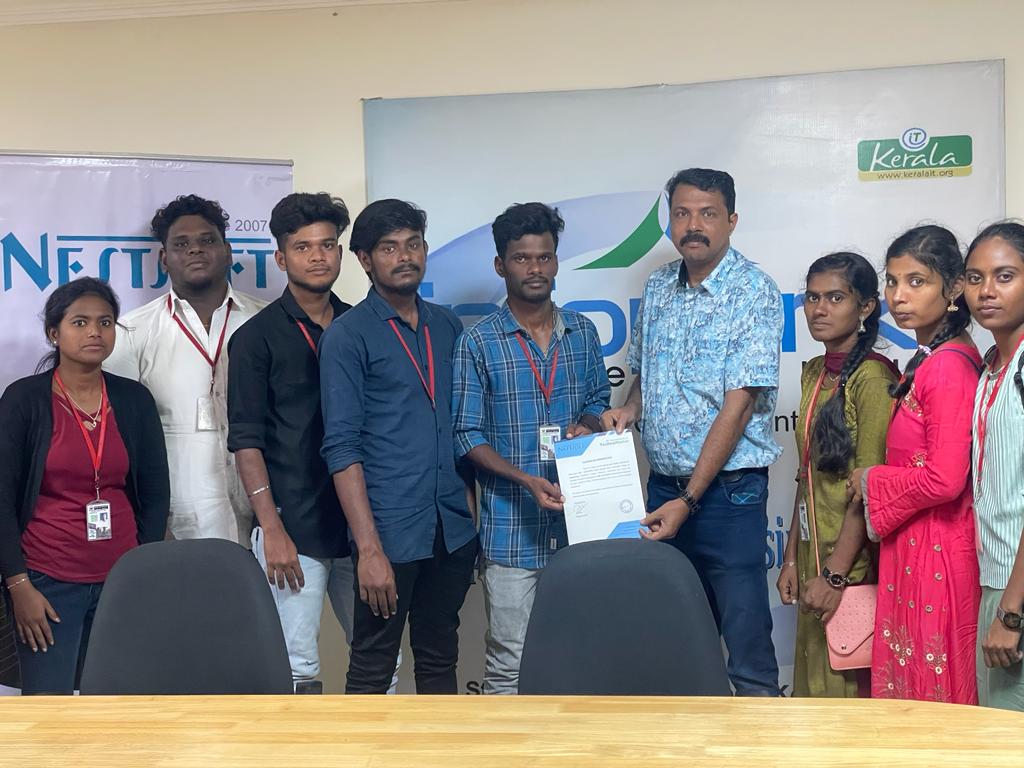
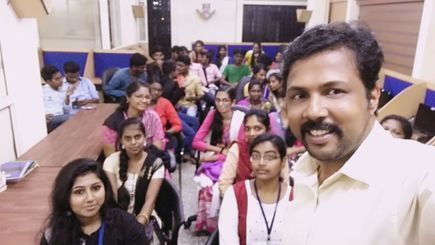
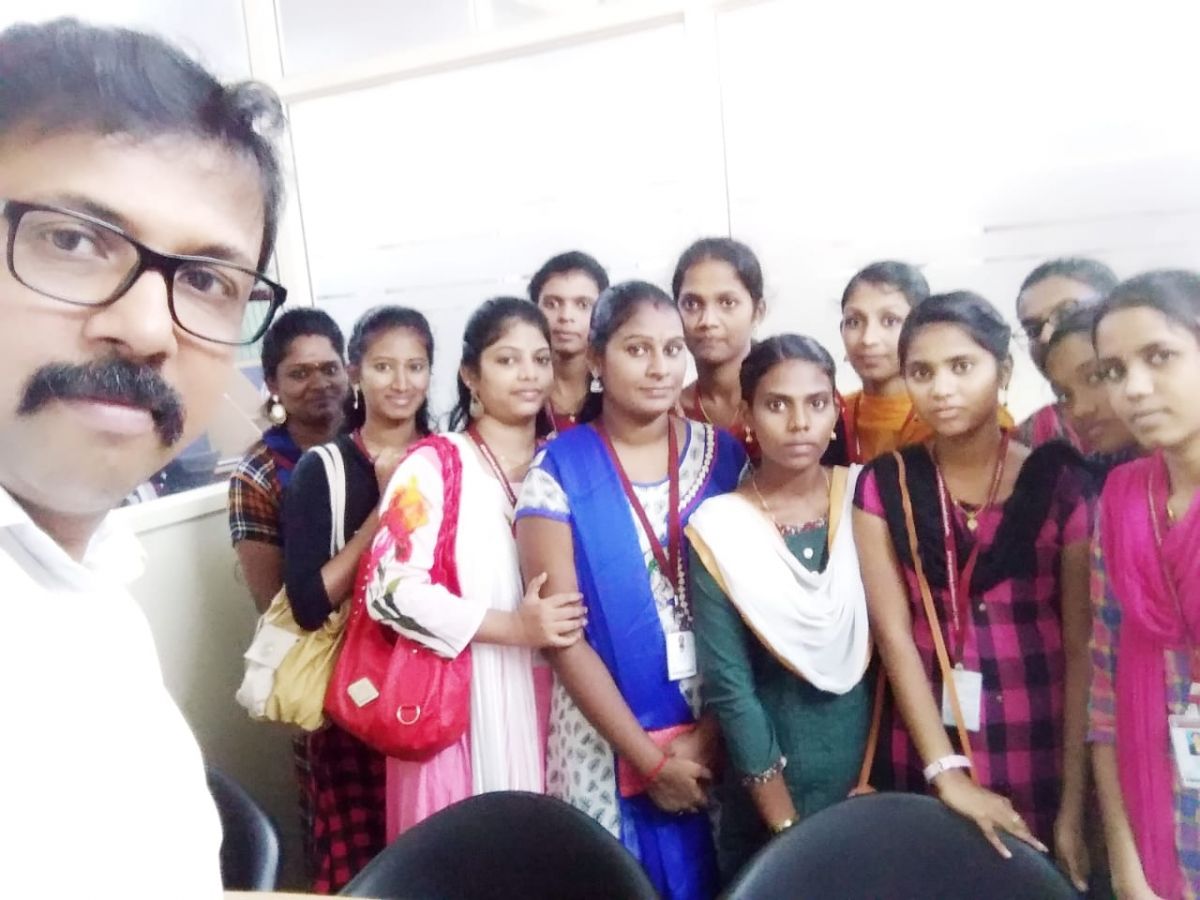
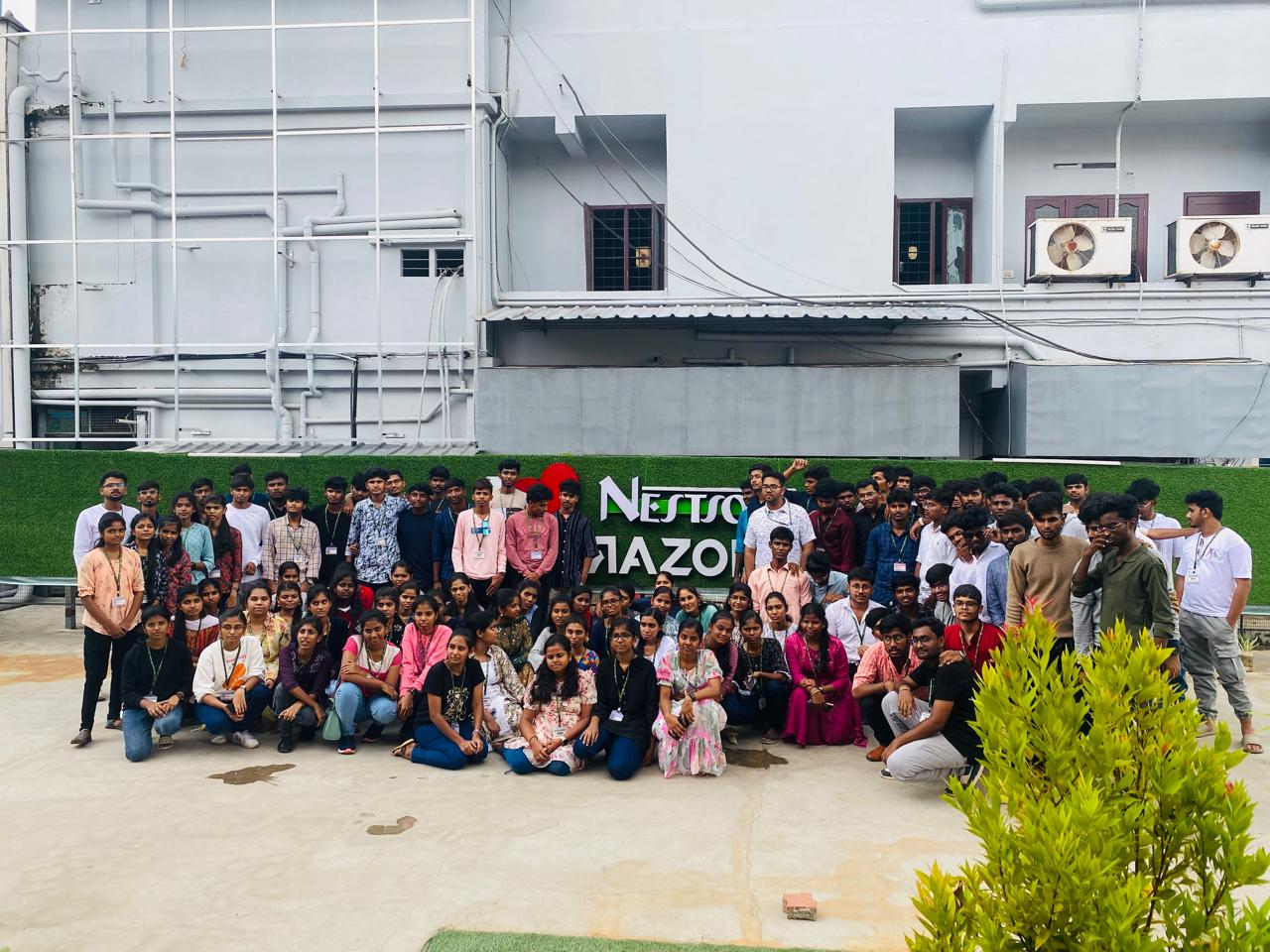
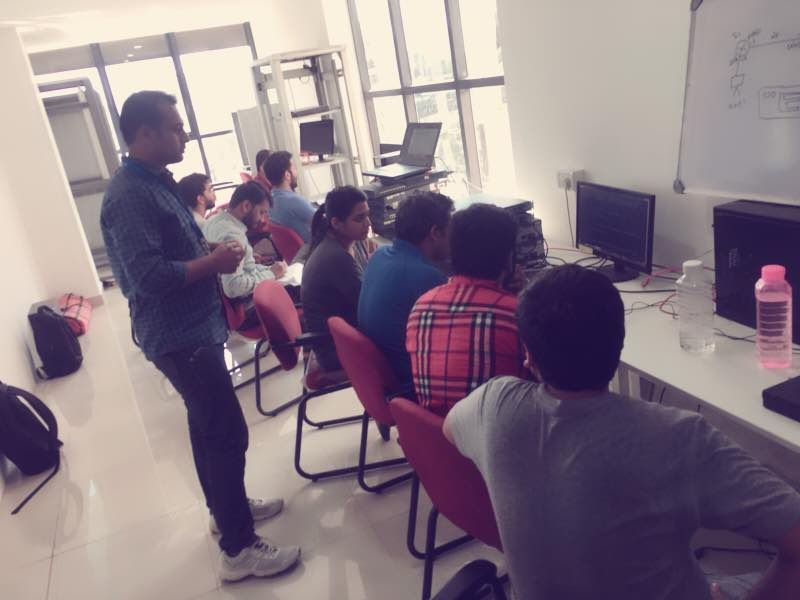
Photos of Training / Internships

Internship/projects in salem

Trained more than 10000+ students who trust Nestsoft TechnoMaster

Get Your Personal Trainer