Send enquiry ⏎

QuickBooks Online Live Class by Experts

Our Training/Internship Process

QuickBooks Online Live Classes in Mangaluru | Free Demo Training

QuickBooks - Syllabus, Fees & Duration

QuickBooks Training Syllabus – 30 Hours

Module 1: Introduction to Accounting & QuickBooks (3 hours)
  • Basics of accounting and financial terms

  • Introduction to QuickBooks Desktop & Online

  • Installation & setup of QuickBooks

  • Interface overview: dashboard, menus, settings


Module 2: Company Setup and Configuration (3 hours)
  • Creating a company file

  • Editing company preferences

  • Setting up fiscal year and currency

  • Backing up and restoring company files


Module 3: Chart of Accounts & Items (3 hours)
  • Understanding chart of accounts

  • Adding/editing accounts

  • Creating product and service items

  • Categorizing income and expenses


Module 4: Customers & Sales Management (4 hours)
  • Creating and managing customer profiles

  • Creating estimates, invoices, and sales receipts

  • Applying payments and handling partial payments

  • Handling sales returns and issuing credit memos


Module 5: Vendors & Expense Management (4 hours)
  • Creating vendor profiles

  • Recording purchases and bills

  • Paying bills manually or automatically

  • Tracking expenses and refunds


Module 6: Inventory & Asset Management (2 hours)
  • Setting up inventory items

  • Managing stock and reorder levels

  • Non-inventory and service items

  • Asset tracking and adjustments


Module 7: Bank Transactions (3 hours)
  • Linking and managing bank accounts

  • Reconciling accounts

  • Importing bank statements

  • Handling deposits and transfers


Module 8: Payroll & GST (4 hours)
  • Overview of payroll in QuickBooks

  • Setting up employee profiles

  • Calculating salaries, deductions, and taxes

  • Enabling and managing GST/VAT (India-specific)


Module 9: Financial Reporting & Analysis (3 hours)
  • Generating key reports: Profit & Loss, Balance Sheet, Cash Flow

  • Customizing reports

  • Exporting and printing reports

  • Basic financial analysis


Module 10: Project Work & Live Use Case (3 hours)
  • Create a sample business in QuickBooks

  • Perform full-cycle transactions (sales, purchases, payroll, GST)

  • Generate end-to-end reports

  • Troubleshooting and Q&A


Additional Features:
  • Multi-user access & roles

  • Data security & user permissions

  • QuickBooks mobile & cloud usage

  • Tips for freelancers and small businesses


Outcome:

By the end of the 30-hour course, students will:

  • Be proficient in managing small to medium business accounts using QuickBooks

  • Gain hands-on experience through live projects

  • Be ready for jobs in accounting, bookkeeping, or freelancing

  • Receive certification and internship support (if provided)

    Download Syllabus - QuickBooks
    This syllabus is not final and can be customized as per needs/updates
   
10000+
20+
50+
25+

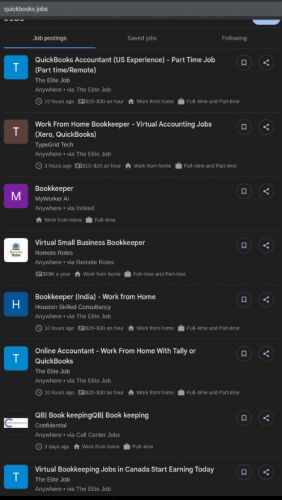
QuickBooks Jobs in Mangaluru

Enjoy the demand

Find jobs related to QuickBooks in search engines (Google, Bing, Yahoo) and recruitment websites (monsterindia, placementindia, naukri, jobshybrid.com, indeed.co.in, shine.com etc.) based in Mangaluru, chennai and europe countries. You can find many jobs for freshers related to the job positions in Mangaluru.

  • Accounts Executive
  • Bookkeeper
  • Payroll Executive
  • Accounts Assistant
  • Tax Assistant (GST/VAT)
  • Freelance Accountant
  • Finance Executive
  • Audit Assistant
  • Office Administrator with Accounts
  • QuickBooks Consultant / Trainer

QuickBooks Internship/Course Details

QuickBooks internship jobs in Mangaluru
QuickBooks QuickBooks Training Course by Technomaster is a career-focused program designed to equip you with practical accounting and financial management skills using one of the world’s most widely used bookkeeping tools. . Taught by experienced industry professionals, the training includes real-time projects, live online or offline sessions, and hands-on exercises tailored to real-world business needs. You’ll also gain access to a live internship, enabling you to apply your skills in a working environment and enhance your resume. Whether you're a student, entrepreneur, finance professional, or job seeker, this course covers everything from setting up a company file to managing sales, expenses, payroll, GST, and generating financial reports. With certification and placement assistance included, this course is ideal for those looking to build a successful career in accounting, finance, or business administration using QuickBooks Desktop or Online versions.


Meet a Few of our Industry Experts 🚀 Your Pathway to IT Career

Sowmya

Mobile: +91 91884 77559
Location: Online (Mangaluru, India)
Qualification: M.tech

Experience: Siem IBM Qradar malware analysis host analysis wireshark ips ids firewall  more..

Vipin

Mobile: +91 91884 77559
Location: Online (Mangaluru, India)
Qualification: Graduate

Experience: Experienced IT professional with a background in hardware networking and technical support Transitioned into the DevOps field in 2022 currently  more..

Raihana

Mobile: +91 91884 77559
Location: Online (Mangaluru, India)
Qualification: BCA

Experience:  Monitor security alerts and incidents  Analyze security events to identify potential threats and vulnerabilities  Assist in incident  more..

Nasheema

Mobile: +91 98474 90866
Location: Online (Mangaluru, India)
Qualification: BA Literature

Experience: Video editing to my mobile data analysis and Data entry operator in higher system administrator ms office Excel networking  more..

Rutvik

Mobile: +91 98474 90866
Location: Online (Mangaluru, India)
Qualification: BCA (Bachelor of Computer Applications)

Experience: php laravel code ignitor ajax jquery javascript core php mysql 5yr exp in backendApplication for PHP Laravel  more..

Kajal

Mobile: +91 98474 90866
Location: Online (Mangaluru, India)
Qualification: mca

Experience: Html css js react js basic cloud zure  more..

Navjot

Mobile: +91 91884 77559
Location: Online (Mangaluru, India)
Qualification: M.tech

Experience: I am very good in html css and wordpress I made website for my client I also have knowledge of  more..

Vinodha

Mobile: +91 9895490866
Location: Online (Mangaluru, India)
Qualification: M.C.A

Experience: java Seleniunm manual testing and Automation testing  more..

Mohd

Mobile: +91 89210 61945
Location: Online (Mangaluru, India)
Qualification: B.tech

Experience: Kotlin java flutter dart android studio  more..

Neetu

Mobile: +91 94975 90866
Location: Online (Mangaluru, India)
Qualification: MCA

Experience: Data Structures algorithms c++ SQL DBMS Golang Object oriented programming Operating system Computer networking  more..

Saksham

Mobile: +91 91884 77559
Location: Online (Mangaluru, India)
Qualification: B.Tech

Experience: I have 1 year of experience as dotnet developer  more..

Ridhin

Mobile: +91 9895490866
Location: Online (Mangaluru, India)
Qualification: BTech(IT)

Experience: odoo python javascript psql xml and git  more..

Vasantha

Mobile: +91 89210 61945
Location: Online (Mangaluru, India)
Qualification: Graduation

Experience: I have 5 experience as Canva Designer and I am able to design logos posters ect as per client requirements  more..

Gowsalya

Mobile: +91 91884 77559
Location: Online (Mangaluru, India)
Qualification: M,sc computer science

Experience: Core Java Manual testing Automation testing  more..

Susmitha

Mobile: +91 91884 77559
Location: Online (Mangaluru, India)
Qualification: Mca

Experience: 2 year experience in odoo developing   more..

Sharique

Mobile: +91 91884 77559
Location: Online (Mangaluru, India)
Qualification: MBA - Public Health Informatics

Experience: I am an MBA graduate in PUBLIC HEALTH INFORMATICS with FELLOWSHIP in HMIS having certification in DATA ANALYTICS from IIM-R  more..

Nayana

Mobile: +91 8301010866
Location: Online (Mangaluru, India)
Qualification: BTech

Experience: 1 year experience as a software testing Trainee Manual Testing  more..

ABI.

Mobile: +91 94975 90866
Location: Online (Mangaluru, India)
Qualification: Mca

Experience: Html css Java script react js redux dca  more..

Dasari

Mobile: +91 9895490866
Location: Online (Mangaluru, India)
Qualification: B.tech

Experience: I have good programming and technical skills and as well as certification in mern stack development   more..

Abhishek

Mobile: +91 89210 61945
Location: Online (Mangaluru, India)
Qualification: Btech

Experience: Wix developer Knowledge of html html 5 css Done 5 projects  more..

Madhumitha

Mobile: +91 8301010866
Location: Online (Mangaluru, India)
Qualification: B.Tech IT

Experience: Experience : 3years Skills Front End Jquery Javascript Ajax Bootstrap html css Backend Laravel php Database Mysql |   more..

Rahul

Mobile: +91 91884 77559
Location: Online (Mangaluru, India)
Qualification: B.tech Graduate

Experience: I have completed 6 months training at Obsqura Zone Tvm on Manual Testing and Selenium Automation testing Skills: Basic Java  more..

Bikram

Mobile: +91 91884 77559
Location: Online (Mangaluru, India)
Qualification: B.tech

Experience: I have 1 year experience in canva design  more..

vishal

Mobile: +91 94975 90866
Location: Online (Mangaluru, India)
Qualification: graduation(bba ca)

Experience: fresher good team leafing English written and spoken languages-hindi English malayalam seo beginner   more..

Success Stories

The enviable salary packages and track record of our previous students are the proof of our excellence. Please go through our students' reviews about our training methods and faculty and compare it to the recorded video classes that most of the other institutes offer. See for yourself how TechnoMaster is truly unique.

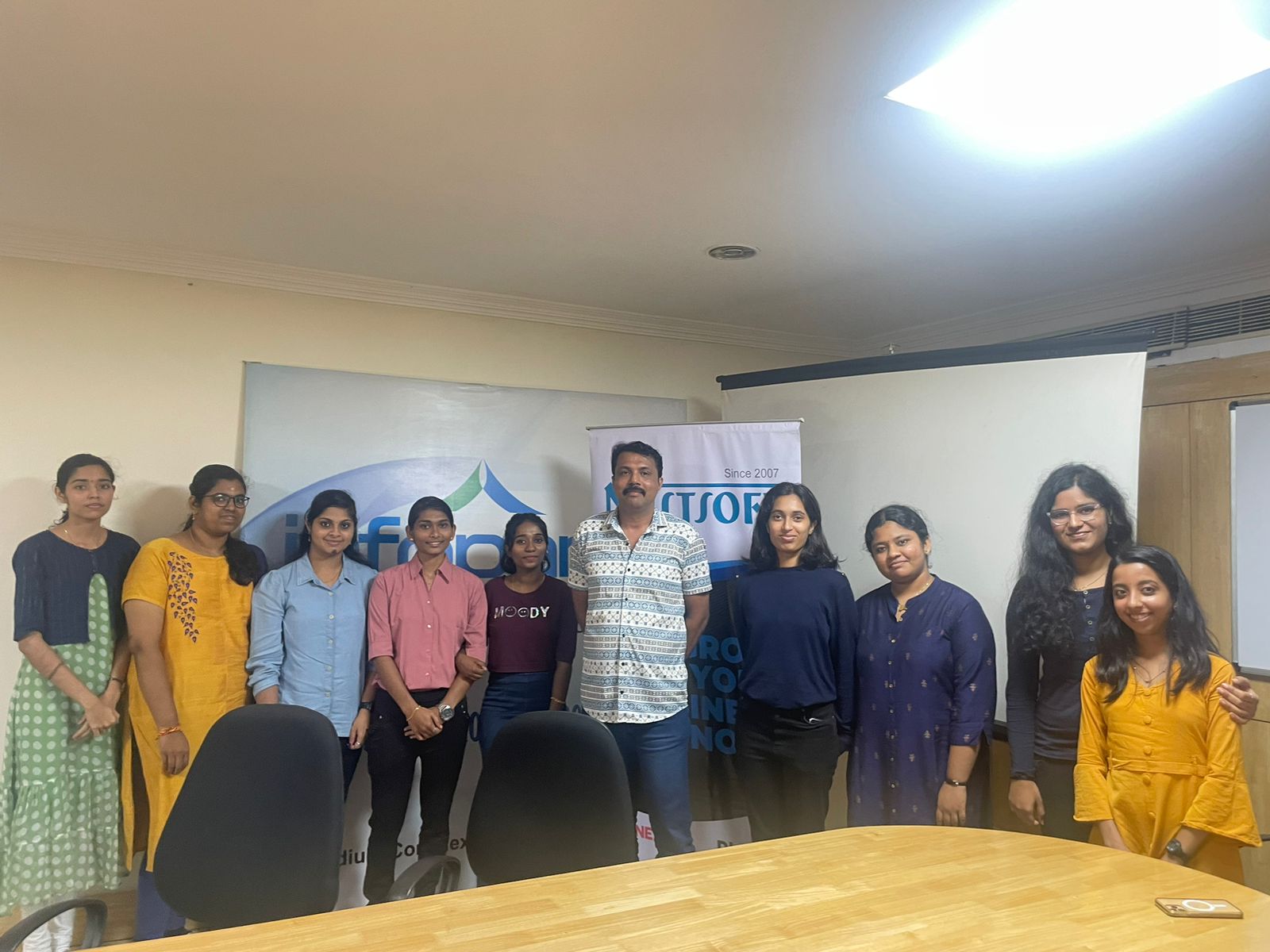
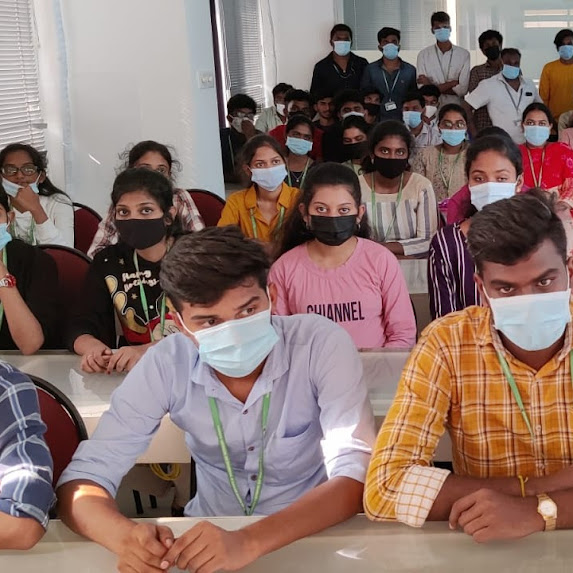
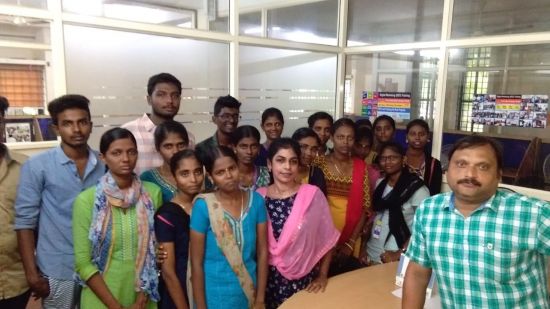
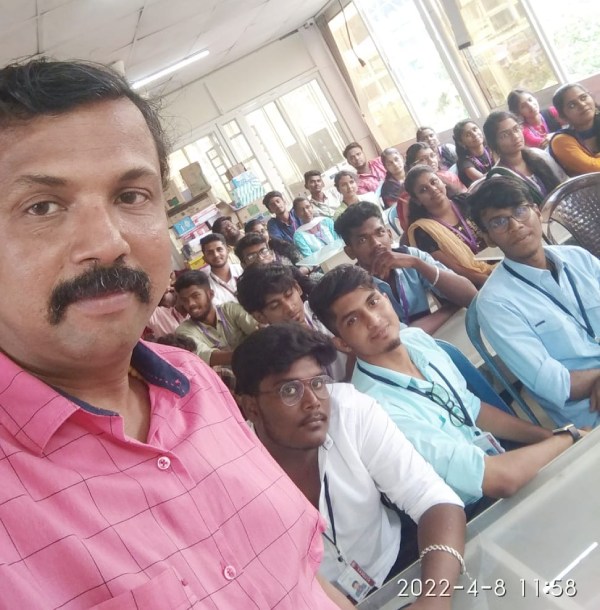
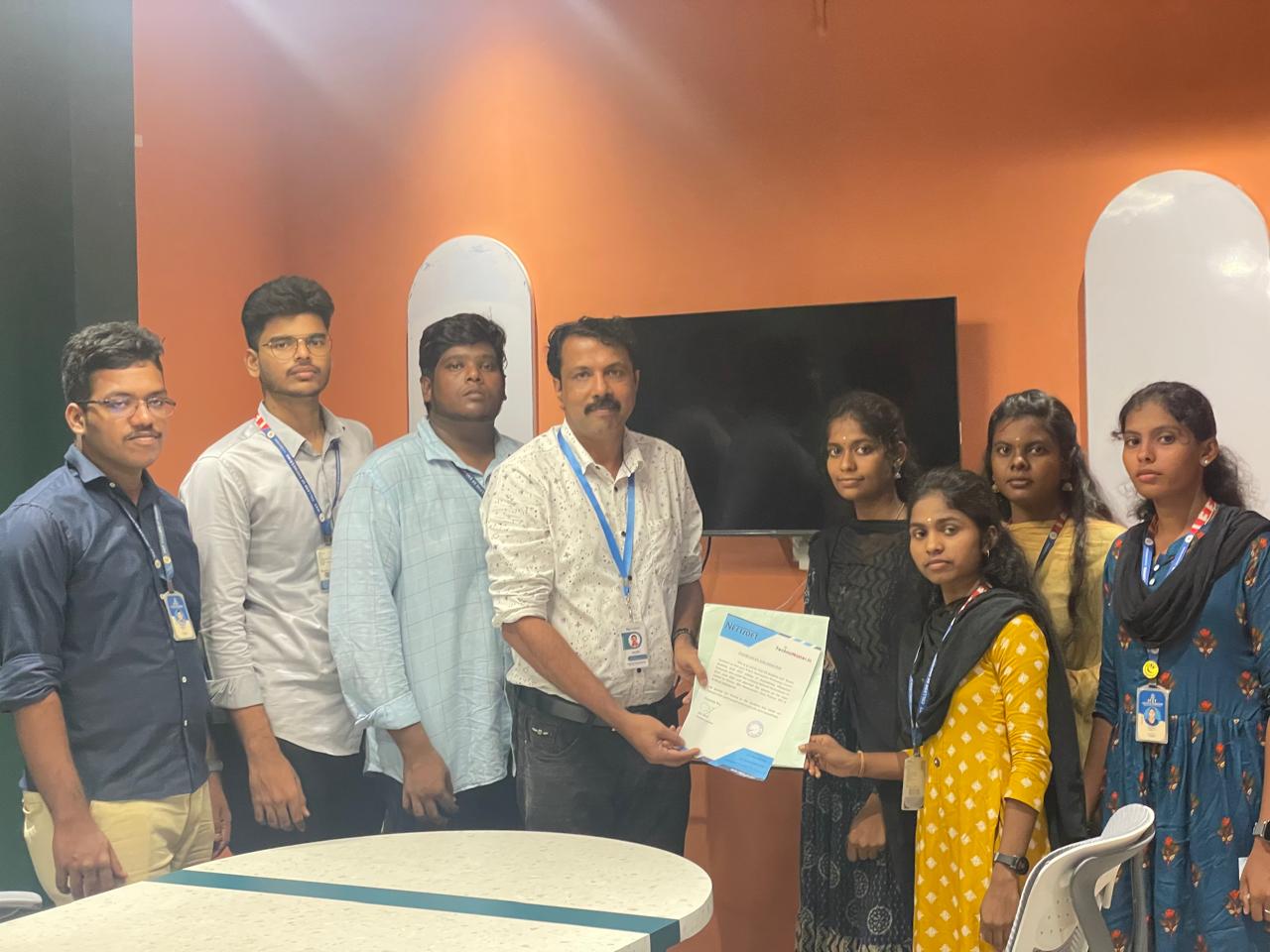
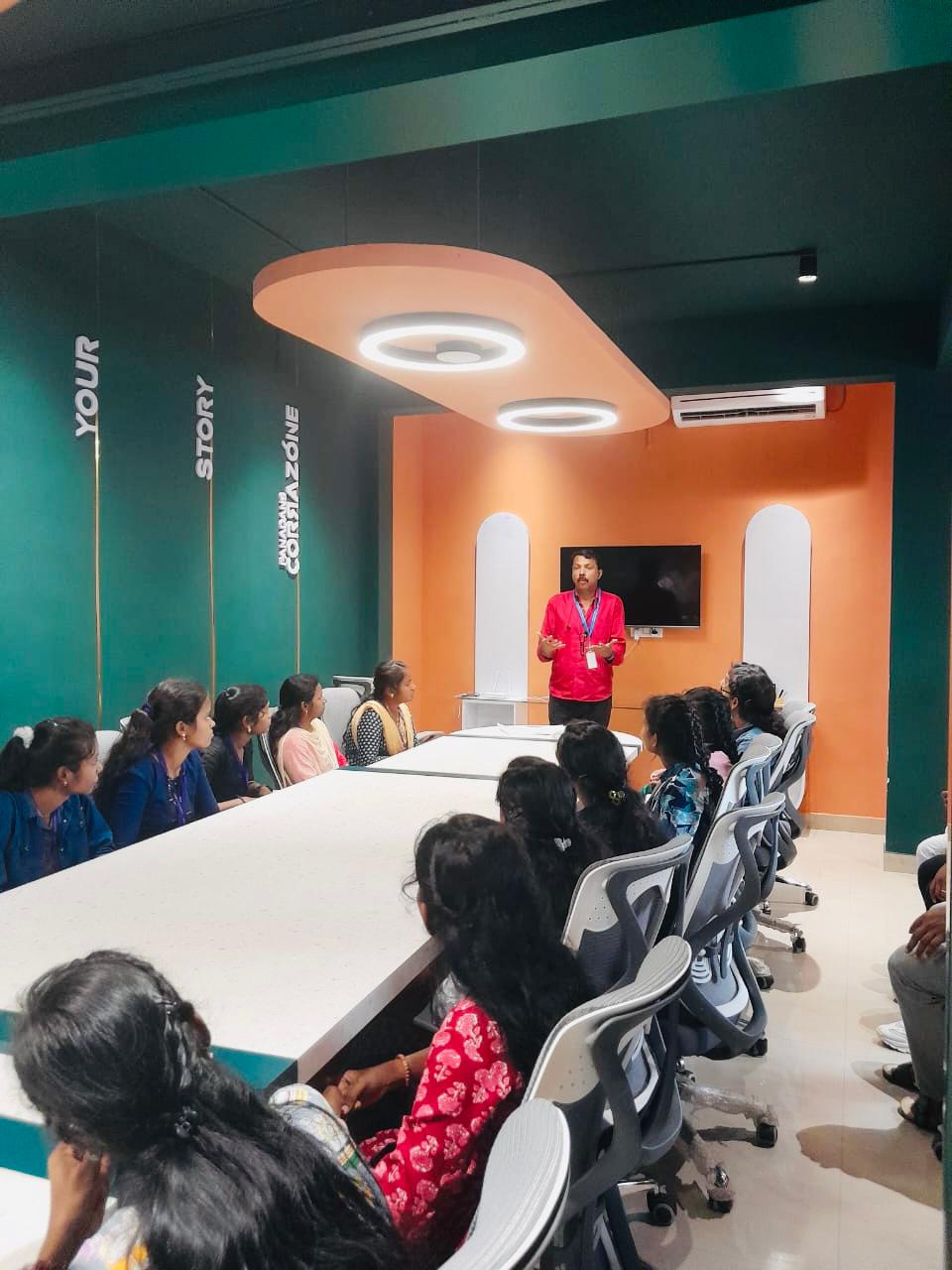
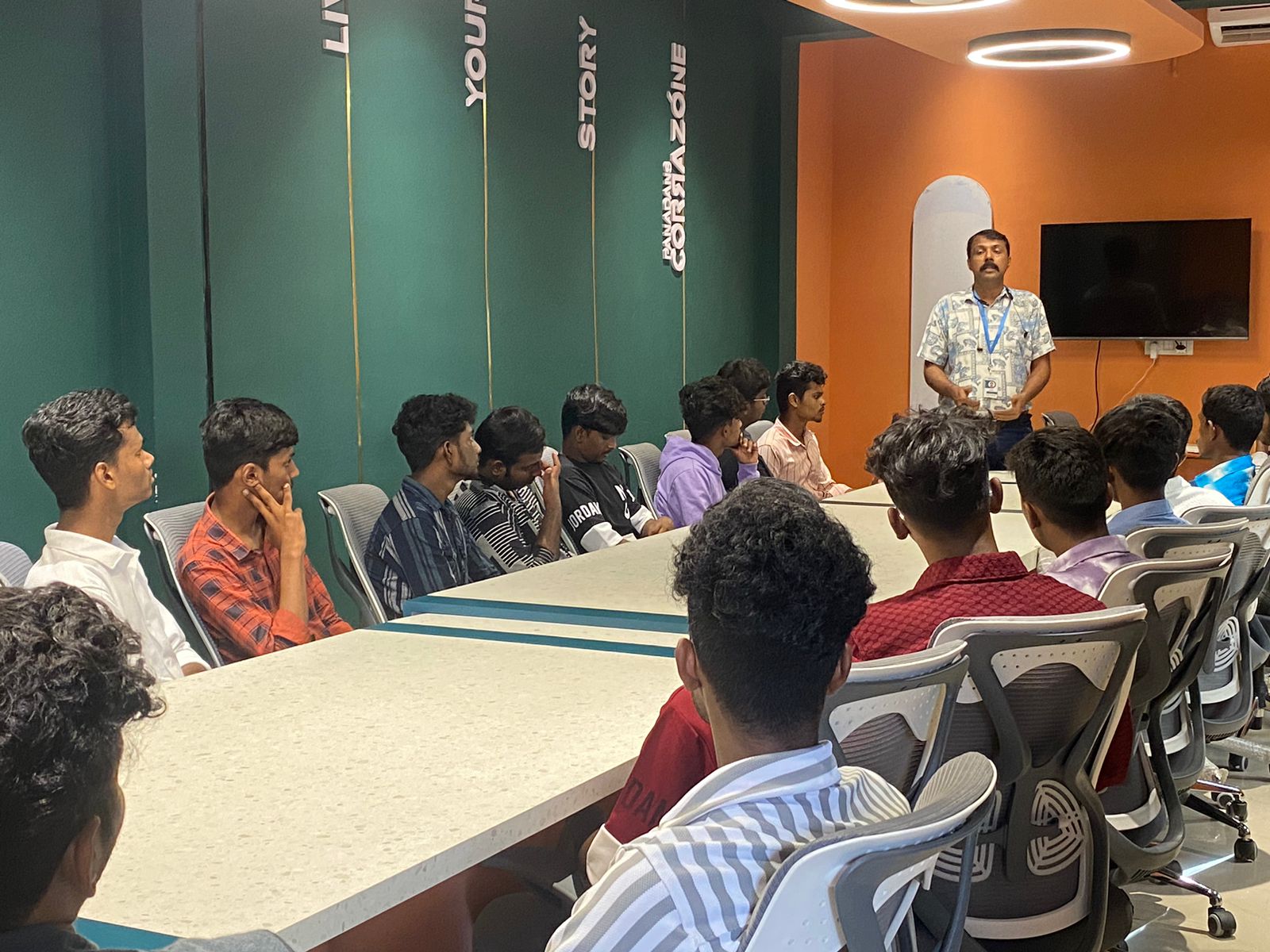
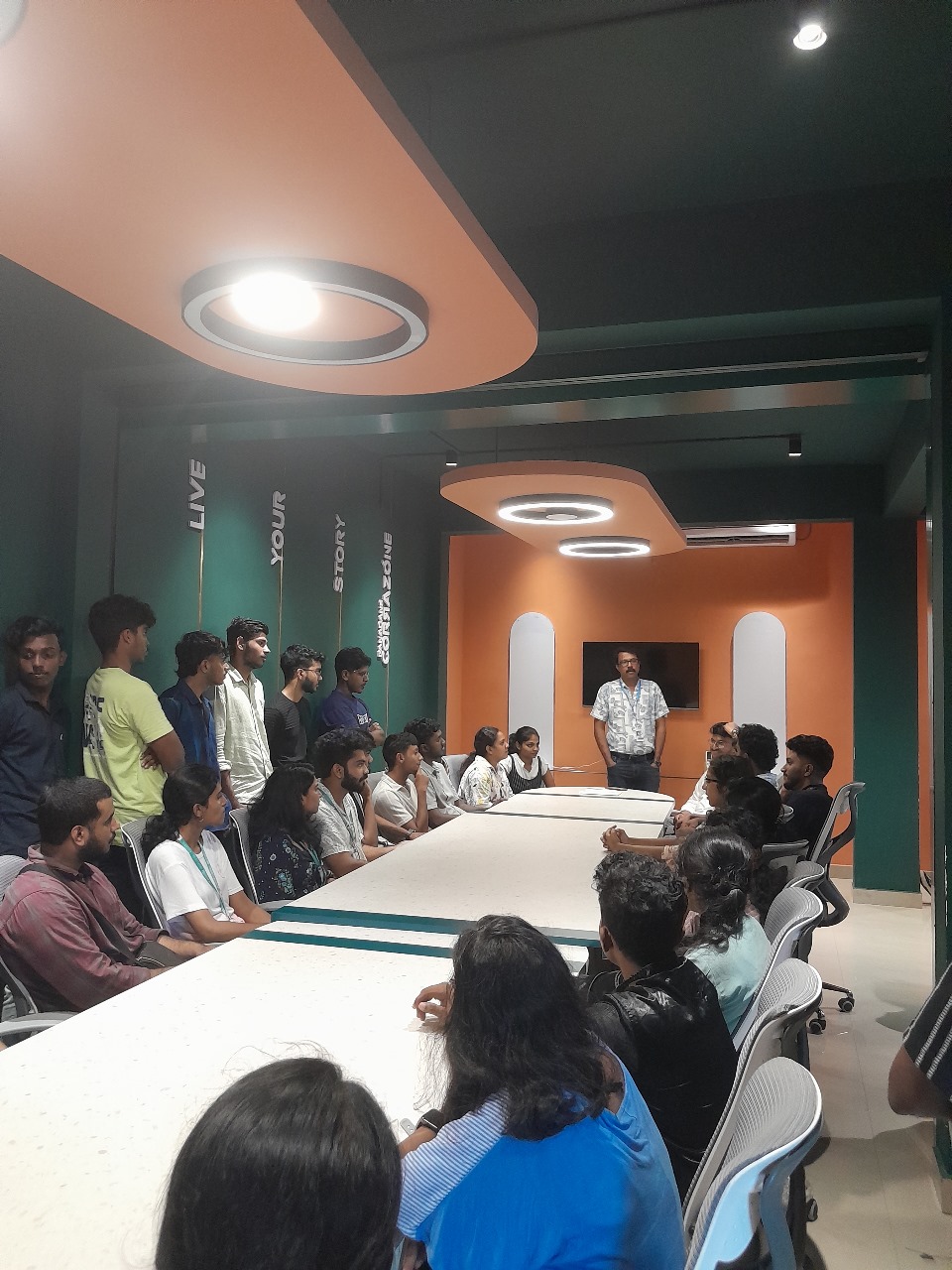
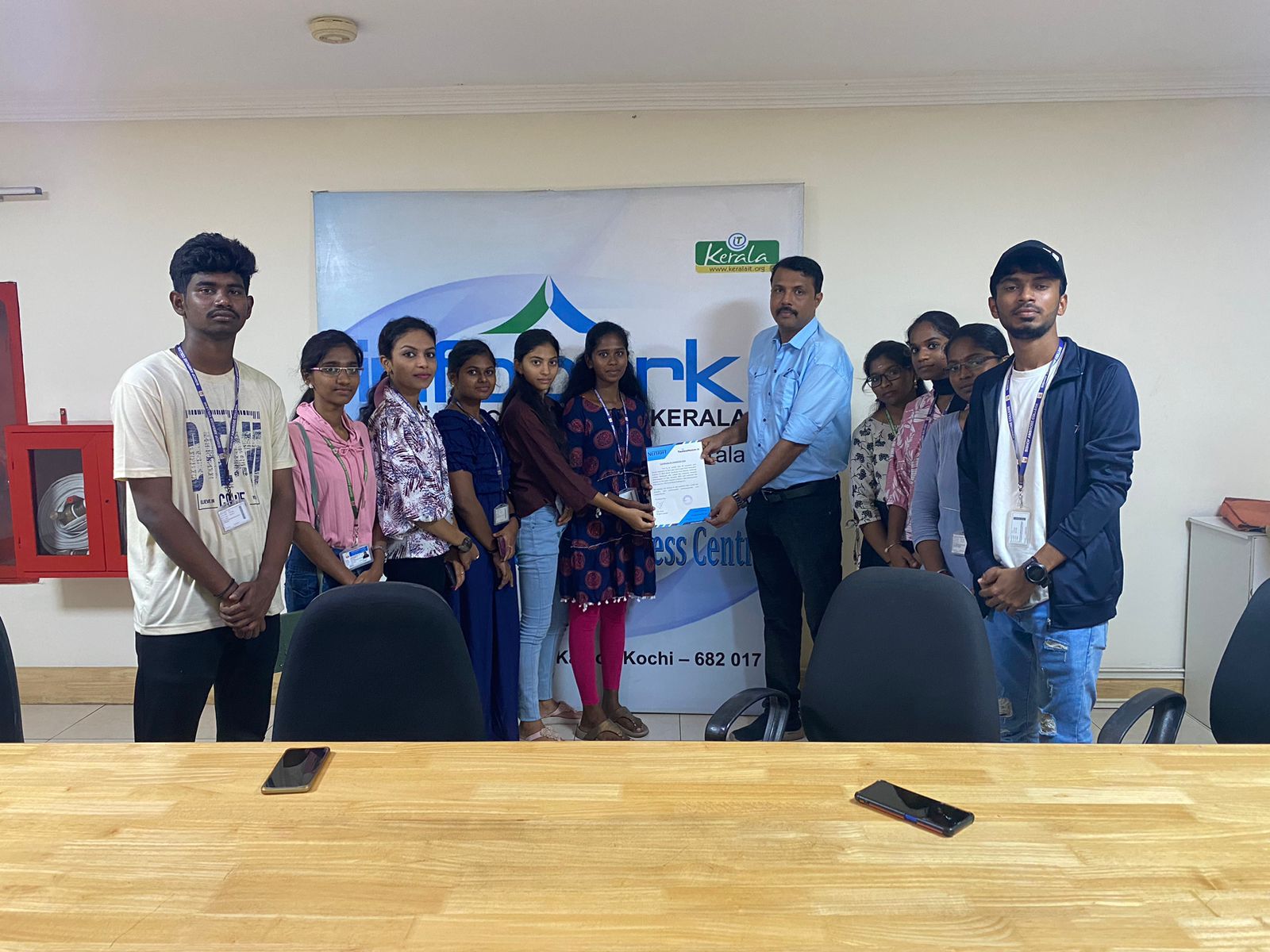
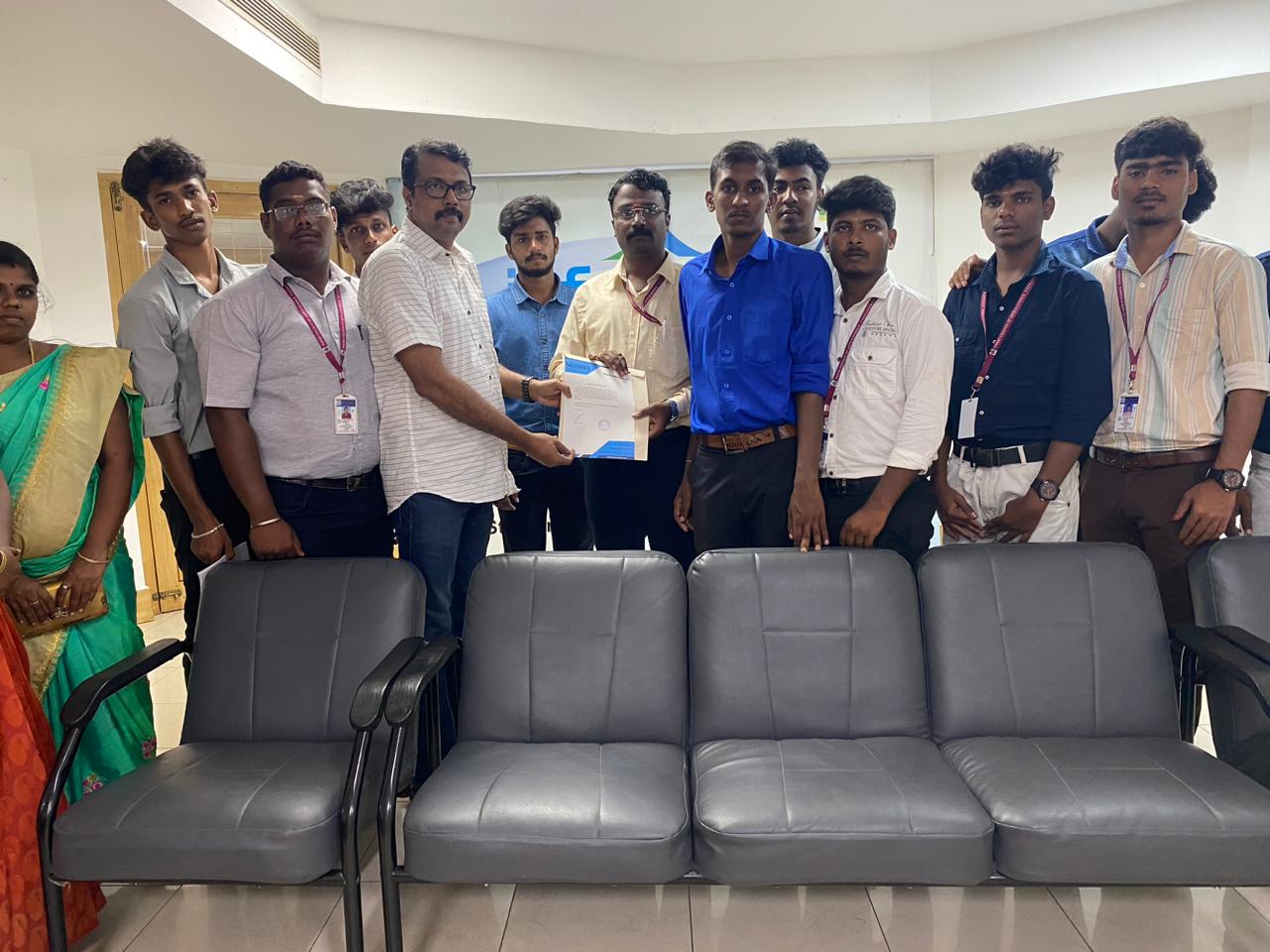
Photos of Training / Internships

Internship/projects in mangaluru

Trained more than 10000+ students who trust Nestsoft TechnoMaster

Get Your Personal Trainer