Send enquiry ⏎

Adobe Premier Pro CC Online Live Class by Experts

Our Training/Internship Process

Adobe Premier Pro CC Online Live Classes in Pune | Free Demo Training

Adobe Premier Pro CC - Syllabus, Fees & Duration

      Module 1: Introduction to Premiere Pro (1 Hour)

      Objective: Familiarize students with Premiere Pro’s interface and basic setup.

      • Overview of Premiere Pro and its applications
      • Interface tour: Workspace, Timeline, Source Monitor, and Program Monitor
      • Setting up a new project: Sequence settings and file organization
      • Importing media: Video, audio, and graphics
      • Keyboard shortcuts for efficient editing

      Practical: Create a new project and import media files.

      Module 2: Basic Video Editing Techniques (2 Hours)

      Objective: Learn essential tools and techniques for video editing.

      • Adding clips to the timeline and trimming
      • Working with the Razor tool for cutting clips
      • Using the Ripple Edit and Rolling Edit tools
      • Understanding the timeline: Tracks, markers, and snapping
      • Adjusting clip speed: Slow motion and fast motion

      Practical: Assemble and edit a short video sequence.

      Module 3: Audio Editing and Enhancements (1.5 Hours)

      Objective: Understand and apply audio editing techniques.

      • Importing and editing audio files
      • Adjusting audio levels and keyframes
      • Applying audio effects and transitions
      • Using the Essential Sound panel for audio cleanup
      • Syncing audio and video

      Practical: Add background music and adjust audio levels for a video.

        Module 4: Transitions and Effects (1.5 Hours)

        Objective: Enhance videos with transitions and effects.

        • Applying video transitions: Cut, dissolve, and wipe
        • Using the Effects panel: Blur, color effects, and distortions
        • Keyframing for animation effects
        • Adding and adjusting motion: Position, scale, and rotation
        • Introduction to nested sequences

        Practical: Apply transitions and effects to a video sequence.

        Module 5: Color Correction and Grading (1.5 Hours)

        Objective: Learn color correction and grading techniques.

        • Understanding Lumetri Color panel
        • Adjusting exposure, contrast, and saturation
        • Using color wheels and curves for grading
        • Creating and applying LUTs (Look-Up Tables)
        • Matching colors between clips

        Practical: Perform color correction and grading on a provided video.

        Module 6: Titles, Graphics, and Exporting (2.5 Hours)

        Objective: Create professional titles and graphics and export the final video.

        • Adding and customizing text with the Essential Graphics panel
        • Creating lower thirds and animated titles
        • Adding captions or subtitles
        • Export settings: File formats and presets (H.264, 4K, etc.)
        • Rendering and exporting the final video

        Practical: Create an end-to-end video project with titles, transitions, and audio, then export it.

    Download Syllabus - Adobe Premier Pro CC
    This syllabus is not final and can be customized as per needs/updates
   
10000+
20+
50+
25+

Adobe Premier Pro CC Jobs in Pune

Enjoy the demand

Find jobs related to Adobe Premier Pro CC in search engines (Google, Bing, Yahoo) and recruitment websites (monsterindia, placementindia, naukri, jobshybrid.com, indeed.co.in, shine.com etc.) based in Pune, chennai and europe countries. You can find many jobs for freshers related to the job positions in Pune.

  • Motion Graphic Designer
  • Motion Graphic Trainer
  • Video Editor
  • Motion Designer
  • Graphic Designer
  • Video Content Creator
  • Videographer
  • 2d Motion Designer
  • 2d And 3d Animator
  • Media Production

Adobe Premier Pro CC Internship/Course Details

Adobe Premier Pro CC internship jobs in Pune
Adobe Premier Pro CC Nestsoft can cover essential topics like creating time-lapse videos, building a rough cut, working with audio, and incorporating motion and titles in your videos. If you get caught or have a question, you have the choice of sharing your display with the trainer who will deal with any questions. . It is used in the main Video and film editors and post-production professionals, Motion graphics designers, etc. It helps you to open a range of projects at the same time. Our specialists in this field cover several time-saving workflows and tools together with Dynamic Link with After Effects, Audition, and Media Encoder. we've Adobe Premiere Pro classes and Courses for each timetable and budget, led by skilled experts who assist you to quickly and easily attain skilled outcomes together with your work. Adobe team members can share their work with others which creates a simple workflow with no interruptions. using the responsive interface feature of premier pro you'll add additional productivity and efficiency to your work. With our online Premiere pro courses, you’ll have the power to examine the trainer’s display, listen to ideas and explanations, and whereas exercising as you study Premiere pro.


Meet a Few of our Industry Experts 🚀 Your Pathway to IT Career

Sachin

Mobile: +91 89210 61945
Location: Online (Pune, India)
Qualification: B.E. electrical engineering

Experience: Digital forensics owasp top 10 vulnerabilities vapt firewall etc  more..

ANJANA

Mobile: +91 94975 90866
Location: Online (Pune, India)
Qualification: Btech

Experience: Dedicated and detail-oriented IT professional with a strong passion for cybersecurity and networking Adept atidentifying vulnerabilities implementing security measures and  more..

ARDRA

Mobile: +91 94975 90866
Location: Online (Pune, India)
Qualification: bca

Experience: Install configure and maintain Linux operating systems Set up and manage user accounts and permissions Routing and Switching: Proficient in  more..

Jinumol

Mobile: +91 94975 90866
Location: Online (Pune, India)
Qualification: MCA

Experience: Completed software testing internship it includes manual and automation testing   more..

Linkan

Mobile: +91 8301010866
Location: Online (Pune, India)
Qualification: Master of Engineering

Experience: Manual testing Automation testing BDD Framework Selenium Cucumber Xpath CSS Selector etc  more..

Priyanshi

Mobile: +91 91884 77559
Location: Online (Pune, India)
Qualification: B.TECH in computer science

Experience: Designed vector logos marketing assets and social media creatives for small businesses individuals and university events Designed marketing collateral such  more..

SUNNY

Mobile: +91 91884 77559
Location: Online (Pune, India)
Qualification: Persuing Btech in Computer Science

Experience: I am a 3rd-year B Tech CSE student with a strong foundation in web development I have gained practical experience  more..

Shadab

Mobile: +91 91884 77559
Location: Online (Pune, India)
Qualification: High School

Experience: Working with php wordpress and all related technologies from 10 years   more..

Pankaj

Mobile: +91 91884 77559
Location: Online (Pune, India)
Qualification: B.tech

Experience: I m pankaj kumar from mathura I have a exp in odoo 2 year and my skills is python sql  more..

Rajvi

Mobile: +91 91884 77559
Location: Online (Pune, India)
Qualification: B.E.

Experience: Leveraging my skills in Python data manipulation tools and machine learning libraries like Scikit-learn I possess a strong foundation for  more..

swarada

Mobile: +91 8301010866
Location: Online (Pune, India)
Qualification: Masters

Experience: Skills-Java Selenium Testng API testing Experience-working as quality analyst in Ephanti Ince from Sep-2022 Writing manual test cases executing automation  more..

ANAGHA

Mobile: +91 98474 90866
Location: Online (Pune, India)
Qualification: MCA

Experience: C cpp java python html css javascript reactjs mysql nodejsApplication for Node JS  more..

Suraj

Mobile: +91 91884 77559
Location: Online (Pune, India)
Qualification: BTech in Electronics And Telecommunication Engineering.

Experience: I am web developer I have knowledge about HTML CSS Javascript Database mySql Knowledge about git hub and rtc  more..

Abhay

Mobile: +91 91884 77559
Location: Online (Pune, India)
Qualification: B.Tech. in EC

Experience: Android Kotlin Java 10 years of experience in Android App development  more..

Babita

Mobile: +91 8301010866
Location: Online (Pune, India)
Qualification: Diploma

Experience: I have 3 5 year experience as web developer Also making website responsive I have knowledge of html5 css3 bootstarap4  more..

Renu

Mobile: +91 98474 90866
Location: Online (Pune, India)
Qualification: Diploma in electrical

Experience: CCNA routing switching wan lan network design configuration Mac binding password recovery |   more..

Aditi

Mobile: +91 9895490866
Location: Online (Pune, India)
Qualification: currently doing btech

Experience: python kali linux packet tracer cyber security fundamentals networking fundamentals ethical hacking fundamentals team work problem solving  more..

Susmitha

Mobile: +91 9895490866
Location: Online (Pune, India)
Qualification: Mca

Experience: 2 year experience in odoo developing   more..

Pratiksha

Mobile: +91 91884 77559
Location: Online (Pune, India)
Qualification: UI/UX Design

Experience: I’m skilled in understanding user needs through research interviews surveys I design user-friendly interfaces and ensure information is organized logically  more..

Sunil

Mobile: +91 94975 90866
Location: Online (Pune, India)
Qualification: btecch

Experience: i have 1 5 years of experience as Web developer skills wordpress html css java script sql  more..

Dnyaneshwar

Mobile: +91 89210 61945
Location: Online (Pune, India)
Qualification: B.E.

Experience: 2 years of experience in odoo development As a developer As a tester As a technical support person As a  more..

Tarunvarma

Mobile: +91 9895490866
Location: Online (Pune, India)
Qualification: Designeer Academy

Experience: Hey this is Tarun varma I'm a certified from the designerrs academy on basis of UX UI Designer I'm good  more..

AISWARYA

Mobile: +91 89210 61945
Location: Online (Pune, India)
Qualification: BSC Mathematics

Experience: BPO EXPERIENCE and also studied software testing course  more..

Priyadharshini

Mobile: +91 9895490866
Location: Online (Pune, India)
Qualification: Bachelor of computer science engineering

Experience: Involved in Selenium – Java automation testing Involved in Mobile Testing to verify Test requirements Involved in Web Application Testing  more..

Success Stories

The enviable salary packages and track record of our previous students are the proof of our excellence. Please go through our students' reviews about our training methods and faculty and compare it to the recorded video classes that most of the other institutes offer. See for yourself how TechnoMaster is truly unique.

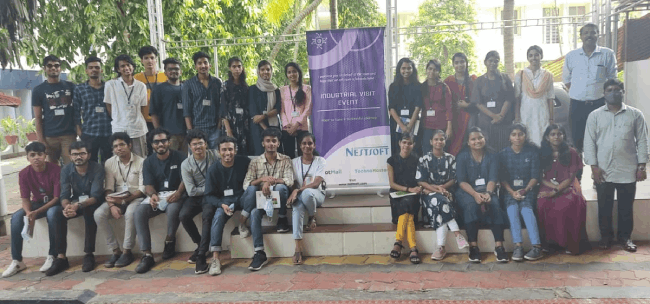
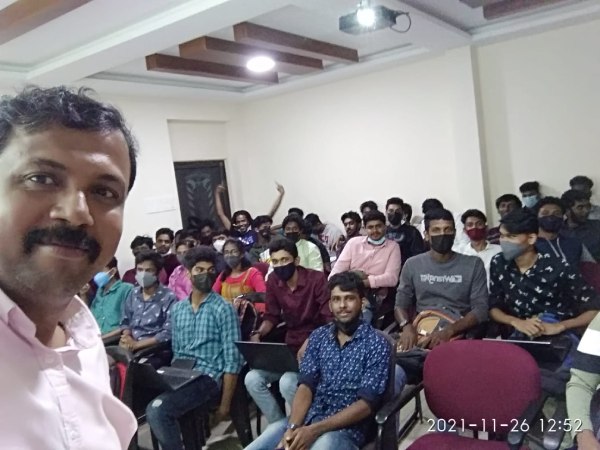
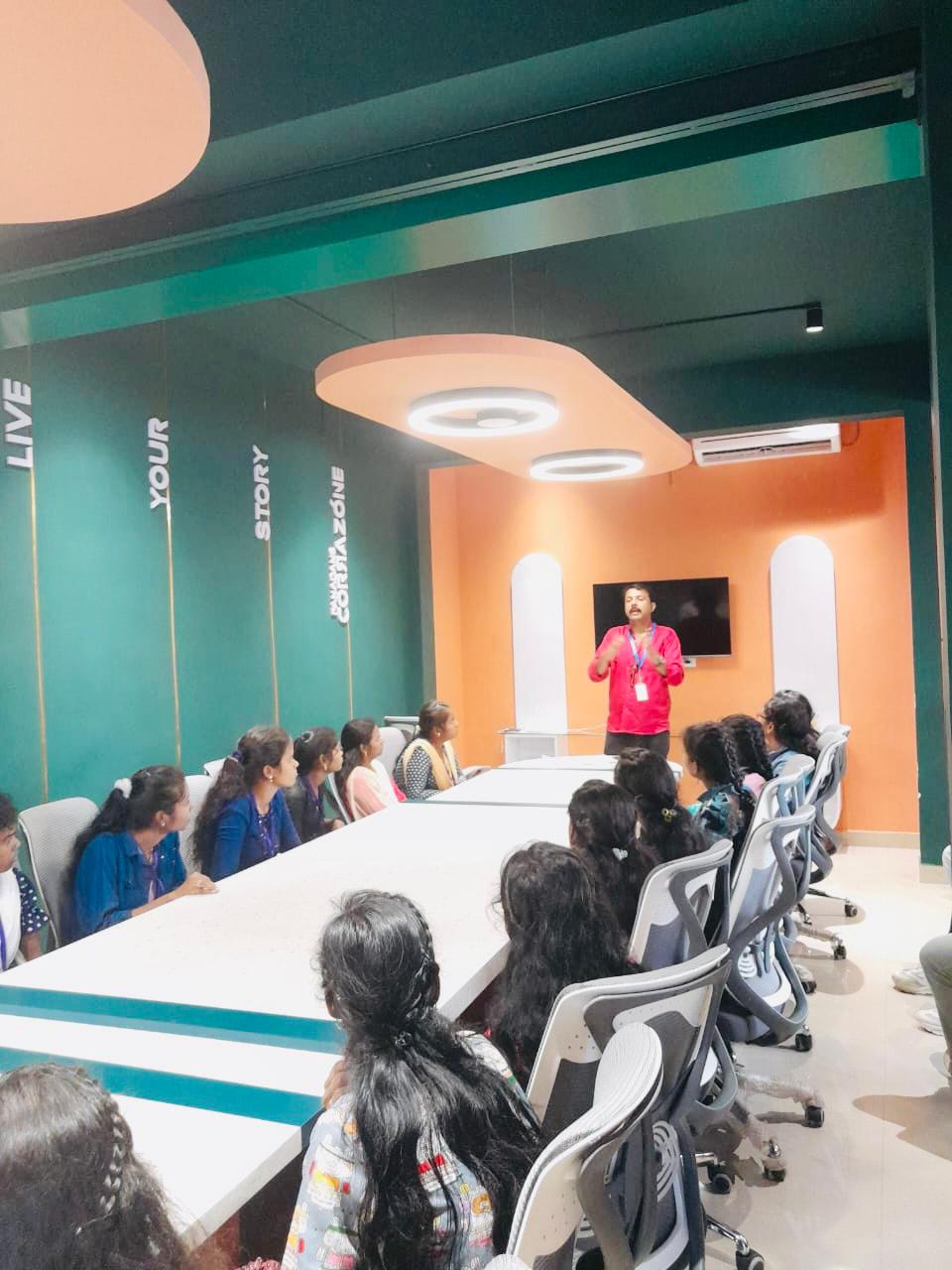
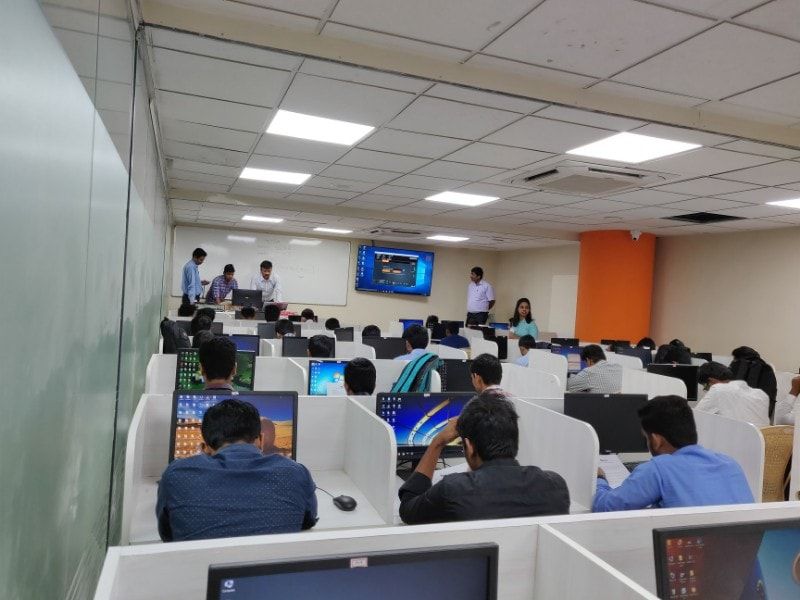
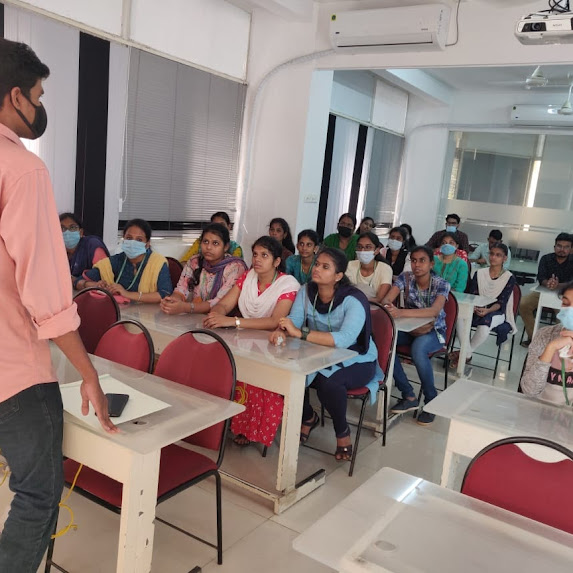
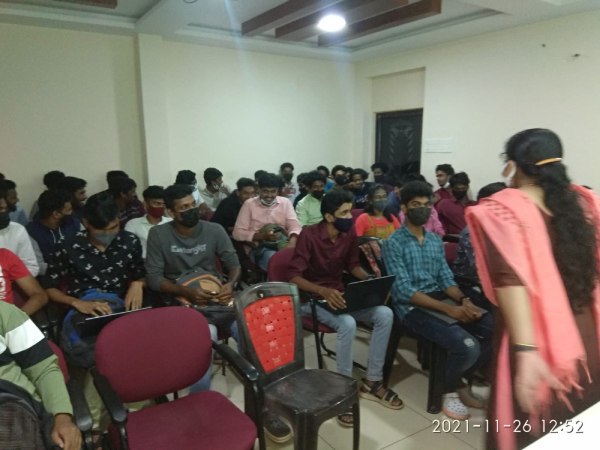
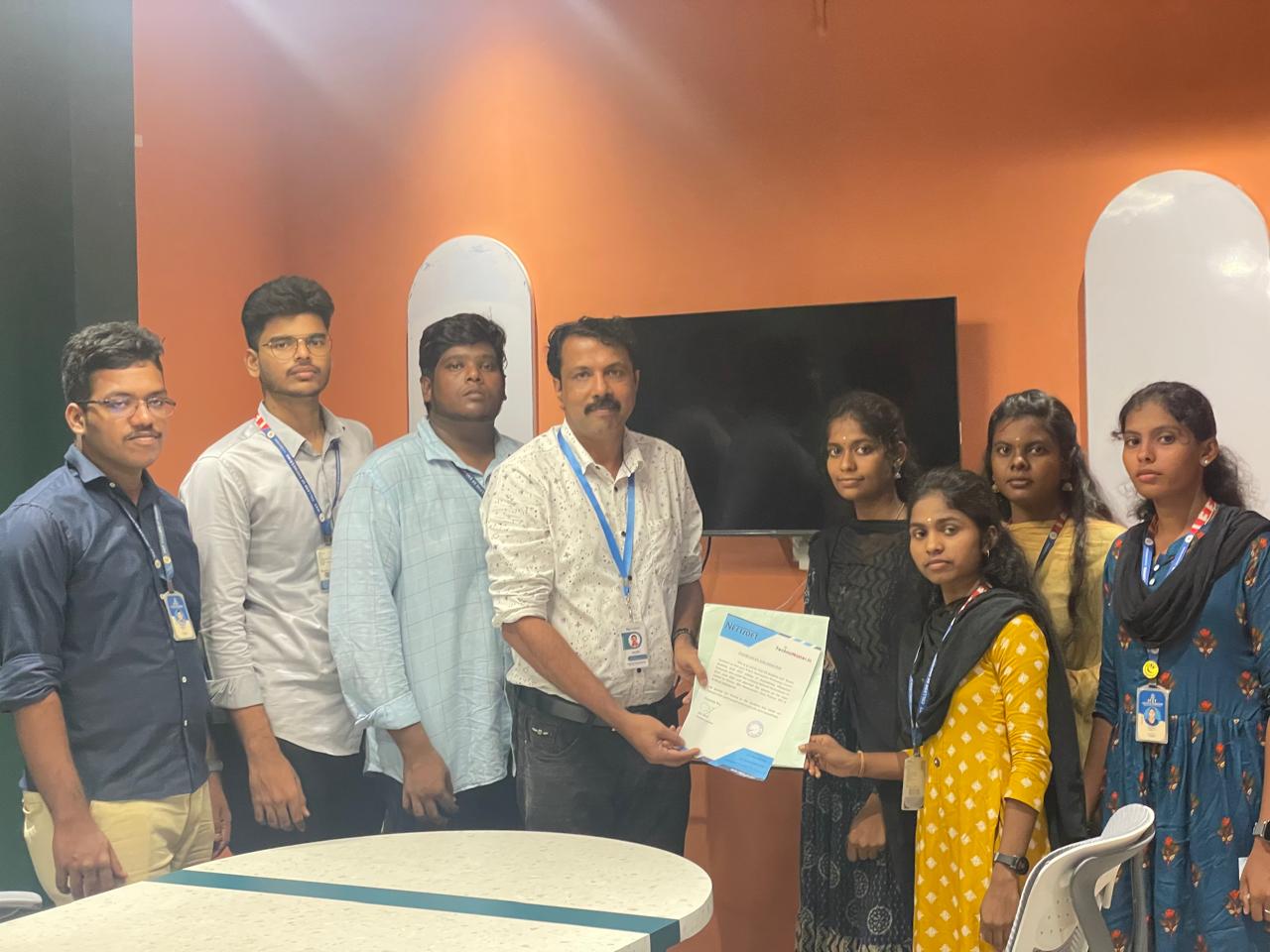
Photos of Training / Internships

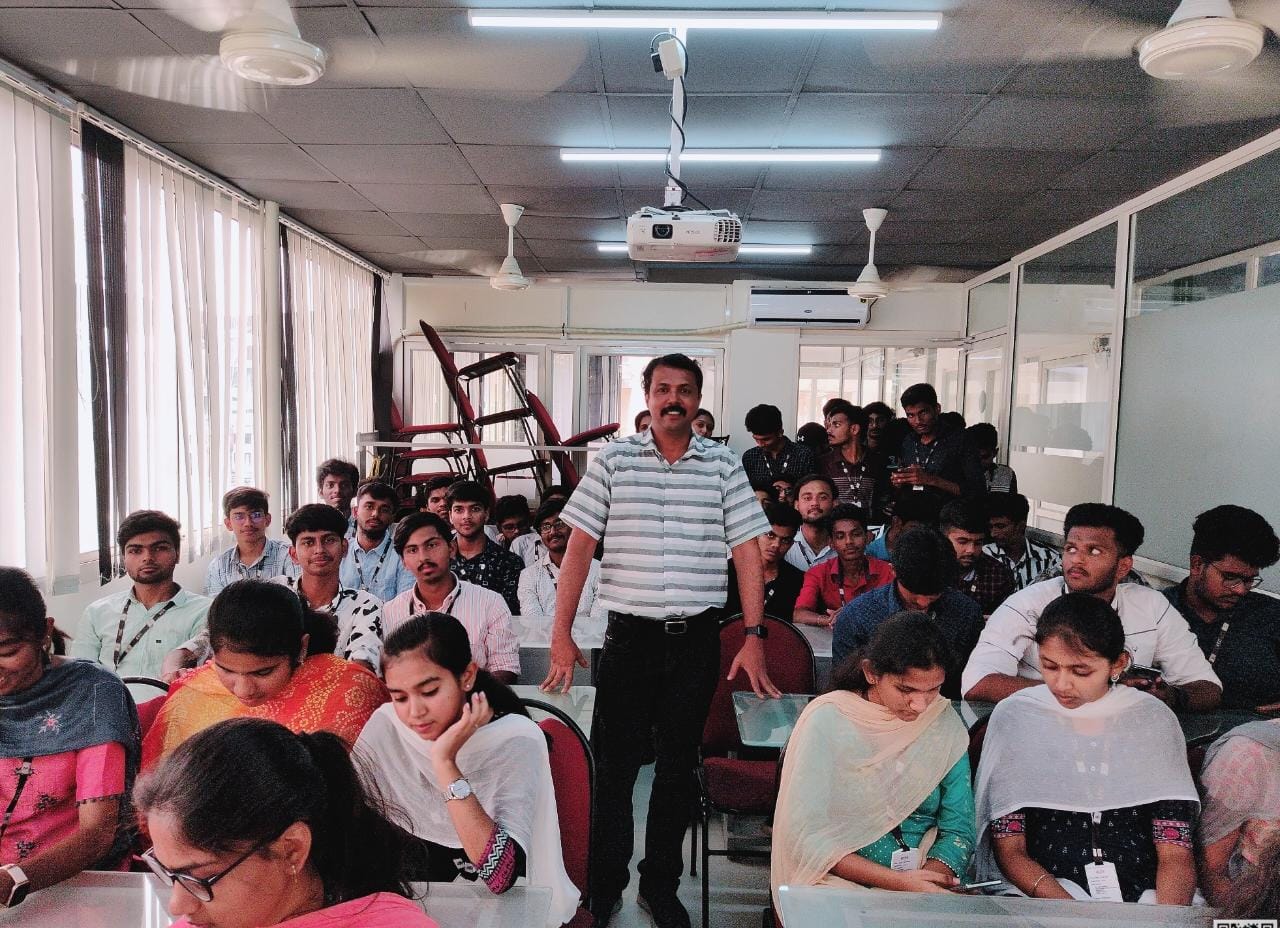
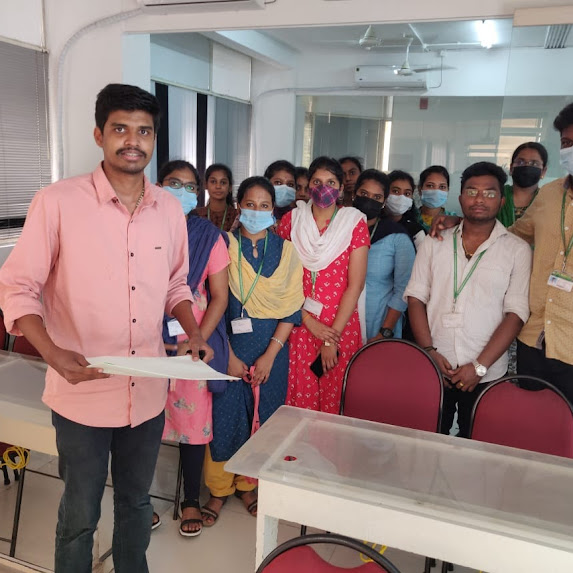
Internship/projects in pune

Trained more than 10000+ students who trust Nestsoft TechnoMaster

Get Your Personal Trainer