Send enquiry ⏎

Adobe Illustrator Online Live Class by Experts

Our Training/Internship Process

Adobe Illustrator Online Live Classes in Punjab | Free Demo Training

Adobe Illustrator - Syllabus, Fees & Duration

      Module 1: Introduction to Illustrator (1.5 hrs)

    • Overview of Vector Graphics vs. Raster Graphics
    • Illustrator Interface and Navigation
      • Artboards and Workspaces
      • Tools Panel and Properties Panel
    • Creating and Saving Documents
    • Understanding File Formats (AI, EPS, SVG, PDF)

      Module 2: Basic Drawing Tools (2 hrs)

    • Shapes and Paths
      • Rectangle, Ellipse, Polygon, Line tools
      • Working with Fill and Stroke
    • Pen Tool Basics
      • Drawing and Editing Paths
      • Anchor Points and Handles
    • Using the Pencil and Brush Tools

      Module 3: Colors and Gradients (1.5 hrs)

    • Understanding the Color Panel
      • RGB vs. CMYK Modes
      • Swatches and Global Colors
    • Gradients and Gradient Mesh
    • Applying Transparency and Blending Modes

      Module 4: Working with Text (1.5 hrs)

    • Creating and Formatting Text
      • Character and Paragraph Panels
    • Converting Text to Outlines
    • Text on a Path and Text Wrap

      Module 5: Layers and Organizing Artwork (1.5 hrs)

    • Layers Panel Overview
      • Grouping and Ungrouping Objects
      • Locking, Hiding, and Rearranging Layers
    • Clipping Masks
    • Using Guides, Grids, and Smart Guides

      Module 6: Advanced Tools and Effects (2 hrs)

    • Pathfinder and Shape Builder Tools
    • Using the Appearance Panel
      • Applying Effects (Drop Shadow, Outer Glow, etc.)
    • Working with Symbols
    • Creating Patterns

      Module 7: Image Tracing and Masking (1.5 hrs)

    • Image Trace Tool
    • Creating and Using Clipping Masks
    • Opacity Masks for Advanced Effects

      Module 8: Exporting and Finalizing Projects (1.5 hrs)

    • Preparing Artwork for Print vs. Digital
    • Exporting File Formats (PNG, SVG, PDF, etc.)
    • Packaging Files for Clients or Printers

      Module 9: Hands-on Project (2 hrs)

    • Creating a Simple Logo Design
    • Designing a Business Card or Poster
    • Applying Learned Skills to a Practical Task

Download Syllabus - Adobe Illustrator
This syllabus is not final and can be customized as per needs/updates
   
10000+
20+
50+
25+

Adobe Illustrator Jobs in Punjab

Enjoy the demand

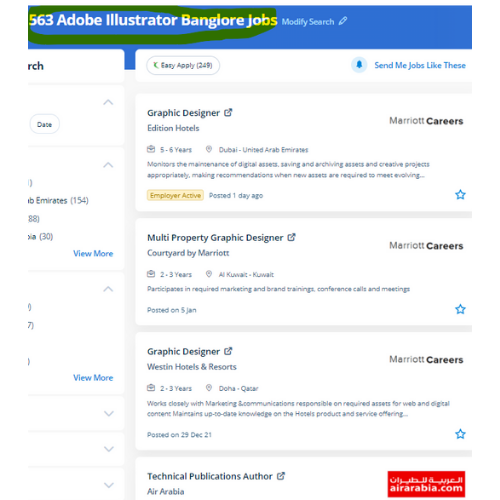
Find jobs related to Adobe Illustrator in search engines (Google, Bing, Yahoo) and recruitment websites (monsterindia, placementindia, naukri, jobshybrid.com, indeed.co.in, shine.com etc.) based in Punjab, chennai and europe countries. You can find many jobs for freshers related to the job positions in Punjab.

  • Graphic Designer
  • Graphic Trainer
  • Industrial Designer
  • Web Designer
  • Freelance Graphic Designer
  • Illustrator Designer
  • Design Assistant
  • Creative Designer
  • Digital UI/UX Designer
  • Female Graphic Designer

Adobe Illustrator Internship/Course Details

Adobe Illustrator internship jobs in Punjab
Adobe Illustrator using this you'll turn out attractive logos, detailed illustrations, leaflets, web content designs, and plenty of more additionally produce a number of different sized artboards all in a similar document simply and quickly. Our distinctive approach of coaching students into figures involves you working on live projects. Nestsoft institute offers one of the most effective Adobe illustrator courses. We, at Nestsoft, are making our students prepared by coaching them on all the updated software and tools used for designing. probably illustrator is the best editor for vector graphics and it produces artworks with pixel-perfect accuracy. Our on-line training course in learn the way a Vector application Creates shapes Composed of points, lines, and curves . one among the options is it permits users to freely produce projects across completely different software system merchandise because that designed a unified program environment. illustrator has several tools in order that you'll show needed tools and additionally hide unwanted tools as a result of all tools are users rarely use, thus it’s vital to arrange them. Why Adobe Illustrator is so Good ?: It gives a helpful user interface Print at high resolution Good for drawing illustrations Files create in manageable sizes It Is Compatible with All Computer Systems Adobe illustrator could be a sensible tool as you'll see from the deserves we shared. There are various further capabilities to be had to modify the graphics being created via this method also.


Meet a Few of our Industry Experts 🚀 Your Pathway to IT Career

PAVITHRA

Mobile: +91 8301010866
Location: Online (Punjab, India)
Qualification: MBA

Experience: Human resource management and development HR HR coordinator  more..

Haripriya

Mobile: +91 91884 77559
Location: Online (Punjab, India)
Qualification: BCA

Experience: Python Html Javascript Bootstrap css I completed my internship in python Django framework from KINFRA TECHNOPARK   more..

Sreedeep

Mobile: +91 98474 90866
Location: Online (Punjab, India)
Qualification: Mca

Experience: Working as a software developer in bicoders solution kinfra (angular and flutter)Application for Angular JS  more..

Anurag

Mobile: +91 8301010866
Location: Online (Punjab, India)
Qualification: b.tech (computer science )

Experience: css js html php react git   more..

Aswathy

Mobile: +91 8301010866
Location: Online (Punjab, India)
Qualification: Bsc computer science

Experience: 6 month experience in web developer at Amrita Vishwavidyapeeth   more..

Sameer

Mobile: +91 91884 77559
Location: Online (Punjab, India)
Qualification: Graduation

Experience: An enthusiastic learner with a strong will to give vision to exceptional ideas that communicate the brand’s mission at large  more..

Kowsikkumar

Mobile: +91 9895490866
Location: Online (Punjab, India)
Qualification: Bba

Experience: Manual testing 1 year and automation 1 year  more..

MEERALAKSHMI

Mobile: +91 94975 90866
Location: Online (Punjab, India)
Qualification: Btech

Experience: Programming languages like C java python coding skills Mysql DBMs Data structure and algorithms SDLC  more..

Maaz

Mobile: +91 8301010866
Location: Online (Punjab, India)
Qualification: Bachelor

Experience: Vapt Metasploit Wireshark Nmap ethical Hacking tools security audits firewalls etc  more..

Anupama

Mobile: +91 89210 61945
Location: Online (Punjab, India)
Qualification: MCA

Experience: Skills C++ C SQL Python(Django) Java R html css php Git Familiar with windows Ubuntu Familiar with IDES Visual Studio  more..

Rutuja

Mobile: +91 89210 61945
Location: Online (Punjab, India)
Qualification: BE civil

Experience: 7 month experience in AutoCAD design consultant - HTJA and associates nashik  more..

Sudarvizhi

Mobile: +91 98474 90866
Location: Online (Punjab, India)
Qualification: B. E

Experience: Ios developer and 6 years of experience  more..

Febin

Mobile: +91 9895490866
Location: Online (Punjab, India)
Qualification: Plus two

Experience: Html css javascript node js express js mongo db react js bootstrap jquery ajax figma photoshopApplication for Meanstack Developer Mean  more..

Dhilna

Mobile: +91 94975 90866
Location: Online (Punjab, India)
Qualification: B.tech

Experience: Html css javascript angular mongoDB nodejsApplication for Meanstack Developer Mean Stack  more..

R.Jeniha

Mobile: +91 98474 90866
Location: Online (Punjab, India)
Qualification: B.sc computer science

Experience: 4 years of experience Proficient in figma Certified in web design   more..

Niveditha

Mobile: +91 8301010866
Location: Online (Punjab, India)
Qualification: Bsc computer science

Experience: AWS python   more..

Nishant

Mobile: +91 8301010866
Location: Online (Punjab, India)
Qualification: Bsc chemistry

Experience: Manual testing automation testing  more..

Nancy

Mobile: +91 91884 77559
Location: Online (Punjab, India)
Qualification: MCA

Experience: Expert in manual testing Mainly concerned on mobile application testing (Android and iOS) and web application &server testing   more..

Ritu

Mobile: +91 89210 61945
Location: Online (Punjab, India)
Qualification: Computer Applications

Experience: I have eight years plus experience in web development I have mainly experience in wordpress and Laravel My skills and  more..

Josmy

Mobile: +91 9895490866
Location: Online (Punjab, India)
Qualification: BCA

Experience: One year of experience in software testing   more..

SHARMI

Mobile: +91 91884 77559
Location: Online (Punjab, India)
Qualification: Post Graduate

Experience: I have 2years experienced in odoo industry I have worked 100+ qweb reports I have worked modules are CRM Sales  more..

Mayur

Mobile: +91 91884 77559
Location: Online (Punjab, India)
Qualification: BCA

Experience: I have 1 and half year experience in digital marketing executive roles previously im working in futurlytix software company as  more..

Aditya

Mobile: +91 91884 77559
Location: Online (Punjab, India)
Qualification: be mechanical

Experience: java selenium spring api bavkend testing manual testing  more..

Anjali

Mobile: +91 94975 90866
Location: Online (Punjab, India)
Qualification: Btech computer science and engineering

Experience: I have 2 years of experience as a php developer  more..

Success Stories

The enviable salary packages and track record of our previous students are the proof of our excellence. Please go through our students' reviews about our training methods and faculty and compare it to the recorded video classes that most of the other institutes offer. See for yourself how TechnoMaster is truly unique.

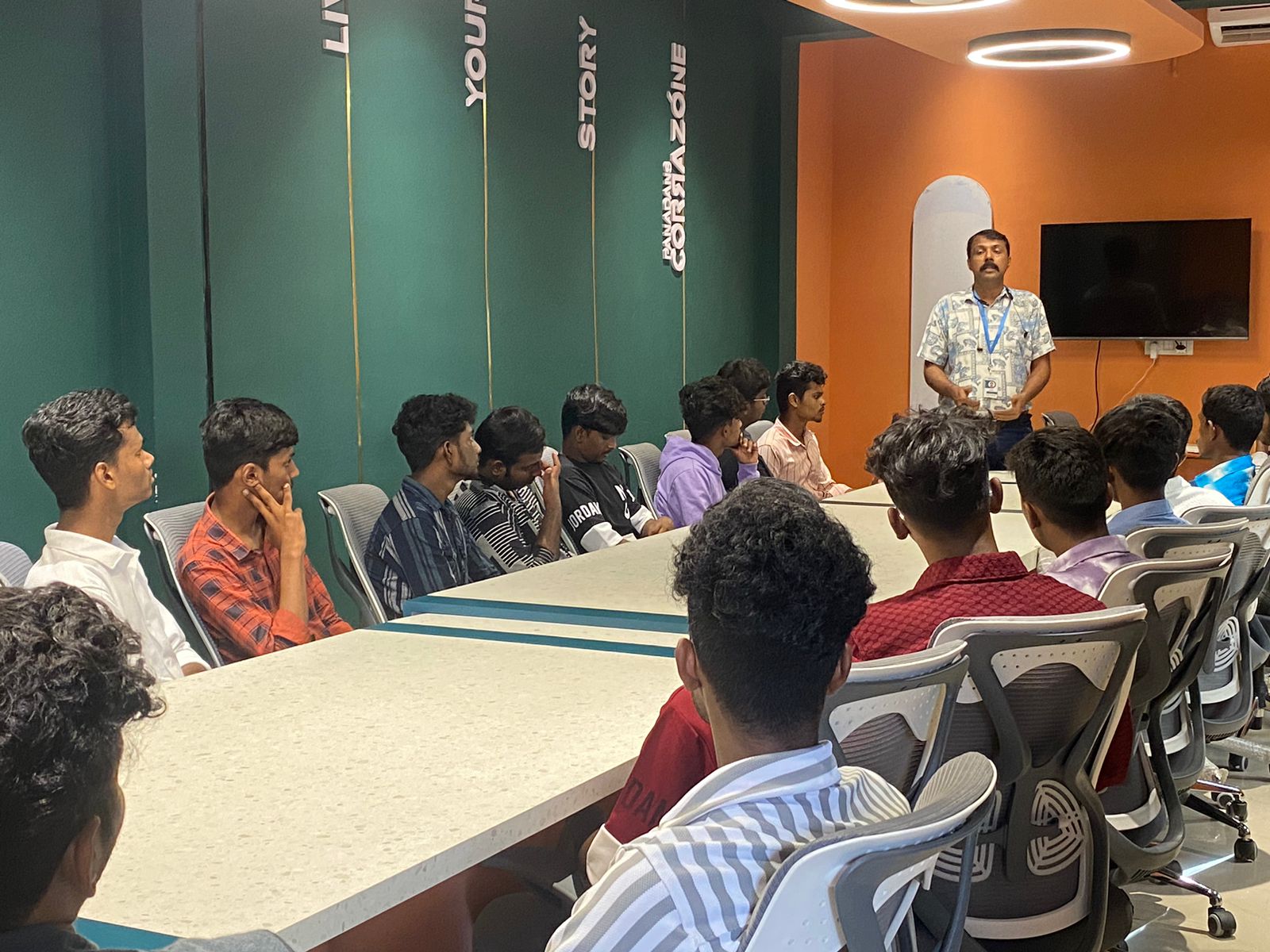
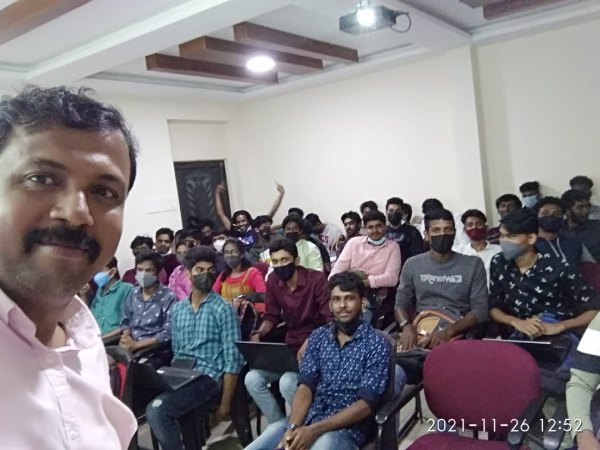
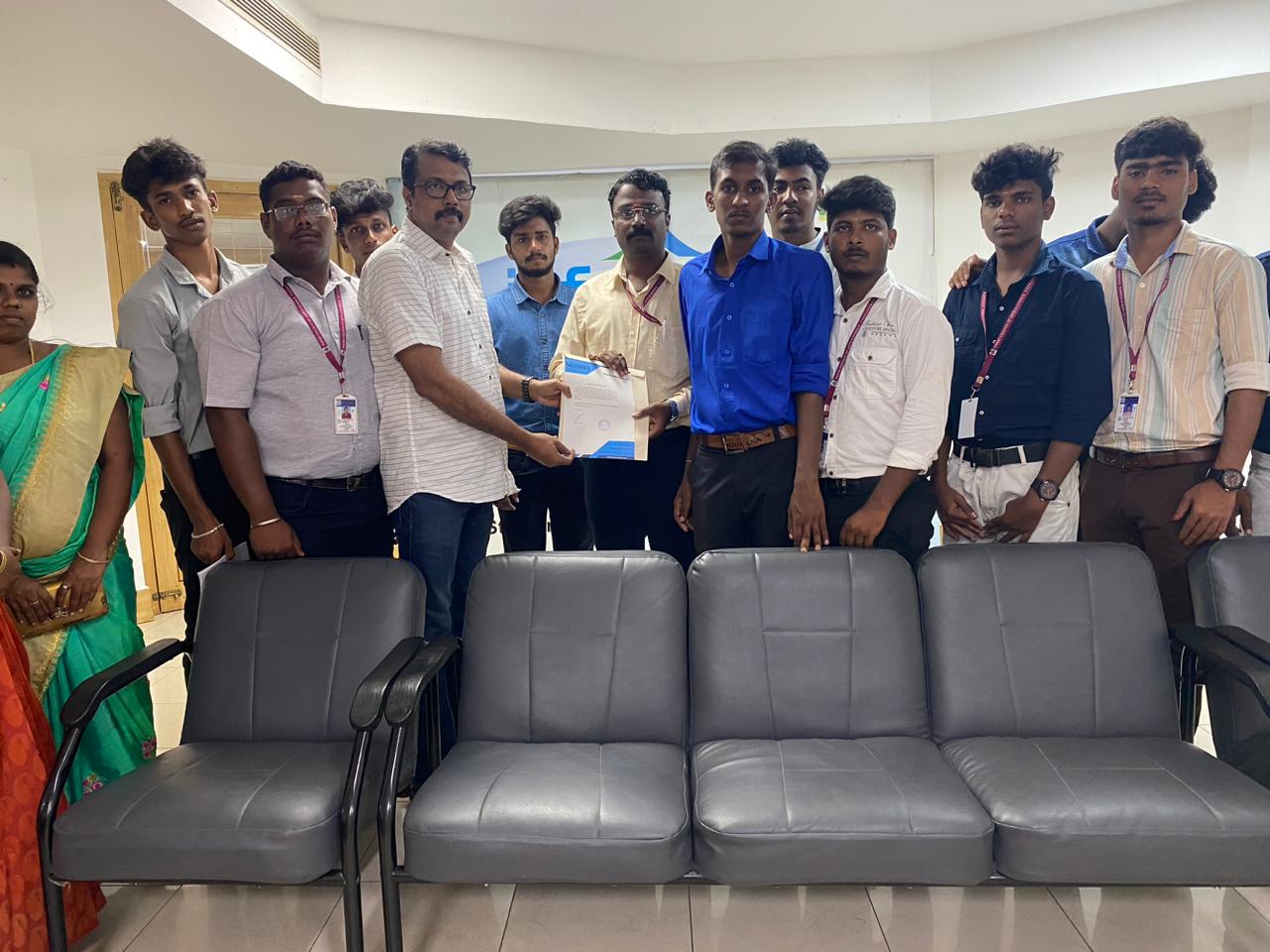
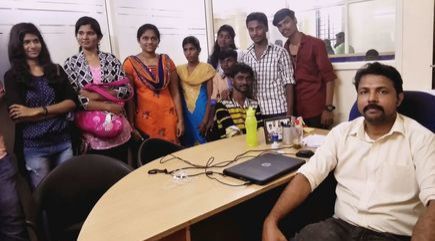
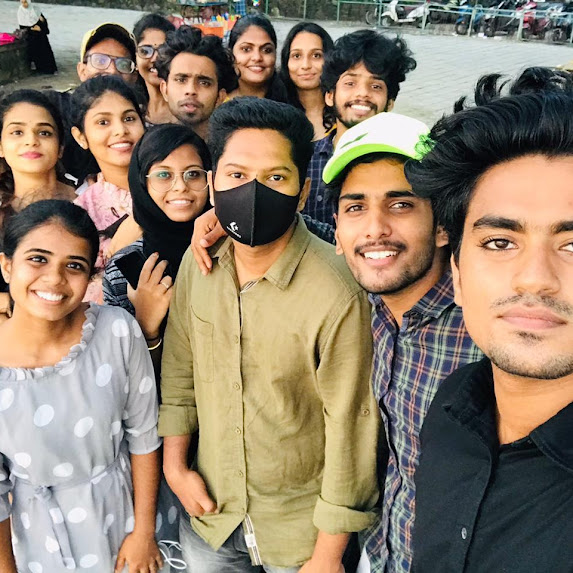
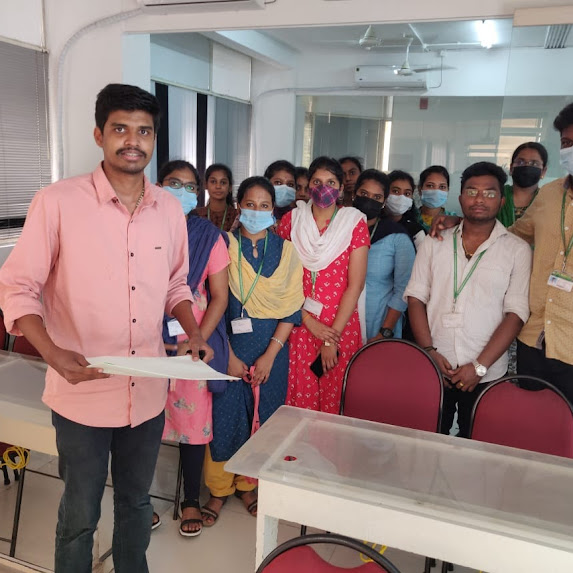
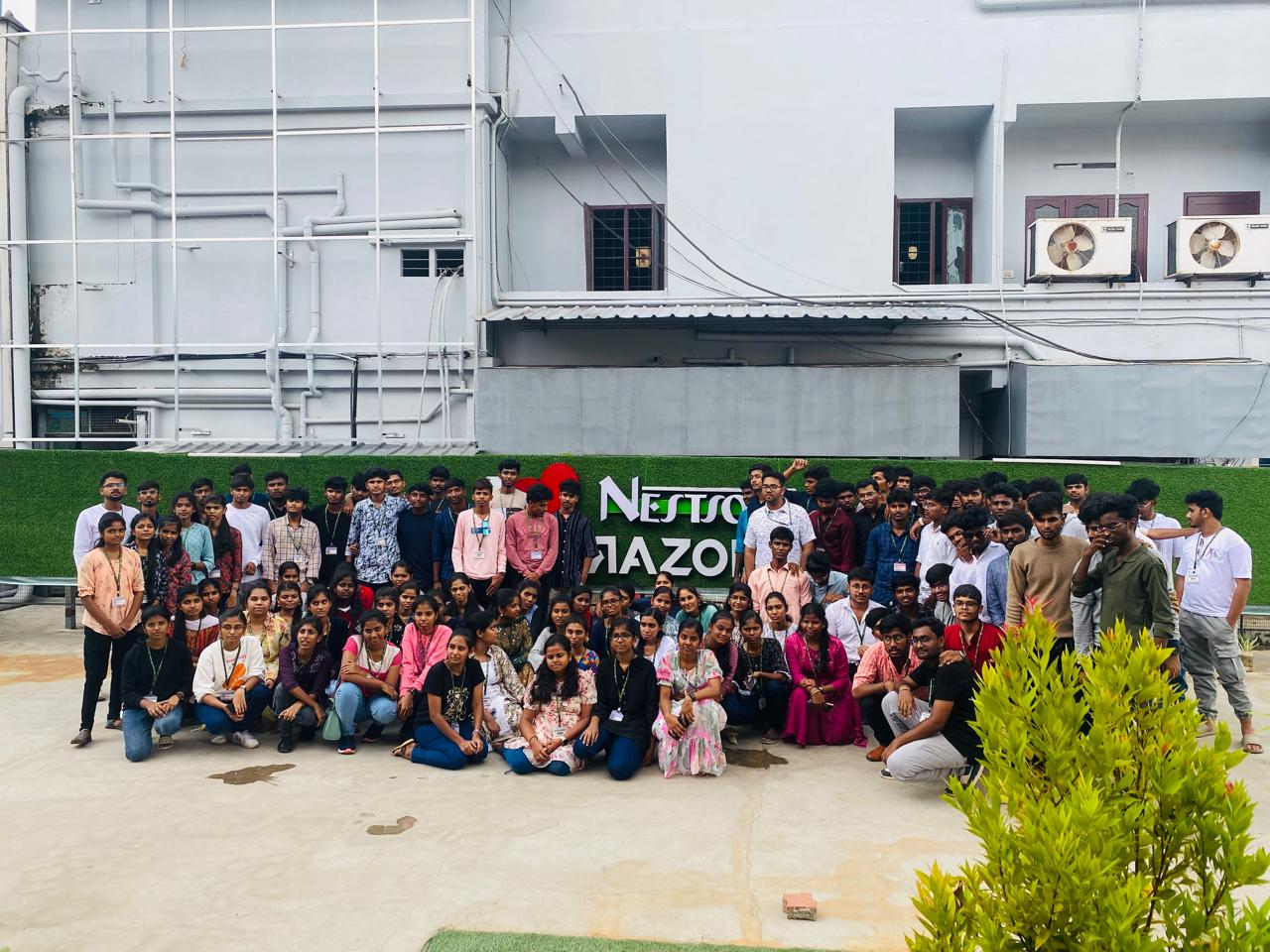
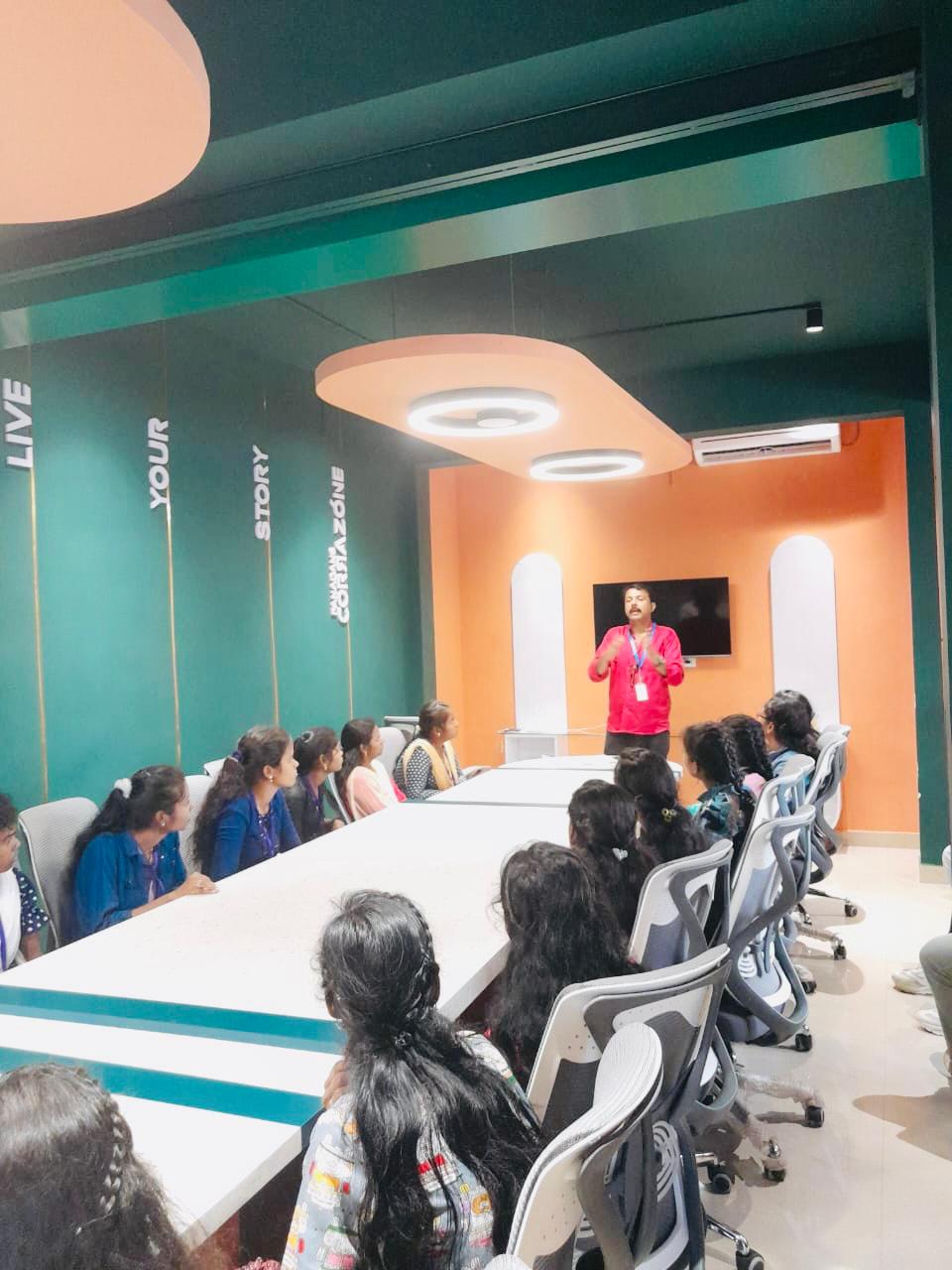
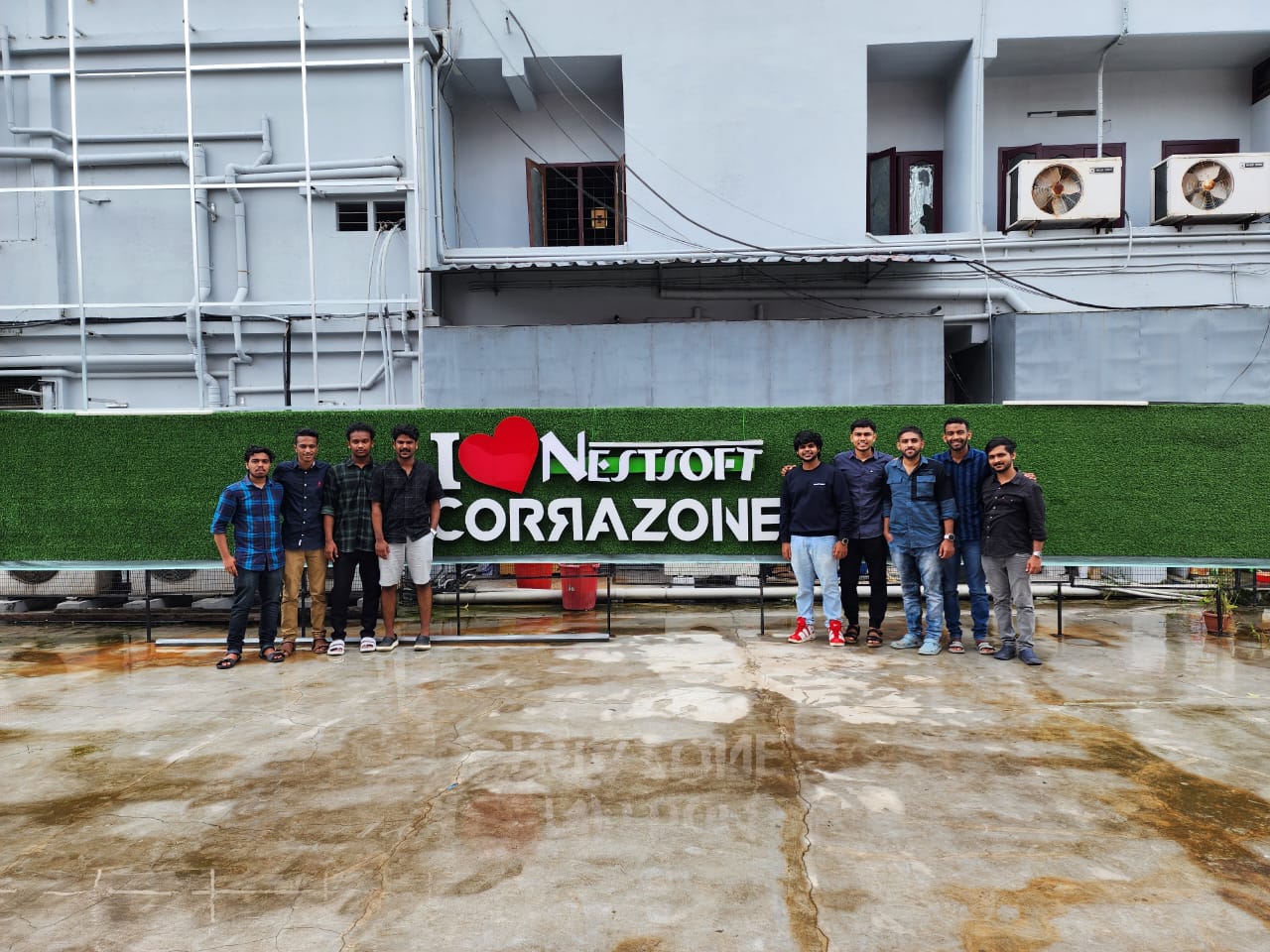
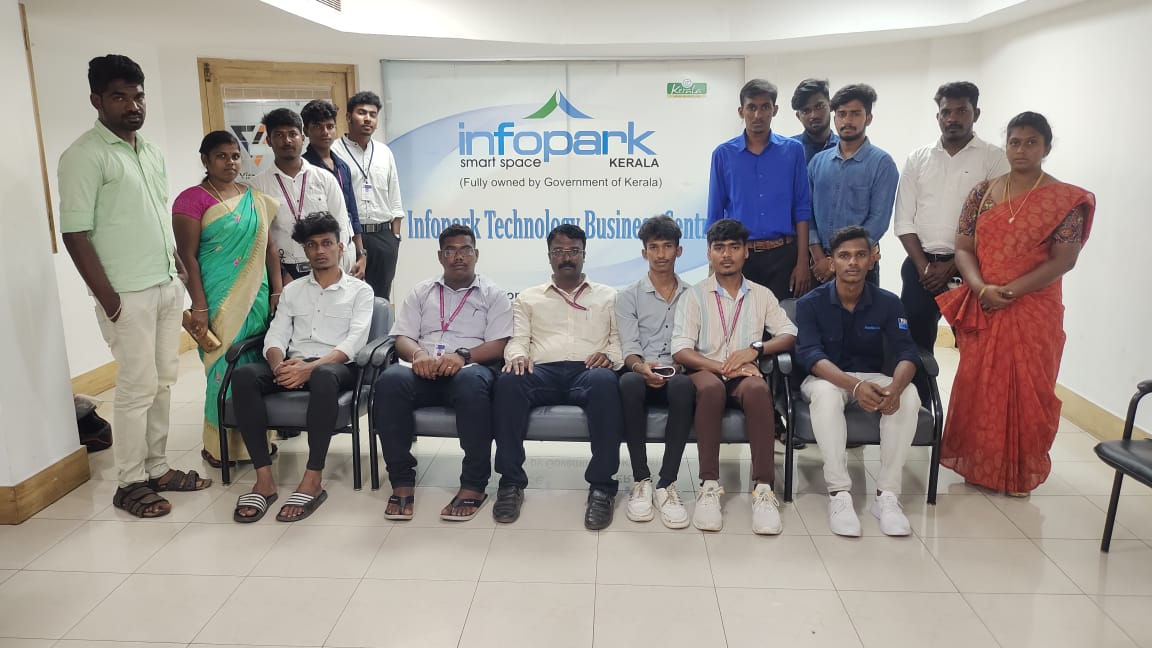
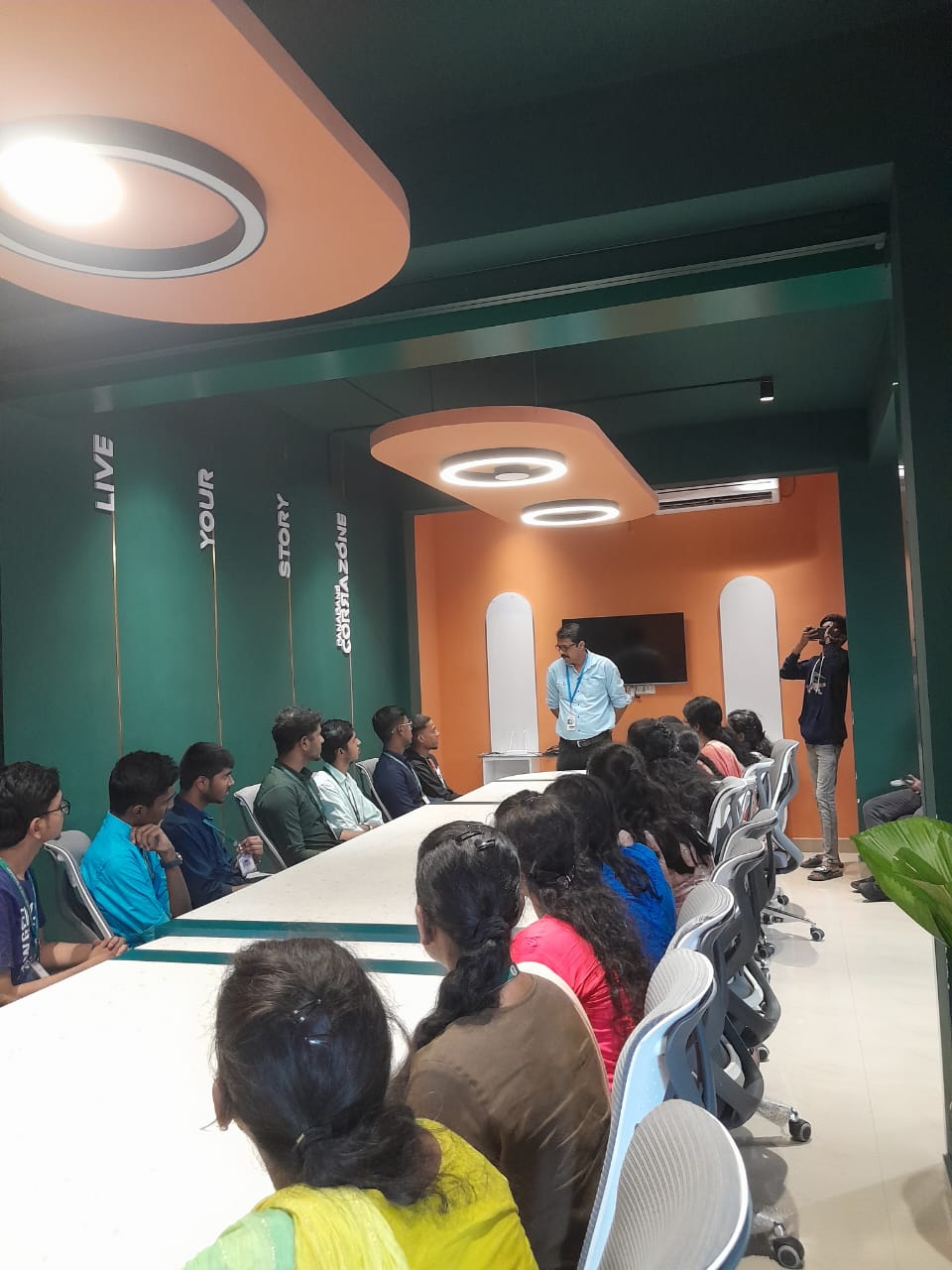
Photos of Training / Internships

Internship/projects in punjab

Trained more than 10000+ students who trust Nestsoft TechnoMaster

Get Your Personal Trainer