Send enquiry ⏎

Software Testing (Automation) Online Live Class by Experts

Our Training/Internship Process

Software Testing (Automation) Online Live Classes in Mangaluru | Free Demo Training

Software Testing (Automation) - Syllabus, Fees & Duration

Automation Testing Syllabus

    MODULE 1 - SQL
    • Sql introduction
    • Sql Datatypes Sql basics-DDL
    • DML,DCL,Comparison Operators
    • Constraints
    • Aggregate
    • Functions
    • Practice questions
    • Joins
    • Stored Procedures
    • Practice Question
    • Views
    • Group By
    • Having
    • Order By Clauses Practice Question
    MODULE 2 - JAVA
    • Introduction to the course
    • Java Installation
    • Features and JDK
    • First Sample Program Data Types and Variables
    • Operators Control Statements
    • Loops Scanner
    • Array Oops - Polymophism (Method overloading)
    • Constructor Overloading
    • Types of Inheritance and Method Overriding
    • This and Super keyword
    • final and static keyword
    • Abstraction, Encapsulation, Exception, Thread
    • Thread Synchronization
    • Events Collection - List & Set Collection - Map & Queue Exam - Java
    MODULE 3 - Selenium IDE
    • Selenium Introduction
    • IDE Features
    • creating script Using IDE
    • Recording
    • Selenese
    • Assert and verify Export Testcase
    MODULE 4 - Selenium Webdriver
    • Selenium Webdriver Introduction
    • Webdriver manager
    • Junit
    • Locators
    • Screenshot in selenium
    • Handling Alerts
    • BrokenLinks
    • Testng and its Features
    • Waits in Selenium
    • Javascript Executor in Selenium
    • Navigation Commands
    • Dropdown handling using select class
    • Button Text verification
    • Radio buttons Actions class
    • copy paste using action class
    • draganddrop program Double click and right click using Action class
    • Mouse Hover Program
    • File upload
    • File upload using AUTO IT and Robot class
    • Cross browser Testing
    • Handling multiple windows and tabs
    • Handle pops in Chrome
    • Datepicker
    • DataDrivenTesting
    • Extended Reports
    • POM Design Pattern Frameworks
    • Datadriven framework Maven
    • Importance of maven
    • Create Project in Maven
    • Project
    MODULE 5 - JMeter
    • Introduction to Jmeter
    • overview of performance testing
    • Jmeter workflow
    • components of Jmeter
    • Building a web Test plan
    • Report generation
    • Execution in NON-GUI mode Recording in Jmeter
    • Blaze meter plugin Assertions
    • Timers
    • CSV Data set configuration
    • Correlation
    MODULE 6 - POSTMAN
    • Introduction to Postman
    • API testing
    • Download and install postman
    • Collections
    • Request methods
    • Collection Runner
    • Test script
    • Variables
    • Data driven testing
    • API fetching
    • JsonPathfinder
    • Openweathermap API
    • Newman
    MODULE 7 - JIRA
    • Agile methodology
    • scrum
    • Introduction to Jira
    • Jira issue types
    • How to create an Epic/User stories in Jira
    • Creating sprints in Jira
    • Sprint lifecylce in Jira
    • Backlogs
    • Creating bugs
    • Write Test Cases in Jira with Zephyr plugin
    • Jira project flow
    MODULE 8 - GIR & GITH
    • Introduction
    • Git installation
    • Repository creation in GitHub
    • Commands in git

Download Syllabus - Software Testing (Automation)
This syllabus is not final and can be customized as per needs/updates
   
10000+
20+
50+
25+

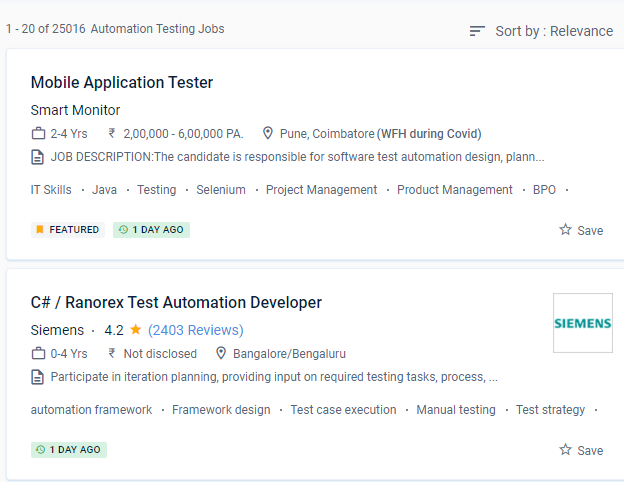
Software Testing (Automation) Jobs in Mangaluru

Enjoy the demand

Find jobs related to Software Testing (Automation) in search engines (Google, Bing, Yahoo) and recruitment websites (monsterindia, placementindia, naukri, jobshybrid.com, indeed.co.in, shine.com etc.) based in Mangaluru, chennai and europe countries. You can find many jobs for freshers related to the job positions in Mangaluru.

  • Network Test Engineer
  • Network Automation Testing
  • Automation Testing
  • Network Engineer
  • Test Automation Engineer
  • QA Test Automation Engineer
  • Automation Test Lead
  • Network Test Engineer
  • Software Test Engineer
  • Senior Network Engineer

Software Testing (Automation) Internship/Course Details

Software Testing (Automation) internship jobs in Mangaluru
Software Testing (Automation) You'll learn about black-box and white-box testing, automated testing, web & mobile testing, and formal testing theory and practises throughout four courses, preparing you to plan and execute effective software testing. It is dependent on the project, the timeline, the budget, the quality, and the technique. You will receive a certificate once you have completed all of the courses and the practical project, which you can share with potential employers and your professional network. Recognize the importance of software testing automation. You will be automatically enrolled in the entire speciality programme if you enrol in a course that is part of a specialisation programme. One of the most popular test automation fallacies is that everything can be automated. There are benefits and drawbacks to automating software testing. To keep track of your course enrollments and progress, go to the student dashboard. It is feasible to save energy, time, and money while allowing individuals to focus on other duties in this way. Implement mechanisms for doing inspections and test code reviews that are accurate.

Meet a Few of our Industry Experts 🚀 Your Pathway to IT Career

S.

Mobile: +91 89210 61945
Location: Online (Mangaluru, India)
Qualification: BE (civil)

Experience: Oops concept SQL cucukumber framework jankins API testing TestNG   more..

Trupti

Mobile: +91 9895490866
Location: Online (Mangaluru, India)
Qualification: BE

Experience: Java selenium mobile testing web testing perfecto api testing   more..

Ganesh

Mobile: +91 91884 77559
Location: Online (Mangaluru, India)
Qualification: BE(computer science & engineering)

Experience: I am an  Android developer with a diverse portfolio that includes projects ranging from implementing PhonePe's payment gateway to creating  more..

Abhijit

Mobile: +91 89210 61945
Location: Online (Mangaluru, India)
Qualification: B.E COMPUTER SCIENCE AND ENGINEER

Experience: Computer hardware networking pc troubleshooting install os python programming web development tech support   more..

Rahul

Mobile: +91 91884 77559
Location: Online (Mangaluru, India)
Qualification: BE/ECE

Experience: 5 month networking side overall troubleshooting network issue  more..

Rinil

Mobile: +91 91884 77559
Location: Online (Mangaluru, India)
Qualification: 3year diploma in software engneering &digital marketing

Experience: Ms office seo Google ads social media marketing email marketing 1year experience in jiopoint assistant manager   more..

PRIYA

Mobile: +91 94975 90866
Location: Online (Mangaluru, India)
Qualification: MCA

Experience: I am a MCA Graduate I am interested to work as a junior Php developer  more..

Ansuman

Mobile: +91 94975 90866
Location: Online (Mangaluru, India)
Qualification: b.tec

Experience: 1 year of experience in mvvm android studios api integration git hub   more..

Pournima

Mobile: +91 9895490866
Location: Online (Mangaluru, India)
Qualification: BE

Experience: I am a NET developer with 3 years of experience in developing and maintaining web applications using ASP NET MVC  more..

Prakash

Mobile: +91 91884 77559
Location: Online (Mangaluru, India)
Qualification: BCA

Experience: Experience of 3+ years in wix webflow and Wordpress development all with custom code and Complete responsive Wix website with  more..

Ankit

Mobile: +91 8301010866
Location: Online (Mangaluru, India)
Qualification: Diploma

Experience: I have done a course of 6 months in which I have learnt to design a website how to make  more..

Nirmal

Mobile: +91 8301010866
Location: Online (Mangaluru, India)
Qualification: BCA

Experience: Ms office net surfing basics of C basic of python 1 year experience as a computer operator cum office assistant  more..

Sony

Mobile: +91 89210 61945
Location: Online (Mangaluru, India)
Qualification: MCA

Experience: I’m a seasoned web developer with 12 years of experience I have great expertise in WordPress Joomla and PHP websites  more..

anusha

Mobile: +91 91884 77559
Location: Online (Mangaluru, India)
Qualification: m.tech

Experience: manual testing core java automation testing with selenium worked as a administrator in medha language theatre for 1 year  more..

Arunkumar

Mobile: +91 89210 61945
Location: Online (Mangaluru, India)
Qualification: BTECH IT

Experience: i am a frontend developer who i has 2 yeaApplication for Meanstack Developer Mean Stack  more..

Arun

Mobile: +91 91884 77559
Location: Online (Mangaluru, India)
Qualification: BE

Experience: Dear Sir Madam Hope you are doing well I am interested in applying for the position of Odoo Python developer  more..

Anandkrishnan

Mobile: +91 8301010866
Location: Online (Mangaluru, India)
Qualification: B tech

Experience: Manual and automation testing   more..

Poornima

Mobile: +91 98474 90866
Location: Online (Mangaluru, India)
Qualification: BE

Experience: I possess a diverse skill set that includes proficiency in programming languages such as C C# NET Python and web  more..

Kshitij

Mobile: +91 98474 90866
Location: Online (Mangaluru, India)
Qualification: BTech

Experience: Organisation | ZURAVERSE | Software 01 Dec 2020 - 10Jan 2020 Key Skills: JavaScript React Next js ● Part of  more..

Rohini

Mobile: +91 8301010866
Location: Online (Mangaluru, India)
Qualification: Btech

Experience: Core java android framework android studio Web Services json rest kotlin Sqlite room db  more..

preritha

Mobile: +91 91884 77559
Location: Online (Mangaluru, India)
Qualification: B.E

Experience: With 4 years of hands-on experience I started cultivating my design skills during my college years where I dedicated myself  more..

Souro

Mobile: +91 9895490866
Location: Online (Mangaluru, India)
Qualification: Btech

Experience: Seeking a career in Networking & related systems in a challenging environment that would give me the opportunity to bring  more..

Akhilesh

Mobile: +91 8301010866
Location: Online (Mangaluru, India)
Qualification: B.Tech

Experience: I have 1 8 years of Experience in Web based application testing My skills are Manual Testing API Testing Functional  more..

Vignesh

Mobile: +91 98474 90866
Location: Online (Mangaluru, India)
Qualification: BCA

Experience: HTml css python django ms office and 7 month experience in data entry  more..

Success Stories

The enviable salary packages and track record of our previous students are the proof of our excellence. Please go through our students' reviews about our training methods and faculty and compare it to the recorded video classes that most of the other institutes offer. See for yourself how TechnoMaster is truly unique.


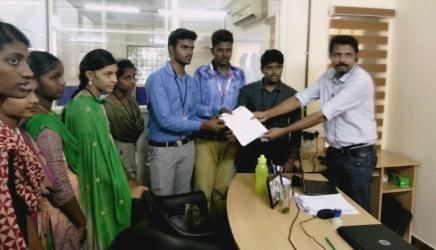
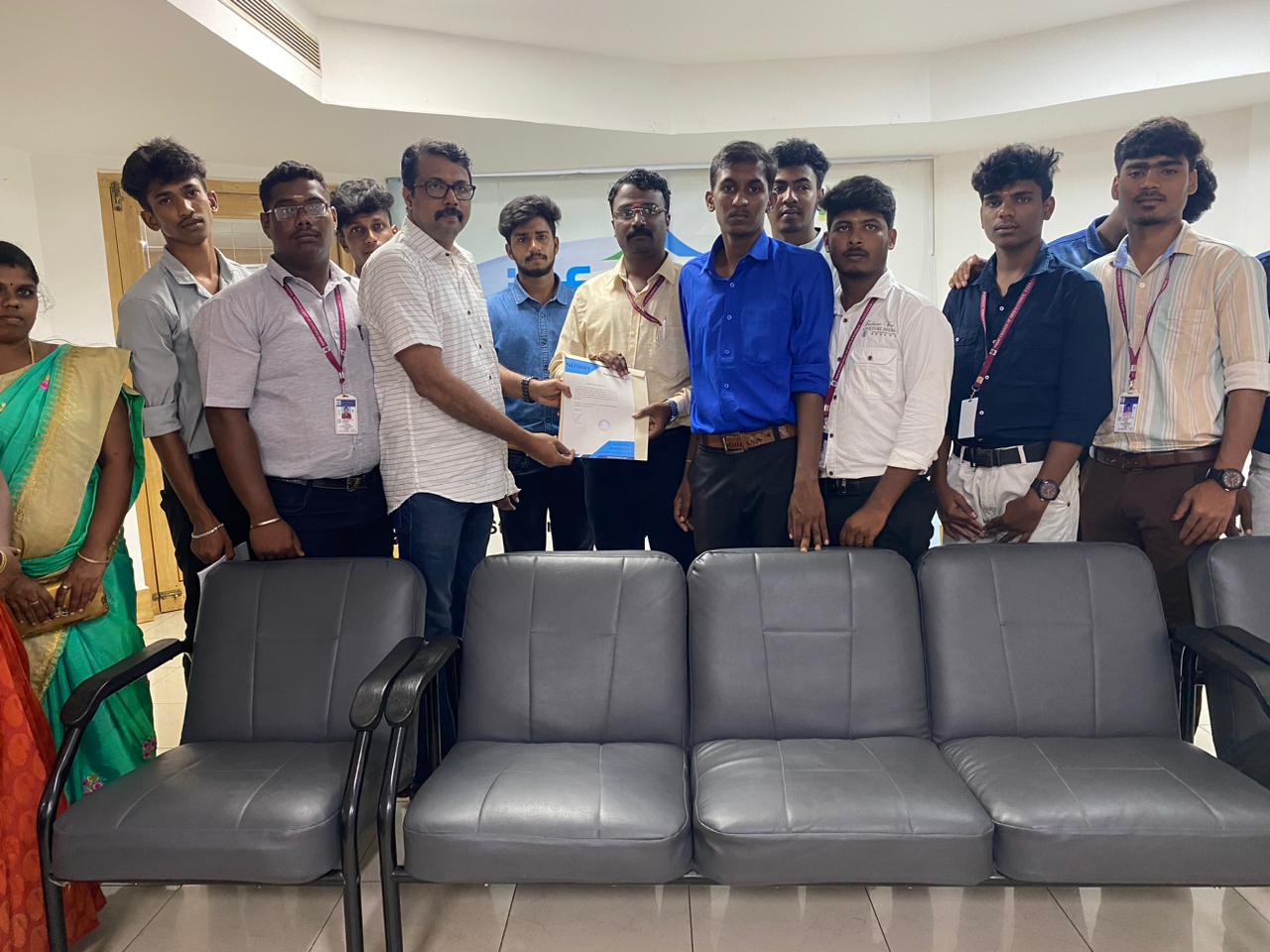
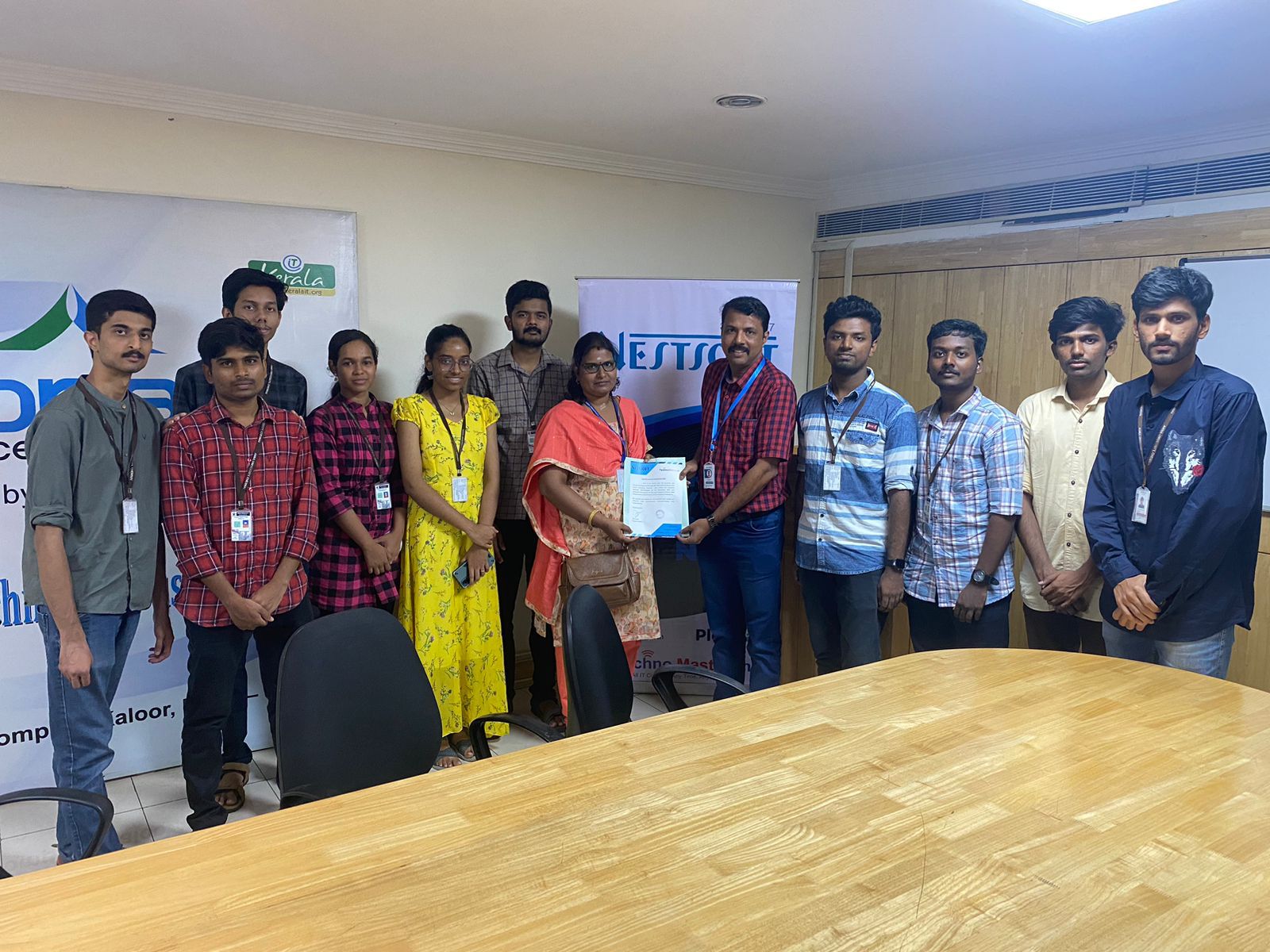
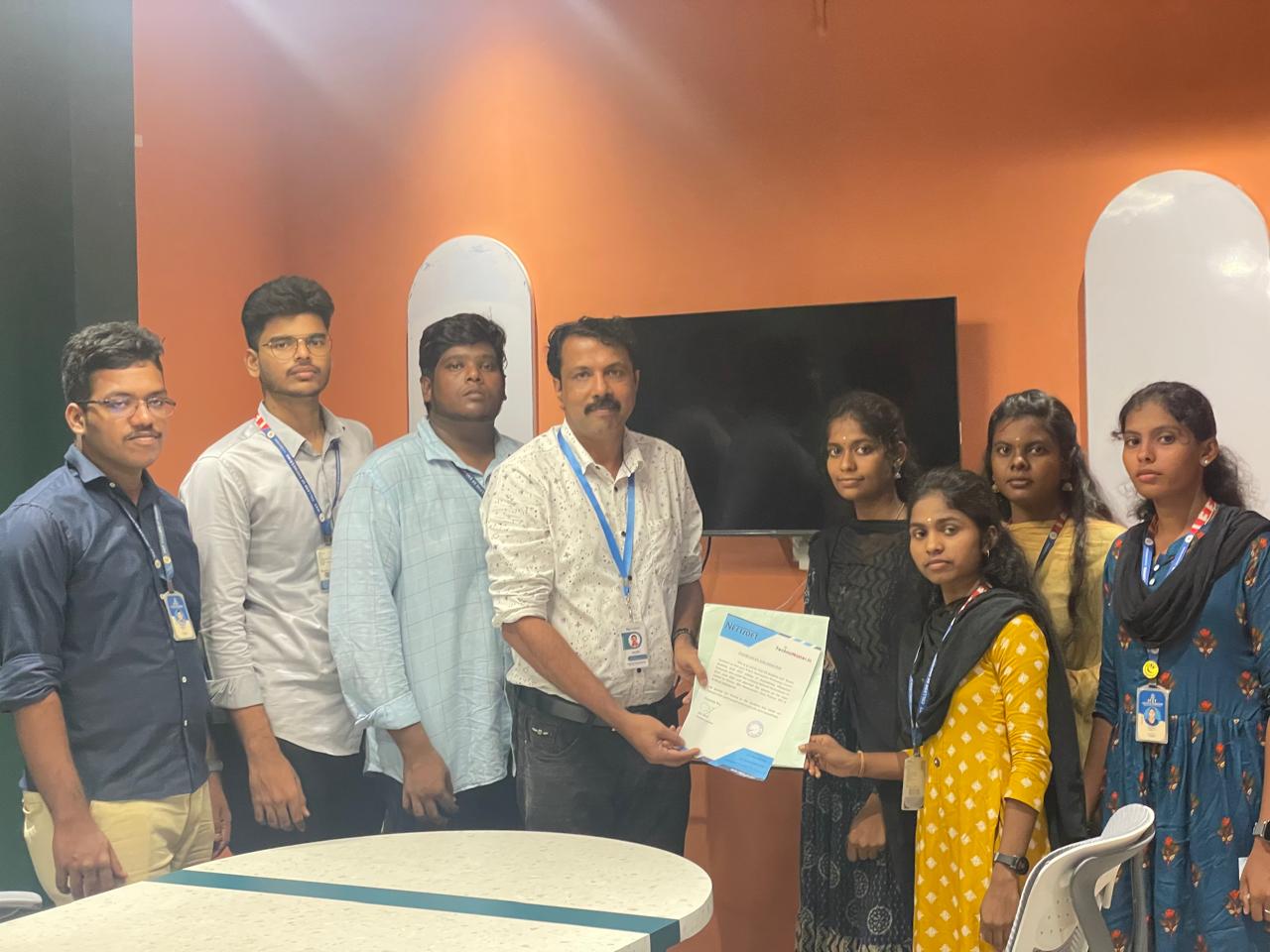
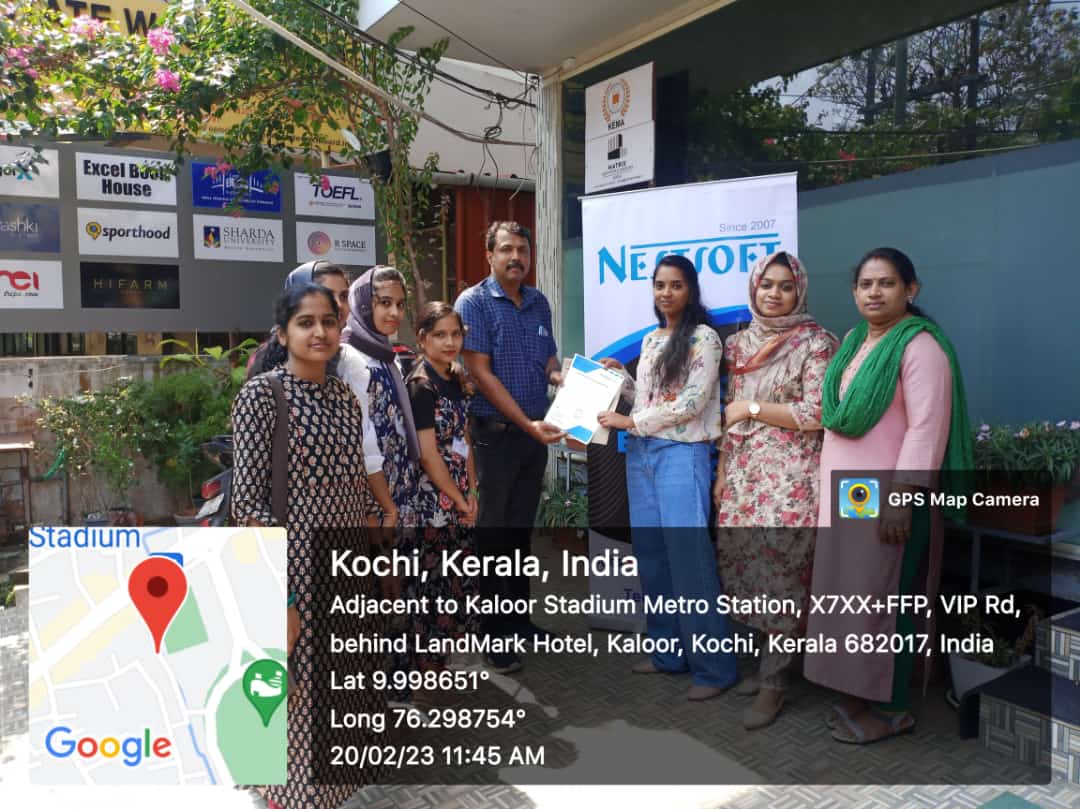
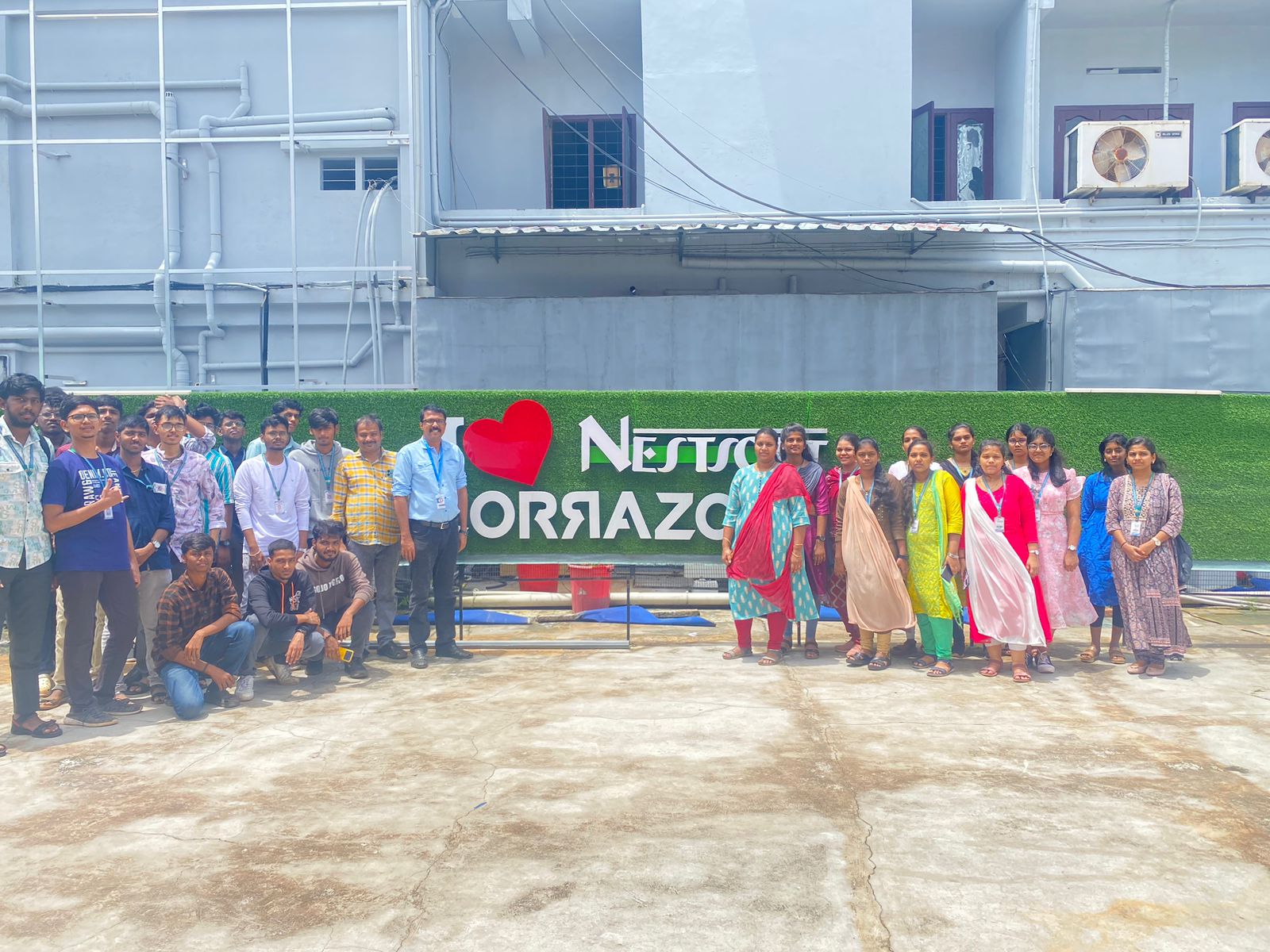
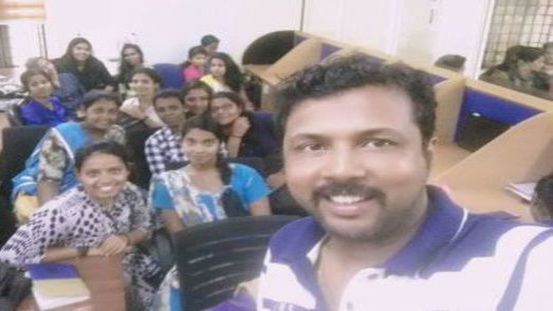
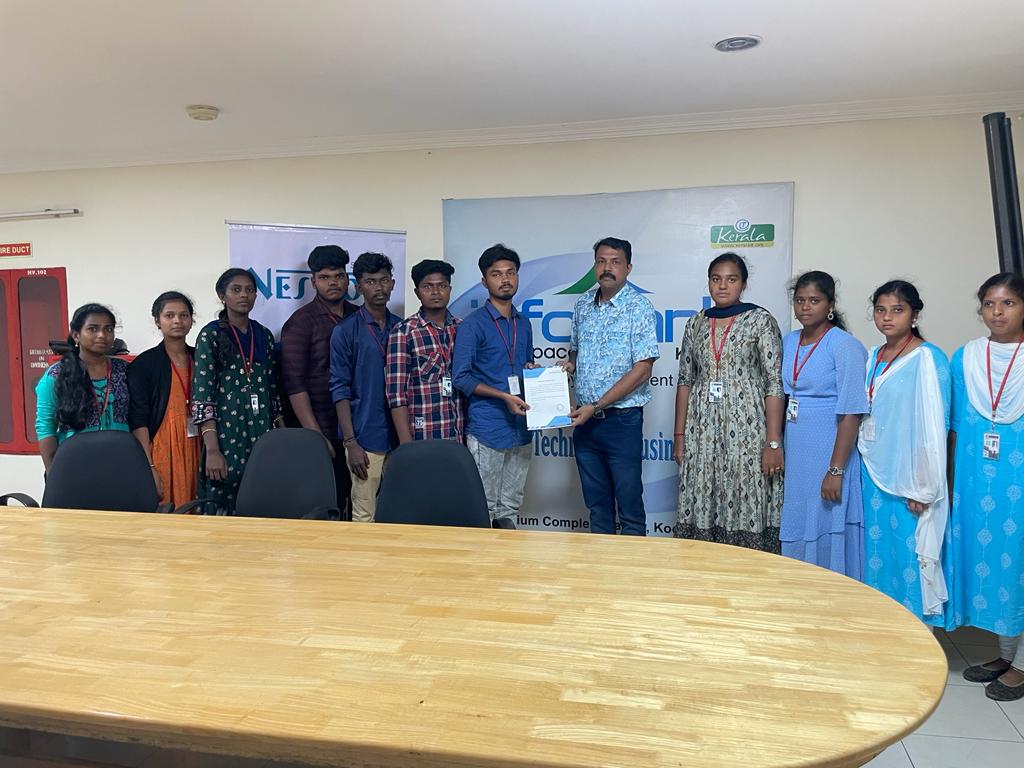
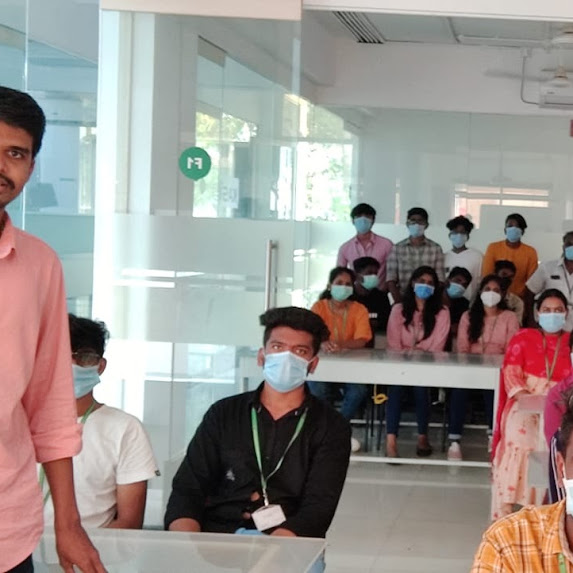
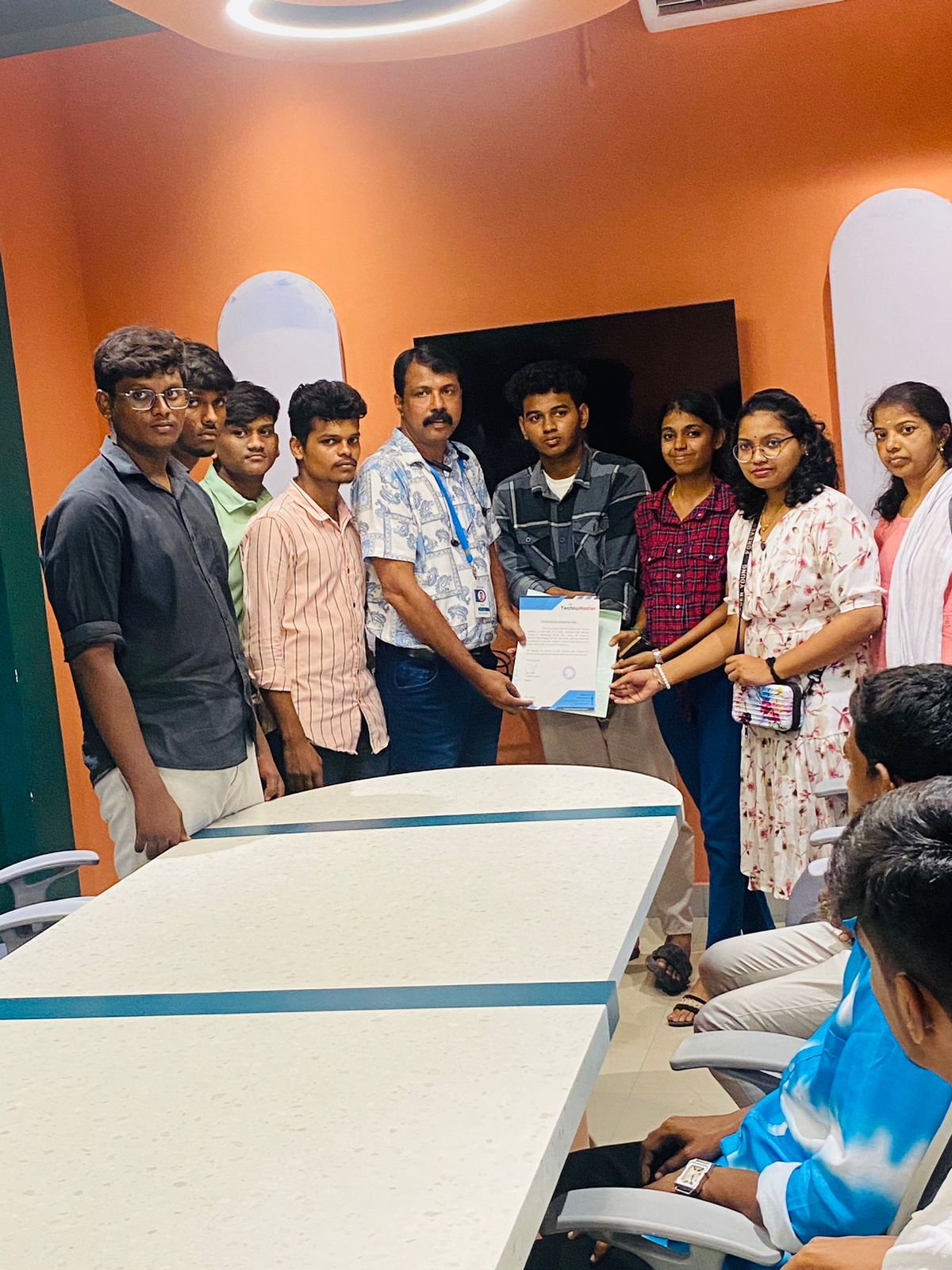
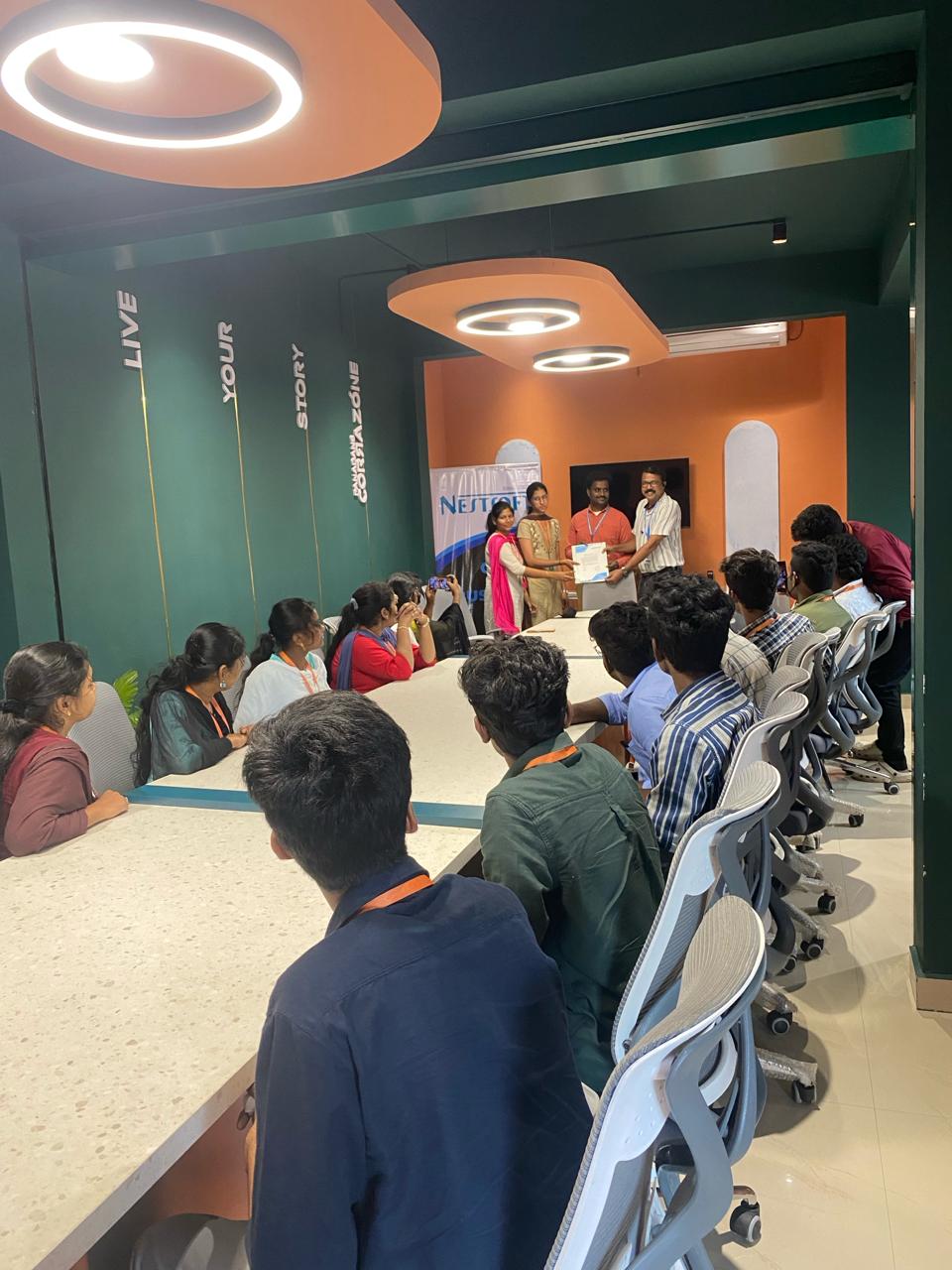
Photos of Training / Internships

Internship/projects in mangaluru

Trained more than 10000+ students who trust Nestsoft TechnoMaster

Get Your Personal Trainer