Send enquiry ⏎

Software Testing (Automation) Online Live Class by Experts

Our Training/Internship Process

Software Testing (Automation) Online Live Classes in Kottayam | Free Demo Training

Software Testing (Automation) - Syllabus, Fees & Duration

Automation Testing Syllabus

    MODULE 1 - SQL
    • Sql introduction
    • Sql Datatypes Sql basics-DDL
    • DML,DCL,Comparison Operators
    • Constraints
    • Aggregate
    • Functions
    • Practice questions
    • Joins
    • Stored Procedures
    • Practice Question
    • Views
    • Group By
    • Having
    • Order By Clauses Practice Question
    MODULE 2 - JAVA
    • Introduction to the course
    • Java Installation
    • Features and JDK
    • First Sample Program Data Types and Variables
    • Operators Control Statements
    • Loops Scanner
    • Array Oops - Polymophism (Method overloading)
    • Constructor Overloading
    • Types of Inheritance and Method Overriding
    • This and Super keyword
    • final and static keyword
    • Abstraction, Encapsulation, Exception, Thread
    • Thread Synchronization
    • Events Collection - List & Set Collection - Map & Queue Exam - Java
    MODULE 3 - Selenium IDE
    • Selenium Introduction
    • IDE Features
    • creating script Using IDE
    • Recording
    • Selenese
    • Assert and verify Export Testcase
    MODULE 4 - Selenium Webdriver
    • Selenium Webdriver Introduction
    • Webdriver manager
    • Junit
    • Locators
    • Screenshot in selenium
    • Handling Alerts
    • BrokenLinks
    • Testng and its Features
    • Waits in Selenium
    • Javascript Executor in Selenium
    • Navigation Commands
    • Dropdown handling using select class
    • Button Text verification
    • Radio buttons Actions class
    • copy paste using action class
    • draganddrop program Double click and right click using Action class
    • Mouse Hover Program
    • File upload
    • File upload using AUTO IT and Robot class
    • Cross browser Testing
    • Handling multiple windows and tabs
    • Handle pops in Chrome
    • Datepicker
    • DataDrivenTesting
    • Extended Reports
    • POM Design Pattern Frameworks
    • Datadriven framework Maven
    • Importance of maven
    • Create Project in Maven
    • Project
    MODULE 5 - JMeter
    • Introduction to Jmeter
    • overview of performance testing
    • Jmeter workflow
    • components of Jmeter
    • Building a web Test plan
    • Report generation
    • Execution in NON-GUI mode Recording in Jmeter
    • Blaze meter plugin Assertions
    • Timers
    • CSV Data set configuration
    • Correlation
    MODULE 6 - POSTMAN
    • Introduction to Postman
    • API testing
    • Download and install postman
    • Collections
    • Request methods
    • Collection Runner
    • Test script
    • Variables
    • Data driven testing
    • API fetching
    • JsonPathfinder
    • Openweathermap API
    • Newman
    MODULE 7 - JIRA
    • Agile methodology
    • scrum
    • Introduction to Jira
    • Jira issue types
    • How to create an Epic/User stories in Jira
    • Creating sprints in Jira
    • Sprint lifecylce in Jira
    • Backlogs
    • Creating bugs
    • Write Test Cases in Jira with Zephyr plugin
    • Jira project flow
    MODULE 8 - GIR & GITH
    • Introduction
    • Git installation
    • Repository creation in GitHub
    • Commands in git

Download Syllabus - Software Testing (Automation)
This syllabus is not final and can be customized as per needs/updates
   
10000+
20+
50+
25+

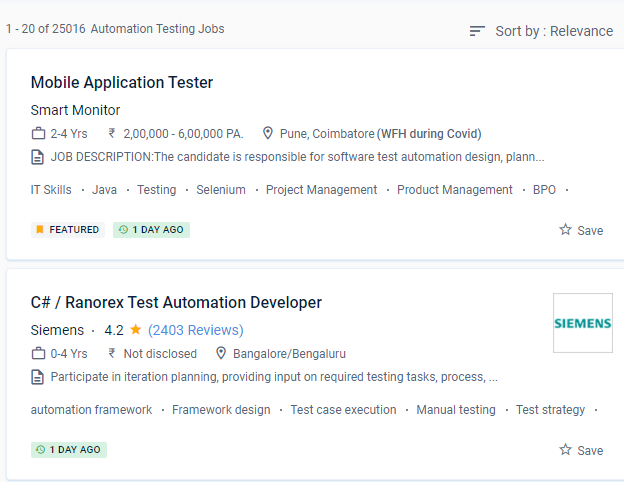
Software Testing (Automation) Jobs in Kottayam

Enjoy the demand

Find jobs related to Software Testing (Automation) in search engines (Google, Bing, Yahoo) and recruitment websites (monsterindia, placementindia, naukri, jobshybrid.com, indeed.co.in, shine.com etc.) based in Kottayam, chennai and europe countries. You can find many jobs for freshers related to the job positions in Kottayam.

  • Network Test Engineer
  • Network Automation Testing
  • Automation Testing
  • Network Engineer
  • Test Automation Engineer
  • QA Test Automation Engineer
  • Automation Test Lead
  • Network Test Engineer
  • Software Test Engineer
  • Senior Network Engineer

Software Testing (Automation) Internship/Course Details

Software Testing (Automation) internship jobs in Kottayam
Software Testing (Automation) One of the most popular test automation fallacies is that everything can be automated. The goal of automating software tests is to make time-consuming, repetitive, or complex work more effective and productive. Recognize the importance of software testing automation. NESTSOFT training in Kottayamprogramme is a collection of courses that will assist you in mastering a specific skill. . You will be automatically enrolled in the entire speciality programme if you enrol in a course that is part of a specialisation programme. It is feasible to save energy, time, and money while allowing individuals to focus on other duties in this way. Learn how to use web automation tools for Continuous Integration and put them into practice. It is dependent on the project, the timeline, the budget, the quality, and the technique. This System Administration course inKottayam is for beginner to intermediate software engineers who want to improve their knowledge and skills in incorporating testing approaches and tools into their projects' development.


Meet a Few of our Industry Experts 🚀 Your Pathway to IT Career

Rani

Mobile: +91 98474 90866
Location: Online (Kottayam, India)
Qualification: The act of measuring or judging the size or ammount of something

Experience: I completed degree in Karnataka My skills are python C programming Data Science Java Excl Powerponi and computer I experience  more..

jaivansh

Mobile: +91 9895490866
Location: Online (Kottayam, India)
Qualification: CEH

Experience: Because of my special combination of expertise abilities and enthusiasm for cybersecurity I think I'm a great fit for this  more..

karthik

Mobile: +91 89210 61945
Location: Online (Kottayam, India)
Qualification: M-tech

Experience: WordPress Developer UI UX Designer and full stack web development  more..

Seema

Mobile: +91 91884 77559
Location: Online (Kottayam, India)
Qualification: Bachelor of arts

Experience: I completed my web design and development course in this year and I have good knowledge of HTML CSS javascript  more..

Rubina

Mobile: +91 94975 90866
Location: Online (Kottayam, India)
Qualification: Btech

Experience: java python JUnit5 SQL HTML SEO AWS  more..

Beena

Mobile: +91 91884 77559
Location: Online (Kottayam, India)
Qualification:

Experience: I am very much interested in applying for the QA position in your company My Name is Beena Babu I  more..

Hanzalah

Mobile: +91 89210 61945
Location: Online (Kottayam, India)
Qualification: BSc.IT

Experience: I have some prior experience with some programming languages like python html css js and django other then that i  more..

Suhaila

Mobile: +91 91884 77559
Location: Online (Kottayam, India)
Qualification: Btech in computer science and engineering

Experience: Android application developer Java developer  more..

sriraj.p

Mobile: +91 9895490866
Location: Online (Kottayam, India)
Qualification: bca

Experience: completed ug in BCA and done with the software testing certification from qspyders  more..

Nidhin

Mobile: +91 9895490866
Location: Online (Kottayam, India)
Qualification: Msc Mathematics

Experience: I have 6 months experience in Data Science -AI-python-ML -Deep Learning intern at Luminar technolab kochi  more..

Aditya

Mobile: +91 98474 90866
Location: Online (Kottayam, India)
Qualification: b.tech

Experience: hi currently i am working in Liugong India as wordpress developer  more..

Dhilip

Mobile: +91 89210 61945
Location: Online (Kottayam, India)
Qualification: MCA

Experience: As an experienced Android developer for 2 years I have proficiency in Kotlin and Java knowledge in Android Studio and  more..

Hari

Mobile: +91 98474 90866
Location: Online (Kottayam, India)
Qualification: Mca

Experience: Html css javascript wordpress angular react  more..

Nikhil

Mobile: +91 89210 61945
Location: Online (Kottayam, India)
Qualification: BE-Computer

Experience: I have 2 4 years experience in software testing Software testing SDLC STLC API Testing UI Testing  more..

Evelin

Mobile: +91 8301010866
Location: Online (Kottayam, India)
Qualification: MA English/TESOL/OET Teacher training

Experience: As an experienced OET trainer I bring a comprehensive set of skills to the table My expertise lies in navigating  more..

Ramya

Mobile: +91 91884 77559
Location: Online (Kottayam, India)
Qualification: BE CSE

Experience: This is Ramya I have 2 4 years experience in both manual and Automation testing I have good knowledge in  more..

Ananya

Mobile: +91 89210 61945
Location: Online (Kottayam, India)
Qualification: Postgraduate in Chemist

Experience: Iam a dedicated chemistry educator with a passion for nurturing young minds With two years of experience I've had the  more..

Simran

Mobile: +91 98474 90866
Location: Online (Kottayam, India)
Qualification: Bcom

Experience: I am seo executive for over last 9 5 months I am responsible for handling and overseeing on page off  more..

SREEKUTTY

Mobile: +91 91884 77559
Location: Online (Kottayam, India)
Qualification: BSC.COMPUTER SCIENCE/DIPLOMA IN MULTIMEDIA WEBDESIGNING

Experience: Iam a good webdesigner and excellent creativity I known HTML CSS boostrap jquery php JavaScript Corel draw etc   more..

Ankita

Mobile: +91 91884 77559
Location: Online (Kottayam, India)
Qualification: M E

Experience: Selenium testing functional testing regression testing core java jira  more..

ALEENA

Mobile: +91 98474 90866
Location: Online (Kottayam, India)
Qualification: B.Tech

Experience: I am submitting my resume for the position of QA Tester I have completed four-month training in software testing During  more..

Abilasha

Mobile: +91 98474 90866
Location: Online (Kottayam, India)
Qualification: Advanced diploma in animation and film making

Experience: Skills: Graphic designing illustration 3D modelling drawing logo design character modeling character design poster design video editing Ui design Experience:  more..

Vaishnavi

Mobile: +91 91884 77559
Location: Online (Kottayam, India)
Qualification: BE

Experience: Proficient in C# NET core SQL Server and MVC Framework Proficient in C# NET core SQL Server and MVC Framework  more..

Pooja

Mobile: +91 91884 77559
Location: Online (Kottayam, India)
Qualification: BCA

Experience: UI ux design Visual design Wireframe Time management Creativity Critical thinking  more..

Success Stories

The enviable salary packages and track record of our previous students are the proof of our excellence. Please go through our students' reviews about our training methods and faculty and compare it to the recorded video classes that most of the other institutes offer. See for yourself how TechnoMaster is truly unique.

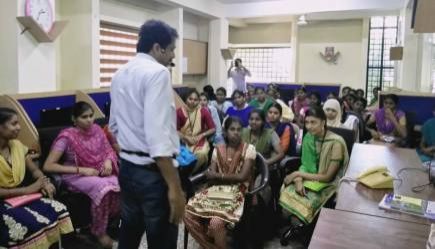
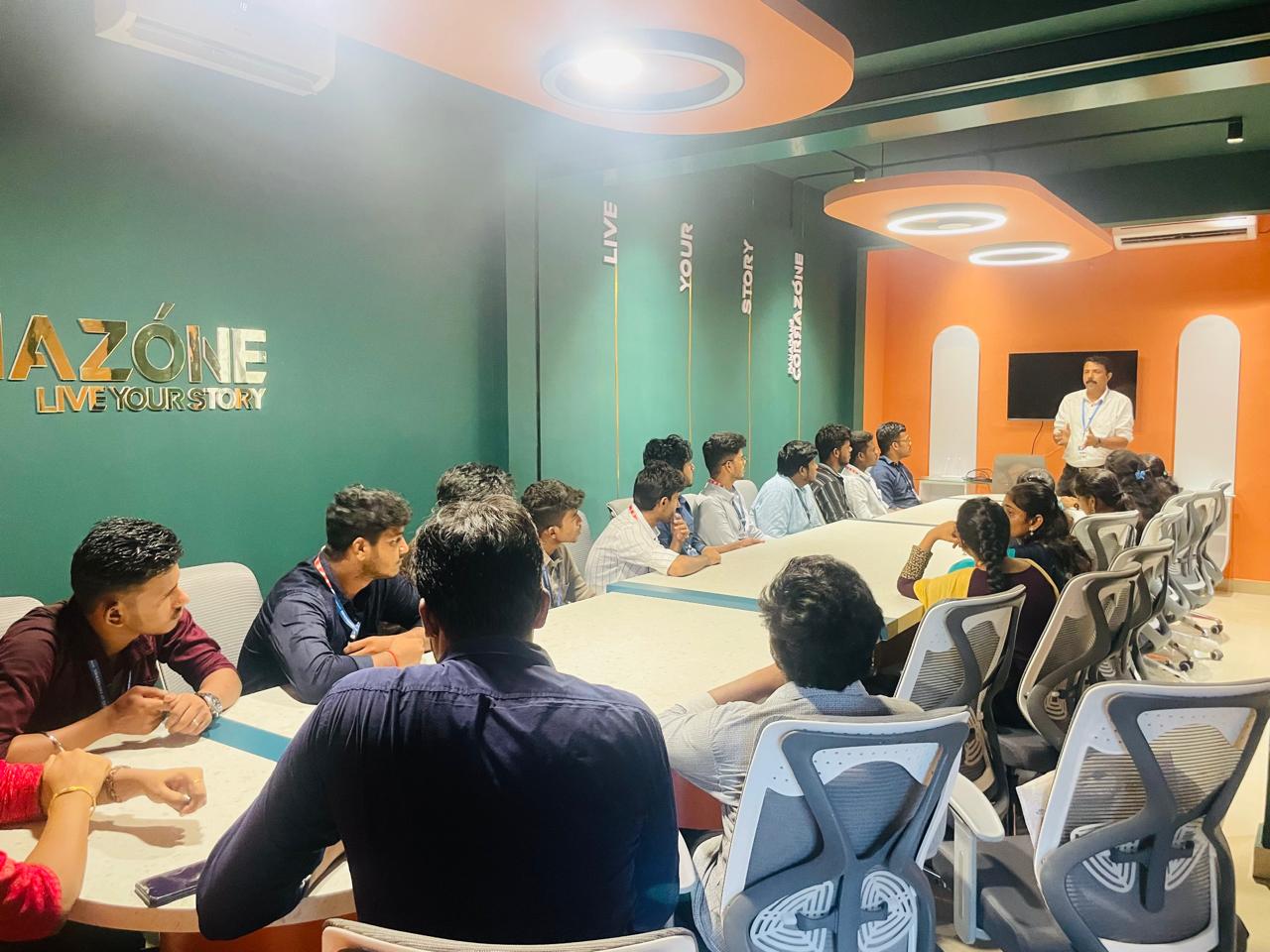
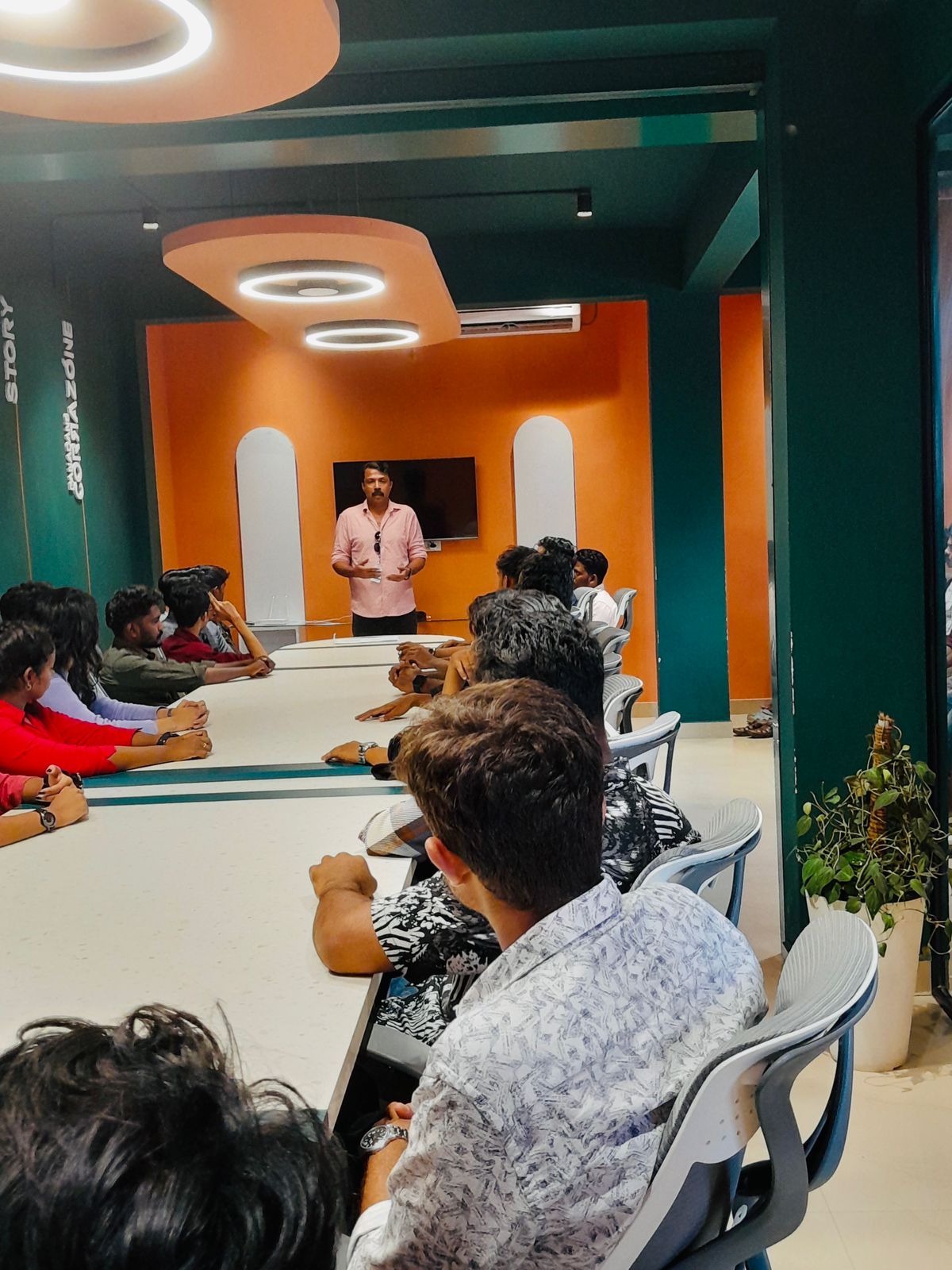
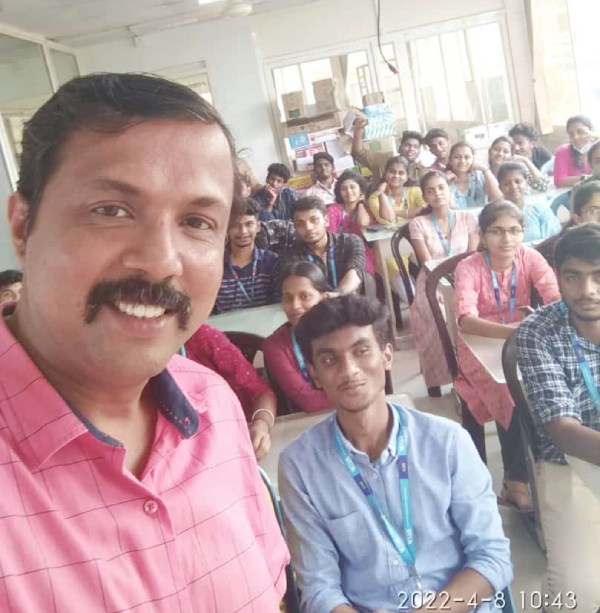
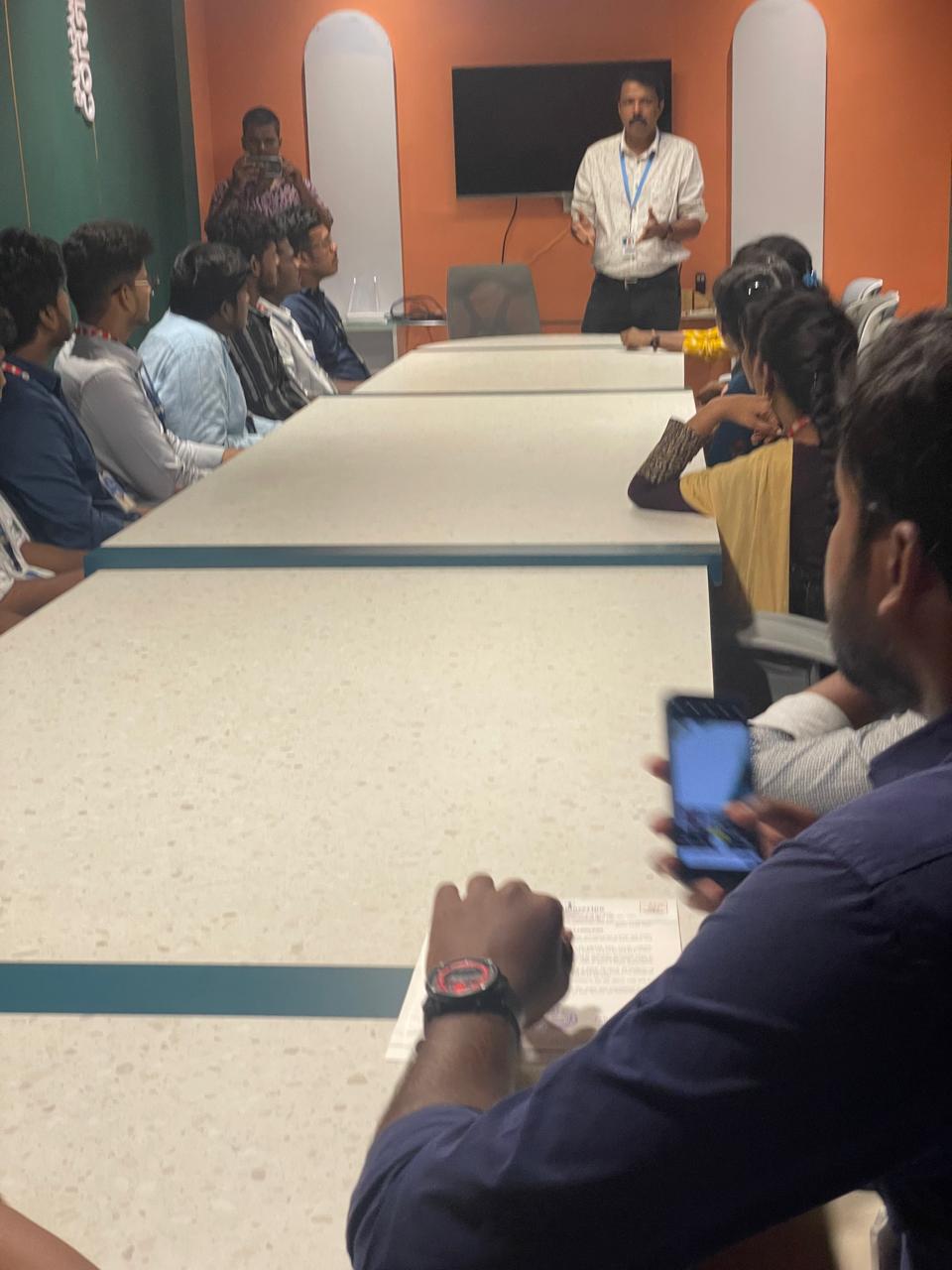
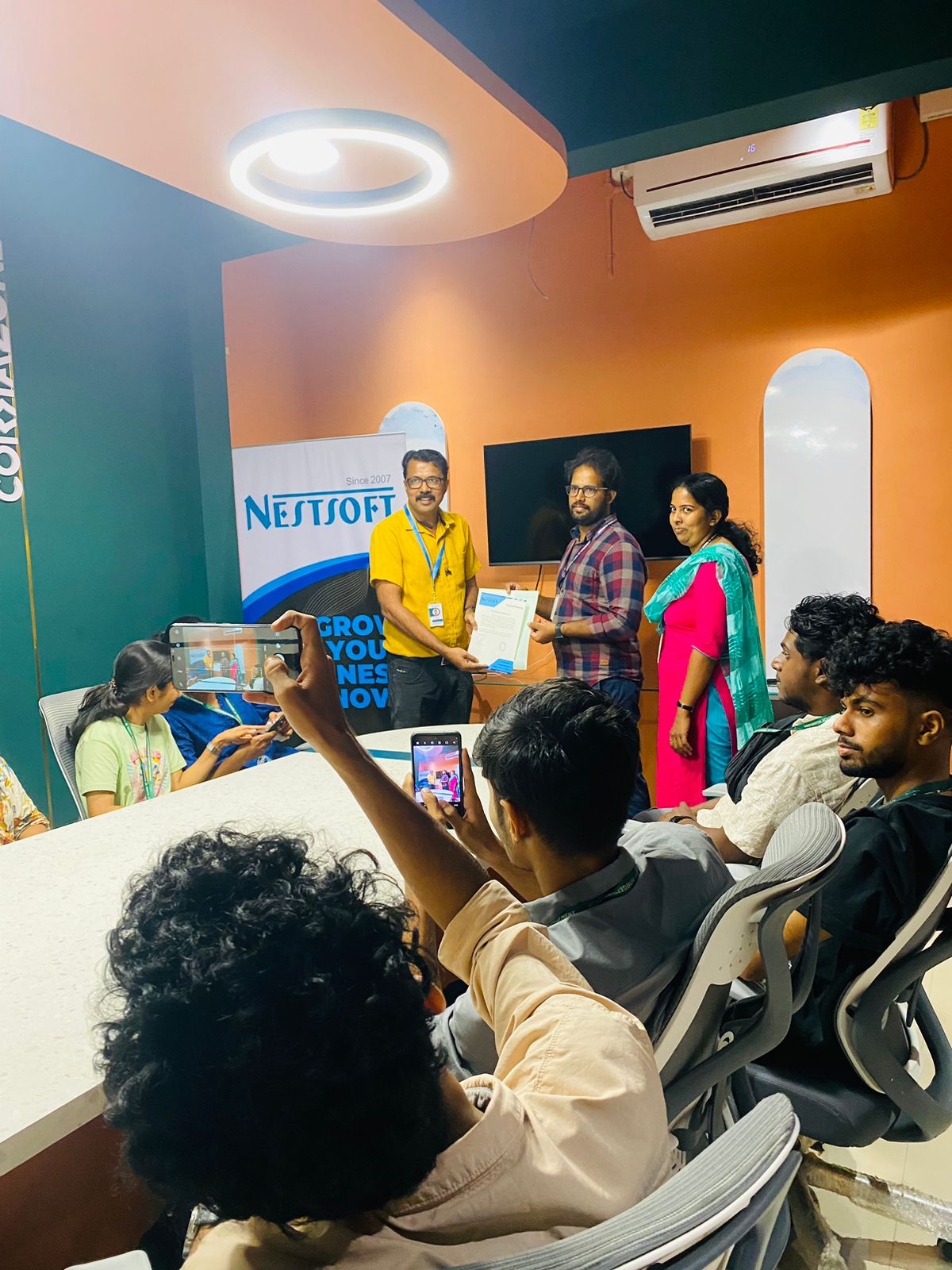
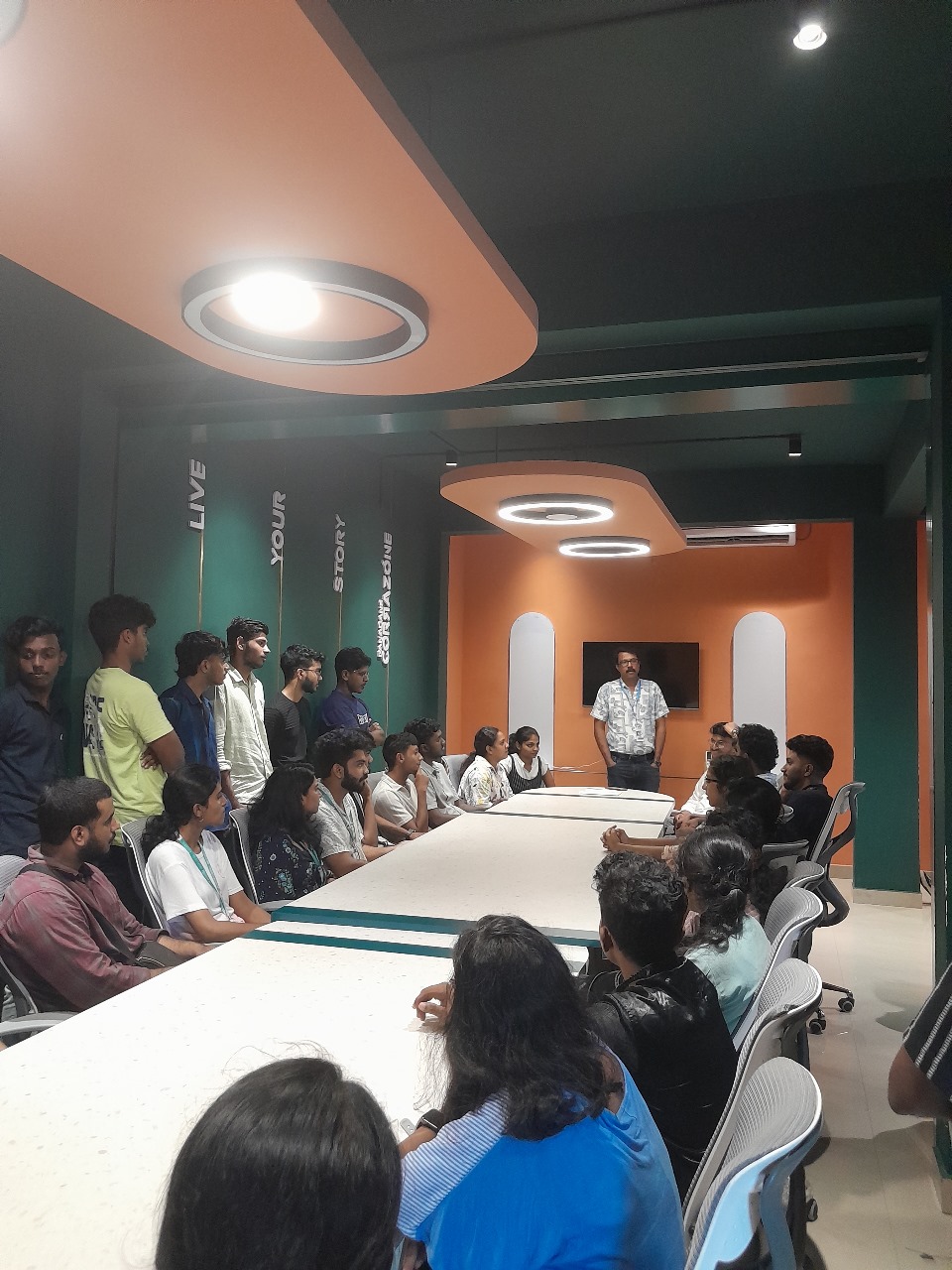
Photos of Training / Internships

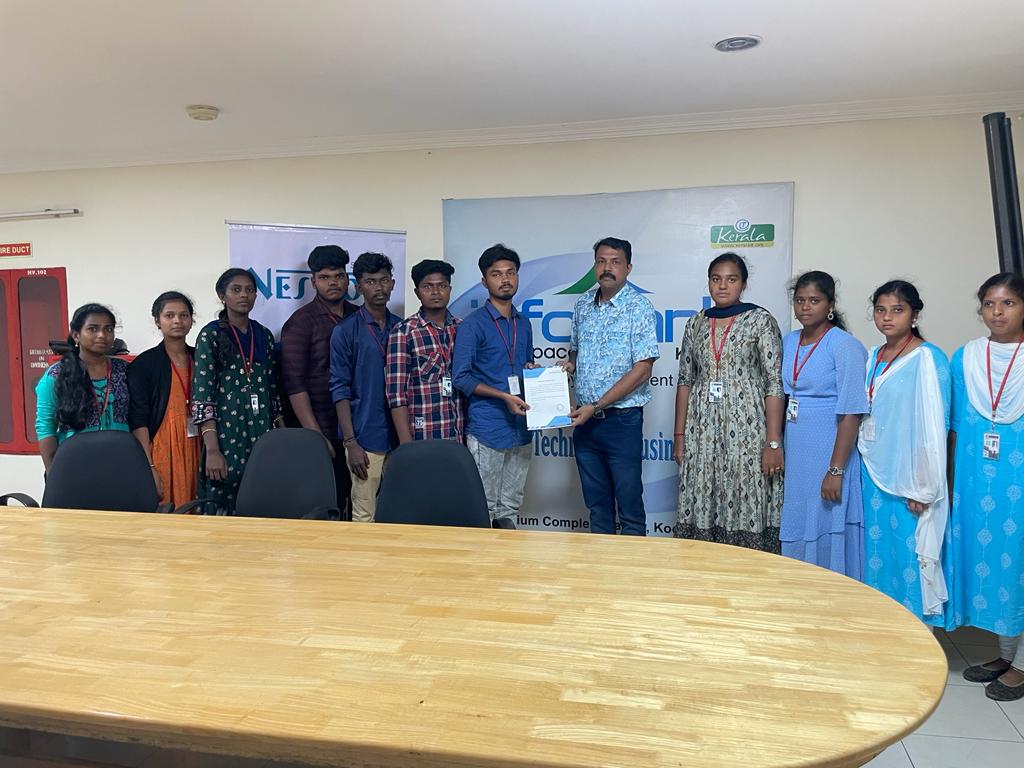
Internship/projects in kottayam

Trained more than 10000+ students who trust Nestsoft TechnoMaster

Get Your Personal Trainer