Send enquiry ⏎

Sketch Online Live Class by Experts

Our Training/Internship Process

Sketch Online Live Classes in Mangaluru | Free Demo Training

Sketch - Syllabus, Fees & Duration

Module 1: Introduction to Sketch
  • Overview of Sketch as a design tool
  • Setting up your workspace and shortcuts
  • Navigating the Sketch interface
  • Installing and managing plugins
Module 2: Design Fundamentals in Sketch
  • Artboards and canvas management
  • Working with shapes, layers, and text tools
  • Grids, guides, and layouts for precision design
  • Importing and editing images
Module 3: UI Design Essentials
  • Creating buttons, icons, and interface components
  • Designing modern user interfaces for web and mobile
  • Working with reusable symbols and components
  • Building scalable and consistent design systems
Module 4: Prototyping and Interactivity
  • Linking artboards for interactive prototypes
  • Adding animations and transitions
  • Sharing and presenting prototypes to stakeholders
Module 5: Advanced Features and Collaboration
  • Integrating Sketch with third-party tools (InVision, Zeplin, etc.)
  • Using cloud libraries for team collaboration
  • Customizing styles and exporting assets
Module 6: UX Research and Wireframing
  • Basics of user research and journey mapping
  • Creating wireframes and low-fidelity prototypes
  • Conducting usability testing and incorporating feedback
Module 7: Real-Time Projects
  • Designing a complete web or mobile application
  • Real-world project briefs and problem-solving
  • Peer reviews and expert feedback
Module 8: Portfolio Development
  • Finalizing and presenting project work
  • Creating a professional design portfolio
  • Tips for job interviews and freelance opportunities

Download Syllabus - Sketch
This syllabus is not final and can be customized as per needs/updates
   
10000+
20+
50+
25+

Sketch Jobs in Mangaluru

Enjoy the demand

Find jobs related to Sketch in search engines (Google, Bing, Yahoo) and recruitment websites (monsterindia, placementindia, naukri, jobshybrid.com, indeed.co.in, shine.com etc.) based in Mangaluru, chennai and europe countries. You can find many jobs for freshers related to the job positions in Mangaluru.

  • UI/UX Designer
  • Web Designer
  • Product Designer
  • Graphic Designer
  • Mobile App Designer
  • Interaction Designer
  • Prototyping Specialist
  • Visual Designer
  • Freelance Designer
  • Design Consultant

Sketch Internship/Course Details

Sketch internship jobs in Mangaluru
Sketch Whether you're an aspiring designer or a professional looking to enhance your skills, this course will help you master Sketch—a leading tool for UI/UX design and digital prototyping. Our one-to-one training ensures personalized guidance tailored to your learning goals. Elevate your design skills and turn your ideas into stunning digital creations. This comprehensive training includes, Core Sketch features and interface mastery, Designing intuitive user interfaces (UI) and experiences (UX), Prototyping and collaboration techniques and Tips and workflows used by top design professionals. Unleash your creativity with our Sketch Training Program, designed and delivered by industry experts. Enroll now to take your first step toward becoming a professional designer!. With a focus on hands-on learning, you'll work on real-world projects, gaining practical experience to build an impressive portfolio. Key Highlights are Industry expert-led training, Live, project-based learning, Certification upon course completion and Placement assistance for career growth.

Meet a Few of our Industry Experts 🚀 Your Pathway to IT Career

Manikaran

Mobile: +91 9895490866
Location: Online (Mangaluru, India)
Qualification: B.Tech

Experience: Github Link : github com manikaran21 Certificates: drive google com drive folders 1Q-ptc395b998Lu111wdaudi_Lw73YVZ7?usp=sharing HackerRank Profile : hackerrank com masanmb17tes?hr_r=1 I  more..

Linkan

Mobile: +91 89210 61945
Location: Online (Mangaluru, India)
Qualification: Master of Engineering

Experience: Manual testing Automation testing BDD Framework Selenium Cucumber Xpath CSS Selector etc  more..

Mehdi

Mobile: +91 98474 90866
Location: Online (Mangaluru, India)
Qualification: Bachelor's in computer science

Experience: HTML CSS javascript jQuery Ajax PHP wordpress and woocommerce   more..

Anjali

Mobile: +91 98474 90866
Location: Online (Mangaluru, India)
Qualification: Bachelor of Science

Experience: I am a fresher who is well versed with python language and its packages and frameworks i have good technical  more..

Manish

Mobile: +91 91884 77559
Location: Online (Mangaluru, India)
Qualification: B.Tech

Experience: During my time at SafeSend Technology I was responsible for developing and maintaining web applications using C# ASP NET and  more..

Anandapoorani

Mobile: +91 98474 90866
Location: Online (Mangaluru, India)
Qualification: Bachelor of Engineering

Experience: QA Tester with 2 years of experience in both automation and manual testing Proven expertise in ensuring software Quality of  more..

Chitimelly

Mobile: +91 8301010866
Location: Online (Mangaluru, India)
Qualification: B.tech

Experience: I am good at python programming c programming SQL and machine learning  more..

Mayuri

Mobile: +91 89210 61945
Location: Online (Mangaluru, India)
Qualification: BE in Computer Engineering

Experience: I am an experienced software developer skills with angular (RXJS Reactive forms routing) Javascript(Promises) Typescript HTML CSS Git Bitbukcet Jira  more..

Aleena

Mobile: +91 91884 77559
Location: Online (Mangaluru, India)
Qualification: Diploma in electronics engineering and digital marketing. Course completed

Experience: Iam 6 month experienced digital marker from soften technologies kadavanthra Seo Sem Smm Email marketing Layout design Canva These are  more..

Vishnu

Mobile: +91 91884 77559
Location: Online (Mangaluru, India)
Qualification: BCA

Experience: Keyword research Content moderating Off-page seo On-page SEO Link building   more..

Shaly

Mobile: +91 91884 77559
Location: Online (Mangaluru, India)
Qualification: B.E Electronics and Instrumentation

Experience: Quality Analyst Data Quality Elastic search Kibana Software testing Selenium Jmeter  more..

Ajsal

Mobile: +91 89210 61945
Location: Online (Mangaluru, India)
Qualification: BTech

Experience: I have solid foundation in python and have basic knowledge in SQL I have worked with PostgreSQL database and have  more..

MADAN

Mobile: +91 98474 90866
Location: Online (Mangaluru, India)
Qualification: MCA

Experience: 13 5 Years exp in programming and teaching  more..

Bhuvan

Mobile: +91 9895490866
Location: Online (Mangaluru, India)
Qualification: BE

Experience: Web developer java python  more..

Hanuman

Mobile: +91 91884 77559
Location: Online (Mangaluru, India)
Qualification: Batchler of computer applications

Experience: Ms office MY SQL c programming Excel   more..

varre

Mobile: +91 91884 77559
Location: Online (Mangaluru, India)
Qualification: M.Tech

Experience: angular javascript c#Application for Angular JS  more..

Hetvi

Mobile: +91 91884 77559
Location: Online (Mangaluru, India)
Qualification: BCA

Experience: I am skilled wordpress developer with intesne knowledge of digital marketing and SEO I have high proficiency in english language  more..

Balram

Mobile: +91 91884 77559
Location: Online (Mangaluru, India)
Qualification: Diploma in computer science

Experience: Html css php WordPress manual Testing mobile application testing  more..

Krishna

Mobile: +91 98474 90866
Location: Online (Mangaluru, India)
Qualification: B.E in Cyber Security

Experience: I've explored a vast backdoor in Cyber Security domain (Mostly Black hat) I've worked on variety of black hat project  more..

Karunakaran

Mobile: +91 89210 61945
Location: Online (Mangaluru, India)
Qualification: BE-ECE

Experience: Full-stack developer with 4+ years of experience in building web and mobile applications Proficient in Javascript frameworks (Angular React Ionic)  more..

Akil

Mobile: +91 91884 77559
Location: Online (Mangaluru, India)
Qualification: B.E

Experience: Manual Testing Automation Testing (Selenium+Java) Test planning Manual test case preparation Regression testing understanding Accessibility Azure DevOps Technical Support  more..

Nirali

Mobile: +91 94975 90866
Location: Online (Mangaluru, India)
Qualification: B.tech C.E

Experience: Python ERP functional js XML debugging problem solver making custom module in odoo  more..

Prince

Mobile: +91 8301010866
Location: Online (Mangaluru, India)
Qualification: Graduated from B.com (CA) , Web development course

Experience: MY name is Prince Khedkar❤️ I am a skilled and motivated Web Developer & Designer with a passion for creating  more..

Karishma

Mobile: +91 89210 61945
Location: Online (Mangaluru, India)
Qualification: BE

Experience: C web design and development android java SQL python 3 tears of experienceApplication for Java Spring  more..

Success Stories

The enviable salary packages and track record of our previous students are the proof of our excellence. Please go through our students' reviews about our training methods and faculty and compare it to the recorded video classes that most of the other institutes offer. See for yourself how TechnoMaster is truly unique.

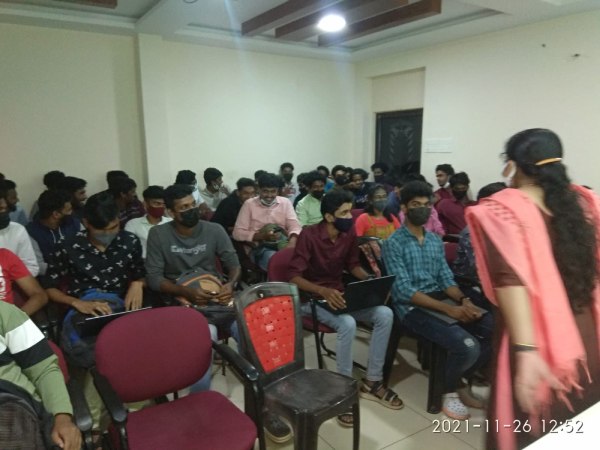
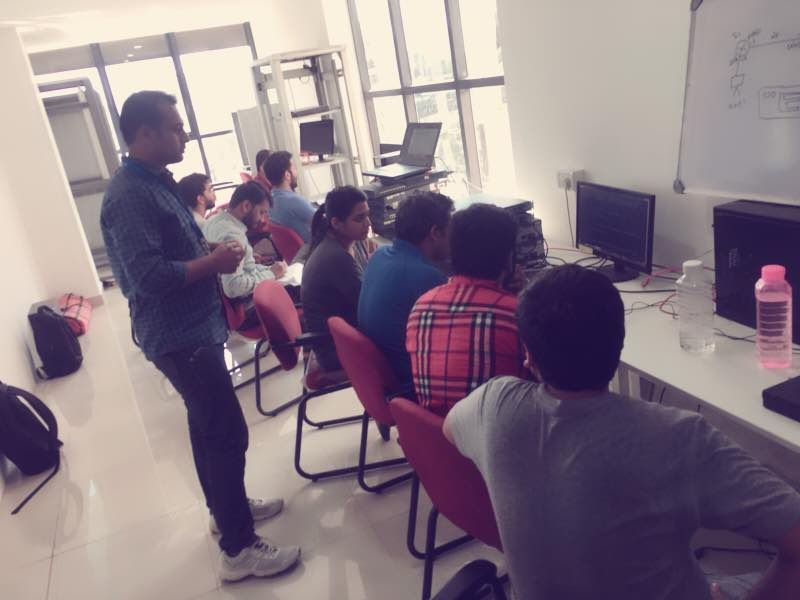
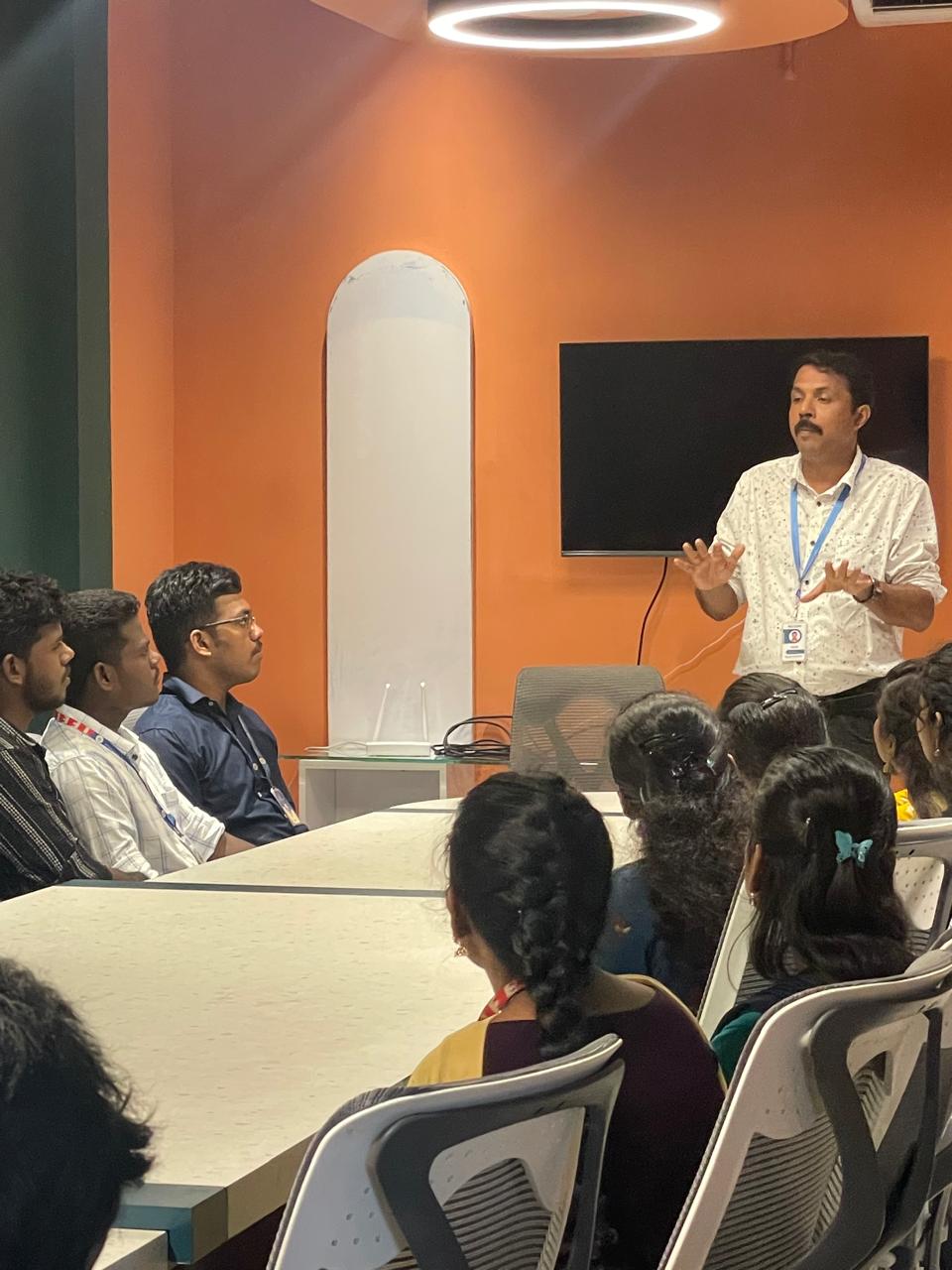
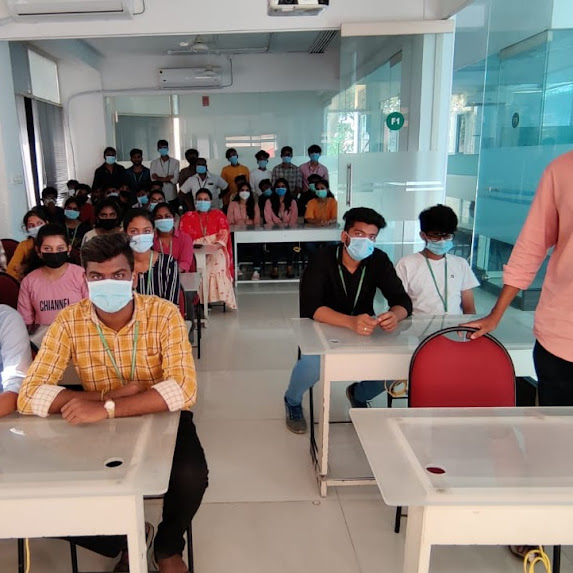
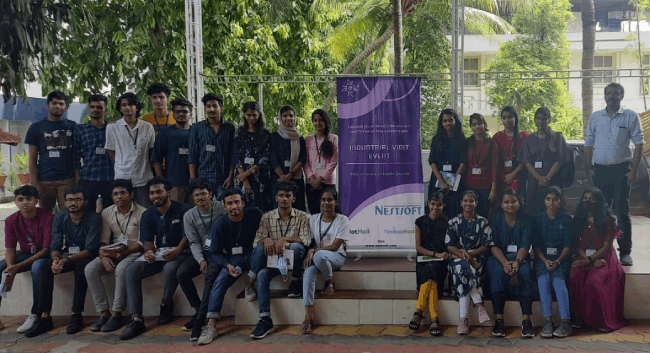
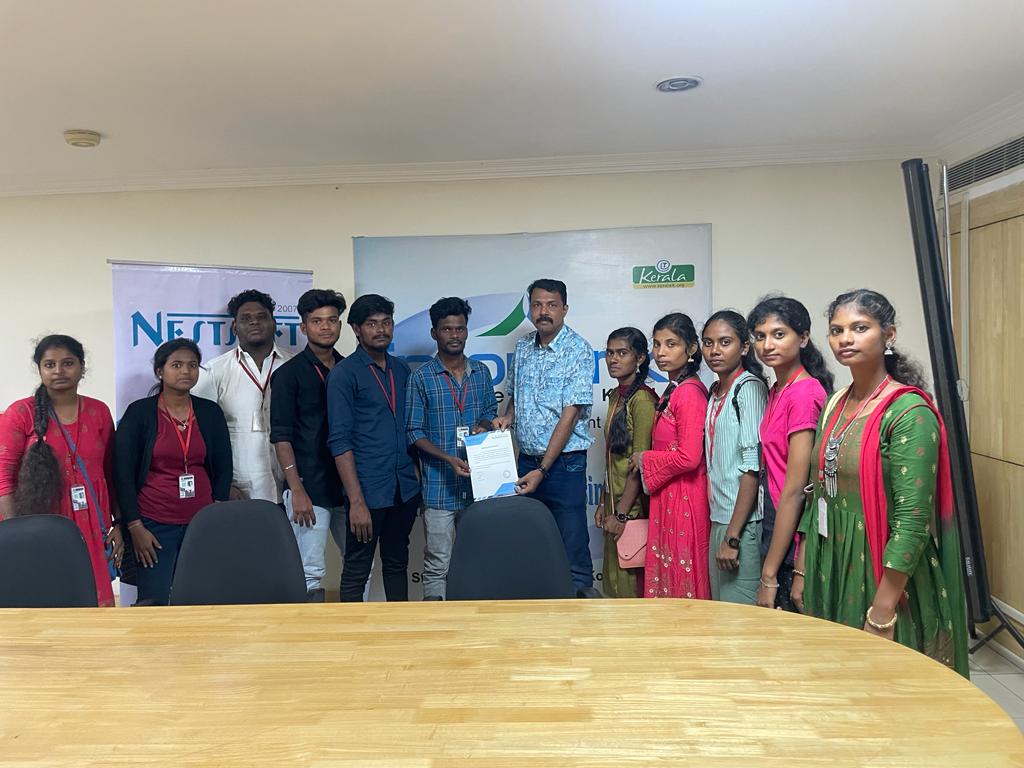
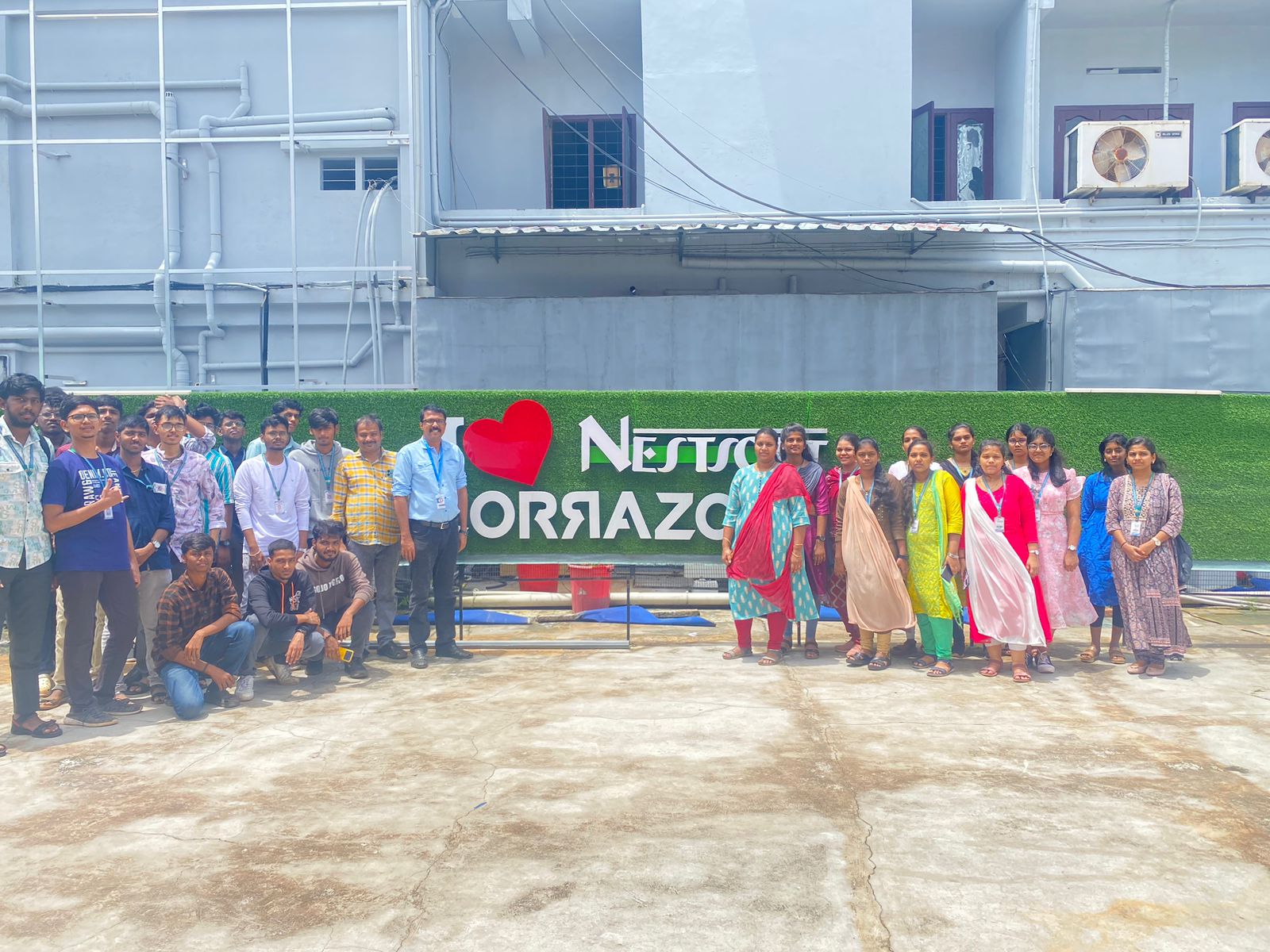
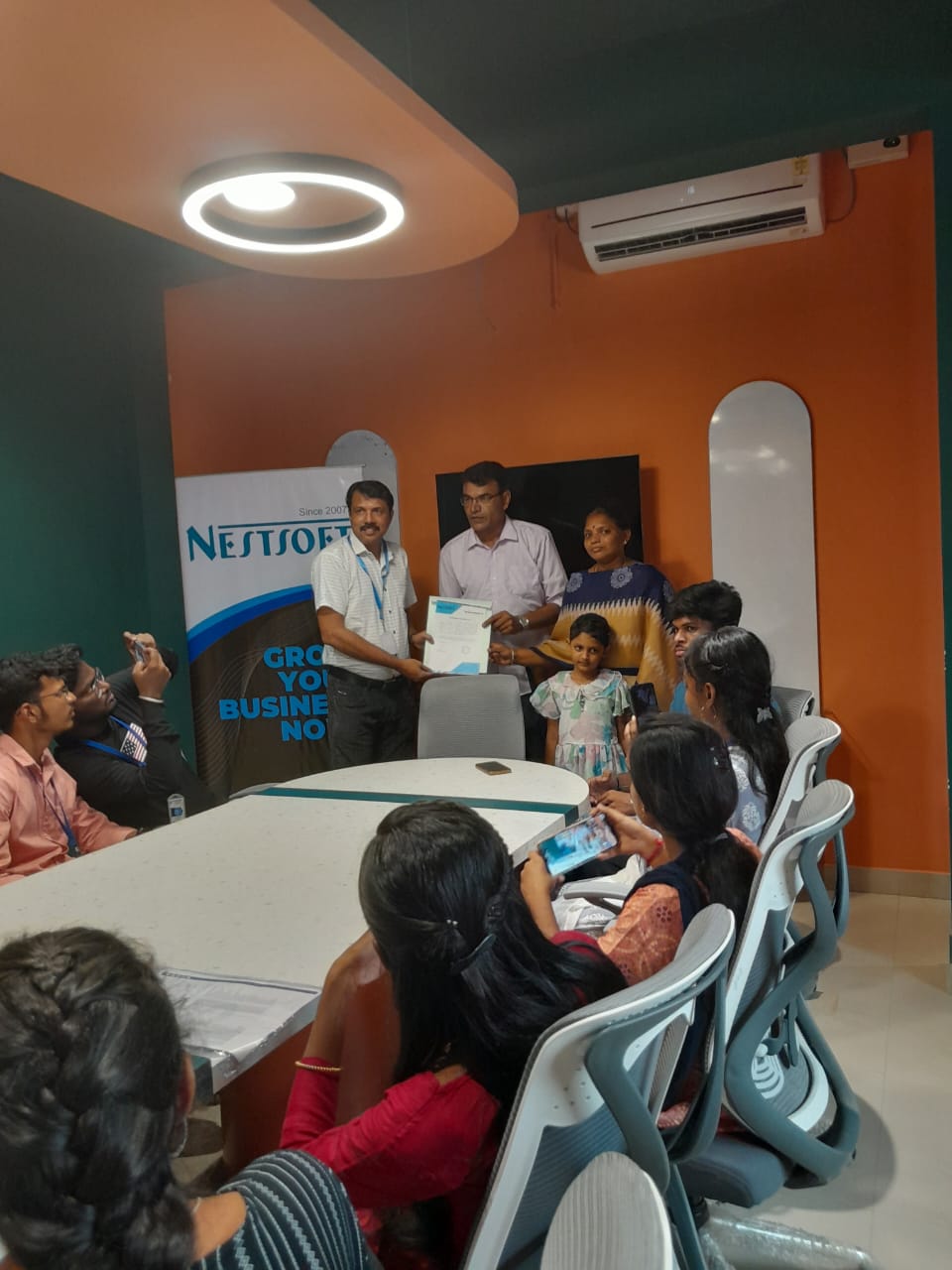
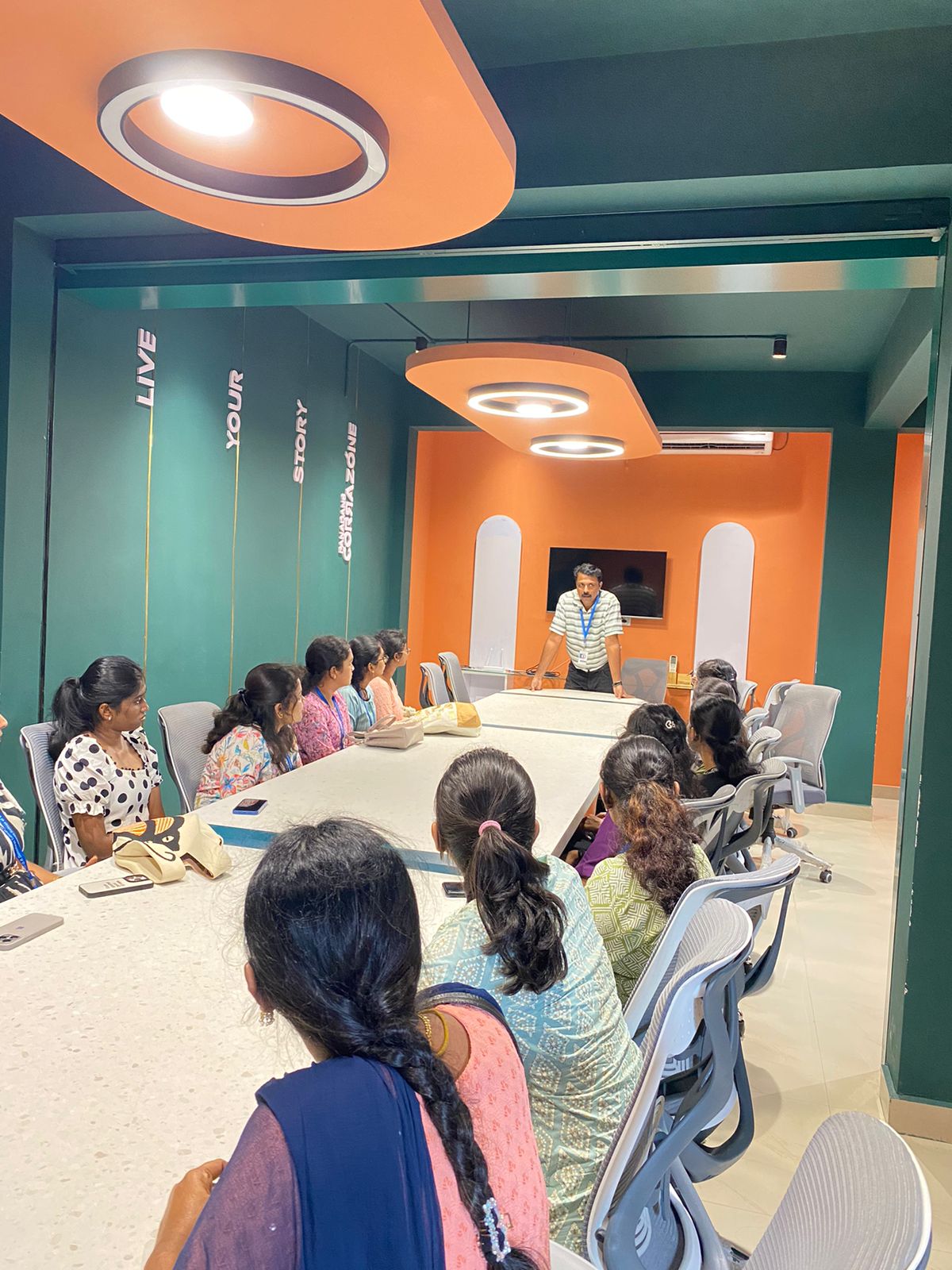
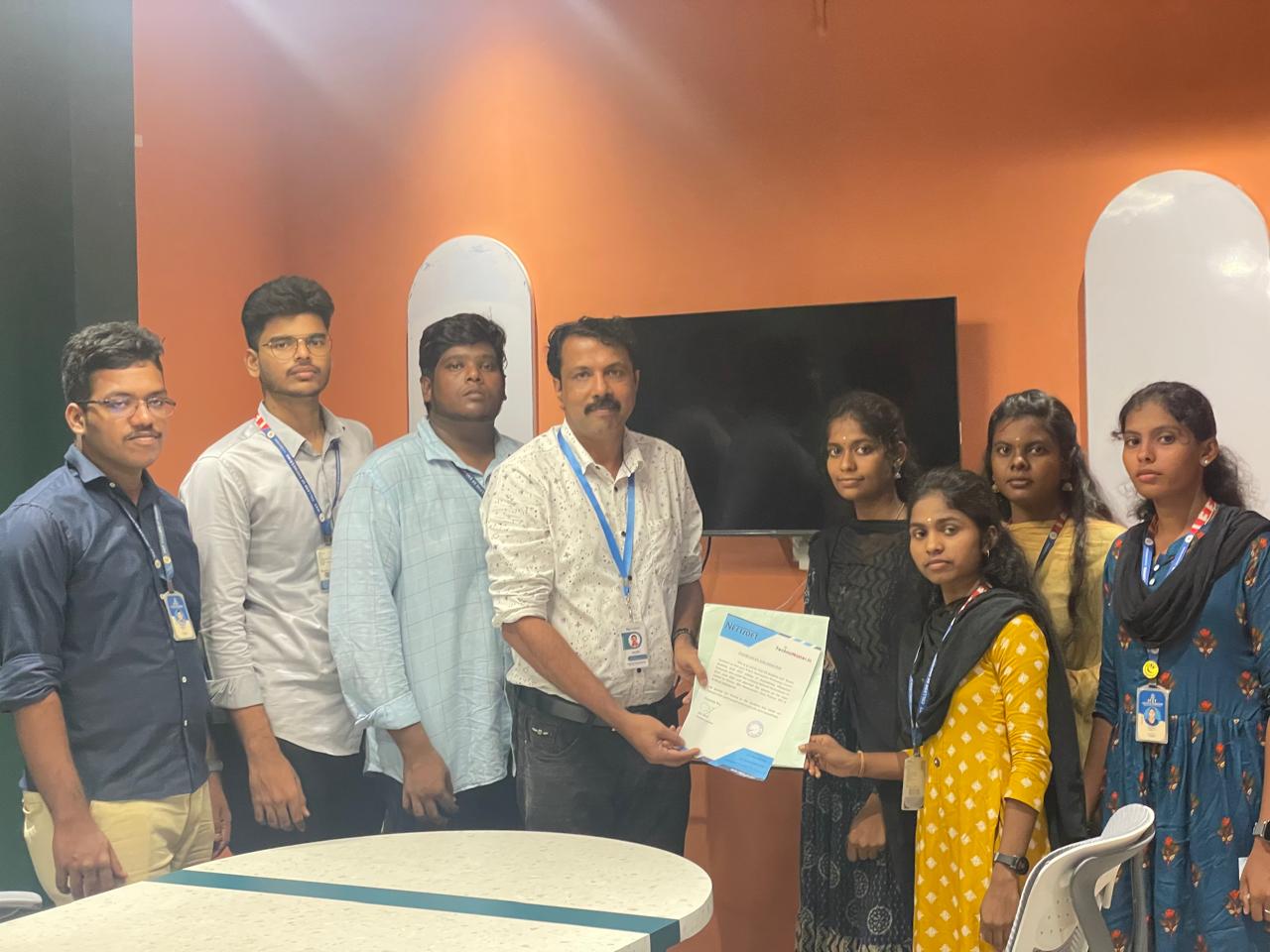
Photos of Training / Internships

Internship/projects in mangaluru

Trained more than 10000+ students who trust Nestsoft TechnoMaster

Get Your Personal Trainer