Send enquiry ⏎

AI Prompt Engineering Online Live Class by Experts

Our Training/Internship Process

AI Prompt Engineering Online Live Classes in Mangaluru | Free Demo Training

AI Prompt Engineering - Syllabus, Fees & Duration

Course Syllabus

Month 1: Generative AI & Prompt Engineering Fundamentals

Introduction to Artificial Intelligence

  • Introduction to Artificial Intelligence
  • History and Evolution of AI
  • Types of Artificial Intelligence
  • AI Applications in Real World
  • Machine Learning and Deep Learning Overview
  • Introduction to Generative AI

Large Language Models (LLMs)

  • Introduction to Large Language Models
  • How AI Language Models Work
  • LLM Architecture Basics
  • Tokens and Context Windows
  • Training and Fine-Tuning Concepts
  • Limitations of AI Models

Prompt Engineering Basics

  • Introduction to Prompt Engineering
  • Importance of Effective Prompt Design
  • Prompt Structure and Components
  • Writing Clear and Specific Instructions
  • Role-Based Prompting
  • Instruction-Based Prompting
  • Zero-Shot Prompting
  • Few-Shot Prompting

Month 2: Advanced Prompt Engineering & AI Applications

Advanced Prompt Techniques

  • Chain-of-Thought Prompting
  • Context Engineering
  • Prompt Optimization Techniques
  • Multi-Step Prompt Workflows
  • Prompt Testing and Evaluation
  • Improving AI Response Quality

AI Tools and Platforms

  • ChatGPT Advanced Features
  • Google Gemini
  • Claude AI
  • Microsoft Copilot
  • AI Image Generation Tools
  • AI Video Generation Tools
  • AI Productivity Tools

AI Automation and Integration

  • AI Workflow Automation
  • AI Content Generation
  • AI Marketing Applications
  • AI Coding Assistance
  • AI Data Analysis
  • Chatbot Development Concepts
  • AI API Integration Basics

Practical Projects

  • AI Chatbot Creation
  • AI Content Generator
  • AI Resume Builder
  • AI Research Assistant
  • AI Marketing Assistant
  • AI Automation Workflow Project

Tools and Technologies

  • ChatGPT
  • Google Gemini
  • Claude AI
  • Microsoft Copilot
  • OpenAI API
  • Midjourney
  • DALL·E
  • AI Automation Tools
  • Prompt Libraries
  • No-Code AI Platforms

Download Syllabus - AI Prompt Engineering
This syllabus is not final and can be customized as per needs/updates
   
10000+
20+
50+
25+

AI Prompt Engineering Jobs in Mangaluru

Enjoy the demand

Find jobs related to AI Prompt Engineering in search engines (Google, Bing, Yahoo) and recruitment websites (monsterindia, placementindia, naukri, jobshybrid.com, indeed.co.in, shine.com etc.) based in Mangaluru, chennai and europe countries. You can find many jobs for freshers related to the job positions in Mangaluru.

  • AI Prompt Engineer
  • Generative AI Specialist
  • AI Automation Specialist
  • AI Consultant
  • AI Application Developer
  • Chatbot Developer
  • AI Content Creator
  • AI Trainer
  • AI Research Assistant
  • Digital Transformation Specialist

AI Prompt Engineering Internship/Course Details

AI Prompt Engineering internship jobs in Mangaluru
AI Prompt Engineering This course helps learners develop essential AI skills for content creation, software development, business automation, research, and productivity enhancement. . Join our **AI Prompt Engineering Training in Mangaluru** to master AI communication techniques and prepare for future opportunities in the rapidly growing AI industry. **Course Description (Use Mangaluru)** Our **AI Prompt Engineering Course in Mangaluru** is a practical training program designed to teach Generative AI, Large Language Models (LLMs), ChatGPT, and advanced prompt creation techniques. Students will learn how to design effective AI prompts, improve AI responses, automate tasks, and use modern AI tools for real-world applications.


Meet a Few of our Industry Experts 🚀 Your Pathway to IT Career

Arya

Mobile: +91 8301010866
Location: Online (Mangaluru, India)
Qualification: Msc Computer science specialization in Cyber security

Experience: Worked as VAPT intern in Techbyheart Pvt ltd and have done a project in web application penetration testing Discovered vulnerabilities  more..

Shankar

Mobile: +91 8301010866
Location: Online (Mangaluru, India)
Qualification: BCA

Experience: Currently I am doing Java full stack development training in qspider gurgaon and I am about Oracle SQL Java HTML  more..

Sumit

Mobile: +91 94975 90866
Location: Online (Mangaluru, India)
Qualification: B Tech

Experience: Strong programming knowledge of Android SDK Services Android API’s GPS XML JSON REST SOAP Push Notification(GCM) Social Integration (Facebook Twitter  more..

Krishna

Mobile: +91 91884 77559
Location: Online (Mangaluru, India)
Qualification: Bca

Experience: 2 years experience in Android kotlin and java 6 months experience of flutter dart  more..

Kashish

Mobile: +91 89210 61945
Location: Online (Mangaluru, India)
Qualification: M.com

Experience: With two years of experience as a dedicated PTE (Pearson Test of English) trainer I bring comprehensive expertise to my  more..

Tejas

Mobile: +91 94975 90866
Location: Online (Mangaluru, India)
Qualification: B.E.

Experience: Java android studio firebase c c++ mysql  more..

Hasan

Mobile: +91 91884 77559
Location: Online (Mangaluru, India)
Qualification: Diploma

Experience: 2 years Experience in graphic design with intermediate knowledge of ui ux Software I use Photoshop illustrator figma Corel drawn  more..

Anusaya

Mobile: +91 9895490866
Location: Online (Mangaluru, India)
Qualification: B.E

Experience: Web development graphics design Digital marketing C C++ Aws Devops  more..

nimagalu

Mobile: +91 8301010866
Location: Online (Mangaluru, India)
Qualification: Btech

Experience: javascript react js html css  more..

Yeswanthkumar

Mobile: +91 8301010866
Location: Online (Mangaluru, India)
Qualification: Bsc computer science

Experience: I have 2 years of experience in front office associate in hotel industry later I have completed data analyst course  more..

Rajinder

Mobile: +91 91884 77559
Location: Online (Mangaluru, India)
Qualification: BE CSE

Experience: Web development: HTML CSS Javascript Reactjs Firebase Bootstrap MaterialUI Sass Expressjs MongoDB Computer Networking Operating Systems  more..

Bonula

Mobile: +91 8301010866
Location: Online (Mangaluru, India)
Qualification: B.Tech

Experience: I have 2 8 years of ETL development and testing experience in the retail domain specialising in Azure Databricks Azure  more..

srilakshmi

Mobile: +91 9895490866
Location: Online (Mangaluru, India)
Qualification: B. Tech

Experience: Front end developer (html css bootstrap and javascript) Technical support engineer (international voice)   more..

Renu

Mobile: +91 94975 90866
Location: Online (Mangaluru, India)
Qualification: Masters

Experience: I am currently pursuing a Master of Science in Computer Science at Liverpool John Moores University specializing in software development  more..

Abhishek

Mobile: +91 8301010866
Location: Online (Mangaluru, India)
Qualification: Master in Computer Application

Experience: Linux dot net Aws devops python problem solving critical thinking extrovert time management information gathering  more..

vipin

Mobile: +91 91884 77559
Location: Online (Mangaluru, India)
Qualification: Graduation

Experience: My name is vipin and I am a frontend developer and I am proficient in programming langiage such as c  more..

Samanta

Mobile: +91 91884 77559
Location: Online (Mangaluru, India)
Qualification: Graduate

Experience: I am a commerce graduate with expertise in financial analysis accounting and business management As a professional teacher I excel  more..

Aiswarya

Mobile: +91 9895490866
Location: Online (Mangaluru, India)
Qualification: btech

Experience: You should hire me for this role because I bring a unique blend of expertise and innovation My passion for  more..

Neeraj

Mobile: +91 94975 90866
Location: Online (Mangaluru, India)
Qualification: MCA

Experience: 10+Year of exaperience Developed 25+ application for android platform  more..

Poonam

Mobile: +91 91884 77559
Location: Online (Mangaluru, India)
Qualification: Diploma holder in cse

Experience: One year experience in marketing or 3 months internship in seo  more..

Prathamesh

Mobile: +91 8301010866
Location: Online (Mangaluru, India)
Qualification: MCA

Experience: Skills - HTML5 CSS Javascript React js Node js php etc  more..

Evelin

Mobile: +91 94975 90866
Location: Online (Mangaluru, India)
Qualification: MA English/TESOL/OET Teacher training

Experience: As an experienced OET trainer I bring a comprehensive set of skills to the table My expertise lies in navigating  more..

Nauman

Mobile: +91 94975 90866
Location: Online (Mangaluru, India)
Qualification: BCA

Experience: Html css wordpress canva  more..

Shithinkrishna

Mobile: +91 89210 61945
Location: Online (Mangaluru, India)
Qualification: Be computer science and engineering

Experience: Javascript react manual testing automation testing html css  more..

Success Stories

The enviable salary packages and track record of our previous students are the proof of our excellence. Please go through our students' reviews about our training methods and faculty and compare it to the recorded video classes that most of the other institutes offer. See for yourself how TechnoMaster is truly unique.

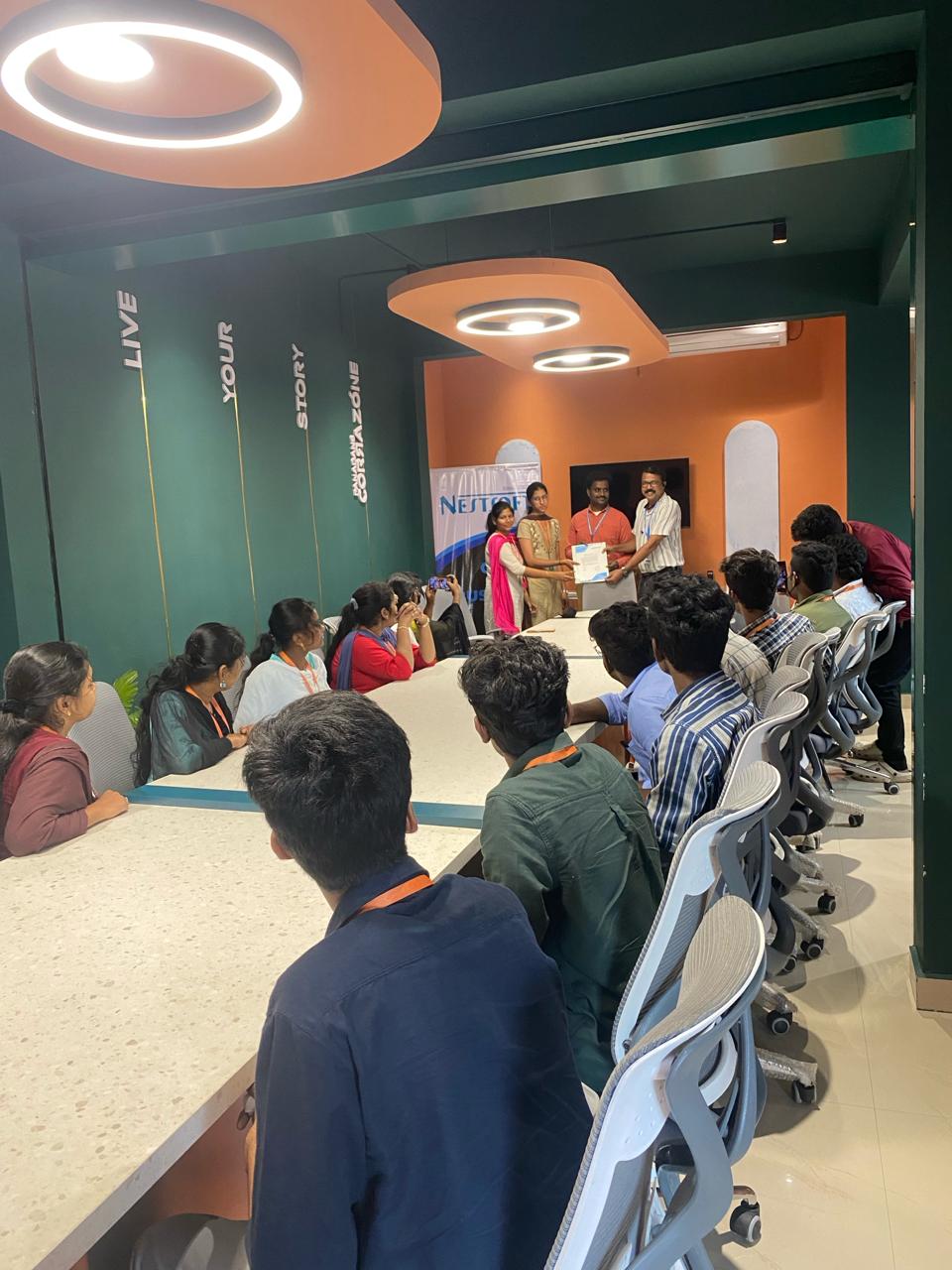
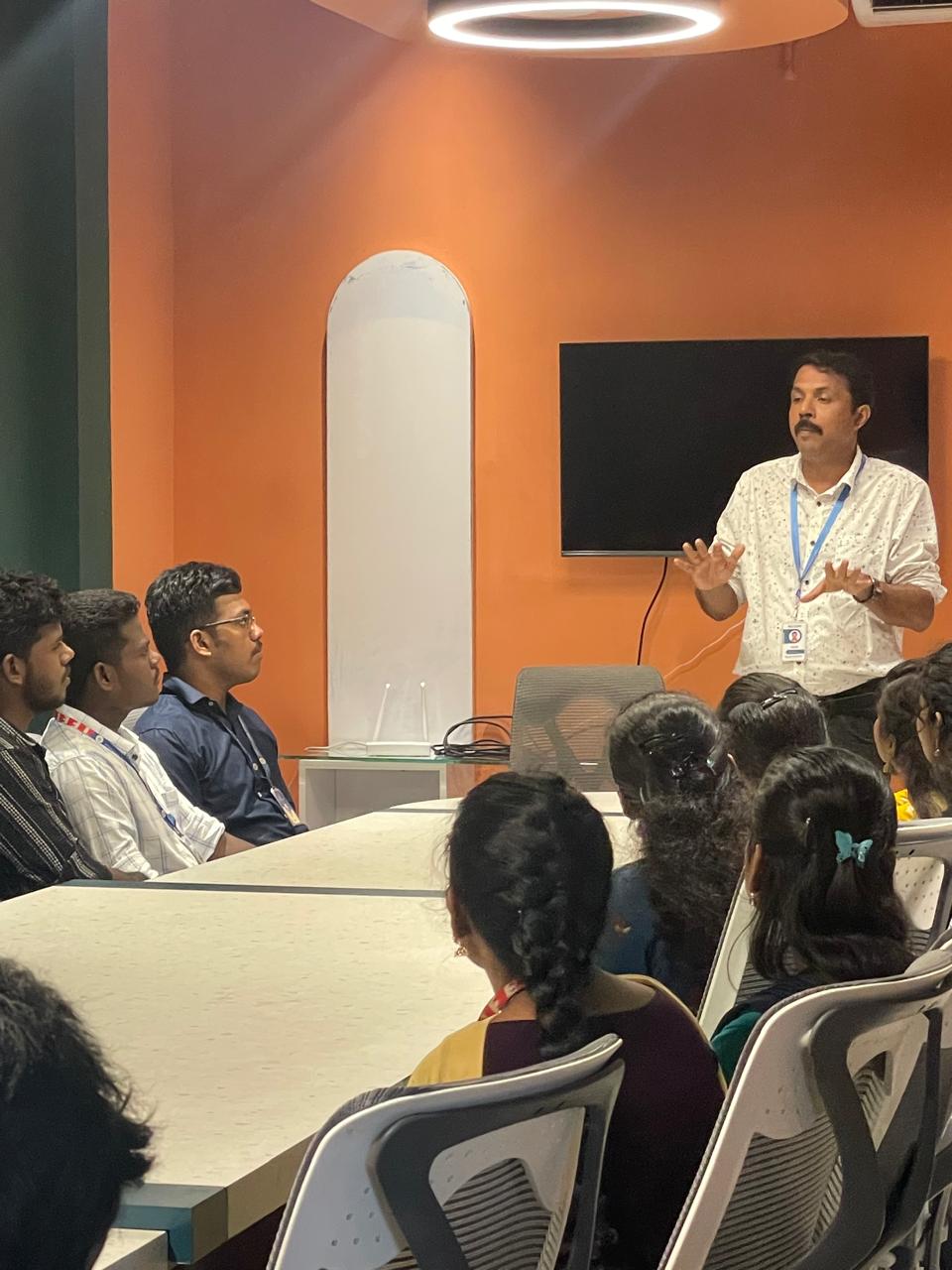
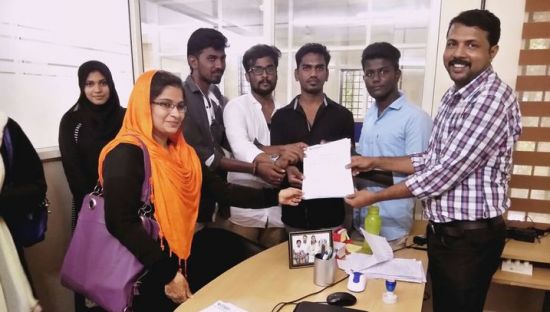
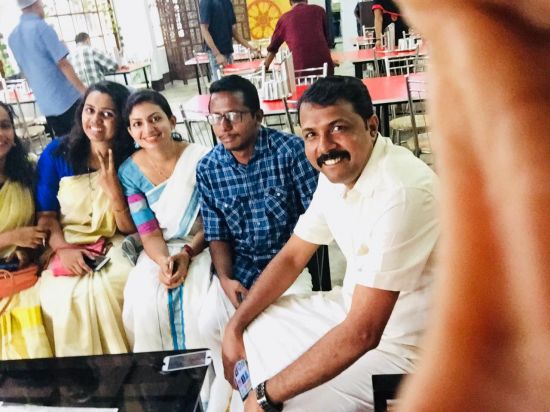
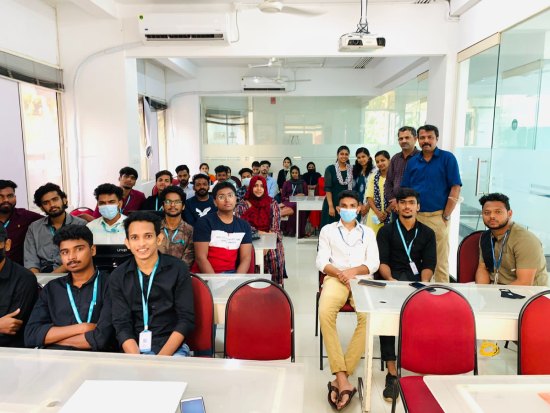
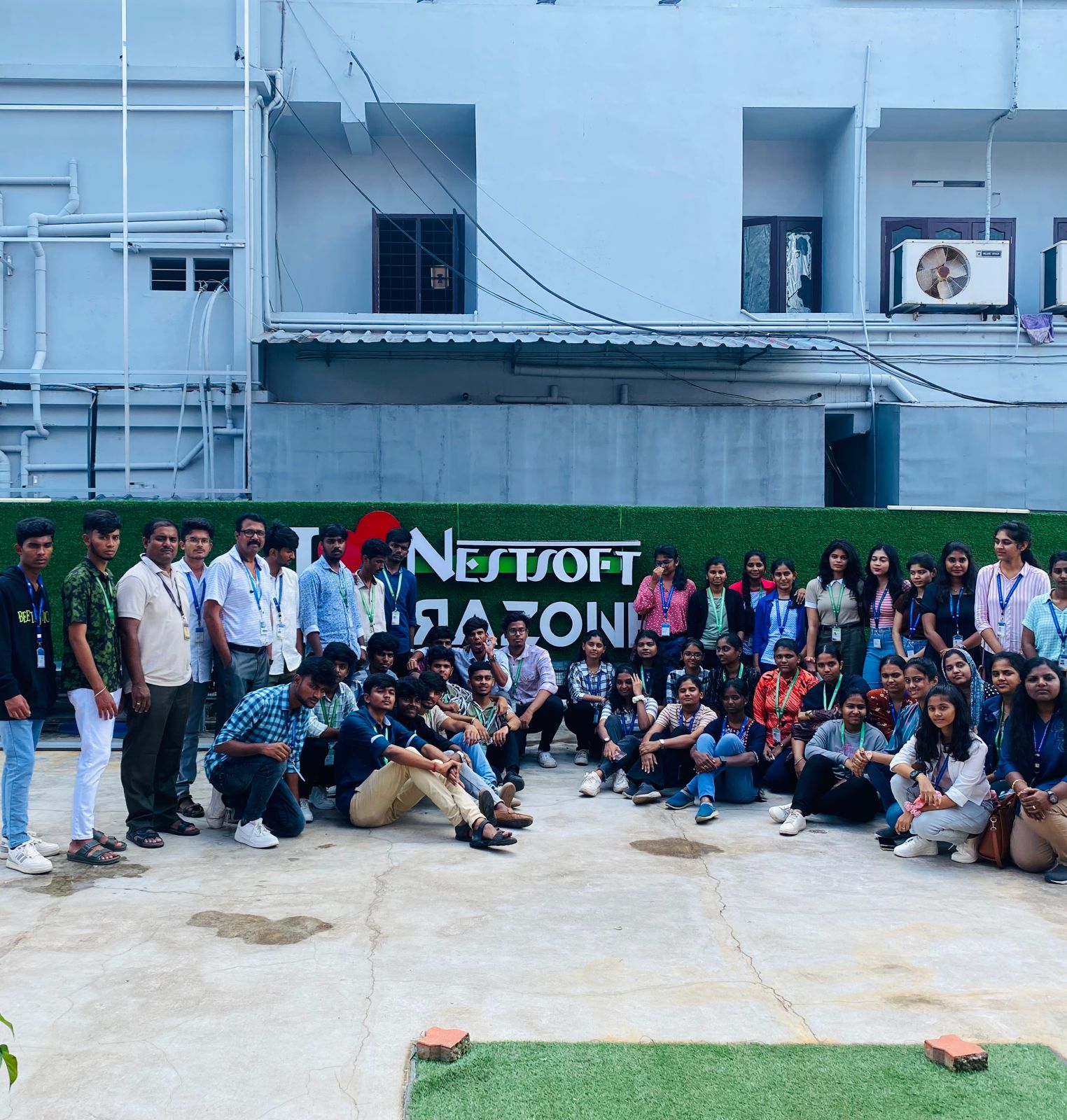
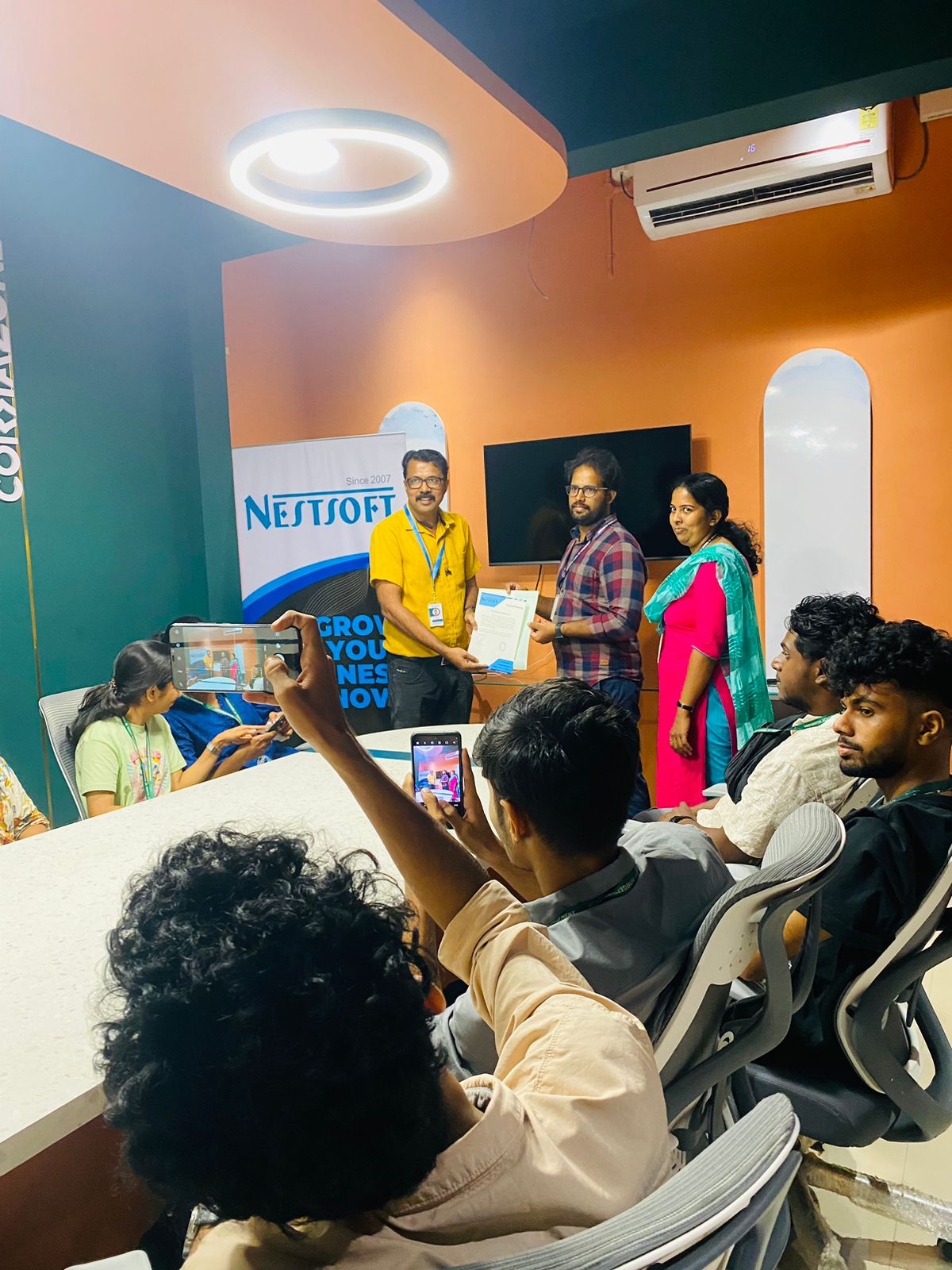
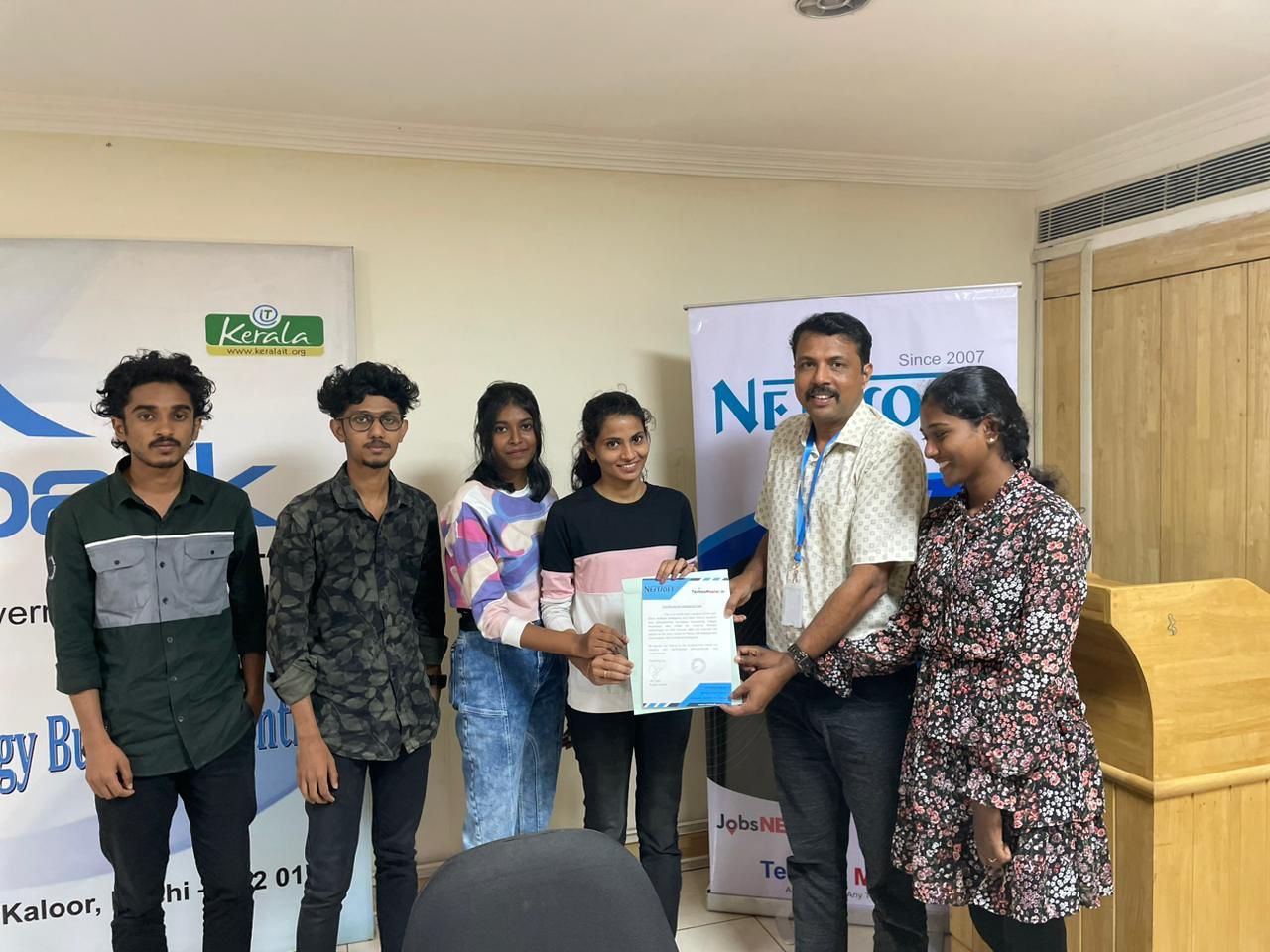
Photos of Training / Internships

Internship/projects in mangaluru

Trained more than 10000+ students who trust Nestsoft TechnoMaster

Get Your Personal Trainer