Send enquiry ⏎

QuickBooks Online Live Class by Experts

Our Training/Internship Process

QuickBooks Online Live Classes in Kottayam | Free Demo Training

QuickBooks - Syllabus, Fees & Duration

QuickBooks Training Syllabus – 30 Hours

Module 1: Introduction to Accounting & QuickBooks (3 hours)
  • Basics of accounting and financial terms

  • Introduction to QuickBooks Desktop & Online

  • Installation & setup of QuickBooks

  • Interface overview: dashboard, menus, settings


Module 2: Company Setup and Configuration (3 hours)
  • Creating a company file

  • Editing company preferences

  • Setting up fiscal year and currency

  • Backing up and restoring company files


Module 3: Chart of Accounts & Items (3 hours)
  • Understanding chart of accounts

  • Adding/editing accounts

  • Creating product and service items

  • Categorizing income and expenses


Module 4: Customers & Sales Management (4 hours)
  • Creating and managing customer profiles

  • Creating estimates, invoices, and sales receipts

  • Applying payments and handling partial payments

  • Handling sales returns and issuing credit memos


Module 5: Vendors & Expense Management (4 hours)
  • Creating vendor profiles

  • Recording purchases and bills

  • Paying bills manually or automatically

  • Tracking expenses and refunds


Module 6: Inventory & Asset Management (2 hours)
  • Setting up inventory items

  • Managing stock and reorder levels

  • Non-inventory and service items

  • Asset tracking and adjustments


Module 7: Bank Transactions (3 hours)
  • Linking and managing bank accounts

  • Reconciling accounts

  • Importing bank statements

  • Handling deposits and transfers


Module 8: Payroll & GST (4 hours)
  • Overview of payroll in QuickBooks

  • Setting up employee profiles

  • Calculating salaries, deductions, and taxes

  • Enabling and managing GST/VAT (India-specific)


Module 9: Financial Reporting & Analysis (3 hours)
  • Generating key reports: Profit & Loss, Balance Sheet, Cash Flow

  • Customizing reports

  • Exporting and printing reports

  • Basic financial analysis


Module 10: Project Work & Live Use Case (3 hours)
  • Create a sample business in QuickBooks

  • Perform full-cycle transactions (sales, purchases, payroll, GST)

  • Generate end-to-end reports

  • Troubleshooting and Q&A


Additional Features:
  • Multi-user access & roles

  • Data security & user permissions

  • QuickBooks mobile & cloud usage

  • Tips for freelancers and small businesses


Outcome:

By the end of the 30-hour course, students will:

  • Be proficient in managing small to medium business accounts using QuickBooks

  • Gain hands-on experience through live projects

  • Be ready for jobs in accounting, bookkeeping, or freelancing

  • Receive certification and internship support (if provided)

    Download Syllabus - QuickBooks
    This syllabus is not final and can be customized as per needs/updates
   
10000+
20+
50+
25+

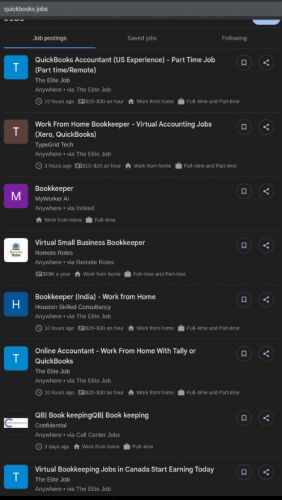
QuickBooks Jobs in Kottayam

Enjoy the demand

Find jobs related to QuickBooks in search engines (Google, Bing, Yahoo) and recruitment websites (monsterindia, placementindia, naukri, jobshybrid.com, indeed.co.in, shine.com etc.) based in Kottayam, chennai and europe countries. You can find many jobs for freshers related to the job positions in Kottayam.

  • Accounts Executive
  • Bookkeeper
  • Payroll Executive
  • Accounts Assistant
  • Tax Assistant (GST/VAT)
  • Freelance Accountant
  • Finance Executive
  • Audit Assistant
  • Office Administrator with Accounts
  • QuickBooks Consultant / Trainer

QuickBooks Internship/Course Details

QuickBooks internship jobs in Kottayam
QuickBooks . Taught by experienced industry professionals, the training includes real-time projects, live online or offline sessions, and hands-on exercises tailored to real-world business needs. QuickBooks Training Course by Technomaster is a career-focused program designed to equip you with practical accounting and financial management skills using one of the world’s most widely used bookkeeping tools. Whether you're a student, entrepreneur, finance professional, or job seeker, this course covers everything from setting up a company file to managing sales, expenses, payroll, GST, and generating financial reports. You’ll also gain access to a live internship, enabling you to apply your skills in a working environment and enhance your resume. With certification and placement assistance included, this course is ideal for those looking to build a successful career in accounting, finance, or business administration using QuickBooks Desktop or Online versions.


Meet a Few of our Industry Experts 🚀 Your Pathway to IT Career

SUNNY

Mobile: +91 94975 90866
Location: Online (Kottayam, India)
Qualification: Persuing Btech in Computer Science

Experience: I am a 3rd-year B Tech CSE student with a strong foundation in web development I have gained practical experience  more..

Adil

Mobile: +91 91884 77559
Location: Online (Kottayam, India)
Qualification: Software Engineering

Experience: Data operator web development 5 year experience data operator 2 year experience web development   more..

Rovin

Mobile: +91 94975 90866
Location: Online (Kottayam, India)
Qualification: B.Tech

Experience: I have 1 4 years experienced in odoo I have work different module like purchase sale manufacturing inventory invoicing Some  more..

Vakkalagadda

Mobile: +91 91884 77559
Location: Online (Kottayam, India)
Qualification: B.Tech

Experience: I have 3 years of experience in Digital Marketing and 1 year experience as PLSQl developer   more..

Sourab

Mobile: +91 91884 77559
Location: Online (Kottayam, India)
Qualification: B.Tech

Experience: Having 2 years of Experience in Android Development Worked with medical sector public sector and IT Sector Developed 7+ Android  more..

Dumas

Mobile: +91 98474 90866
Location: Online (Kottayam, India)
Qualification: MCA

Experience: I have a two years experienced as a WordPress developer in past two companies and taken classes to the few  more..

wanbiangmi

Mobile: +91 9895490866
Location: Online (Kottayam, India)
Qualification: MCA

Experience: reactjs programming language   more..

S.M.Iftykhar

Mobile: +91 94975 90866
Location: Online (Kottayam, India)
Qualification: Graduate Fresher

Experience: Beginner at Laravel and PHP Medium level Experienced with HTML and CSS Hands on experience on MySQL working on  more..

Haripriya

Mobile: +91 89210 61945
Location: Online (Kottayam, India)
Qualification: BCA

Experience: Python Html Javascript Bootstrap css I completed my internship in python Django framework from KINFRA TECHNOPARK   more..

Ezhilarasi

Mobile: +91 91884 77559
Location: Online (Kottayam, India)
Qualification: BE

Experience: Wordpress web developer testing and reporting using JIRA PHP Python Core Java and Artificial Intelligence master course completed through Simplilearn  more..

Kacha

Mobile: +91 91884 77559
Location: Online (Kottayam, India)
Qualification: MCA

Experience: SEO On page Off page SMM Keyword research Link building wordpress   more..

Johns

Mobile: +91 91884 77559
Location: Online (Kottayam, India)
Qualification: B tech computer science and engineering

Experience: I am Johns Thomas fresher Candidate looking forward to start career as a software engineer I am familiar with Java  more..

Susmitha

Mobile: +91 9895490866
Location: Online (Kottayam, India)
Qualification: Mca

Experience: 2 year experience in odoo developing   more..

Sreedeep

Mobile: +91 94975 90866
Location: Online (Kottayam, India)
Qualification: Mca

Experience: Working as a software developer in bicoders solution kinfra (angular and flutter)Application for Angular JS  more..

Ubaid

Mobile: +91 9895490866
Location: Online (Kottayam, India)
Qualification: Graduate

Experience: I have an year of experience in Seo I have knowledge in all three forms of seo on page off  more..

Siddhardha

Mobile: +91 98474 90866
Location: Online (Kottayam, India)
Qualification: Btech

Experience: I know python language sql   more..

Harish

Mobile: +91 91884 77559
Location: Online (Kottayam, India)
Qualification: MA - ENGLISH

Experience: Content Writing Customer Support firewall |   more..

Kanika

Mobile: +91 91884 77559
Location: Online (Kottayam, India)
Qualification: 3rd year BE.CS

Experience: HTML CSS JavaScript: Web development technologies for content design and interactivity Git: Version control for code management and collaboration Java:  more..

saravanakumar

Mobile: +91 9895490866
Location: Online (Kottayam, India)
Qualification: BE cse

Experience: php jQuery laravel html css  more..

Anandkrishnan

Mobile: +91 8301010866
Location: Online (Kottayam, India)
Qualification: B tech

Experience: Manual and automation testing   more..

NARESH

Mobile: +91 89210 61945
Location: Online (Kottayam, India)
Qualification: B.Tech , cse

Experience: python visual studio skills mysql java  more..

Kaviya

Mobile: +91 8301010866
Location: Online (Kottayam, India)
Qualification: B.Sc IT

Experience: I have completed python full stack developer course  more..

Nikhil

Mobile: +91 9895490866
Location: Online (Kottayam, India)
Qualification: B.E.

Experience: Manual testing and Having 1 year of experience  more..

Karuppasamy

Mobile: +91 9895490866
Location: Online (Kottayam, India)
Qualification: B.Tech.,IT

Experience: Odoo 11 12 14 python xml NodeJS Postgresql  more..

Success Stories

The enviable salary packages and track record of our previous students are the proof of our excellence. Please go through our students' reviews about our training methods and faculty and compare it to the recorded video classes that most of the other institutes offer. See for yourself how TechnoMaster is truly unique.

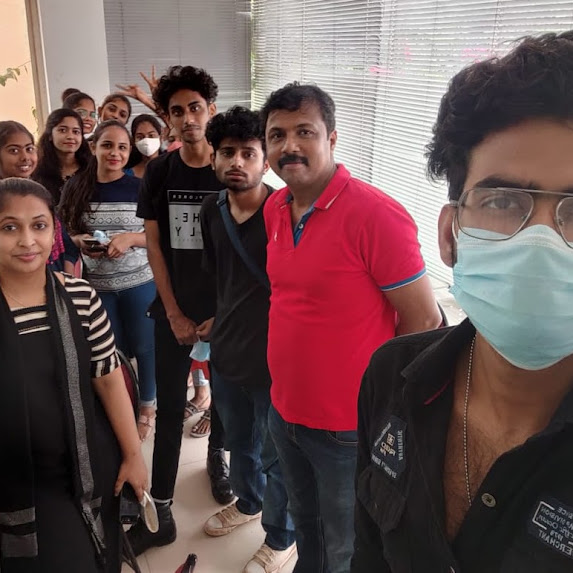
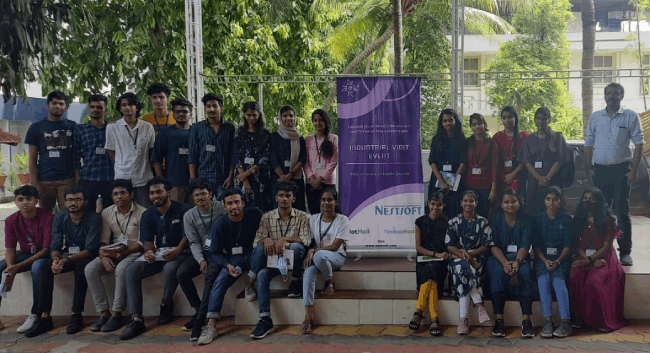
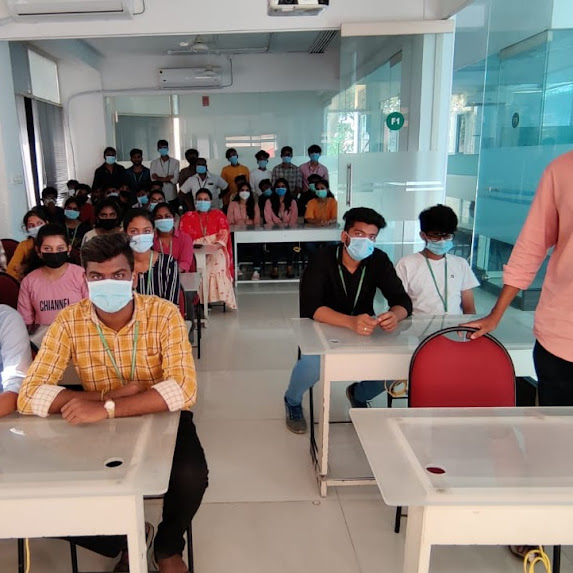
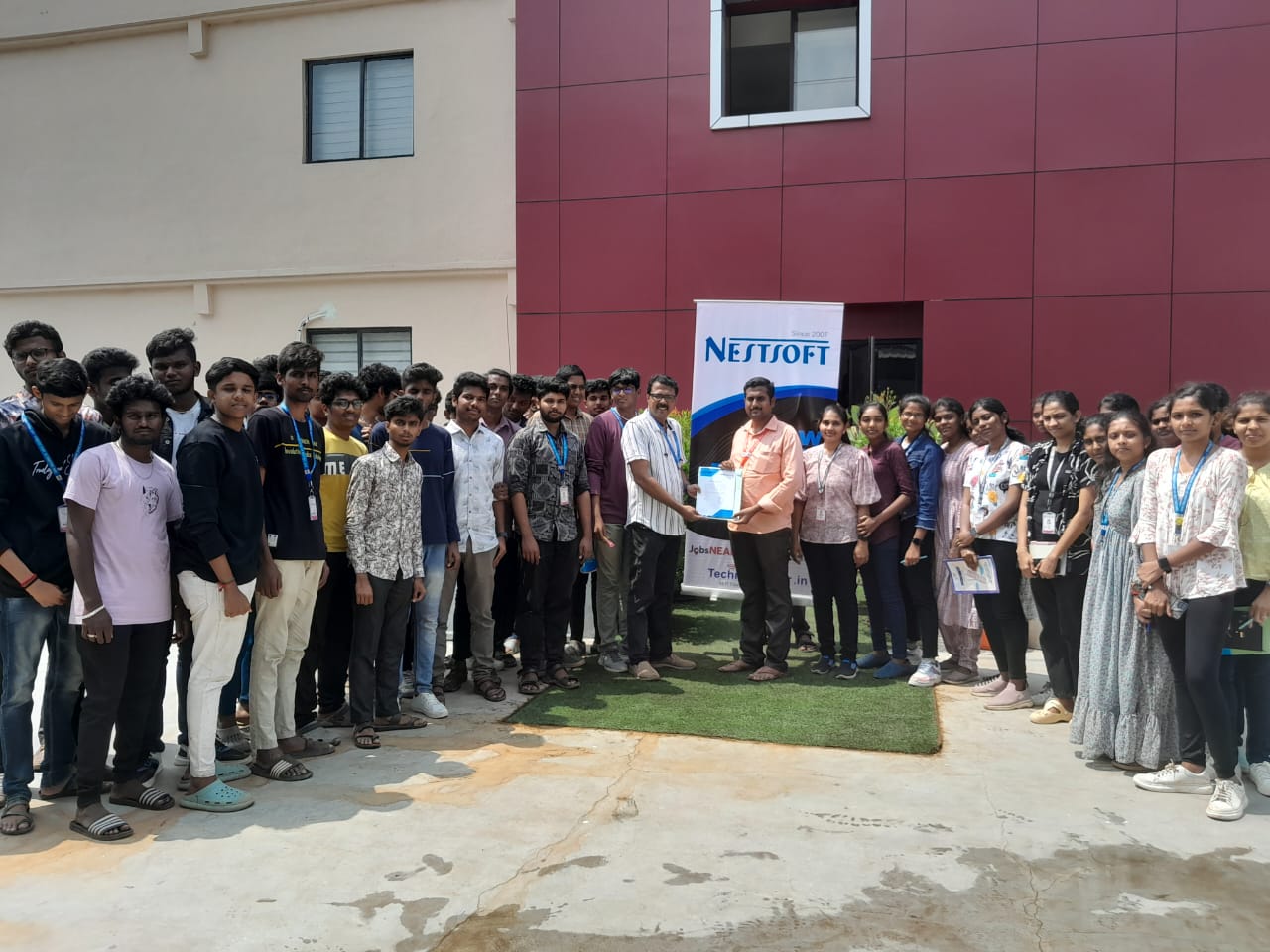
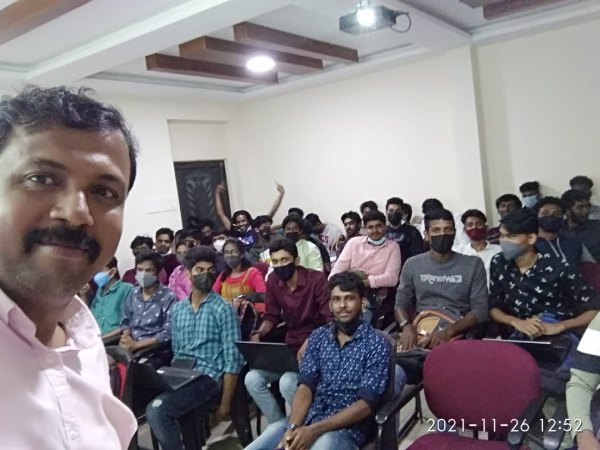
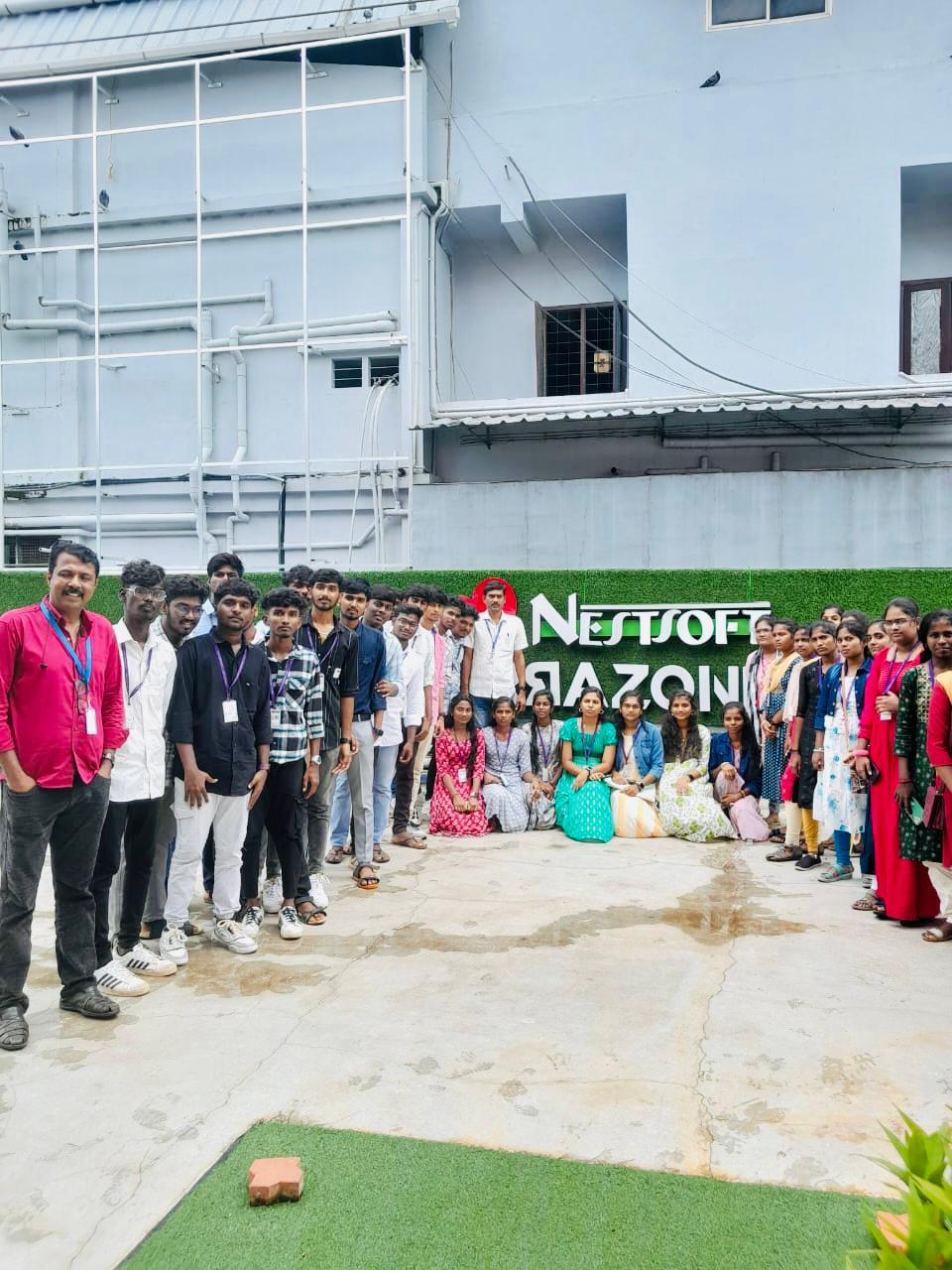
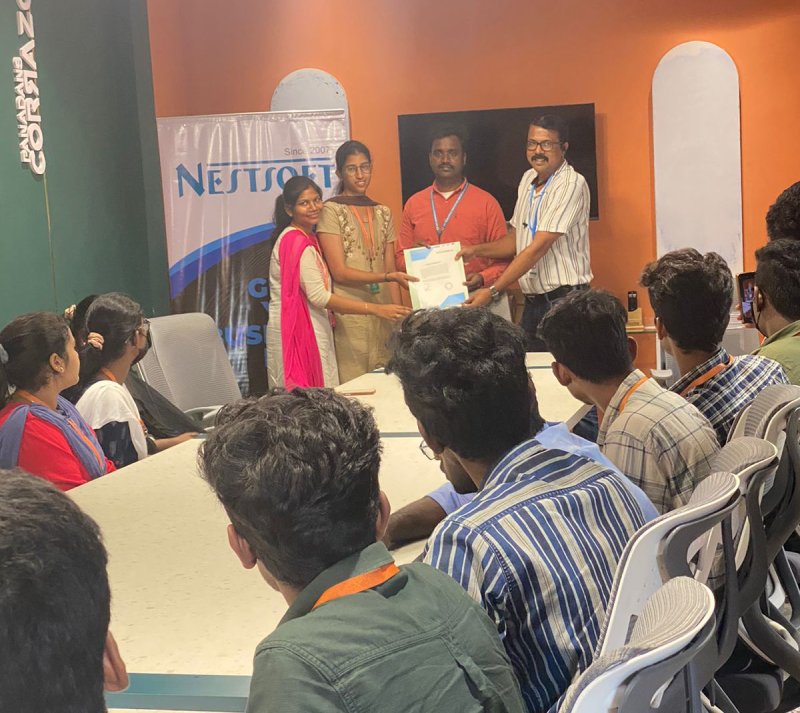
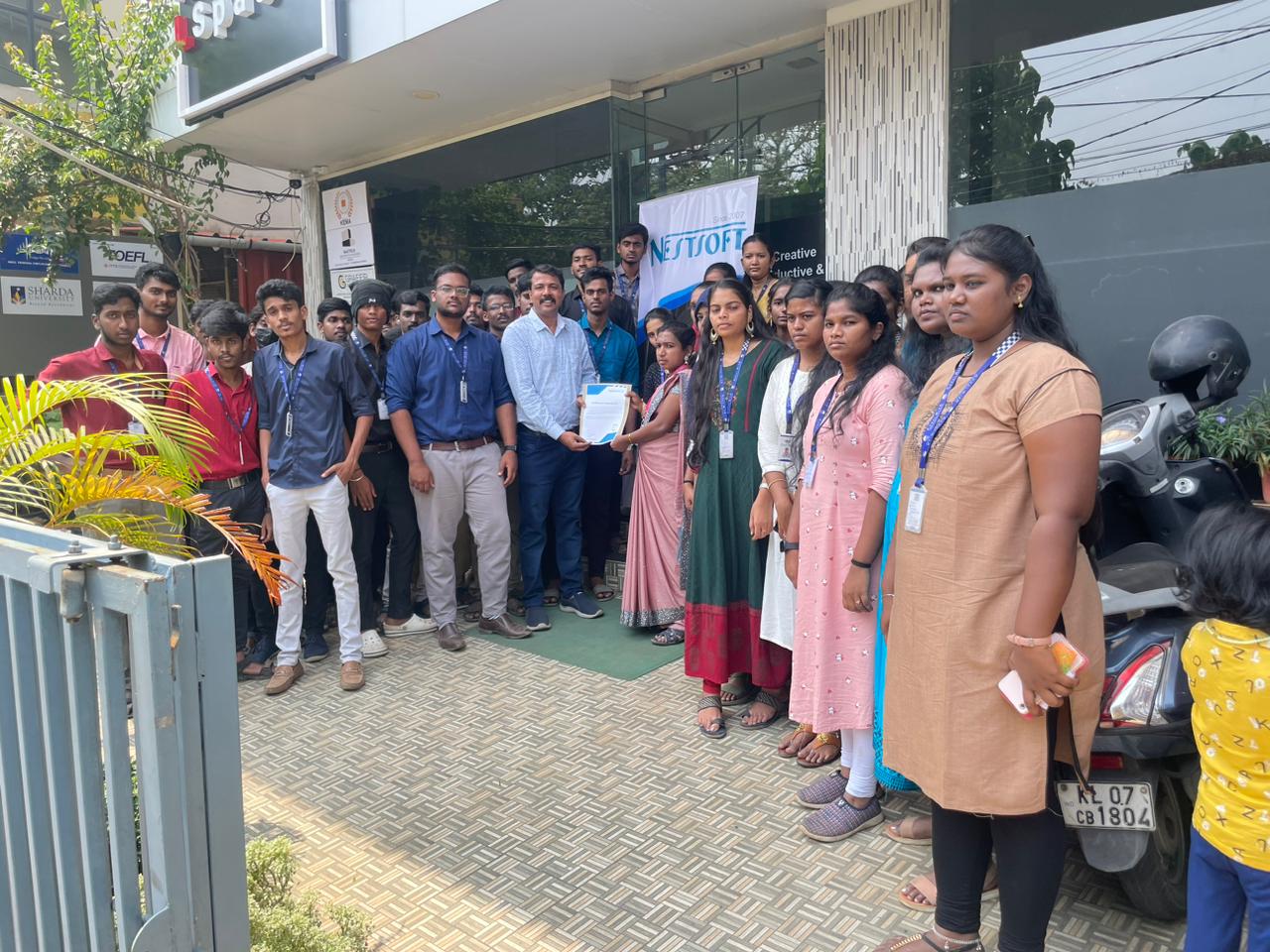
Photos of Training / Internships

Internship/projects in kottayam

Trained more than 10000+ students who trust Nestsoft TechnoMaster

Get Your Personal Trainer