Send enquiry ⏎

Power BI Online Live Class by Experts

Our Training/Internship Process

Power BI Online Live Classes in Kollam | Free Demo Training

Power BI - Syllabus, Fees & Duration

Microsoft Power BI

Power BI Course Introduction

  • Welcome to Power BI
  • Business Intelligence and Data Analytics Overview
  • Introduction to Power BI

Installing Power BI

  • Access Data From Different Data Sources
  • Connect to Data Source
  • Data Source Settings
  • Select Storage Mode
  • Select Query Type
  • Profile The Data
  • Identify Data Anomalies
  • Examine Data Structure
  • Analyse Column Properties
  • Load and Transform the Data
  • Identify Inconsistencies and Data Quality Issue
  • Apply Value Replacements
  • Evaluate and Transform Column Data Types
  • Apply Data Shape Transformations to Table Structures
  • Combine Queries
  • Apply Naming Conventions to Columns and Queries
  • Edit Power Query Code

  • Design a Data Model


    • Define the Tables
    • Configure Table and Column Properties
    • Define Date Table
    • Develop a Data Model
    • Apply Filtering
    • Create Calculated Tables
    • Create Calculated Columns
    • Implement Row Level Security Roles
    • Set up the Q and A Feature
    • Optimize Model Performance
    • Remove Unnecessary Rows and Columns
    • Identify Poorly Performing Measures Relationships and Visuals
    • Optimize Query Models
    • Create and Manage Aggregations
    • Report Generation
    • Add Visualization Items to Report
    • Choose an Appropriate Visualization Type
    • Format and Configure Visualizations
    • Apply Slicing and Filtering
    • Create Dashboards
    • Manage Tiles on a Dashboard
    • Add a Dashboard Theme
    • Use the Q and A Feature

    Enhance Reports to Expose Insights


    • Perform Top N Analysis
    • Explore Statistical Summary
    • Add a Quick Insight Result to a Report
    • Use the Play Axis Feature of a Visualization
    • Personalize Visuals
    • Perform Advanced Analysis
    • Identify Outliers
    • Conduct Time Series Analysis
    • Use Groupings
    • Use the Key Influencers to Explore Dimensional Variances
    • Manage Datasets
    • Configure a Dataset Scheduled Refresh
    • Configure Row level Security Group Membership
    • Configure Incremental Refresh Settings

    Download Syllabus - Power BI
    This syllabus is not final and can be customized as per needs/updates
       
    10000+
    20+
    50+
    25+

    Power BI Jobs in Kollam

    Enjoy the demand

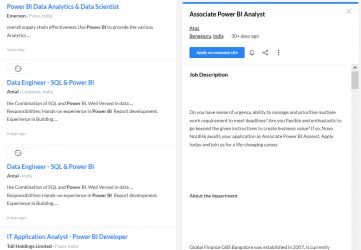
    Find jobs related to Power BI in search engines (Google, Bing, Yahoo) and recruitment websites (monsterindia, placementindia, naukri, jobshybrid.com, indeed.co.in, shine.com etc.) based in Kollam, chennai and europe countries. You can find many jobs for freshers related to the job positions in Kollam.

    • Power BI Data Analytics & Data Scientist
    • Data Engineer - SQL & Power BI
    • Power BI Developer
    • Jr Power BI Developer
    • Senior Business Analyst- Power BI
    • BI engineer (Power BI)
    • Power BI - Architect
    • Associate Power BI Analyst
    • Assistant Manager - Power BI
    • Business Analyst

    Power BI Internship/Course Details

    Power BI internship jobs in Kollam
    Power BI . Power BI Desktop 2. We offer Microsoft Power BI industrial training in Kollam by Industry Experts. Power BI Mobile Power BI Service: Power BI Service is cloud based Software as Service Application which allows us to create dashboards, Setup schedule data refreshes, Share the reports securely in the organization. Our Power BI Course Syllabus covers fundamental to superior degree principles that encompass Report Designing, Visual Sync, Grouping, Hierarchies, Filters, Bookmarks, Azure, Modeling, DAX Functions - Level 1, DAX Functions - Level 2, Power BI Cloud, Excel & RLS, Report Server, RDL and more. Get Practical Exposure on Microsoft Power BI for Data Analytics and Visualization with Our Updated Power BI Training Course in Kollam. Power BI is the use of Data Analysis Expressions (DAX) programming language for enterprise analytics gear which connects to distinctive statistics reassets to research statistics and proportion insights for the duration of your organization. Power BI Desktop: It is a Windows desktop application (Report Authoring Tool) which Lets you build queries, models and reports that visualize data. Parts of Power BI There are 3 Parts of Power BI 1. The Power BI Course Curriculum is designed via way of means of Microsoft Power BI Certified Experts.


    Meet a Few of our Industry Experts 🚀 Your Pathway to IT Career

    Manoj

    Mobile: +91 94975 90866
    Location: Online (Kollam, India)
    Qualification: Btech

    Experience: android developer firebase retrofit java kotlin flutter dart  more..

    karan

    Mobile: +91 91884 77559
    Location: Online (Kollam, India)
    Qualification: Btech

    Experience: Reactjs nodejs angular mongodb html css javascript typescriptApplication for Meanstack Developer Mean Stack  more..

    Selvasuryaprakash

    Mobile: +91 91884 77559
    Location: Online (Kollam, India)
    Qualification: Mca

    Experience: I have knowledge from anroid app development At doing project used for Android studio   more..

    Anupama

    Mobile: +91 8301010866
    Location: Online (Kollam, India)
    Qualification: B.Tech CSE

    Experience: I am a B Tech CSE fresher with the knowledge of Python C Java etc I have done an internship  more..

    Kumar

    Mobile: +91 98474 90866
    Location: Online (Kollam, India)
    Qualification: 10th pass

    Experience: I have skills of designing in: Logo design Banner design Poster design Flyer design T shirt design All on canva  more..

    jaimin

    Mobile: +91 9895490866
    Location: Online (Kollam, India)
    Qualification: BCA

    Experience: Completed Internship as a php devloper   more..

    Josiya

    Mobile: +91 8301010866
    Location: Online (Kollam, India)
    Qualification: BCOM Finance

    Experience: 1 year experience in Social media handling Content writing Proof reading Manual software testing MS Office   more..

    Priya

    Mobile: +91 8301010866
    Location: Online (Kollam, India)
    Qualification: Diploma

    Experience: UX UI Design Prototyping Visual design Brochure design  more..

    Anubhav

    Mobile: +91 91884 77559
    Location: Online (Kollam, India)
    Qualification: Msc (cs)

    Experience: 2 years of Experience in website devlopment and also wordpress theme intregration knowledge of html css php core plugins payment  more..

    Priya

    Mobile: +91 98474 90866
    Location: Online (Kollam, India)
    Qualification: Btech

    Experience: AWS cloud python linux  more..

    Francisraj

    Mobile: +91 91884 77559
    Location: Online (Kollam, India)
    Qualification: BCA

    Experience: Currently working in Infosys as System Engineer with 1 1 years experience Freelance android application developer   more..

    Ramathota

    Mobile: +91 98474 90866
    Location: Online (Kollam, India)
    Qualification: Btech

    Experience: Experience I have over 1 5 years of focused experience in UI UX design starting with internships that transitioned into  more..

    Salini

    Mobile: +91 91884 77559
    Location: Online (Kollam, India)
    Qualification: Msc Computer Science

    Experience: Trained fresher in software testing ISTQB foundation level certified   more..

    Muhammed

    Mobile: +91 91884 77559
    Location: Online (Kollam, India)
    Qualification: Digree

    Experience: Web design (wp) Google ads  more..

    Nand

    Mobile: +91 91884 77559
    Location: Online (Kollam, India)
    Qualification: ADIT Diploma

    Experience: html css bootstrap java Script php Laravel MYSQL mongodb Python django AWS cloud IBM cloud Angular mean stack node js  more..

    Piyush

    Mobile: +91 8301010866
    Location: Online (Kollam, India)
    Qualification: BTech computer science and engineering

    Experience: I have experience in problem solving through c++ and web development through mern stack where I have used react js  more..

    MUHAMMEDMUKTHAR

    Mobile: +91 9895490866
    Location: Online (Kollam, India)
    Qualification: MSc ComputerScience

    Experience: Odoo 11 12 13 14 15 16 python javascript postgresql xml  more..

    Satti

    Mobile: +91 8301010866
    Location: Online (Kollam, India)
    Qualification: B.tech

    Experience: python HTML CSS AUTOCAD CATIA  more..

    Chinmayee

    Mobile: +91 91884 77559
    Location: Online (Kollam, India)
    Qualification: MCA

    Experience: Hello I have knowledge of Python odoo PostgreSql HTML5 CSS3 Bootstrap And I have 1 2 months of professional experience  more..

    Sonam

    Mobile: +91 8301010866
    Location: Online (Kollam, India)
    Qualification: MCA

    Experience: 6+ years of experience as a Software developer 2 years of experience as php trainer   more..

    C

    Mobile: +91 94975 90866
    Location: Online (Kollam, India)
    Qualification: B.com

    Experience: I’m an experienced UI UX designer I have 2 years of work experience in UI UX design I have a  more..

    Jasmin

    Mobile: +91 89210 61945
    Location: Online (Kollam, India)
    Qualification: MCA

    Experience: I am very much interested in applying for software testing position My educational qualifications and internship experience match the required  more..

    Rubina

    Mobile: +91 91884 77559
    Location: Online (Kollam, India)
    Qualification: Btech

    Experience: java python JUnit5 SQL HTML SEO AWS  more..

    susmitha

    Mobile: +91 98474 90866
    Location: Online (Kollam, India)
    Qualification: M.E

    Experience: Laravel stripe payment gateway api development boostrap ajax jqueryApplication for PHP Laravel  more..

    Success Stories

    The enviable salary packages and track record of our previous students are the proof of our excellence. Please go through our students' reviews about our training methods and faculty and compare it to the recorded video classes that most of the other institutes offer. See for yourself how TechnoMaster is truly unique.

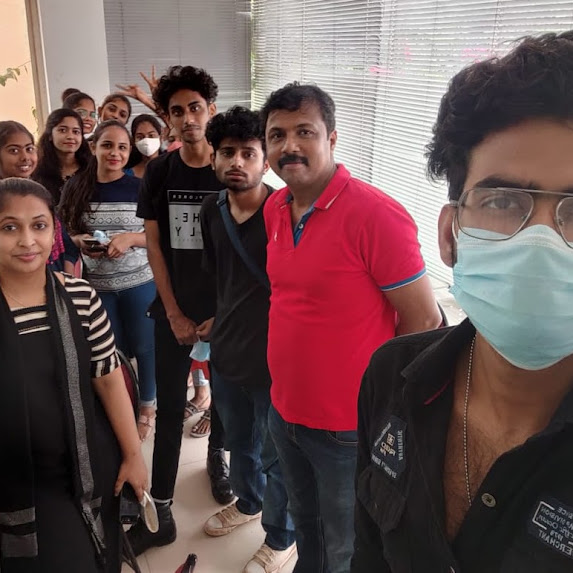
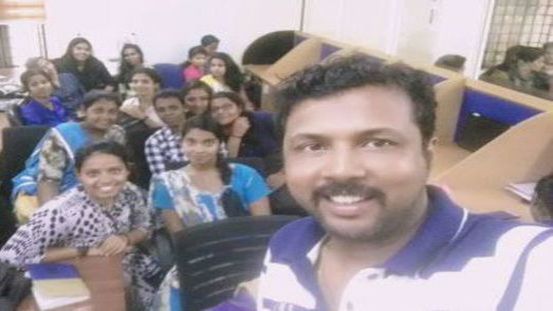
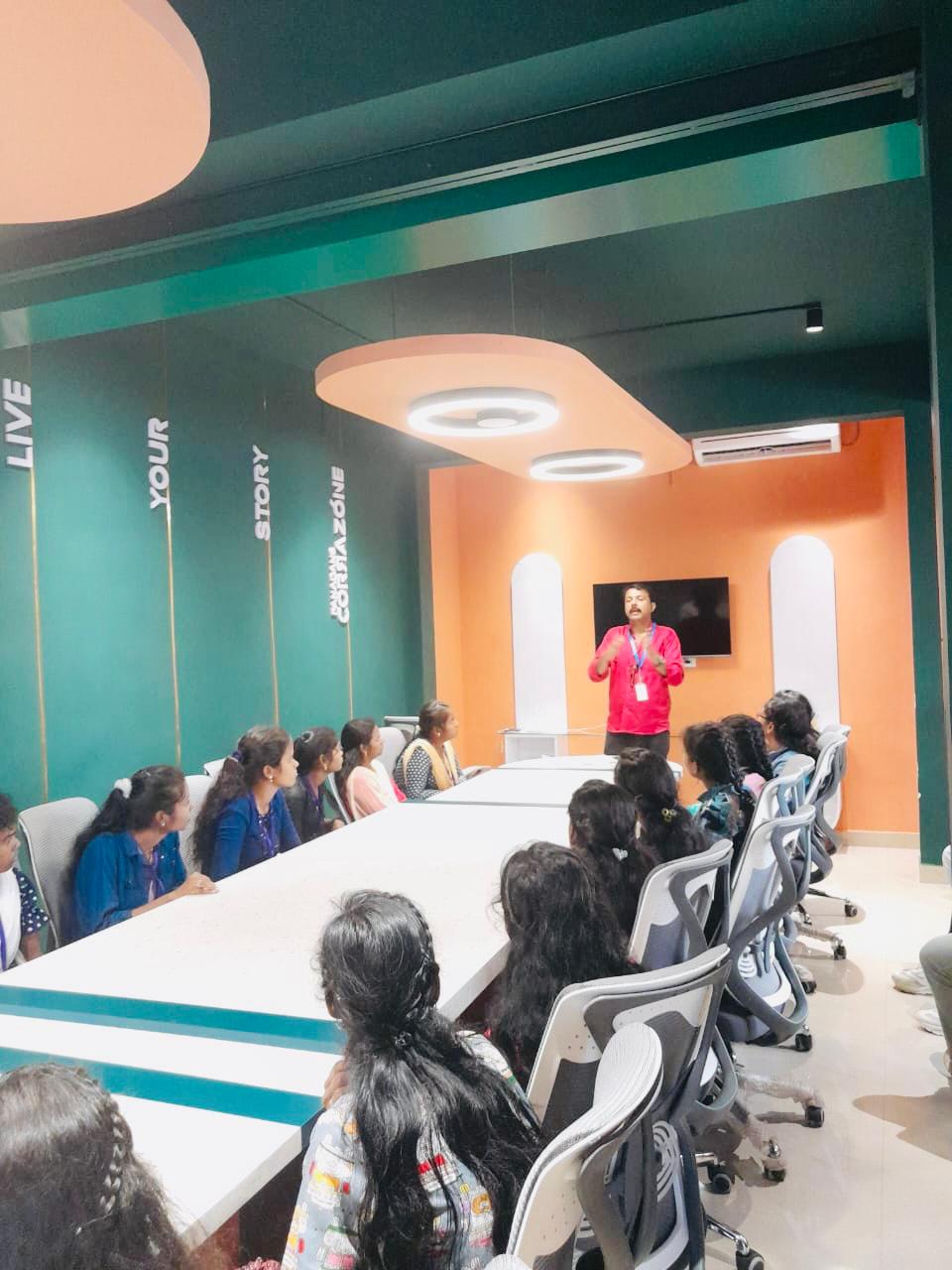
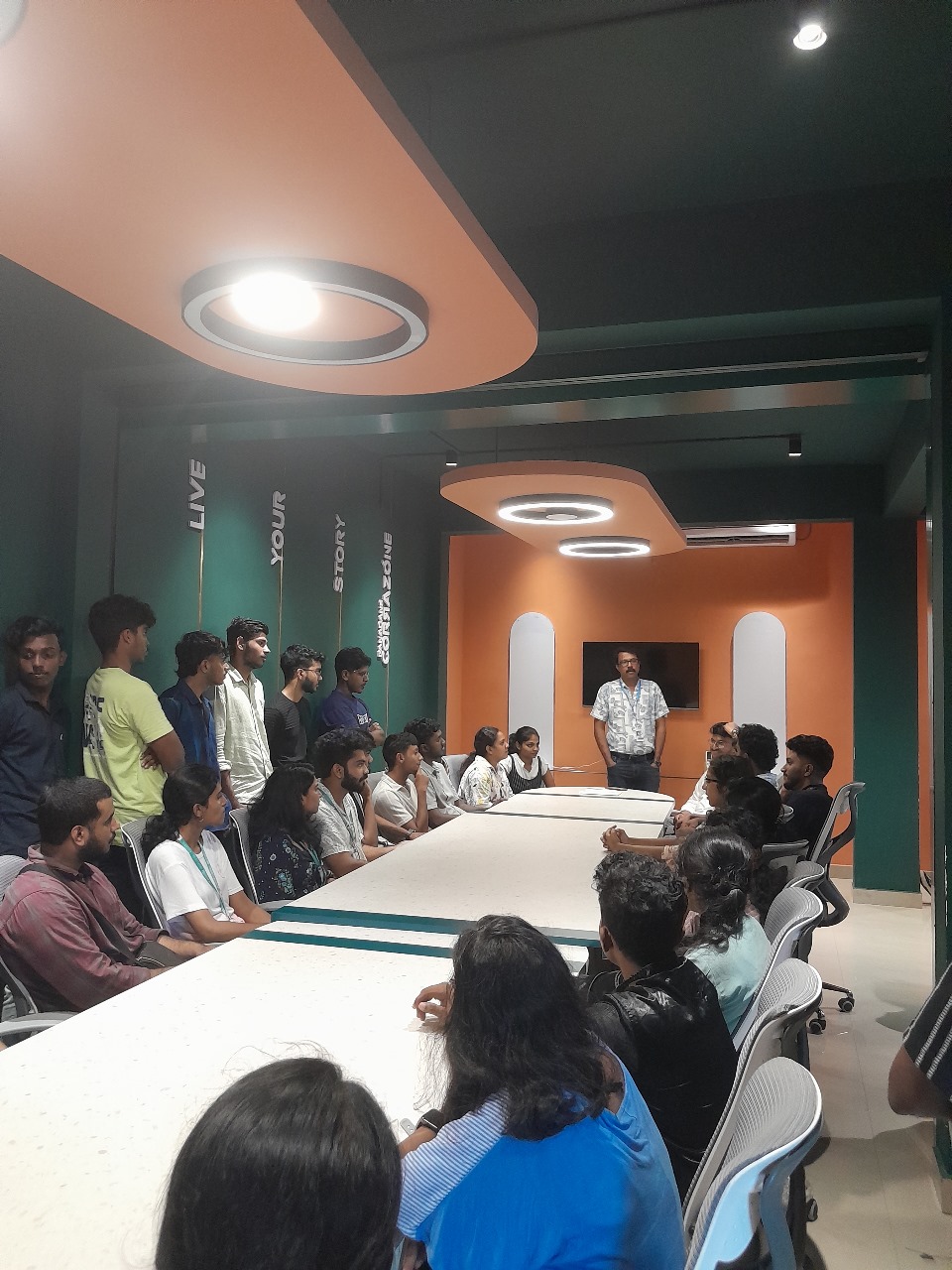
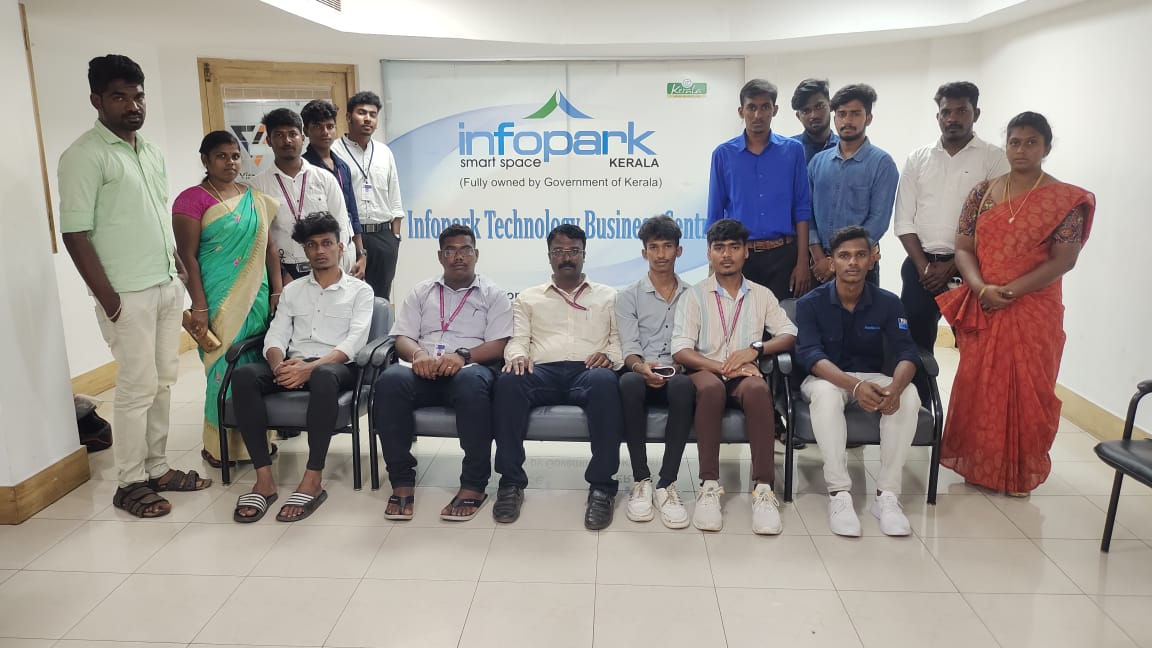
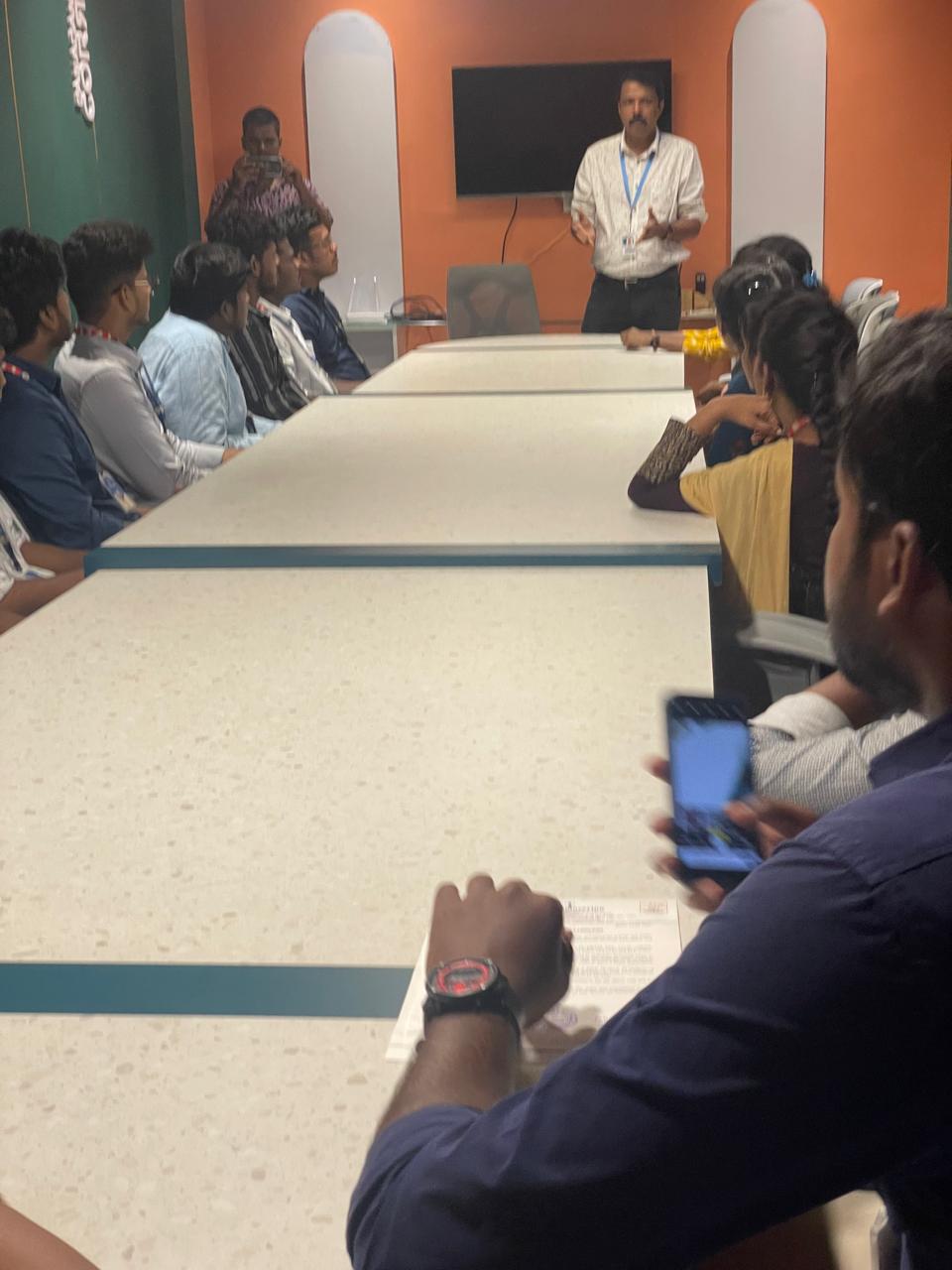
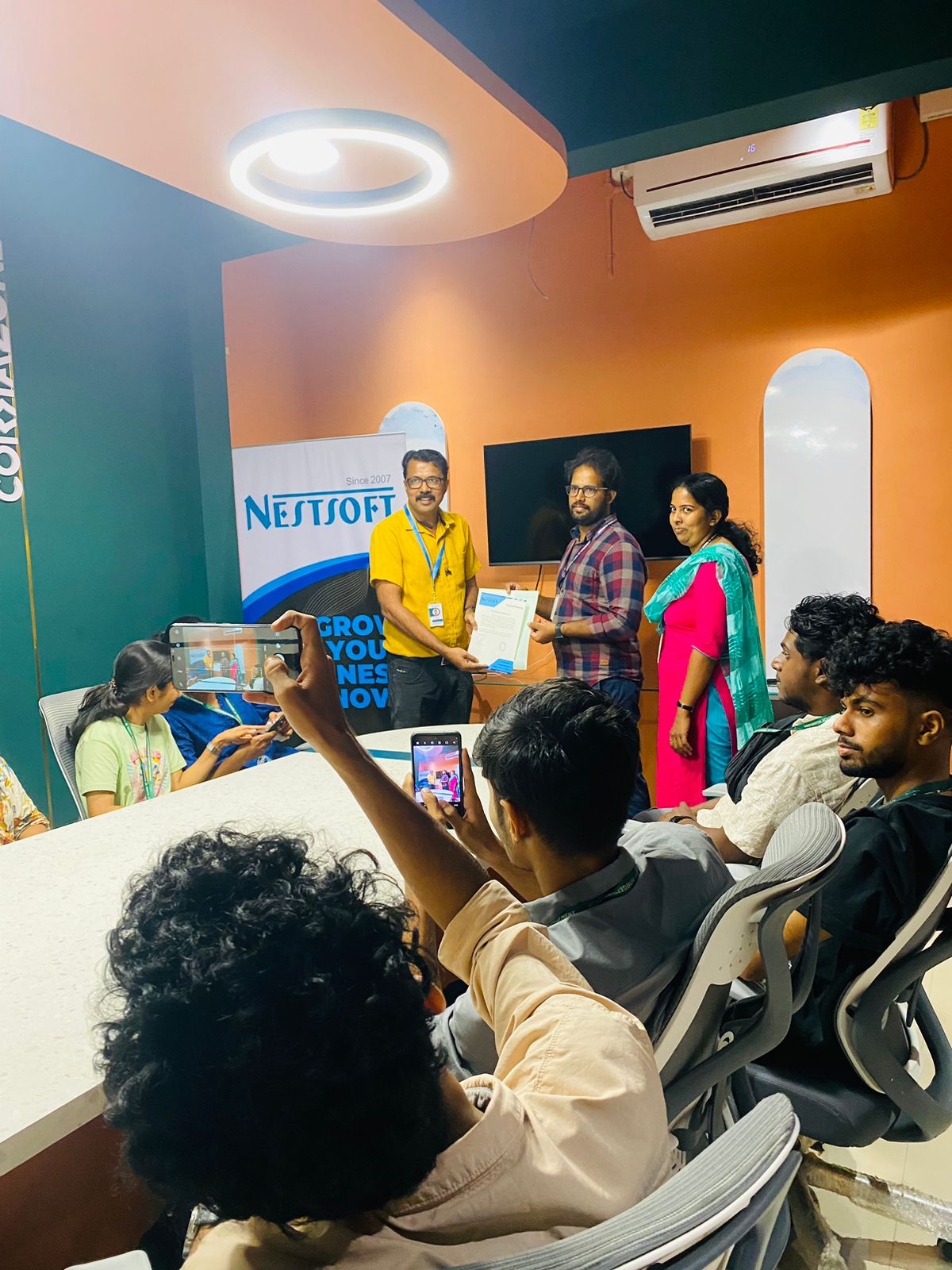
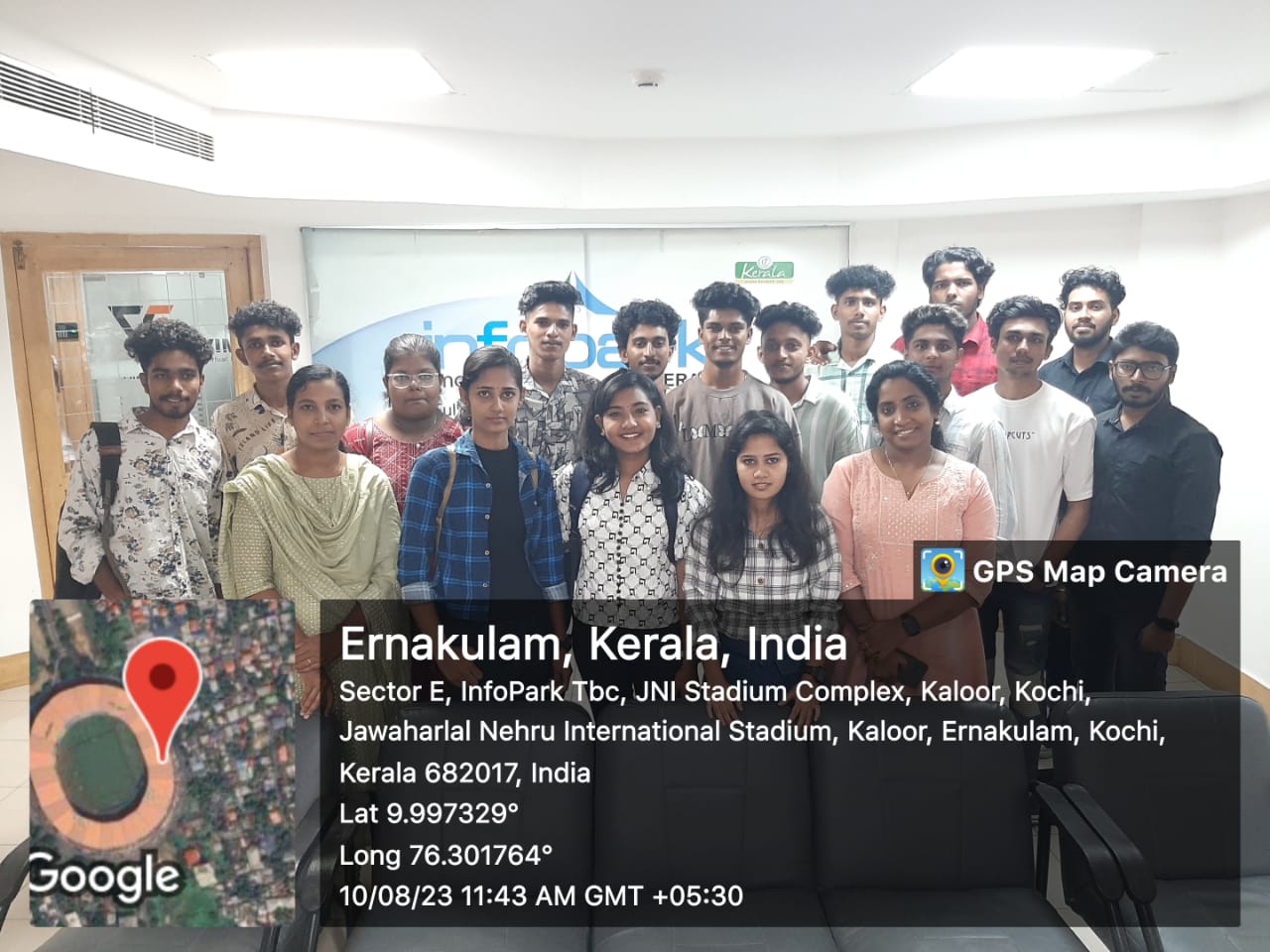
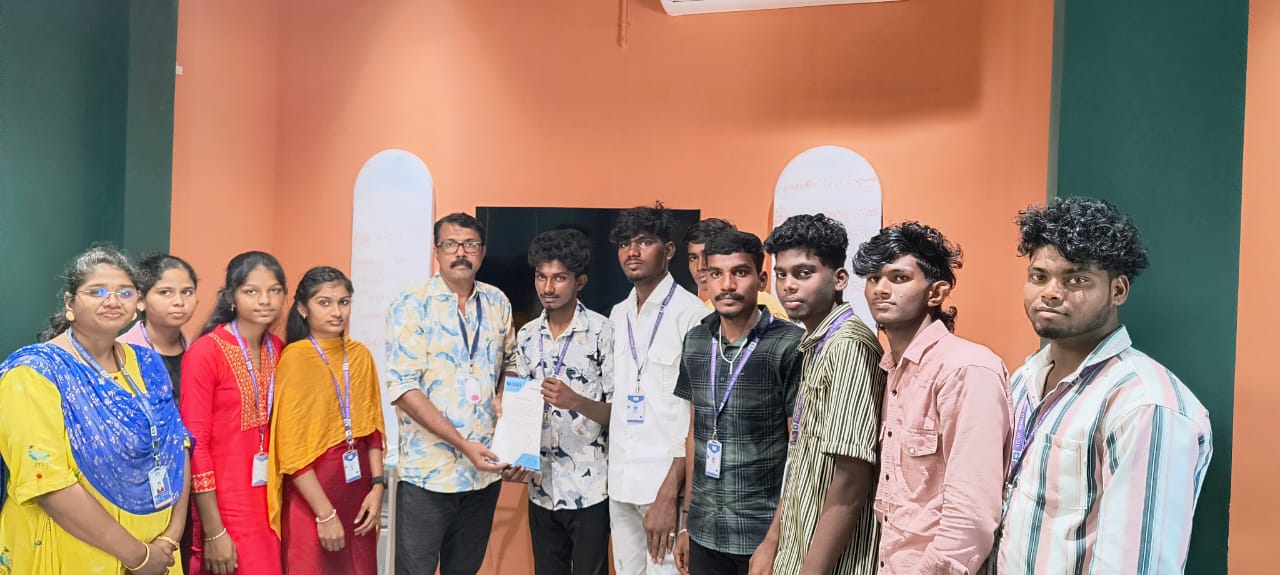
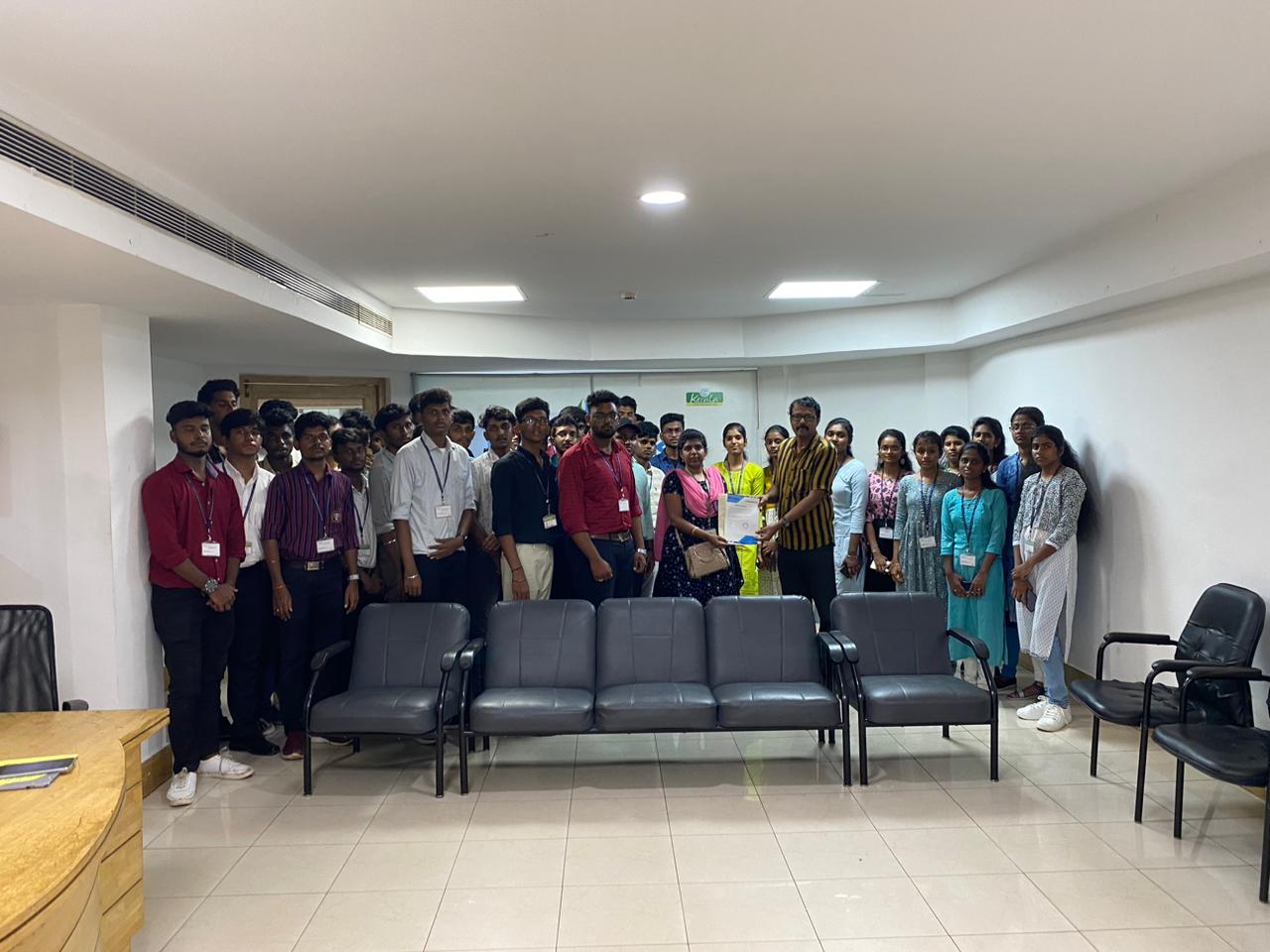
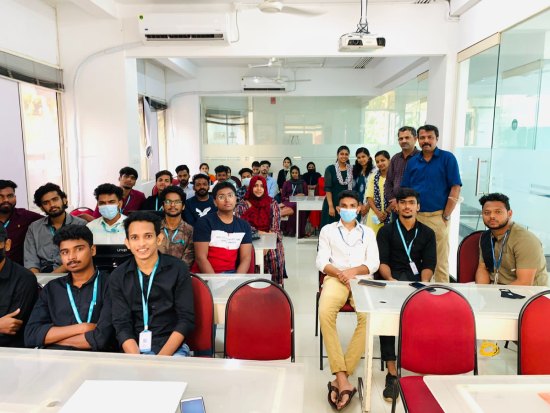
    Photos of Training / Internships

    Internship/projects in kollam
    Internship/projects in kollam
    Internship/projects in kollam
    Internship/projects in kollam
    Internship/projects in kollam
    Internship/projects in kollam
    Internship/projects in kollam
    Internship/projects in kollam
    Internship/projects in kollam
    Internship/projects in kollam
    Internship/projects in kollam
    Internship/projects in kollam

    Trained more than 10000+ students who trust Nestsoft TechnoMaster

    Get Your Personal Trainer