Send enquiry ⏎

Power BI Online Live Class by Experts

Our Training/Internship Process

Power BI Online Live Classes in Kerala | Free Demo Training

Power BI - Syllabus, Fees & Duration

Microsoft Power BI

Power BI Course Introduction

  • Welcome to Power BI
  • Business Intelligence and Data Analytics Overview
  • Introduction to Power BI

Installing Power BI

  • Access Data From Different Data Sources
  • Connect to Data Source
  • Data Source Settings
  • Select Storage Mode
  • Select Query Type
  • Profile The Data
  • Identify Data Anomalies
  • Examine Data Structure
  • Analyse Column Properties
  • Load and Transform the Data
  • Identify Inconsistencies and Data Quality Issue
  • Apply Value Replacements
  • Evaluate and Transform Column Data Types
  • Apply Data Shape Transformations to Table Structures
  • Combine Queries
  • Apply Naming Conventions to Columns and Queries
  • Edit Power Query Code

  • Design a Data Model


    • Define the Tables
    • Configure Table and Column Properties
    • Define Date Table
    • Develop a Data Model
    • Apply Filtering
    • Create Calculated Tables
    • Create Calculated Columns
    • Implement Row Level Security Roles
    • Set up the Q and A Feature
    • Optimize Model Performance
    • Remove Unnecessary Rows and Columns
    • Identify Poorly Performing Measures Relationships and Visuals
    • Optimize Query Models
    • Create and Manage Aggregations
    • Report Generation
    • Add Visualization Items to Report
    • Choose an Appropriate Visualization Type
    • Format and Configure Visualizations
    • Apply Slicing and Filtering
    • Create Dashboards
    • Manage Tiles on a Dashboard
    • Add a Dashboard Theme
    • Use the Q and A Feature

    Enhance Reports to Expose Insights


    • Perform Top N Analysis
    • Explore Statistical Summary
    • Add a Quick Insight Result to a Report
    • Use the Play Axis Feature of a Visualization
    • Personalize Visuals
    • Perform Advanced Analysis
    • Identify Outliers
    • Conduct Time Series Analysis
    • Use Groupings
    • Use the Key Influencers to Explore Dimensional Variances
    • Manage Datasets
    • Configure a Dataset Scheduled Refresh
    • Configure Row level Security Group Membership
    • Configure Incremental Refresh Settings

    Download Syllabus - Power BI
    This syllabus is not final and can be customized as per needs/updates
       
    10000+
    20+
    50+
    25+

    Power BI Jobs in Kerala

    Enjoy the demand

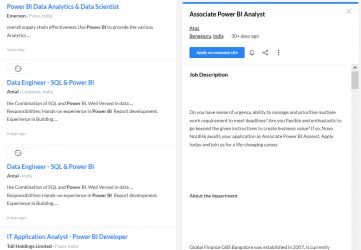
    Find jobs related to Power BI in search engines (Google, Bing, Yahoo) and recruitment websites (monsterindia, placementindia, naukri, jobshybrid.com, indeed.co.in, shine.com etc.) based in Kerala, chennai and europe countries. You can find many jobs for freshers related to the job positions in Kerala.

    • Power BI Data Analytics & Data Scientist
    • Data Engineer - SQL & Power BI
    • Power BI Developer
    • Jr Power BI Developer
    • Senior Business Analyst- Power BI
    • BI engineer (Power BI)
    • Power BI - Architect
    • Associate Power BI Analyst
    • Assistant Manager - Power BI
    • Business Analyst

    Power BI Internship/Course Details

    Power BI internship jobs in Kerala
    Power BI Power BI Service 3. We provide Power BI internship in Kerala with live classes and courses. Get Practical Exposure on Microsoft Power BI for Data Analytics and Visualization with Our Updated Power BI Training Course in Kerala. Parts of Power BI There are 3 Parts of Power BI 1. We offer Microsoft Power BI industrial training in Kerala by Industry Experts. Power BI Mobile Power BI Service: Power BI Service is cloud based Software as Service Application which allows us to create dashboards, Setup schedule data refreshes, Share the reports securely in the organization. Power BI Desktop 2. Power BI Mobile: It is an application (App) on mobile devices which allows you to interact with the reports and dashboard from Power BI Service in Kerala. The Power BI Course Curriculum is designed via way of means of Microsoft Power BI Certified Experts. Power BI is the use of Data Analysis Expressions (DAX) programming language for enterprise analytics gear which connects to distinctive statistics reassets to research statistics and proportion insights for the duration of your organization.


    Meet a Few of our Industry Experts 🚀 Your Pathway to IT Career

    prem

    Mobile: +91 8301010866
    Location: Online (Kerala, India)
    Qualification: B-tech

    Experience: I am a skilled UI UX designer with nearly one year of professional experience My design expertise encompasses Figma UI  more..

    Shraddha

    Mobile: +91 98474 90866
    Location: Online (Kerala, India)
    Qualification: BSC-CS

    Experience: Html css javascript tailwind css bootstrap node react mongodb express mysql |   more..

    Dolly

    Mobile: +91 9895490866
    Location: Online (Kerala, India)
    Qualification: Diploma(IT)

    Experience: I have 2 5 experience in IT industry in asp net c# ajax jQuery css HTML and SQL server  more..

    Pankaj

    Mobile: +91 98474 90866
    Location: Online (Kerala, India)
    Qualification: B.Tech

    Experience: I am an android developer with 2+ years of experience and had gathered skills on kotlin android studio xml room  more..

    Asif

    Mobile: +91 89210 61945
    Location: Online (Kerala, India)
    Qualification: B-Tech Computer Science and Engineering

    Experience: • Angular AngularJS • MongoDB • Expressjs • NodeJS • javascript typescript • ES6 • Rxjs • React • Git  more..

    Tarunvarma

    Mobile: +91 91884 77559
    Location: Online (Kerala, India)
    Qualification: Designeer Academy

    Experience: Hey this is Tarun varma I'm a certified from the designerrs academy on basis of UX UI Designer I'm good  more..

    Govind

    Mobile: +91 94975 90866
    Location: Online (Kerala, India)
    Qualification: Bachelor of arts

    Experience: Hi sir I am a react js developer and I have a 3 month experience in this field and 1  more..

    Nandkishor

    Mobile: +91 8301010866
    Location: Online (Kerala, India)
    Qualification: MCA

    Experience: 1 Hotel Management Project The coding language using java Used mvc designed patter for using swing in front end and  more..

    Irfana

    Mobile: +91 98474 90866
    Location: Online (Kerala, India)
    Qualification: Msc community science

    Experience: Manual testing Automation testing C and c++ Java Sql Php Html   more..

    Saurabh

    Mobile: +91 9895490866
    Location: Online (Kerala, India)
    Qualification: B.tech cse

    Experience: With experience in Software Development I have worked as a Node js and Solidity developer at Nineteen Realtech My expertise  more..

    mohammad

    Mobile: +91 89210 61945
    Location: Online (Kerala, India)
    Qualification: diploma in mechanical

    Experience: I am pursuing BSc it #rd year from Mumbai University I have worked on Fortinet firewall I got total Experience  more..

    Datta

    Mobile: +91 8301010866
    Location: Online (Kerala, India)
    Qualification: BE Computer

    Experience: I have a total 8 plus years of hands-on experience in web development with backend technology PHP framework CodeIgniter &  more..

    Vanshika

    Mobile: +91 8301010866
    Location: Online (Kerala, India)
    Qualification: B.Tech

    Experience: Computer Skills C & python Programming language  more..

    Govind

    Mobile: +91 91884 77559
    Location: Online (Kerala, India)
    Qualification: Btech

    Experience: Skills:- java css html react tailwind javascript bootstrap firebase sql Experience:- 2 5 month frontend developer intern at starzedu classes  more..

    Sreerag.

    Mobile: +91 9895490866
    Location: Online (Kerala, India)
    Qualification: Bca

    Experience: Html css javascript mingodb express nodejs angular react Currrntly I have completed mearn stack web development course from luminar technolab  more..

    kummari

    Mobile: +91 91884 77559
    Location: Online (Kerala, India)
    Qualification: bachelors of commerce

    Experience: html css Javascript React js Github Sql python and by using the frotend technologies i can build interactive and dynamic  more..

    Rajesh

    Mobile: +91 91884 77559
    Location: Online (Kerala, India)
    Qualification: 12th pass

    Experience: Hello 👋 I am writing to express my strong interest in the WordPress Developer With my extensive experience in WordPress  more..

    Nayana

    Mobile: +91 94975 90866
    Location: Online (Kerala, India)
    Qualification: BTech

    Experience: 1 year experience as a software testing Trainee Manual Testing  more..

    Guna

    Mobile: +91 98474 90866
    Location: Online (Kerala, India)
    Qualification: UG

    Experience: "Passionate UI UX Designer with a strong foundation in design principles and a proven track record I successfully completed a  more..

    Arishika

    Mobile: +91 94975 90866
    Location: Online (Kerala, India)
    Qualification: Bechulors

    Experience: Business development executive at axis bank  more..

    Muaaz

    Mobile: +91 91884 77559
    Location: Online (Kerala, India)
    Qualification: 12th

    Experience: I m graphic design social media flyer Software photoshop and premier pro  more..

    Aiswarya

    Mobile: +91 98474 90866
    Location: Online (Kerala, India)
    Qualification: B-tech

    Experience: html css javascript react  more..

    Fathimath

    Mobile: +91 94975 90866
    Location: Online (Kerala, India)
    Qualification: Bsc computer science

    Experience: 6month internship of software testing   more..

    Hriday

    Mobile: +91 94975 90866
    Location: Online (Kerala, India)
    Qualification: Master of computer application

    Experience: Vapt ethical hacking hardware and software support   more..

    Success Stories

    The enviable salary packages and track record of our previous students are the proof of our excellence. Please go through our students' reviews about our training methods and faculty and compare it to the recorded video classes that most of the other institutes offer. See for yourself how TechnoMaster is truly unique.

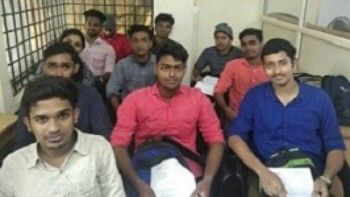
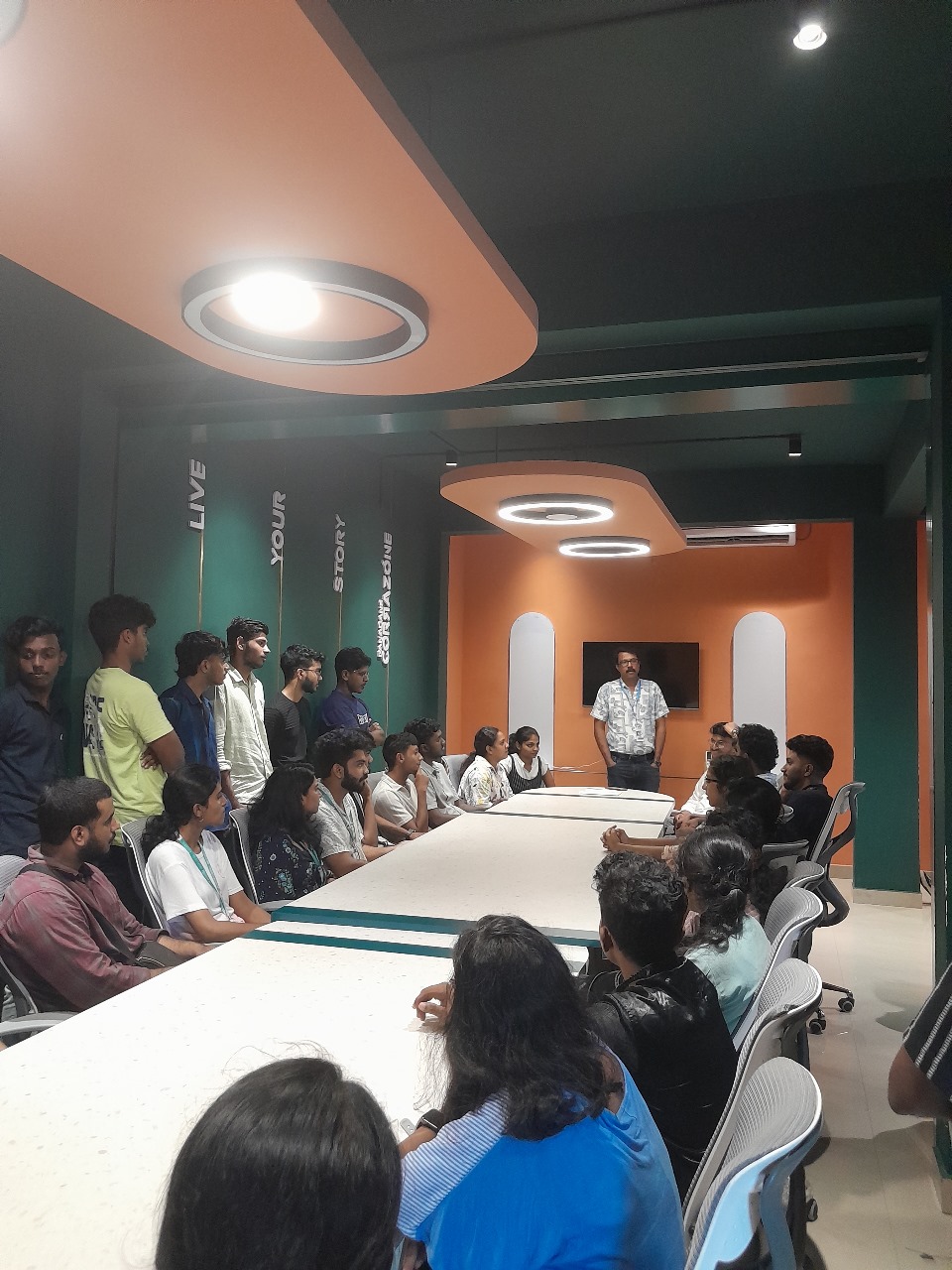
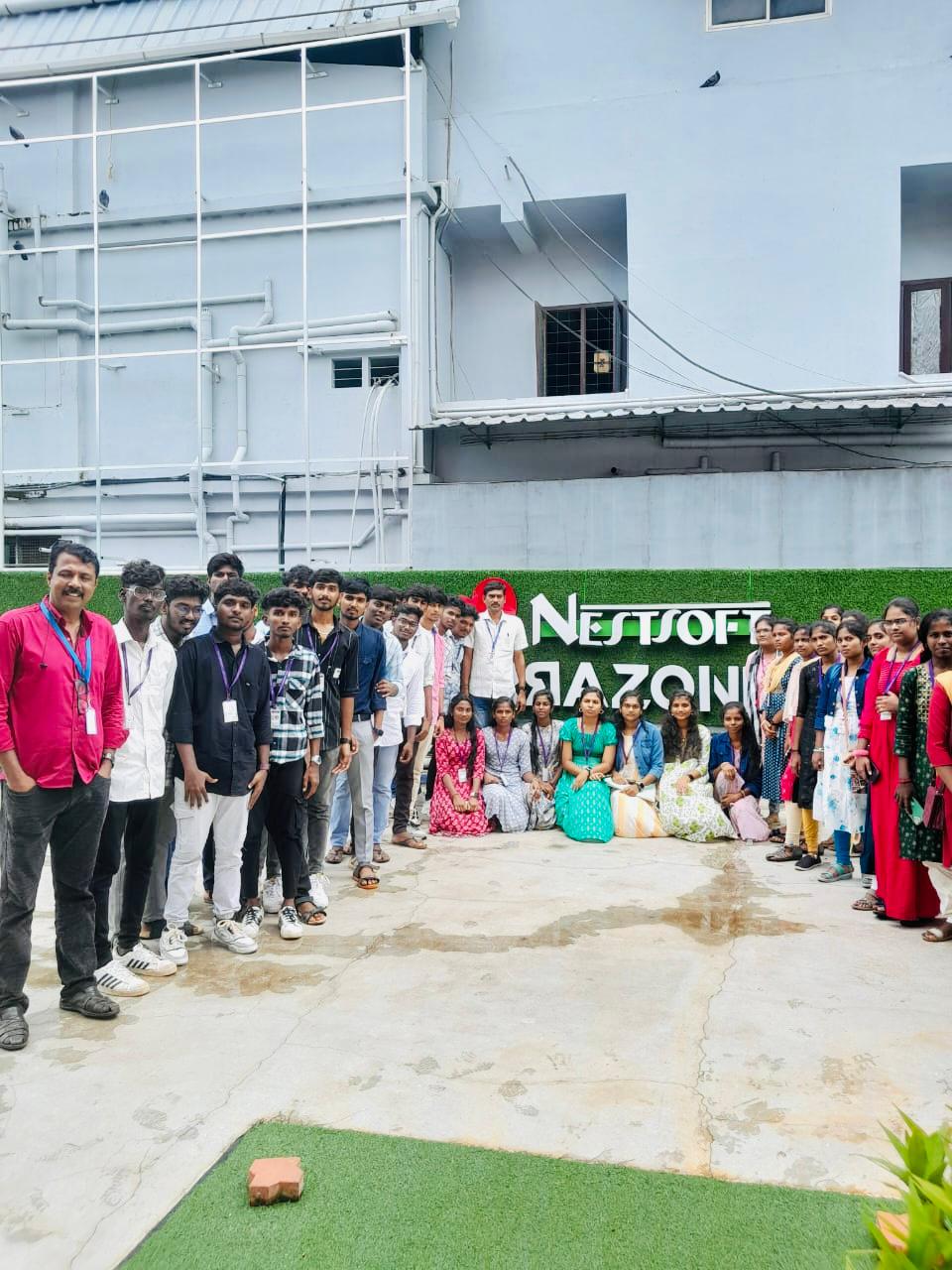
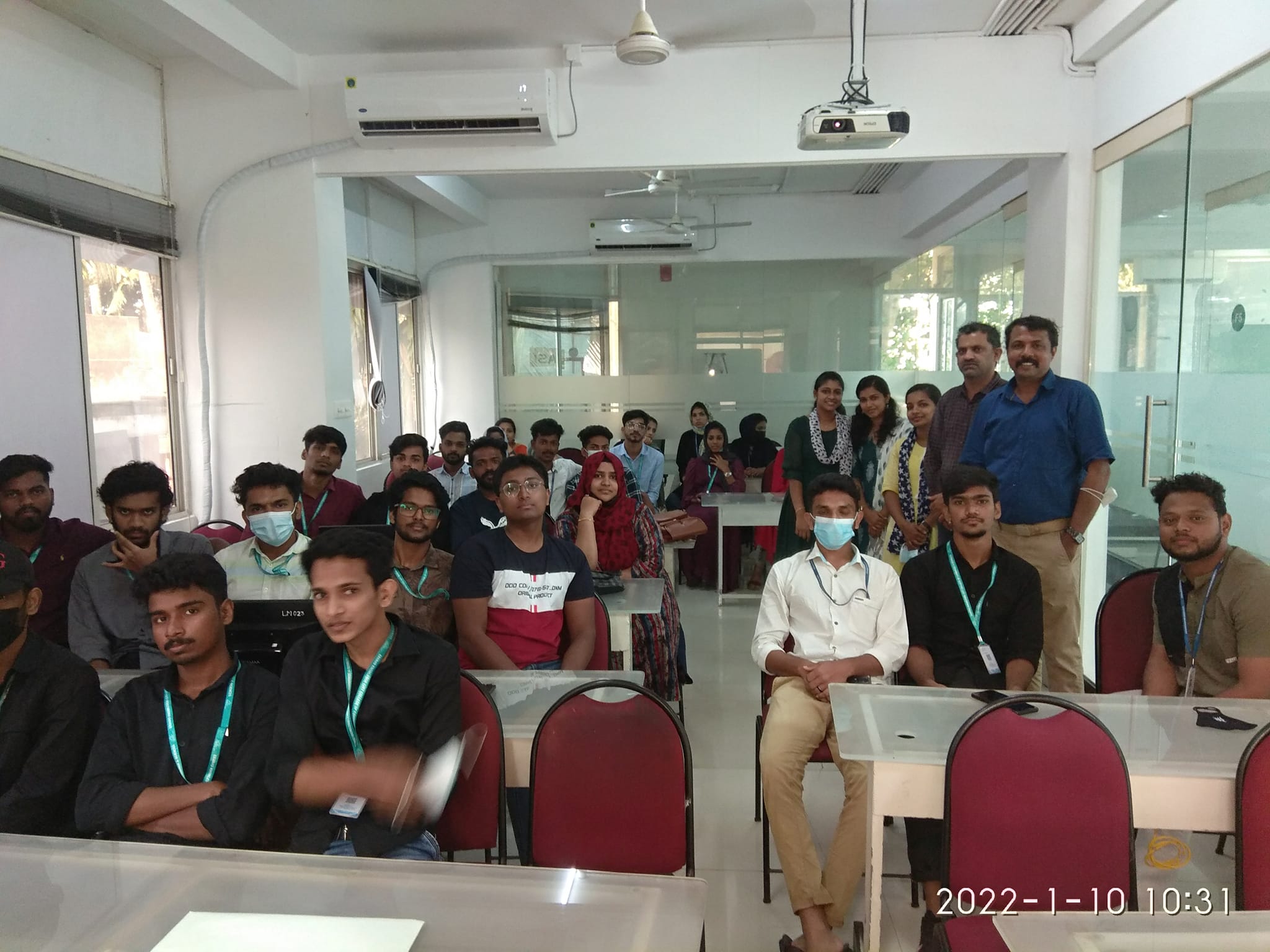
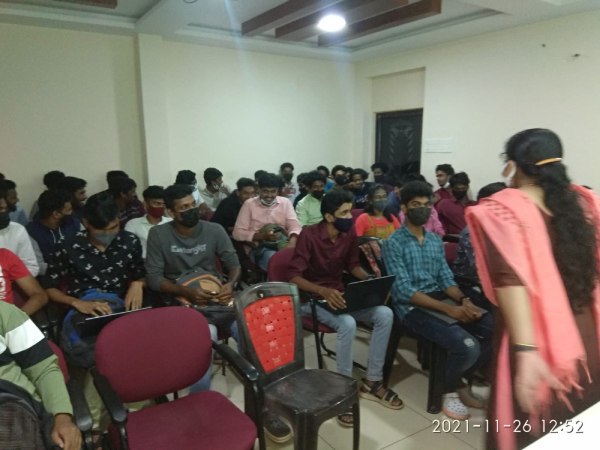
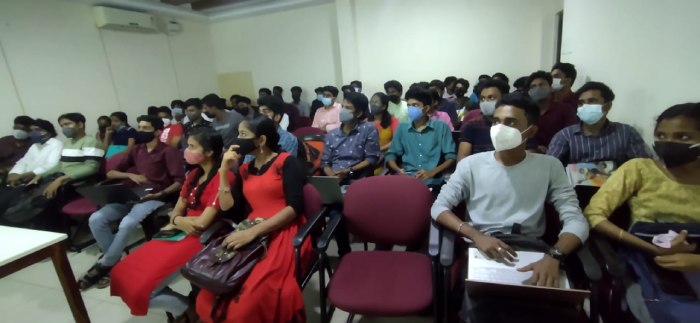
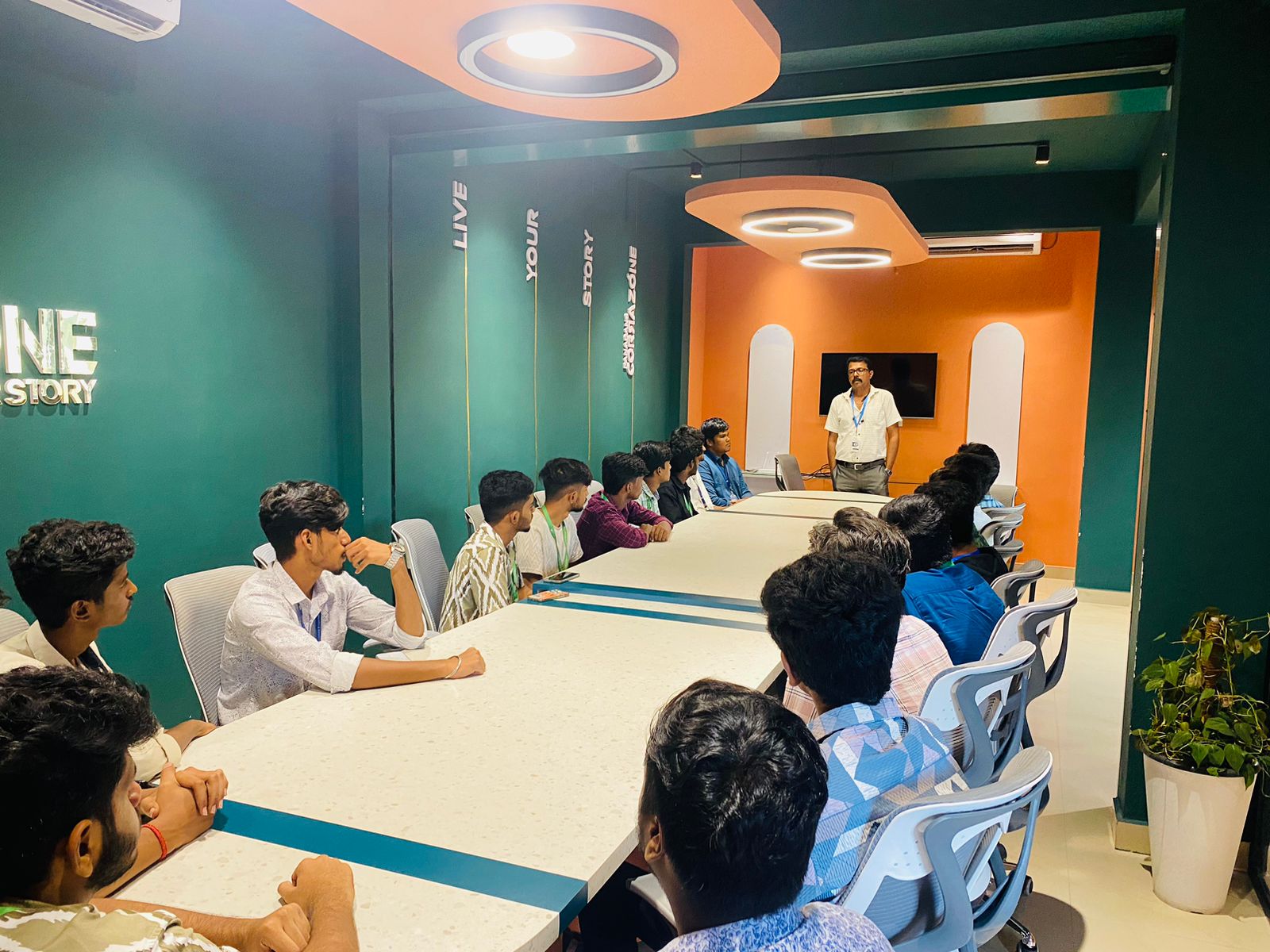
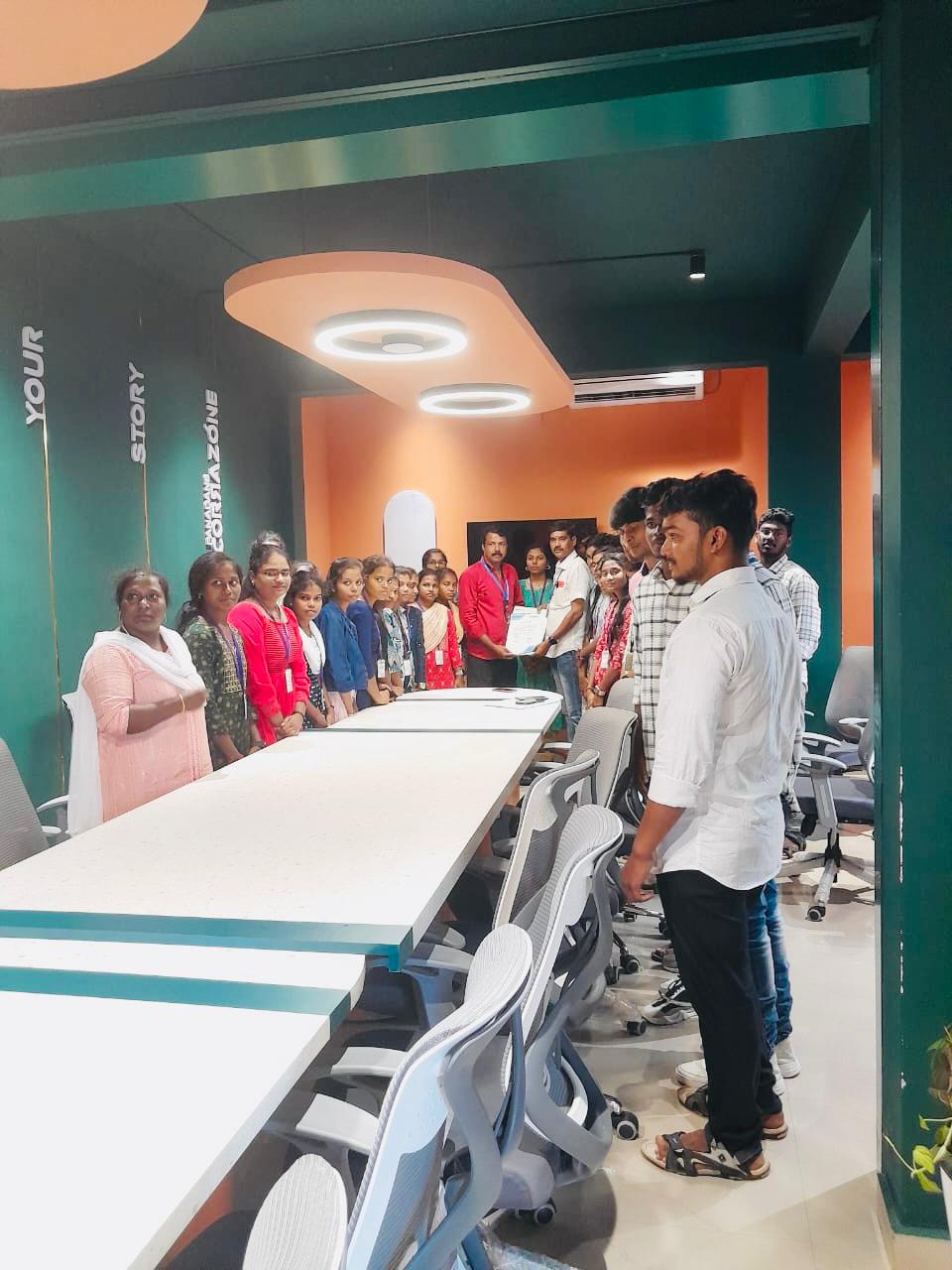
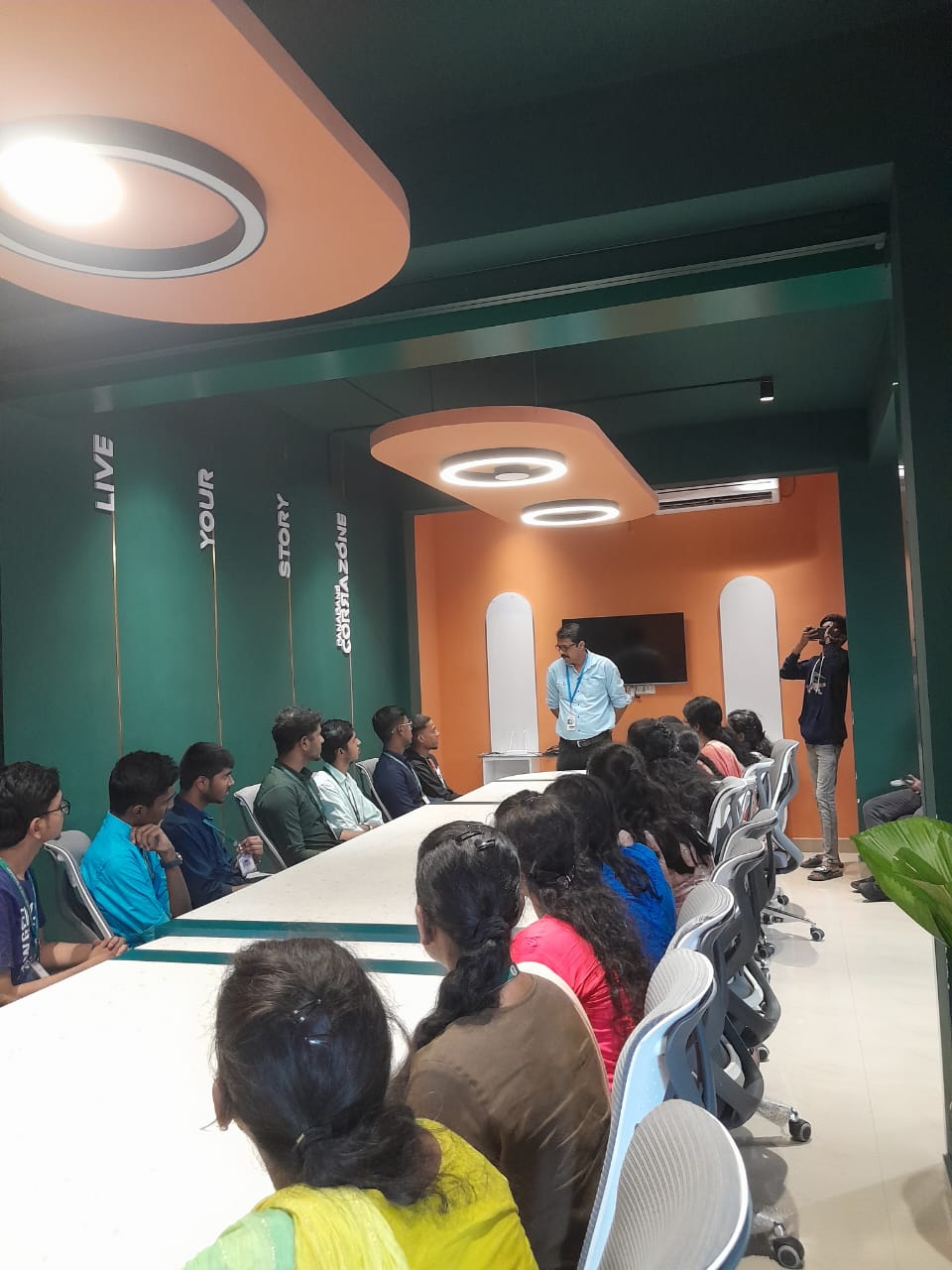
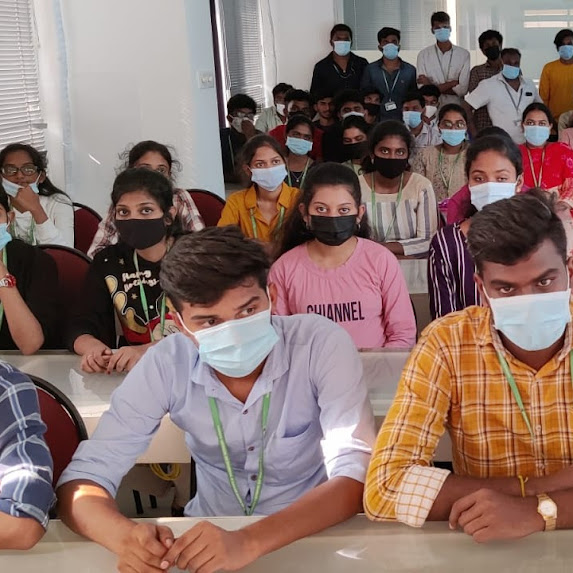
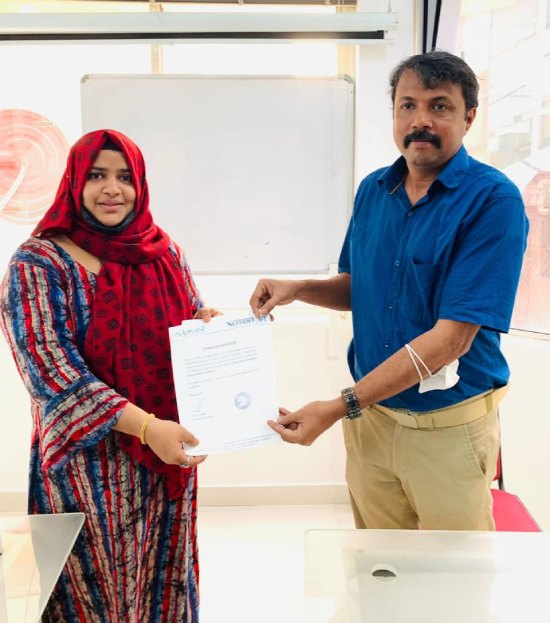
    Photos of Training / Internships

    Internship/projects in kerala
    Internship/projects in kerala
    Internship/projects in kerala
    Internship/projects in kerala
    Internship/projects in kerala
    Internship/projects in kerala
    Internship/projects in kerala
    Internship/projects in kerala
    Internship/projects in kerala
    Internship/projects in kerala
    Internship/projects in kerala
    Internship/projects in kerala

    Trained more than 10000+ students who trust Nestsoft TechnoMaster

    Get Your Personal Trainer