Send enquiry ⏎

MCSA Online Live Class by Experts

Our Training/Internship Process

MCSA Online Live Classes in Vijayawada | Free Demo Training

MCSA - Syllabus, Fees & Duration

MODULE 1

  • Windows Server 2008 Active Directory, Configuring
  • Configuring DNS for Active Directory
  • Configuring zones
  • Configuring DNS server settings
  • Configuring zone transfer and Replication
  • Configuring the AD infrastructure
  • Configuring a forest or a domain
  • Configuring trusts - Configuring sites
  • Configuring AD replication
  • Configuring the global catalog
  • Configuring operation masters
  • Configuring additional AD server roles
  • Configuring AD Lightweight Directory Services (AD LDS)
  • Configuring AD Rights Management Service (AD RMS)
  • Configuring read-only domain controller (RODC)
  • Configuring AD Federation Services (AD FS)

MODULE 2

  • Configuring and maintaining AD objects
  • Automate the creation of AD accounts
  • Maintain AD accounts
  • Create and apply Group Policy objects (GPOs)
  • Configure GPO templates
  • Configure software deployment GPOs
  • Configure account policies
  • Configure audit policy by using GPOs

MODULE 3

  • Maintaining the AD environment
  • Configuring backup and recovery
  • Perform offline maintenance
  • Monitor AD

MODULE 4

  • Configuring AD Certificate Services
  • Install AD Certificate Services
  • Configure CA server settings
  • Manage certificate templates
  • Manage Enrolments
  • Manage Certificate revocations

MODULE 5

  • Windows Server 2008 Network Infrastructure
  • Configuring IP Addressing and Services
  • Configuring IPv4 and IPv6 addressing
  • Configuring Dynamic Host Configuration Protocol (DHCP)
  • Configuring routing
  • Configuring IPsec

MODULE 6

  • Configuring Name Resolution
  • Configuring DNS Server
  • Configuring DNS zones
  • Configuring DNS records
  • Configuring DNS replication
  • Configuring name resolution for client computers

MODULE 7

  • Configuring Network Access
  • Configure remote access
  • Configure Network Access Protection (NAP)
  • Configure network authentication
  • Configure wireless access
  • Configure firewall settings

MODULE 8

  • Configuring File and Print Services
  • Configure a file server
  • Configure Distributed File System (DFS)
  • Configure shadow copy services
  • Configure backup and restore
  • Manage Disk Quotas
  • Configure and monitor print services

MODULE 9

  • Monitoring and Managing a Network Infrastructure
  • Configure Windows Server Update Services (WSUS) server settings
  • Capture performance data - Monitor event logs
  • Gather network data

MODULE 10

  • Windows Server 2008 Application Infrastructure
  • Configuring Deploy Servers
  • Deploy images by using Windows Deployment Services
  • Configure Microsoft Windows Activation
  • Configure high availability
  • Configure storage

MODULE 11

  • Configuring Terminal Services
  • Configure Windows Server 2008 Terminal Services Remote App (TS Remote App)
  • Configure Terminal Services Gateway
  • Configure Terminal Services load balancing
  • Configure and monitor Terminal Services resources
  • Configure Terminal Services Licensing
  • Configure Terminal Services client connections
  • Configure Terminal Services server options

MODULE 12

  • Configuring a Web Services Infrastructure
  • Configure Web applications
  • Manage Web sites
  • Configure a File Transfer Protocol (FTP) server
  • Configure Simple Mail Transfer Protocol (SMTP).
  • Manager Internet Information Services (IIS)
  • Configure SSL security
  • Configure Web site authentication and permissions

MODULE 13

  • Configuring Network Application Services
  • Configure Windows Media Server
  • Configure Digital Rights Management (DRM)
  • Configure Microsoft Windows SharePoint Services server options
  • Configure Windows SharePoint Services e-mail integration
  • Download Syllabus - MCSA
    This syllabus is not final and can be customized as per needs/updates
   
10000+
20+
50+
25+

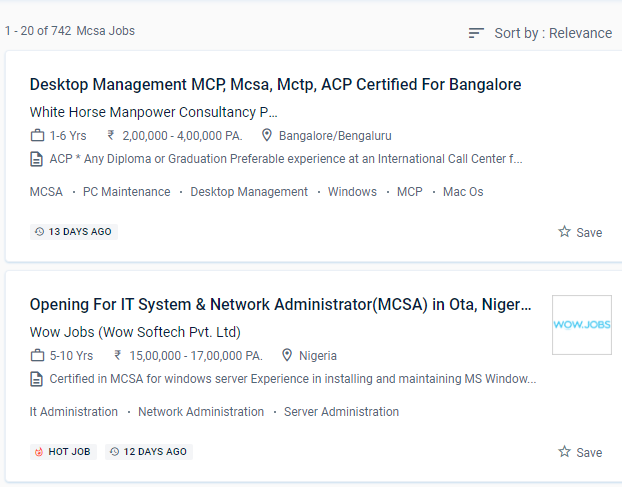
MCSA Jobs in Vijayawada

Enjoy the demand

Find jobs related to MCSA in search engines (Google, Bing, Yahoo) and recruitment websites (monsterindia, placementindia, naukri, jobshybrid.com, indeed.co.in, shine.com etc.) based in Vijayawada, chennai and europe countries. You can find many jobs for freshers related to the job positions in Vijayawada.

  • Project manager
  • System administrator-Microsoft
  • Technical architect
  • Software developer- Microsoft
  • Network engineer/system engineer
  • Team lead
  • Customer support engineer
  • Tech support Engineer
  • system analyst
  • product support engineer.

MCSA Internship/Course Details

MCSA internship jobs in Vijayawada
MCSA MCSE credentials necessitate MCSA certifications. Systems Administrator, Information Technology (IT) Manager, Senior Systems Administrator, Network Administrator, Information Technology (IT) Director, Systems Engineer (Computer Networking / IT), and Senior Systems Engineer are the most prevalent MCSA certification occupations. Graduates will work as information managers or network managers in the corporate or governmental sector. In the future years, demand for Microsoft Certified Solutions Associate information technology experts will continue to expand at an annual pace of 18 percent through 2020. You can enroll in the MCSA course at NESTSOFT if you have a basic understanding of computers and networking. It's a type of IT certification for IT professionals and web developers who want to gain jobs based on their Microsoft technology expertise. . Troubleshooting, Monitoring, Managing and Recovering AD DS, as well as installing, upgrading, and moving servers and workloads. Also, improve your skills in configuring the more complicated server. MCSA certification opens up job prospects such as computed technical support engineer, system engineer, and system administrator.


Meet a Few of our Industry Experts 🚀 Your Pathway to IT Career

Vala

Mobile: +91 98474 90866
Location: Online (Vijayawada, India)
Qualification: B.E(IT)

Experience: Front-end development (html css) Fresher   more..

kritika

Mobile: +91 89210 61945
Location: Online (Vijayawada, India)
Qualification: Graduated

Experience: Having more than 1 5 years of experience as Odoo developer Skills - python Odoo php MySQL django html css  more..

Namita

Mobile: +91 89210 61945
Location: Online (Vijayawada, India)
Qualification: Post graduate diploma in business administration and learning from crio.do as fr

Experience: I am from non tech background but recently started learning in frontend development role from crio do which is helping  more..

Priyal

Mobile: +91 91884 77559
Location: Online (Vijayawada, India)
Qualification: MCA

Experience: Skills & Experience: DevOps Engineer with expertise in independent web application development proficient in Python Bash Docker Kubernetes Jenkins AWS  more..

Patel

Mobile: +91 94975 90866
Location: Online (Vijayawada, India)
Qualification: BCA

Experience: A Web Developer with three years of experience specializing in HTML5 JavaScript PHP MySQL database design and front-end development Adept  more..

Pratik

Mobile: +91 9895490866
Location: Online (Vijayawada, India)
Qualification: Graduate

Experience: Networking ethical hacking SQL Linux Burpsuite c++ HTML css  more..

Abhishek

Mobile: +91 91884 77559
Location: Online (Vijayawada, India)
Qualification: Btech

Experience: Semi Conductor Laboratory Mohali Dept of space Govt of India FSG advantages over USG inter-metal dielectric (Thin Film) and Unit  more..

Aditya

Mobile: +91 89210 61945
Location: Online (Vijayawada, India)
Qualification: B.Tech

Experience: Experienced Laravel developer specializing in building robust and scalable web applications With 4+ years of hands-on experience in Laravel framework  more..

Kevin

Mobile: +91 98474 90866
Location: Online (Vijayawada, India)
Qualification: BTech computer science

Experience: Java python Application for Java Spring  more..

Dilli

Mobile: +91 98474 90866
Location: Online (Vijayawada, India)
Qualification: Bachelor of technology

Experience: Working on design and Execution of test cases Participated in iteration walkthrough calls and understands the new changes Participated in  more..

Megha

Mobile: +91 9895490866
Location: Online (Vijayawada, India)
Qualification: BCA

Experience: Microsoft azure900 citrix putty linux python  more..

SHRIKANT

Mobile: +91 9895490866
Location: Online (Vijayawada, India)
Qualification: Master Degree 'MBA' (Operation field)

Experience: Skills: ✓ Sap MM ✓ Advance Excel (Pivot table MIS Vlookup) ✓ Typing 30w p m & 40w p m  more..

RITHIKA

Mobile: +91 91884 77559
Location: Online (Vijayawada, India)
Qualification: B.Tech

Experience: I am an aspiring UX Designer To boldly purse continuous learning and personal growth while creating user friendly products that  more..

Sampurna

Mobile: +91 9895490866
Location: Online (Vijayawada, India)
Qualification: B tech

Experience: Automation testing Manual Testing selenium with Java regression testing Re testing cucumber framework BDD framework software development life cycle software  more..

Niharika

Mobile: +91 9895490866
Location: Online (Vijayawada, India)
Qualification: Bca

Experience: Digital marketing Web development frontend  more..

Arivarasan

Mobile: +91 98474 90866
Location: Online (Vijayawada, India)
Qualification: B.E(ECE)

Experience: I have 6 years and 7 months of experience in the Odoo Python framework (ERP) as a backend developer I  more..

Sumeet

Mobile: +91 94975 90866
Location: Online (Vijayawada, India)
Qualification: BE

Experience: MEAN Stack developer with 4 years of experience  more..

divya

Mobile: +91 8301010866
Location: Online (Vijayawada, India)
Qualification: btech mtech

Experience: software testing   more..

AAKASH

Mobile: +91 91884 77559
Location: Online (Vijayawada, India)
Qualification: Bsc. Computer Science Graduate

Experience: I have been working as QA Test Engineer with 1 Year of Experience on Manual and Automation Testing I have  more..

Mehdi

Mobile: +91 8301010866
Location: Online (Vijayawada, India)
Qualification: Bachelor's in computer science

Experience: HTML CSS javascript jQuery Ajax PHP wordpress and woocommerce   more..

Fahid

Mobile: +91 98474 90866
Location: Online (Vijayawada, India)
Qualification: Diploma

Experience: Strong analytical skills >Troubleshooting computer problems and solutions > Information security > Burp suite > Mobile Security Framework >Wireshark >  more..

Navratn

Mobile: +91 94975 90866
Location: Online (Vijayawada, India)
Qualification: B.Tech

Experience: Skill: Penetration Testing Experience: I bring hands-on experience in penetration testing garnered from my role as a Security Intern at  more..

Rajeev

Mobile: +91 91884 77559
Location: Online (Vijayawada, India)
Qualification: B. Tech

Experience: Currently working in Amazon development Centre India pvt Ltd since last 4 9 years almost Part time Teaching German since  more..

siddharth

Mobile: +91 98474 90866
Location: Online (Vijayawada, India)
Qualification: 12th,BCA

Experience: i can work in C C++ python html css   more..

Success Stories

The enviable salary packages and track record of our previous students are the proof of our excellence. Please go through our students' reviews about our training methods and faculty and compare it to the recorded video classes that most of the other institutes offer. See for yourself how TechnoMaster is truly unique.


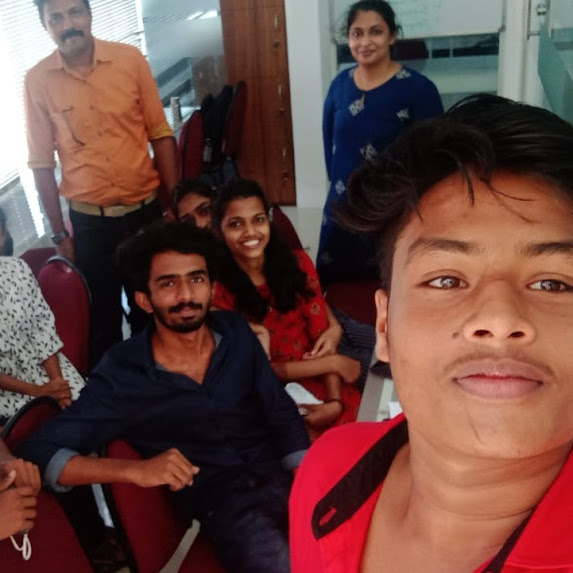
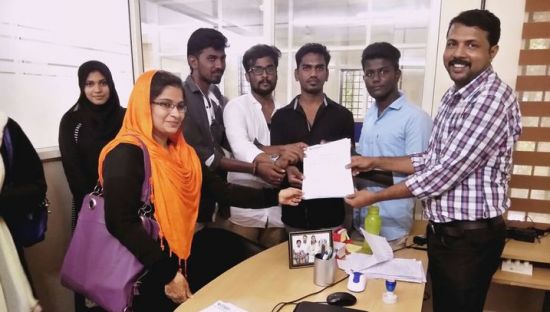
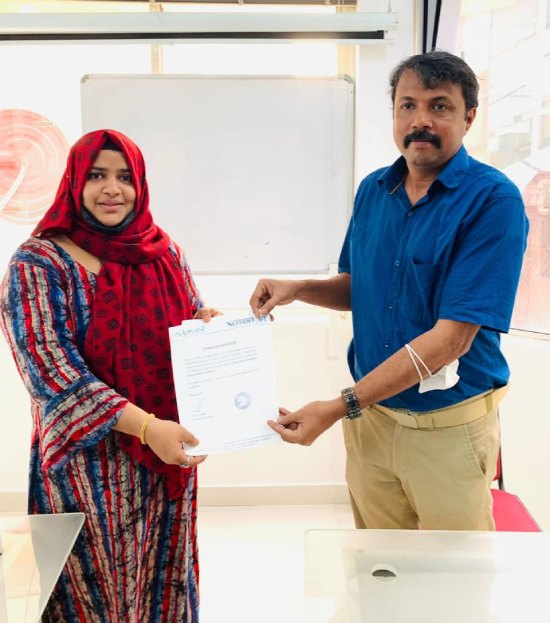
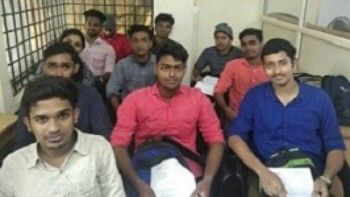
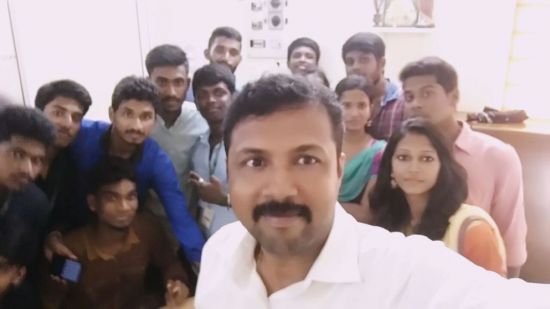
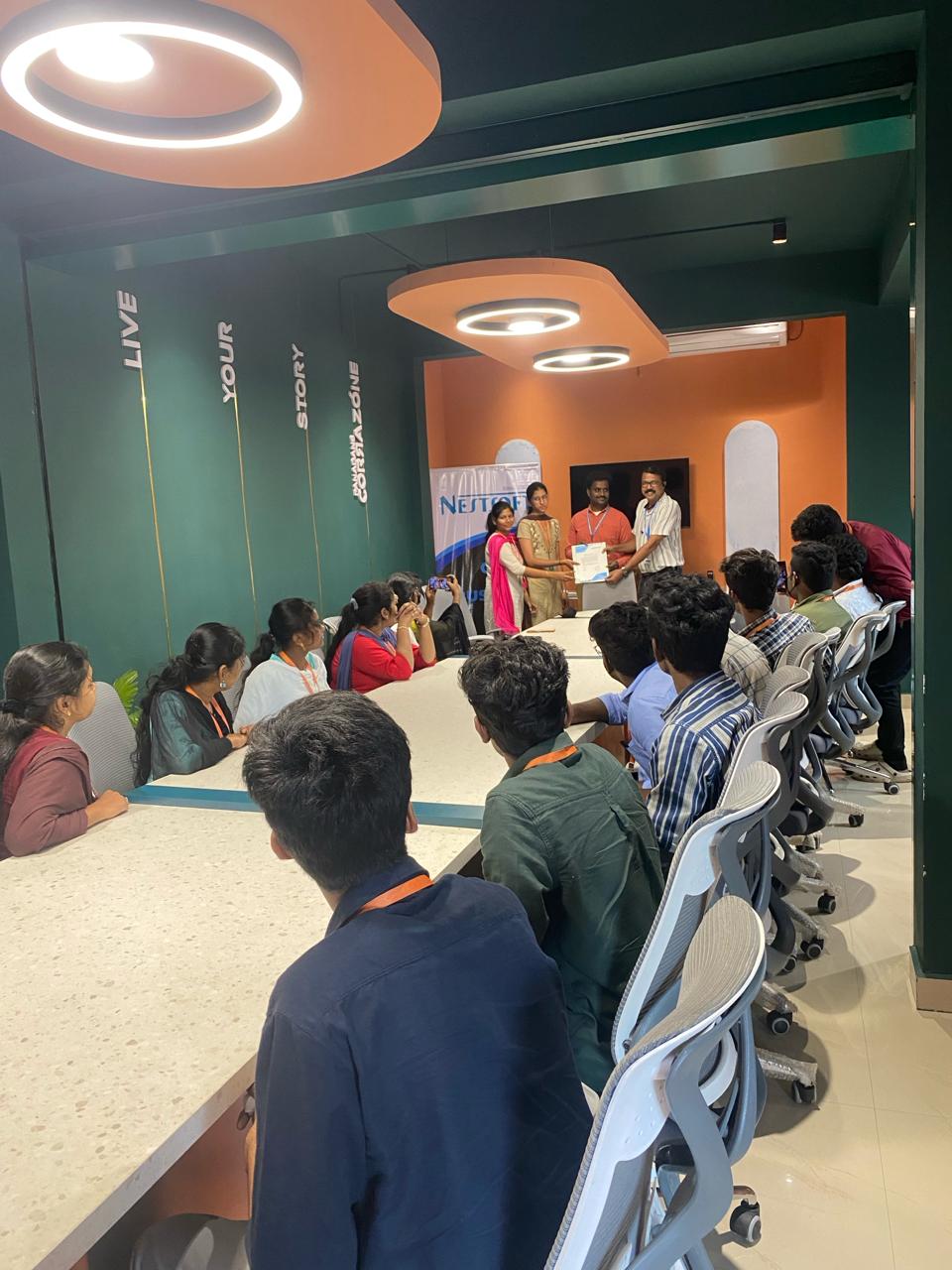
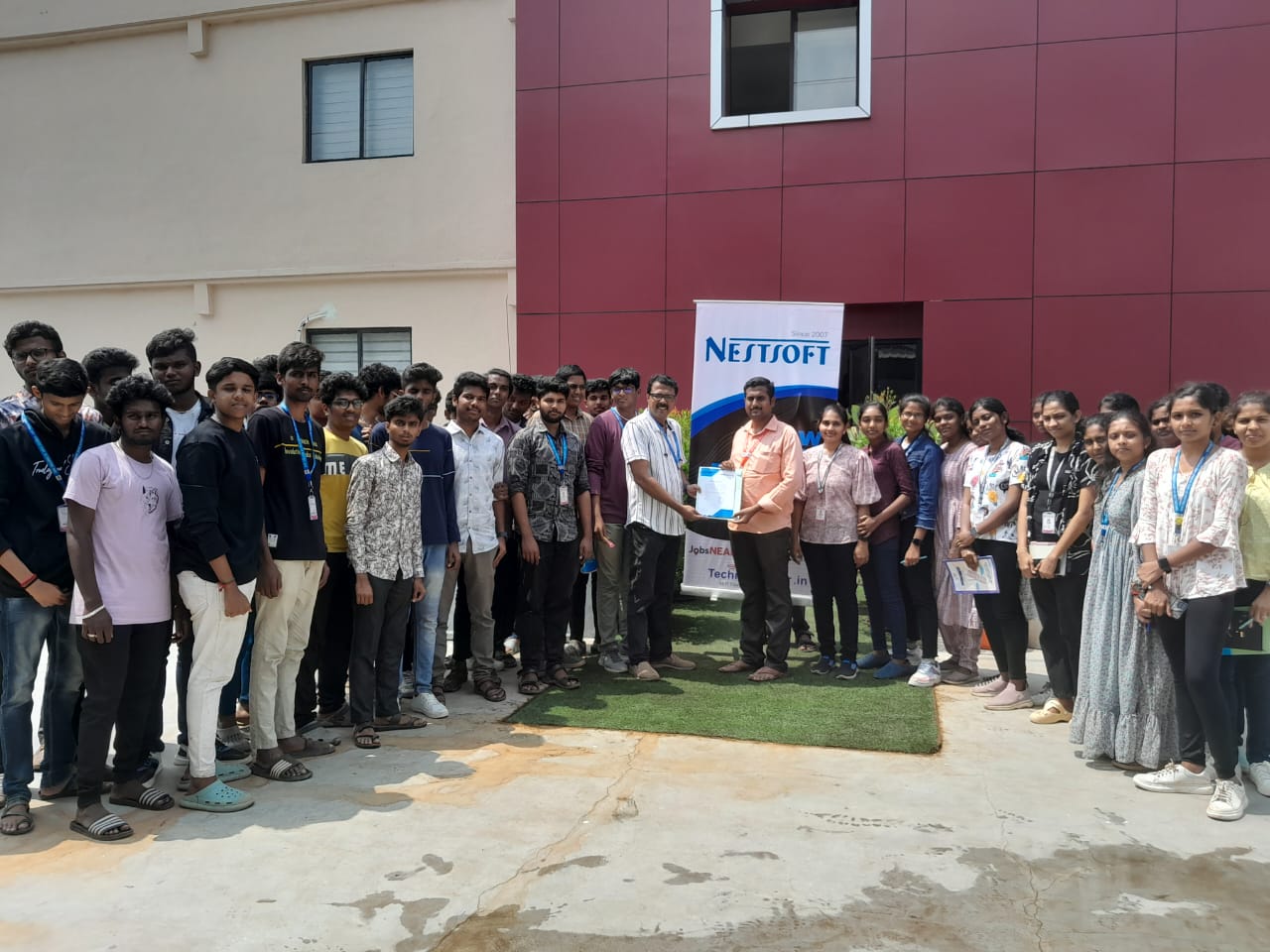
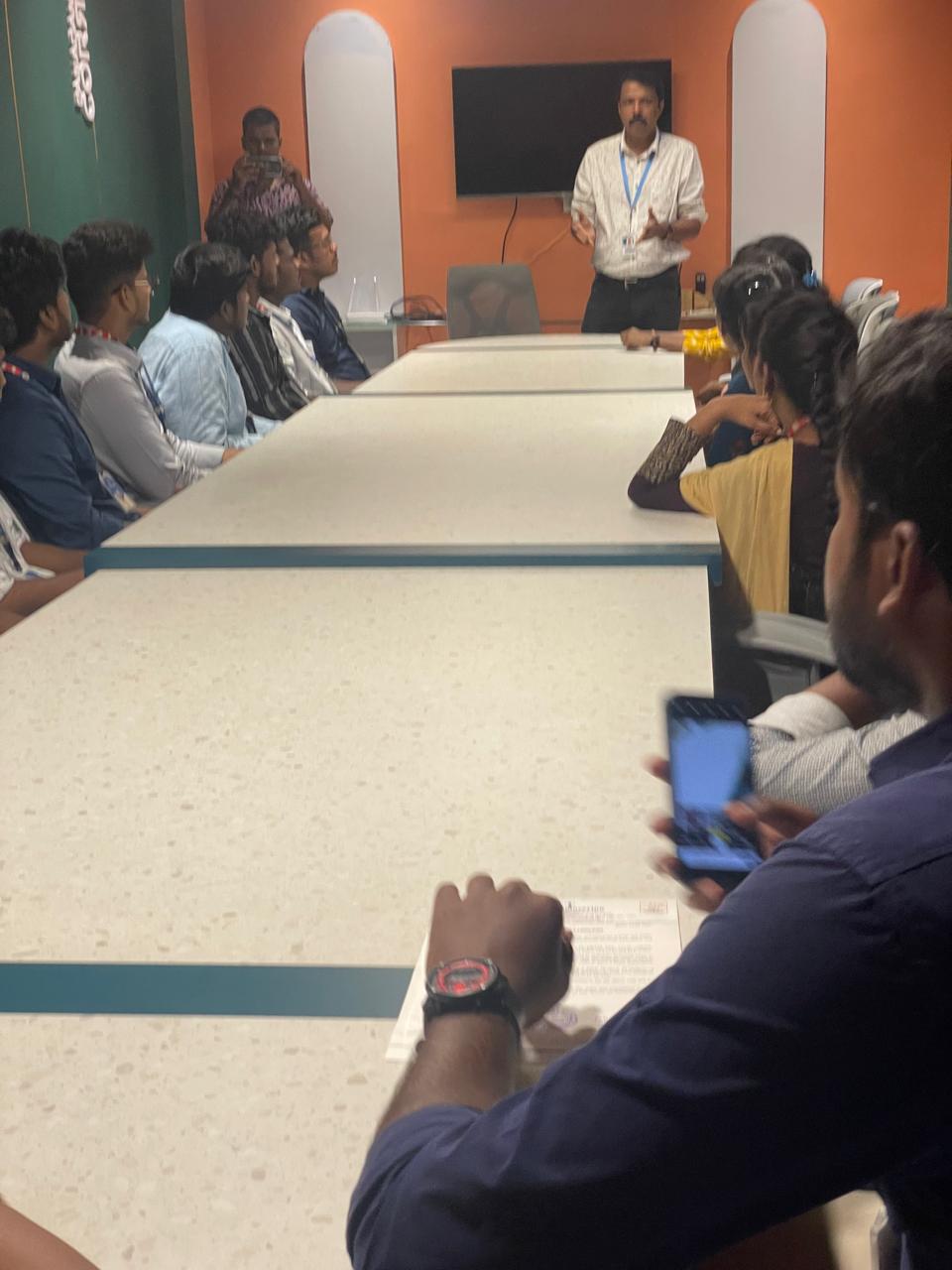
Photos of Training / Internships

Internship/projects in vijayawada

Trained more than 10000+ students who trust Nestsoft TechnoMaster

Get Your Personal Trainer