Send enquiry ⏎

MCSA Online Live Class by Experts

Our Training/Internship Process

MCSA Online Live Classes in Madurai | Free Demo Training

MCSA - Syllabus, Fees & Duration

MODULE 1

  • Windows Server 2008 Active Directory, Configuring
  • Configuring DNS for Active Directory
  • Configuring zones
  • Configuring DNS server settings
  • Configuring zone transfer and Replication
  • Configuring the AD infrastructure
  • Configuring a forest or a domain
  • Configuring trusts - Configuring sites
  • Configuring AD replication
  • Configuring the global catalog
  • Configuring operation masters
  • Configuring additional AD server roles
  • Configuring AD Lightweight Directory Services (AD LDS)
  • Configuring AD Rights Management Service (AD RMS)
  • Configuring read-only domain controller (RODC)
  • Configuring AD Federation Services (AD FS)

MODULE 2

  • Configuring and maintaining AD objects
  • Automate the creation of AD accounts
  • Maintain AD accounts
  • Create and apply Group Policy objects (GPOs)
  • Configure GPO templates
  • Configure software deployment GPOs
  • Configure account policies
  • Configure audit policy by using GPOs

MODULE 3

  • Maintaining the AD environment
  • Configuring backup and recovery
  • Perform offline maintenance
  • Monitor AD

MODULE 4

  • Configuring AD Certificate Services
  • Install AD Certificate Services
  • Configure CA server settings
  • Manage certificate templates
  • Manage Enrolments
  • Manage Certificate revocations

MODULE 5

  • Windows Server 2008 Network Infrastructure
  • Configuring IP Addressing and Services
  • Configuring IPv4 and IPv6 addressing
  • Configuring Dynamic Host Configuration Protocol (DHCP)
  • Configuring routing
  • Configuring IPsec

MODULE 6

  • Configuring Name Resolution
  • Configuring DNS Server
  • Configuring DNS zones
  • Configuring DNS records
  • Configuring DNS replication
  • Configuring name resolution for client computers

MODULE 7

  • Configuring Network Access
  • Configure remote access
  • Configure Network Access Protection (NAP)
  • Configure network authentication
  • Configure wireless access
  • Configure firewall settings

MODULE 8

  • Configuring File and Print Services
  • Configure a file server
  • Configure Distributed File System (DFS)
  • Configure shadow copy services
  • Configure backup and restore
  • Manage Disk Quotas
  • Configure and monitor print services

MODULE 9

  • Monitoring and Managing a Network Infrastructure
  • Configure Windows Server Update Services (WSUS) server settings
  • Capture performance data - Monitor event logs
  • Gather network data

MODULE 10

  • Windows Server 2008 Application Infrastructure
  • Configuring Deploy Servers
  • Deploy images by using Windows Deployment Services
  • Configure Microsoft Windows Activation
  • Configure high availability
  • Configure storage

MODULE 11

  • Configuring Terminal Services
  • Configure Windows Server 2008 Terminal Services Remote App (TS Remote App)
  • Configure Terminal Services Gateway
  • Configure Terminal Services load balancing
  • Configure and monitor Terminal Services resources
  • Configure Terminal Services Licensing
  • Configure Terminal Services client connections
  • Configure Terminal Services server options

MODULE 12

  • Configuring a Web Services Infrastructure
  • Configure Web applications
  • Manage Web sites
  • Configure a File Transfer Protocol (FTP) server
  • Configure Simple Mail Transfer Protocol (SMTP).
  • Manager Internet Information Services (IIS)
  • Configure SSL security
  • Configure Web site authentication and permissions

MODULE 13

  • Configuring Network Application Services
  • Configure Windows Media Server
  • Configure Digital Rights Management (DRM)
  • Configure Microsoft Windows SharePoint Services server options
  • Configure Windows SharePoint Services e-mail integration
  • Download Syllabus - MCSA
    This syllabus is not final and can be customized as per needs/updates
   
10000+
20+
50+
25+

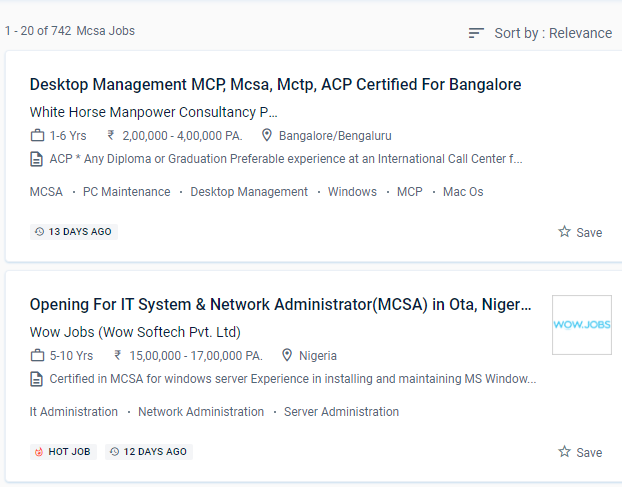
MCSA Jobs in Madurai

Enjoy the demand

Find jobs related to MCSA in search engines (Google, Bing, Yahoo) and recruitment websites (monsterindia, placementindia, naukri, jobshybrid.com, indeed.co.in, shine.com etc.) based in Madurai, chennai and europe countries. You can find many jobs for freshers related to the job positions in Madurai.

  • Project manager
  • System administrator-Microsoft
  • Technical architect
  • Software developer- Microsoft
  • Network engineer/system engineer
  • Team lead
  • Customer support engineer
  • Tech support Engineer
  • system analyst
  • product support engineer.

MCSA Internship/Course Details

MCSA internship jobs in Madurai
MCSA Troubleshooting, Monitoring, Managing and Recovering AD DS, as well as installing, upgrading, and moving servers and workloads. Students who complete the Microsoft certification program will have an easier time finding work as system administrators. The MCSA (Microsoft Certified Solutions Associate) course in Madurai is aimed to teach students the fundamentals of the Microsoft Windows server platform's infrastructure. Also, improve your skills in configuring the more complicated server. You can enroll in the MCSA course at NESTSOFT if you have a basic understanding of computers and networking. The window server administration trainers at NESTSOFT training in the Madurai are highly trained and have worked in the IT industry. Systems Administrator, Information Technology (IT) Manager, Senior Systems Administrator, Network Administrator, Information Technology (IT) Director, Systems Engineer (Computer Networking / IT), and Senior Systems Engineer are the most prevalent MCSA certification occupations. Graduates will work as information managers or network managers in the corporate or governmental sector. MCSA certification opens up job prospects such as computed technical support engineer, system engineer, and system administrator. .

Meet a Few of our Industry Experts 🚀 Your Pathway to IT Career

Bonula

Mobile: +91 94975 90866
Location: Online (Madurai, India)
Qualification: B.Tech

Experience: I have 2 8 years of ETL development and testing experience in the retail domain specialising in Azure Databricks Azure  more..

Balachandar

Mobile: +91 9895490866
Location: Online (Madurai, India)
Qualification: B.Tech IT

Experience: Core Java c# basics of PHP and Android app development and 9 years of experience  more..

Jinesh

Mobile: +91 94975 90866
Location: Online (Madurai, India)
Qualification: BCA

Experience: Advanced software testing manual and automation  more..

Manikaran

Mobile: +91 8301010866
Location: Online (Madurai, India)
Qualification: B.Tech

Experience: Github Link : github com manikaran21 Certificates: drive google com drive folders 1Q-ptc395b998Lu111wdaudi_Lw73YVZ7?usp=sharing HackerRank Profile : hackerrank com masanmb17tes?hr_r=1 I  more..

Swapna

Mobile: +91 91884 77559
Location: Online (Madurai, India)
Qualification: M C A

Experience: Having 13 years of experience in software testing which includes 8 years into automation testing I have been giving trainings  more..

Sneha

Mobile: +91 9895490866
Location: Online (Madurai, India)
Qualification: Bachelors of Engineering

Experience: 2 7 year of experience Html5 css bootstrap basic javascript Java c c++ basic of php   more..

Tushar

Mobile: +91 91884 77559
Location: Online (Madurai, India)
Qualification: Masters in computer science

Experience: Java Kotlin Android Studio UI design RoomDB Retrofit for Third party RestFul APIs and JSON Integration  more..

Hassan

Mobile: +91 89210 61945
Location: Online (Madurai, India)
Qualification: Undergraduate degree

Experience: Seeking a challenging environment that encourages continuous learning and creativity providing exposure to new ideas and stimulate personal and professional  more..

Parvathy

Mobile: +91 98474 90866
Location: Online (Madurai, India)
Qualification: Btech in electrical and electronics engineering

Experience: Manual testing Automation testing selenium JMeter Jira postman SQL Java testcase preperation bug report   more..

VIKRAM

Mobile: +91 91884 77559
Location: Online (Madurai, India)
Qualification: Graduation

Experience: Adobe photoshop illustration premiere after effect in design |   more..

SWATHI

Mobile: +91 9895490866
Location: Online (Madurai, India)
Qualification: Msc in Computer science

Experience: Fresher & Automation testing in selenium TestNG Maven XPATH and CSS core java manual testing SDLC STLC Agile Methodology with  more..

Pooja

Mobile: +91 8301010866
Location: Online (Madurai, India)
Qualification: Graduation

Experience: I have 1 3 years of experience My skills is seo css html canva  more..

Sourab

Mobile: +91 94975 90866
Location: Online (Madurai, India)
Qualification: B.Tech

Experience: Having 2 years of Experience in Android Development Worked with medical sector public sector and IT Sector Developed 7+ Android  more..

Shithinkrishna

Mobile: +91 89210 61945
Location: Online (Madurai, India)
Qualification: Be computer science and engineering

Experience: Javascript react manual testing automation testing html css  more..

Shincy

Mobile: +91 9895490866
Location: Online (Madurai, India)
Qualification: Mca

Experience: I have completed my MCA graduation in 2020 i know the programming languages like php c c++ java and html  more..

Catherine

Mobile: +91 91884 77559
Location: Online (Madurai, India)
Qualification: B.tech

Experience: 2 years experience as a front-end developer Expertise in Angular react js and Ionic framework tooApplication for Angular JS  more..

Bhupendra

Mobile: +91 91884 77559
Location: Online (Madurai, India)
Qualification: BE

Experience: I have 3 8+ year of experiene in odoo development and customization i also have knowledge about server setup and  more..

Anurag

Mobile: +91 91884 77559
Location: Online (Madurai, India)
Qualification: Btech

Experience: Myself Anurag J Raj I am a 4th year undergraduate of Mechanical engineering studying in IIT KHARAGPUR I am an  more..

Muhammad

Mobile: +91 94975 90866
Location: Online (Madurai, India)
Qualification: Bachelor's

Experience: Android SDK Android Developer Kotlin programming language Mvvm architecture  more..

Jeetesh

Mobile: +91 8301010866
Location: Online (Madurai, India)
Qualification: MCA

Experience: Hello there! I'm Jeetesh Surana a senior Android developer with 7+ Years of Experience Developed 200+ Applications in this tenure  more..

athul

Mobile: +91 94975 90866
Location: Online (Madurai, India)
Qualification: +2

Experience: angular nodejs expressjs mongodb ejs typescript javascript jquery html css aws docker jenkins  more..

RITIK

Mobile: +91 91884 77559
Location: Online (Madurai, India)
Qualification: B. Tech

Experience: I am a computer science graduate with a strong passion for software engineering My goal is to secure a challenging  more..

VIVEK

Mobile: +91 91884 77559
Location: Online (Madurai, India)
Qualification: B.tech

Experience: UI API tester Functional testing Smoke sanity retesting and regression testing API testing with postman BDD framework Assist in hybrid  more..

Deepak

Mobile: +91 98474 90866
Location: Online (Madurai, India)
Qualification: Btech

Experience: have Worked in Seek Solution LLP for 2022-2024 as a WordPress developer   more..

Success Stories

The enviable salary packages and track record of our previous students are the proof of our excellence. Please go through our students' reviews about our training methods and faculty and compare it to the recorded video classes that most of the other institutes offer. See for yourself how TechnoMaster is truly unique.

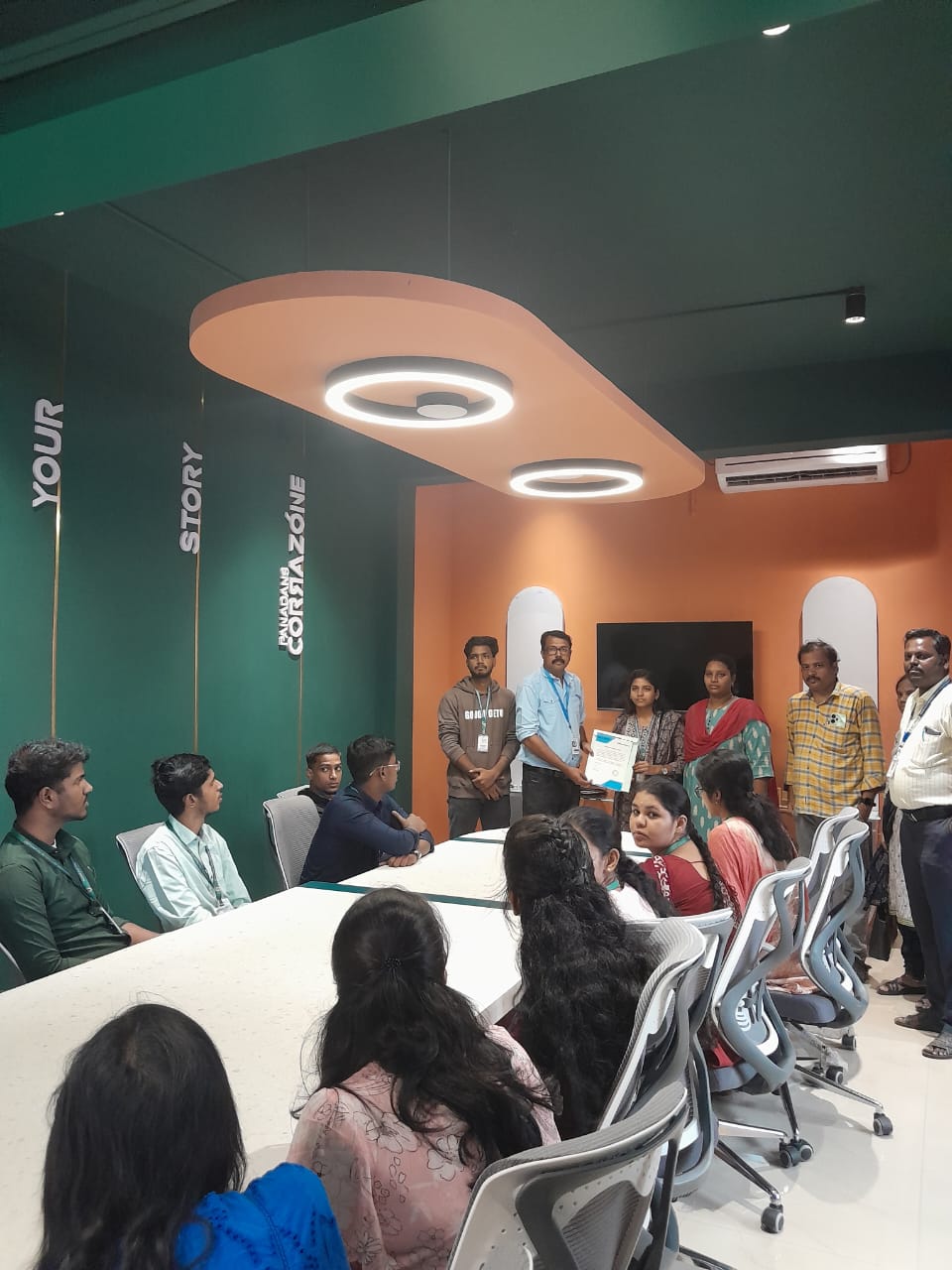
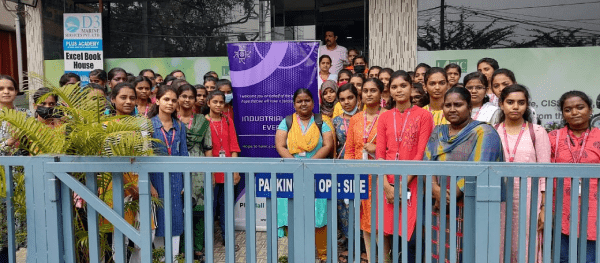
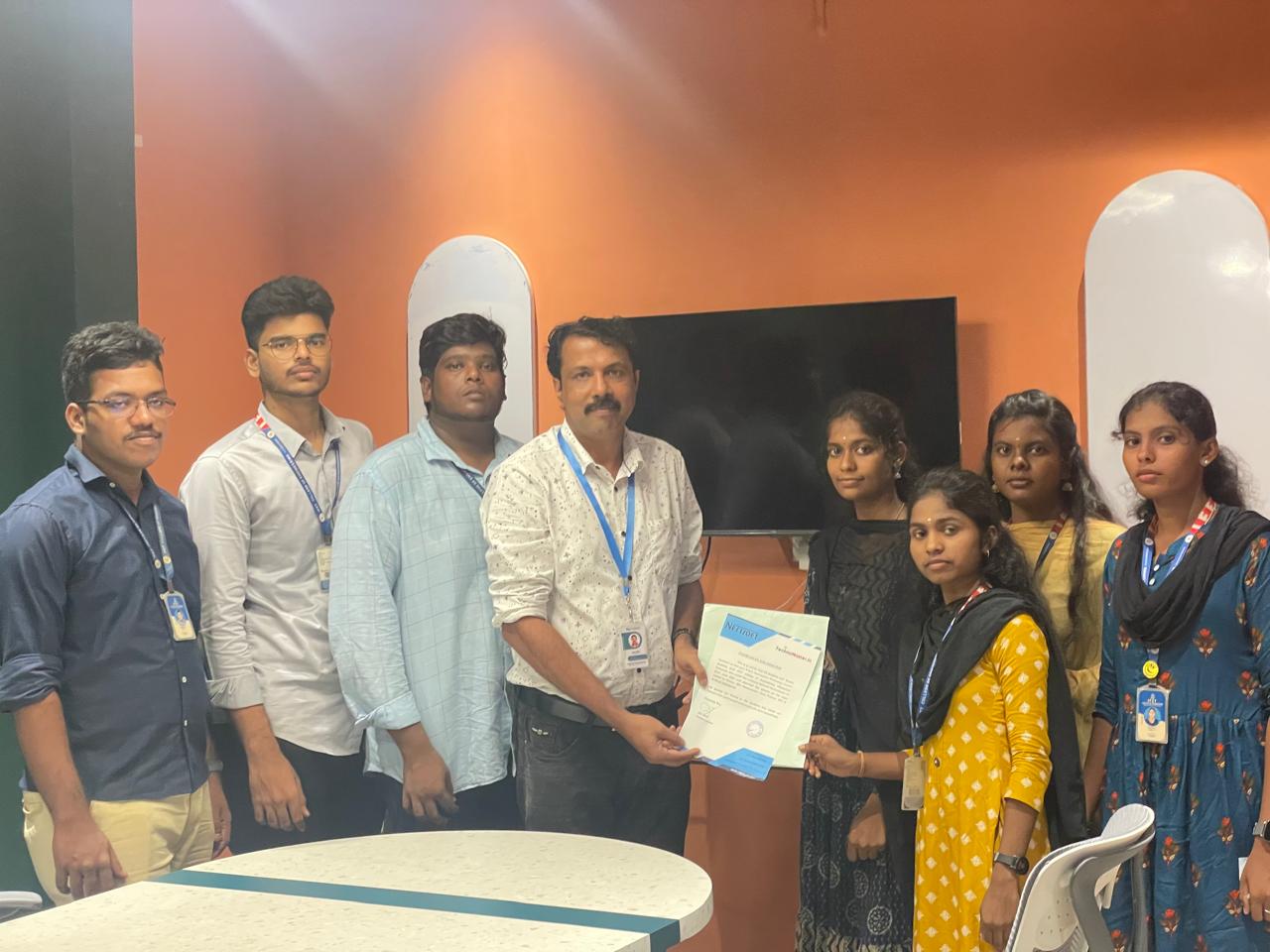
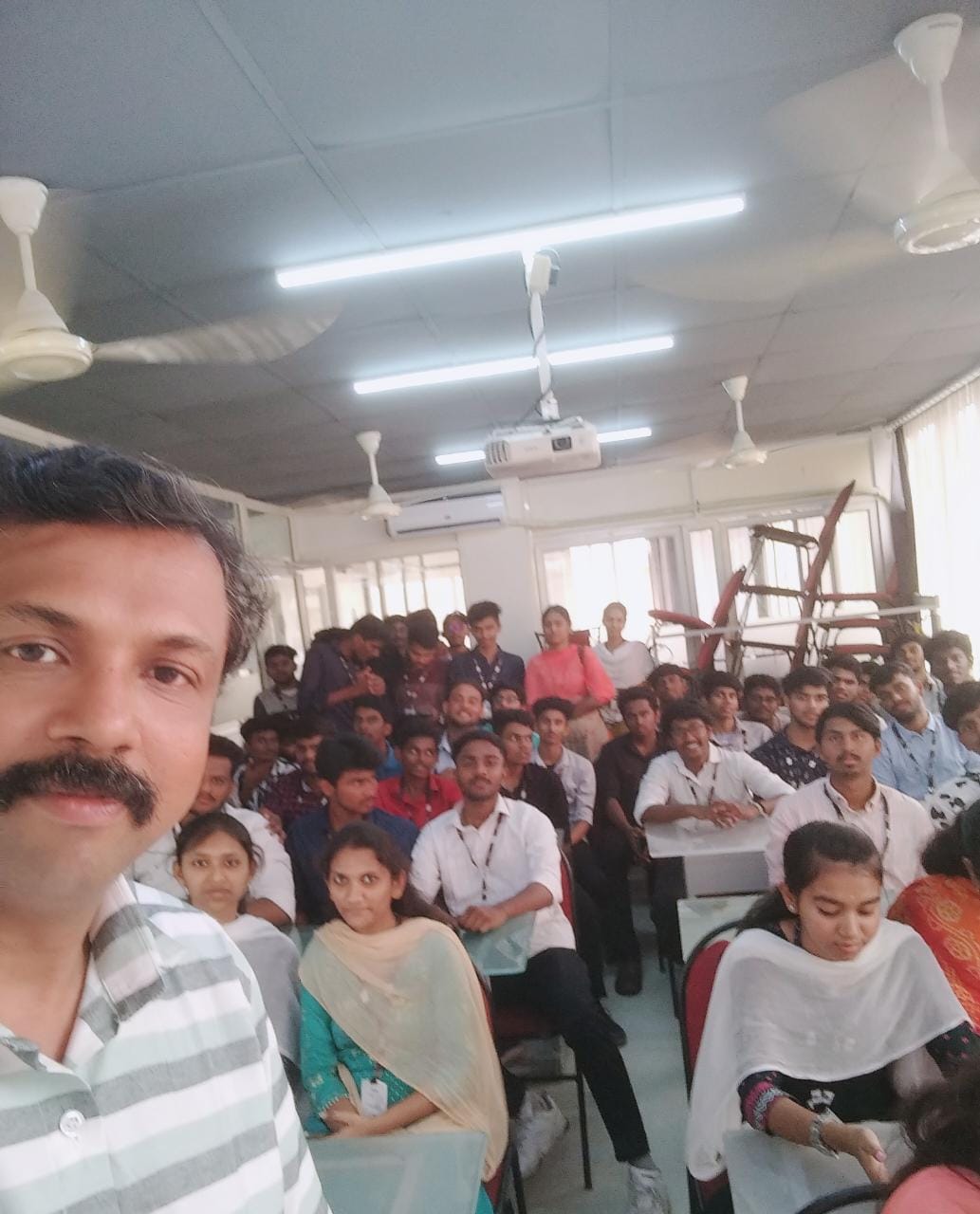
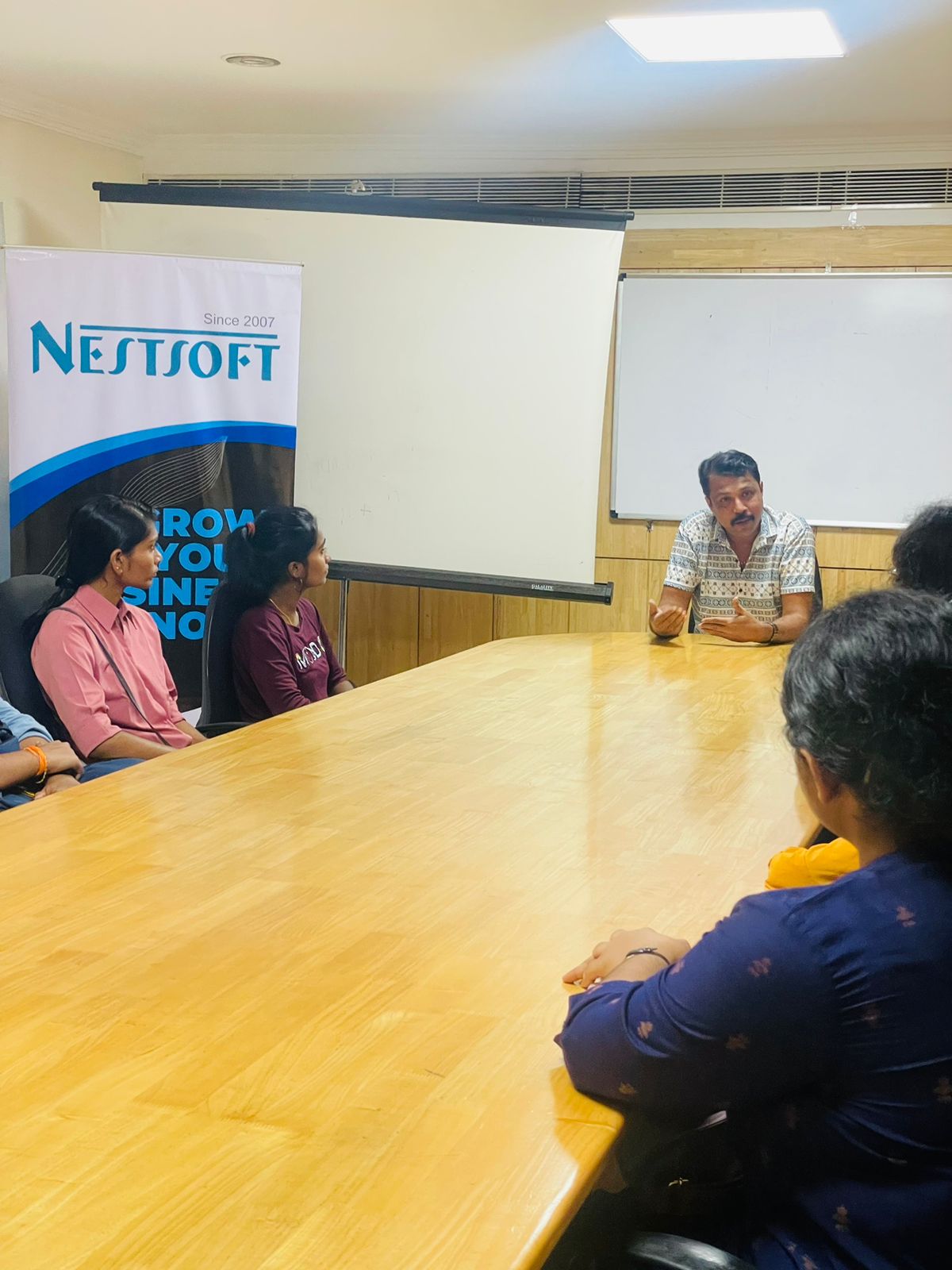
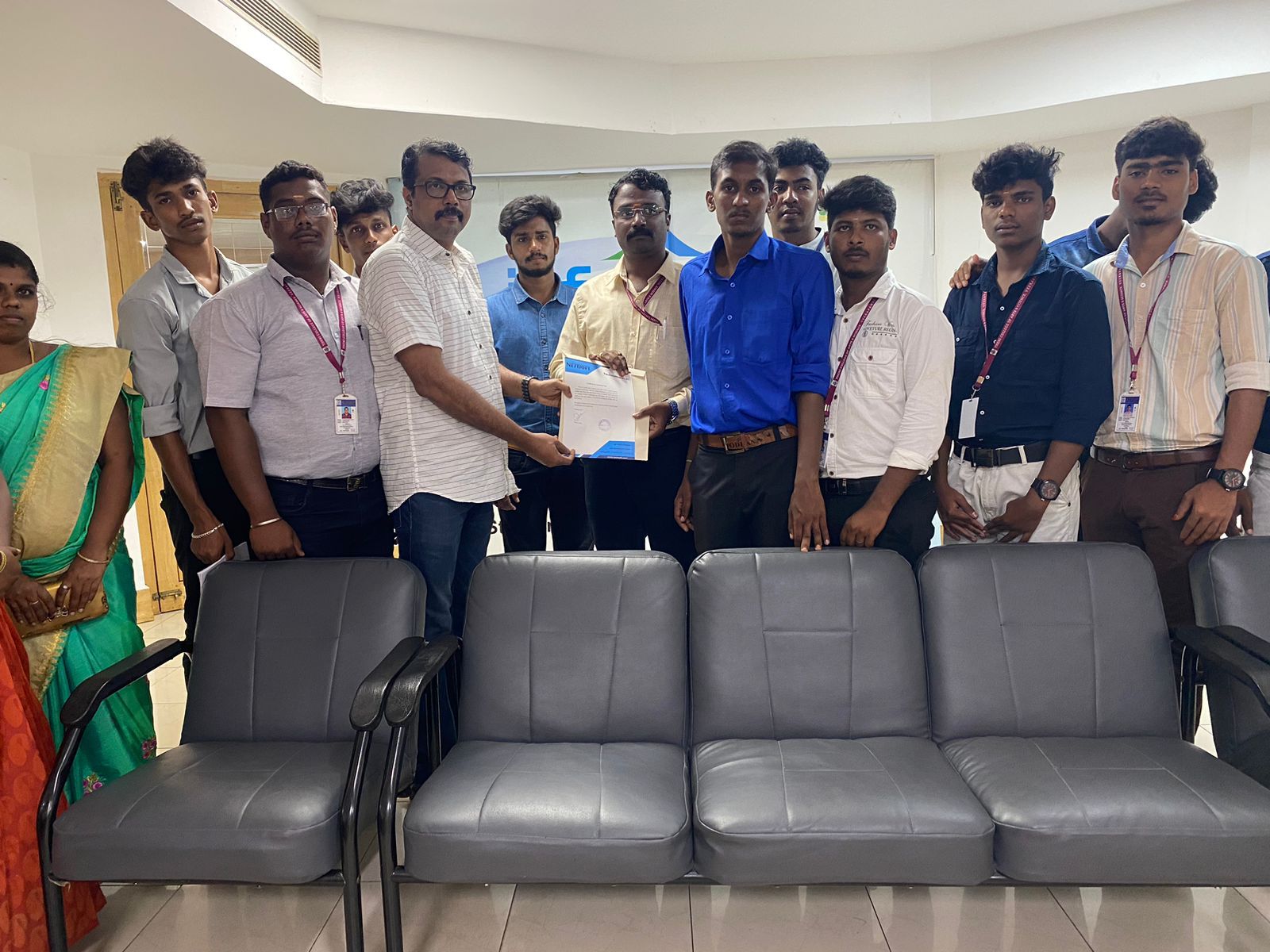
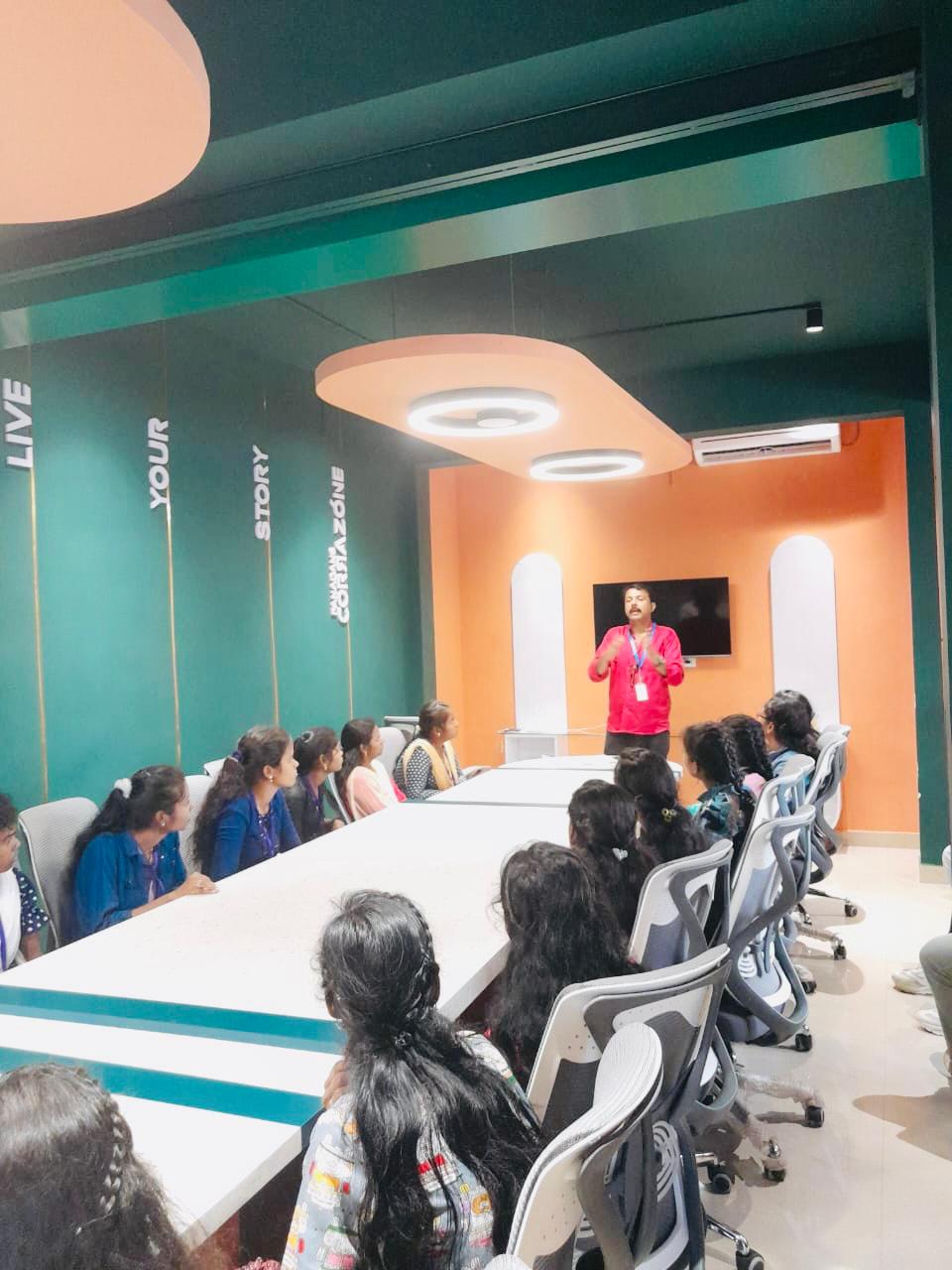
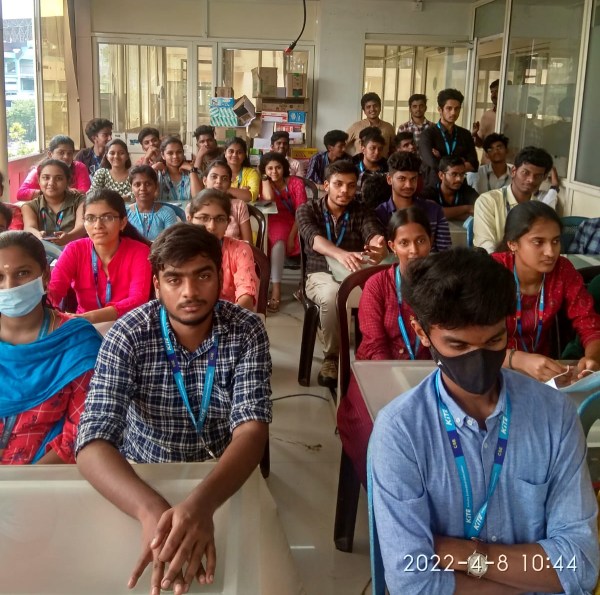
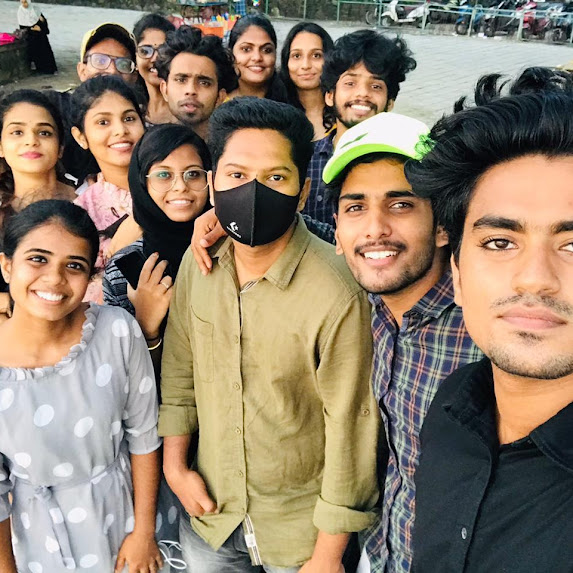
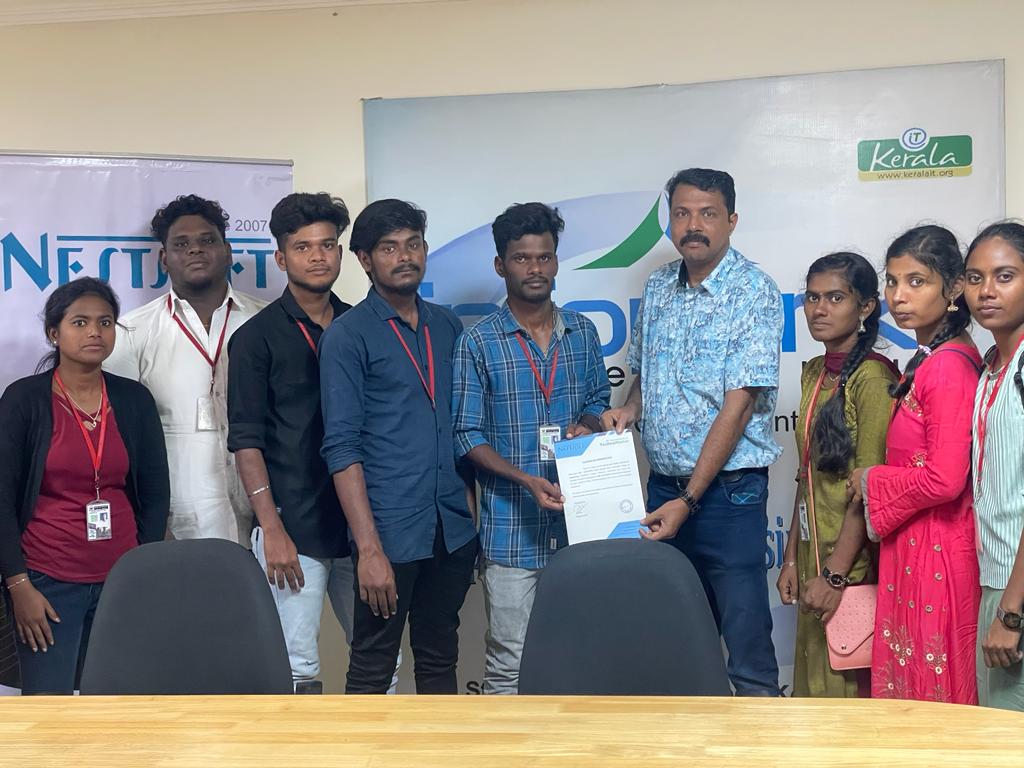
Photos of Training / Internships

Internship/projects in madurai

Trained more than 10000+ students who trust Nestsoft TechnoMaster

Get Your Personal Trainer