Send enquiry ⏎

JQuery Online Live Class by Experts

Our Training/Internship Process

JQuery Online Live Classes in Idukki | Free Demo Training

JQuery - Syllabus, Fees & Duration

Module 1 :The Background

  • The mobile space today
  • Advantages
  • Challenges
  • Native vs. web, is really a question?
  • What is JQM?
  • What is not jQM?
  • What is a web app?
  • Why jQM?
  • Features
  • Compatibility
  • Requirements

Module 2: HTML5 basics

  • Requirements
  • HTML5 in a small nutshell
  • Why HTML5?
  • What do we need to know about HTML5 for jQM
  • Basic template
  • Testing HTML5 documents
  • Emulators, Simulators & more & Viewports on mobile browsers

Module 3: The framework

  • Architecture of Self hosted vs. CDNs
  • Main template
  • CDNs available
  • Main template
  • Support on IDEs
  • Roles
  • Theming

Module 4: The page

  • Headers and footers basics
  • Mandatory items in a page
  • Working with HTML in the content
  • Navigation
  • Internal page navigation
  • External page navigation
  • Understanding AJAX on mobile browsers
  • Absolute external links
  • Mobile Special links

Module 5: UI Components

  • Customizing toolbars
  • Positioning toolbars
  • Navigation Bars
  • Persistent footers and navigation
  • Collapsible content
  • Working with columns

Module 6: Buttons

  • Creating buttons
  • Inline buttons
  • Grouped buttons
  • Icons
  • Custom icons

Module 7: Lists

  • Creating lists
  • Full-page vs inset-lists
  • Visual separators
  • Nested lists
  • Interactive rows, Split button rows
  • Split button rows
  • Thumbnails
  • Count bubbles
  • Aside content
  • Title and Description
  • Filtering data

Module 8: Forms

  • AJAX vs. non-AJAX forms
  • Automatic form behaviour
  • Labeling
  • Field containers
  • Text fields
  • Slider, Slider switch
  • Select menus, UI Select menus
  • Radio Buttons
  • Checkboxes, File Upload
  • Validation using HTML5

Module9: The framework and JavaScript

  • Using jQuery inside jQuery Mobile
  • mobile element
  • The mobile init event
  • Configuring defaults
  • Touch events, Orientation events
  • Scroll events, Page events
  • Virtual mouse events
  • Managing navigation through JavaScript

Module 10: Dynamic data with jQuery Mobile

  • HTML5 vs AJAX
  • Bringing JSON data to jQuery Mobile
  • Updating form controls
  • Updating lists
  • Implementing Infinite list pattern

Module11: Extending the framework

  • Using plugins
  • The top 5 plugins for jQuery Mobile
  • Creating our own plugin
  • Plugin architecture
  • Understanding CSS architecture
  • Define our own CSS patch
  • Changing CSS behavior

Module12: Managing data with HTML5

  • Using Web Storage and Web SQL
  • Using geolocation

Module 13: Packaging for installation and stores

  • The offline manifest
  • Full-screen web apps for iOS
  • What is a hybrid
  • Phone Gap vs other alternatives
  • Packaging a sample application

Download Syllabus - JQuery
This syllabus is not final and can be customized as per needs/updates
   
10000+
20+
50+
25+

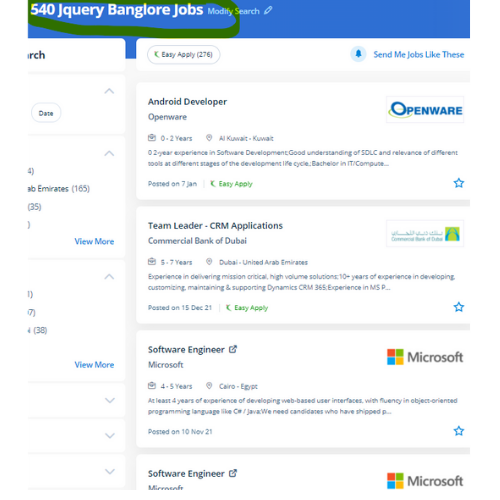
JQuery Jobs in Idukki

Enjoy the demand

Find jobs related to JQuery in search engines (Google, Bing, Yahoo) and recruitment websites (monsterindia, placementindia, naukri, jobshybrid.com, indeed.co.in, shine.com etc.) based in Idukki, chennai and europe countries. You can find many jobs for freshers related to the job positions in Idukki.

  • JQuery Developer
  • Frontend Developer
  • Web Developer
  • Web designer
  • App Developer
  • Jquery Trainer
  • Full-Stack Developer
  • Software Engineer
  • JavaScript Developer
  • JQuery Trainer

JQuery Internship/Course Details

JQuery internship jobs in Idukki
JQuery Page loading time is a vital factor for Google and other search engines use because that affects search engine optimization in order that developers should try to reduce code so jQuery has page load quicker. web designers will simply shorten the time that's required to deploy a website or application because of its easy syntax and open coding. Our course curriculum is organized well every module constitutes all fundamentals and experience versions and we provide live interactive classes. JQuery online training at Nestsoft can enable you to resolve the matter of compatibility between different browsers without learning any new programming language and may enhance your career as a web programmer. jQuery has its own open-source community in order that you may not have to spend money on costly licenses whenever you would like to include it into your website. The library has been designed using shorter and easier code so most website developers sometimes notice jQuery to learn and easy. Developers will add animation and interaction to a web page by writing some short lines of code, with facilitating by using jQuery. Using JQuery provides several advanced and cross-browser functions, which will assist you to boost your internet applications. jQuery could be a JavaScript library that is a great blessing to all web developers, both beginners and experienced and it simplifies programming using JavaScript by providing easy and extremely easy-to-use condensed syntax. If you have any doubt regarding previous topics our experienced Certified practitioners can always assist you.


Meet a Few of our Industry Experts 🚀 Your Pathway to IT Career

Austin

Mobile: +91 94975 90866
Location: Online (Idukki, India)
Qualification: Graduation

Experience: Experience No: 1 Digital Marketing Intern - Nearly 1 year of experience in digital marketing I had assisted in eCommerce  more..

Ankita

Mobile: +91 9895490866
Location: Online (Idukki, India)
Qualification: mtech

Experience: WebDriver Interface: Demonstrate proficiency in using WebDriver methods for navigation element manipulation and browser interactions Locator Strategies: Highlight expertise in  more..

Trupti

Mobile: +91 91884 77559
Location: Online (Idukki, India)
Qualification: B. Sc

Experience: Hardware and networking |   more..

Rakshitha

Mobile: +91 8301010866
Location: Online (Idukki, India)
Qualification: Masters in Biochemistry

Experience: I have an year of experience in designing with the design software expertise in Canva Adobe Photoshop Adobe Illustrator and  more..

Abinisha

Mobile: +91 91884 77559
Location: Online (Idukki, India)
Qualification: B.Tech

Experience: SQL python Pandas Numpy PowerBI Excel Matplotlib Seaborn Scikit-learn multilingual polyglot adaptive team player problem solving skills   more..

Bhavani

Mobile: +91 98474 90866
Location: Online (Idukki, India)
Qualification: B Tech

Experience: I am writing to express my interest in the Dot Net developer position and I am excited about the opportunity  more..

sreelakshmi

Mobile: +91 89210 61945
Location: Online (Idukki, India)
Qualification: MCA

Experience: I have recently completed software testing course & Training from STC Technology and i have completed my postgraduation in MCA  more..

Gunjan

Mobile: +91 91884 77559
Location: Online (Idukki, India)
Qualification: Web design

Experience: Web design in HTML5 CSS3 Responsive Bootstrap I have 2 months experience   more..

Sadiq

Mobile: +91 8301010866
Location: Online (Idukki, India)
Qualification: B.E Electrical and electronics

Experience: WordPress design SEO SOCIAL MEDIA MARKETING GOOGLE ADS  more..

megha

Mobile: +91 91884 77559
Location: Online (Idukki, India)
Qualification: BSC PHYSICS

Experience: Hi I am a professional UX UI DEVELOPER with skills including PHOTOSHOP Illustrator Shopify mobile app development javascript Node js  more..

Hemant

Mobile: +91 91884 77559
Location: Online (Idukki, India)
Qualification: Btech in computer science

Experience: Graphic design Web design Content writing and rewriting Social media management Canva   more..

uttam

Mobile: +91 98474 90866
Location: Online (Idukki, India)
Qualification: Btech in electrical engineering

Experience: technical support vmware win server networking active drectory   more..

Omer

Mobile: +91 91884 77559
Location: Online (Idukki, India)
Qualification: Bachelors

Experience: Ms word excel java c c++ python sales customer support  more..

Abhishek

Mobile: +91 91884 77559
Location: Online (Idukki, India)
Qualification: B.E

Experience: web development  more..

Krishna

Mobile: +91 94975 90866
Location: Online (Idukki, India)
Qualification: B.E in Cyber Security

Experience: I've explored a vast backdoor in Cyber Security domain (Mostly Black hat) I've worked on variety of black hat project  more..

Sunil

Mobile: +91 91884 77559
Location: Online (Idukki, India)
Qualification: MCA

Experience: Android kotlin Java firebase glide rest API MVVM material design Jetpack Components play Store handling  more..

dharini

Mobile: +91 8301010866
Location: Online (Idukki, India)
Qualification: b.des

Experience: experience - 2 years skills - ux design visual design information architecture figma prototyping wireframes user personas user experience  more..

Jibitesh

Mobile: +91 89210 61945
Location: Online (Idukki, India)
Qualification: Btech in CSE

Experience: I have done tons of projects in web development and currently working to create more adverse and interactive GUI   more..

TAPAN

Mobile: +91 9895490866
Location: Online (Idukki, India)
Qualification: MCA

Experience: My Skills is C C++ JAVA C# ASP NET HTML CSS JAVASCRIPT BOOTSTRAP MYSQL SQL SERVER Experience is now I  more..

Seema

Mobile: +91 89210 61945
Location: Online (Idukki, India)
Qualification: B.Tech IT

Experience: Highly skilled Android developer with 4+ years of experience in designing and developing innovative mobile applications Proficient in Java and  more..

Dabhi

Mobile: +91 89210 61945
Location: Online (Idukki, India)
Qualification: BCA

Experience: responsible for creating and maintaining a website using the WordPress content management systems supporting current websites managing client website projects  more..

Guna

Mobile: +91 94975 90866
Location: Online (Idukki, India)
Qualification: UG

Experience: "Passionate UI UX Designer with a strong foundation in design principles and a proven track record I successfully completed a  more..

Sandhya

Mobile: +91 8301010866
Location: Online (Idukki, India)
Qualification: BCA

Experience: My skills include React js JavaScript HTML CSS Bootstrap and I've built various projects like e-commerce social media apps React  more..

SANTANU

Mobile: +91 94975 90866
Location: Online (Idukki, India)
Qualification: M.Sc on Physics

Experience: Skills - python C++ matlab Experience - 3 years   more..

Success Stories

The enviable salary packages and track record of our previous students are the proof of our excellence. Please go through our students' reviews about our training methods and faculty and compare it to the recorded video classes that most of the other institutes offer. See for yourself how TechnoMaster is truly unique.

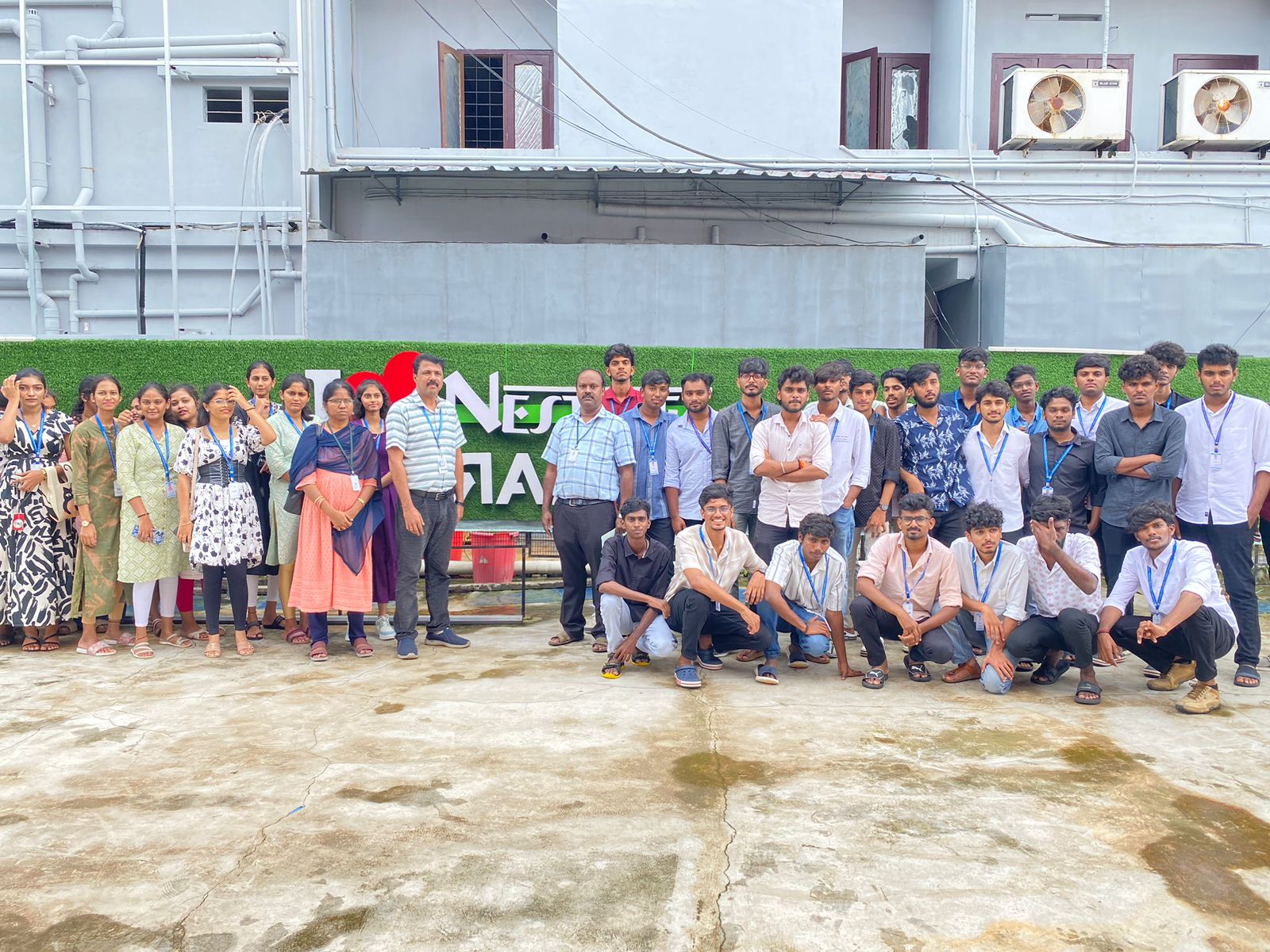
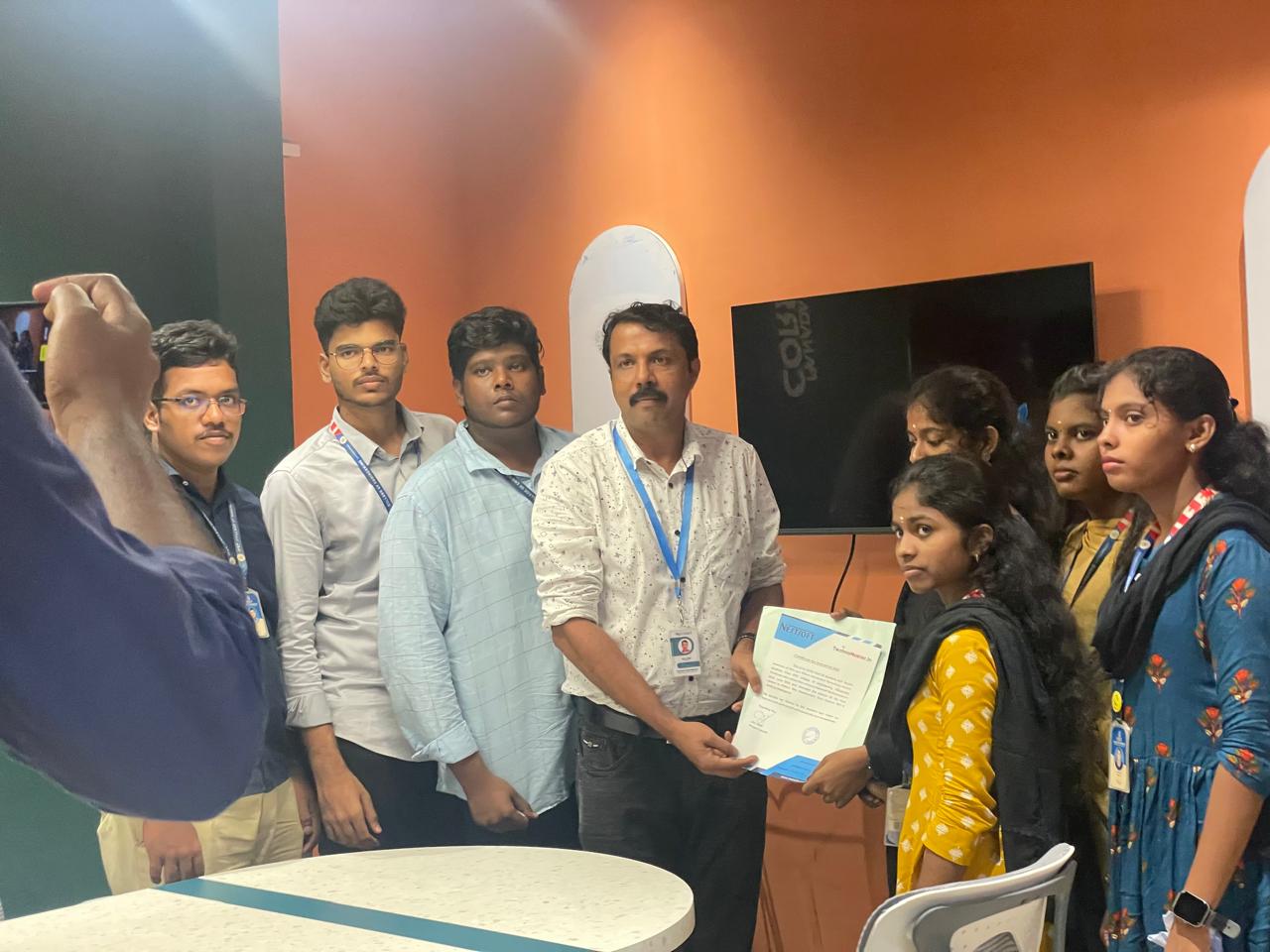
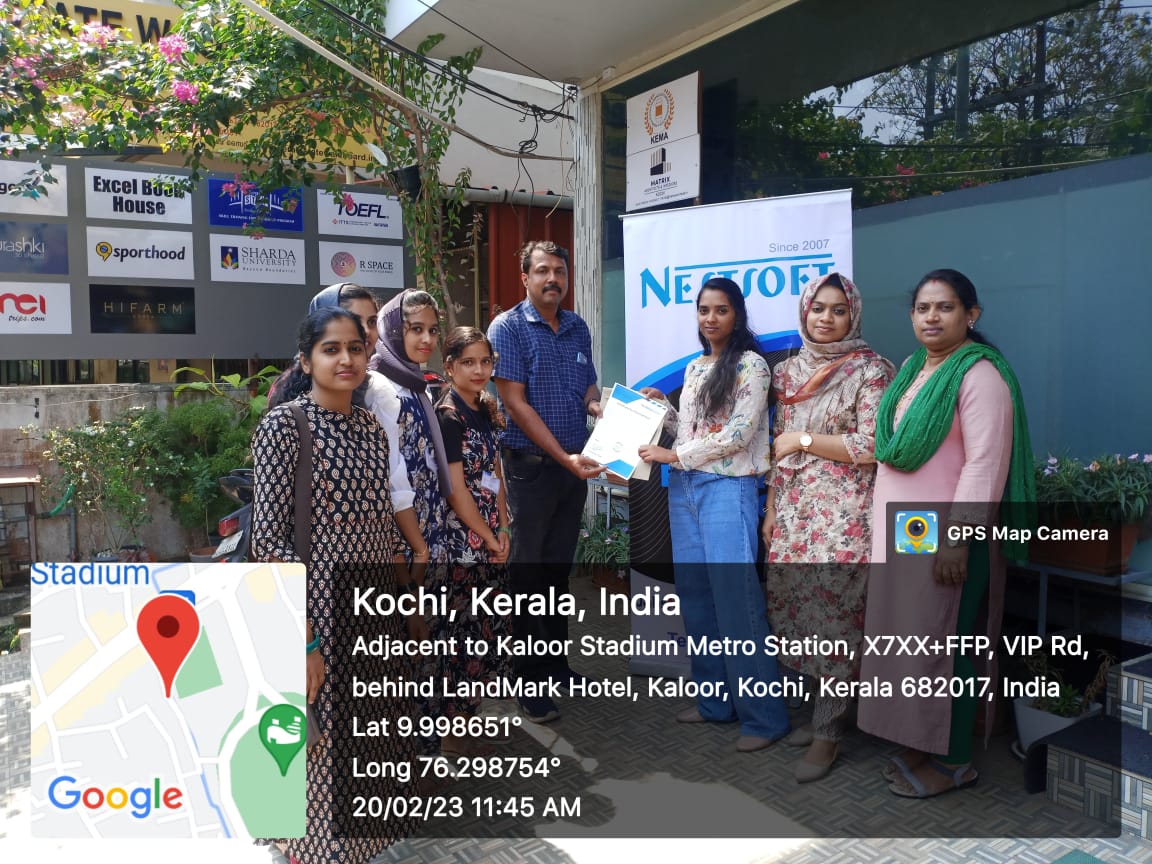
Photos of Training / Internships

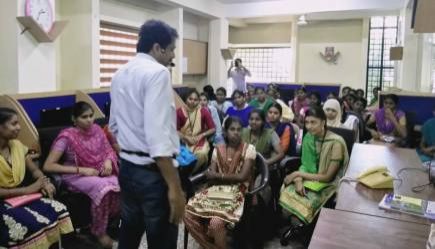
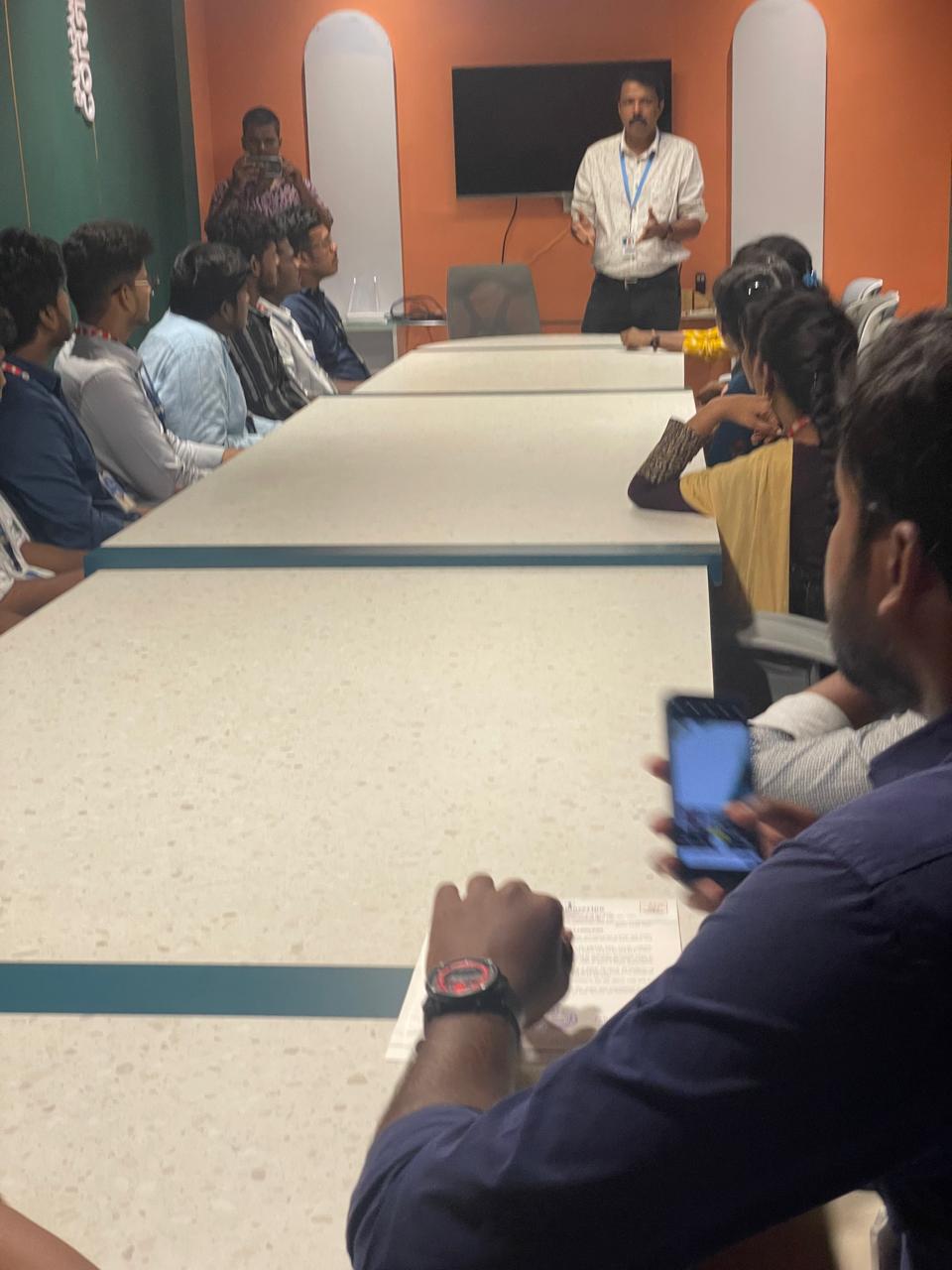
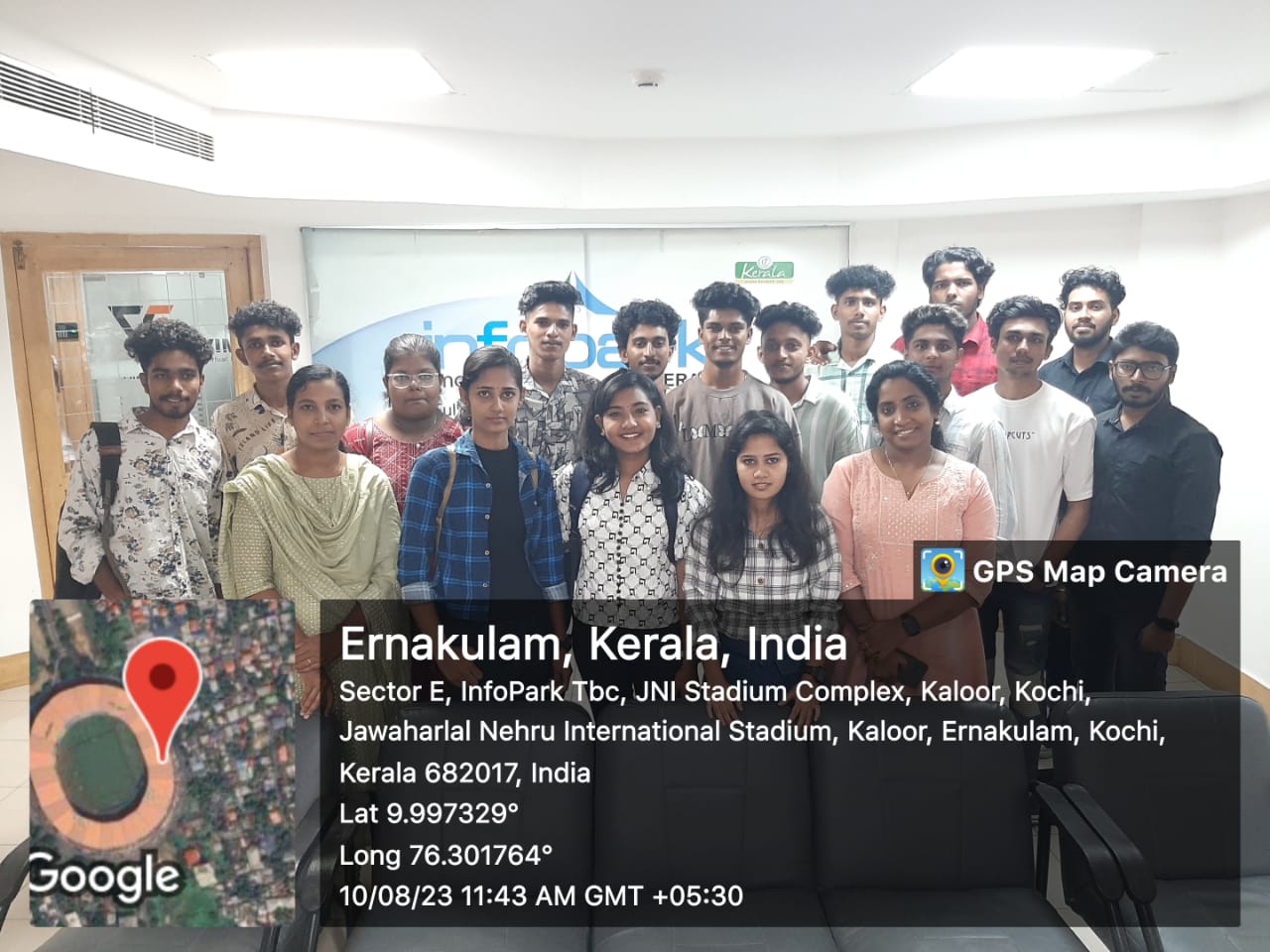
Internship/projects in idukki

Trained more than 10000+ students who trust Nestsoft TechnoMaster

Get Your Personal Trainer