Send enquiry ⏎

JQuery Online Live Class by Experts

Our Training/Internship Process

JQuery Online Live Classes in Madurai | Free Demo Training

JQuery - Syllabus, Fees & Duration

Module 1 :The Background

  • The mobile space today
  • Advantages
  • Challenges
  • Native vs. web, is really a question?
  • What is JQM?
  • What is not jQM?
  • What is a web app?
  • Why jQM?
  • Features
  • Compatibility
  • Requirements

Module 2: HTML5 basics

  • Requirements
  • HTML5 in a small nutshell
  • Why HTML5?
  • What do we need to know about HTML5 for jQM
  • Basic template
  • Testing HTML5 documents
  • Emulators, Simulators & more & Viewports on mobile browsers

Module 3: The framework

  • Architecture of Self hosted vs. CDNs
  • Main template
  • CDNs available
  • Main template
  • Support on IDEs
  • Roles
  • Theming

Module 4: The page

  • Headers and footers basics
  • Mandatory items in a page
  • Working with HTML in the content
  • Navigation
  • Internal page navigation
  • External page navigation
  • Understanding AJAX on mobile browsers
  • Absolute external links
  • Mobile Special links

Module 5: UI Components

  • Customizing toolbars
  • Positioning toolbars
  • Navigation Bars
  • Persistent footers and navigation
  • Collapsible content
  • Working with columns

Module 6: Buttons

  • Creating buttons
  • Inline buttons
  • Grouped buttons
  • Icons
  • Custom icons

Module 7: Lists

  • Creating lists
  • Full-page vs inset-lists
  • Visual separators
  • Nested lists
  • Interactive rows, Split button rows
  • Split button rows
  • Thumbnails
  • Count bubbles
  • Aside content
  • Title and Description
  • Filtering data

Module 8: Forms

  • AJAX vs. non-AJAX forms
  • Automatic form behaviour
  • Labeling
  • Field containers
  • Text fields
  • Slider, Slider switch
  • Select menus, UI Select menus
  • Radio Buttons
  • Checkboxes, File Upload
  • Validation using HTML5

Module9: The framework and JavaScript

  • Using jQuery inside jQuery Mobile
  • mobile element
  • The mobile init event
  • Configuring defaults
  • Touch events, Orientation events
  • Scroll events, Page events
  • Virtual mouse events
  • Managing navigation through JavaScript

Module 10: Dynamic data with jQuery Mobile

  • HTML5 vs AJAX
  • Bringing JSON data to jQuery Mobile
  • Updating form controls
  • Updating lists
  • Implementing Infinite list pattern

Module11: Extending the framework

  • Using plugins
  • The top 5 plugins for jQuery Mobile
  • Creating our own plugin
  • Plugin architecture
  • Understanding CSS architecture
  • Define our own CSS patch
  • Changing CSS behavior

Module12: Managing data with HTML5

  • Using Web Storage and Web SQL
  • Using geolocation

Module 13: Packaging for installation and stores

  • The offline manifest
  • Full-screen web apps for iOS
  • What is a hybrid
  • Phone Gap vs other alternatives
  • Packaging a sample application

Download Syllabus - JQuery
This syllabus is not final and can be customized as per needs/updates
   
10000+
20+
50+
25+

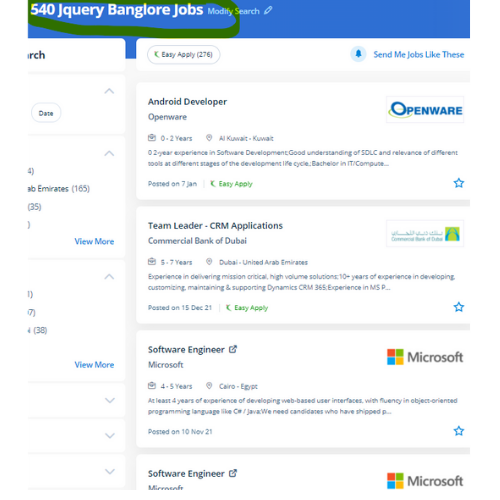
JQuery Jobs in Madurai

Enjoy the demand

Find jobs related to JQuery in search engines (Google, Bing, Yahoo) and recruitment websites (monsterindia, placementindia, naukri, jobshybrid.com, indeed.co.in, shine.com etc.) based in Madurai, chennai and europe countries. You can find many jobs for freshers related to the job positions in Madurai.

  • JQuery Developer
  • Frontend Developer
  • Web Developer
  • Web designer
  • App Developer
  • Jquery Trainer
  • Full-Stack Developer
  • Software Engineer
  • JavaScript Developer
  • JQuery Trainer

JQuery Internship/Course Details

JQuery internship jobs in Madurai
JQuery Explore the opportunities of jQuery professionals and you may be amazed by the required numbers. jQuery contains a lot of job opportunities in this developing world. it has several plugins accessible that create making special effects simple and quick for web developers. jQuery is a popular, quick programing language among web developers and also a feature-rich JavaScript library. Developers will add animation and interaction to a web page by writing some short lines of code, with facilitating by using jQuery. JQuery coaching at Nestsoft is much more demanding as our course includes all basic fundamentals and deep learning of the software. The library has been designed using shorter and easier code so most website developers sometimes notice jQuery to learn and easy. jQuery has its own open-source community in order that you may not have to spend money on costly licenses whenever you would like to include it into your website. If you have any doubt regarding previous topics our experienced Certified practitioners can always assist you. you can simply add any omitted options to your business website as plugins.


Meet a Few of our Industry Experts 🚀 Your Pathway to IT Career

Kishor

Mobile: +91 91884 77559
Location: Online (Madurai, India)
Qualification: B.sc computer science

Experience: *Knowledge in Software testing manual & automation *Flexible *Solid understanding of test cases & test scenario  more..

Sudarsan

Mobile: +91 91884 77559
Location: Online (Madurai, India)
Qualification: Diploma in Computer Science

Experience: 8years experience as a HTML developer   more..

Shan

Mobile: +91 98474 90866
Location: Online (Madurai, India)
Qualification: UI/UX Designer

Experience: Skills: User interface Design user experience Design think process User flow & Task Flow Journey and Empathy Mapping Competitive Analysis  more..

Gamini

Mobile: +91 9895490866
Location: Online (Madurai, India)
Qualification: MCA

Experience: HTML5 CSS3 JavaScript SCSS Bootstrap Jquery Ant design REST API JSON SOAP API ReactNative Hasura Graphql Socket IO websockets AWS  more..

Sreenath

Mobile: +91 8301010866
Location: Online (Madurai, India)
Qualification: Bsc computer science

Experience: I have completed a course in python and django and also have basic knowledge in web development   more..

Ankit

Mobile: +91 94975 90866
Location: Online (Madurai, India)
Qualification: Web developer

Experience: Ive good knowledge about web development including html css Javascript reactjs springboot etc   more..

ANAGHA

Mobile: +91 94975 90866
Location: Online (Madurai, India)
Qualification: MCA

Experience: C cpp java python html css javascript reactjs mysql nodejsApplication for Node JS  more..

Jitendra

Mobile: +91 94975 90866
Location: Online (Madurai, India)
Qualification: MCA

Experience: HTML CSS JavaScript Tailwind CSS Java MySQL Fresher Looking for Job Passionate about Web development  more..

Sabna

Mobile: +91 89210 61945
Location: Online (Madurai, India)
Qualification: 3yr diploma in computer engineering at IPT & GPTC Shoranur

Experience: I have one year experience in php and am currently working as a node js developer I have experience in  more..

Rajkumar.p

Mobile: +91 89210 61945
Location: Online (Madurai, India)
Qualification: BE.ECE

Experience: Completed six month of trainning in odoo development   more..

Suchit

Mobile: +91 98474 90866
Location: Online (Madurai, India)
Qualification: Master's

Experience: I have no Experience but still i have gain a experience and skill development 1 Android bug bounty hunting 2  more..

Anubhav

Mobile: +91 98474 90866
Location: Online (Madurai, India)
Qualification: Msc (cs)

Experience: 2 years of Experience in website devlopment and also wordpress theme intregration knowledge of html css php core plugins payment  more..

Vyanktesh

Mobile: +91 89210 61945
Location: Online (Madurai, India)
Qualification: BE computer engineering

Experience: I have 1 7 year of experience in odoo Css html XML javascript python SQL psql  more..

Syed

Mobile: +91 8301010866
Location: Online (Madurai, India)
Qualification: B.E CSE

Experience: Java developer core java RDBMS JSP servlets spring spring bootApplication for Java Spring  more..

Farhana

Mobile: +91 91884 77559
Location: Online (Madurai, India)
Qualification: Msc C. S

Experience: I have 2 years experience in software development Technical skills are PHP Laravel JS html css | Resume for   more..

Parik

Mobile: +91 94975 90866
Location: Online (Madurai, India)
Qualification: Mca

Experience: Dear Sir or Madam Thank you for the opportunity to submit my application for the Android developer position I possess  more..

josmy

Mobile: +91 9895490866
Location: Online (Madurai, India)
Qualification: bca

Experience: kotlin java android flutter XML   more..

Sai

Mobile: +91 91884 77559
Location: Online (Madurai, India)
Qualification: Btech

Experience: Conducted regular code reviews to ensure adherence to coding standards and best practices resulting in improved code quality and collaboration  more..

JINCY

Mobile: +91 94975 90866
Location: Online (Madurai, India)
Qualification: MCA

Experience: I have completed course in software testing Manual testing qc qtp  more..

Vikas

Mobile: +91 91884 77559
Location: Online (Madurai, India)
Qualification: BE in (Electronics and Telecommunication)

Experience: I have done 1 months internship in suven consultants and Pvt The course is Front end developer I have experience  more..

Yaswanth

Mobile: +91 94975 90866
Location: Online (Madurai, India)
Qualification: btech

Experience: c java python html css javascript sql mongodb figma react tiledwindcss  more..

Jinesh

Mobile: +91 8301010866
Location: Online (Madurai, India)
Qualification: BCA

Experience: Advanced software testing manual and automation  more..

V

Mobile: +91 98474 90866
Location: Online (Madurai, India)
Qualification: B tech

Experience: Android developer 5 year Kotlin e year Mvvm 2 years  more..

Pratika

Mobile: +91 98474 90866
Location: Online (Madurai, India)
Qualification: Bachelor

Experience: SQL selenium web driver core Java manual testing api   more..

Success Stories

The enviable salary packages and track record of our previous students are the proof of our excellence. Please go through our students' reviews about our training methods and faculty and compare it to the recorded video classes that most of the other institutes offer. See for yourself how TechnoMaster is truly unique.

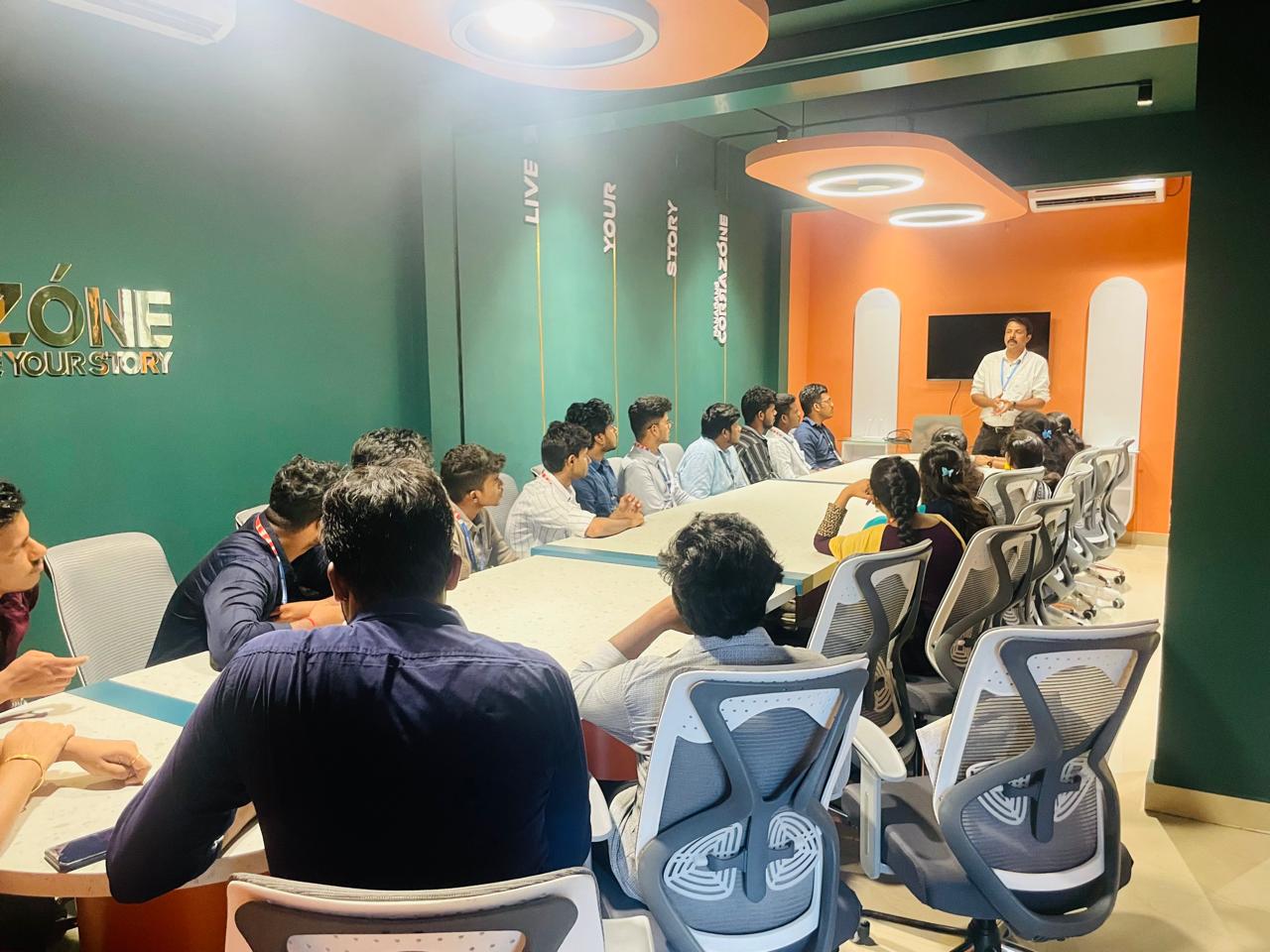
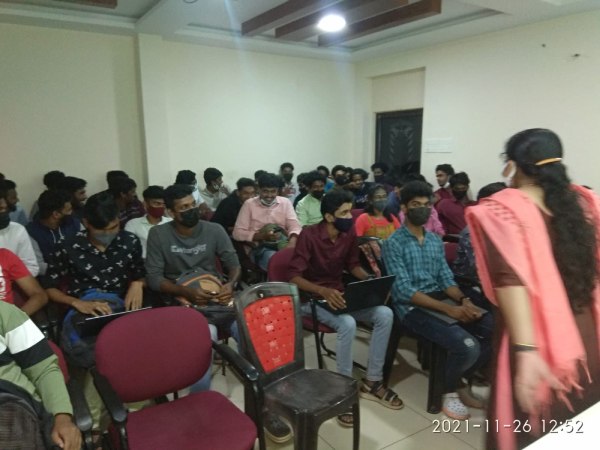
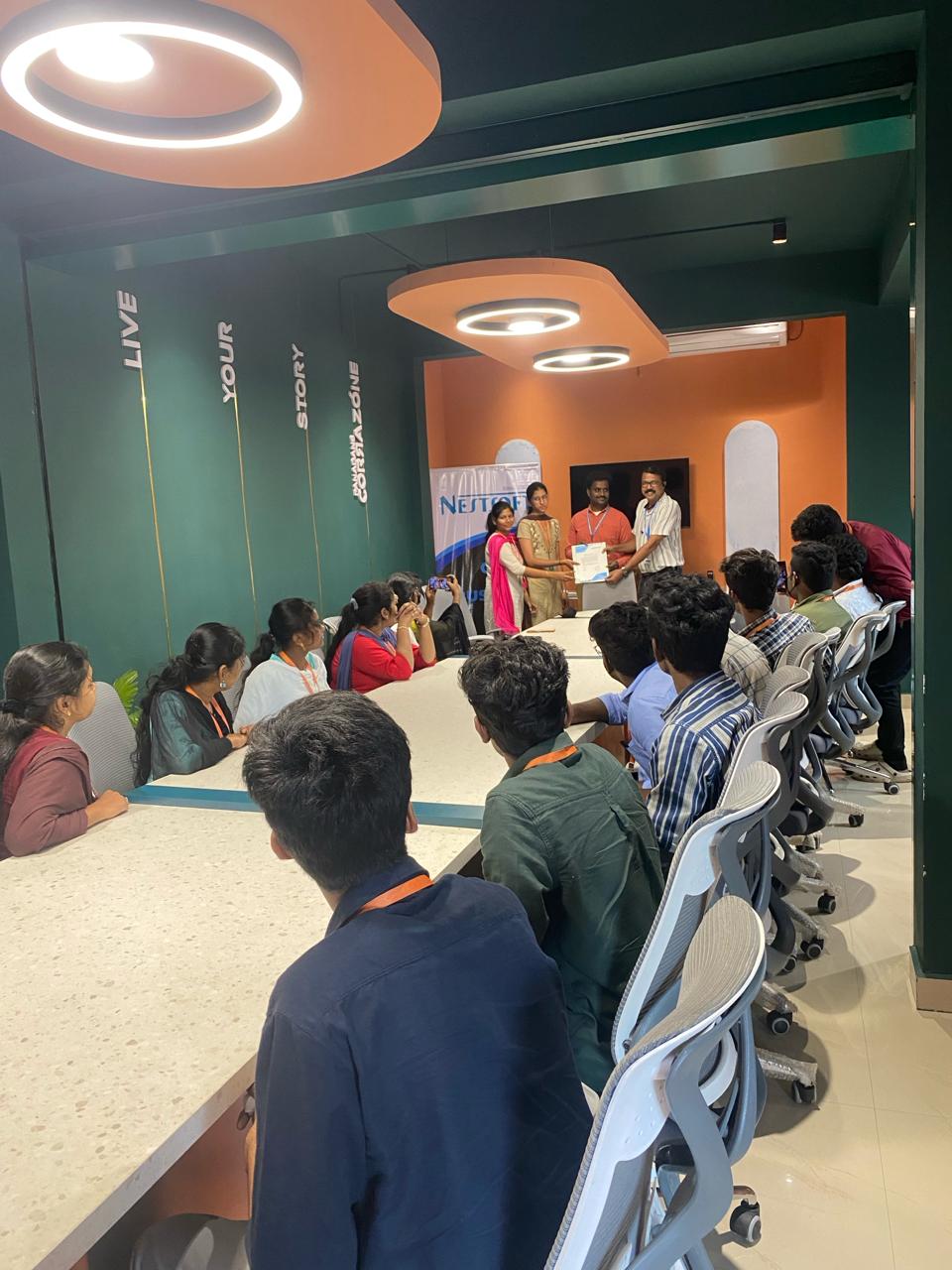
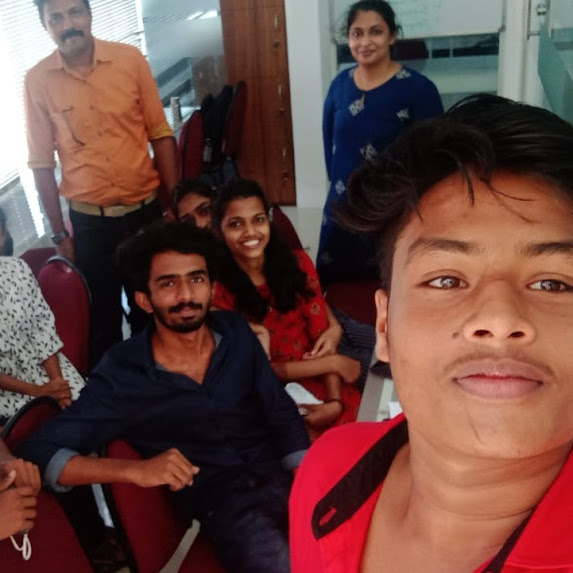
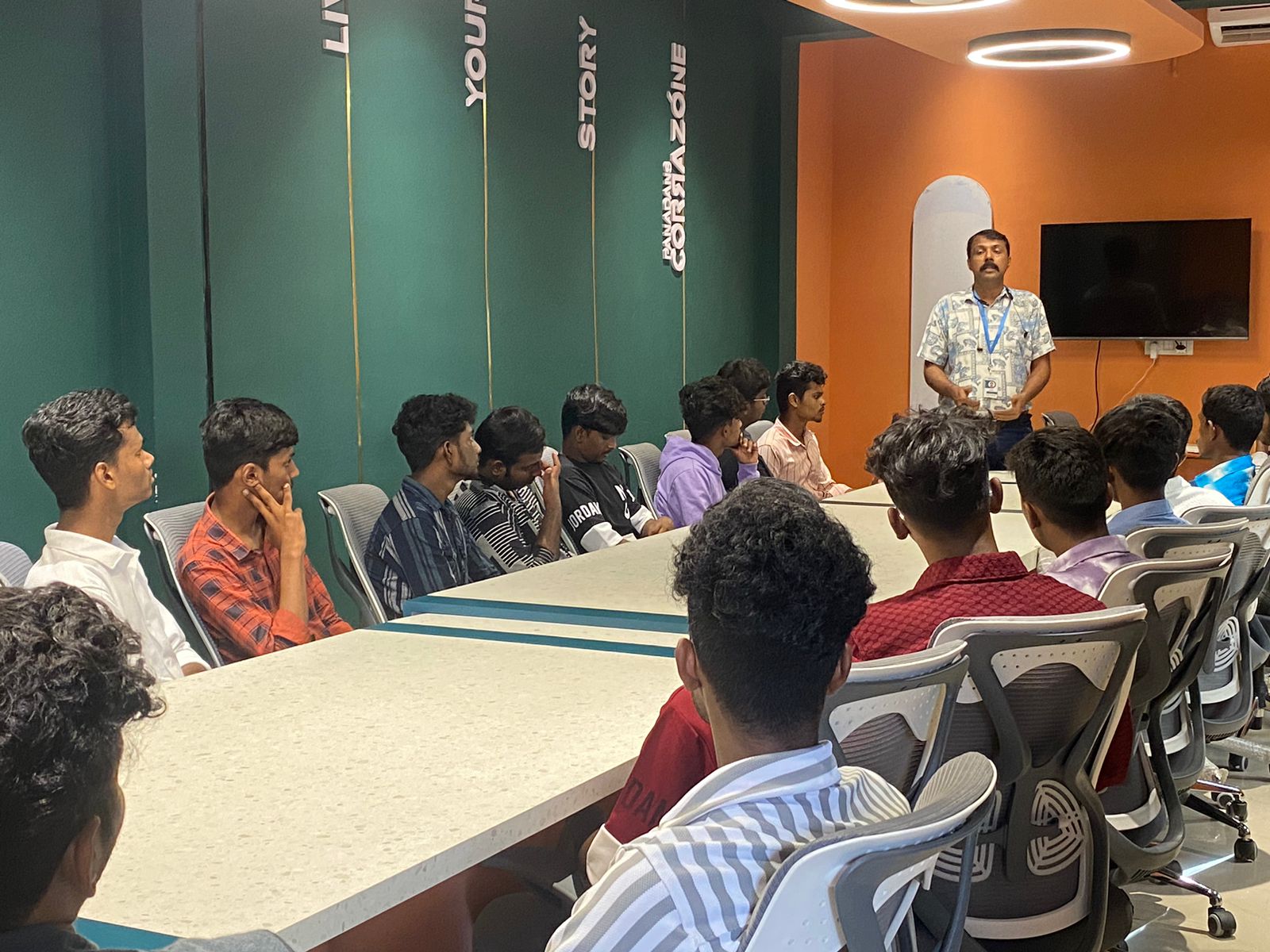
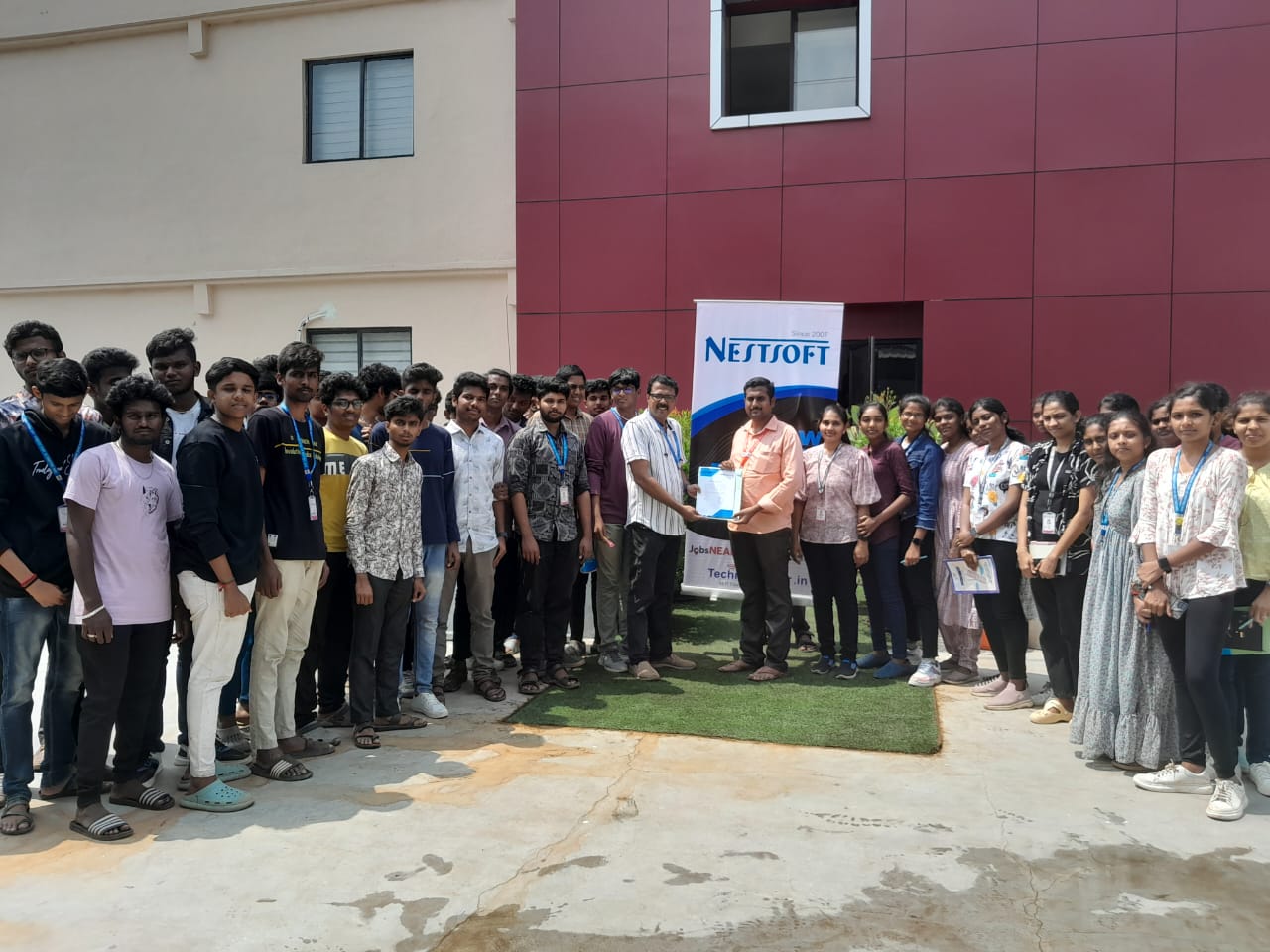
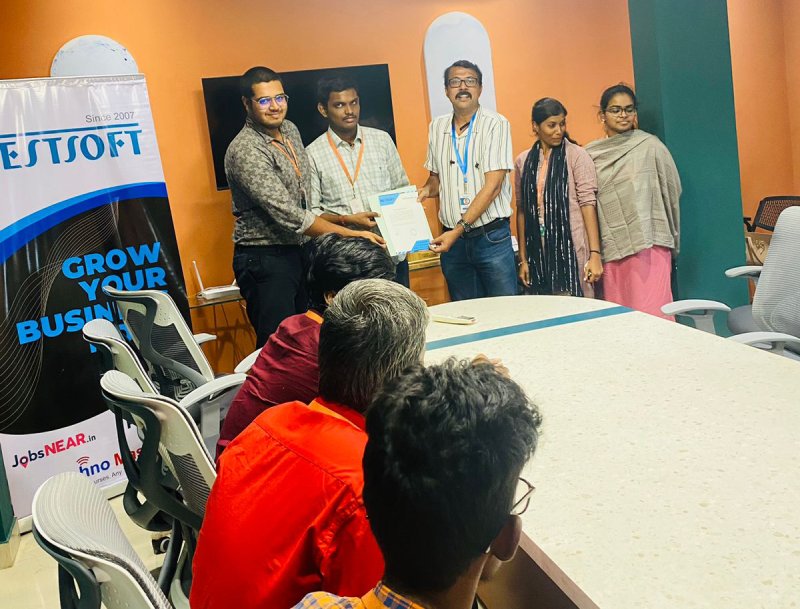
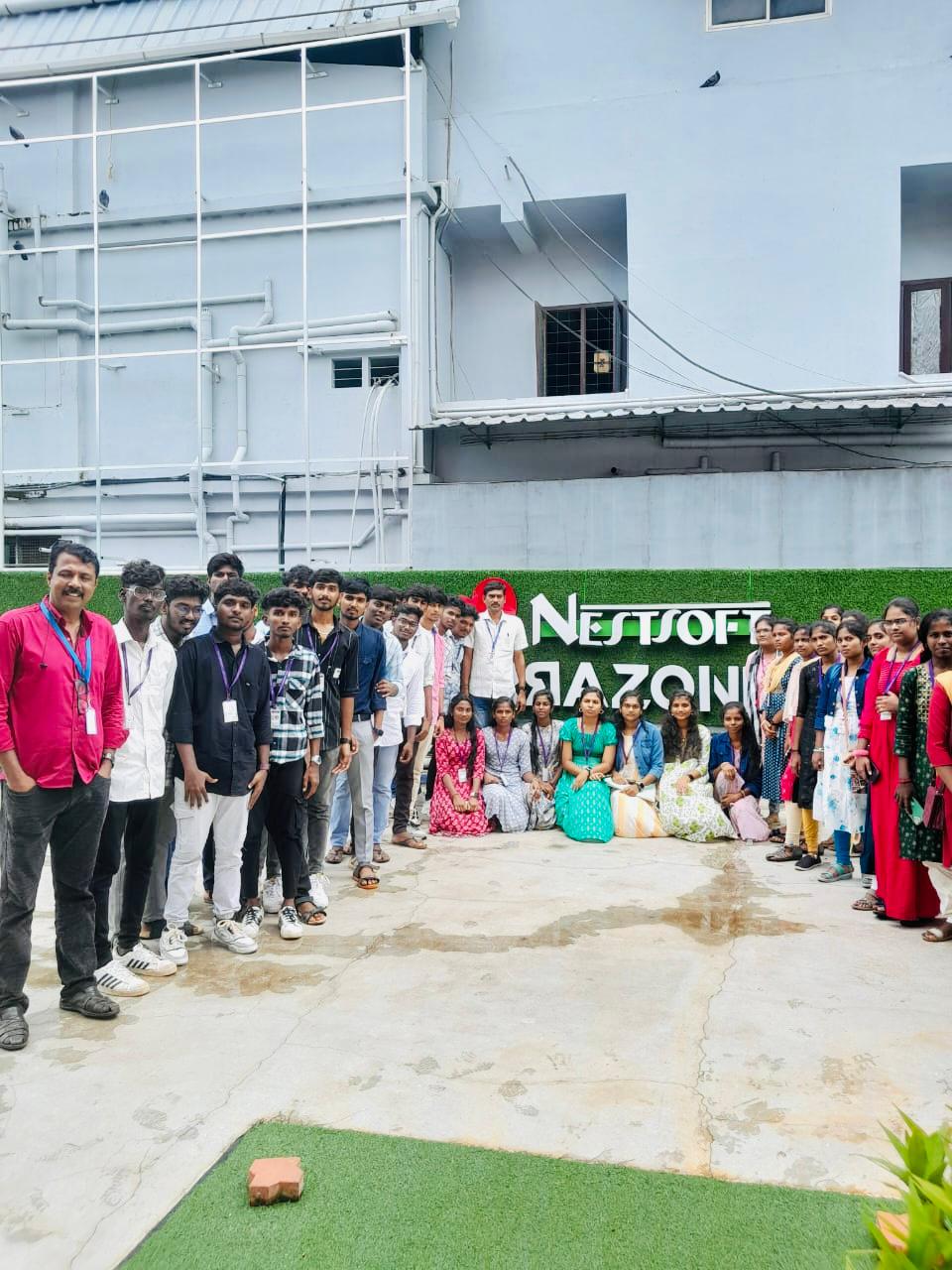
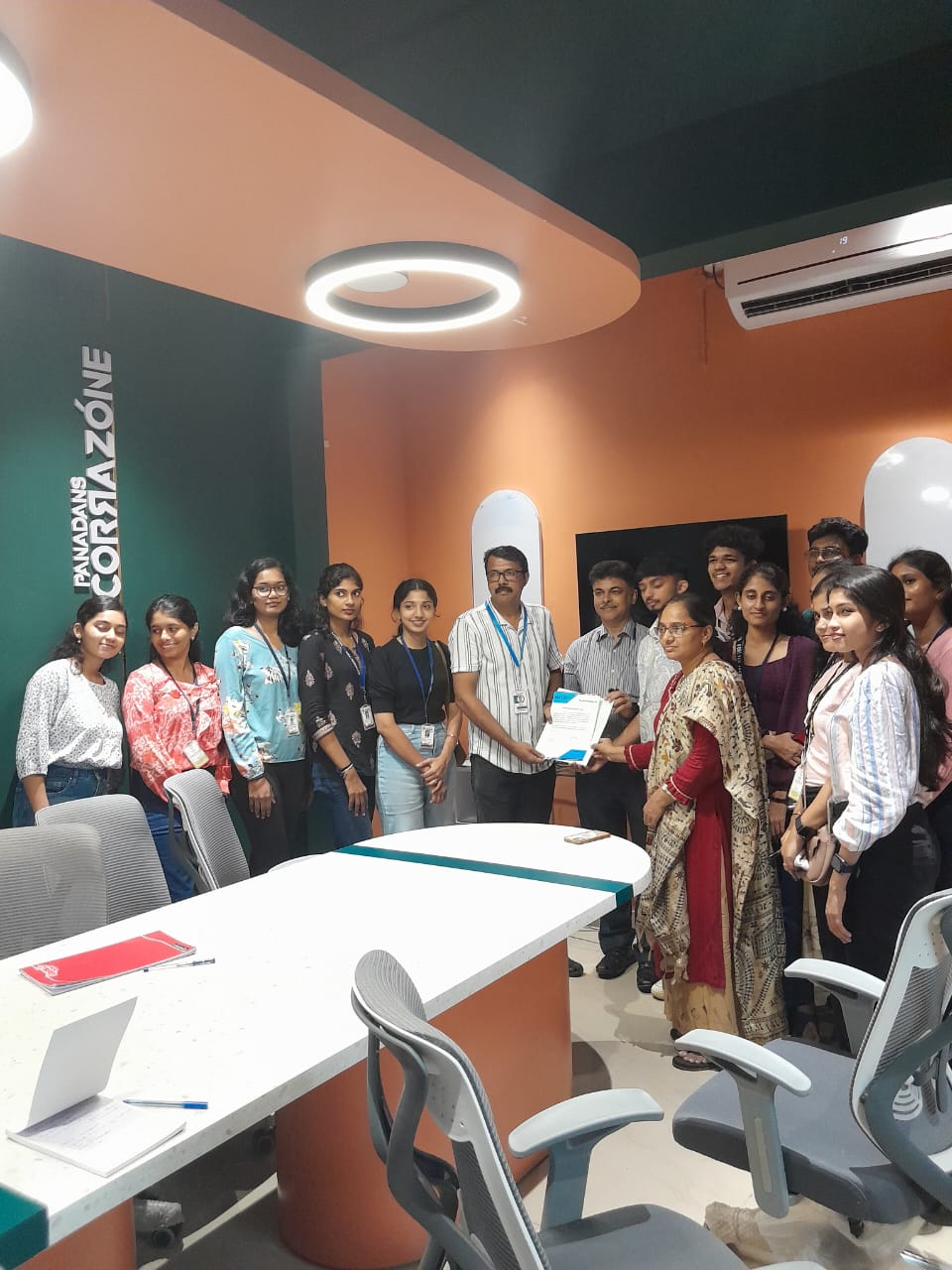
Photos of Training / Internships

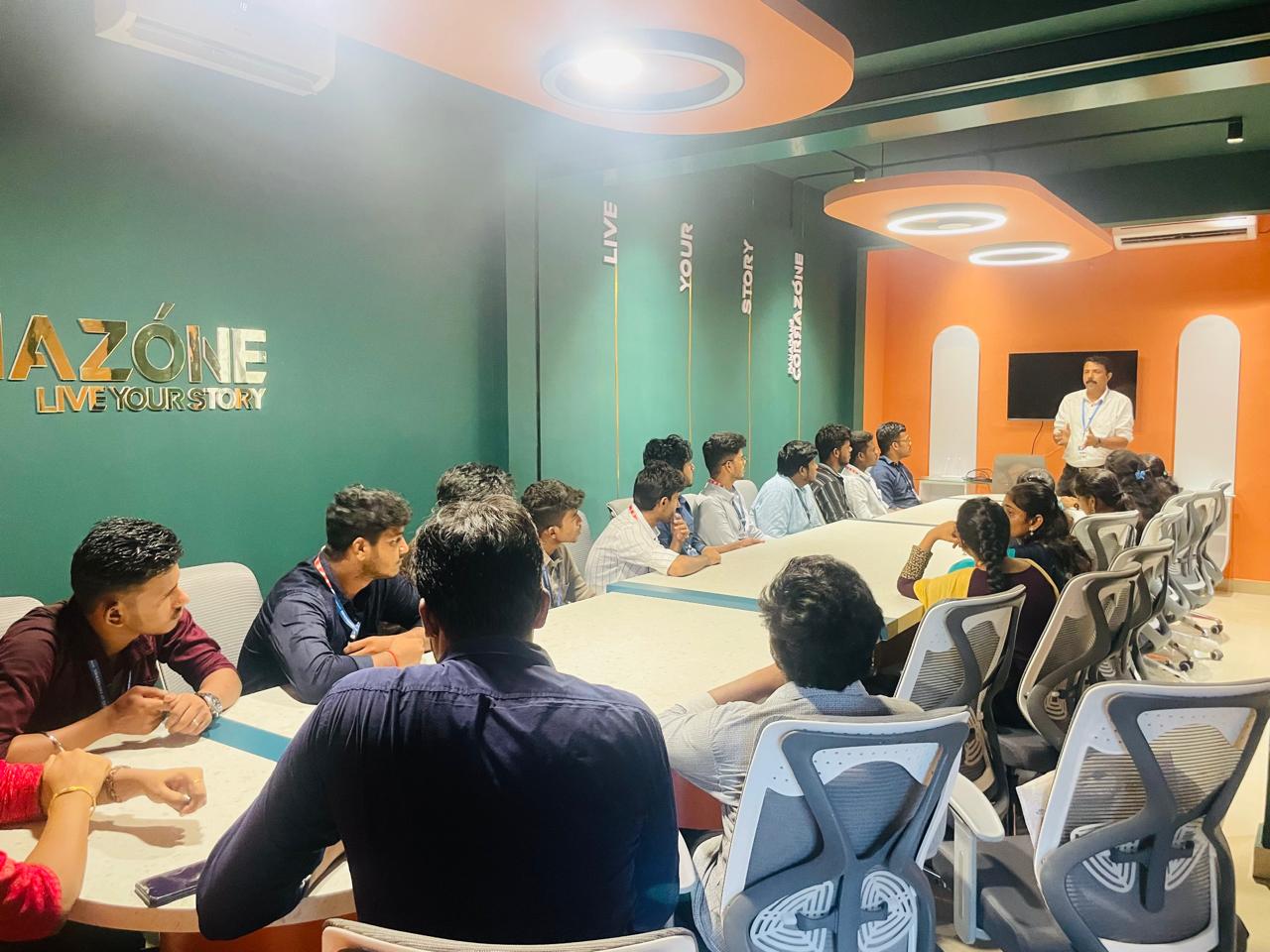
Internship/projects in madurai

Trained more than 10000+ students who trust Nestsoft TechnoMaster

Get Your Personal Trainer