Send enquiry ⏎

iOS Online Live Class by Experts

Our Training/Internship Process

iOS Online Live Classes in Mysuru | Free Demo Training

iOS - Syllabus, Fees & Duration

  • iOS Development Environment

    • Introduction to iOS SDK
    • What’s new in iOS9
    • SDK Tools
      • What’s new in Xcode7
      • Using XCode
      • Using Interface Builder
      • Using iPhone Simulator
  • Swift Language Basics

    • Core Data Types
    • String Type
    • Tuples & Optional
    • Constants & Variables
    • Statements & Operators
    • Control Flow & Decisions
    • Functions
  • Basic Object Oriented Programming using Swift

    • Structs
    • Types versus instances
    • Member and static methods
    • Custom initialization & De-initialization
    • Classes
    • Initialization
    • Methods
    • Properties
  • Advanced Object Oriented Programming using Swift

    • Optional
      • Introducing optional
      • Unwrapping an optional
      • Optional binding
    • Nested Types
    • Generic Types
    • Protocol
  • Memory Management

    • Reference Counting Basics
    • Automatic Reference Count
    • Retain Cycles
  • iPhone Application Basics

    • Anatomy of an iPhone application
    • Application Lifecycle and States
  • User Interface Programming– Basics

    • UI Kit Framework
    • XIB and Interface Builder
    • Window & View
    • Basic User Controls
      • Labels, Text Fields, Buttons, Sliders, Picker etc.
      • Building application screens
      • Alerts and Action Sheets
  • Auto-layout and Constraints

  • View Controllers

    • Basics
    • Creating View Controllers
    • Content vs Container View Controllers
    • Orientation Management
  • User Interface– Special Views

    • Image View
    • Scroll View
    • Table Views
      • Populating and configuring Table View
      • Data Source and Delegate
      • Table View Cells
      • Custom Cells
      • Editing Table View
    • Collection View
  • Multiple View Controllers

    • Applications with Multiple Views
    • Presenting View Controllers
    • Animating View Switching
  • Storyboards

    • Storyboard File
    • View Controller and Scene
    • Segue
    • Invoking a Segue
    • XIB and Storyboards
    • Table View Cell Prototype
  • Multi Touch and Gestures API

  • Data Persistence - 1

    • File System
    • SQLite
  • Data Persistence - 2

    • Core Data
    • NS User Defaults
  • Concurrency and Background Execution

    • GCD and Closures
    • NS Operation and NS Operation Queue
    • Background execution
  • Networking, Connectivity

  • Multimedia

Download Syllabus - iOS
This syllabus is not final and can be customized as per needs/updates
   
10000+
20+
50+
25+

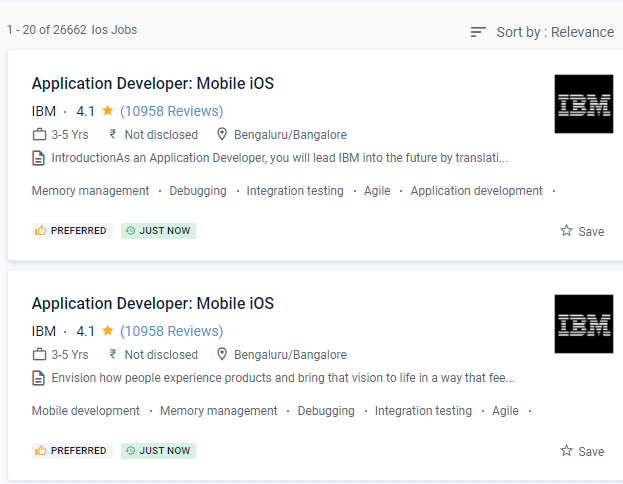
iOS Jobs in Mysuru

Enjoy the demand

Find jobs related to iOS in search engines (Google, Bing, Yahoo) and recruitment websites (monsterindia, placementindia, naukri, jobshybrid.com, indeed.co.in, shine.com etc.) based in Mysuru, chennai and europe countries. You can find many jobs for freshers related to the job positions in Mysuru.

  • iOS Developer
  • Mobile iOS Developer
  • IOS App Developer
  • iOS Developer Flutter
  • Mobile Security Engineer
  • iOS Engineer
  • Native iOS Developer
  • Sr. Mobile iOS Developer
  • Software Engineer (iOS)
  • Lead Developer iOS

iOS Internship/Course Details

iOS internship jobs in Mysuru
iOS It offers a powerful combination of hardware and software, as well as complete client support and maintenance throughout the app's lifecycle. iOS is a mobile operating system developed by Apple specifically for its iPhone and iPad devices. . Learning iOS App Development is quite simple if you have a strong desire to do so. It's also a reality that consumers who use an Apple iPhone have a higher paying capability than those who use an Android device. Although it was the first mobile operating system to be published, it only supported Apple's devices, which had a significant impact on the number of users. The primary benefit of iOS app development is that it assists business owners in maintaining data privacy and user identity. After the program, our participants will be eligible to take any type of interview. Nestsoft offers the best iOS App Development training on-site with the most knowledgeable instructors. The goal is to protect them from external security threats like malware, viruses, hacking, and other threats.


Meet a Few of our Industry Experts 🚀 Your Pathway to IT Career

Alby

Mobile: +91 89210 61945
Location: Online (Mysuru, India)
Qualification: Bachelor Degree

Experience: 1 Software Test Engineer QA Manual – Automation Testing training attending at Obsqura Zone Trivandrum Key Skills • Knowledge in  more..

Saksham

Mobile: +91 91884 77559
Location: Online (Mysuru, India)
Qualification: B.Tech

Experience: I have 1 year of experience as dotnet developer  more..

Avnish

Mobile: +91 91884 77559
Location: Online (Mysuru, India)
Qualification: B. E.

Experience: I have experience in front end developer and I want to change my job in software testing my skills are  more..

Aiswarya

Mobile: +91 94975 90866
Location: Online (Mysuru, India)
Qualification: btech

Experience: You should hire me for this role because I bring a unique blend of expertise and innovation My passion for  more..

Hema

Mobile: +91 94975 90866
Location: Online (Mysuru, India)
Qualification: B.E

Experience: net c# MVC angular SQL html css git cicd pipel7  more..

Rahul

Mobile: +91 94975 90866
Location: Online (Mysuru, India)
Qualification: B.tech

Experience: Node js express javascript MongoDB react js c++ SQL Bootstrap CSS HTMLApplication for Node JS  more..

Nirmal

Mobile: +91 8301010866
Location: Online (Mysuru, India)
Qualification: BCA

Experience: Ms office net surfing basics of C basic of python 1 year experience as a computer operator cum office assistant  more..

Salman

Mobile: +91 91884 77559
Location: Online (Mysuru, India)
Qualification: 12+

Experience: I have total 5+ years expirence Desktop support and networking in Wipro DNA |   more..

Muaaz

Mobile: +91 98474 90866
Location: Online (Mysuru, India)
Qualification: 12th

Experience: I m graphic design social media flyer Software photoshop and premier pro  more..

Vaishali

Mobile: +91 91884 77559
Location: Online (Mysuru, India)
Qualification: Diploma in graphic design

Experience: Hello there! I'm vaishali a passionate graphic designer with a love for transfarming ideas into visual stories I've had the  more..

Kuldeep

Mobile: +91 89210 61945
Location: Online (Mysuru, India)
Qualification: Graduation

Experience: My name is Kuldeep Rathore I'm a React JS developer I've 2+ years of development Experience and have a strong  more..

Maria

Mobile: +91 89210 61945
Location: Online (Mysuru, India)
Qualification: MCA

Experience: Core PHP wordpress HTML CSS Bootstrap JavaScript  more..

Anuj

Mobile: +91 94975 90866
Location: Online (Mysuru, India)
Qualification: MBA

Experience: I have 2 year experience as IT Analyst in HCL technologies I am pursuing my Full stack developer course from  more..

Anshid

Mobile: +91 94975 90866
Location: Online (Mysuru, India)
Qualification: BCA

Experience: Worked as a software intern in a software development company for 3 years While studying in collage Now working as  more..

Siddangouda

Mobile: +91 94975 90866
Location: Online (Mysuru, India)
Qualification: B.E Computer Science

Experience: Seo on page off page technical seo back links link building Google Analytics   more..

Kriti

Mobile: +91 91884 77559
Location: Online (Mysuru, India)
Qualification: BTech in computer science and engineering

Experience: Html css javascript react native bootstrap sass scss   more..

Mallari

Mobile: +91 8301010866
Location: Online (Mysuru, India)
Qualification: BCA

Experience: Hello good day sir ma'am I have a basic knowledge of python html css sql  more..

rohini

Mobile: +91 94975 90866
Location: Online (Mysuru, India)
Qualification: M. Sc. I. T

Experience: C# sql javascript- jquery asp Net wcf html css azure  more..

Dharmishtha

Mobile: +91 91884 77559
Location: Online (Mysuru, India)
Qualification: B.tech Computer Engineer

Experience: 1 year Experience as Odoo developer 4 month internship completion  more..

Harsh

Mobile: +91 91884 77559
Location: Online (Mysuru, India)
Qualification: B. tech

Experience: Figma user research usability testing post launch testing foundational testing product design life cycle  more..

Raj

Mobile: +91 94975 90866
Location: Online (Mysuru, India)
Qualification: B.sc. Animation and VFX

Experience: Hi I hope this find you well I have worked in features flim as an Assistant editor and also worked  more..

Bhavesha

Mobile: +91 89210 61945
Location: Online (Mysuru, India)
Qualification: B.sc (Computer Science)

Experience: I have also worked as a software developer for 1 year After that I continued technical content writing so I  more..

Aswin

Mobile: +91 89210 61945
Location: Online (Mysuru, India)
Qualification: Bsc computer science

Experience: Selenium testing manual testing automation testing java php css html python sql web automation using selenium c++ corejava SDLC STLC  more..

sudip

Mobile: +91 98474 90866
Location: Online (Mysuru, India)
Qualification: BCA(COMPUTER HARDWARE NETWORKING)

Experience: Computer hardware networking Arround 12 years |   more..

Success Stories

The enviable salary packages and track record of our previous students are the proof of our excellence. Please go through our students' reviews about our training methods and faculty and compare it to the recorded video classes that most of the other institutes offer. See for yourself how TechnoMaster is truly unique.

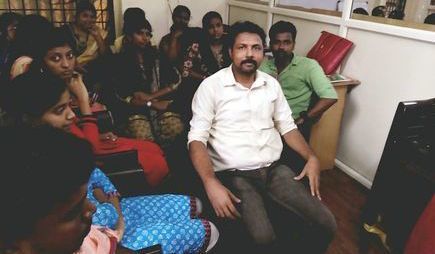
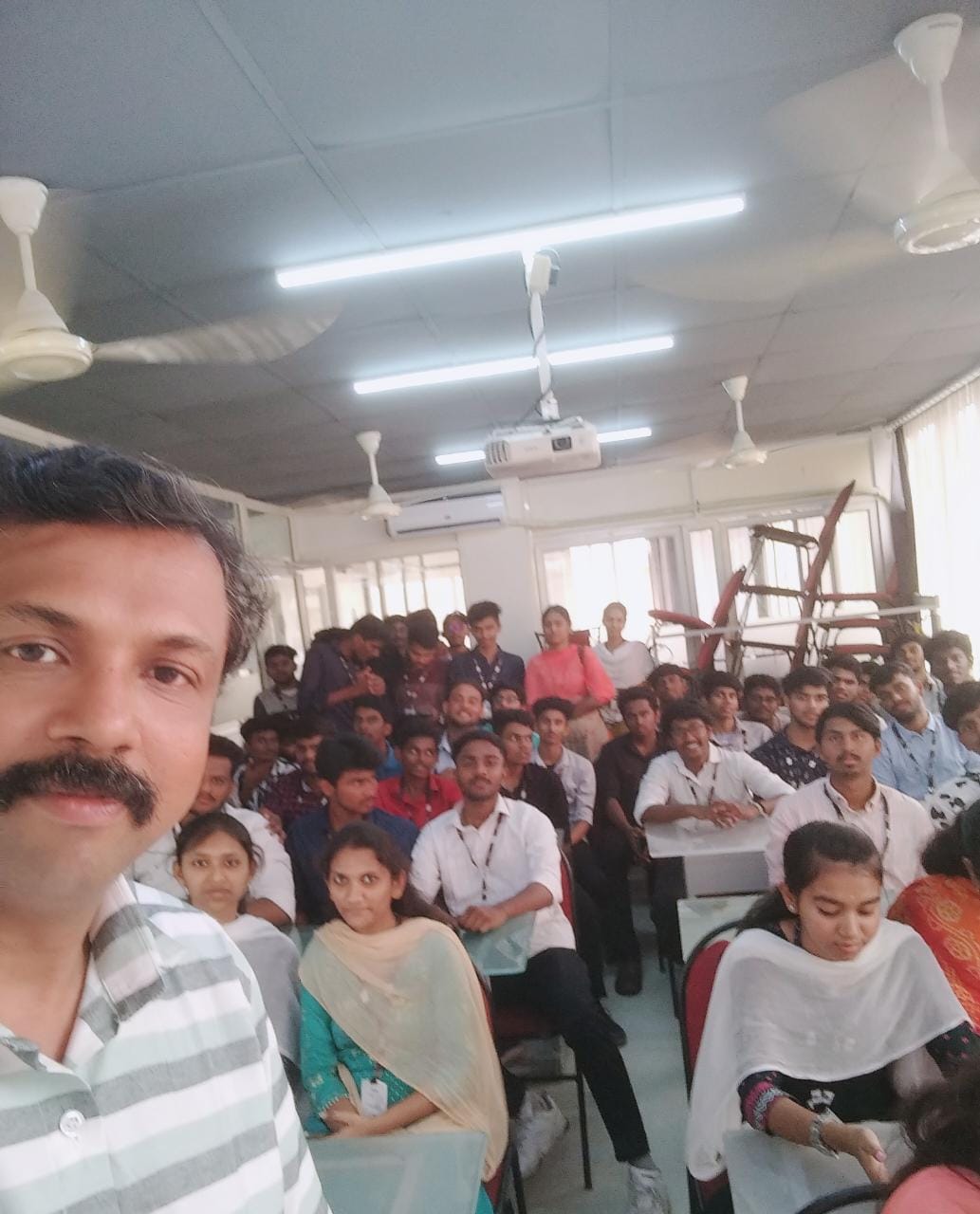
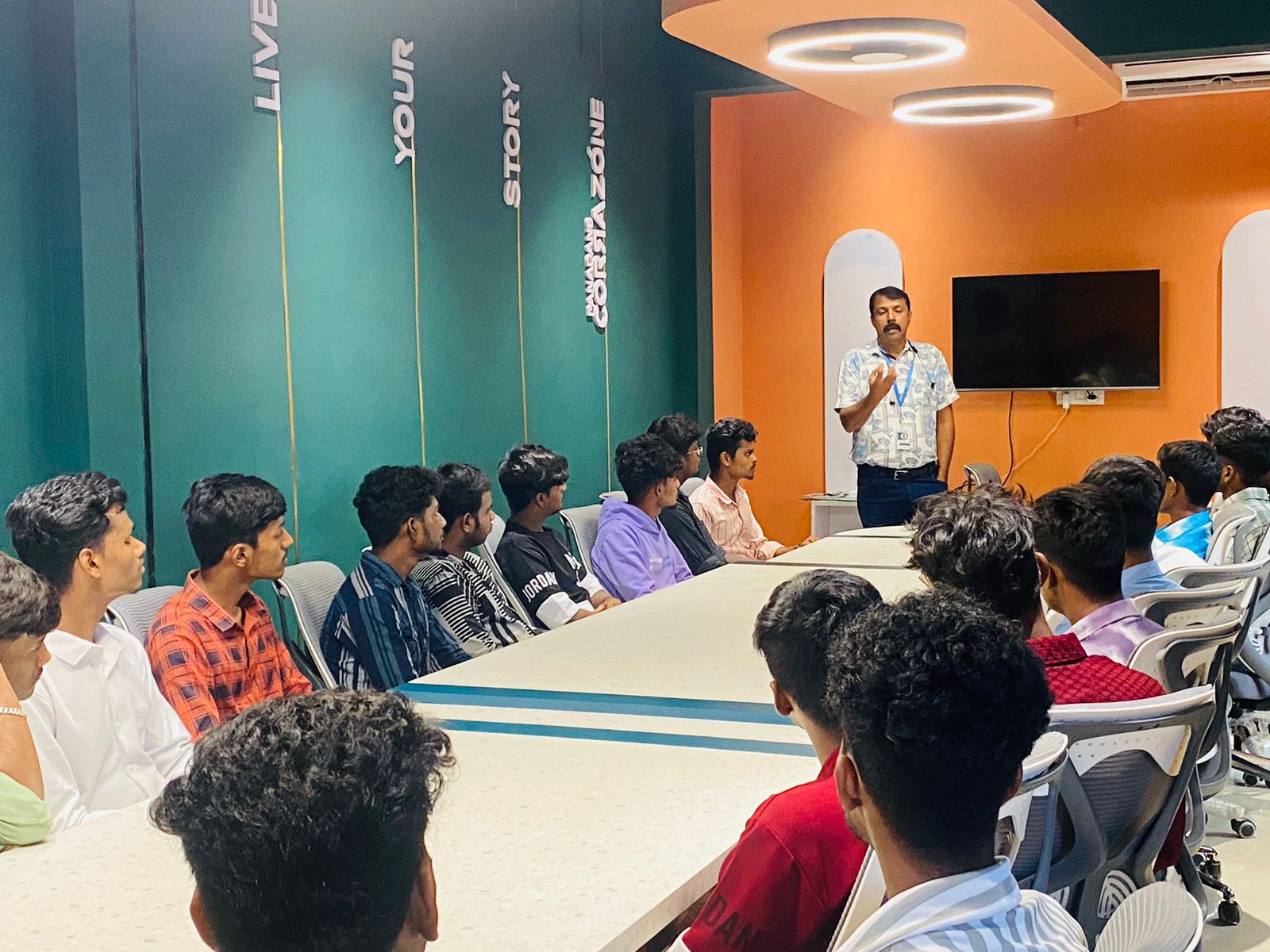
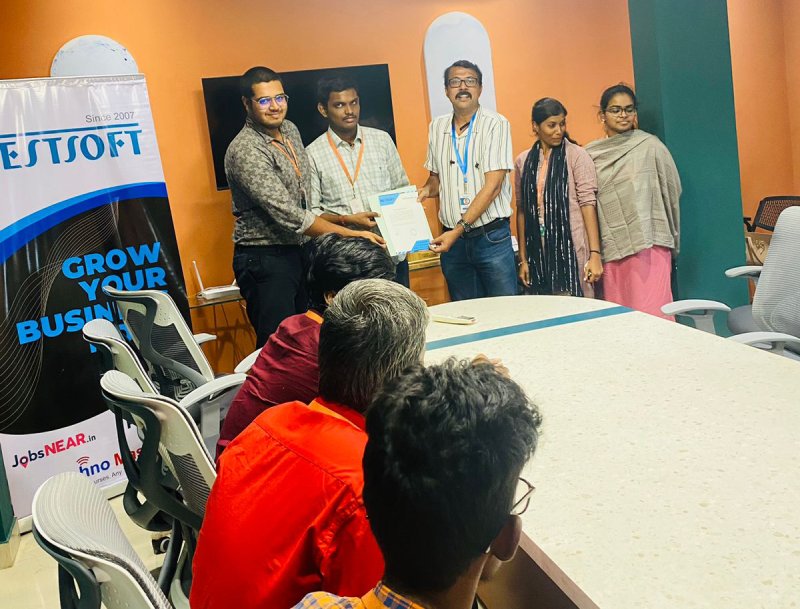
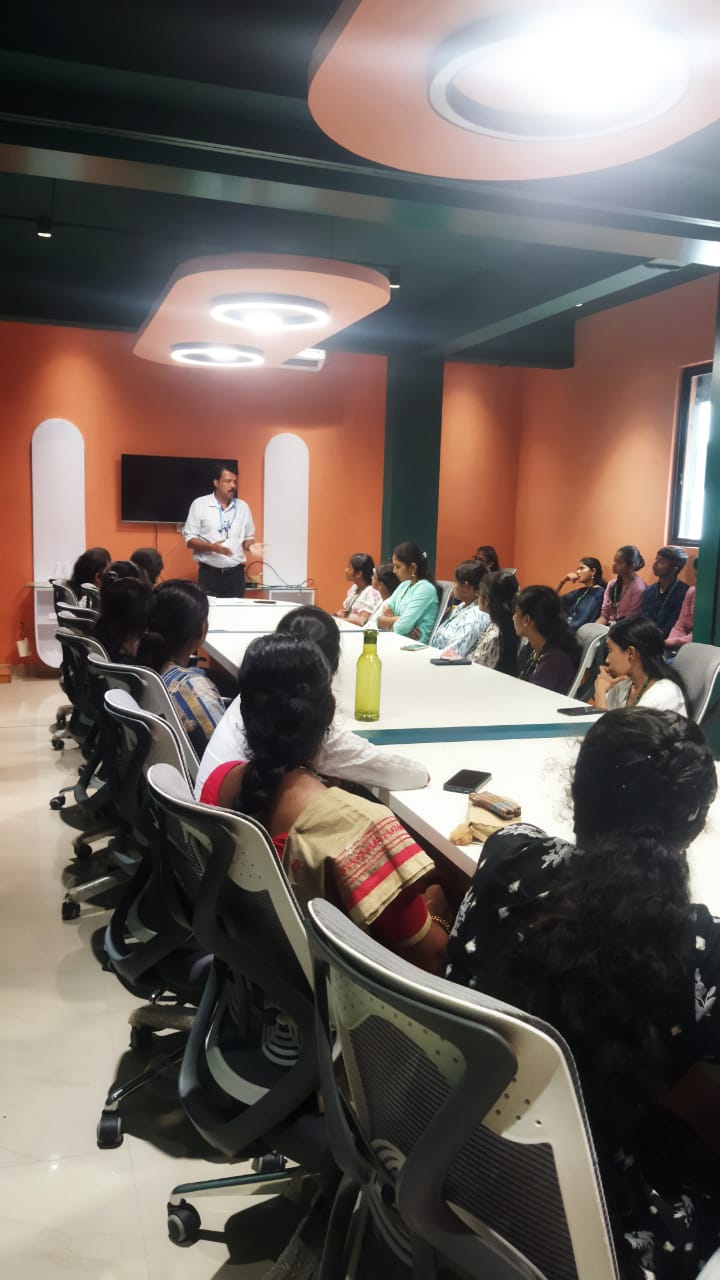
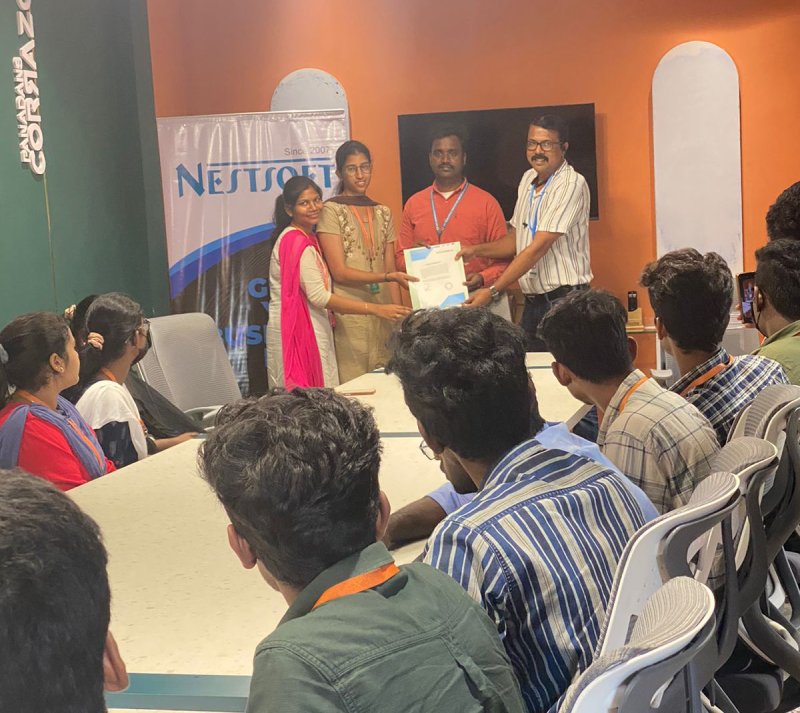
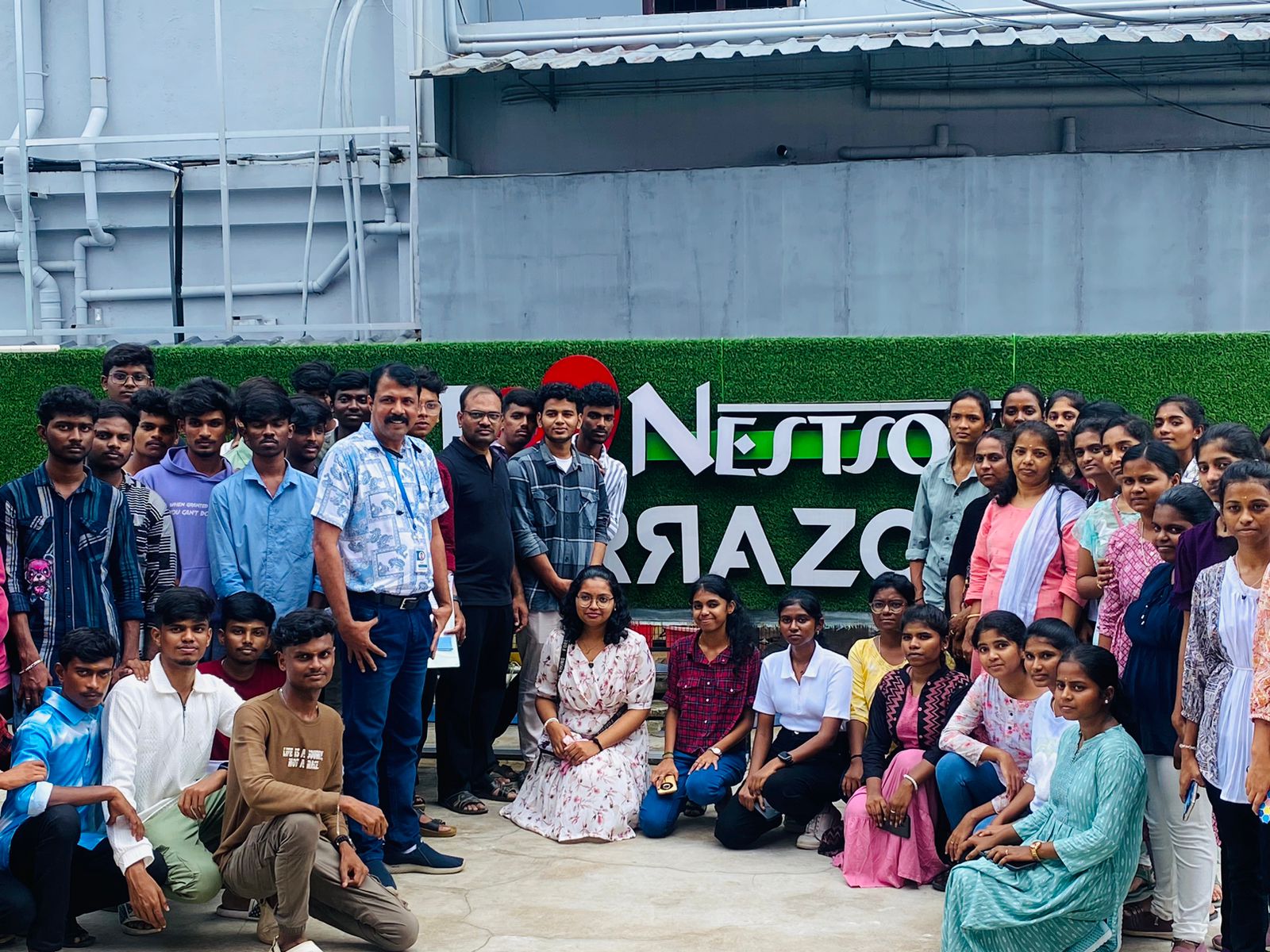
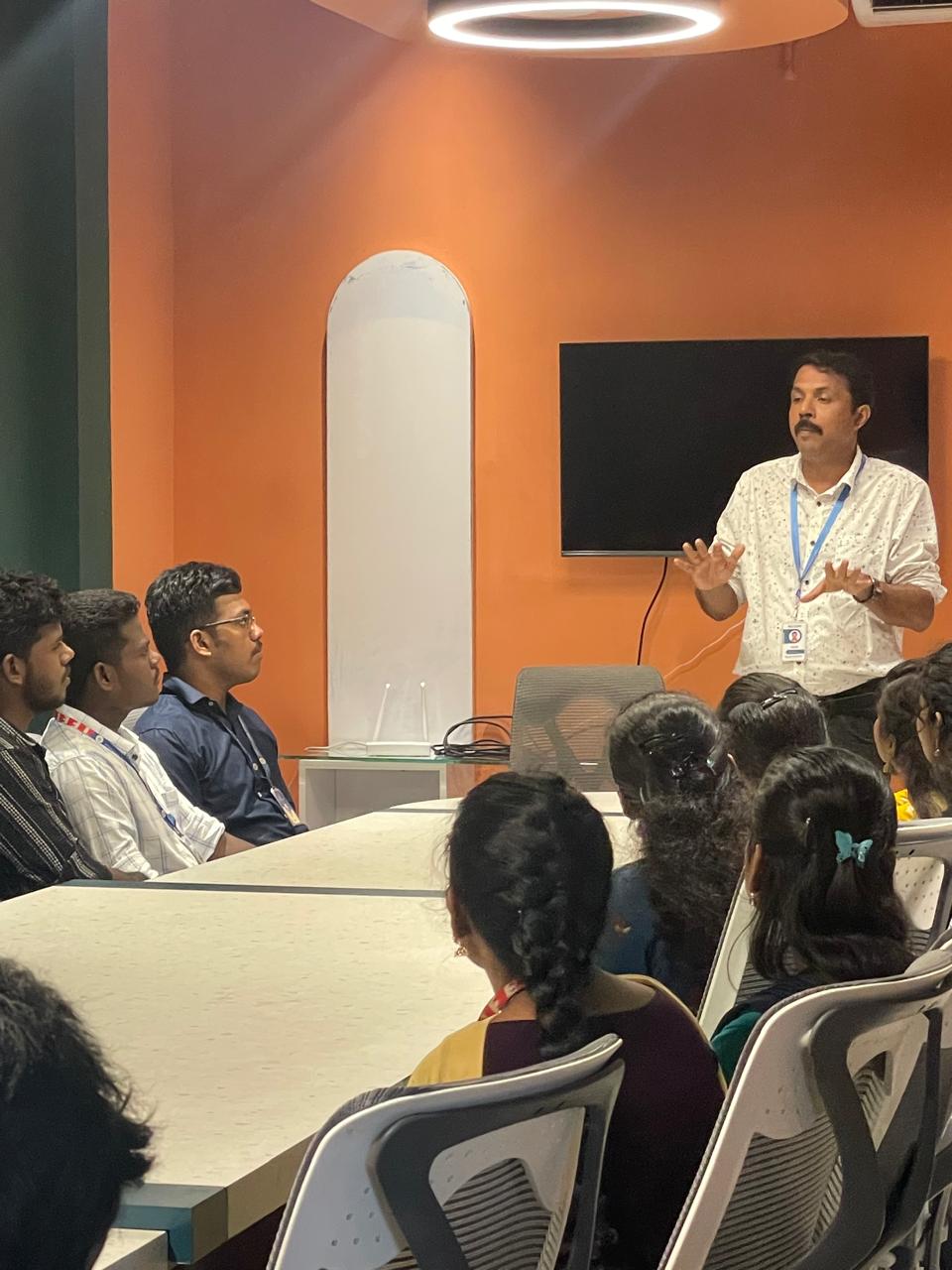
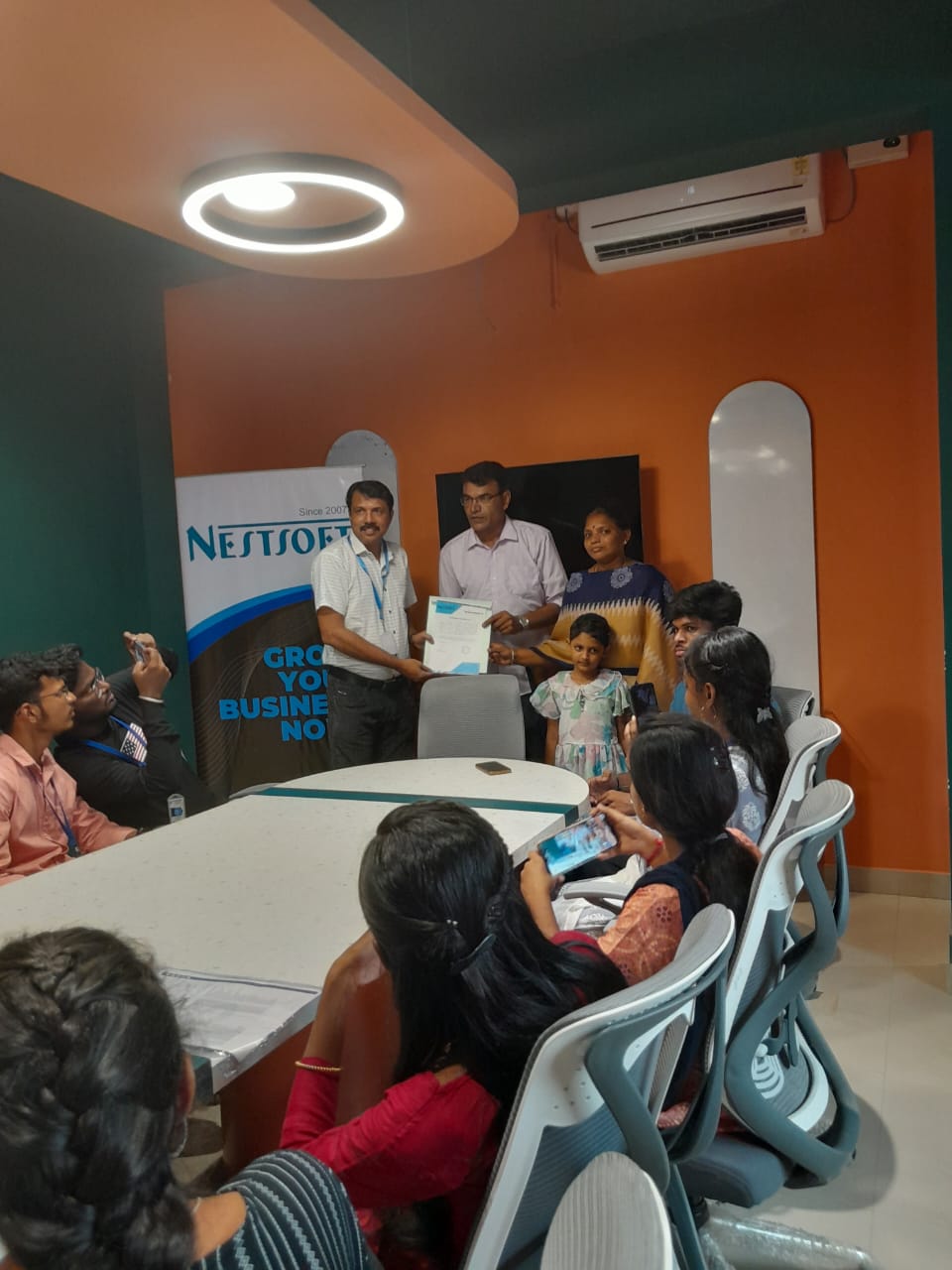
Photos of Training / Internships

Internship/projects in mysuru

Trained more than 10000+ students who trust Nestsoft TechnoMaster

Get Your Personal Trainer