Send enquiry ⏎

Flutter Online Live Class by Experts

Our Training/Internship Process

Flutter Online Live Classes in Delhi | Free Demo Training

Flutter - Syllabus, Fees & Duration

Module 1:  Introduction

  • Introduction to Flutter

Module 2:  Introduction To Dart

  • Reason why Dart holds the fort strong.
  • Installing Visual Studio Code and the Dart Plugin.
  • Installing Dart SDK.
  • Writing the first Dart Program.

Module 3:  Setting Up Flutter

  • Downloading/Cloning the Flutter SDK.
  • Installing Flutter Plugin within VS Code.
  • Understanding the structure of a Flutter Project.
  • Building a simple app from scratch.

Module 4:  Introducing Widget

  • Widgets and their role in a Flutter app.
  • The MaterialApp and Scaffold widget.
  • AppBar.
  • FloatingActionButton.
  • More widgets - Text, Center and Padding.
  • Recreating the Default Flutter App (UI Only)

Module 5:  Common Widget In Flutter

  • Containers and their role.
  • Importing images from a network.
  • Importing images as assets.
  • Adding icons to widgets.
  • Understanding Row and Column.
  • ListView and ListTile.
  • Building views using ListView.builder.
  • Inkwell and its importance.

Module 6: Stateless And Stateful Widgets- The Concept

  • Stateless vs. Stateful widgets.
  • Defining a State
  • The setState() method.
  • Returning to the Default Flutter App.

Module 7:  Navigating Through Navigation

  • Navigator and routes.
  • Applying push() using MaterialPageRoute.
  • Applying pop().
  • Declaring parameter-less routes (push Named()) in Materia Lapp widget.

Module 8:  Handling User Input

  • Using Text Field.
  • Handling changes to a Text Field.
  • Pass retrieved values using Navigator.

Module 9:  User Interface

  • Applying Theme Data.
  • The Basic Screen Layout.
  • Applying Custom Font.

Module 10:  Asynchronous Functions

  • function.
  • async and await

Module 11: Working With Remote Data

  • The http package.
  • Model Class and JSON parsing.
  • Displaying Remote Data. (NEWS API).

Module 12: Local storage

  • Shared Preferences.

Module 13: Using 3rd Party Packages

  • The url_launcher package.
  • Adding onTap() to NEWS API.

Module 14: Other Useful Widgets

  • Grid View.
  • The Hero Animation
  • Stack
  • Alert Dialog with buttons.

Download Syllabus - Flutter
This syllabus is not final and can be customized as per needs/updates
   
10000+
20+
50+
25+

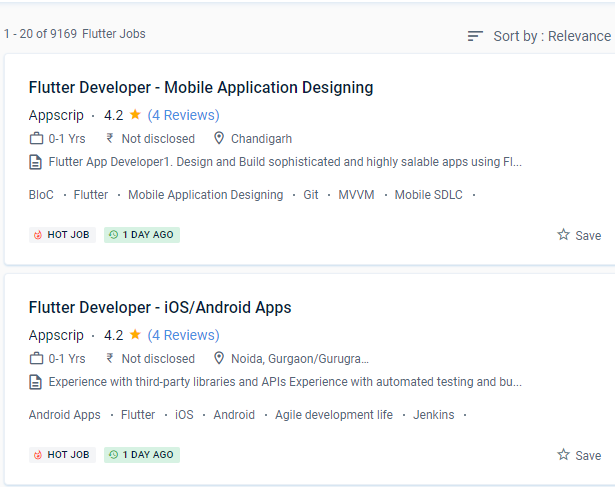
Flutter Jobs in Delhi

Enjoy the demand

Find jobs related to Flutter in search engines (Google, Bing, Yahoo) and recruitment websites (monsterindia, placementindia, naukri, jobshybrid.com, indeed.co.in, shine.com etc.) based in Delhi, chennai and europe countries. You can find many jobs for freshers related to the job positions in Delhi.

  • Flutter Developer
  • Mobile Engineer - Flutter
  • Flutter Mobile App Developer
  • Software Engineer
  • iOS Developer Flutter
  • Technical Mobile Lead - Flutter
  • Flutter Trainer
  • Flutter JS
  • Flutter Lead
  • Java Flutter Developer

Flutter Internship/Course Details

Flutter internship jobs in Delhi
Flutter By using the tools given by flutter, you can make internationalisation a snap and include it straight into development. As a result, it is more affordable. . Nestsoft offers the best flutter training course that teaches you how to use Flutter to create high-quality, interactive mobile apps for both iOS and robots. The capacity of flutter to consume fewer resources is one of its most prominent properties. Google designed it using a tiered architecture to produce a UI that is both expressive and adaptable. Nestsoft offers the best Google Flutter training as well as mobile app development courses. Nestsoft's Google Flutter Training in Delhi will help you gain a solid understanding of this UI mobile framework so you can construct Native Cross-Platform Mobile Applications quickly. Flutter Course has the potential to be a cross-platform app development solution. The majority of the confidential writing on Flutter is done in Dart, which is a programming language similar to Java.


Meet a Few of our Industry Experts 🚀 Your Pathway to IT Career

purakkudaian

Mobile: +91 91884 77559
Location: Online (Delhi, India)
Qualification: Bsc

Experience: I have more than 6 years of experience in video editing and design Softwares: Premiere Pro After effects Audition illustrator  more..

Dhanalakshmi

Mobile: +91 9895490866
Location: Online (Delhi, India)
Qualification: BE

Experience: Back end developer C c++ AI ML  more..

Jasjit

Mobile: +91 94975 90866
Location: Online (Delhi, India)
Qualification: B. E. Electrical

Experience: Product technical support experience of 8+ yrs for clients namely Dell HP Cisco(Linksys) Microsoft Have used fortinet firewall while working  more..

Mohamedanzal

Mobile: +91 9895490866
Location: Online (Delhi, India)
Qualification: Degree

Experience: Graphic design-1year freelancer Ui design - 1 year  more..

Pavan

Mobile: +91 91884 77559
Location: Online (Delhi, India)
Qualification: BE Computer

Experience: Highly skilled and creative UI UX designer with 3 years of experience designing and developing intuitive and user-friendly interfaces for  more..

Aswany

Mobile: +91 94975 90866
Location: Online (Delhi, India)
Qualification: M.Sc. Computer Science

Experience: Have 2 4 years of experience in php and wordpress   more..

C

Mobile: +91 9895490866
Location: Online (Delhi, India)
Qualification: B.com

Experience: I’m an experienced UI UX designer I have 2 years of work experience in UI UX design I have a  more..

Adwetha

Mobile: +91 94975 90866
Location: Online (Delhi, India)
Qualification: b.tech

Experience: c c++ python teamwork hardworking leadership communication skills   more..

Savita

Mobile: +91 91884 77559
Location: Online (Delhi, India)
Qualification: BE

Experience: Html css JavaScript figma wordpress basics of php and boostrap   more..

Pooja

Mobile: +91 89210 61945
Location: Online (Delhi, India)
Qualification: BBA

Experience: I am a energetic ambitious person I have all leadership qualities and completed my full digital marketing course seo on  more..

Neha

Mobile: +91 91884 77559
Location: Online (Delhi, India)
Qualification: Currently pursuing degree

Experience: Canva skills and design skills Experience on fiverr and personal projects  more..

Umesh

Mobile: +91 91884 77559
Location: Online (Delhi, India)
Qualification: BE

Experience: Recently i did my software testing courses and i was a top performer in the courses Also i have the  more..

Francisraj

Mobile: +91 8301010866
Location: Online (Delhi, India)
Qualification: BCA

Experience: Currently working in Infosys as System Engineer with 1 1 years experience Freelance android application developer   more..

Arivarasan

Mobile: +91 94975 90866
Location: Online (Delhi, India)
Qualification: B.E(ECE)

Experience: I have 6 years and 7 months of experience in the Odoo Python framework (ERP) as a backend developer I  more..

SIJI

Mobile: +91 89210 61945
Location: Online (Delhi, India)
Qualification: MCA

Experience: 4+ years of experience in manual testing in health care domain   more..

Sanu

Mobile: +91 8301010866
Location: Online (Delhi, India)
Qualification: Graduation On Going

Experience: I have 3+ years of experience in web design field In Web I Know Html CSS JavaScript jQuery Bootstrap Framework  more..

Murali

Mobile: +91 89210 61945
Location: Online (Delhi, India)
Qualification: Bsc computer science

Experience: Fresher Web design i know   more..

Abhishek

Mobile: +91 89210 61945
Location: Online (Delhi, India)
Qualification: B.Tech in computer science

Experience: I'm an experienced mobile app developer with 6 months experience in developing real world applications and loves to make cutting  more..

Manish

Mobile: +91 98474 90866
Location: Online (Delhi, India)
Qualification: MTech

Experience: python sql machine learning scikit-learn numpy scipy matplotlib pandas linear-regression logistic-regression decisiontrees random-forest adaboost xgboost hierarchical-clustering k-means  more..

Banoth

Mobile: +91 94975 90866
Location: Online (Delhi, India)
Qualification: B. Tech (ECE)

Experience: Programming :-c c++HTML python word MSexcel Operating system:-Windows Ubuntu Linus   more..

Omer

Mobile: +91 9895490866
Location: Online (Delhi, India)
Qualification: Bachelors

Experience: Ms word excel java c c++ python sales customer support  more..

Nitish

Mobile: +91 8301010866
Location: Online (Delhi, India)
Qualification: Master's

Experience: Experience 2 years User Research wireframing mobile design Prototyping  more..

Babita

Mobile: +91 91884 77559
Location: Online (Delhi, India)
Qualification: Diploma

Experience: I have 3 5 year experience as web developer Also making website responsive I have knowledge of html5 css3 bootstarap4  more..

Deepraj

Mobile: +91 94975 90866
Location: Online (Delhi, India)
Qualification: Bachelor in Technology

Experience: I have a experience of two + years and have worked on versatile android projects with core concepts involving background  more..

Success Stories

The enviable salary packages and track record of our previous students are the proof of our excellence. Please go through our students' reviews about our training methods and faculty and compare it to the recorded video classes that most of the other institutes offer. See for yourself how TechnoMaster is truly unique.

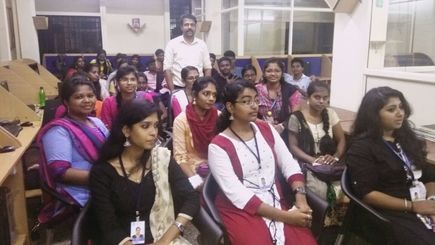
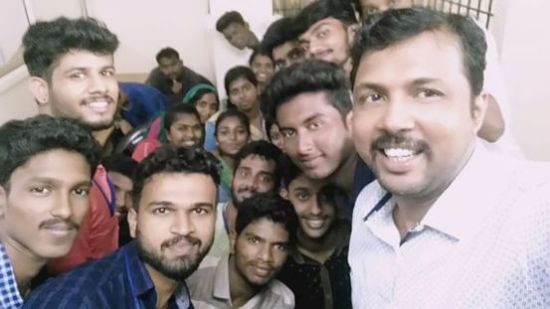
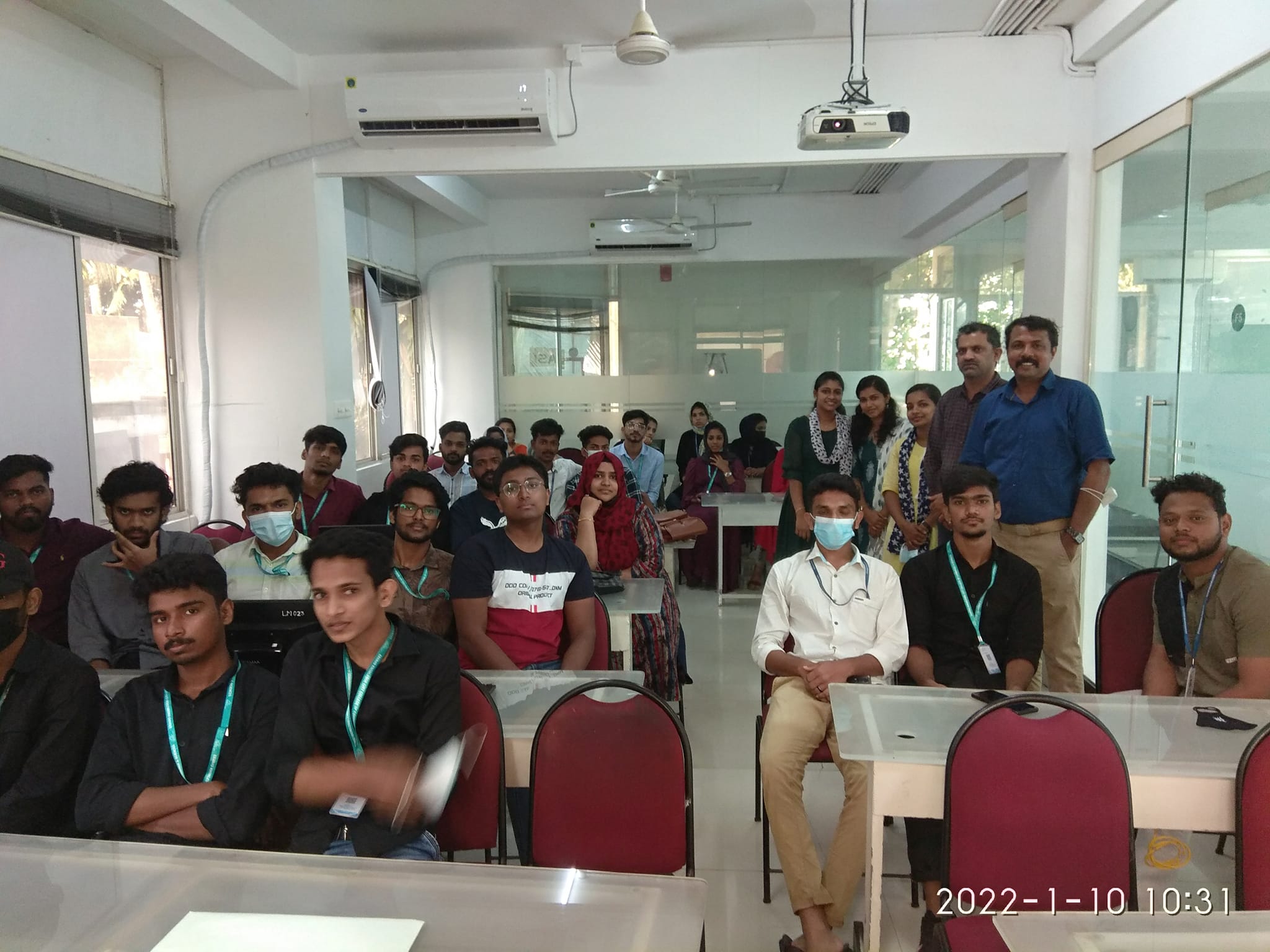
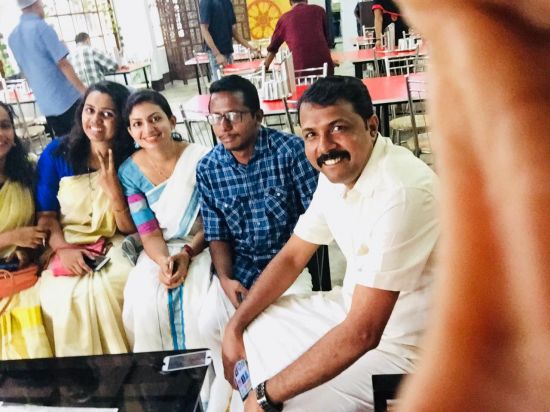
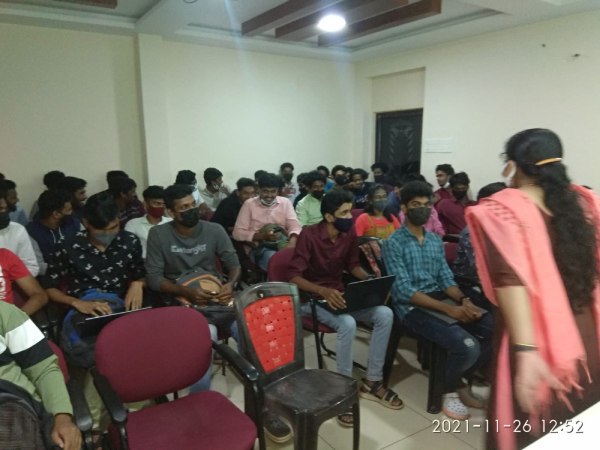
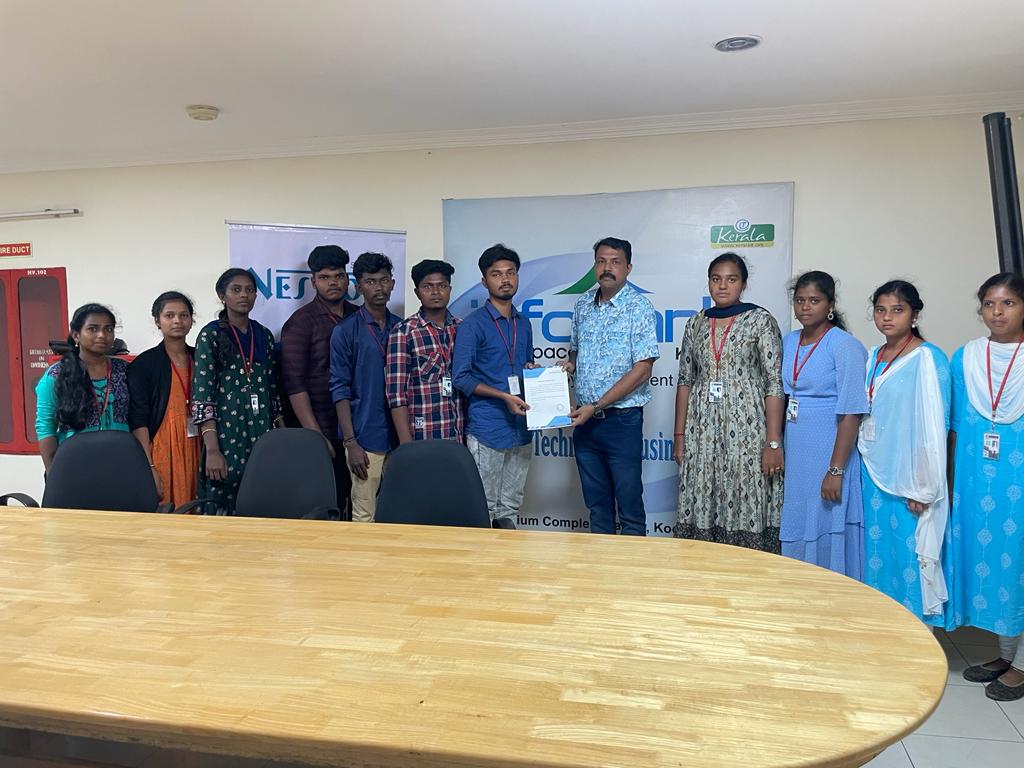
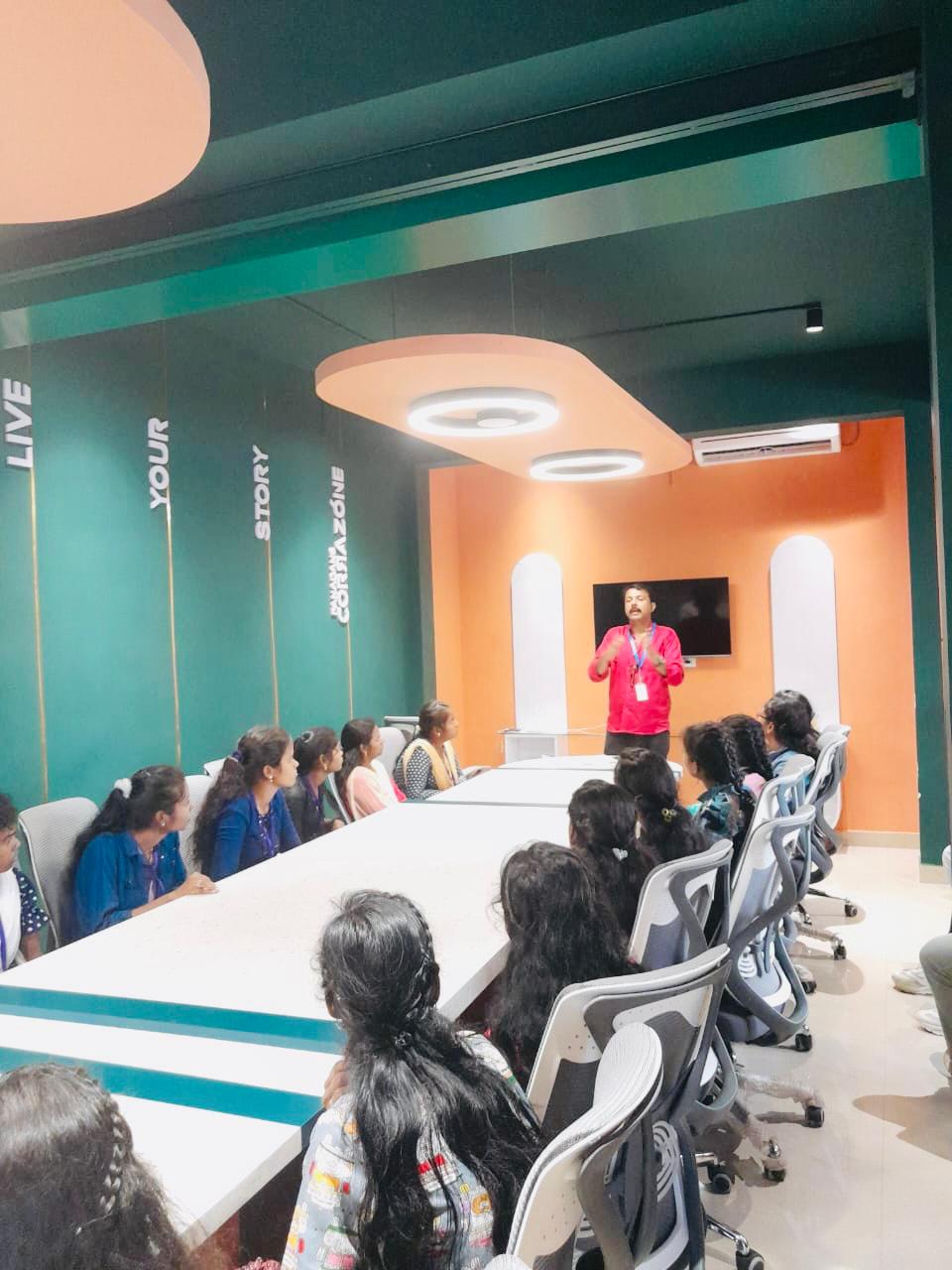
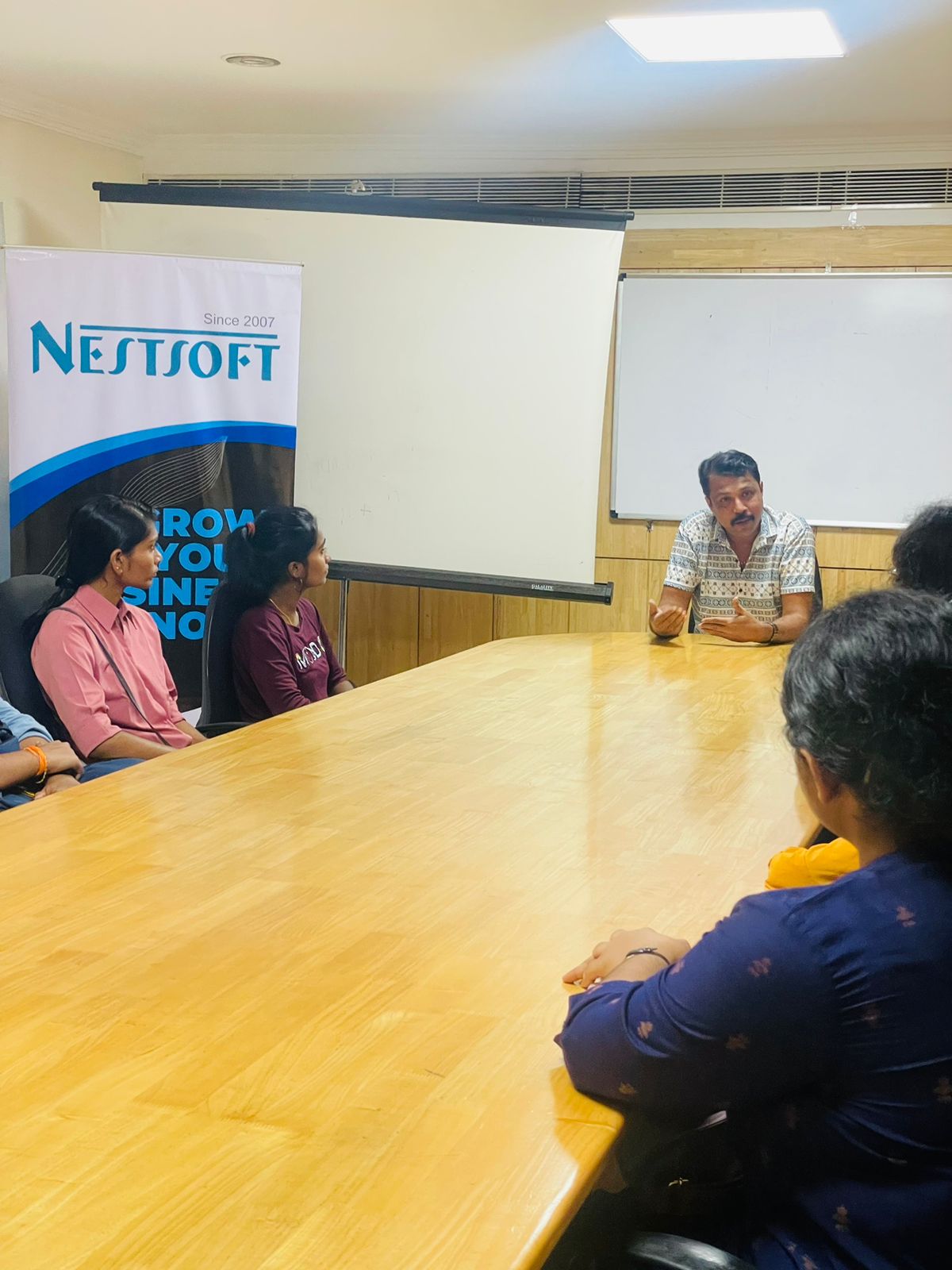
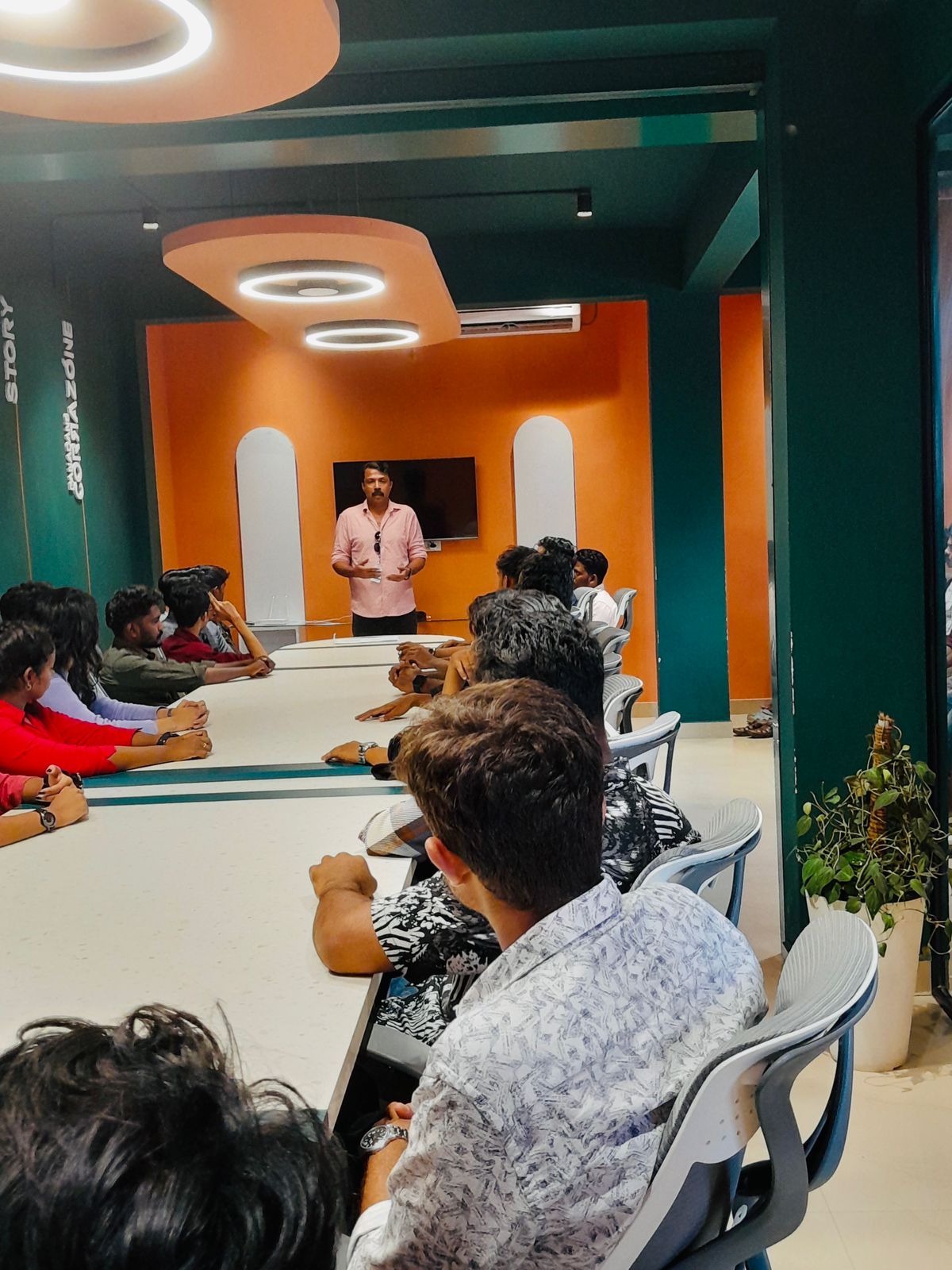
Photos of Training / Internships

Internship/projects in delhi

Trained more than 10000+ students who trust Nestsoft TechnoMaster

Get Your Personal Trainer