Send enquiry ⏎

CorelDRAW Online Live Class by Experts

Our Training/Internship Process

CorelDRAW Online Live Classes in Nashik | Free Demo Training

CorelDRAW - Syllabus, Fees & Duration

Module 1: Introduction to CorelDRAW

  • Installing CorelDRAW Graphics Suite 2019
  • Basics of CorelDRAW
    • Vector Graphics and Bitmaps
    • Starting and Opening Drawings
    • Previewing Drawings
    • Viewing Modes
    • Saving and Closing Drawings
  • CorelDRAW Workspace
  • Creative Tools and Content
  • Touchscreen and Wheel Devices

Module 2: Lines, Shapes, and Outlines

  • Lines, Outlines, and Brushstrokes
  • Shapes and Shape Objects
  • Symmetrical Drawing

Module 3: Working with Objects, Symbols, and Layers

  • Introduction to Objects
  • Linking and Embedding Objects
  • Layers and Symbols
  • Managing and Tracking Projects

Module 4: Colour, Fills, and Transparencies

  • Colour
    • Colour Models and Depth
    • Choosing Colours
    • Creating and Editing Colour Palettes
  • Uniform Fills and Fountain Fills
  • Vector and Bitmap Pattern Fills
  • Texture, PostScript, and Mesh Fills
  • Object Transparency
  • Managing Colours

Module 5: Exploring Special Effects

  • Lenses
  • Adding 3D Effects
  • Mosaics

Module 6: Working with Text

  • Adding and Manipulating Text
  • Formatting Text
  • Managing Fonts
  • Writing Tools

Module 7: Templates and Styles

  • Templates
    • Using and Finding Templates
    • Managing Templates
    • Creating and Editing Templates
  • Introducing Styles and Style Sets
    • Creating, Applying, and Editing Styles and Style Sets
    • Managing Default Object Properties
    • Importing and Exporting Style Sheets
  • Colour Styles
    • Creating and Applying Colour Styles
    • Editing and Viewing Colour Styles
    • Exporting and Importing Colour Styles

Module 8: Pages and Layout

  • Pages and Layout Tools
    • Page Layout and Background
    • Adding and Deleting Pages
    • Rulers
    • Document Grid and Pixel Grid
  • Tables
    • Adding Tables
    • Selecting, Moving, and Navigating Table Components
    • Inserting and Deleting Table Rows and Columns
    • Formatting Tables and Cells
    • Converting Tables to Text

Module 9: Introduction to Bitmaps

  • Working with Bitmaps
    • Converting Vector Graphics to Bitmaps
    • Importing and Cropping Bitmaps
    • Bitmap Dimensions and Resolution
    • Straightening Bitmaps
    • Image Adjustment Lab
    • Adjusting Colour and Tone
    • Tone Curve Filter
  • Special Effects Categories
  • Bitmap Colour Modes
  • Introducing Trace
    • RAW Camera Files

Module 10: Web Graphics

  • File Formats
    • Importing and Exporting Files
    • Exporting to PDF
    • Supported File Formats
  • Customising and Automating
    • Setting Basic Preferences
    • Customising CorelDRAW
    • Using Macros and Scripts for Automating Ta
  • Download Syllabus - CorelDRAW
    This syllabus is not final and can be customized as per needs/updates
   
10000+
20+
50+
25+

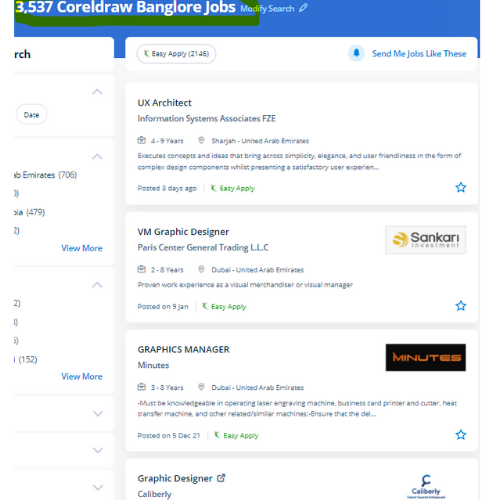
CorelDRAW Jobs in Nashik

Enjoy the demand

Find jobs related to CorelDRAW in search engines (Google, Bing, Yahoo) and recruitment websites (monsterindia, placementindia, naukri, jobshybrid.com, indeed.co.in, shine.com etc.) based in Nashik, chennai and europe countries. You can find many jobs for freshers related to the job positions in Nashik.

  • Corel Draw Designer
  • Graphic Designer
  • CorelDraw trainer
  • UI/UX Designer
  • Digital graphic designer
  • Multimedia designer
  • Graphics manager
  • Layout artist
  • Creative graphic designer
  • Interior designer

CorelDRAW Internship/Course Details

CorelDRAW internship jobs in Nashik
CorelDRAW Additionally, it has several predesigned templates, Clipart & photographic camera images accessible that help you in exploring your idea of graphics designing throughout working with it. Our live training classes are handled by specialists in this field and also the syllabus starts from the fundamentals to the most advanced of the subject. Professionals working in the publishing and advertising business will produce distinctive brand identity assets victimization this software. CorelDraw Graphics Suite programming is accessible on the lookout, and once introduced on the computer, you will get effectively started together with your realistic planning work. We will train you remotely, after completion of the course if you have got any doubt then our team can always assist you. Nestsoft conducts the coaching courses for CorelDraw with our industry expert trainers. This stunning design software meets the everyday requests of working architects. With a vector graphic vogue program that admires this software, laser engraving professionals and hobbyists will transfer and import any image they need to engrave for their projects. it is a mixture of advanced illustration, image editing, designing planning, vector graphics, page layout designing, typography, pre-press layout designing, and plenty of extra options in one pack. it is simply accessible in other designing software because It works with file format PNG and CDR.


Meet a Few of our Industry Experts 🚀 Your Pathway to IT Career

Govind

Mobile: +91 89210 61945
Location: Online (Nashik, India)
Qualification: Bachelor of arts

Experience: Hi sir I am a react js developer and I have a 3 month experience in this field and 1  more..

Maya

Mobile: +91 98474 90866
Location: Online (Nashik, India)
Qualification: Graduate Diploma

Experience: 7 months experience in manual testing  more..

Aila

Mobile: +91 9895490866
Location: Online (Nashik, India)
Qualification: B.Tech

Experience: I have experience in Linux and windows operating systems l know Linux basic commands The skills I have Burp suite  more..

PRINCE

Mobile: +91 89210 61945
Location: Online (Nashik, India)
Qualification: BCA

Experience: Html css javascript react angular  more..

Priyanka

Mobile: +91 98474 90866
Location: Online (Nashik, India)
Qualification: Graduate

Experience: Learning Management Creativity Teamwork Business development executive   more..

Shraddha

Mobile: +91 91884 77559
Location: Online (Nashik, India)
Qualification: Bacholer of computer engineering

Experience: I have good knowledge of cyber security and ethical Hacking I have also done internship in cyber security and Ethical  more..

Akshay

Mobile: +91 98474 90866
Location: Online (Nashik, India)
Qualification: B.E

Experience: I have a 1 year experience in Full stack developer I am working with front end and backend also Skills:-  more..

Soja

Mobile: +91 91884 77559
Location: Online (Nashik, India)
Qualification: Btech

Experience: Software testing  more..

Milan

Mobile: +91 89210 61945
Location: Online (Nashik, India)
Qualification: BCA

Experience: Self taught in development language: Java Python SQL C C++ Understanding of it Networks and Security: Computer Networking Tools Proficiency:  more..

Janvi

Mobile: +91 91884 77559
Location: Online (Nashik, India)
Qualification: Bachelors

Experience: Graphic design   more..

Anagha

Mobile: +91 89210 61945
Location: Online (Nashik, India)
Qualification: MCA

Experience: Skills Knowledge in software testing Knowledge in LARAVEL C JAVA DBMS Confident Articulate and Professional Speaking abilities Ability to work  more..

Muhammed

Mobile: +91 91884 77559
Location: Online (Nashik, India)
Qualification: Btech

Experience: Communication team player web development technology  more..

Shrikant

Mobile: +91 94975 90866
Location: Online (Nashik, India)
Qualification: BCA

Experience: As A wordpress developer and Canva Designing also I having frontend skills like html CSS like that   more..

Salman

Mobile: +91 91884 77559
Location: Online (Nashik, India)
Qualification: 12+

Experience: I have total 5+ years expirence Desktop support and networking in Wipro DNA |   more..

Aishwarya

Mobile: +91 91884 77559
Location: Online (Nashik, India)
Qualification: MCA

Experience: I am an ideal candidate for the position of Cyber Security for several compelling reasons With a strong educational background  more..

Mandeep

Mobile: +91 9895490866
Location: Online (Nashik, India)
Qualification: M.E in information security

Experience: - Leading information security domain that includes Application security Compliance Network security and Security incident response - Provide consulting for  more..

Anandhu

Mobile: +91 89210 61945
Location: Online (Nashik, India)
Qualification: Bachelor's of computer Application

Experience: I Anandhu Narayanan i am bca graduate i completed my graduation in 2023 after my graduation i have done 6  more..

Vanshika

Mobile: +91 89210 61945
Location: Online (Nashik, India)
Qualification: B.Tech

Experience: Computer Skills C & python Programming language  more..

Anu

Mobile: +91 91884 77559
Location: Online (Nashik, India)
Qualification: MCA

Experience: I have 6 months of web developer intern experoence in php fullstack  more..

PURNAWATI

Mobile: +91 98474 90866
Location: Online (Nashik, India)
Qualification: MCA

Experience: I have skill of Python developer I am fresher   more..

Vipul

Mobile: +91 91884 77559
Location: Online (Nashik, India)
Qualification: Bca in progress

Experience: seo smm email marketing web designing account managing all over digital marketing projects 6 month experience  more..

SWATHI

Mobile: +91 89210 61945
Location: Online (Nashik, India)
Qualification: Msc in Computer science

Experience: Fresher & Automation testing in selenium TestNG Maven XPATH and CSS core java manual testing SDLC STLC Agile Methodology with  more..

Ritu

Mobile: +91 91884 77559
Location: Online (Nashik, India)
Qualification: post graduation

Experience: Logo posters video editing website design magazine  more..

ajay

Mobile: +91 94975 90866
Location: Online (Nashik, India)
Qualification: BCA

Experience: frontend developer reactjs next js angularApplication for Angular JS  more..

Success Stories

The enviable salary packages and track record of our previous students are the proof of our excellence. Please go through our students' reviews about our training methods and faculty and compare it to the recorded video classes that most of the other institutes offer. See for yourself how TechnoMaster is truly unique.

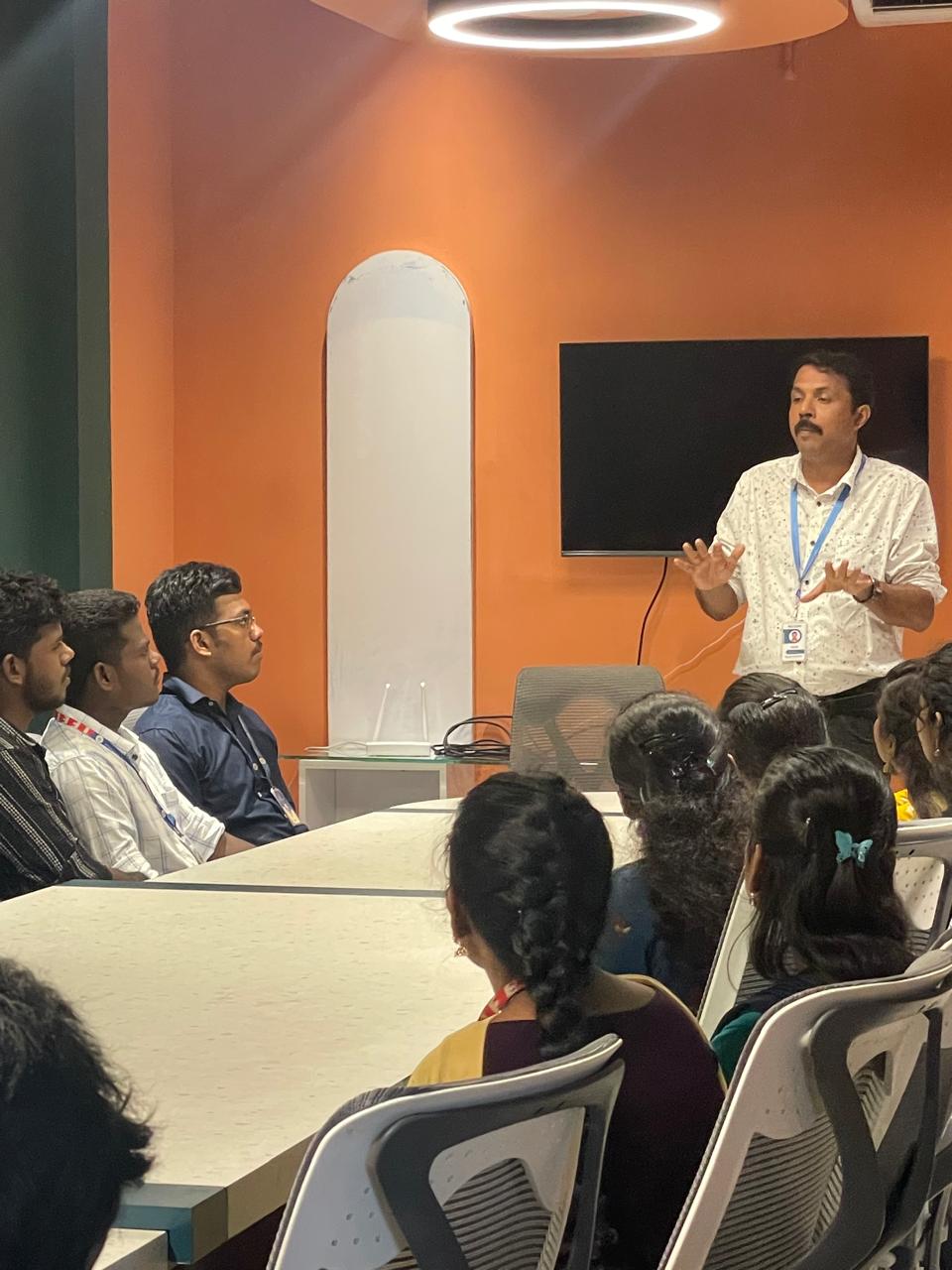
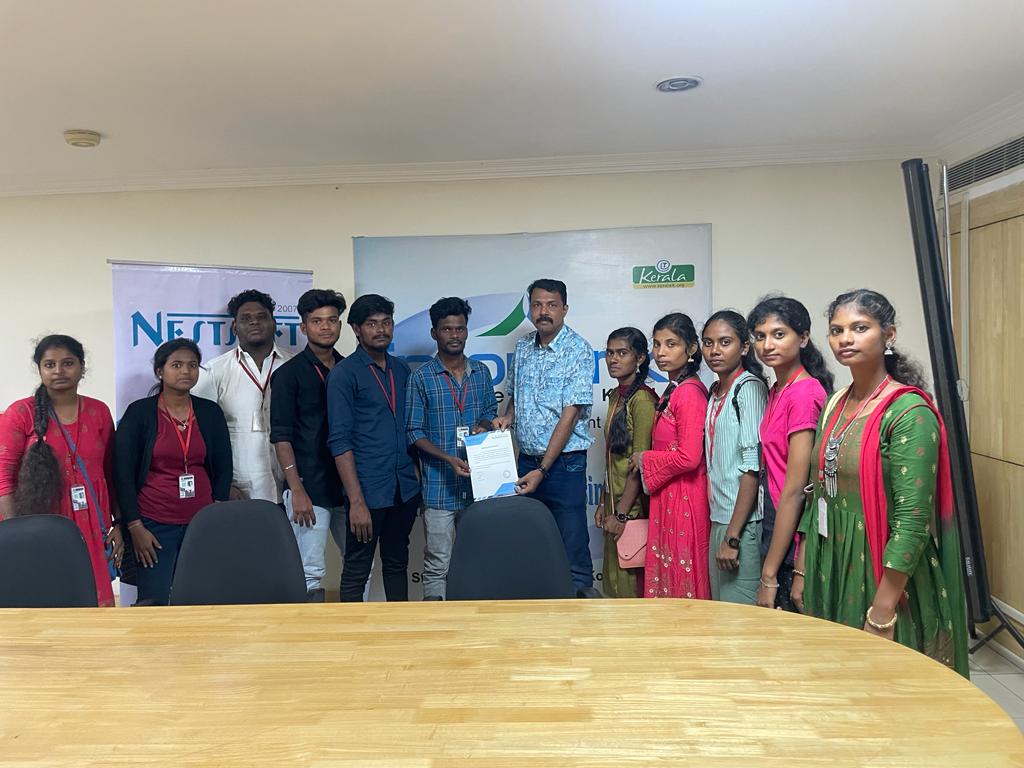
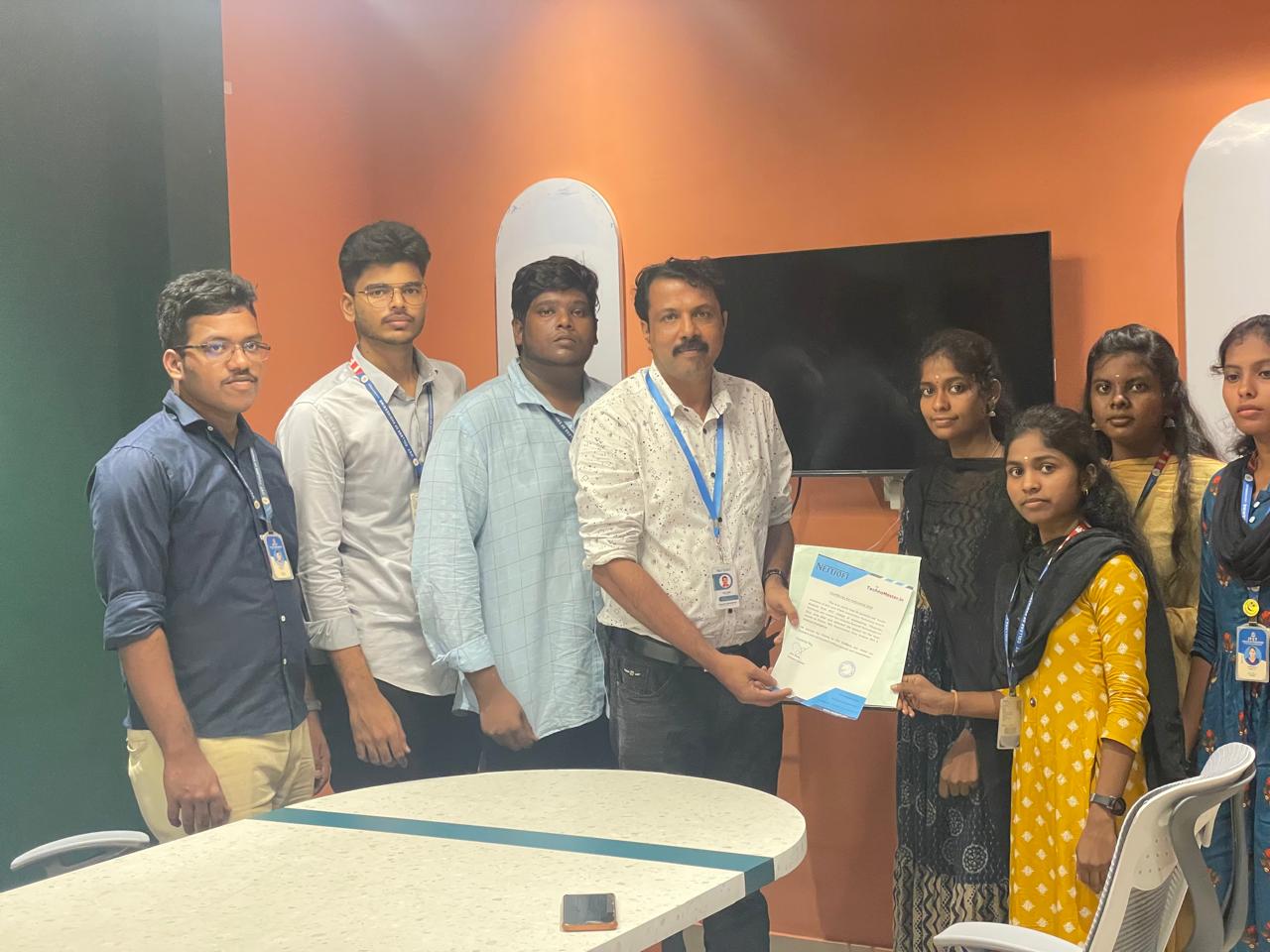
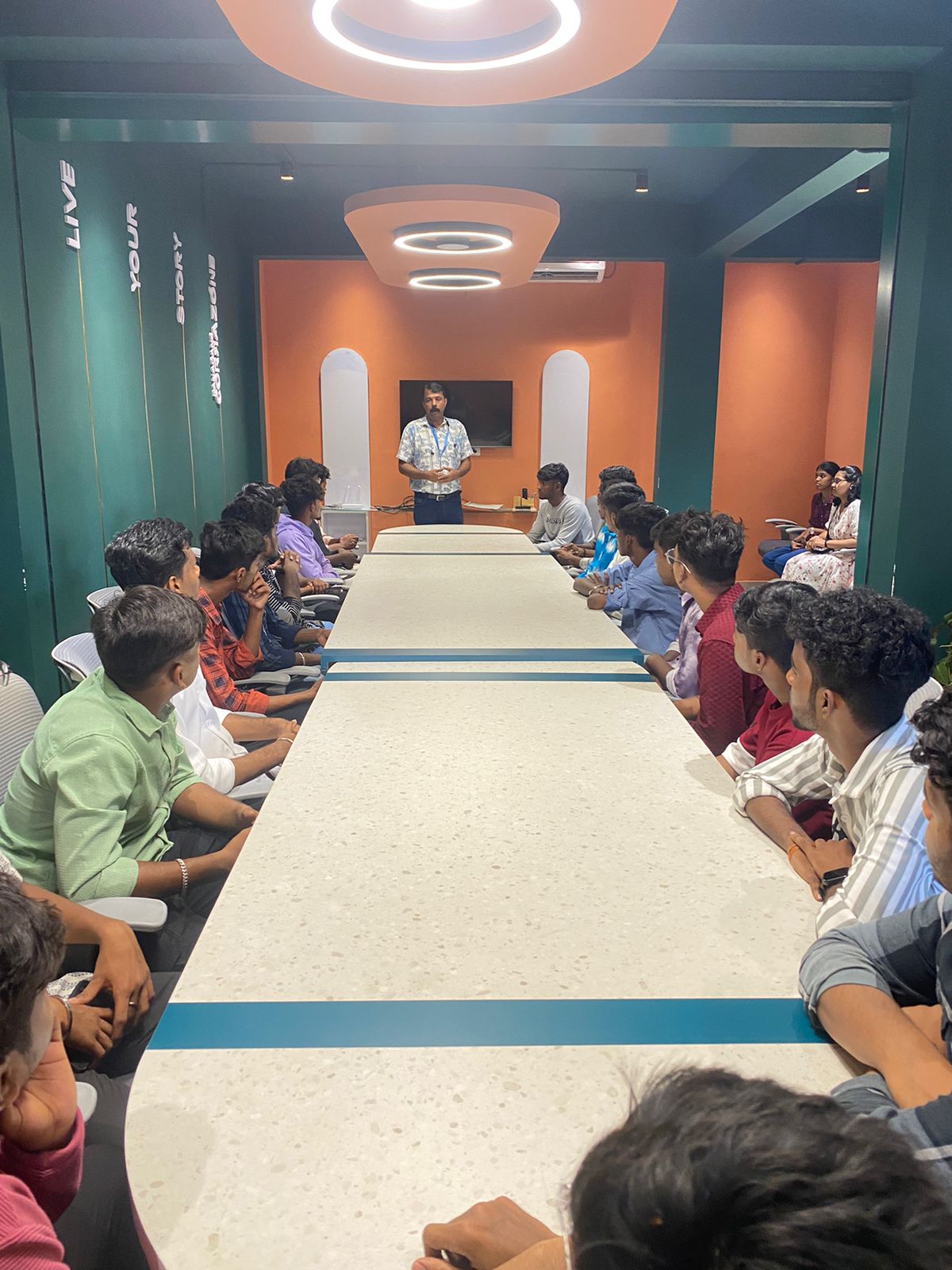
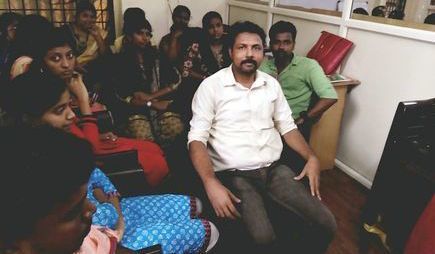
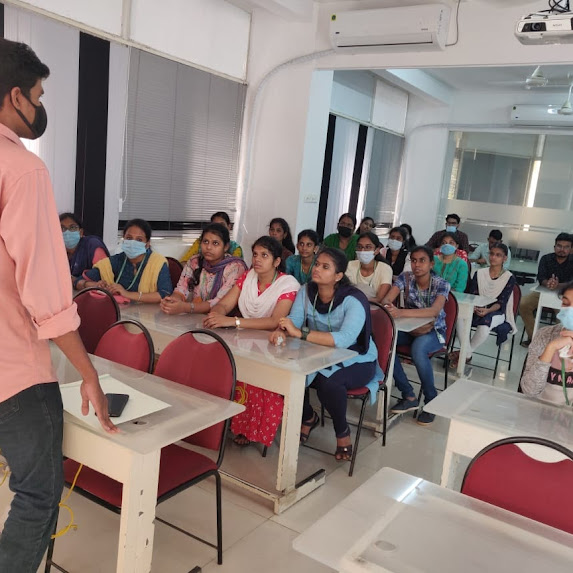
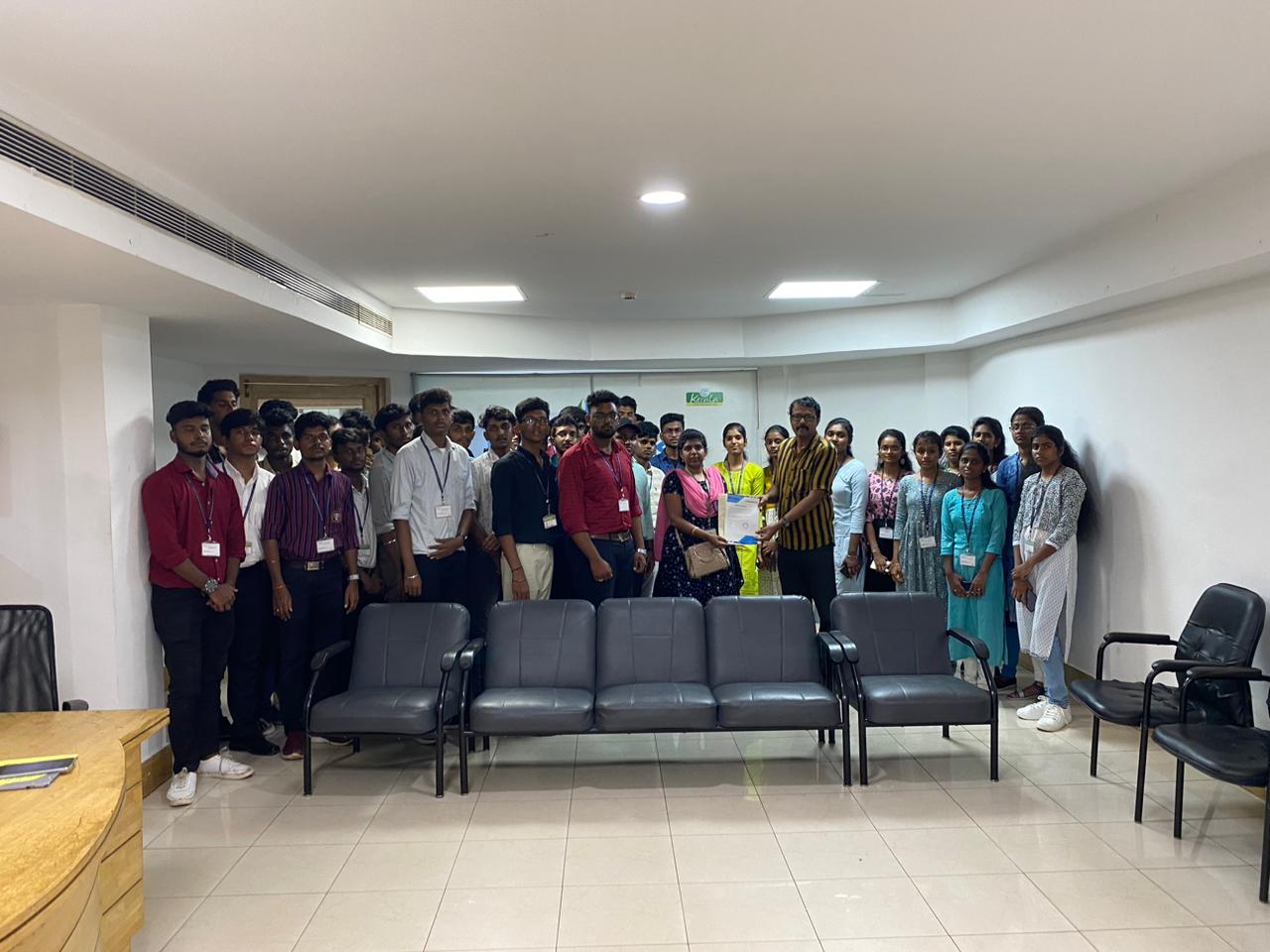
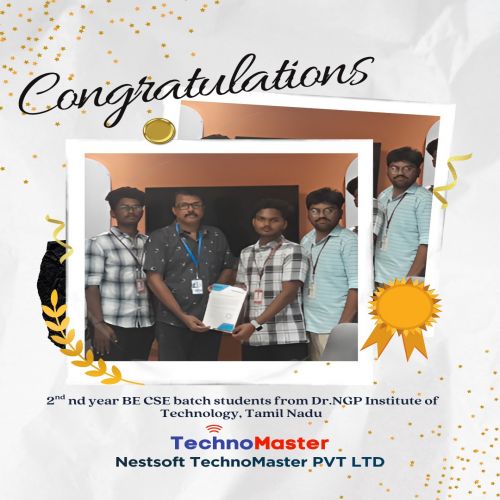
Photos of Training / Internships

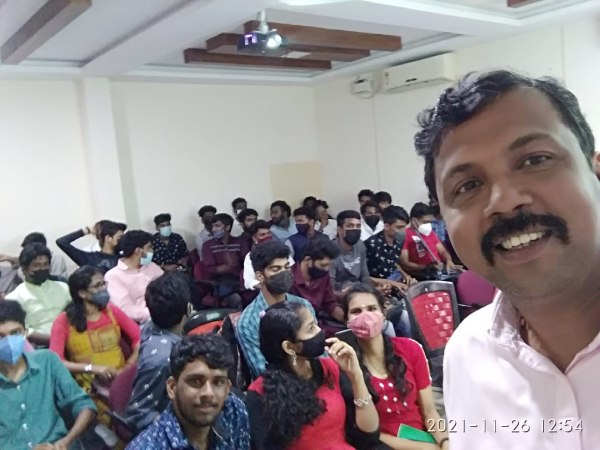
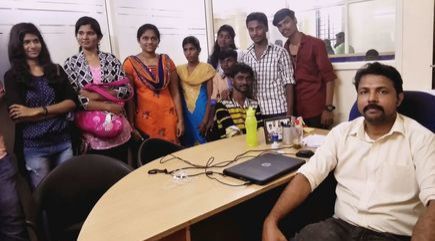
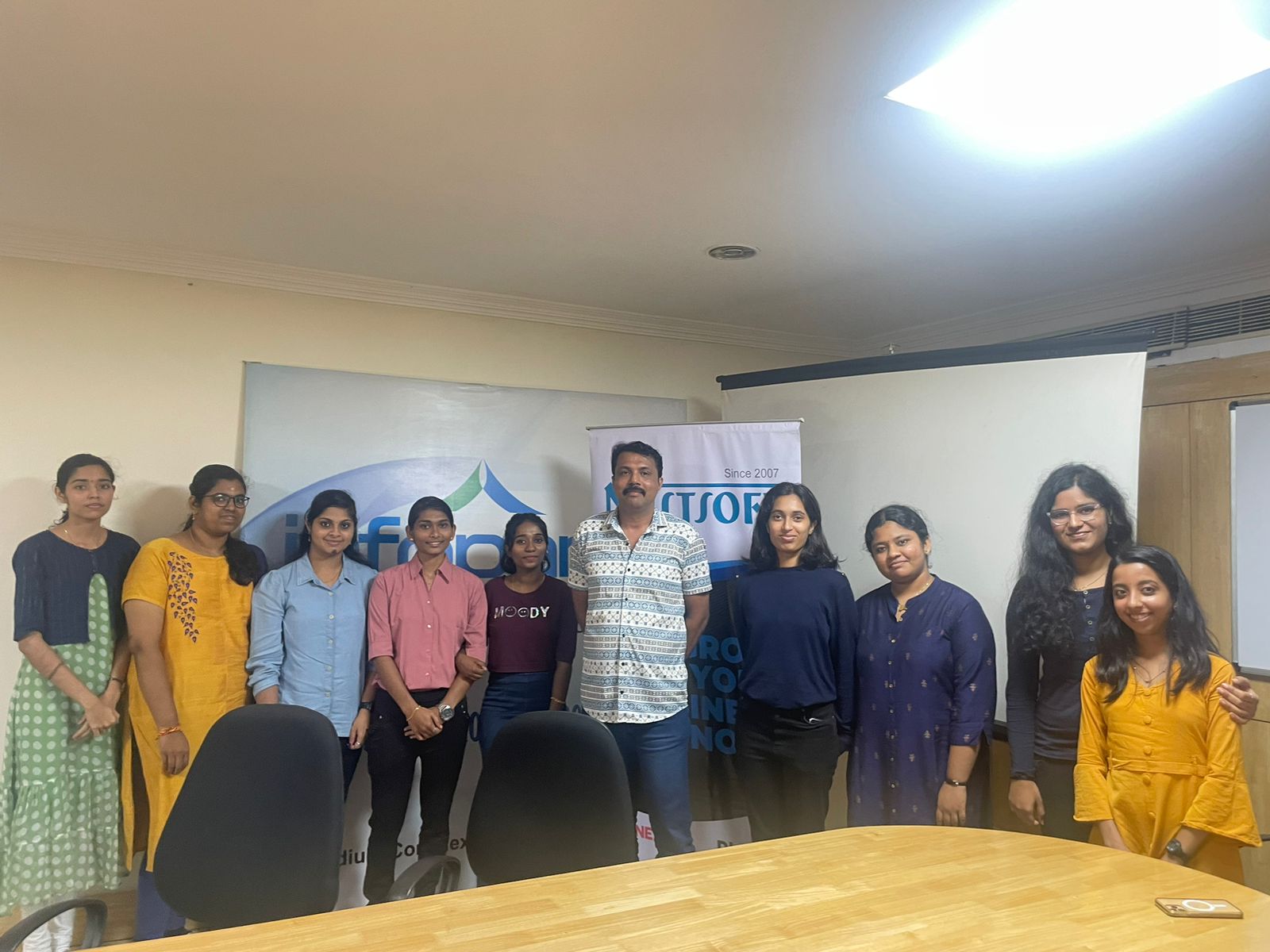
Internship/projects in nashik

Trained more than 10000+ students who trust Nestsoft TechnoMaster

Get Your Personal Trainer