Send enquiry ⏎

AutoCAD Online Live Class by Experts

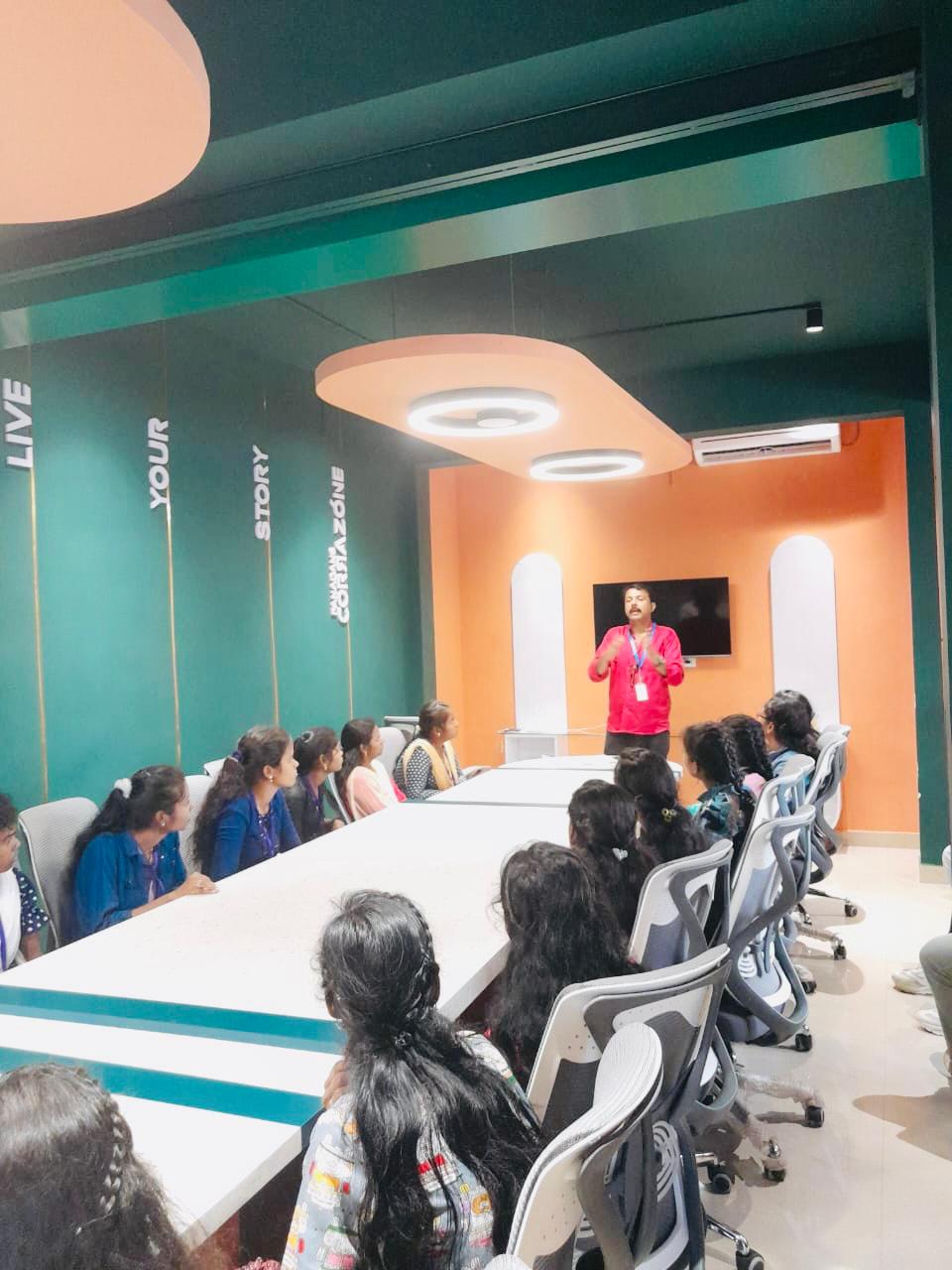
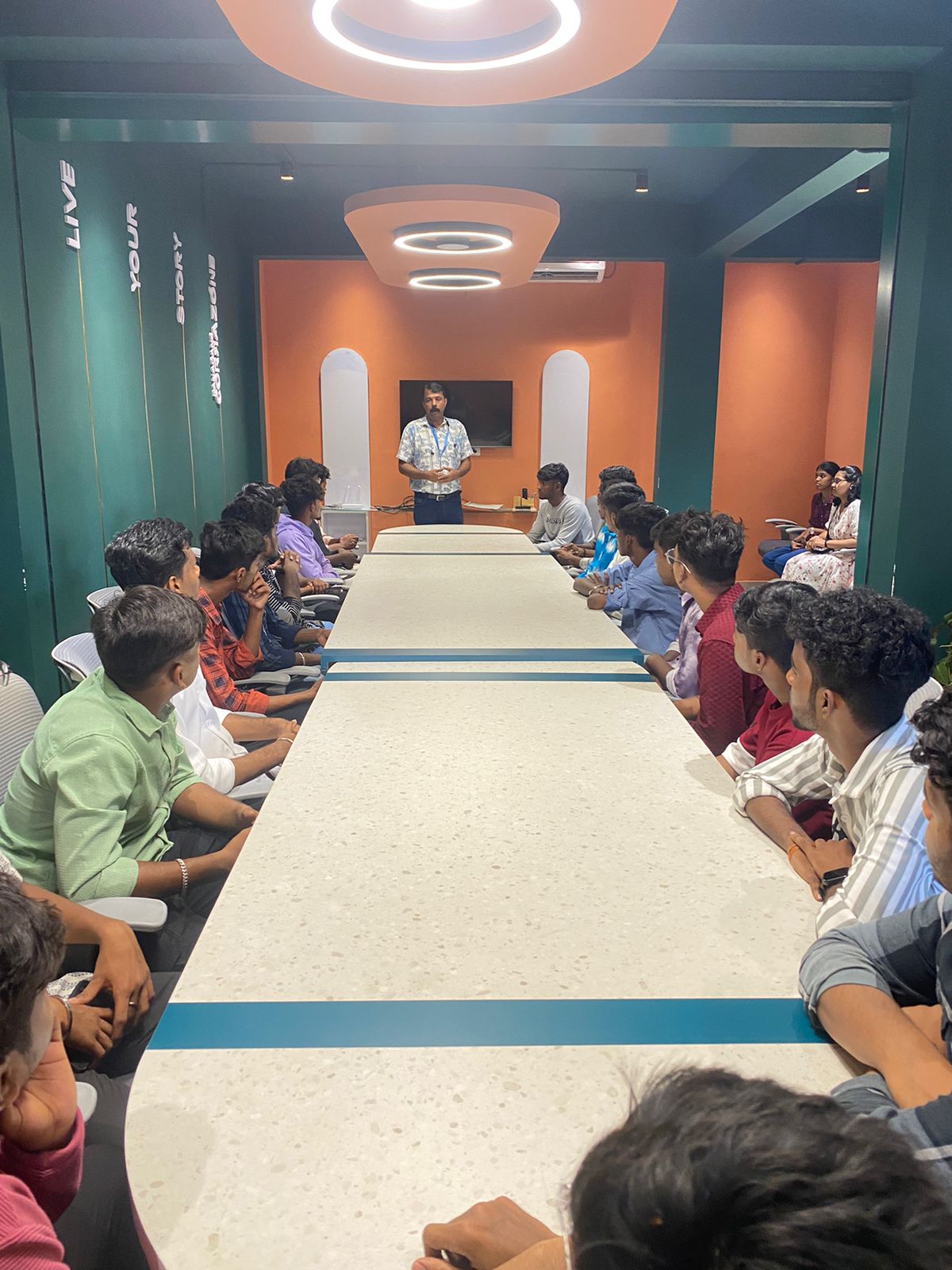
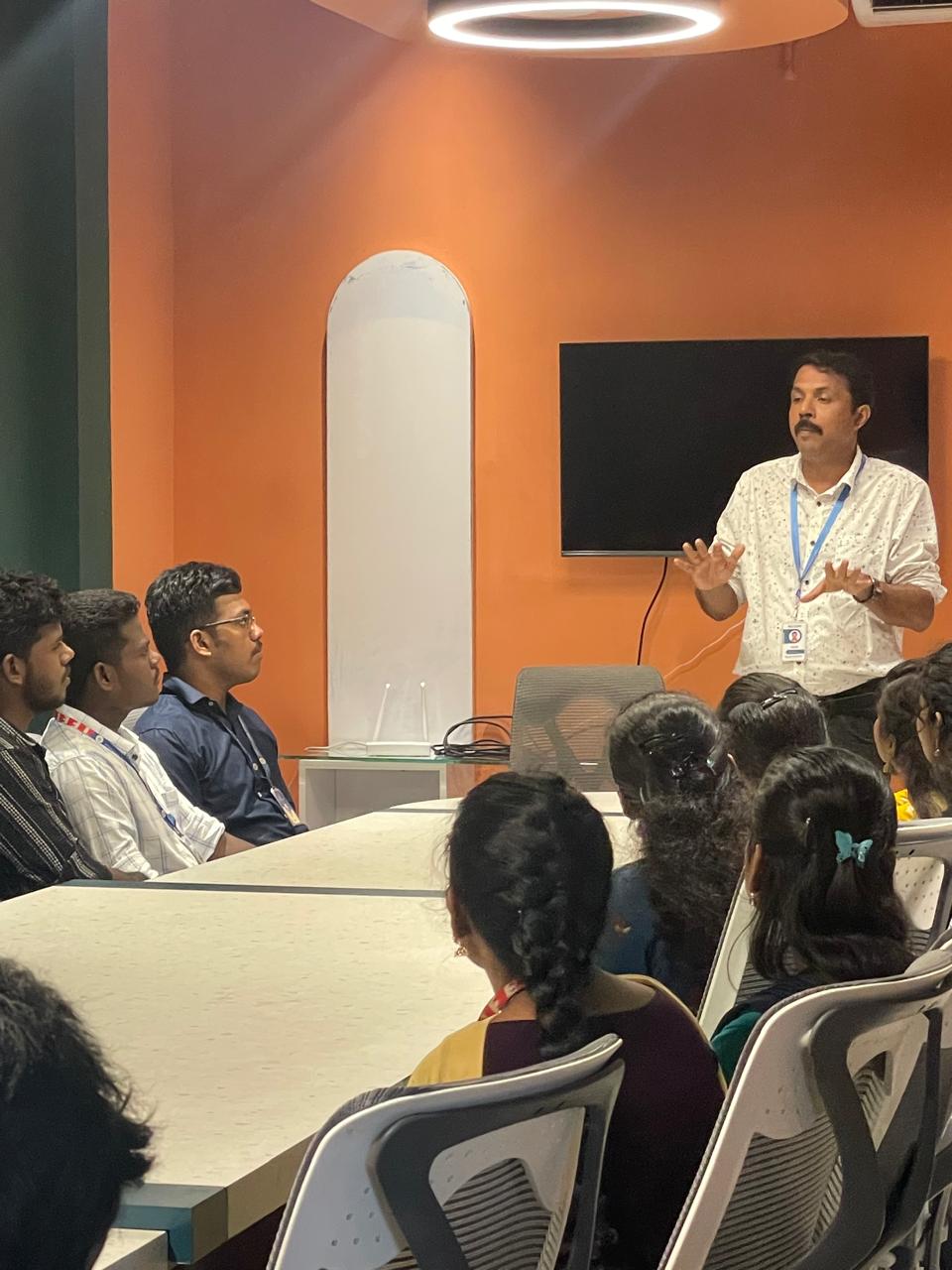
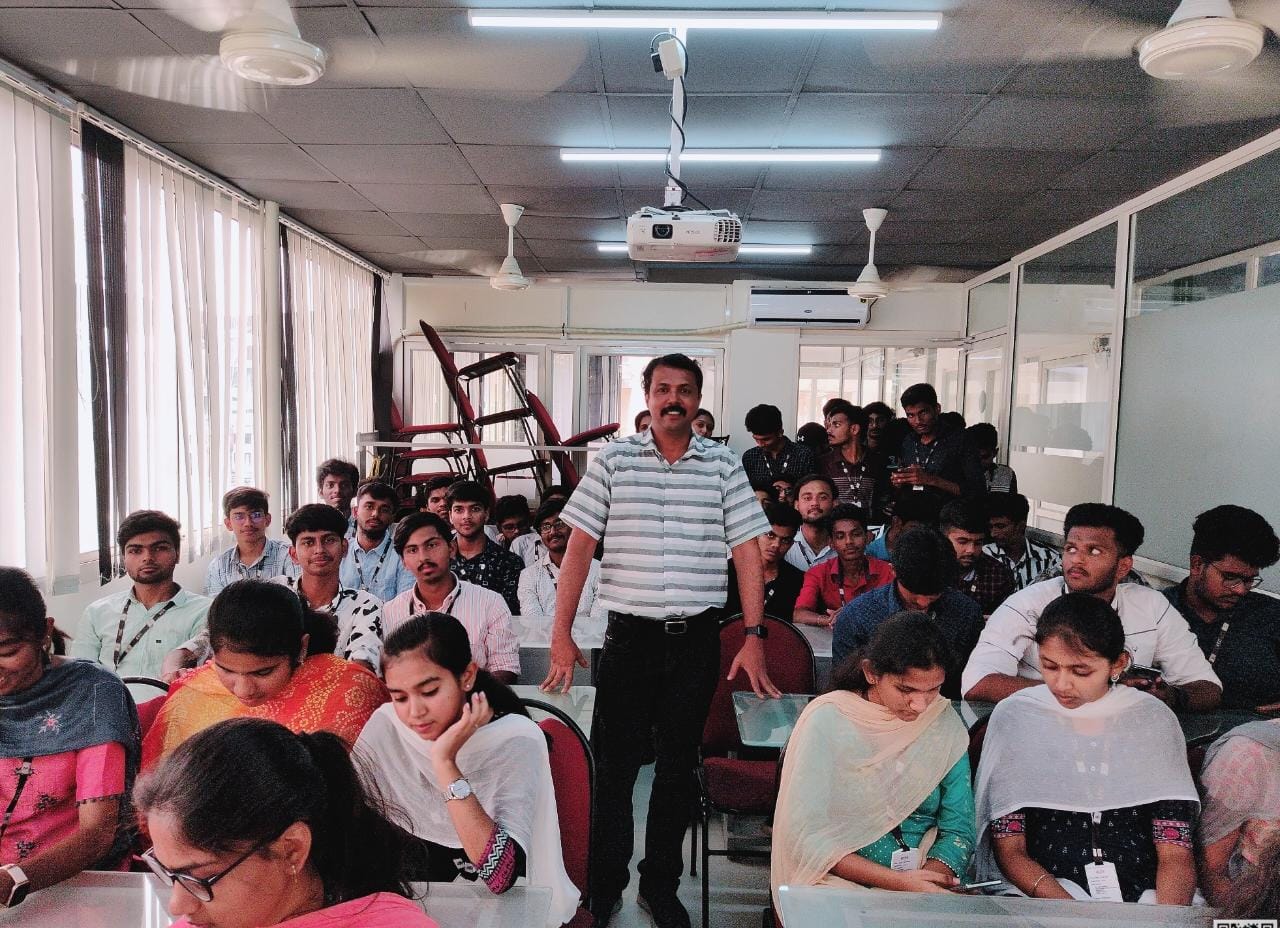
Our Training/Internship Process

AutoCAD Online Live Classes in Kerala | Free Demo Training

AutoCAD - Syllabus, Fees & Duration

INTRODUCTION OF AUTOCAD

  • Uses of AutoCAD
  • Different versions
  • Installation procedure

BASIC UNDERSTANDING

  • User interface
  • Different units and templates
  • Coordinate systems
  • Drawing settings
  • Concept of views
  • Create and Save

BASIC IDEA OF TOOLS AND MENUS

  • Application button
  • Quick access toolbar
  • Tabs and ribbon areas
  • Panels
  • Drawing area
  • Status bar

BASIC DRAWINGS

  • Making simple lines, polylines, rectangles
  • Creation of arcs, circles, ellipses
  • Use of ortho and polar mode
  • Simple and advance object snaps
  • Object snap tracking

BASIC MODIFY TOOLS

  • Scaling of objects
  • Rotation of objects
  • Move, copy ,trim and extend objects
  • Joining and extend tools
  • Offset, fillet and mirror of objects

MAJOR DRAWINGS

  • Isometric, mechanical and electrical drawings with advanced building drawings
  • Drawing with Hatch tools and their applications
  • Making rectangular, polar and path array
  • Use of multi function grips and dynamic input
  • Drawing of different components of building

REUSING EXISTING CONTENT

  • Creation, understanding and insertion of blocks
  • Modifying and start write block
  • Use of different block libraries
  • Attributes

OBJECT ORGANISATION

  • Understanding and assigning layers
  • By layer and by block
  • Enquiry tools
  • Purge and rename command

ANNOTATIONS

  • Basic and advance dimensions and their style
  • Multileader
  • Creation and modifying table with styles
  • Different text styles

LAYOUT AND PRINTING

  • Page setup and plotting drawing
  • Viewports
  • Creation of annotative dimensions

Download Syllabus - AutoCAD
This syllabus is not final and can be customized as per needs/updates
   
10000+
20+
50+
25+

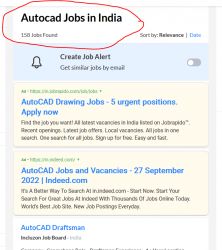
AutoCAD Jobs in Kerala

Enjoy the demand

Find jobs related to AutoCAD in search engines (Google, Bing, Yahoo) and recruitment websites (monsterindia, placementindia, naukri, jobshybrid.com, indeed.co.in, shine.com etc.) based in Kerala, chennai and europe countries. You can find many jobs for freshers related to the job positions in Kerala.

  • AutoCAD Draughtsman
  • Junior Architect
  • Junior Interior Designer
  • AutoCAD Designer
  • Junior Civil Engineer
  • AutoCAD Civil Drafters
  • 3D Design
  • Junior Design Executive
  • Structural Draughtsman
  • AutoCAD Engineer

AutoCAD Internship/Course Details

AutoCAD internship jobs in Kerala
AutoCAD CAD interface makes it the best technical designing beginners software for study and initial stages of engineering designing career. In mechanical engineering, it is used to create manufacturing processes as well as to design motor parts, robots and other innovative objects. AutoCAD training by TechnoMaster in Kerala by Industry Experts. Owing to these merits, AutoCAD is undoubtedly the most widely accepted software in many areas around the Kerala. AutoCAD was first introduced in the month of December in 1982 as a desktop app running on microcomputers with internal graphics controllers. Its first release only use entities such as polygons, circles, lines, arcs, and text to construct complex objects. They are also adopted as a skill development application for a graduate-level of education. The errors in this software are really less compared to others, so it is accurate in many aspects. There are many merits of using AutoCAD. It is a computer aided design as well as drafting software with which we can create precise 2-D and 3-D drawings.


Meet a Few of our Industry Experts 🚀 Your Pathway to IT Career

Ankit

Mobile: +91 89210 61945
Location: Online (Kerala, India)
Qualification: Web developer

Experience: Ive good knowledge about web development including html css Javascript reactjs springboot etc   more..

Vishnuteja

Mobile: +91 9895490866
Location: Online (Kerala, India)
Qualification: B. Tech

Experience: Android development java c c++ json parsing rest api  more..

Doigobinda

Mobile: +91 8301010866
Location: Online (Kerala, India)
Qualification: B-tech

Experience: Creation and modification storage account of azure vault creation File & Folder shearing with on premises system knowledge of Azure  more..

Sanjay

Mobile: +91 91884 77559
Location: Online (Kerala, India)
Qualification: BCom

Experience: UI design and development UX design UX research prototyping wireframing Visual design front end development created websites and landing pages  more..

Rakesh

Mobile: +91 94975 90866
Location: Online (Kerala, India)
Qualification: btech

Experience: Dear Sir Madam I am applying for the position of QA in payment testing integration Currently working as an Software  more..

lingudu

Mobile: +91 98474 90866
Location: Online (Kerala, India)
Qualification: B.tech

Experience: AUTO CAD CATIA ANSYS basic C python  more..

Niharika

Mobile: +91 91884 77559
Location: Online (Kerala, India)
Qualification: Bca

Experience: Digital marketing Web development frontend  more..

GOVIND

Mobile: +91 8301010866
Location: Online (Kerala, India)
Qualification: M.Tech

Experience: I’m interested in the role you posted: Web developer Based on my experience as Leetcode(Solved 730+ problems) || GFG(Solved 340+  more..

Akbar

Mobile: +91 91884 77559
Location: Online (Kerala, India)
Qualification: Diploma

Experience: Hello Akbar Khan! I'm a 19-year-old with a year of experience in graphic design and web development I've honed my  more..

Afjitha

Mobile: +91 91884 77559
Location: Online (Kerala, India)
Qualification: Btech

Experience: 2 5 years of experience in Automation testing using selenium java TestNG framework BDD cucumber selenium TestNG API testing using  more..

Milan

Mobile: +91 94975 90866
Location: Online (Kerala, India)
Qualification: BCA

Experience: Self taught in development language: Java Python SQL C C++ Understanding of it Networks and Security: Computer Networking Tools Proficiency:  more..

Chandrasekar

Mobile: +91 91884 77559
Location: Online (Kerala, India)
Qualification: BE Mechanical

Experience: I am Expertise in User Researches Wireframing App design Web design Empathetic   more..

Ghanshyam

Mobile: +91 91884 77559
Location: Online (Kerala, India)
Qualification: graduate

Experience: php laravel Html MySql jQuery Ajax and basic Css  more..

Aiswarya

Mobile: +91 91884 77559
Location: Online (Kerala, India)
Qualification: BSC COMPUTER Science

Experience: 9 month training experience with software testing   more..

Rahul

Mobile: +91 98474 90866
Location: Online (Kerala, India)
Qualification: Bsc.IT

Experience: Automation testing as well As Manual Testing POM Design Patterns TestNG SQL Stored procedure API Testing Using Postman   more..

Katyayani

Mobile: +91 89210 61945
Location: Online (Kerala, India)
Qualification: Bachelor of Engineering

Experience: Microsoft excel PowerPoint word web development Canva Creative design editing  more..

PURNAWATI

Mobile: +91 91884 77559
Location: Online (Kerala, India)
Qualification: MCA

Experience: I have skill of Python developer I am fresher   more..

Rajkumar.p

Mobile: +91 89210 61945
Location: Online (Kerala, India)
Qualification: BE.ECE

Experience: Completed six month of trainning in odoo development   more..

Prathmesh

Mobile: +91 91884 77559
Location: Online (Kerala, India)
Qualification: Mca

Experience: HTML css javascript php   more..

sreena

Mobile: +91 9895490866
Location: Online (Kerala, India)
Qualification: B-tech, CSE

Experience: I have 6 year experience in web designing and content management system and from last one and half years i  more..

DOI

Mobile: +91 98474 90866
Location: Online (Kerala, India)
Qualification: Btech

Experience: Java Android kotlin Rest-Api Third party libraries xml retrofit firebase flutter dart  more..

Aboozer

Mobile: +91 91884 77559
Location: Online (Kerala, India)
Qualification: Phd

Experience: I am Aboozer a recent pass out from Aligarh Muslim University I have just completed my PhD degree in Arabic  more..

Aravindh

Mobile: +91 98474 90866
Location: Online (Kerala, India)
Qualification: BE

Experience: Experience - 1 year Skill : 1 Manual Testing (Functional testing) 2 Automation Testing ( Selenium Maven Junit Testing BDD  more..

Shaik

Mobile: +91 89210 61945
Location: Online (Kerala, India)
Qualification: Bcom computers

Experience: 1 year of experience in front end development my skills are html css javascript react js wix   more..

Success Stories

The enviable salary packages and track record of our previous students are the proof of our excellence. Please go through our students' reviews about our training methods and faculty and compare it to the recorded video classes that most of the other institutes offer. See for yourself how TechnoMaster is truly unique.

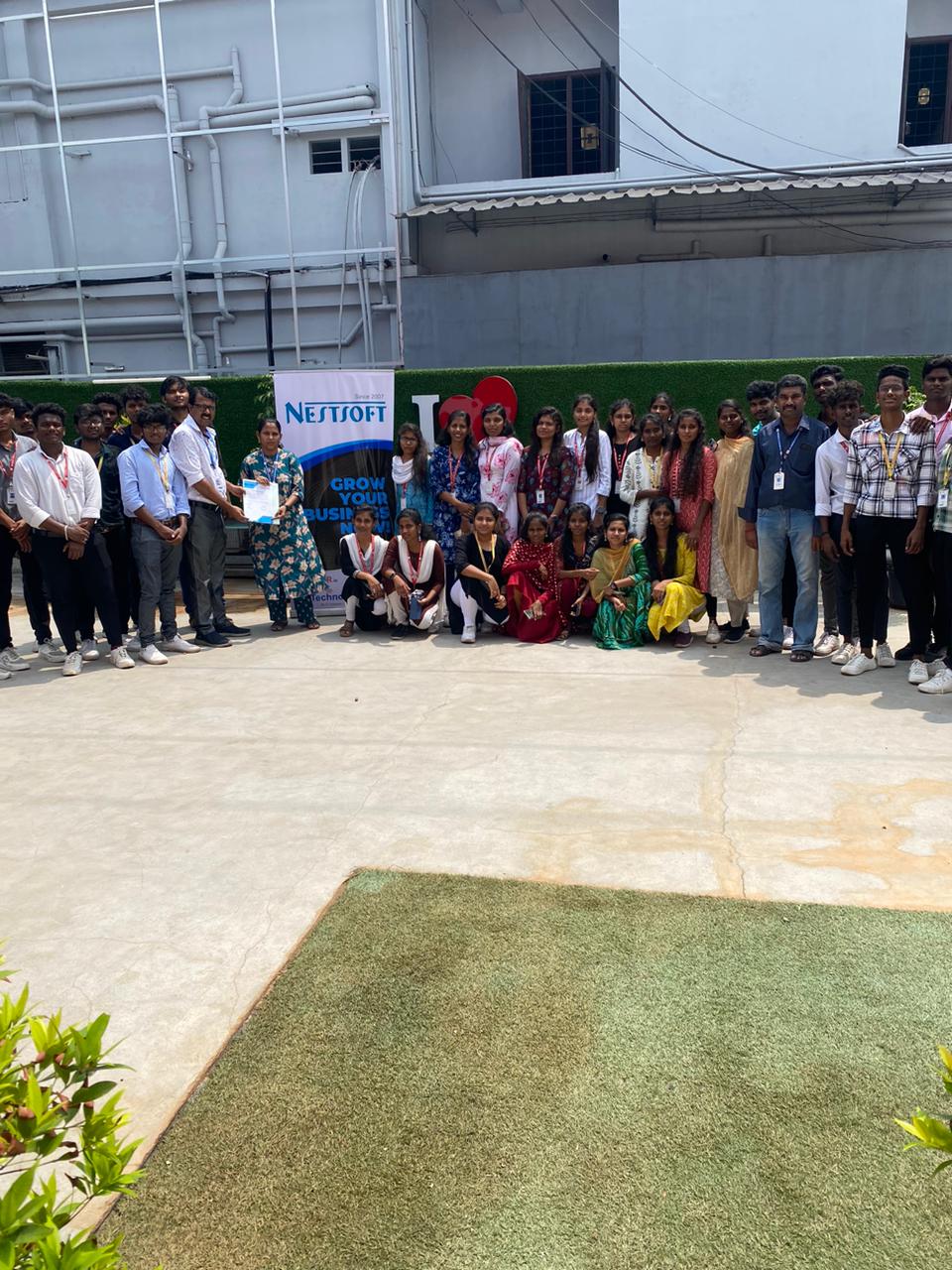
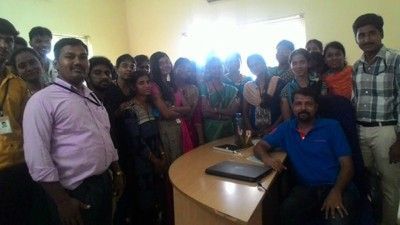
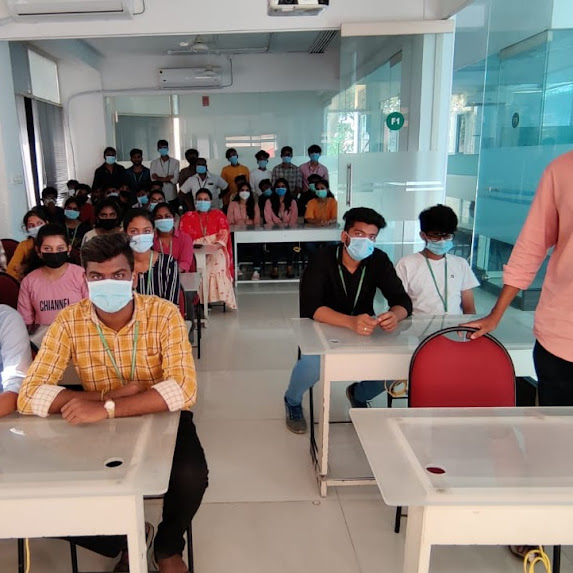
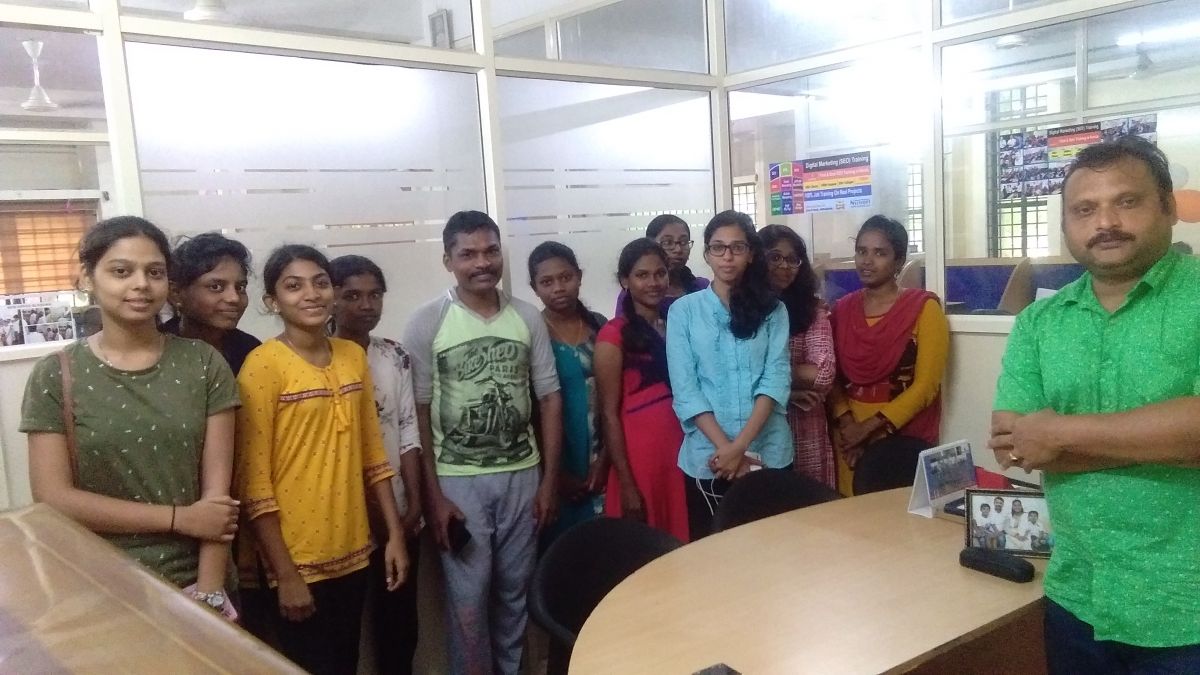
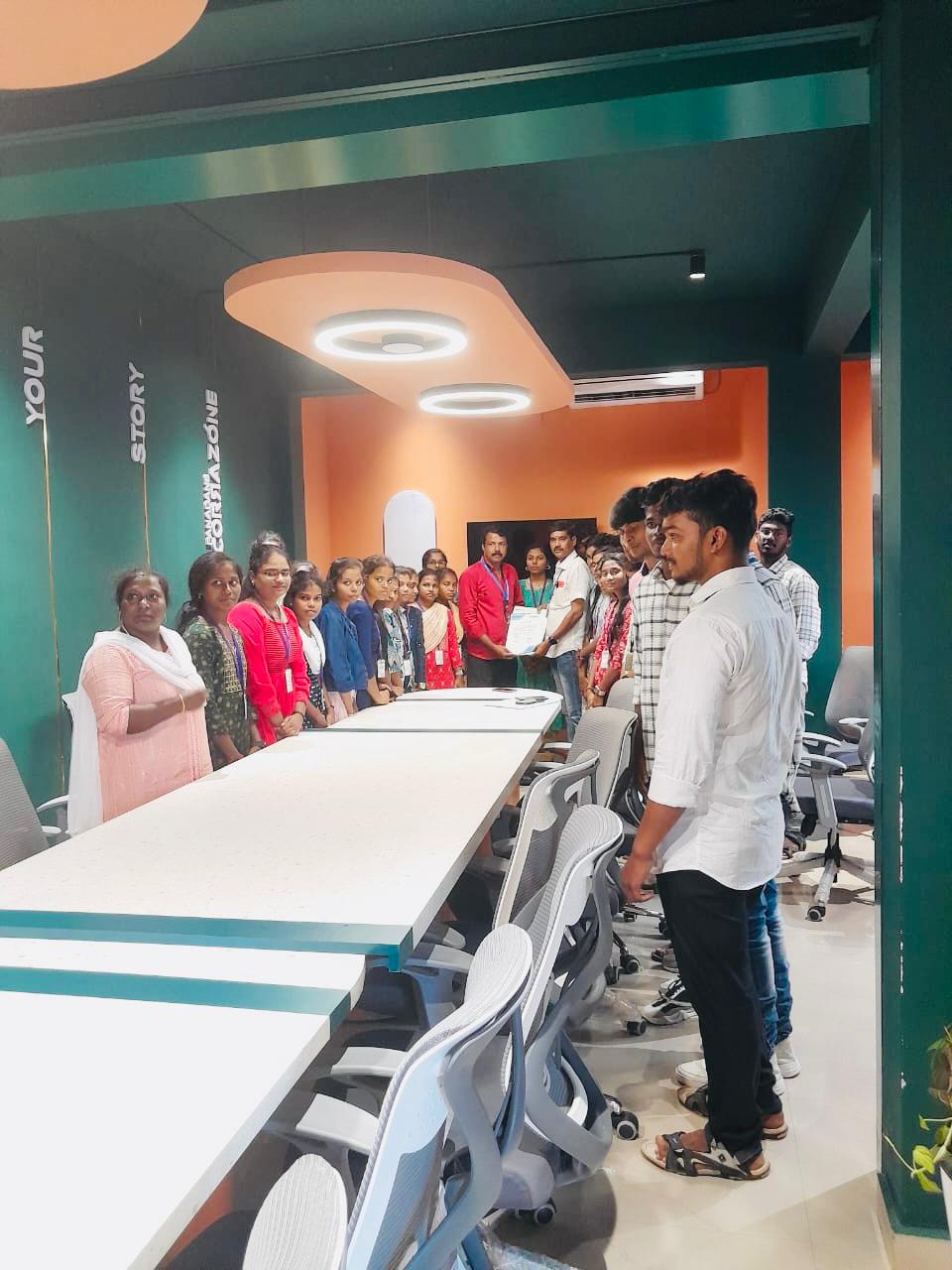
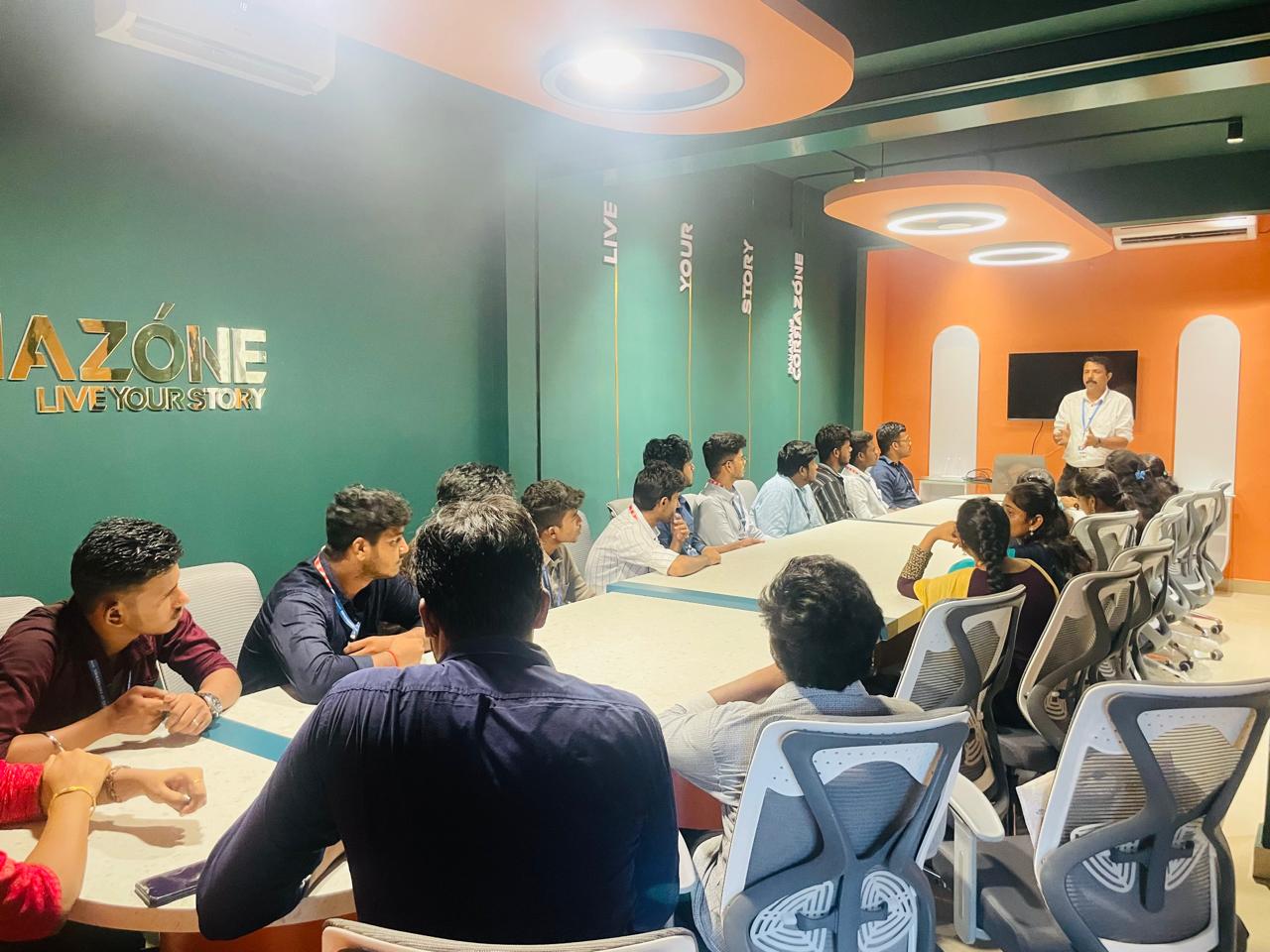
Photos of Training / Internships

Internship/projects in kerala

Trained more than 10000+ students who trust Nestsoft TechnoMaster

Get Your Personal Trainer