Send enquiry ⏎

Android Online Live Class by Experts

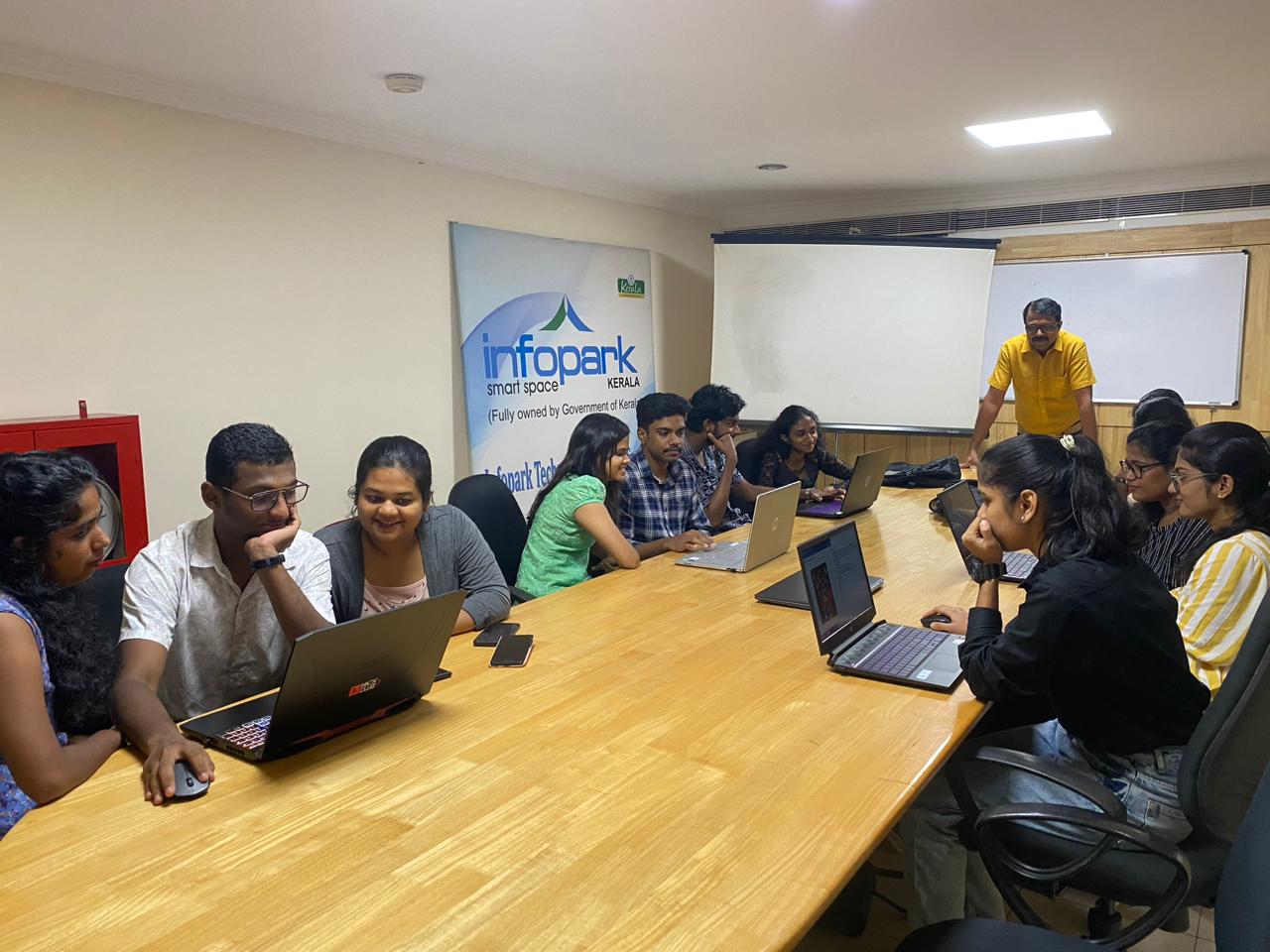
Our Training/Internship Process

Android Online Live Classes in Kannur | Free Demo Training

Android - Syllabus, Fees & Duration

Getting Started with Kotlin

  • Define Kotlin
  • Environment Setup
  • First Program Concept
  • Kotlin Variable and Data Type
  • Kotlin Type Conversion
  • Kotlin Operator
  • Input/Output

Control Flow

  • if Expression
  • when Expression
  • for Loop and while Loop
  • Do while Loop
  • Return and Jump
  • Continue Structure

Exploring Kotlin Functions

  • Kotlin Function
  • Recursion Function
  • Default and Named Argument
  • Kotlin Lambdas
  • Higher-Order Function
  • Kotlin Inline Function

Exception Handling

  • Kotlin Try Catch
  • Multiple Catch Block
  • Nested Try Block
  • Kotlin Finally Block
  • Kotlin Throw Keyword

Overview of Collections

  • Mutable Array
  • Kotlin Collections
  • List: listOf()
  • mutableListOf()
  • Kotlin ArrayList
  • arrayListOf()
  • Map: mapOf()
  • Kotlin HashMap
  • hashMapOf() and mutableMapOf()
  • Set: setOf()
  • mutableSetOf() and hashSetOf()

Exploring Kotlin OOPs

  • Class and Object
  • Nested and Inner Class
  • Kotlin Constructor
  • Visibility Modifier
  • Kotlin Inheritance
  • Abstract Class
  • Kotlin Interface
  • Data and Sealed Class
  • Extension Function
  • Kotlin Generics

Introduction to Ranges

  • Integer Type Range
  • Working Ranges
  • Utility Function

Get Started with Kotlin Android

  • Install Android Studio
  • Hello World App
  • Android TextView and EditText
  • Kotlin Android Toast
  • Android Button and Custom Toast
  • Android Explicit and Implicit Intent
  • Android ListView and AlertDialog
  • Android Context Menu and Custom ListView
  • Android Options Menu and Android Popup Menu
  • Android WebView and SeekBar
  • TabLayout with FrameLayout and ViewPager
  • XML Parsing using DOM Parser and SAX Parsers
  • Android XMLPullParser

Download Syllabus - Android
This syllabus is not final and can be customized as per needs/updates
   
10000+
20+
50+
25+

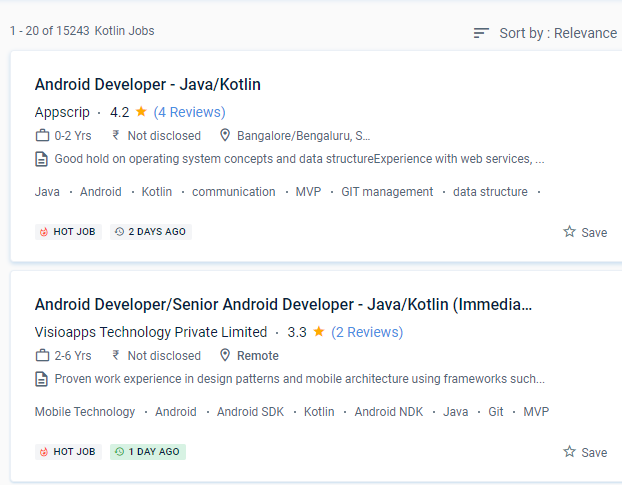
Android Jobs in Kannur

Enjoy the demand

Find jobs related to Android in search engines (Google, Bing, Yahoo) and recruitment websites (monsterindia, placementindia, naukri, jobshybrid.com, indeed.co.in, shine.com etc.) based in Kannur, chennai and europe countries. You can find many jobs for freshers related to the job positions in Kannur.

  • Android Developer
  • Mobile Application developer
  • IOS/Android App Developer
  • Android Trainer
  • Mobile Application Architect
  • Android Kotlin Engineer
  • Kotlin Developer
  • Native Android Developer
  • Mobile Security Engineer
  • Lead Android Engineer

Android Internship/Course Details

Android internship jobs in Kannur
Android Kotlin programmers have access to all Java frameworks and libraries while producing simple and succinct code. Even if you make a mistake when coding the code, you can fix it right away. Kotlin has a diverse range of work options in today's globe. This means that creators will continue to use the same toolbox for all of their Kotlin requests. If you're familiar with Kotlin, you'll have no trouble understanding. The ability to use and share information from Java in a variety of ways is Kotlin's most powerful feature. The downloadable gear for the gadgets came in a variety of shapes and sizes, and it was enough to keep you enthralled for hours. Because Kotlin is utilized for both web and server-side programming, you'll be able to add a lot of strings to your bow. We anticipate that first-class Android support will attract a large number of users to Kotlin and that the community will grow dramatically. With the help of this program may convert difficult code into a more basic form without wasting time.


Meet a Few of our Industry Experts 🚀 Your Pathway to IT Career

Vinod

Mobile: +91 98474 90866
Location: Online (Kannur, India)
Qualification: Mba

Experience: Ccna Hardware and networking Mcdst Tally |   more..

Nandan

Mobile: +91 91884 77559
Location: Online (Kannur, India)
Qualification: BTech

Experience: 2 years of experience in manual testing and automation testing selenium using java and Cypress with JavaScript API Testing using  more..

vinoth

Mobile: +91 98474 90866
Location: Online (Kannur, India)
Qualification: Diploma

Experience: I am a Creative graphic designer I have more than 11 years experience in Print and Digital graphic designs and  more..

Muaaz

Mobile: +91 98474 90866
Location: Online (Kannur, India)
Qualification: 12th

Experience: I m graphic design social media flyer Software photoshop and premier pro  more..

Geerthana

Mobile: +91 94975 90866
Location: Online (Kannur, India)
Qualification: BE cse

Experience: I had an experience in both manual and automation testing known some frameworks like Testng bdd with cucumber data driven  more..

Sahal

Mobile: +91 89210 61945
Location: Online (Kannur, India)
Qualification: BCA

Experience: manual testing automation testing test case test scenario bug report selenium basics of Java basics of SQL server jmeter API  more..

sirajudheeen

Mobile: +91 98474 90866
Location: Online (Kannur, India)
Qualification: Bca

Experience: python angular ionic C# Asp Net Django Flask Mysql SqlServer 6 month python internshp 4 month fullstack developerApplication for Meanstack  more..

Nehamol

Mobile: +91 91884 77559
Location: Online (Kannur, India)
Qualification: B.Tech

Experience: manual testing sql java html css  more..

Madhumitha

Mobile: +91 98474 90866
Location: Online (Kannur, India)
Qualification: B.Tech IT

Experience: Experience : 3years Skills Front End Jquery Javascript Ajax Bootstrap html css Backend Laravel php Database Mysql |   more..

Ejaj

Mobile: +91 91884 77559
Location: Online (Kannur, India)
Qualification: Bsc. IT

Experience: Java Android kotlin Flutter MVVM Sqlite database one year experience in android developer  more..

Awaneesh

Mobile: +91 91884 77559
Location: Online (Kannur, India)
Qualification: Bachelor of engineering (IT)

Experience: Html5 CSS javascript bootstrap WordPress php mysql c++ total experience -1 year relevant experience -0 year  more..

Dumas

Mobile: +91 9895490866
Location: Online (Kannur, India)
Qualification: MCA

Experience: I have a two years experienced as a WordPress developer in past two companies and taken classes to the few  more..

MEGHANA

Mobile: +91 89210 61945
Location: Online (Kannur, India)
Qualification: BE in computer science and Engineering

Experience: I have skills like designing creative posters logo and thumbnails i use Canva as my designing tool and i have  more..

Bhavitha

Mobile: +91 8301010866
Location: Online (Kannur, India)
Qualification: BTech

Experience: Freelance Product Designer | Tassel Tales Conducted user research and crafted personas to inform design decisions boosting usability scores Designed  more..

Arvind

Mobile: +91 91884 77559
Location: Online (Kannur, India)
Qualification: Btech

Experience: I have good knowledge Java programming and also know social media marketing and SEO and frond end technology  more..

Komal

Mobile: +91 8301010866
Location: Online (Kannur, India)
Qualification: BE

Experience: I am fresher but I have done internsip in wordpress Developer that reason i have knowledge about this position   more..

Visal

Mobile: +91 8301010866
Location: Online (Kannur, India)
Qualification: BSc Computer Science

Experience: Experienced in Software testing from Cognizant Technology Solutions Has skills in Manual testing design and execution Selenium automation based on  more..

Vicky

Mobile: +91 8301010866
Location: Online (Kannur, India)
Qualification: B.com

Experience: Computer Hardware computer networking CCNA I have 2 6 years experience this Sector |   more..

Karthiga

Mobile: +91 98474 90866
Location: Online (Kannur, India)
Qualification: Mca

Experience: I'm a frontend developer with 1 6 yrs of professional experience in developing a user friendly website |   more..

Neetu

Mobile: +91 91884 77559
Location: Online (Kannur, India)
Qualification: MCA

Experience: Data Structures algorithms c++ SQL DBMS Golang Object oriented programming Operating system Computer networking  more..

Akshata

Mobile: +91 91884 77559
Location: Online (Kannur, India)
Qualification: MBA IN MARKETING

Experience: 1 9 years Experience On-page seo Off-page seo Google search console Google Analytics Seo tools Social media marketing Keywords research  more..

Nikita

Mobile: +91 91884 77559
Location: Online (Kannur, India)
Qualification: MCA

Experience: Quickblox • Retrofit • Asynctask • Stripe • Sms gateway • RoomDatabase • SQLite • Razorpay Integration • Push Notification  more..

Dhiraj

Mobile: +91 91884 77559
Location: Online (Kannur, India)
Qualification: Bachelor of engineering

Experience: I worked on 2 3 projects in Mern stack I have little bit knowledge in Java I completed web development  more..

Aditi

Mobile: +91 91884 77559
Location: Online (Kannur, India)
Qualification: currently doing btech

Experience: python kali linux packet tracer cyber security fundamentals networking fundamentals ethical hacking fundamentals team work problem solving  more..

Success Stories

The enviable salary packages and track record of our previous students are the proof of our excellence. Please go through our students' reviews about our training methods and faculty and compare it to the recorded video classes that most of the other institutes offer. See for yourself how TechnoMaster is truly unique.


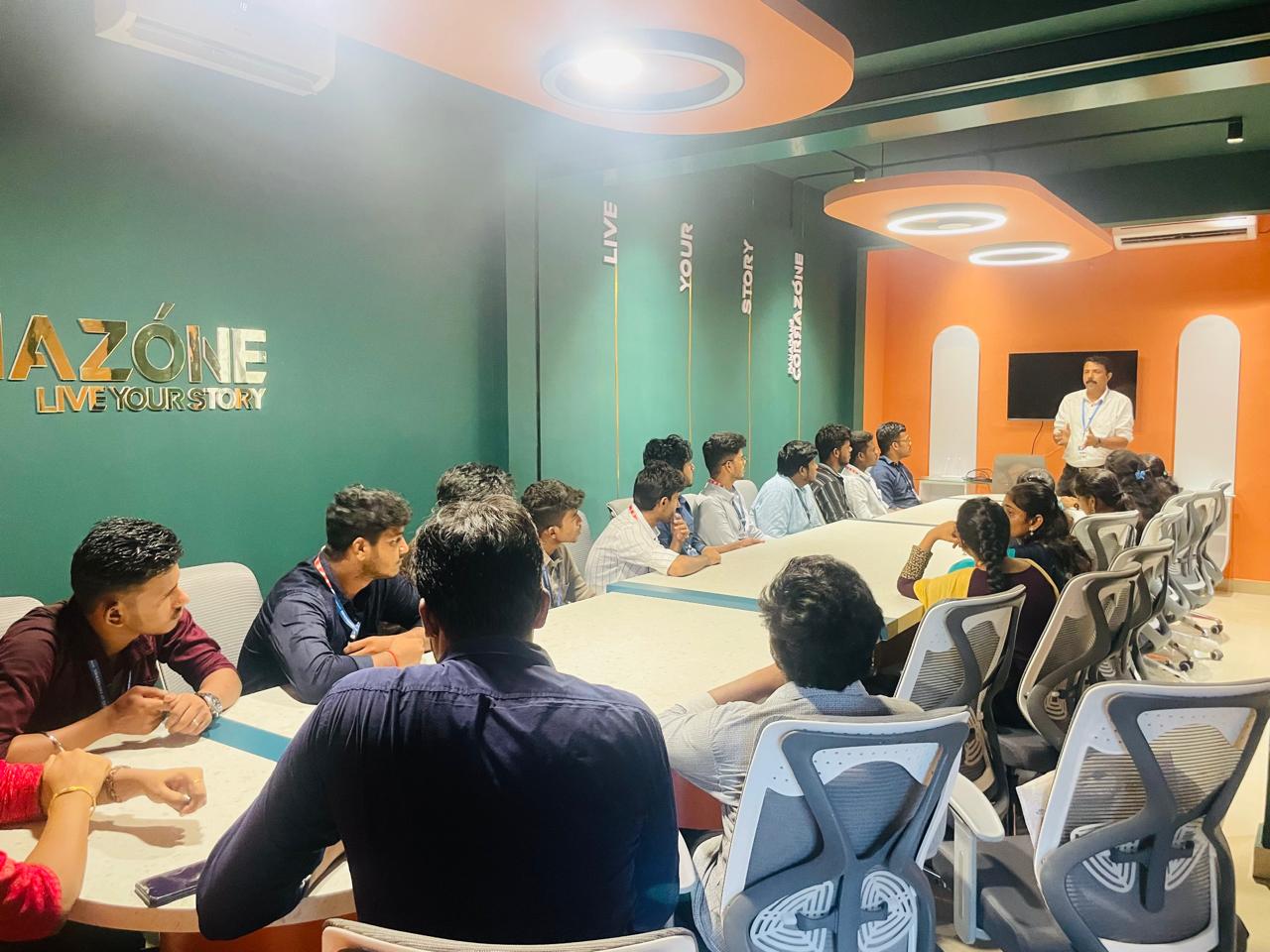
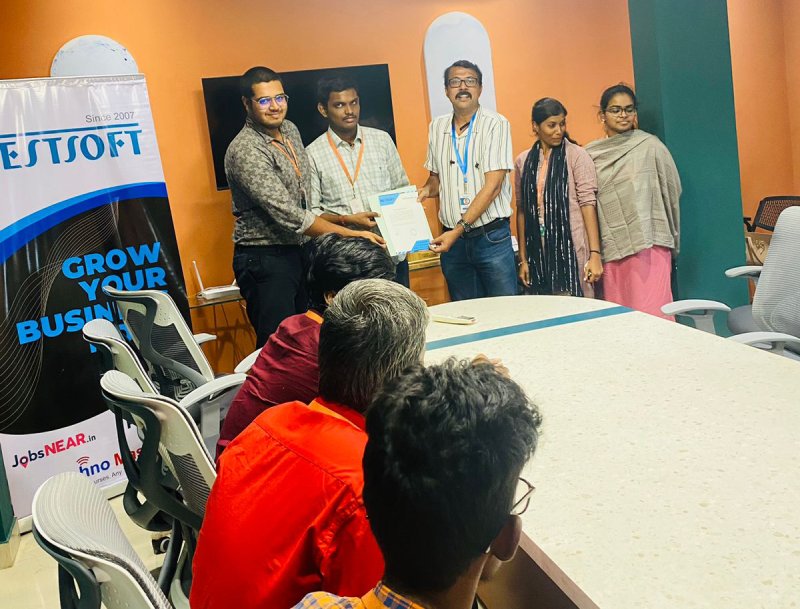
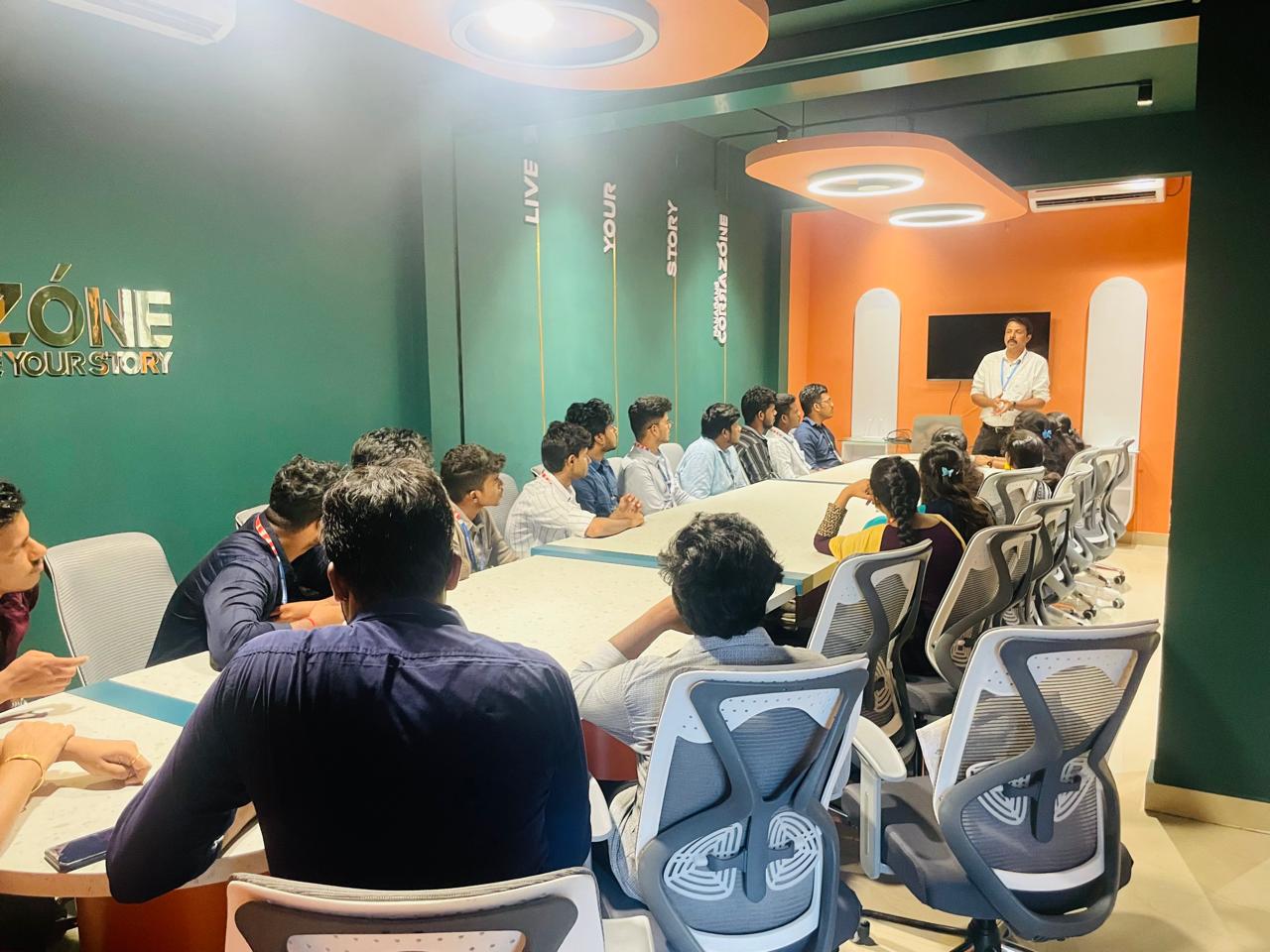
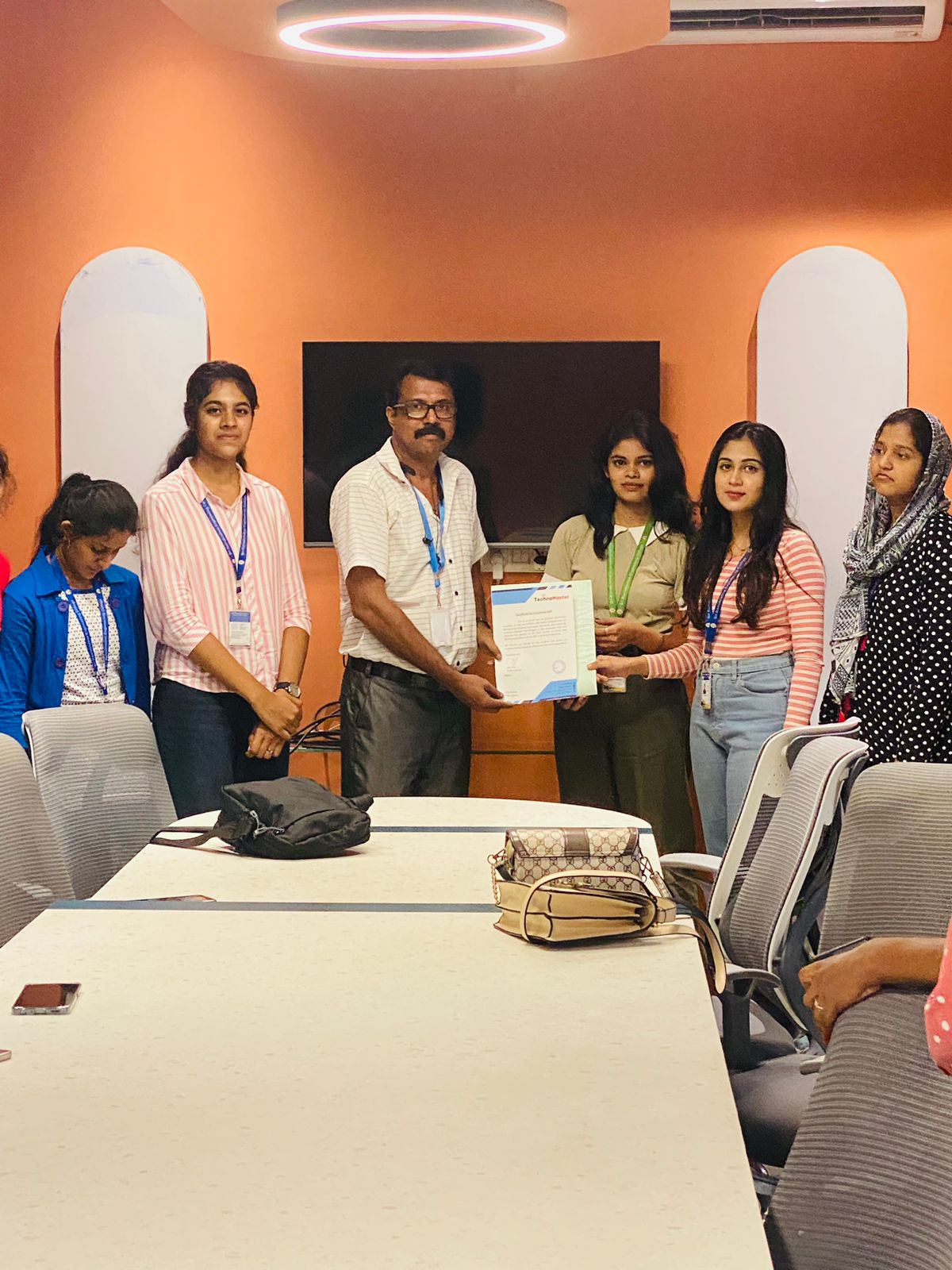
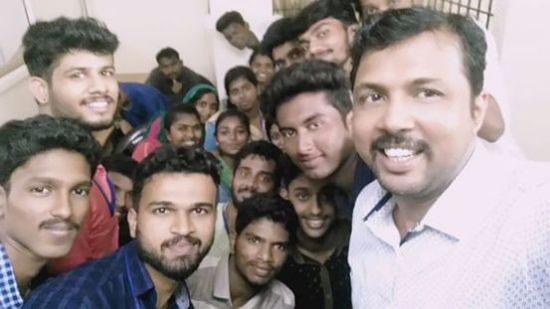
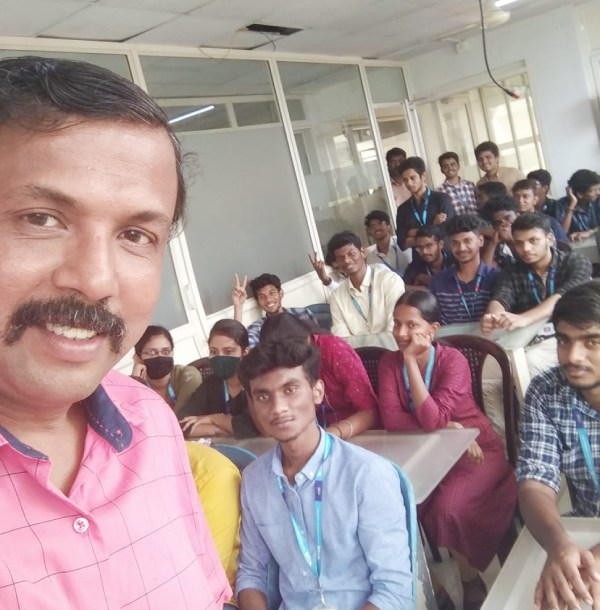
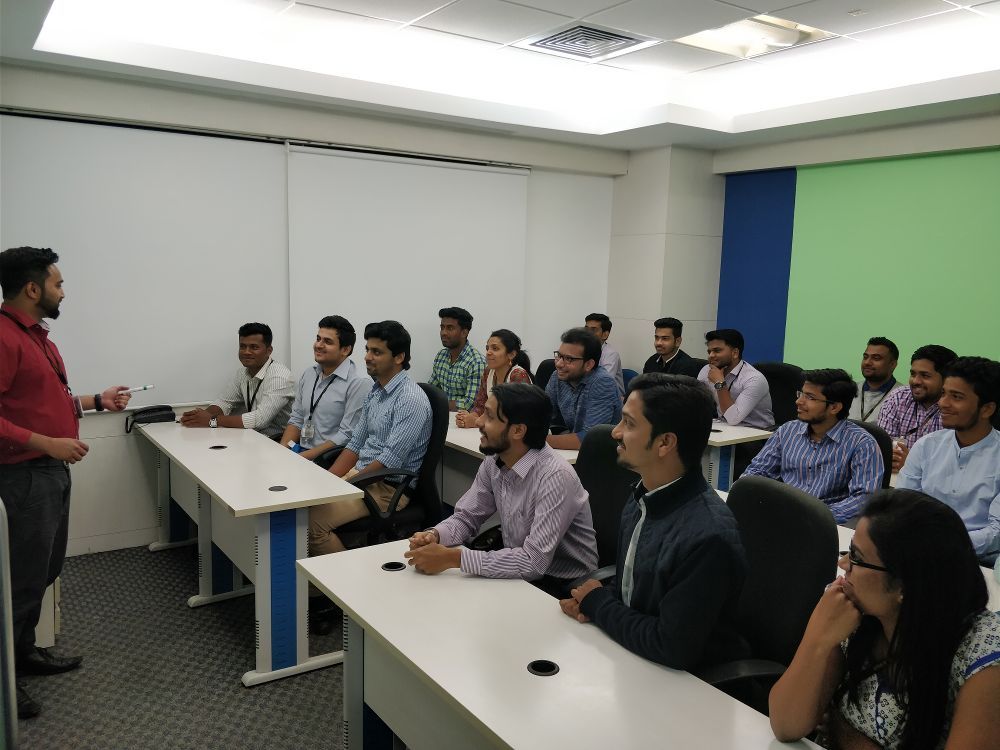
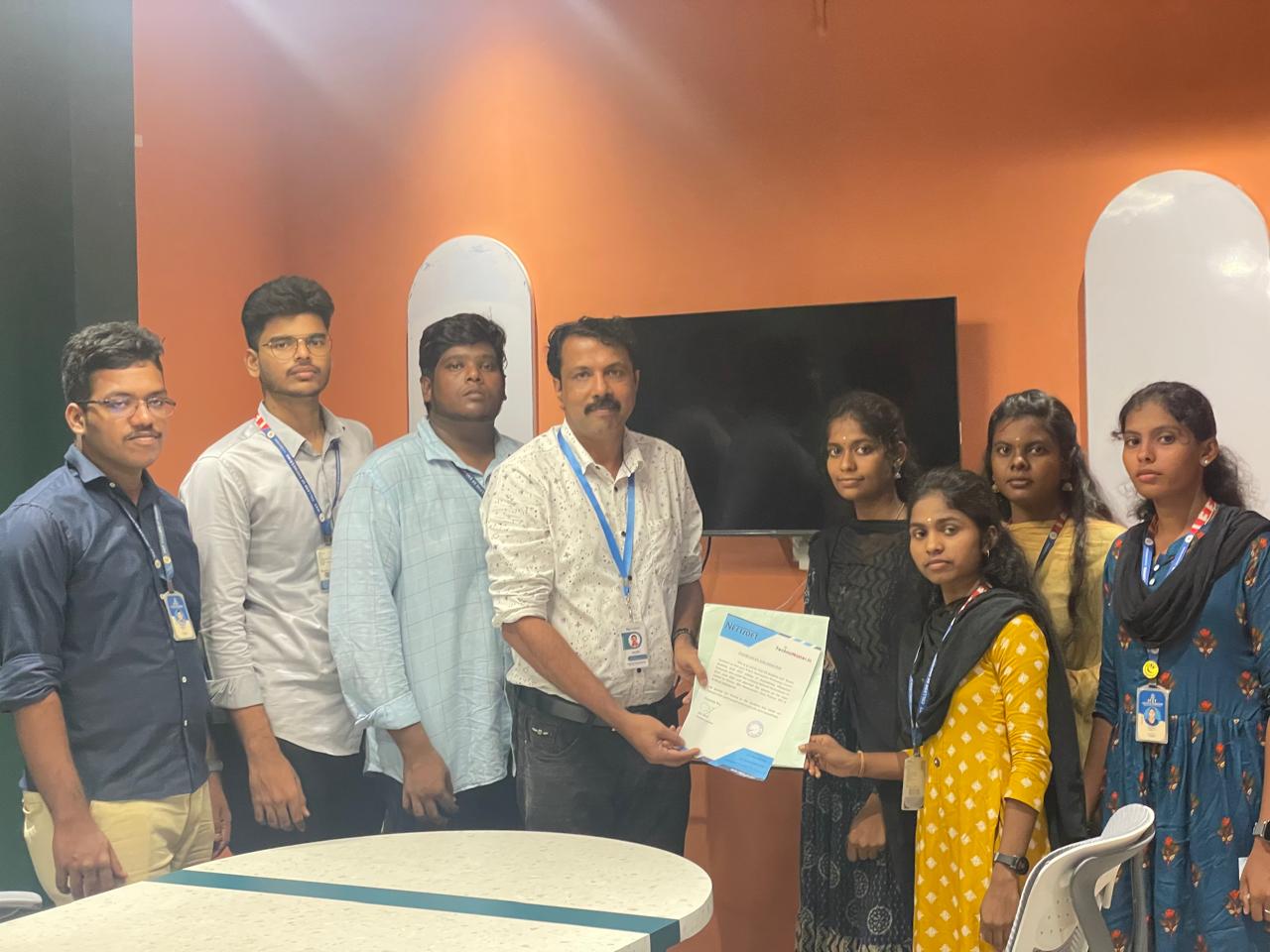
Photos of Training / Internships

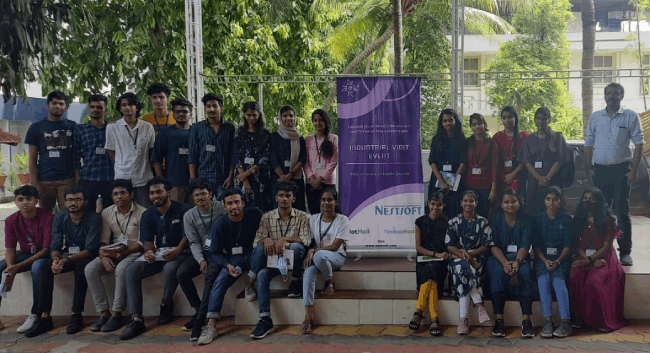
Internship/projects in kannur

Trained more than 10000+ students who trust Nestsoft TechnoMaster

Get Your Personal Trainer