Send enquiry ⏎

Android Online Live Class by Experts

Our Training/Internship Process

Android Online Live Classes in Mangaluru | Free Demo Training

Android - Syllabus, Fees & Duration

Getting Started with Kotlin

  • Define Kotlin
  • Environment Setup
  • First Program Concept
  • Kotlin Variable and Data Type
  • Kotlin Type Conversion
  • Kotlin Operator
  • Input/Output

Control Flow

  • if Expression
  • when Expression
  • for Loop and while Loop
  • Do while Loop
  • Return and Jump
  • Continue Structure

Exploring Kotlin Functions

  • Kotlin Function
  • Recursion Function
  • Default and Named Argument
  • Kotlin Lambdas
  • Higher-Order Function
  • Kotlin Inline Function

Exception Handling

  • Kotlin Try Catch
  • Multiple Catch Block
  • Nested Try Block
  • Kotlin Finally Block
  • Kotlin Throw Keyword

Overview of Collections

  • Mutable Array
  • Kotlin Collections
  • List: listOf()
  • mutableListOf()
  • Kotlin ArrayList
  • arrayListOf()
  • Map: mapOf()
  • Kotlin HashMap
  • hashMapOf() and mutableMapOf()
  • Set: setOf()
  • mutableSetOf() and hashSetOf()

Exploring Kotlin OOPs

  • Class and Object
  • Nested and Inner Class
  • Kotlin Constructor
  • Visibility Modifier
  • Kotlin Inheritance
  • Abstract Class
  • Kotlin Interface
  • Data and Sealed Class
  • Extension Function
  • Kotlin Generics

Introduction to Ranges

  • Integer Type Range
  • Working Ranges
  • Utility Function

Get Started with Kotlin Android

  • Install Android Studio
  • Hello World App
  • Android TextView and EditText
  • Kotlin Android Toast
  • Android Button and Custom Toast
  • Android Explicit and Implicit Intent
  • Android ListView and AlertDialog
  • Android Context Menu and Custom ListView
  • Android Options Menu and Android Popup Menu
  • Android WebView and SeekBar
  • TabLayout with FrameLayout and ViewPager
  • XML Parsing using DOM Parser and SAX Parsers
  • Android XMLPullParser

Download Syllabus - Android
This syllabus is not final and can be customized as per needs/updates
   
10000+
20+
50+
25+

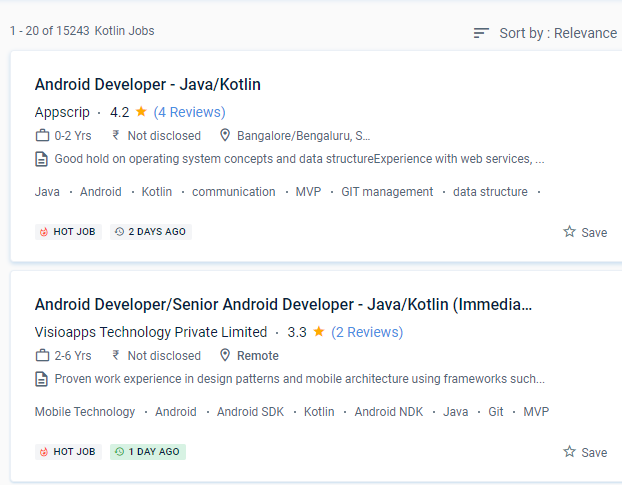
Android Jobs in Mangaluru

Enjoy the demand

Find jobs related to Android in search engines (Google, Bing, Yahoo) and recruitment websites (monsterindia, placementindia, naukri, jobshybrid.com, indeed.co.in, shine.com etc.) based in Mangaluru, chennai and europe countries. You can find many jobs for freshers related to the job positions in Mangaluru.

  • Android Developer
  • Mobile Application developer
  • IOS/Android App Developer
  • Android Trainer
  • Mobile Application Architect
  • Android Kotlin Engineer
  • Kotlin Developer
  • Native Android Developer
  • Mobile Security Engineer
  • Lead Android Engineer

Android Internship/Course Details

Android internship jobs in Mangaluru
Android The ability to use and share information from Java in a variety of ways is Kotlin's most powerful feature. Kotlin includes several simple ideas and strategies that can help developers cut needless code and build apps more quickly. This Android training course starts with the principles of Java programming and progresses to full-fledged Android application development for Android Java and Android Kotlin fundamentals. If you're familiar with Kotlin, you'll have no trouble understanding. Developers that utilize mobile app development can use a single codebase for both iOS and Android apps. The library needed to create Kotlin Apps is quite tiny, and Kotlin compilation times are already comparable to Java. Kotlin is proving to be a pragmatic, modern, and intuitive programming language, with Google declaring it to be the most popular language for android app developers. The most effective aspect of the apps was that they were most useful and entertaining. We anticipate that first-class Android support will attract a large number of users to Kotlin and that the community will grow dramatically. When developing using Kotlin, you may prevent mistakes like NullPoint Exceptions.


Meet a Few of our Industry Experts 🚀 Your Pathway to IT Career

sreelakshmi

Mobile: +91 91884 77559
Location: Online (Mangaluru, India)
Qualification: MCA

Experience: I have recently completed software testing course & Training from STC Technology and i have completed my postgraduation in MCA  more..

Shalini

Mobile: +91 9895490866
Location: Online (Mangaluru, India)
Qualification: B.Tech

Experience: Done software testing course  more..

Karthik

Mobile: +91 91884 77559
Location: Online (Mangaluru, India)
Qualification: BE

Experience: HTML CSS Javascript jquery Bootstrap java python i have experience in front end development around 4 months  more..

Krishnapriya

Mobile: +91 89210 61945
Location: Online (Mangaluru, India)
Qualification: B. Tech

Experience: Java kotlin flutter(basics) REST APIs JSON SQLite MYSQL XML JavaScript  more..

Karunakaran

Mobile: +91 94975 90866
Location: Online (Mangaluru, India)
Qualification: BE-ECE

Experience: Full-stack developer with 4+ years of experience in building web and mobile applications Proficient in Javascript frameworks (Angular React Ionic)  more..

Renilda

Mobile: +91 98474 90866
Location: Online (Mangaluru, India)
Qualification: BE

Experience: Knowledge in Manual and Automation testing Tools knowledge in Selenium Postman JIRA JMeter Basic knowledge in Java Training certification in  more..

Veena

Mobile: +91 8301010866
Location: Online (Mangaluru, India)
Qualification: B tech

Experience: Seo smm Done 3 months training in seo   more..

Deepesh

Mobile: +91 8301010866
Location: Online (Mangaluru, India)
Qualification: B.E

Experience: Deepesh has an overall 2 10 YOE as a Developer Automation tester in Deloitte’s Financial Services He has experience in  more..

Gopika

Mobile: +91 98474 90866
Location: Online (Mangaluru, India)
Qualification: Btech

Experience: Python developer software developer  more..

Linkan

Mobile: +91 8301010866
Location: Online (Mangaluru, India)
Qualification: M.E

Experience: Manual testing Automation Testing API Testing SQL  more..

Shivam

Mobile: +91 91884 77559
Location: Online (Mangaluru, India)
Qualification: B.Tech

Experience: I am skills in UXUI Design I am well versed with latest design process and design software tools such as  more..

Suman

Mobile: +91 94975 90866
Location: Online (Mangaluru, India)
Qualification: Bcom (honrs)

Experience: 1 Financial literacy: Understanding concepts like budgeting investing and managing personal and business finances 2 Analytical skills: Ability to analyze  more..

Komal

Mobile: +91 89210 61945
Location: Online (Mangaluru, India)
Qualification: BE

Experience: I am fresher but I have done internsip in wordpress Developer that reason i have knowledge about this position   more..

chandru

Mobile: +91 9895490866
Location: Online (Mangaluru, India)
Qualification: BCA

Experience: Automation and manual testing  more..

MEERALAKSHMI

Mobile: +91 91884 77559
Location: Online (Mangaluru, India)
Qualification: Btech

Experience: Programming languages like C java python coding skills Mysql DBMs Data structure and algorithms SDLC  more..

Joobin

Mobile: +91 91884 77559
Location: Online (Mangaluru, India)
Qualification: Mca

Experience: Sqllite json firebase react native java etc  more..

Karan

Mobile: +91 94975 90866
Location: Online (Mangaluru, India)
Qualification: B.Tech

Experience: Ability to work with DevOps best practices including improved scalability performance and reliability Configure automated builds and continuous software integration  more..

Ashwin

Mobile: +91 94975 90866
Location: Online (Mangaluru, India)
Qualification: BE.ECE

Experience: Python odoo   more..

Mahip

Mobile: +91 91884 77559
Location: Online (Mangaluru, India)
Qualification: B.Tech

Experience: Mahip Sureja Rajkot Gujarat Email: mahipsureja@gmail com Phone: 8469677383 LinkedIn: linkedin com in mahip-sureja-a80653198 I am a motivated and detail-oriented  more..

Susmi

Mobile: +91 94975 90866
Location: Online (Mangaluru, India)
Qualification: BCA

Experience: php laravel ajax jquery html api  more..

Shreethal

Mobile: +91 9895490866
Location: Online (Mangaluru, India)
Qualification: Btech

Experience: I have studied Computer science and engineering from Universal Engineering college under Abdul kalam technical university I possess rich domain  more..

Saheb

Mobile: +91 91884 77559
Location: Online (Mangaluru, India)
Qualification: B.Tech

Experience: Php javascript jQuery ajax wordpress codigniter laravel 8 years experience  more..

Jeevitha

Mobile: +91 8301010866
Location: Online (Mangaluru, India)
Qualification: B. E

Experience: 3 6 years of experience in Android application development using java and Kotlin Worked as a single developer to release  more..

Murali

Mobile: +91 9895490866
Location: Online (Mangaluru, India)
Qualification: Bsc computer science

Experience: Fresher Web design i know   more..

Success Stories

The enviable salary packages and track record of our previous students are the proof of our excellence. Please go through our students' reviews about our training methods and faculty and compare it to the recorded video classes that most of the other institutes offer. See for yourself how TechnoMaster is truly unique.

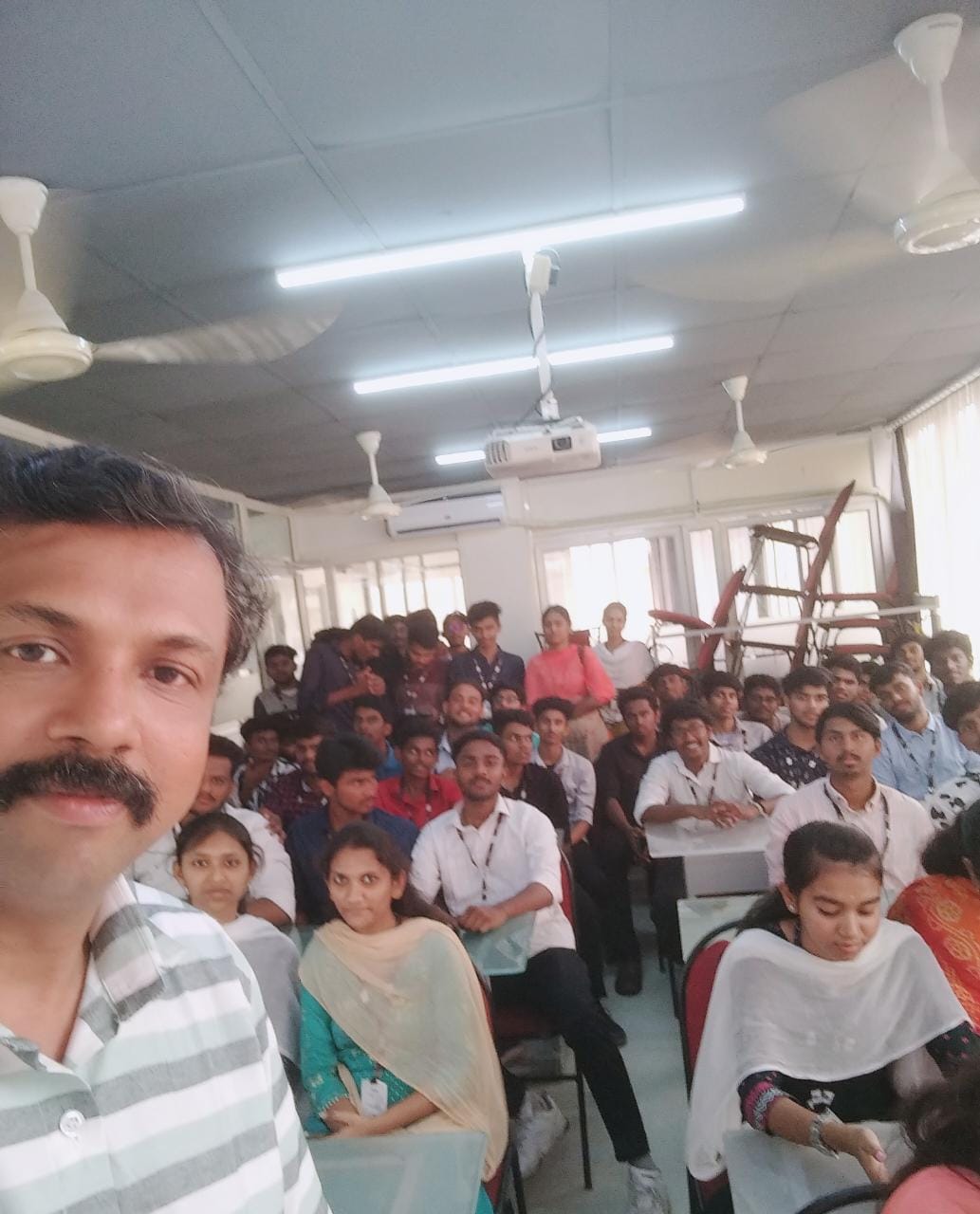
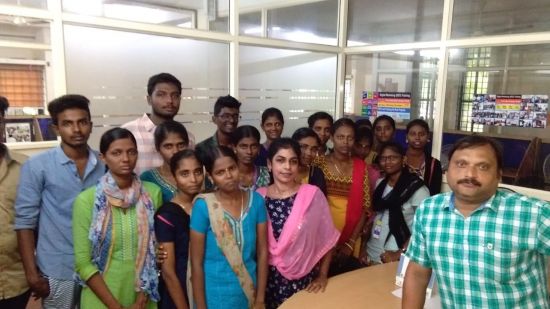
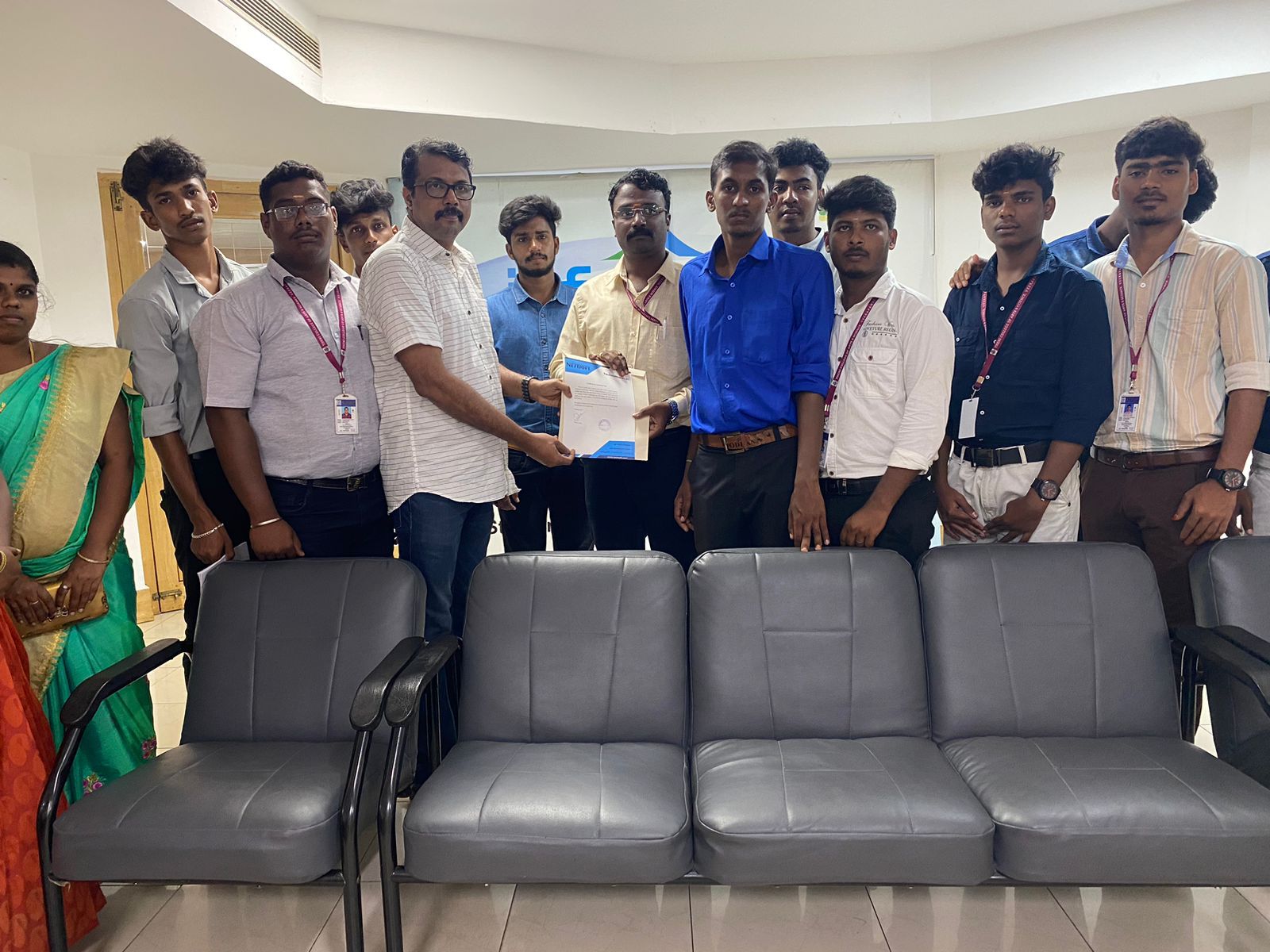
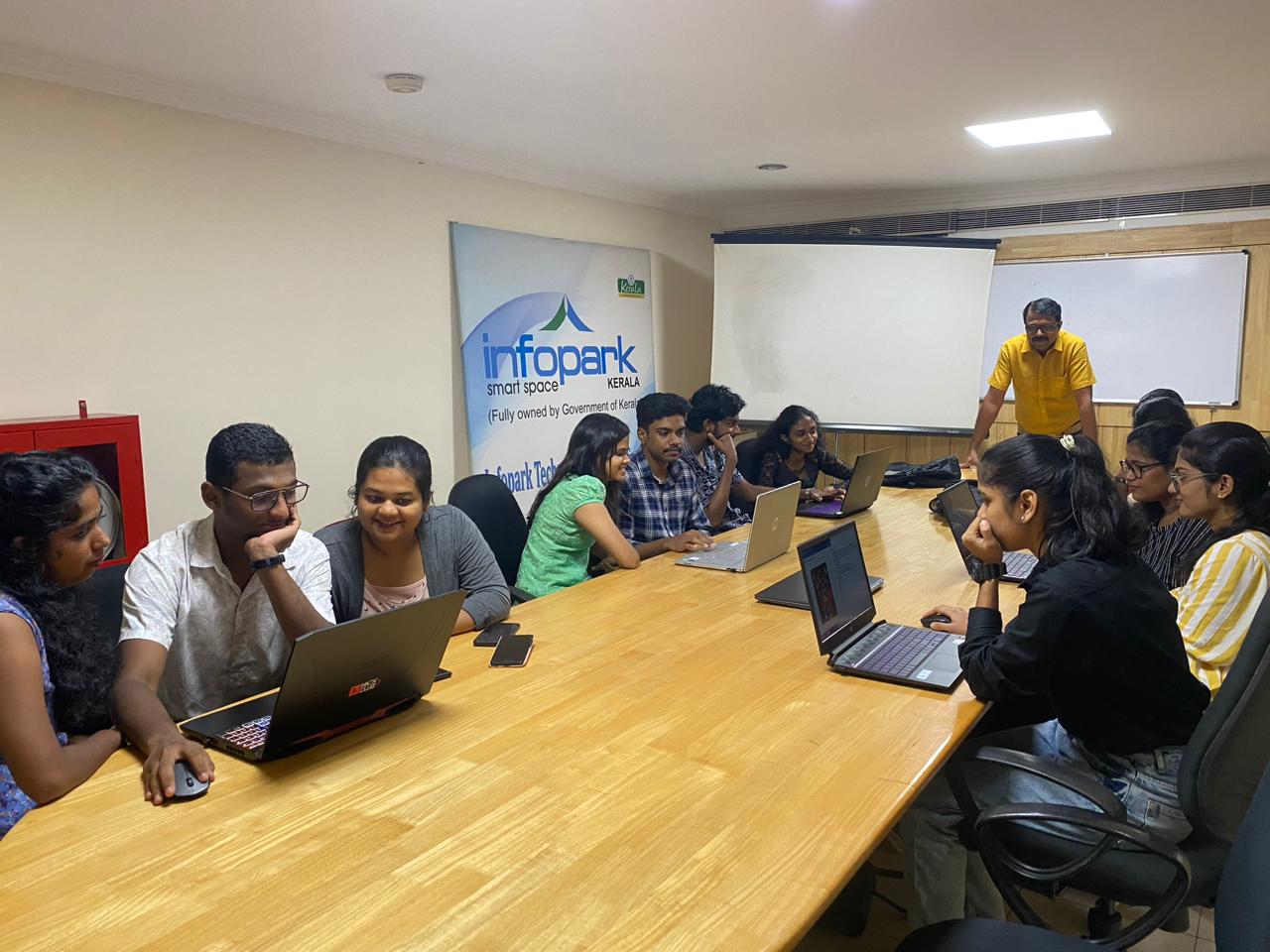
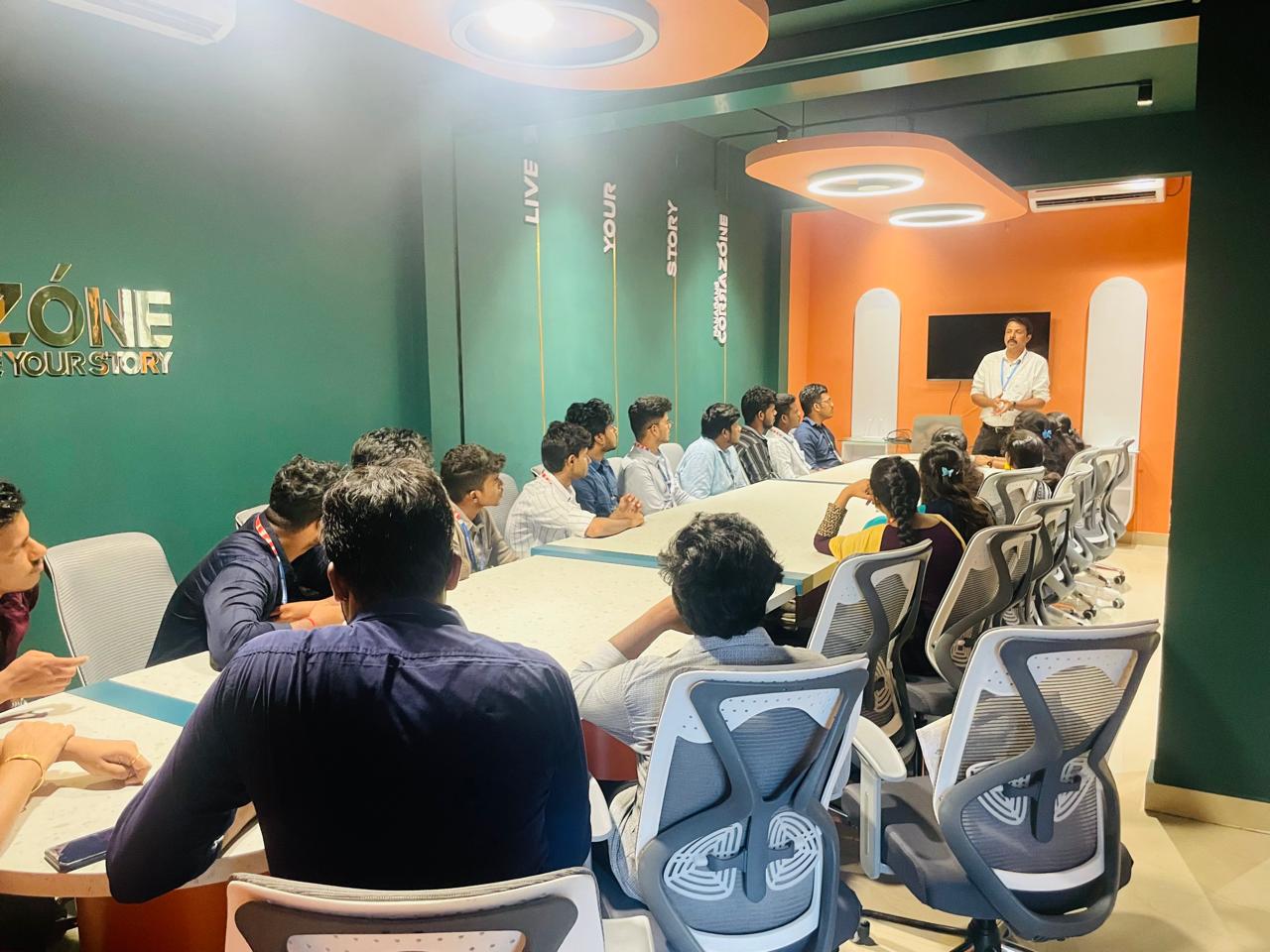
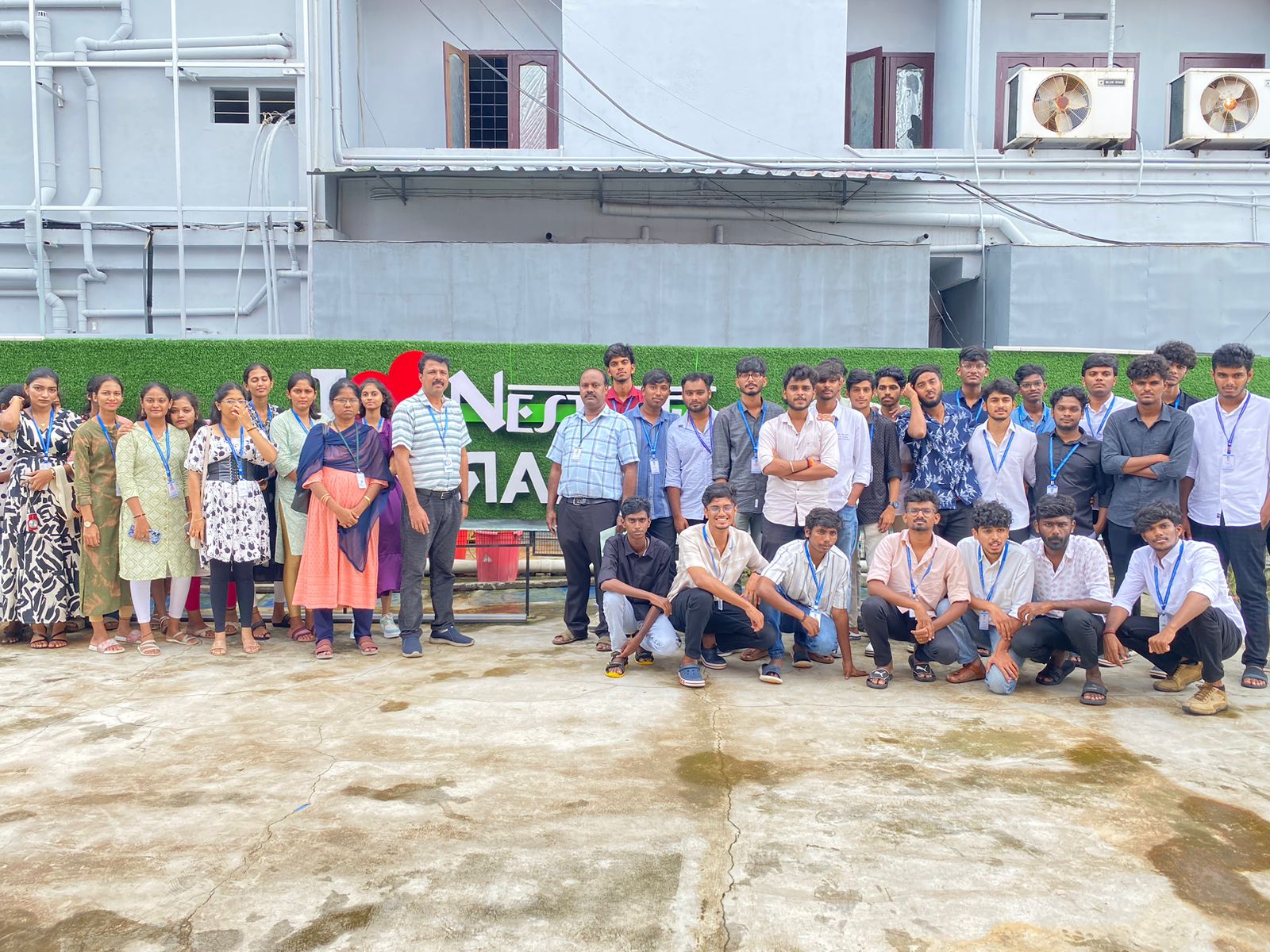
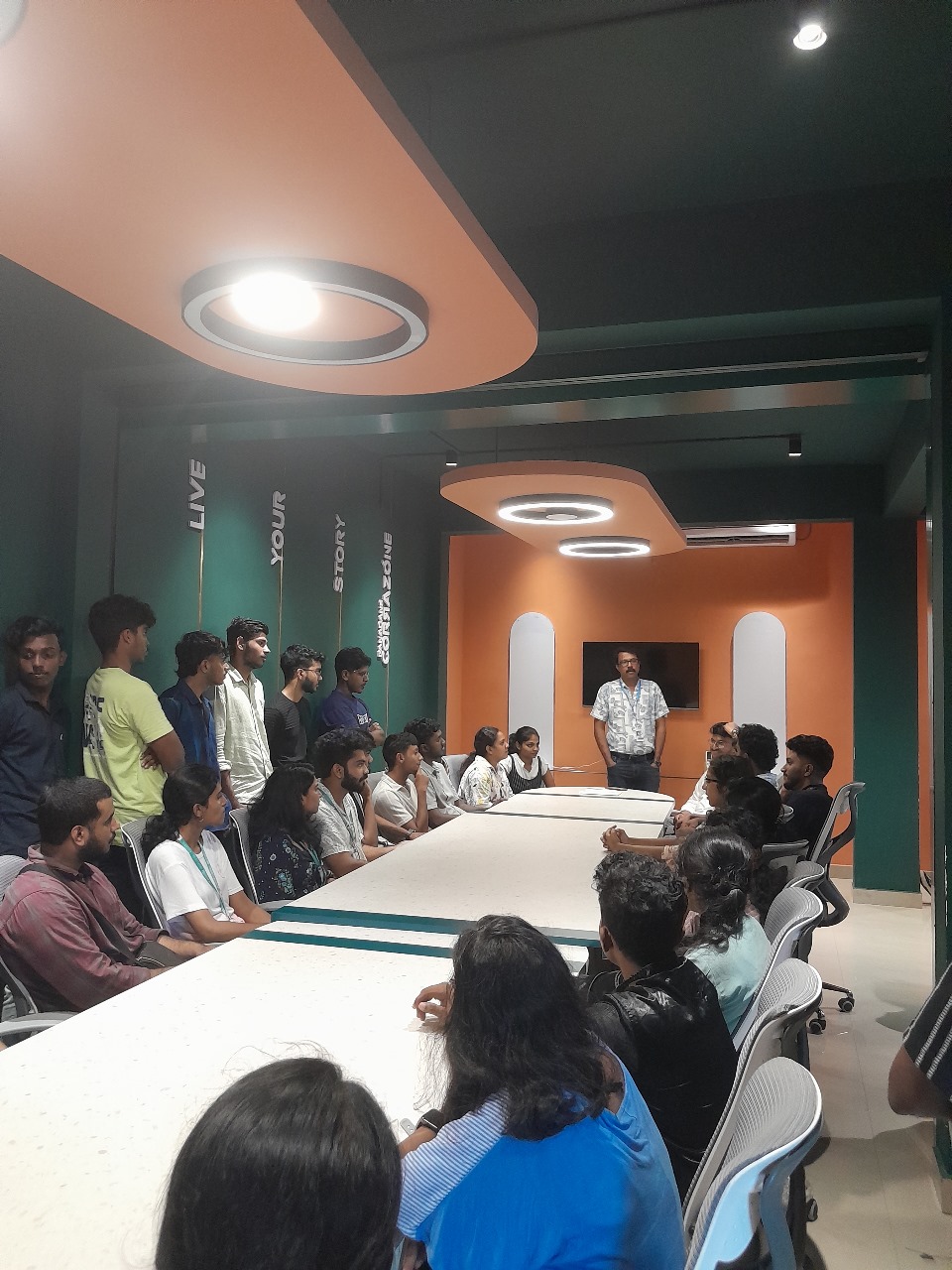
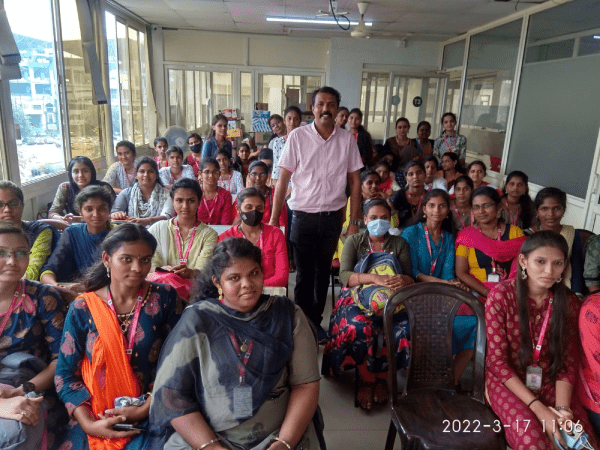
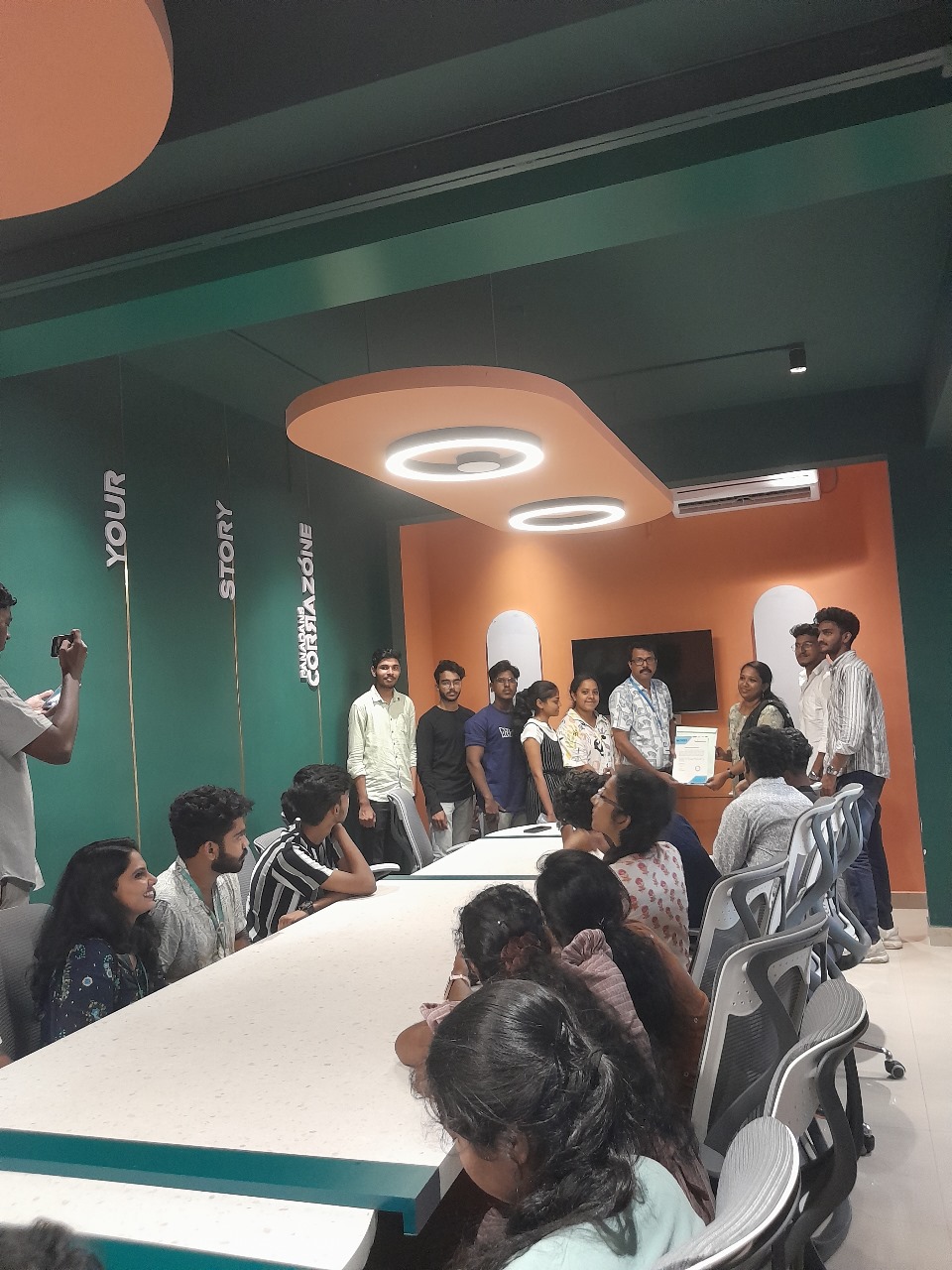
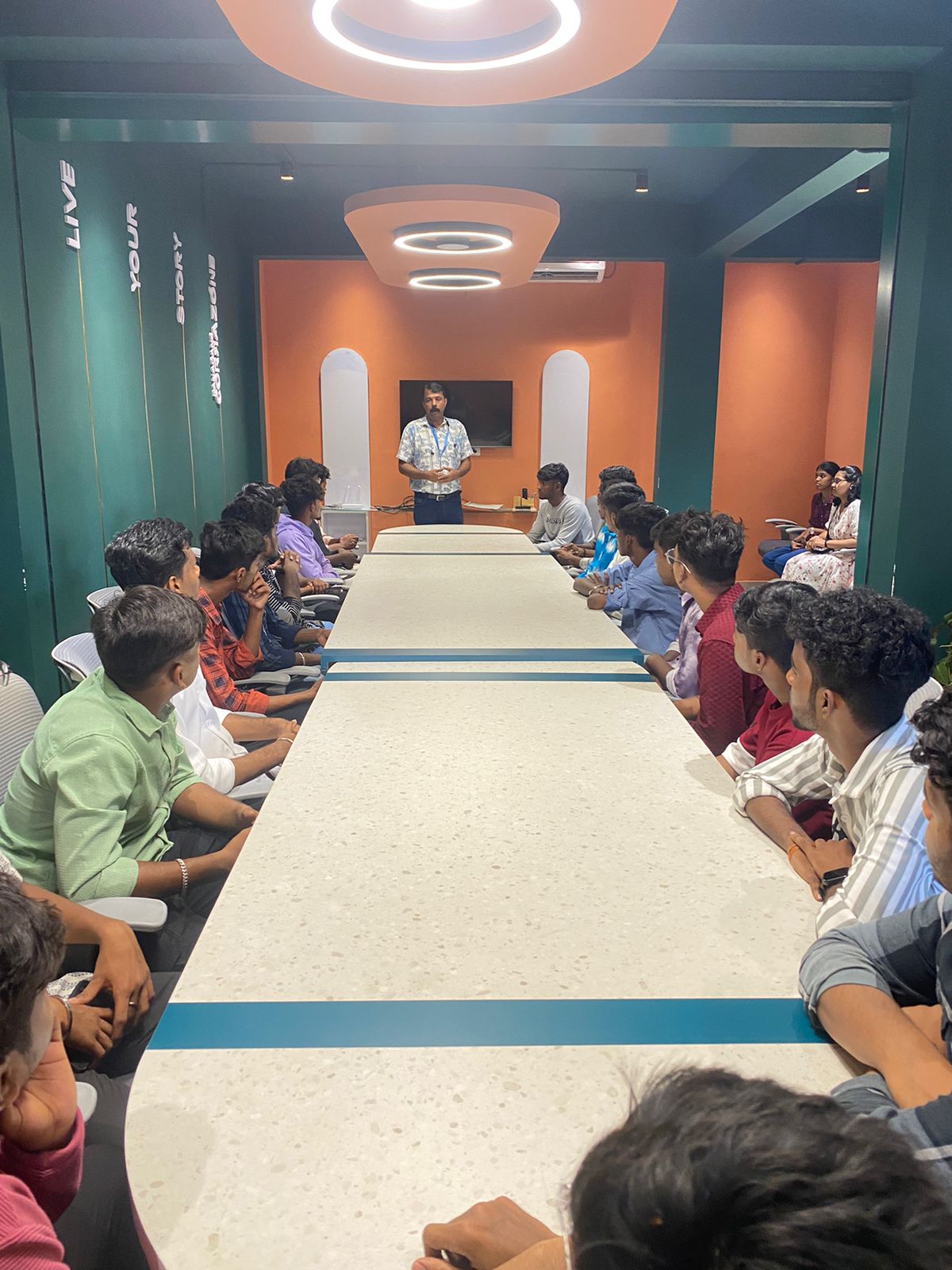
Photos of Training / Internships

Internship/projects in mangaluru

Trained more than 10000+ students who trust Nestsoft TechnoMaster

Get Your Personal Trainer