Send enquiry ⏎

AI-Powered Web Development Online Live Class by Experts

Our Training/Internship Process

AI-Powered Web Development Online Live Classes in Madurai | Free Demo Training

AI-Powered Web Development - Syllabus, Fees & Duration

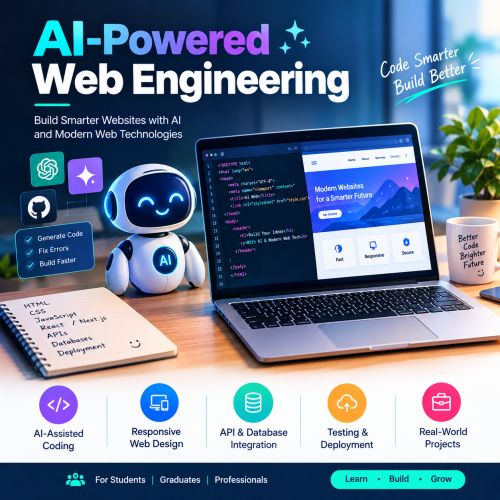
AI-Powered Web Engineering

Module 1: Introduction to AI Web Development (1 Hour)

  • Introduction to AI-powered web engineering
  • Overview of ChatGPT, Gemini, and GitHub Copilot
  • Prompt engineering for website creation

Module 2: HTML and Website Structure (1 Hour)

  • HTML5 basics and semantic elements
  • Creating webpage layouts using AI-generated code
  • Building navigation, forms, links, and images

Module 3: CSS and Responsive Design (1 Hour)

  • CSS styling, colours, fonts, and layouts
  • Flexbox and CSS Grid fundamentals
  • Using AI to create responsive website designs

Module 4: JavaScript and Interactivity (1 Hour)

  • JavaScript basics, functions, and events
  • Creating interactive website components
  • Debugging JavaScript using AI tools

Module 5: AI-Assisted Frontend Development (1 Hour)

  • Generating reusable UI components
  • Creating buttons, cards, menus, and forms
  • Improving user experience with AI assistance

Module 6: Backend and API Integration (1 Hour)

  • Introduction to backend development
  • Understanding REST APIs and JSON
  • Connecting website interfaces to external APIs

Module 7: Database and Form Integration (1 Hour)

  • Database fundamentals and SQL overview
  • Understanding form data processing
  • Using AI to generate and troubleshoot queries

Module 8: Testing, Debugging, and Security (1 Hour)

  • AI-assisted code review and error fixing
  • Website responsiveness and functionality testing
  • Basic security and performance optimization

Module 9: Deployment and SEO (1 Hour)

  • Introduction to web hosting and deployment
  • Deploying a website using a suitable hosting platform
  • SEO basics and website performance improvements

Module 10: Practical Project and Evaluation (1 Hour)

  • Build a responsive website using AI tools
  • Test and refine the website
  • Project demonstration and feedback

Learning Outcomes

  • Understand AI-assisted website development.
  • Create responsive webpages using HTML, CSS, and JavaScript.
  • Use AI tools for code generation, debugging, and optimization.
  • Develop and deploy a basic website project.

Download Syllabus - AI-Powered Web Development
This syllabus is not final and can be customized as per needs/updates
   
10000+
20+
50+
25+

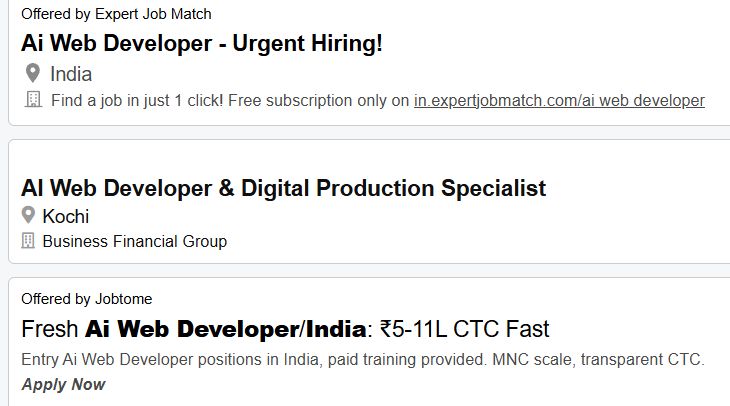
AI-Powered Web Development Jobs in Madurai

Enjoy the demand

Find jobs related to AI-Powered Web Development in search engines (Google, Bing, Yahoo) and recruitment websites (monsterindia, placementindia, naukri, jobshybrid.com, indeed.co.in, shine.com etc.) based in Madurai, chennai and europe countries. You can find many jobs for freshers related to the job positions in Madurai.

  • AI Web Developer
  • Frontend Developer
  • Backend Developer
  • Full Stack Developer
  • Web Application Developer
  • UI Developer
  • Website Designer
  • JavaScript Developer
  • AI-Assisted Software Developer
  • Web Development Consultant

AI-Powered Web Development Internship/Course Details

AI-Powered Web Development internship jobs in Madurai
AI-Powered Web Development . he AI for Web Development course in Madurai helps students and professionals learn how to build modern, responsive, and interactive websites using artificial intelligence tools and web technologies. Develop practical skills to create professional websites and prepare for career opportunities in web development and AI-assisted software development. The course is suitable for students, beginners, graduates, and working professionals, including 10th and 12th pass students, degree holders, BTech graduates, and master's degree holders. Gain hands-on experience using AI tools to improve productivity, solve coding problems, and develop real-world web applications. Learn how to use AI for HTML, CSS, JavaScript, frontend development, backend development, debugging, code generation, and website optimization. This course covers AI-assisted coding, responsive web design, UI/UX improvements, API integration, database connectivity, website testing, debugging, and deployment.


Meet a Few of our Industry Experts 🚀 Your Pathway to IT Career

Baskar

Mobile: +91 94975 90866
Location: Online (Madurai, India)
Qualification: Mca

Experience: My total experience 8 years I have developed most web application and website Mostly i have used Codeigniter and laravel  more..

sadik

Mobile: +91 91884 77559
Location: Online (Madurai, India)
Qualification: B.com

Experience: MS-Office [word Excel Power Point ] & Internet Adobe PHOTOSHOP Figma Adobe XD COREL DREW FIREWORKS DREAMWEAVER HTML HTML5 &  more..

Shyamdas

Mobile: +91 9895490866
Location: Online (Madurai, India)
Qualification: MSc Computer Science

Experience: 4 + Years experience in php development  more..

Prabhu

Mobile: +91 8301010866
Location: Online (Madurai, India)
Qualification: MBA, PGDMM, DSCM

Experience: Supply chain management Logistics networking Warehouse Operations Inventory Management Supply Chain Analytics  more..

Mohini

Mobile: +91 94975 90866
Location: Online (Madurai, India)
Qualification: Master's of computer application

Experience: I have all over experience in web development 3 years and I know many technology like html css bootstrap javascript  more..

Abdul

Mobile: +91 89210 61945
Location: Online (Madurai, India)
Qualification: BTech(CSE)

Experience: I have recently completed my degree in B Tech from Moradabad institute of technology Throughout my academic journey I have  more..

Mohammed

Mobile: +91 98474 90866
Location: Online (Madurai, India)
Qualification: BTech

Experience: I have experience in digital marketing training in SEO SMM PPC wordpress content marketing  more..

Sonal

Mobile: +91 9895490866
Location: Online (Madurai, India)
Qualification: BBA

Experience: Google ads meta ads seo Tools :- GT metrix Semrush Ahref screaming frog canva answer the public unner suggest Experience  more..

Kuldip

Mobile: +91 8301010866
Location: Online (Madurai, India)
Qualification: B.E(Information Technology)

Experience: Hello sir mam Myself Mulani Kuldip I have 1 year experience in Android development I came to know that you’re  more..

Surya

Mobile: +91 89210 61945
Location: Online (Madurai, India)
Qualification: BTech cse

Experience: Java python sql  more..

Ananya

Mobile: +91 89210 61945
Location: Online (Madurai, India)
Qualification: Postgraduate in Chemist

Experience: Iam a dedicated chemistry educator with a passion for nurturing young minds With two years of experience I've had the  more..

Doigobinda

Mobile: +91 91884 77559
Location: Online (Madurai, India)
Qualification: B-tech

Experience: Creation and modification storage account of azure vault creation File & Folder shearing with on premises system knowledge of Azure  more..

JINCY

Mobile: +91 91884 77559
Location: Online (Madurai, India)
Qualification: MCA

Experience: I have completed course in software testing Manual testing qc qtp  more..

ANKUSH

Mobile: +91 89210 61945
Location: Online (Madurai, India)
Qualification: 10+2(Science)

Experience: Abode Photoshop Html Css Bootstrap Wordpress Abode In-design Graphics Design  more..

Aditya

Mobile: +91 89210 61945
Location: Online (Madurai, India)
Qualification: Diploma in Engineering

Experience: English content curriculum developer IELTS & OET trainer proof reading soft skills training reasoning & verbal ability for competitive exams  more..

Pravallika

Mobile: +91 94975 90866
Location: Online (Madurai, India)
Qualification: B tech

Experience: Taking the training on the Java full stack development   more..

Aswin

Mobile: +91 91884 77559
Location: Online (Madurai, India)
Qualification: B. Sc physics

Experience: I have completed in java full Stack developer I know the Technical knowledge of Java Mysql Html Css Jsp   more..

Harshvir

Mobile: +91 94975 90866
Location: Online (Madurai, India)
Qualification: BE

Experience: EXPERIENCE - SAMAH : 2021- 2022 Job : Showroom Website (Website build Product photography Web design layouts Logo Design etc  more..

Nivedha

Mobile: +91 94975 90866
Location: Online (Madurai, India)
Qualification: Msc

Experience: Devops (certification) Java python NLP   more..

Pooja

Mobile: +91 91884 77559
Location: Online (Madurai, India)
Qualification: Graduate

Experience: Creating digital experiences that leave a lasting impression With over 12+ years of UI UX design expertise I bring a  more..

Alin

Mobile: +91 98474 90866
Location: Online (Madurai, India)
Qualification: B tech

Experience: I have been working as full stack developer(2 months-present) Skills: Html css angular js nodejs mongodb express loopback gitApplication for  more..

Anomitra

Mobile: +91 91884 77559
Location: Online (Madurai, India)
Qualification: B Tech (CSE)

Experience: Next JS Tailwind JavaScript Figma HTML and CSS UI UX development MERN Stack Node JS Python Machine Learning Project Management  more..

Yogesh

Mobile: +91 8301010866
Location: Online (Madurai, India)
Qualification: Graduate

Experience: Web designing php Angular Java script   more..

Arun

Mobile: +91 8301010866
Location: Online (Madurai, India)
Qualification: BE(ECE)

Experience: Basically I am Android and web developer and I have more than 7 months of work experience if you think  more..

Success Stories

The enviable salary packages and track record of our previous students are the proof of our excellence. Please go through our students' reviews about our training methods and faculty and compare it to the recorded video classes that most of the other institutes offer. See for yourself how TechnoMaster is truly unique.

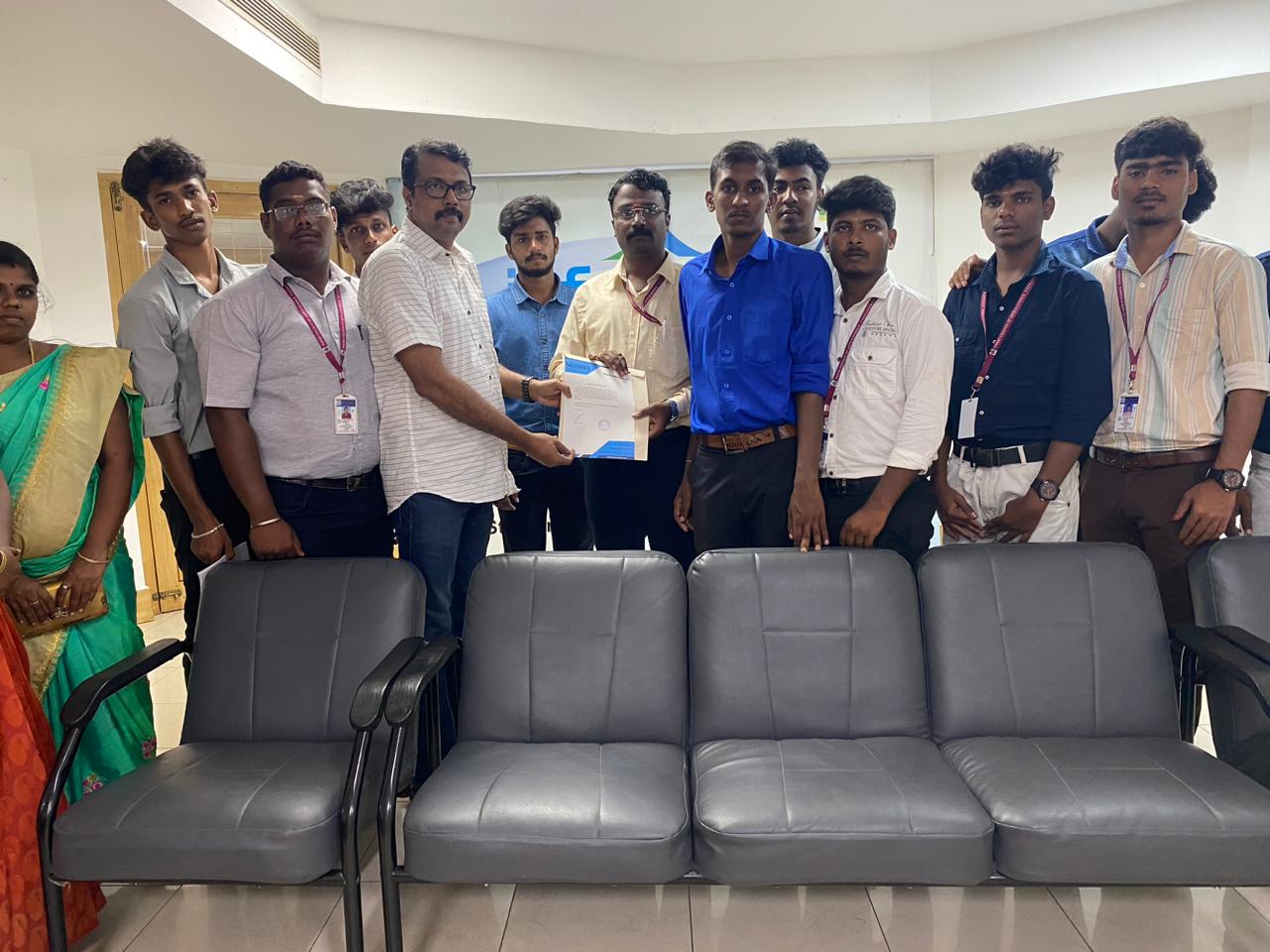
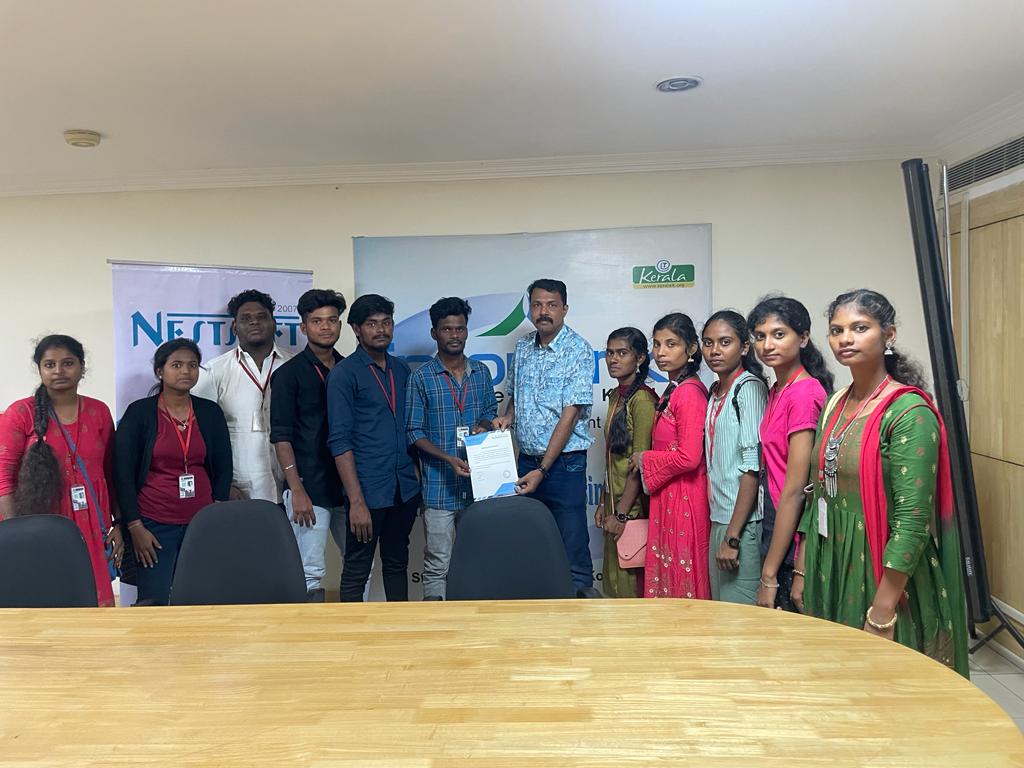
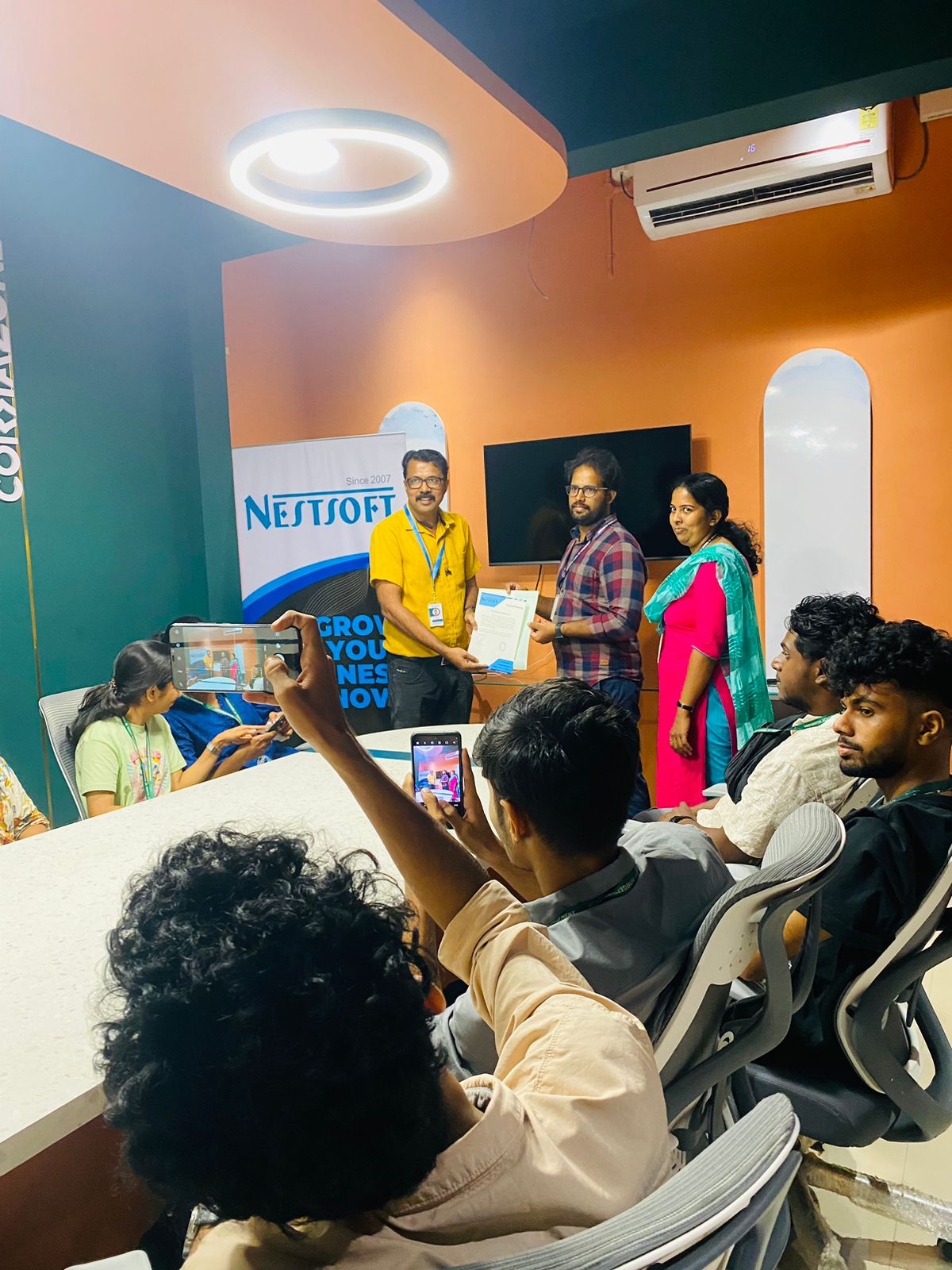
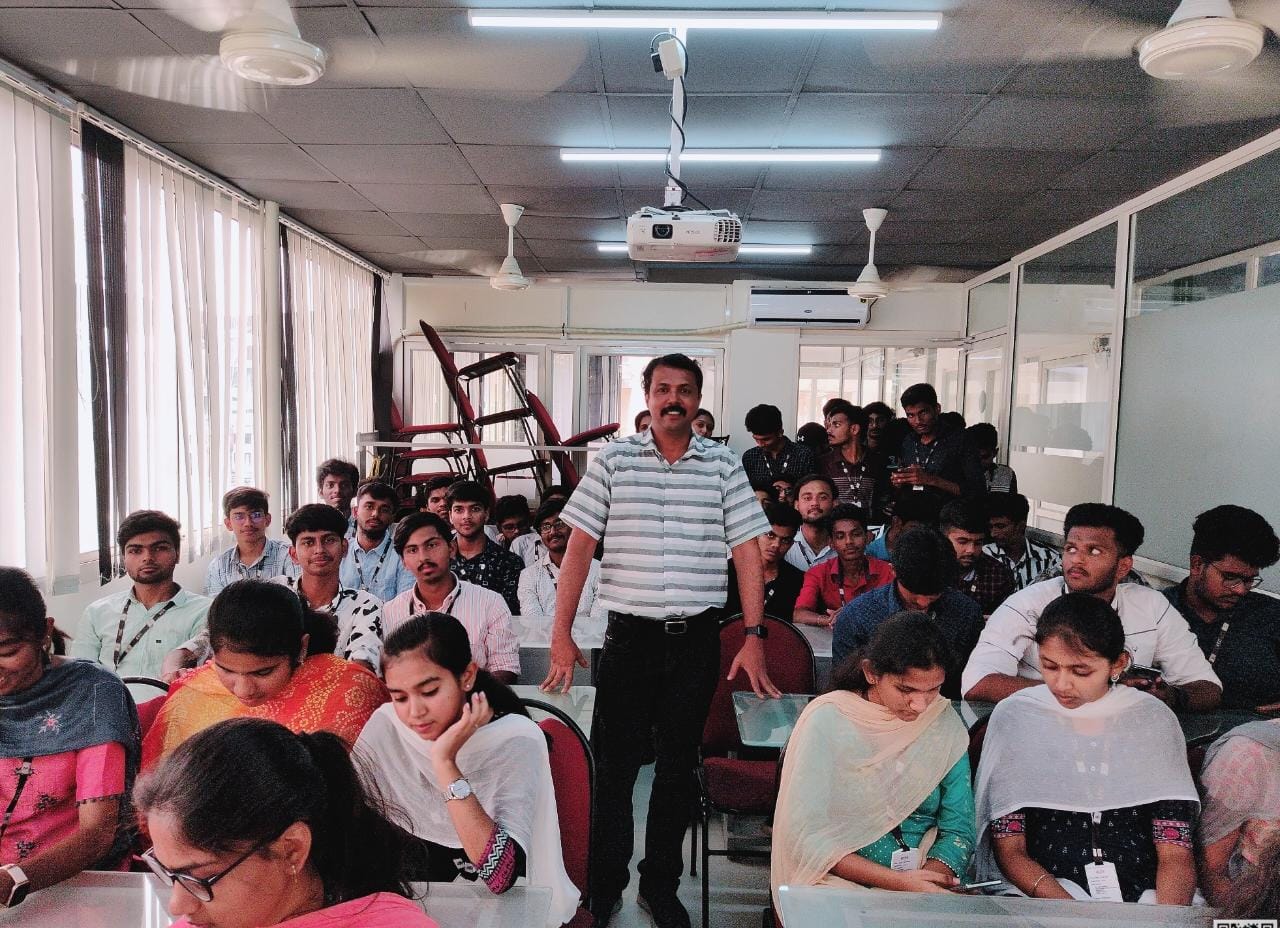
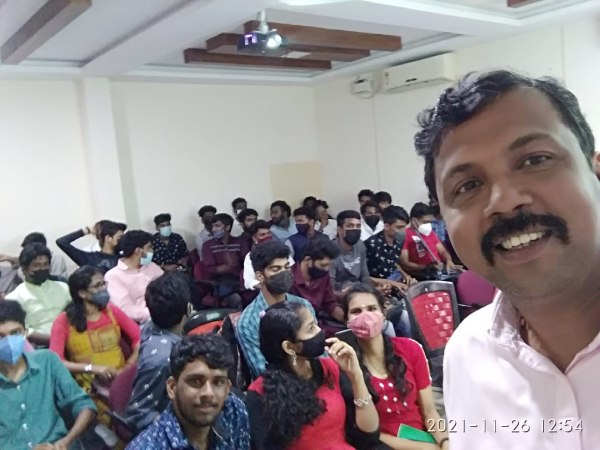
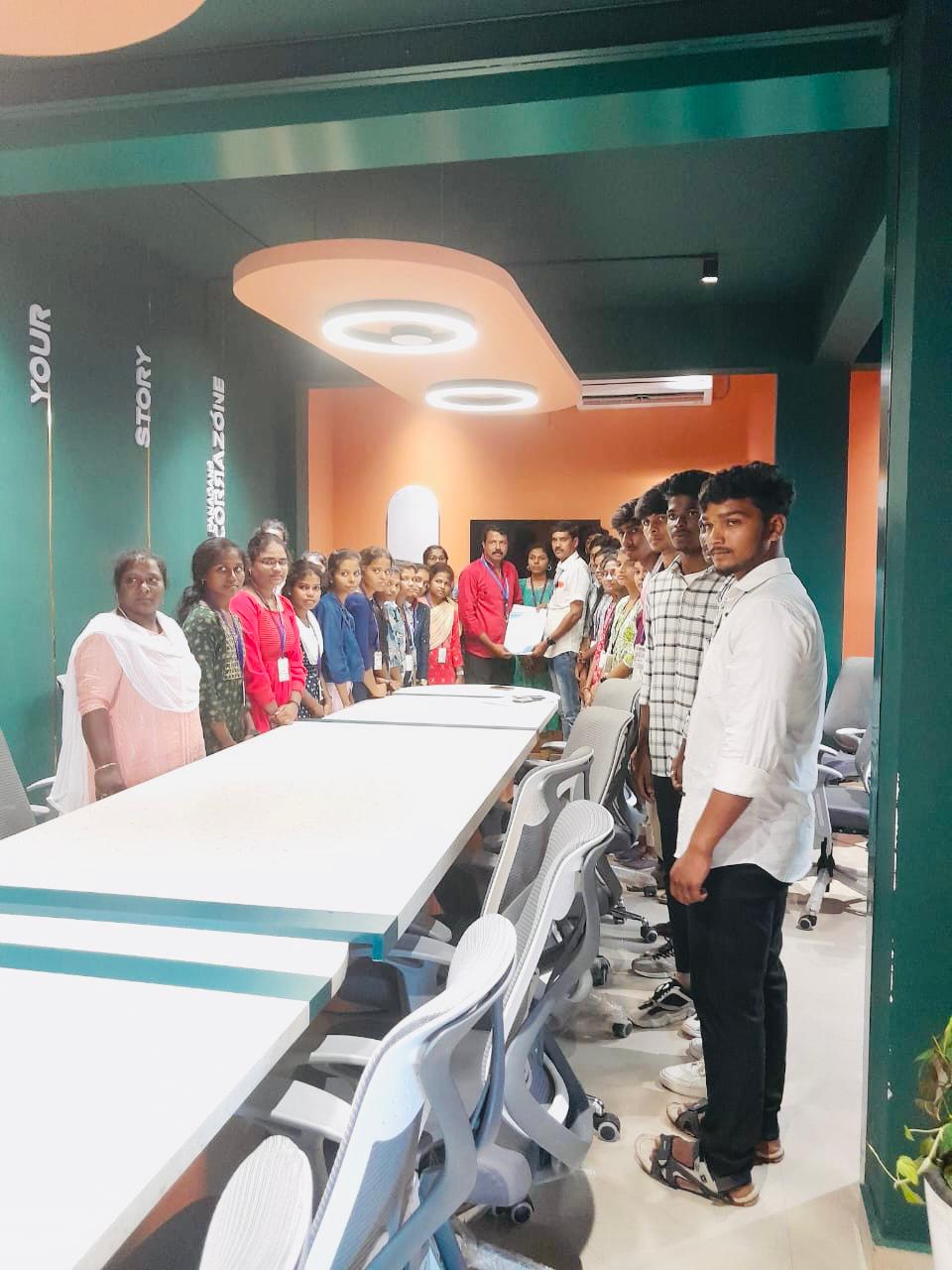
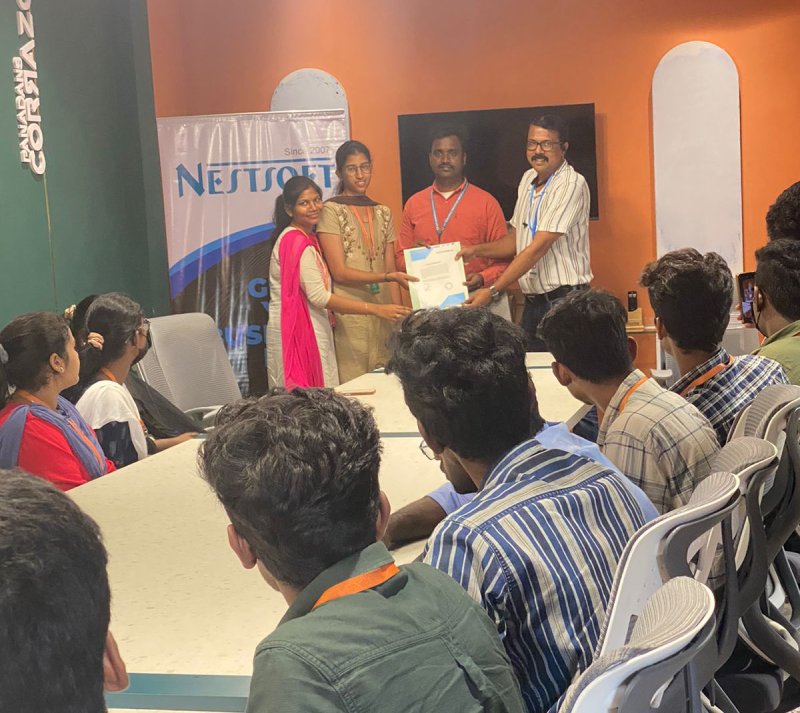
Photos of Training / Internships

Internship/projects in madurai

Trained more than 10000+ students who trust Nestsoft TechnoMaster

Get Your Personal Trainer