Send enquiry ⏎

Adobe Premier Pro CC Online Live Class by Experts

Our Training/Internship Process

Adobe Premier Pro CC Online Live Classes in Kasaragod | Free Demo Training

Adobe Premier Pro CC - Syllabus, Fees & Duration

      Module 1: Introduction to Premiere Pro (1 Hour)

      Objective: Familiarize students with Premiere Pro’s interface and basic setup.

      • Overview of Premiere Pro and its applications
      • Interface tour: Workspace, Timeline, Source Monitor, and Program Monitor
      • Setting up a new project: Sequence settings and file organization
      • Importing media: Video, audio, and graphics
      • Keyboard shortcuts for efficient editing

      Practical: Create a new project and import media files.

      Module 2: Basic Video Editing Techniques (2 Hours)

      Objective: Learn essential tools and techniques for video editing.

      • Adding clips to the timeline and trimming
      • Working with the Razor tool for cutting clips
      • Using the Ripple Edit and Rolling Edit tools
      • Understanding the timeline: Tracks, markers, and snapping
      • Adjusting clip speed: Slow motion and fast motion

      Practical: Assemble and edit a short video sequence.

      Module 3: Audio Editing and Enhancements (1.5 Hours)

      Objective: Understand and apply audio editing techniques.

      • Importing and editing audio files
      • Adjusting audio levels and keyframes
      • Applying audio effects and transitions
      • Using the Essential Sound panel for audio cleanup
      • Syncing audio and video

      Practical: Add background music and adjust audio levels for a video.

        Module 4: Transitions and Effects (1.5 Hours)

        Objective: Enhance videos with transitions and effects.

        • Applying video transitions: Cut, dissolve, and wipe
        • Using the Effects panel: Blur, color effects, and distortions
        • Keyframing for animation effects
        • Adding and adjusting motion: Position, scale, and rotation
        • Introduction to nested sequences

        Practical: Apply transitions and effects to a video sequence.

        Module 5: Color Correction and Grading (1.5 Hours)

        Objective: Learn color correction and grading techniques.

        • Understanding Lumetri Color panel
        • Adjusting exposure, contrast, and saturation
        • Using color wheels and curves for grading
        • Creating and applying LUTs (Look-Up Tables)
        • Matching colors between clips

        Practical: Perform color correction and grading on a provided video.

        Module 6: Titles, Graphics, and Exporting (2.5 Hours)

        Objective: Create professional titles and graphics and export the final video.

        • Adding and customizing text with the Essential Graphics panel
        • Creating lower thirds and animated titles
        • Adding captions or subtitles
        • Export settings: File formats and presets (H.264, 4K, etc.)
        • Rendering and exporting the final video

        Practical: Create an end-to-end video project with titles, transitions, and audio, then export it.

    Download Syllabus - Adobe Premier Pro CC
    This syllabus is not final and can be customized as per needs/updates
   
10000+
20+
50+
25+

Adobe Premier Pro CC Jobs in Kasaragod

Enjoy the demand

Find jobs related to Adobe Premier Pro CC in search engines (Google, Bing, Yahoo) and recruitment websites (monsterindia, placementindia, naukri, jobshybrid.com, indeed.co.in, shine.com etc.) based in Kasaragod, chennai and europe countries. You can find many jobs for freshers related to the job positions in Kasaragod.

  • Motion Graphic Designer
  • Motion Graphic Trainer
  • Video Editor
  • Motion Designer
  • Graphic Designer
  • Video Content Creator
  • Videographer
  • 2d Motion Designer
  • 2d And 3d Animator
  • Media Production

Adobe Premier Pro CC Internship/Course Details

Adobe Premier Pro CC internship jobs in Kasaragod
Adobe Premier Pro CC you can attend our live coaching session anyplace like from home, your office, or anywhere you have a broadband internet connection. It is used in the main Video and film editors and post-production professionals, Motion graphics designers, etc. Nestsoft offers often scheduled Premiere pro online live ca. Adobe premiere pro includes a wide selection of job opportunities in today’s world. in this contemporary world, Premier pro is a powerful tool for editing videos. Adobe Premiere Pro is a component of the Adobe Creative Suite also it's a timeline-based video editing software application. With our online Premiere pro courses, you’ll have the power to examine the trainer’s display, listen to ideas and explanations, and whereas exercising as you study Premiere pro. . we will show basic incorporate filters as well as color correction techniques to boost the design of your final video. Adobe team members can share their work with others which creates a simple workflow with no interruptions.


Meet a Few of our Industry Experts 🚀 Your Pathway to IT Career

Azhar

Mobile: +91 9895490866
Location: Online (Kasaragod, India)
Qualification: B.E

Experience: Hi sir Mam My name is Azhar Khan I have one year Experience in angular12 and I have knowledge of  more..

Bhavesha

Mobile: +91 8301010866
Location: Online (Kasaragod, India)
Qualification: B.sc (Computer Science)

Experience: I have also worked as a software developer for 1 year After that I continued technical content writing so I  more..

Mahalakshmi

Mobile: +91 89210 61945
Location: Online (Kasaragod, India)
Qualification: B.Tech

Experience: 1 HTML 2 CSS 3 Java Programming 4 Web development 5 Microsoft word 6 Video editing 7 Git and github  more..

Aditya

Mobile: +91 89210 61945
Location: Online (Kasaragod, India)
Qualification: BCA

Experience: Rich experience in Android development  more..

ANJANA

Mobile: +91 9895490866
Location: Online (Kasaragod, India)
Qualification: Btech

Experience: Dedicated and detail-oriented IT professional with a strong passion for cybersecurity and networking Adept atidentifying vulnerabilities implementing security measures and  more..

Kajal

Mobile: +91 9895490866
Location: Online (Kasaragod, India)
Qualification: BE Computer

Experience: Search Engine Optimization Social media marketing Graphic design Website Developer   more..

prem

Mobile: +91 91884 77559
Location: Online (Kasaragod, India)
Qualification: B-tech

Experience: I am a skilled UI UX designer with nearly one year of professional experience My design expertise encompasses Figma UI  more..

Geerthana

Mobile: +91 98474 90866
Location: Online (Kasaragod, India)
Qualification: BE cse

Experience: I had an experience in both manual and automation testing known some frameworks like Testng bdd with cucumber data driven  more..

Salman

Mobile: +91 8301010866
Location: Online (Kasaragod, India)
Qualification: 12+

Experience: I have total 5+ years expirence Desktop support and networking in Wipro DNA |   more..

Dharnidhar

Mobile: +91 98474 90866
Location: Online (Kasaragod, India)
Qualification: MCA

Experience: Html css javascript react mongodb http postman mernApplication for Meanstack Developer Mean Stack  more..

Rakshitha

Mobile: +91 9895490866
Location: Online (Kasaragod, India)
Qualification: Masters in Biochemistry

Experience: I have an year of experience in designing with the design software expertise in Canva Adobe Photoshop Adobe Illustrator and  more..

sandhya

Mobile: +91 98474 90866
Location: Online (Kasaragod, India)
Qualification: be.computer

Experience: automation testing Selenium with java manual Testing jira zyphwr squard api with postman database testing basic knwoledge of rest assured  more..

S

Mobile: +91 94975 90866
Location: Online (Kasaragod, India)
Qualification: PURUSING GRADUATION

Experience: HTML css Javascript ReactJs AngularJs Flask Java python php mysql mongodb  more..

Gunanithi

Mobile: +91 8301010866
Location: Online (Kasaragod, India)
Qualification: B.E.Computer Science Engineering

Experience: 0 years experience Web designing (Html Xml php css javascript)  more..

Mohd

Mobile: +91 8301010866
Location: Online (Kasaragod, India)
Qualification: MBA

Experience: Passionate Canva designer with a keen eye for aesthetics and a knack for translating concepts into visually appealing graphics Proven  more..

krushi

Mobile: +91 89210 61945
Location: Online (Kasaragod, India)
Qualification: mca

Experience: 6 months in amisys software experience android developer use in Java php MySQL postman xampp  more..

Divyanshu

Mobile: +91 8301010866
Location: Online (Kasaragod, India)
Qualification: B.Tech (CSE)

Experience: Over the years I've acquired relevant skills and experience in various domains such as Business Analysis Web Development UX and  more..

Sumayya

Mobile: +91 94975 90866
Location: Online (Kasaragod, India)
Qualification: B.tech

Experience: Attented python bootcamp Java HtmlApplication for Java Spring  more..

Saurabh

Mobile: +91 9895490866
Location: Online (Kasaragod, India)
Qualification: B.tech cse

Experience: With experience in Software Development I have worked as a Node js and Solidity developer at Nineteen Realtech My expertise  more..

Kshitij

Mobile: +91 94975 90866
Location: Online (Kasaragod, India)
Qualification: BTech

Experience: Organisation | ZURAVERSE | Software 01 Dec 2020 - 10Jan 2020 Key Skills: JavaScript React Next js ● Part of  more..

Hemangi

Mobile: +91 89210 61945
Location: Online (Kasaragod, India)
Qualification: Diploma in software management

Experience: I have experience in Microsoft office and I have good experience in software testing i want this job immediately so  more..

Kuldip

Mobile: +91 91884 77559
Location: Online (Kasaragod, India)
Qualification: B.E(Information Technology)

Experience: Hello sir mam Myself Mulani Kuldip I have 1 year experience in Android development I came to know that you’re  more..

Siva

Mobile: +91 94975 90866
Location: Online (Kasaragod, India)
Qualification: B.com and MBA

Experience: Finance Accounts Global Payroll I am interested in this position because I had worked on odoo couple of years back  more..

Yash

Mobile: +91 98474 90866
Location: Online (Kasaragod, India)
Qualification: Bachelor's

Experience: Professional Canva Designer did my past Job in Designer field and i use to create design using canva Clients i  more..

Success Stories

The enviable salary packages and track record of our previous students are the proof of our excellence. Please go through our students' reviews about our training methods and faculty and compare it to the recorded video classes that most of the other institutes offer. See for yourself how TechnoMaster is truly unique.

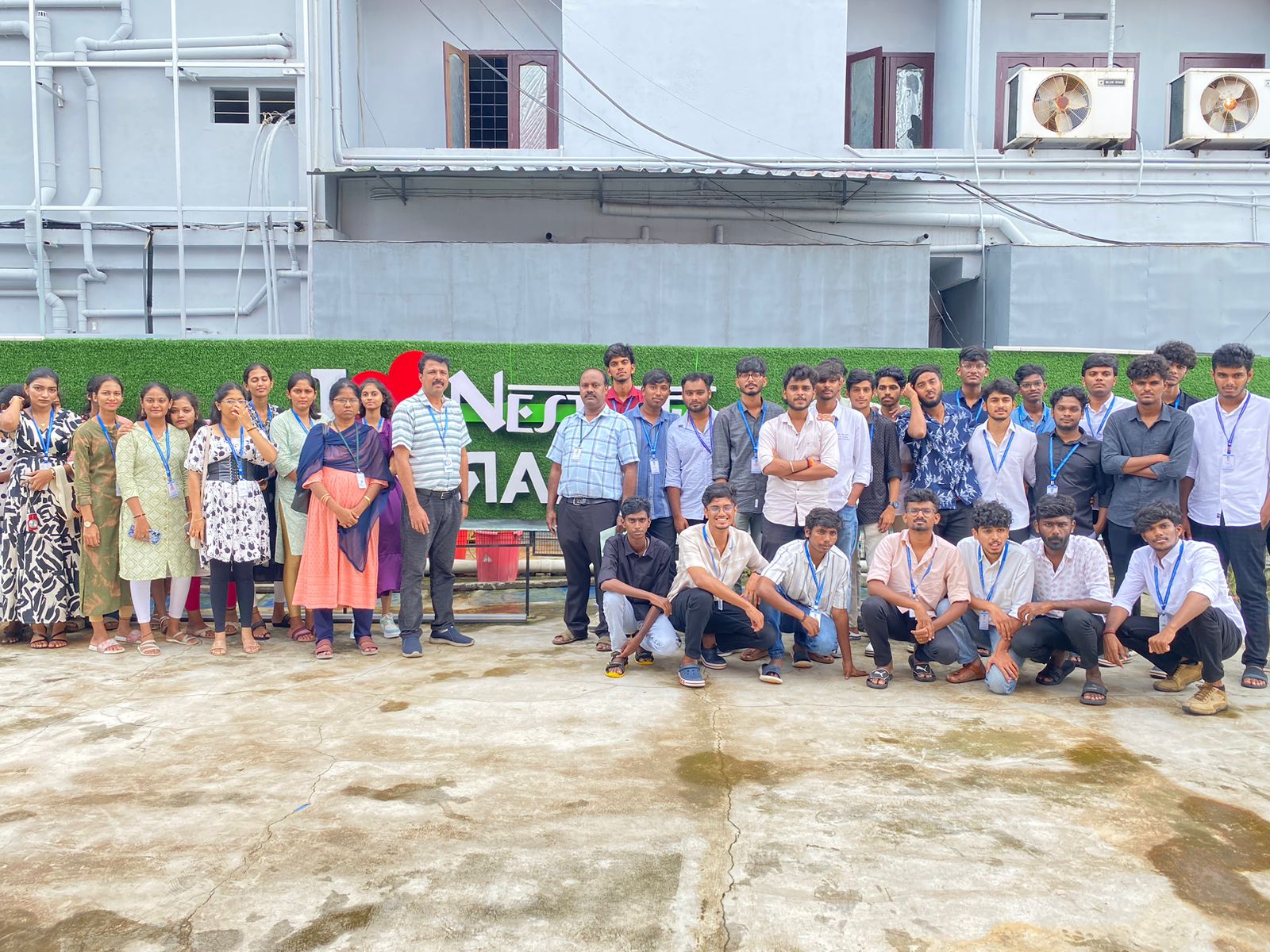
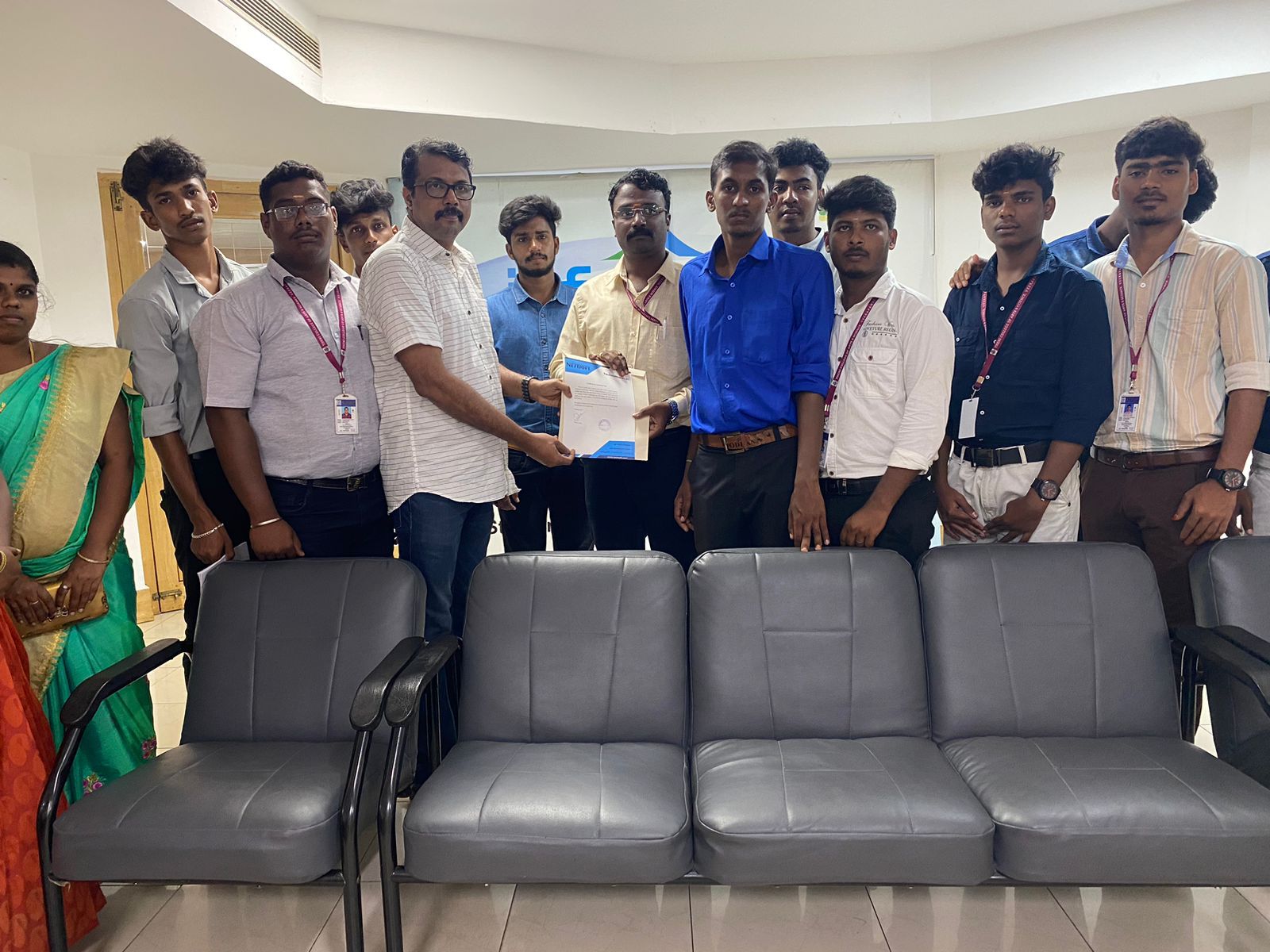
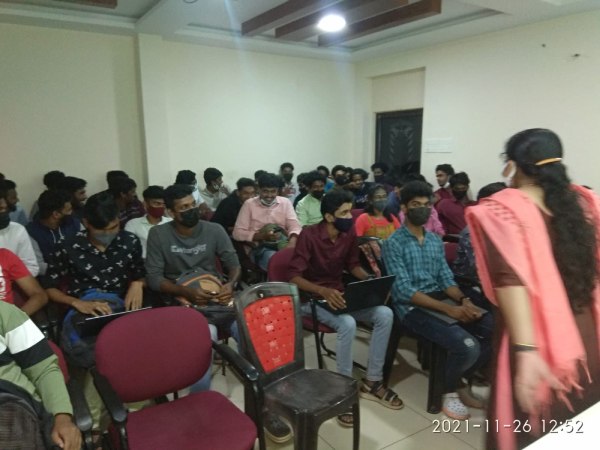
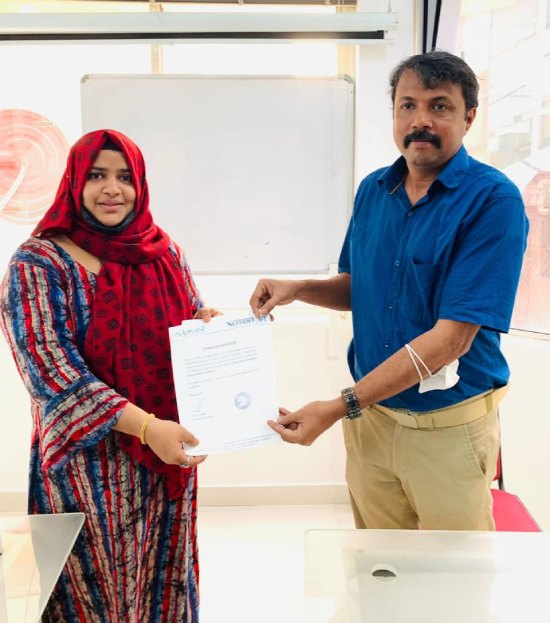
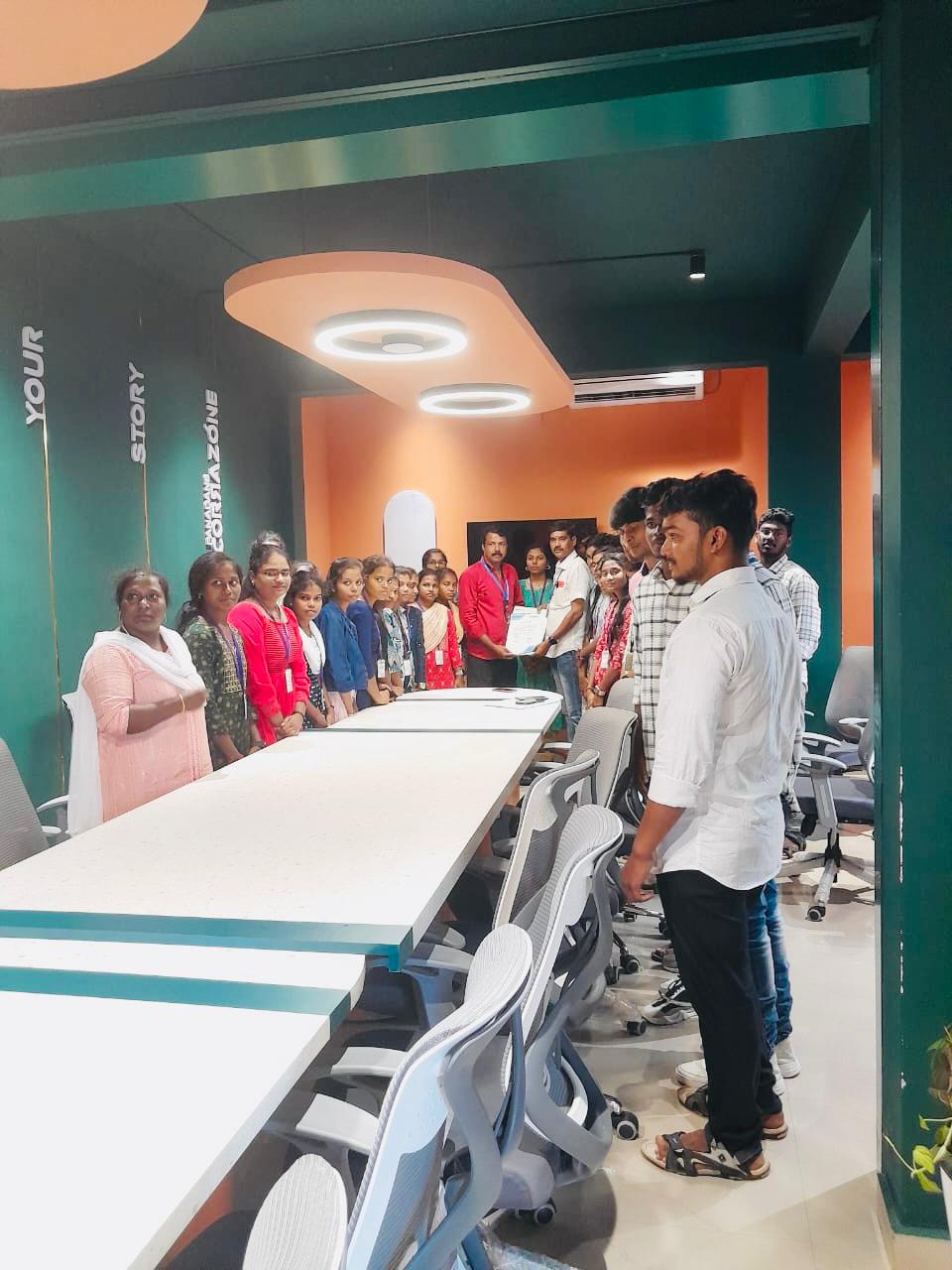
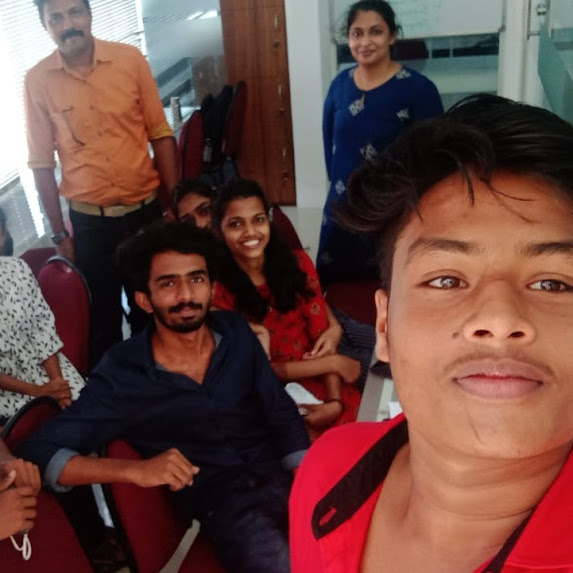
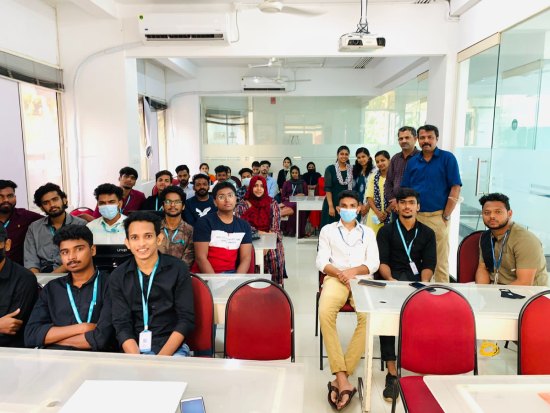
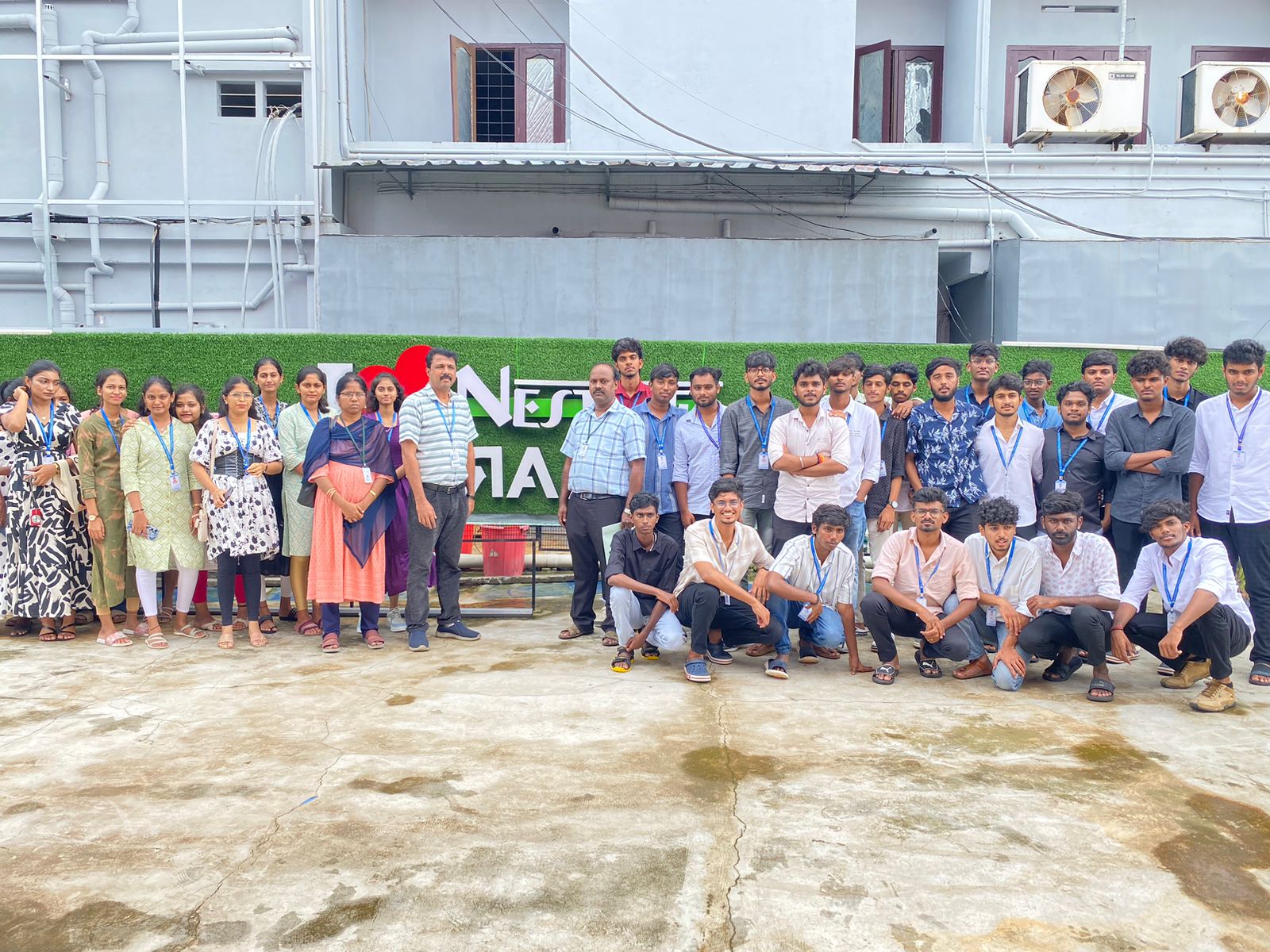
Photos of Training / Internships

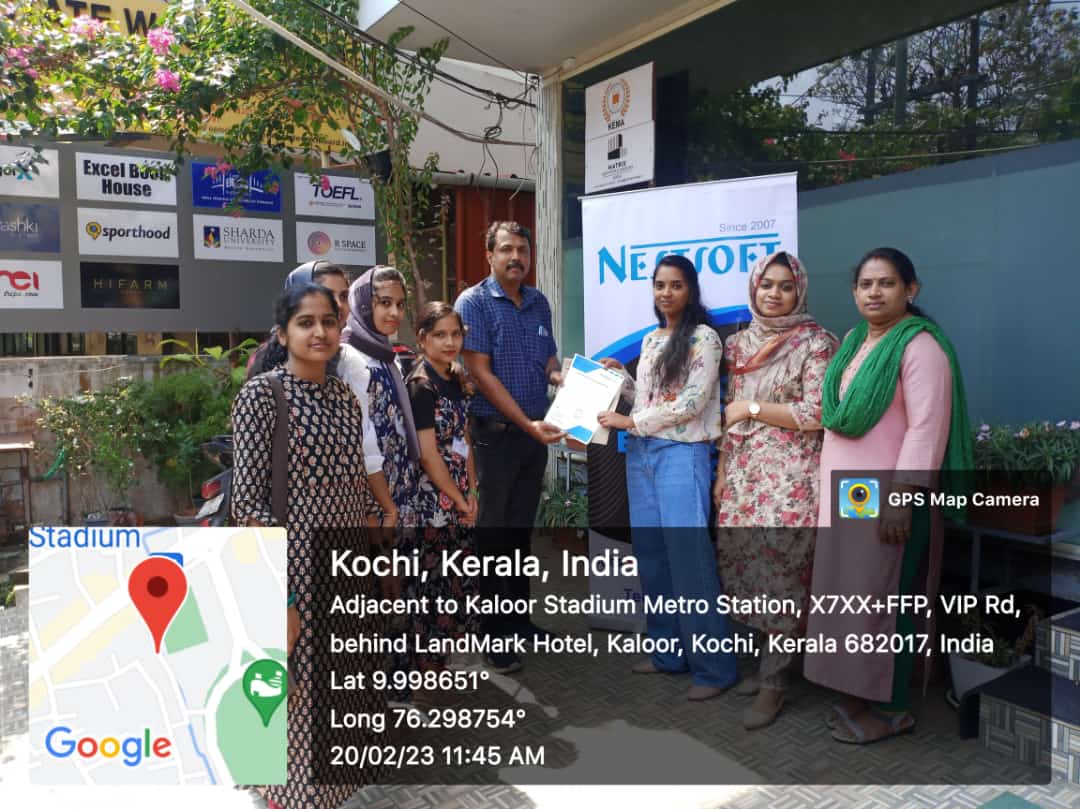
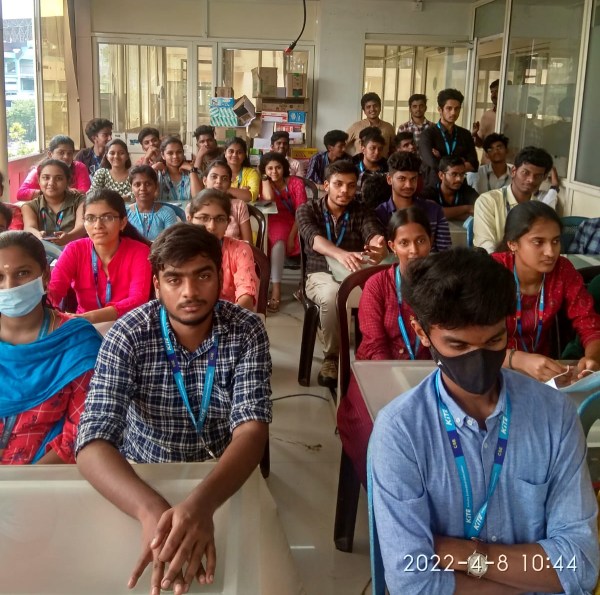
Internship/projects in kasaragod

Trained more than 10000+ students who trust Nestsoft TechnoMaster

Get Your Personal Trainer