Send enquiry ⏎

Adobe After Effects Online Live Class by Experts

Our Training/Internship Process

Adobe After Effects Online Live Classes in Shimla | Free Demo Training

Adobe After Effects - Syllabus, Fees & Duration

MODULE 1: Fundamentals of Motion Graphics

  • RGB Color Model
  • Frame Size
  • Resolution
  • Pixel Aspect Ratio
  • Alpha Channels
  • Frame Rate
  • Time Code
  • Interpreting Footage

MODULE 2: Getting to Know the Workflow

  • How After Effects Works
  • Overview of panels
  • Creating a project and importing footage
  • Creating a composition and arranging layers
  • Adding effects and modifying layer properties
  • Animating the composition
  • Previewing your work
  • Optimizing performance in After Effects
  • Customizing workspaces
  • Controlling the brightness of the user interface
  • Finding resources for using After Effects

MODULE 3:Creating a Basic Animation Using Effects and Presets

  • Importing footage using Adobe Bridge
  • Importing video clips
  • Importing stills
  • Importing a sequence of stills (interpreting)
  • Importing multilayered photoshop and illustrator files
  • Creating a new composition
  • Applying effects to a layer
  • Changing parameters globally
  • Creating keyframes
  • Keyframe interpolation: auto, continuous, and Bezier interpolation
  • Temporal and spatial Interpolation
  • Roving in time for spatial properties
  • Creating and applying an animation preset
  • Previewing your work

MODULE 4:Working With Masks

  • About masks
  • Creating a mask with the Pen tool
  • Editing a mask
  • Feathering the edges of a mask
  • Replacing the content of the mask
  • Mask interpolation
  • Using masks from Illustrator and Photoshop
  • Masks for spatial keyframes

MODULE 5:Animating Text

  • About text layers
  • Creating and formatting point text vs paragraph text
  • Using a text animation preset
  • Text on a path
  • Animating imported Photoshop text
  • Animating text using a path animation preset
  • Using a text animators
  • Adding properties
  • Adding a range selector
  • Using a text animator group

MODULE 6: Working with Shape Layers

  • Adding a shape layer
  • Creating custom shapes
  • Creating stars
  • Default properties of shape layers
  • Add properties
  • Creating Groups
  • Stack your shapes & properties
  • Using Brainstorm to experiment

MODULE 7: Other Effects

  • Time remapping
  • Motion sketch
  • The smoother
  • The wiggler
  • Auto orient
  • Splitting a layer
  • Adjustment layers
  • The effects and presets panel

MODULE 8: Distorting Objects with the Puppet Tools

  • About the Puppet tools
  • Adding Deform pins
  • Defining areas of overlap
  • Stiffening an area
  • Animating pin positions
  • Recording animation

MODULE 9: Rendering and Output

  • Creating templates for the Render Queue
  • Exporting using the Render Queue
  • Rendering movies with Adobe Media Encoder

MODULE 10: Transfer Controls

  • Understanding Layer Blending Modes and how to change those using shortcuts
  • Using Track Mattes
  • Understanding precomposing and nesting
  • Stencil and Silhouette
  • Preserve Transparency

Download Syllabus - Adobe After Effects
This syllabus is not final and can be customized as per needs/updates
   
10000+
20+
50+
25+

Adobe After Effects Jobs in Shimla

Enjoy the demand

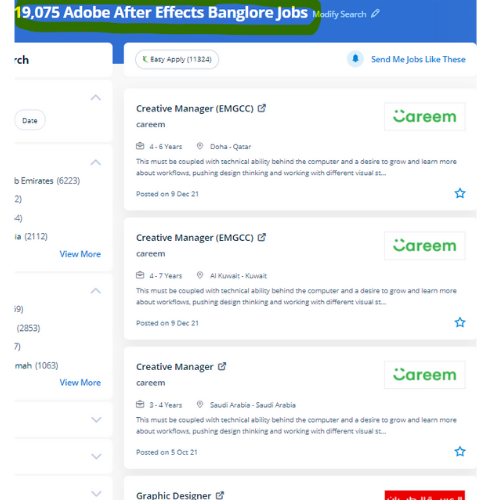
Find jobs related to Adobe After Effects in search engines (Google, Bing, Yahoo) and recruitment websites (monsterindia, placementindia, naukri, jobshybrid.com, indeed.co.in, shine.com etc.) based in Shimla, chennai and europe countries. You can find many jobs for freshers related to the job positions in Shimla.

  • 3D Interior Designer
  • Graphic Designer
  • Motion Graphics Designer
  • UI/UX Trainer
  • Freelance Graphic Designer
  • After Effects Trainer
  • After Effects Editor
  • Motion Video Editor
  • Video Editing Trainer
  • 2d Motion Designer

Adobe After Effects Internship/Course Details

Adobe After Effects internship jobs in Shimla
Adobe After Effects one of the most features is it is used for editing graphics inside the video, usually oriented to special effects and animations and it's it has a variety of plugins designed by third parties therefore which might facilitate to cut back work. lots experts use the After-effect tool for animation and video post-production, which allows users to design and deliver knowledgeable motion pix and visual effects for film, TV, video, and web. After Effects is the most generally used kind of animation in motion graphics. Nestsoft helps you to learn this powerful motion graphics application In hands-on live classes, and thru this you’ll work on various real-world animation projects, consisting of GIFs, ads, title sequences, and logos. although it will do these items, it is not similar to a movie editing program. Interested candidates might register in our Adobe once Effects coaching course. In Nestsoft, you'll learn the way to merge text, graphics, and effects on films. Nestsoft's live online After Effects Courses assist you to learn advanced After Effects topics such as chroma keying, motion tracking, rotoscoping, VFX, and motion design. the main applications of After Effects are going to be classified into three categories: Animation, Effects, and compositing. Adobe After Effects could be a motion graphics, visual result, and virtual compositing software used withinside the post-production of movie and television productions.


Meet a Few of our Industry Experts 🚀 Your Pathway to IT Career

Abhishek

Mobile: +91 98474 90866
Location: Online (Shimla, India)
Qualification: Btech

Experience: Wix developer Knowledge of html html 5 css Done 5 projects  more..

Mansi

Mobile: +91 98474 90866
Location: Online (Shimla, India)
Qualification: b.com

Experience: on-page seo off-page seo social media search engine  more..

Pavan

Mobile: +91 89210 61945
Location: Online (Shimla, India)
Qualification: B. E

Experience: I am right now working on real time project and language used are angular 5 and node js Application for  more..

Nikunj

Mobile: +91 89210 61945
Location: Online (Shimla, India)
Qualification: B.E computer

Experience: Created 25+ applications including native and flutter  more..

Akhila

Mobile: +91 9895490866
Location: Online (Shimla, India)
Qualification: MCA

Experience: HTML CSS MySql python Djngo  more..

Pooja

Mobile: +91 91884 77559
Location: Online (Shimla, India)
Qualification: BBA

Experience: I am a energetic ambitious person I have all leadership qualities and completed my full digital marketing course seo on  more..

Vishal

Mobile: +91 8301010866
Location: Online (Shimla, India)
Qualification: B.Tech

Experience: I have total 3+ years of experience in Testing i have a knowledge in Java Selenium Web Driver testNg Regression  more..

Mohit

Mobile: +91 8301010866
Location: Online (Shimla, India)
Qualification: BCA

Experience: I am a highly skilled and experienced UI UX designer front-end web developer and project manager with over 5 years  more..

Natasha

Mobile: +91 8301010866
Location: Online (Shimla, India)
Qualification: BE IT

Experience: I have 3+ years of experience with digital marketing all modules that includes on-page seo off page seo social media  more..

jaimin

Mobile: +91 89210 61945
Location: Online (Shimla, India)
Qualification: BCA

Experience: Completed Internship as a php devloper   more..

Neeraj.k

Mobile: +91 91884 77559
Location: Online (Shimla, India)
Qualification: BBA graduate,digital marketing complete

Experience: Img sharing Blog sharing Social book marking Content writing On page seo All type of off page seo   more..

Shreya

Mobile: +91 91884 77559
Location: Online (Shimla, India)
Qualification: BA Japanese (Hons)

Experience: While I may not have formal certification from the JLPT I am passionate about the Japanese language and culture and  more..

Nikita

Mobile: +91 91884 77559
Location: Online (Shimla, India)
Qualification: MCA

Experience: Quickblox • Retrofit • Asynctask • Stripe • Sms gateway • RoomDatabase • SQLite • Razorpay Integration • Push Notification  more..

Kishor

Mobile: +91 91884 77559
Location: Online (Shimla, India)
Qualification: B.sc computer science

Experience: *Knowledge in Software testing manual & automation *Flexible *Solid understanding of test cases & test scenario  more..

Ankita

Mobile: +91 9895490866
Location: Online (Shimla, India)
Qualification: Masters in hospital administration

Experience: Teaching mentoring student counseliing and pereonality development  more..

Veerapandi

Mobile: +91 91884 77559
Location: Online (Shimla, India)
Qualification: B.E

Experience: I have 4 years of experience in android development I can work on both java and kotlin I also work  more..

Anjali

Mobile: +91 91884 77559
Location: Online (Shimla, India)
Qualification: B.E in computer engineering

Experience: I have 2 6 years of experience in insurance domain and I successfully perform functinal smoke sanity and regression testing  more..

DOGIPARTHI

Mobile: +91 91884 77559
Location: Online (Shimla, India)
Qualification: B tech

Experience: I have 6+ months experience as a intern in application Developer for web and Mobile I have hands on experience  more..

Manish

Mobile: +91 9895490866
Location: Online (Shimla, India)
Qualification: BCA

Experience: I am software Java developer and complete Java intern  more..

Bhakti

Mobile: +91 98474 90866
Location: Online (Shimla, India)
Qualification: B.arch

Experience: Skills User research User Centric research & Design Information Architecture Creative Problem Solving Figma Proficiency in Design Tools - Adobe  more..

kamal

Mobile: +91 98474 90866
Location: Online (Shimla, India)
Qualification: Btech in computer science

Experience: I am a WordPress developer having 3 years of experience I worked on multiple themes and plugins like elementor elementor  more..

S.M.Iftykhar

Mobile: +91 91884 77559
Location: Online (Shimla, India)
Qualification: Graduate Fresher

Experience: Beginner at Laravel and PHP Medium level Experienced with HTML and CSS Hands on experience on MySQL working on  more..

Nilakshi

Mobile: +91 98474 90866
Location: Online (Shimla, India)
Qualification: Btech

Experience: Worked as a UI UX designer at School of Core AI and also as a web developer at TheConvoke   more..

laxman

Mobile: +91 91884 77559
Location: Online (Shimla, India)
Qualification: b.tech

Experience: I am writing to express my interest in this position With a solid background in HTML XML JavaScript Python jQuery  more..

Success Stories

The enviable salary packages and track record of our previous students are the proof of our excellence. Please go through our students' reviews about our training methods and faculty and compare it to the recorded video classes that most of the other institutes offer. See for yourself how TechnoMaster is truly unique.

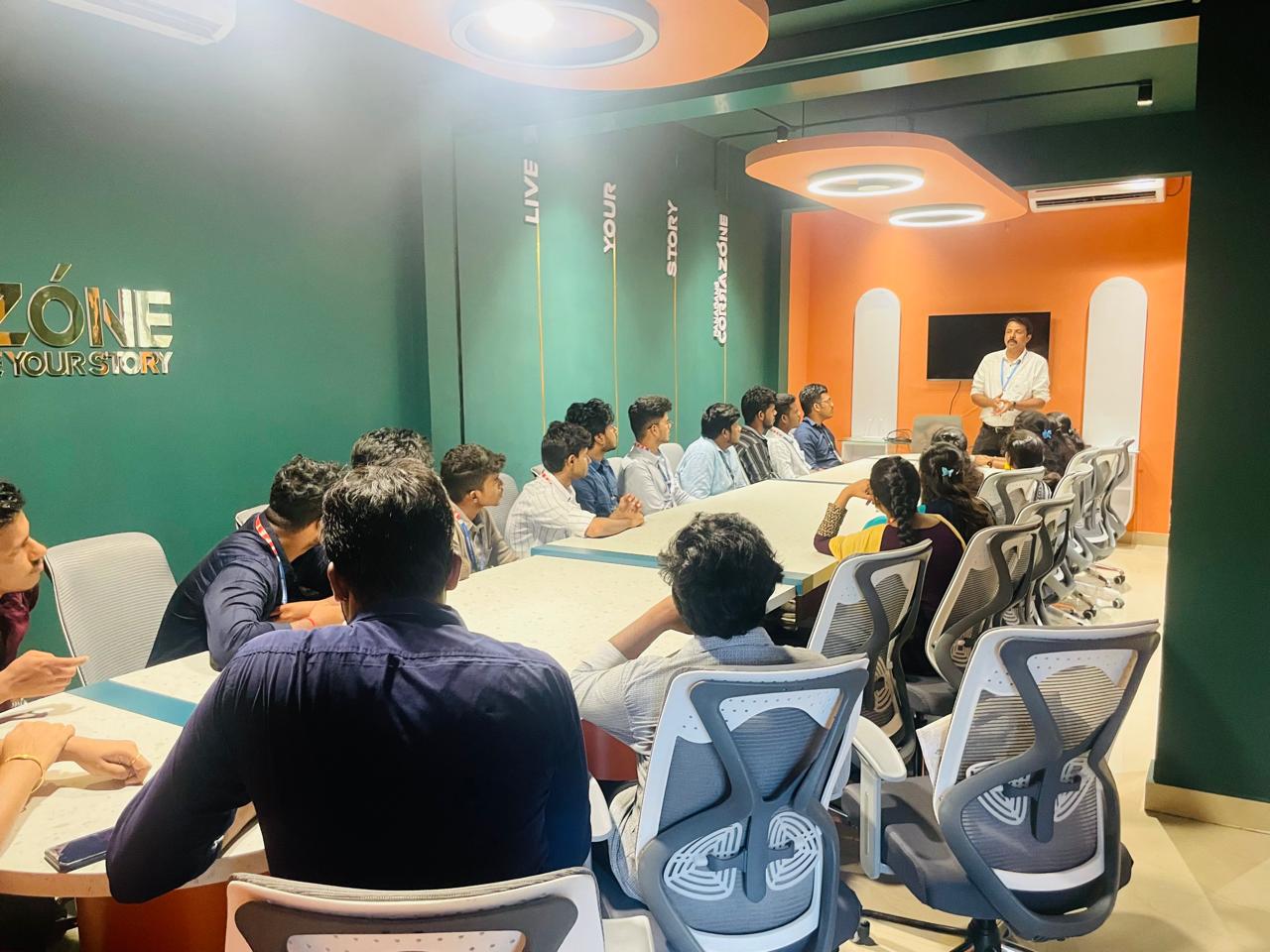
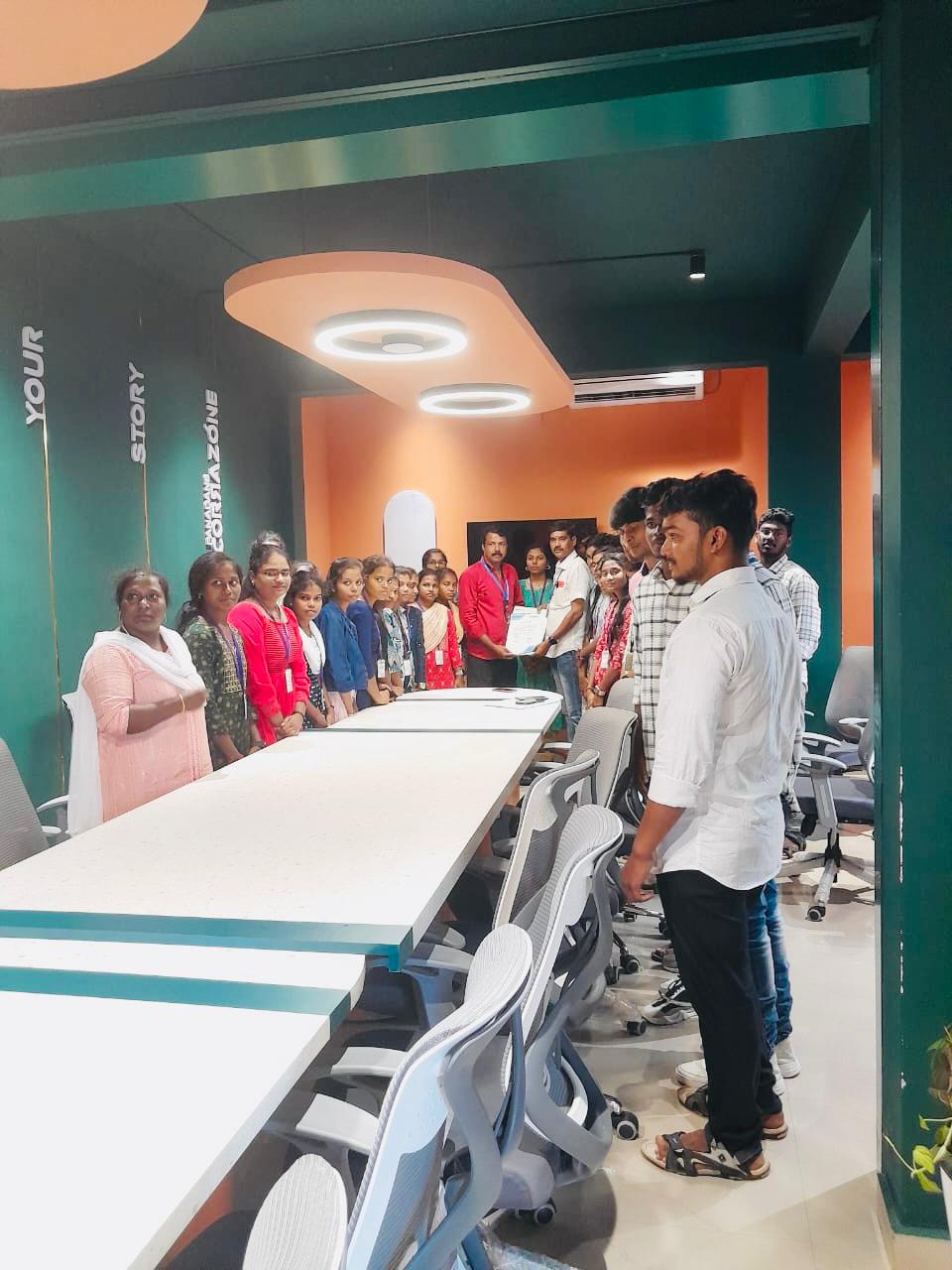
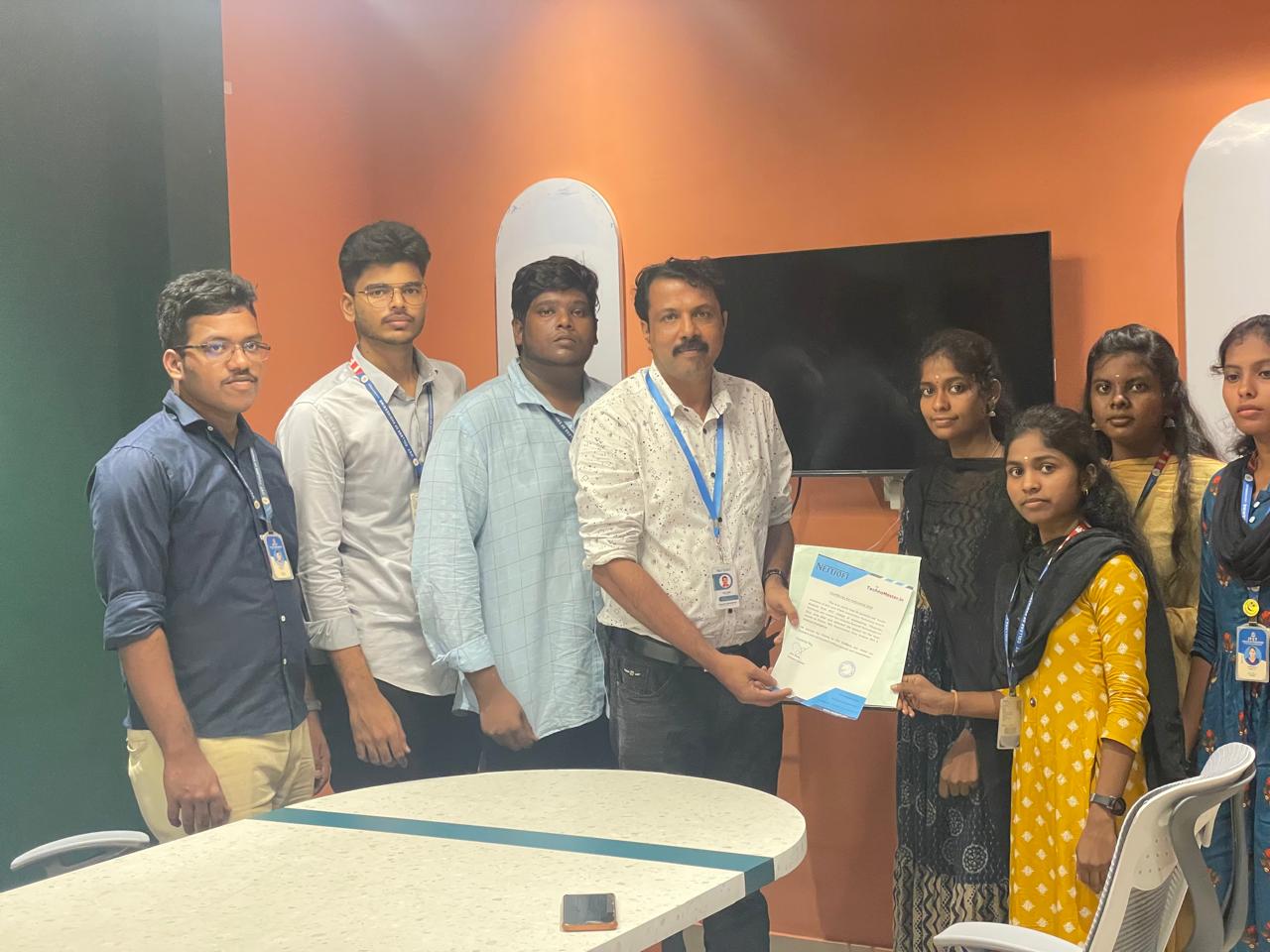
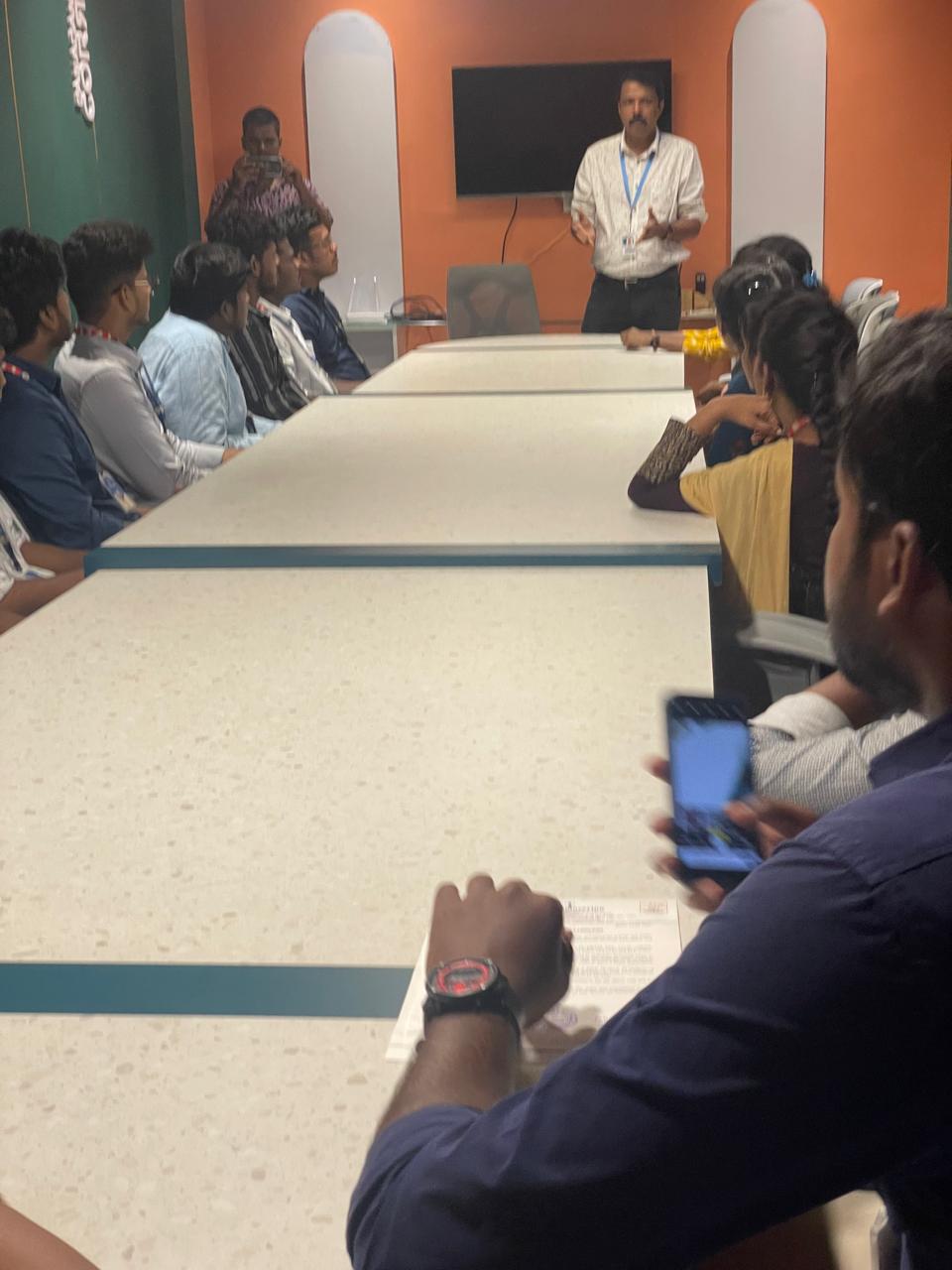
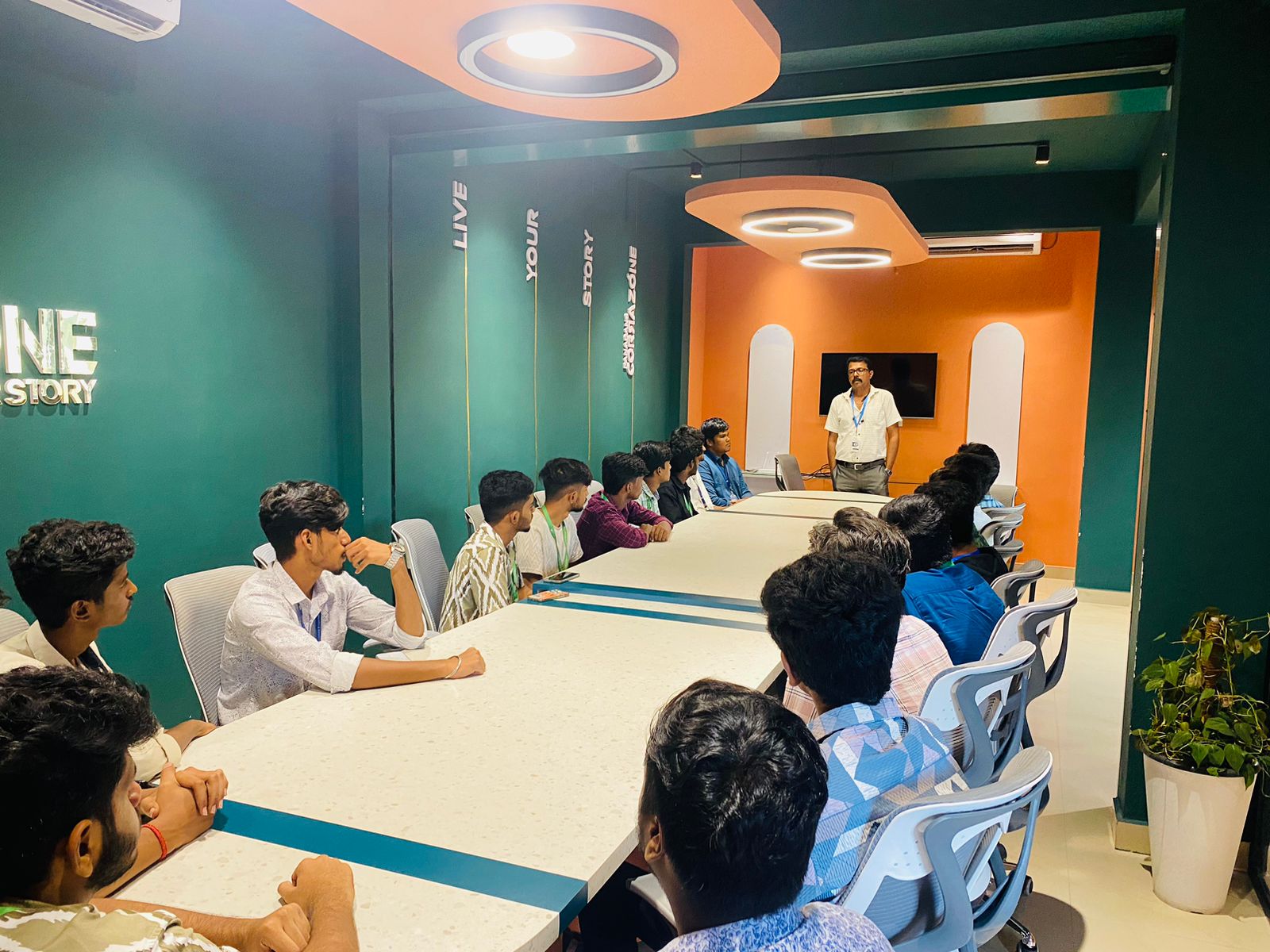
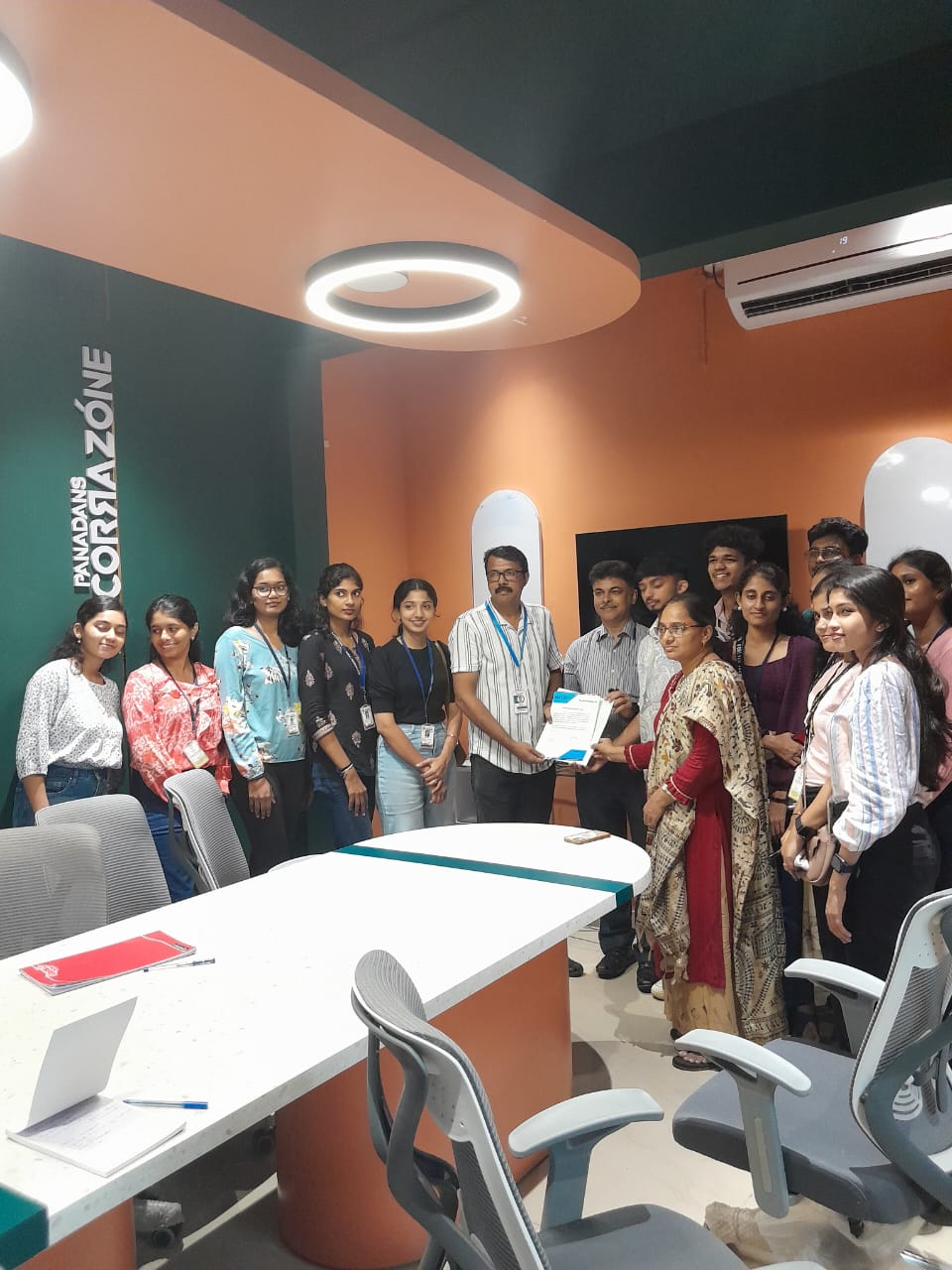
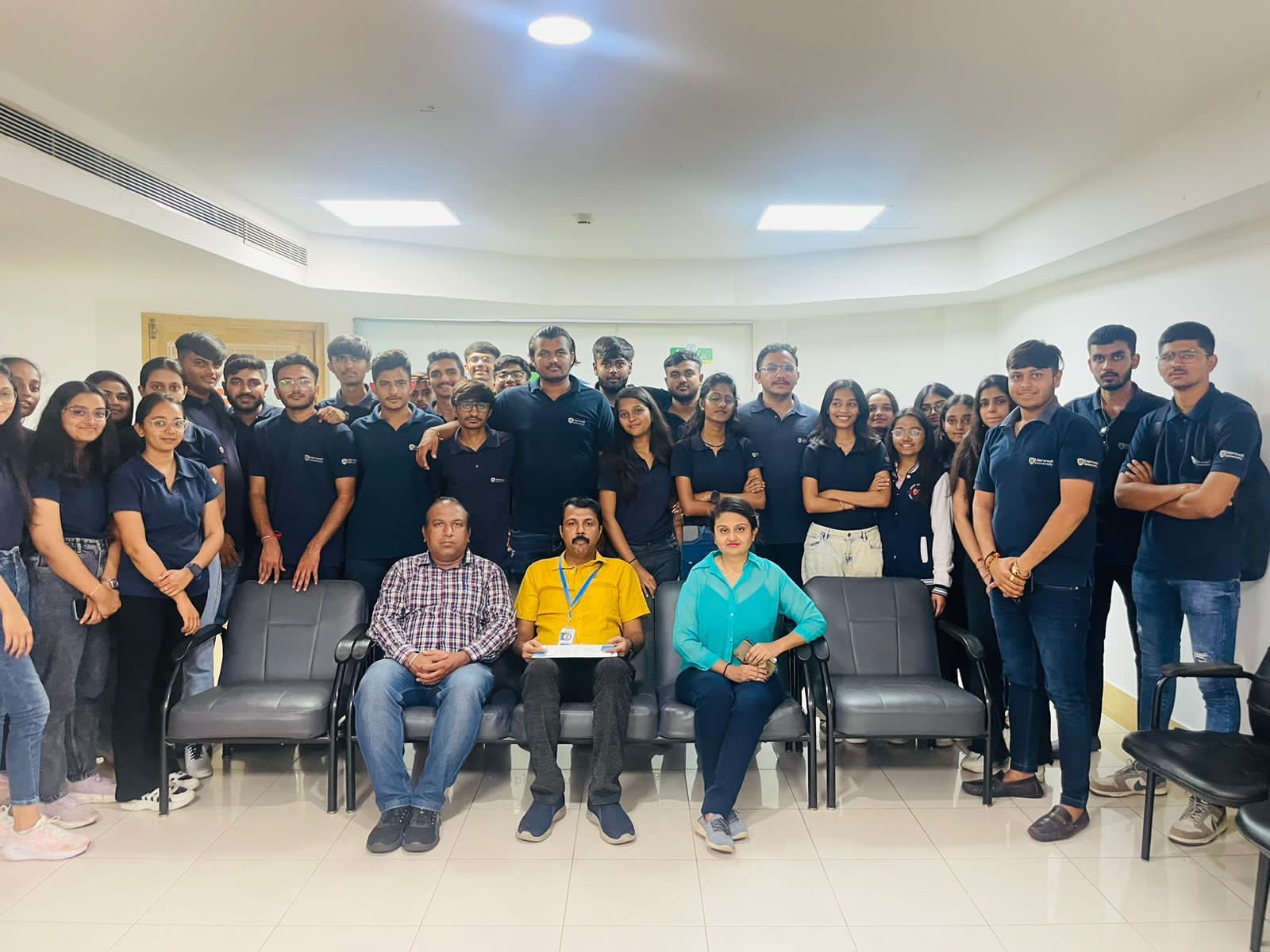
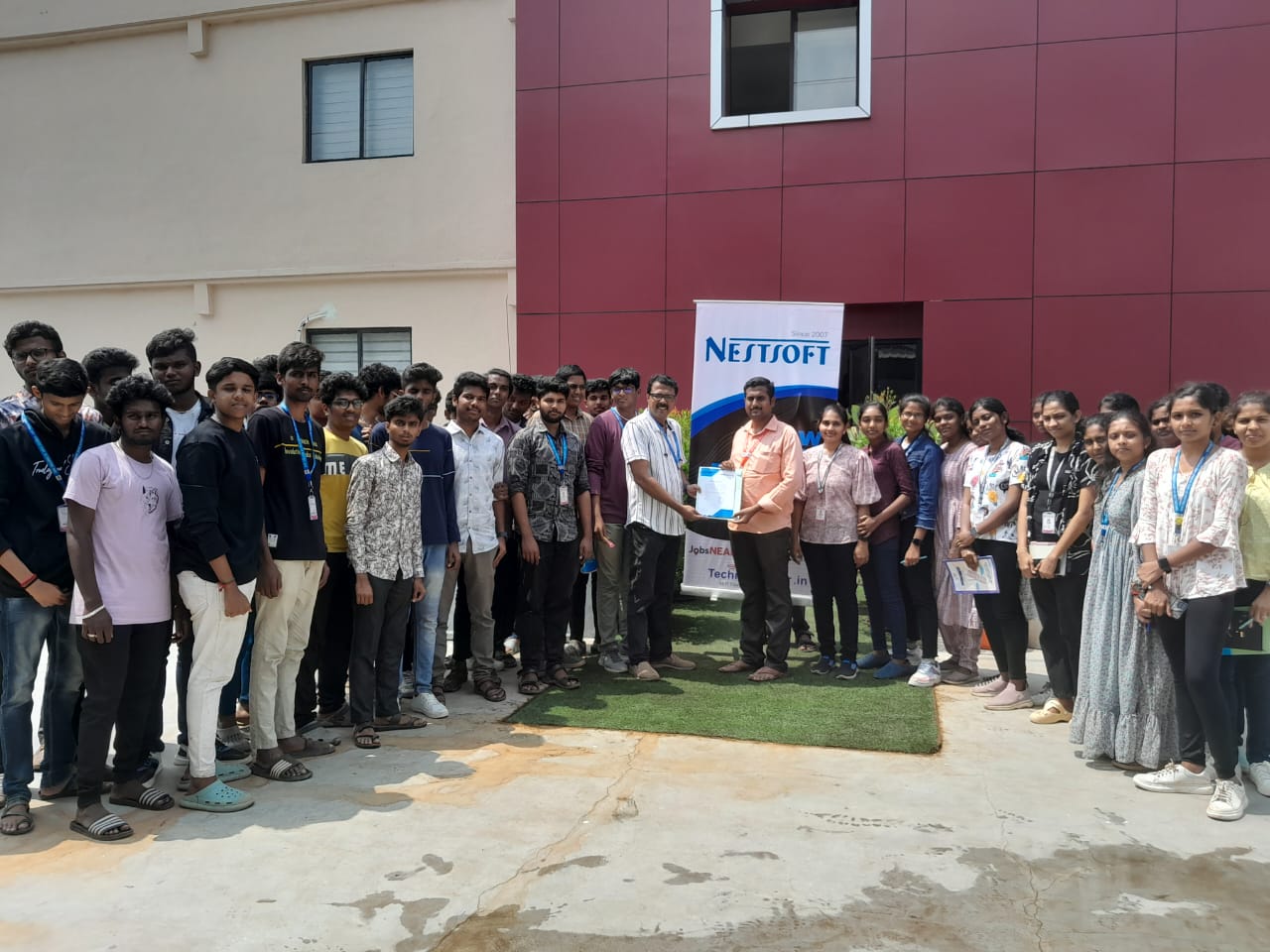
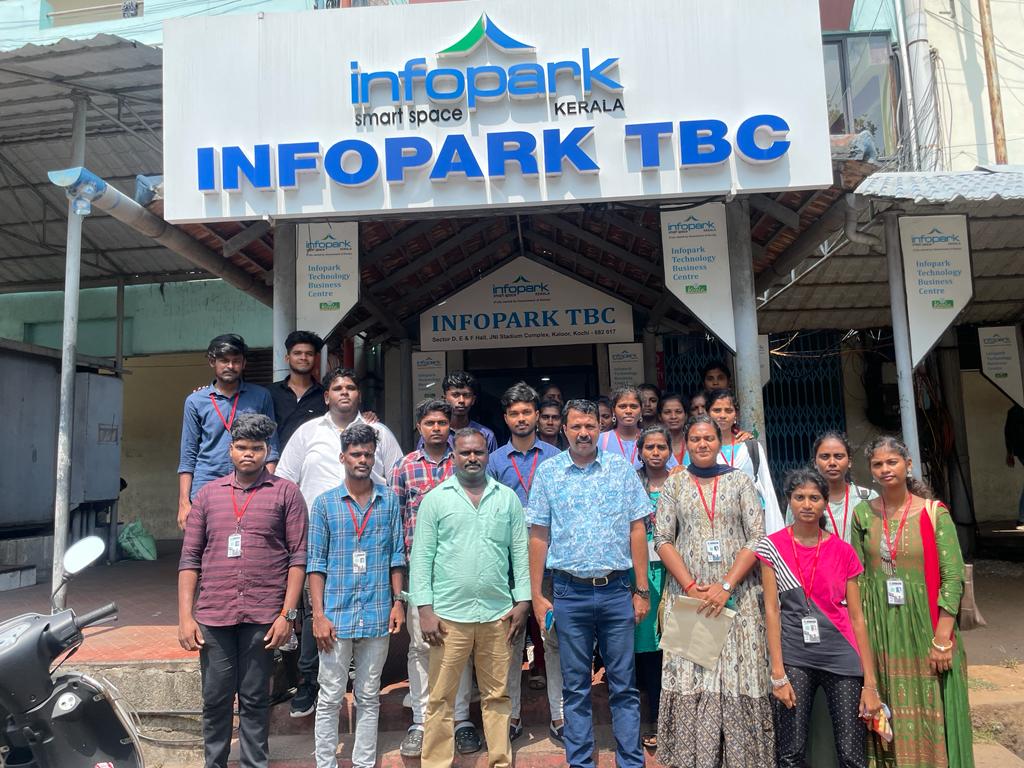
Photos of Training / Internships

Internship/projects in shimla

Trained more than 10000+ students who trust Nestsoft TechnoMaster

Get Your Personal Trainer