Send enquiry ⏎

Adobe After Effects Online Live Class by Experts

Our Training/Internship Process

Adobe After Effects Online Live Classes in Lucknow | Free Demo Training

Adobe After Effects - Syllabus, Fees & Duration

MODULE 1: Fundamentals of Motion Graphics

  • RGB Color Model
  • Frame Size
  • Resolution
  • Pixel Aspect Ratio
  • Alpha Channels
  • Frame Rate
  • Time Code
  • Interpreting Footage

MODULE 2: Getting to Know the Workflow

  • How After Effects Works
  • Overview of panels
  • Creating a project and importing footage
  • Creating a composition and arranging layers
  • Adding effects and modifying layer properties
  • Animating the composition
  • Previewing your work
  • Optimizing performance in After Effects
  • Customizing workspaces
  • Controlling the brightness of the user interface
  • Finding resources for using After Effects

MODULE 3:Creating a Basic Animation Using Effects and Presets

  • Importing footage using Adobe Bridge
  • Importing video clips
  • Importing stills
  • Importing a sequence of stills (interpreting)
  • Importing multilayered photoshop and illustrator files
  • Creating a new composition
  • Applying effects to a layer
  • Changing parameters globally
  • Creating keyframes
  • Keyframe interpolation: auto, continuous, and Bezier interpolation
  • Temporal and spatial Interpolation
  • Roving in time for spatial properties
  • Creating and applying an animation preset
  • Previewing your work

MODULE 4:Working With Masks

  • About masks
  • Creating a mask with the Pen tool
  • Editing a mask
  • Feathering the edges of a mask
  • Replacing the content of the mask
  • Mask interpolation
  • Using masks from Illustrator and Photoshop
  • Masks for spatial keyframes

MODULE 5:Animating Text

  • About text layers
  • Creating and formatting point text vs paragraph text
  • Using a text animation preset
  • Text on a path
  • Animating imported Photoshop text
  • Animating text using a path animation preset
  • Using a text animators
  • Adding properties
  • Adding a range selector
  • Using a text animator group

MODULE 6: Working with Shape Layers

  • Adding a shape layer
  • Creating custom shapes
  • Creating stars
  • Default properties of shape layers
  • Add properties
  • Creating Groups
  • Stack your shapes & properties
  • Using Brainstorm to experiment

MODULE 7: Other Effects

  • Time remapping
  • Motion sketch
  • The smoother
  • The wiggler
  • Auto orient
  • Splitting a layer
  • Adjustment layers
  • The effects and presets panel

MODULE 8: Distorting Objects with the Puppet Tools

  • About the Puppet tools
  • Adding Deform pins
  • Defining areas of overlap
  • Stiffening an area
  • Animating pin positions
  • Recording animation

MODULE 9: Rendering and Output

  • Creating templates for the Render Queue
  • Exporting using the Render Queue
  • Rendering movies with Adobe Media Encoder

MODULE 10: Transfer Controls

  • Understanding Layer Blending Modes and how to change those using shortcuts
  • Using Track Mattes
  • Understanding precomposing and nesting
  • Stencil and Silhouette
  • Preserve Transparency

Download Syllabus - Adobe After Effects
This syllabus is not final and can be customized as per needs/updates
   
10000+
20+
50+
25+

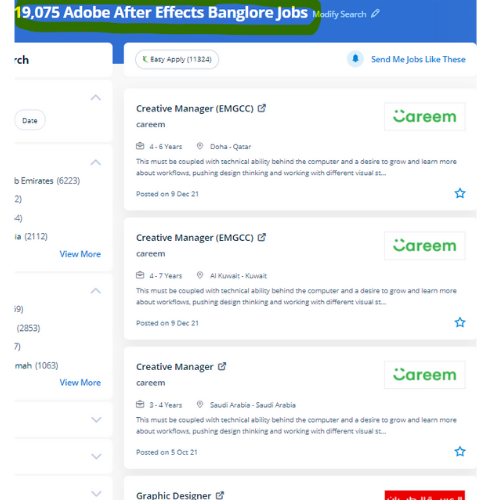
Adobe After Effects Jobs in Lucknow

Enjoy the demand

Find jobs related to Adobe After Effects in search engines (Google, Bing, Yahoo) and recruitment websites (monsterindia, placementindia, naukri, jobshybrid.com, indeed.co.in, shine.com etc.) based in Lucknow, chennai and europe countries. You can find many jobs for freshers related to the job positions in Lucknow.

  • 3D Interior Designer
  • Graphic Designer
  • Motion Graphics Designer
  • UI/UX Trainer
  • Freelance Graphic Designer
  • After Effects Trainer
  • After Effects Editor
  • Motion Video Editor
  • Video Editing Trainer
  • 2d Motion Designer

Adobe After Effects Internship/Course Details

Adobe After Effects internship jobs in Lucknow
Adobe After Effects After Effects is the most generally used kind of animation in motion graphics. the simultaneous accomplishment of the after Effects Program, they’ll gain an exceptional understanding of the menu and tools in After Effects and be ready to complete work with a high level of management. . lots experts use the After-effect tool for animation and video post-production, which allows users to design and deliver knowledgeable motion pix and visual effects for film, TV, video, and web. Adobe After Effects could be a motion graphics, visual result, and virtual compositing software used withinside the post-production of movie and television productions. Nestsoft's live online After Effects Courses assist you to learn advanced After Effects topics such as chroma keying, motion tracking, rotoscoping, VFX, and motion design. when completion of the course if you have got any doubt regarding it our experts are forever available for resolution your doubts. The Adobe After Effects course Intermediate and Adobe after Effects – High-level training Course is meant for videographers, graphic artists, and animators with basic level Adobe After Effects experience. to apply effects after the footage has been edited, or to make animation and motion graphics from otherwise static objects this program will be used effectively. Video editing Vector based animations You can combine this with Photoshop and essentially all of the different products in the Adobe suite Adobe provides tutorials for better understanding Nestsoft Adobe after-effects coaching will teach you our industry-experienced Adobe suite certified trainers.


Meet a Few of our Industry Experts 🚀 Your Pathway to IT Career

megha

Mobile: +91 9895490866
Location: Online (Lucknow, India)
Qualification: Msc computer science

Experience: I have 2 years of experience in Android development during which I have honed my skills in Java and Kotlin  more..

Rovin

Mobile: +91 94975 90866
Location: Online (Lucknow, India)
Qualification: B.Tech

Experience: I have 1 4 years experienced in odoo I have work different module like purchase sale manufacturing inventory invoicing Some  more..

Hanuman

Mobile: +91 94975 90866
Location: Online (Lucknow, India)
Qualification: Batchler of computer applications

Experience: Ms office MY SQL c programming Excel   more..

Achal

Mobile: +91 98474 90866
Location: Online (Lucknow, India)
Qualification: B. Tech Cse

Experience: Dear sir I'm a B Tech CSE student at Shri Ramswaroop Memorial University with a passion for building innovative Android  more..

Shalu

Mobile: +91 91884 77559
Location: Online (Lucknow, India)
Qualification: Bachelor of technology

Experience: We are working currently in it recruiterment We have knowledge in Python Html CSS Oops SDLC STLC Agile methodology Regression  more..

Dolly

Mobile: +91 98474 90866
Location: Online (Lucknow, India)
Qualification: Diploma(IT)

Experience: I have 2 5 experience in IT industry in asp net c# ajax jQuery css HTML and SQL server  more..

Shilpa

Mobile: +91 98474 90866
Location: Online (Lucknow, India)
Qualification: B. Tech

Experience: 4years of experience in digital marketing Skilla card design using canva seo techniques social media video uploading and positive thinker  more..

Remya

Mobile: +91 89210 61945
Location: Online (Lucknow, India)
Qualification: btech cse

Experience: html css php dreamweaver web designing web developer  more..

Shreya

Mobile: +91 98474 90866
Location: Online (Lucknow, India)
Qualification: BBA GRADUATE

Experience: I have done diploma in digital marketing from Digital Academy 360 (banglore) I have knowledge of on-page SEO off page  more..

Rajeev

Mobile: +91 91884 77559
Location: Online (Lucknow, India)
Qualification: B. Tech

Experience: Currently working in Amazon development Centre India pvt Ltd since last 4 9 years almost Part time Teaching German since  more..

Harshal

Mobile: +91 98474 90866
Location: Online (Lucknow, India)
Qualification: MASTER OF COMPUTER APPLICATIONS

Experience: Senior android developer  more..

Aditya

Mobile: +91 94975 90866
Location: Online (Lucknow, India)
Qualification: Bachelor of Engineering (Computer Science)

Experience: Programming Languages: c java python Html Css Javascript Libraries Frameworks: Django Django-Rest SpringBoot Angular Firebase Bootstrap Agile Tools Platforms: AWS  more..

Bhuvan

Mobile: +91 94975 90866
Location: Online (Lucknow, India)
Qualification: BE

Experience: Web developer java python  more..

somya

Mobile: +91 94975 90866
Location: Online (Lucknow, India)
Qualification: mca

Experience: as per my technical skill i have work in react js with tailwinds and a basic knowledge of docker devops  more..

Dilli

Mobile: +91 94975 90866
Location: Online (Lucknow, India)
Qualification: Bachelor of technology

Experience: Working on design and Execution of test cases Participated in iteration walkthrough calls and understands the new changes Participated in  more..

ANJALY

Mobile: +91 98474 90866
Location: Online (Lucknow, India)
Qualification: B.Tech

Experience: Have Knowledge in Core Java Android Advanced java jsp servlets jsf struts hibernate and spring Also know the front-end languages  more..

Gaurav

Mobile: +91 94975 90866
Location: Online (Lucknow, India)
Qualification: Bachelor's degree

Experience: I have some skills like Power bi MySQL programming language Figma Canva Data analytics web designing and advanced Excel etc  more..

mohit

Mobile: +91 91884 77559
Location: Online (Lucknow, India)
Qualification: BCA

Experience: I have 1 4 years of experience in manual testing   more..

Aman

Mobile: +91 89210 61945
Location: Online (Lucknow, India)
Qualification: Master

Experience: Html javascript bootstrap react jQuery WordPress css  more..

Nauman

Mobile: +91 91884 77559
Location: Online (Lucknow, India)
Qualification: BCA

Experience: Html css wordpress canva  more..

Adarsh

Mobile: +91 91884 77559
Location: Online (Lucknow, India)
Qualification: Graduate

Experience: Proficient in German writing and speaking German Teaching Analytical thinking and market research MS Office proficiency Excellent communication skills Multi-tasking  more..

Nayak

Mobile: +91 94975 90866
Location: Online (Lucknow, India)
Qualification: BCA

Experience: I have a experience of total 4 mnc company's as a web developer   more..

Dharmaraj

Mobile: +91 98474 90866
Location: Online (Lucknow, India)
Qualification: B.com

Experience: Microsoft firewall Network and servers  more..

Ragavan

Mobile: +91 9895490866
Location: Online (Lucknow, India)
Qualification: C-Tech

Experience: Graphic design & video editing |   more..

Success Stories

The enviable salary packages and track record of our previous students are the proof of our excellence. Please go through our students' reviews about our training methods and faculty and compare it to the recorded video classes that most of the other institutes offer. See for yourself how TechnoMaster is truly unique.

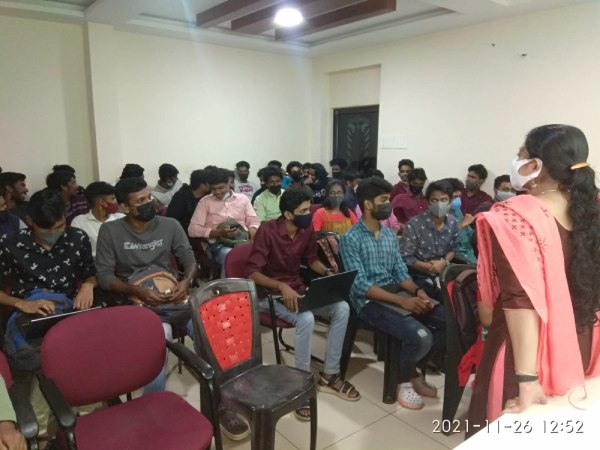
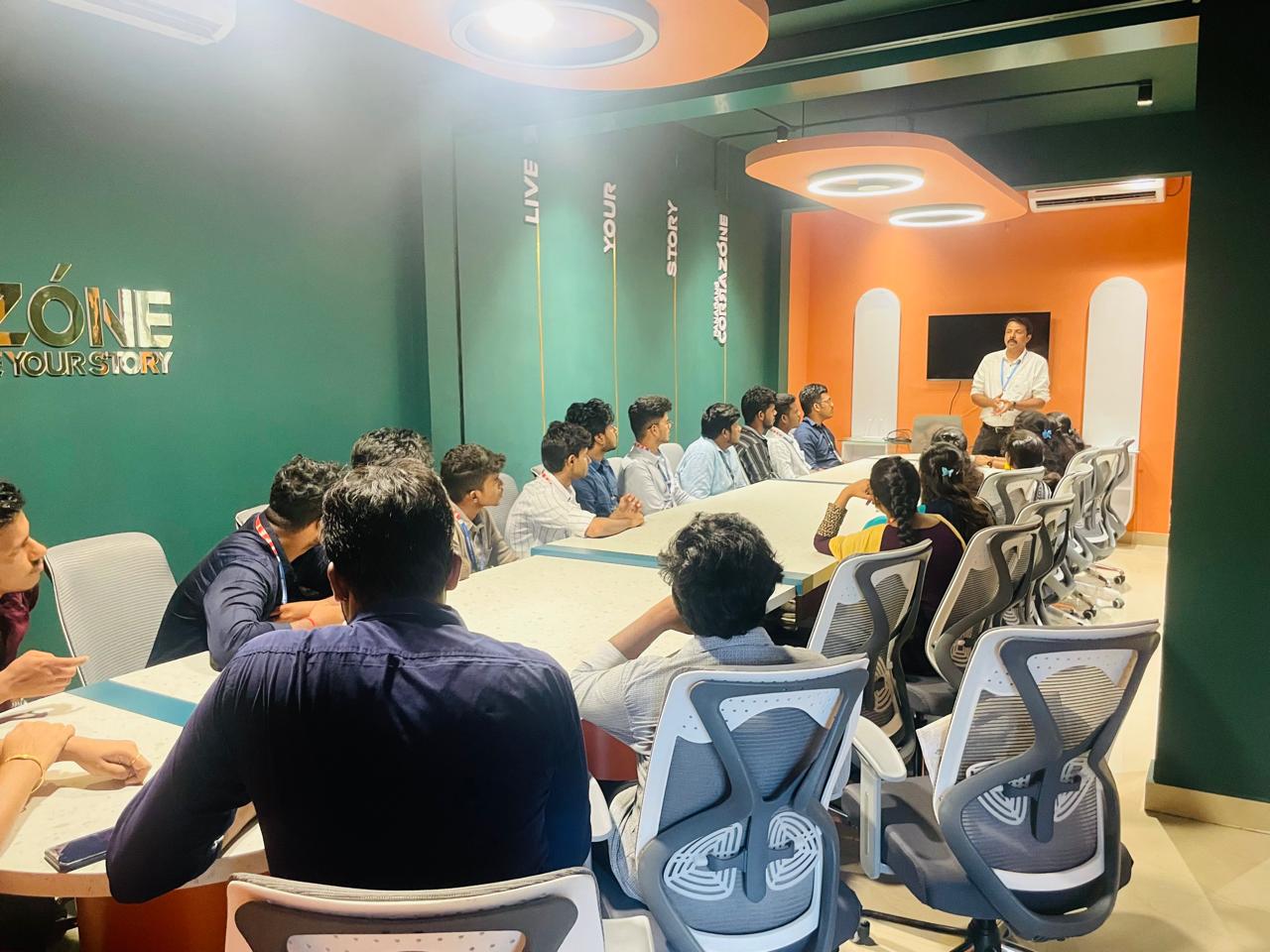
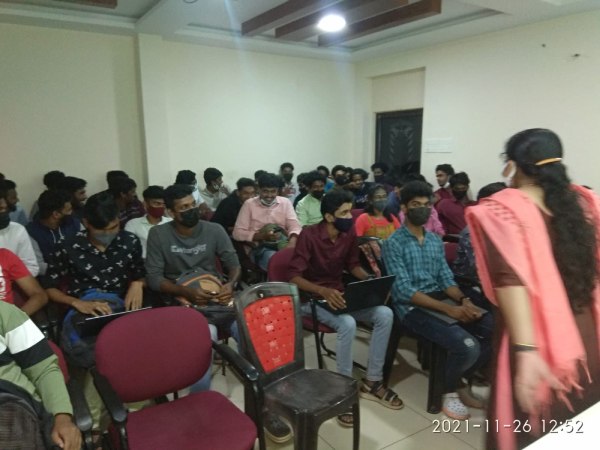
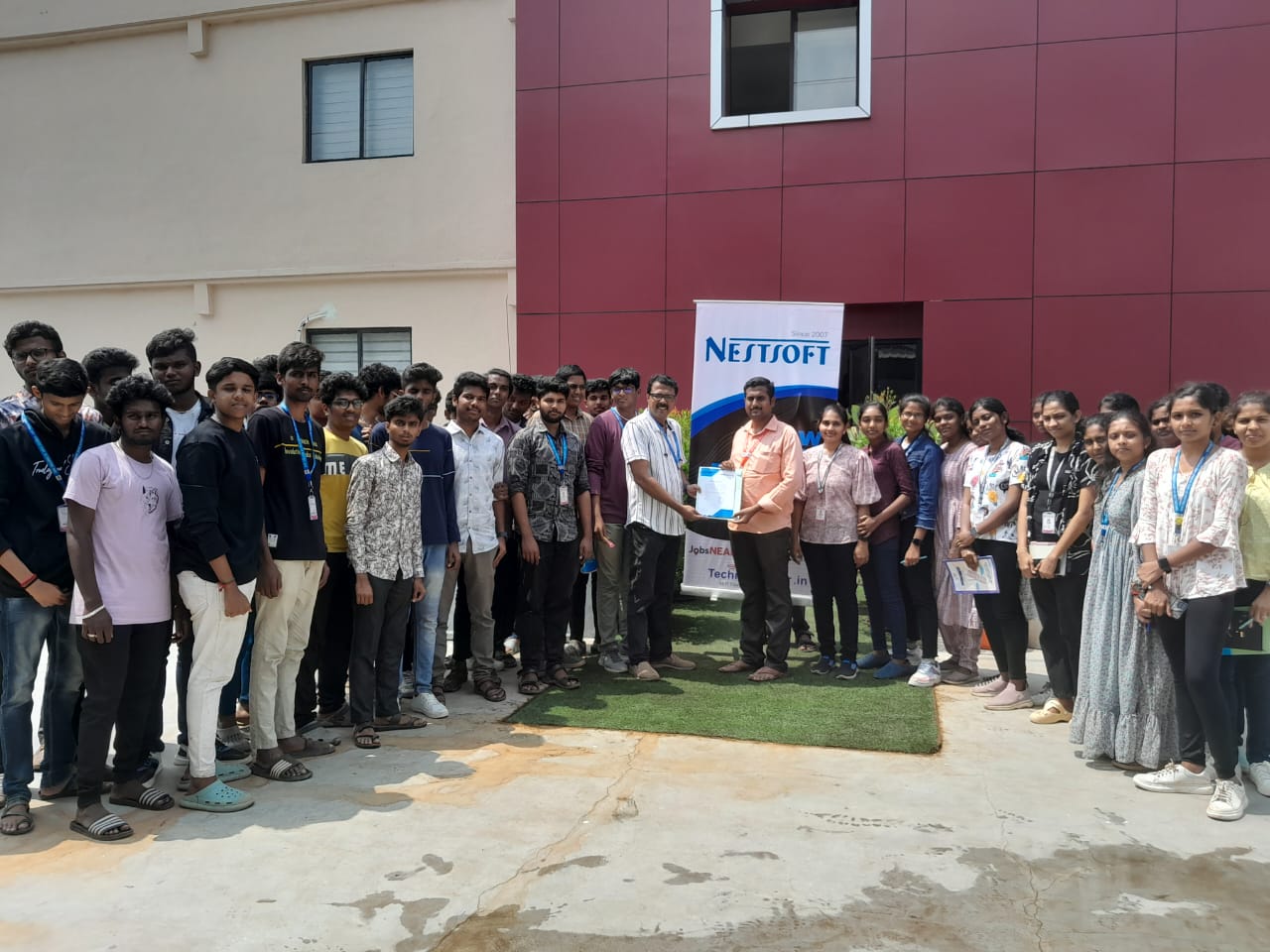
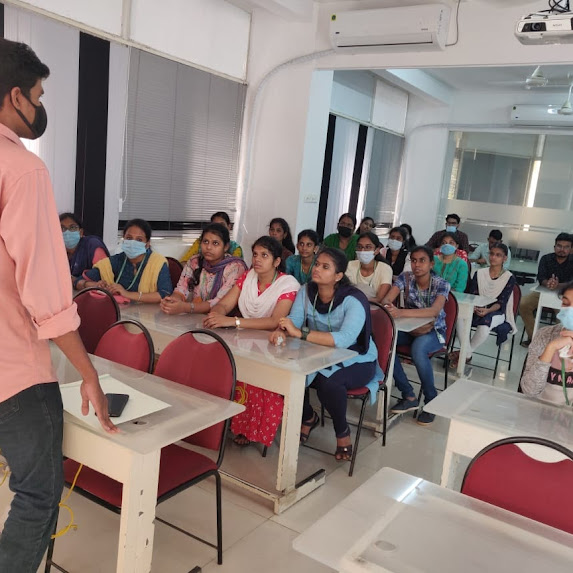
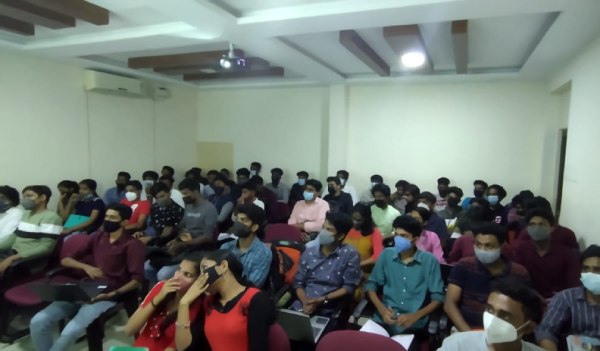
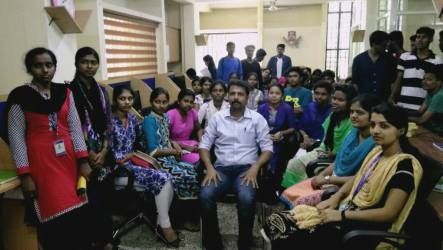
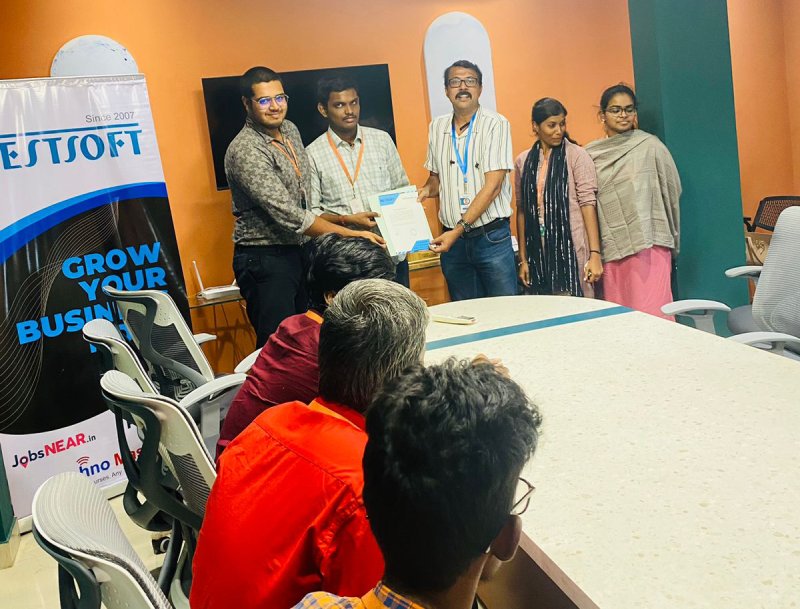
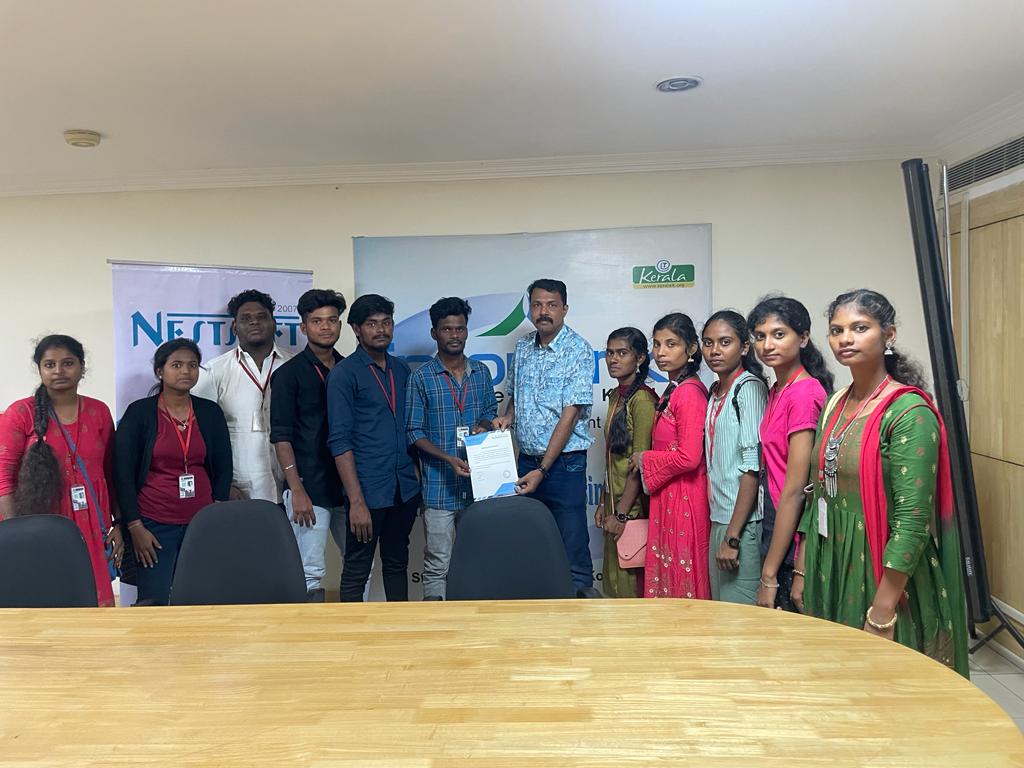
Photos of Training / Internships

Internship/projects in lucknow

Trained more than 10000+ students who trust Nestsoft TechnoMaster

Get Your Personal Trainer