Send enquiry ⏎

Sql Online Live Class by Experts

Our Training/Internship Process

Sql Online Live Classes in Kottayam | Free Demo Training

Sql - Syllabus, Fees & Duration

Module 1: Introduction to Databases and SQL

    What is a Database?

  • Introduction to databases and their importance
  • Types of databases: Relational, NoSQL, etc.
  • Introduction to SQL

  • History and purpose of SQL
  • Basic SQL terminology (tables, rows, columns, etc.)
  • Setting Up SQL Environment

  • Installing database management systems (e.g., MySQL, PostgreSQL)
  • Installing SQL clients (e.g., MySQL Workbench, pgAdmin)

    Module 2: SQL Basics

    SQL Data Types

  • Common data types (e.g., INT, VARCHAR, DATE)
  • Choosing the right data type for columns
  • Creating and Managing Tables

  • Creating tables using CREATE TABLE
  • Altering tables using ALTER TABLE
  • Deleting tables using DROP TABLE
  • Inserting and Manipulating Data

  • INSERT, UPDATE, and DELETE statements
  • Understanding SQL transactions
  • Module 3: Querying Data

    SELECT Statement

  • Retrieving data from tables
  • Using SELECT DISTINCT and aliases
  • Filtering and Sorting Data

  • WHERE clause for filtering
  • ORDER BY clause for sorting

    Aggregate Functions

  • SUM, AVG, COUNT, MIN, MAX
  • GROUP BY and HAVING clauses
  • Module 4: Joins and Relationships

    Understanding Relationships

  • Primary keys and foreign keys
  • Types of relationships: one-to-one, one-to-many, many-to-many
  • INNER JOIN and OUTER JOIN

  • Joining tables to retrieve related data
  • LEFT JOIN, RIGHT JOIN, FULL JOIN
  • Subqueries

  • Using subqueries to retrieve data
  • Correlated subqueries
  • Module 5: Advanced SQL Concepts

    Indexes and Performance Optimization

  • Creating and managing indexes
  • Query optimization techniques
  • Views

  • Creating and using views
  • Advantages of using views
  • Stored Procedures and Functions

  • Creating and executing stored procedures
  • Creating and executing user-defined functions
  • Module 6: Transactions and Concurrency

    Transactions

  • ACID properties
  • Managing transactions using COMMIT and ROLLBACK
  • Locking and Concurrency Control

  • Understanding locks and their types
  • Handling concurrent database access
  • Module 7: Security and Permissions

    User Accounts and Permissions

  • Creating and managing user accounts
  • Granting and revoking privileges
  • SQL Injection Prevention

  • Protecting against SQL injection attacks
  • Best practices for secure coding
  • Module 8: Case Studies and Real-world Applications

    Building SQL Applications

  • Developing a simple web application with a database backend
  • Data Modeling

  • Entity-Relationship Diagrams (ERD)
  • Normalization techniques
  • Module 9: Reporting and Business Intelligence (Optional)

    Introduction to Reporting Tools

  • Using SQL for generating reports
  • Integration with reporting tools like Tableau, Power BI, etc.
  • Module 10: NoSQL and Big Data (Optional)

    Introduction to NoSQL databases

  • Overview of popular NoSQL databases (e.g., MongoDB, Cassandra)
  • SQL in the context of Big Data

  • Basics of working with large datasets
  • Module 11: Advanced Topics (Optional)

    Window Functions

  • Understanding window functions for advanced querying
  • JSON and XML Processing

  • Working with JSON and XML data in SQL
   
10000+
20+
50+
25+

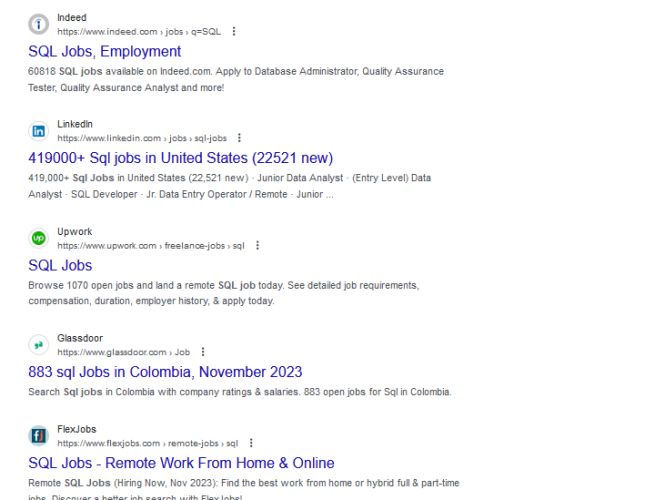
Sql Jobs in Kottayam

Enjoy the demand

Find jobs related to Sql in search engines (Google, Bing, Yahoo) and recruitment websites (monsterindia, placementindia, naukri, jobshybrid.com, indeed.co.in, shine.com etc.) based in Kottayam, chennai and europe countries. You can find many jobs for freshers related to the job positions in Kottayam.

  • sql developer
  • data engineer
  • data analyst
  • sql database administrator
  • ml sql developer
  • microsoft sql developer
  • oracle sql developer
  • mysql developer

Sql Internship/Course Details

Sql internship jobs in Kottayam
Sql We provide sql training and internship in Kottayam in real time projects. Depending on the level of expertise required and the time available for training, you can customize the syllabus to fit your specific needs. Additionally, hands-on practice and real-world projects should be integrated throughout the training to reinforce the concepts learned. Here's a suggested syllabus for SQL training, divided into different modules: This syllabus is designed to provide a comprehensive understanding of SQL, from the basics to more advanced topics. . A comprehensive SQL training syllabus should cover the fundamentals of SQL (Structured Query Language) and gradually progress to more advanced topics. You can learn sql from industry experts in Kottayam.


Meet a Few of our Industry Experts 🚀 Your Pathway to IT Career

ravirajsinh

Mobile: +91 98474 90866
Location: Online (Kottayam, India)
Qualification: b.sc

Experience: -I'm a front-end developer -I have a completed internship in frontend development -I have completed frontage language in HTML CSS  more..

Debarpita

Mobile: +91 89210 61945
Location: Online (Kottayam, India)
Qualification: B.Tech

Experience: Machine Learning: Predictive modelling Regression Classification Clustering Statistical modelling Feature Engineering Time Series Analysis Forecasting Natural Language Processing (NLP) and  more..

DRISHYA

Mobile: +91 91884 77559
Location: Online (Kottayam, India)
Qualification: MCA

Experience: Having experience in doing programming skills as well as teaching experience The teaching method of triggering the basic will in  more..

Ratnaparkhe

Mobile: +91 8301010866
Location: Online (Kottayam, India)
Qualification: Bsc computers

Experience: Skills: 1 Manual & Automation Testing 2 selenium Java Experience: Developed automation for POC for SAP Fiori web application involves  more..

Abhishek

Mobile: +91 94975 90866
Location: Online (Kottayam, India)
Qualification: Btech

Experience: Semi Conductor Laboratory Mohali Dept of space Govt of India FSG advantages over USG inter-metal dielectric (Thin Film) and Unit  more..

Sathyaboopathi

Mobile: +91 8301010866
Location: Online (Kottayam, India)
Qualification: Mca

Experience: Manual testing -3 yrs automation testing with selenium java -3 yrs mobile testing with appium -2 yrs cucumber bdd -3  more..

Navjot

Mobile: +91 91884 77559
Location: Online (Kottayam, India)
Qualification: BTech CSE

Experience: I have 3 years of experience as Angular developer I am ready to start from today onwards Please revert if  more..

jiji

Mobile: +91 98474 90866
Location: Online (Kottayam, India)
Qualification: Bcom

Experience: Machine learining data analysis data visualization data modeling python Aws mysql  more..

Vinod

Mobile: +91 98474 90866
Location: Online (Kottayam, India)
Qualification: Mba

Experience: Ccna Hardware and networking Mcdst Tally |   more..

Smitha

Mobile: +91 94975 90866
Location: Online (Kottayam, India)
Qualification: B.E

Experience: Manual testing - 2 5 yrs  more..

Jitendra

Mobile: +91 9895490866
Location: Online (Kottayam, India)
Qualification: B.tech Mechincal engineering

Experience: Sap ERP Power Bi Inventory management Procurement operations Vendor development Localization of import  more..

Anshid

Mobile: +91 91884 77559
Location: Online (Kottayam, India)
Qualification: BCA

Experience: Worked as a software intern in a software development company for 3 years While studying in collage Now working as  more..

Krishnaprabha

Mobile: +91 91884 77559
Location: Online (Kottayam, India)
Qualification: Computer engineering diploma

Experience: I have completed course in full stack development in MEAN stack from ICT Academy of Kerala I am familiarized with  more..

Catherine

Mobile: +91 89210 61945
Location: Online (Kottayam, India)
Qualification: B.tech

Experience: 2 years experience as a front-end developer Expertise in Angular react js and Ionic framework tooApplication for Angular JS  more..

Anil

Mobile: +91 9895490866
Location: Online (Kottayam, India)
Qualification: B.tech cse

Experience: Fullstack - Node js express js mongodb react js javascript tailwind css html git DBMS MySQL postman RESTFUL apis phyton  more..

Gopika

Mobile: +91 9895490866
Location: Online (Kottayam, India)
Qualification: Btech

Experience: Python developer software developer  more..

Sushmita

Mobile: +91 94975 90866
Location: Online (Kottayam, India)
Qualification: BCA

Experience: I'm working as a WordPress web developer and looking for a part-time position to work to enhance my technical skills  more..

Narinder

Mobile: +91 89210 61945
Location: Online (Kottayam, India)
Qualification: Bachelor in Computer Application

Experience: Laravel development - 2 years HTML5 CSS Javascript Ajax Vuejs PHP Jquery - years  more..

Ricky

Mobile: +91 91884 77559
Location: Online (Kottayam, India)
Qualification: Master in Computer Application

Experience: html css java script angular mysql  more..

ABHIRAJ

Mobile: +91 8301010866
Location: Online (Kottayam, India)
Qualification: Bsc. Animation & Vfx

Experience: As a motion designer at Reviens Tech I create engaging and dynamic animations for various web and mobile applications I  more..

Shubham

Mobile: +91 98474 90866
Location: Online (Kottayam, India)
Qualification: BE

Experience: Manual testing automation testing jira java selenium cucumber  more..

Akash

Mobile: +91 98474 90866
Location: Online (Kottayam, India)
Qualification: Bsc-IT

Experience: I have total 3 years of experience in the SEO field i have handled 5+ websites during this timestamp by  more..

Mohammad

Mobile: +91 9895490866
Location: Online (Kottayam, India)
Qualification: BCA

Experience: Android development MVVM Retrofit Room Dagger-hilt Jetpack component Kotlin Java  more..

Midhun

Mobile: +91 91884 77559
Location: Online (Kottayam, India)
Qualification: MCA

Experience: Completed Software testing course from STC  more..

Success Stories

The enviable salary packages and track record of our previous students are the proof of our excellence. Please go through our students' reviews about our training methods and faculty and compare it to the recorded video classes that most of the other institutes offer. See for yourself how TechnoMaster is truly unique.

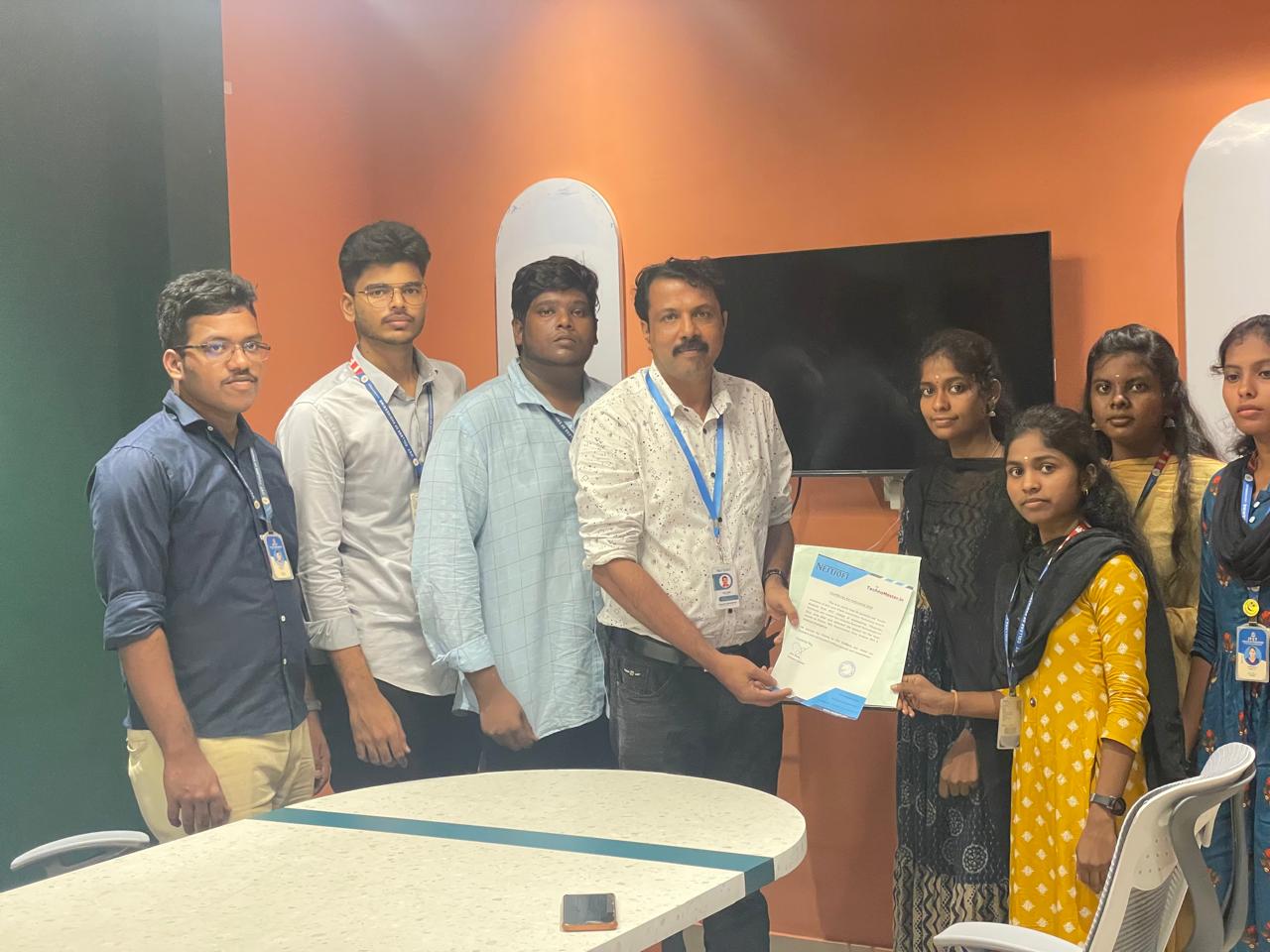
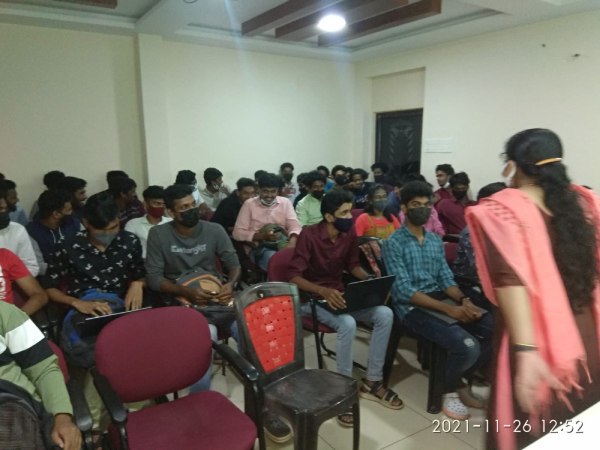
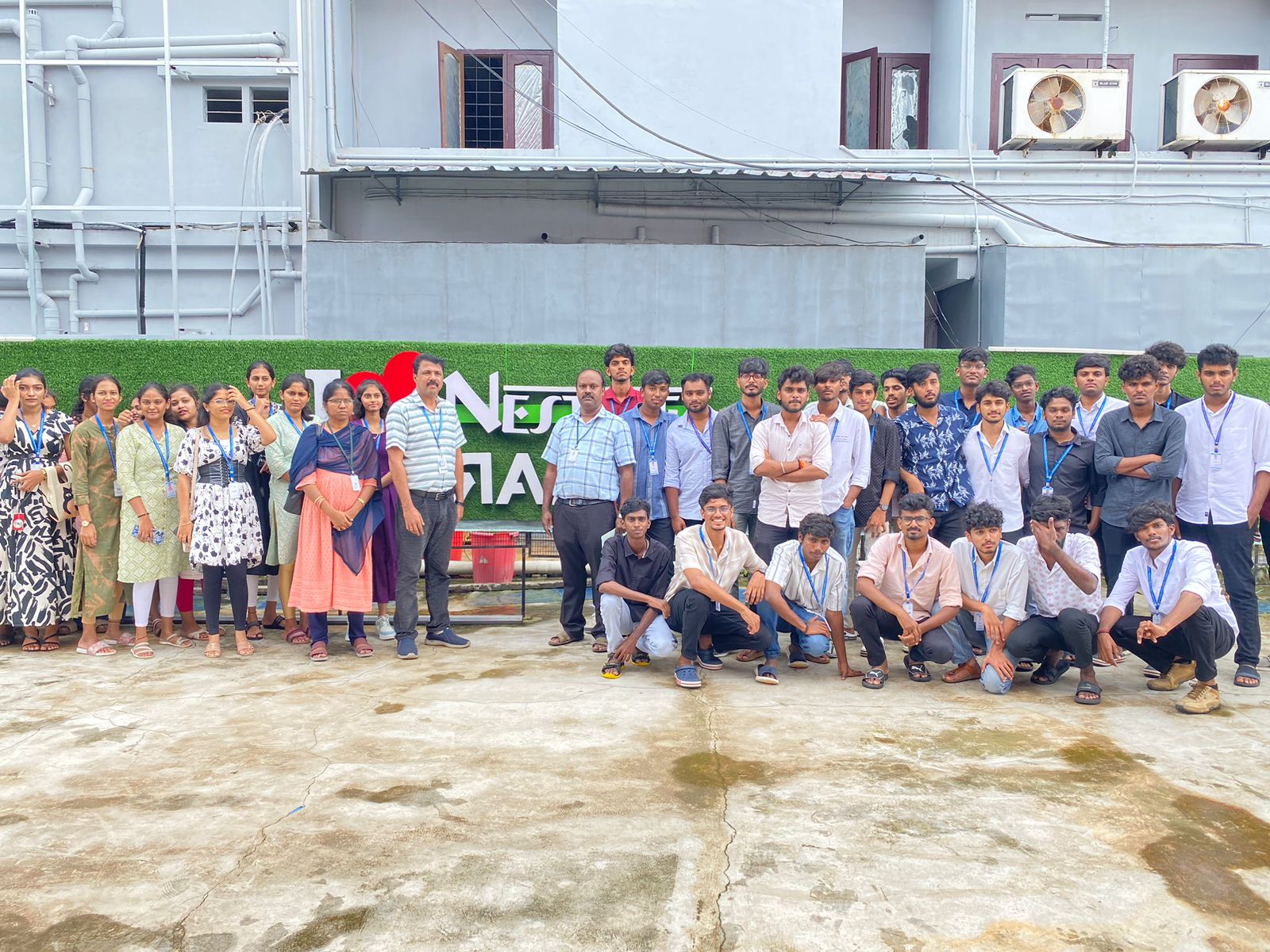
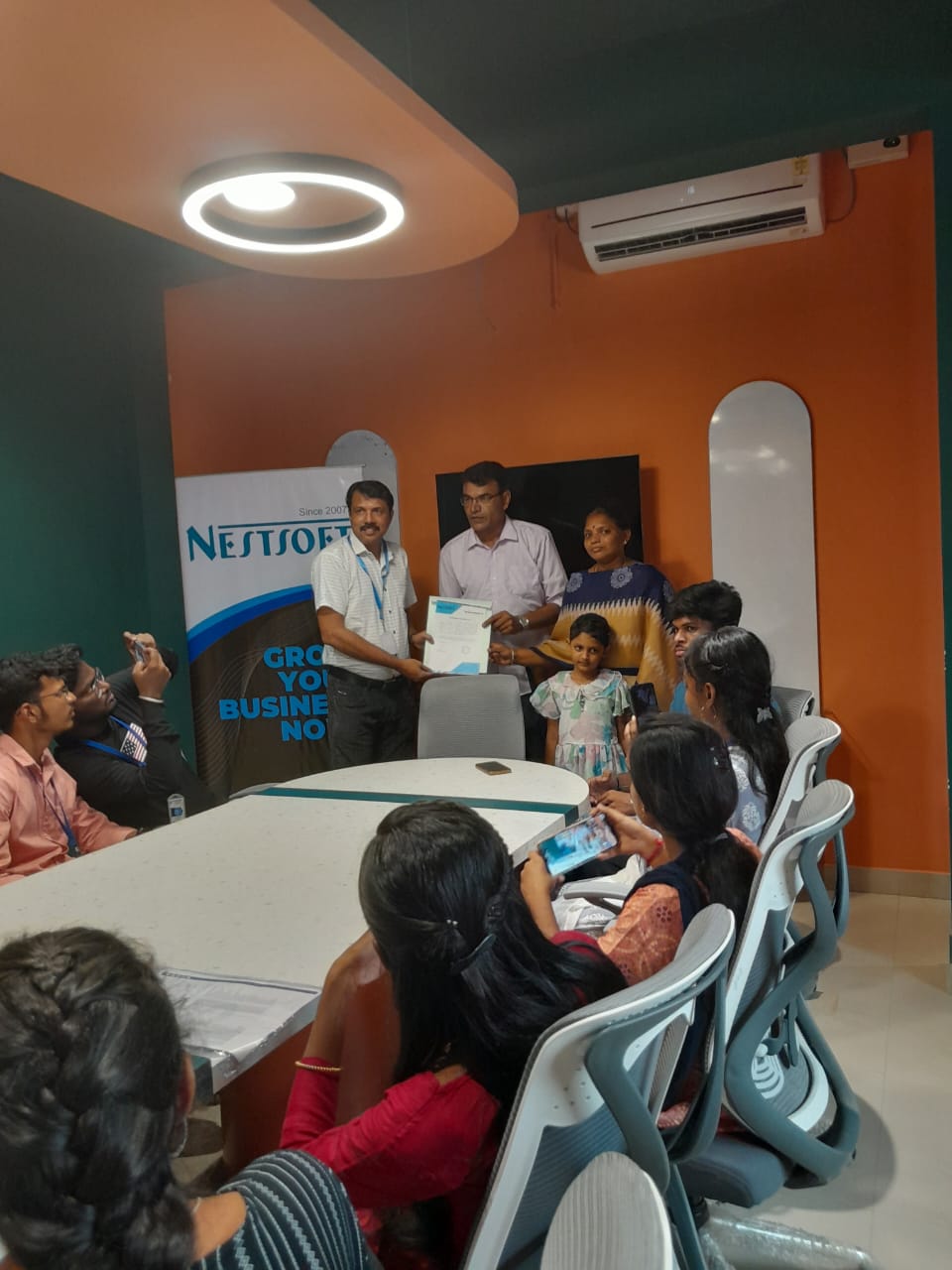
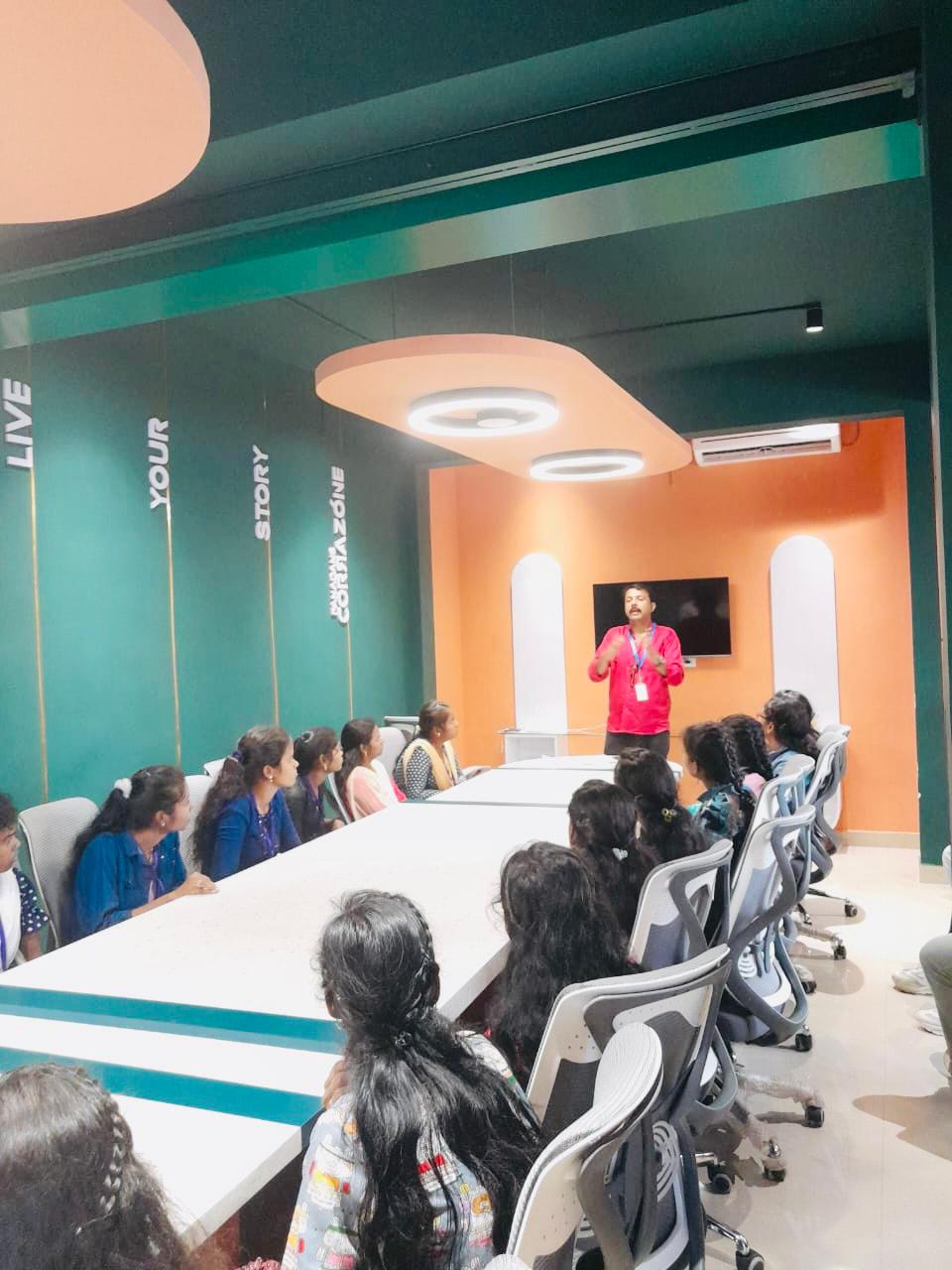
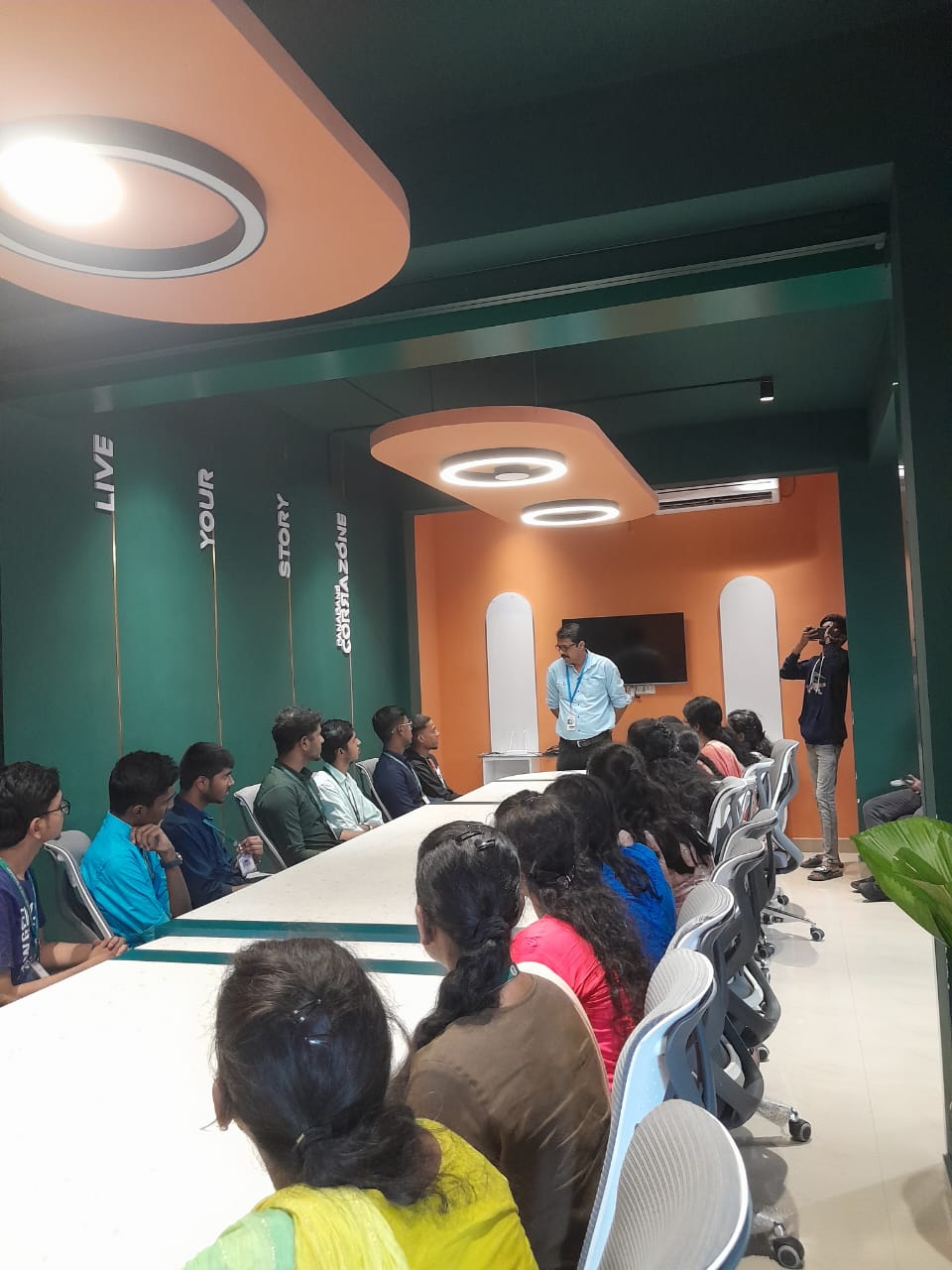
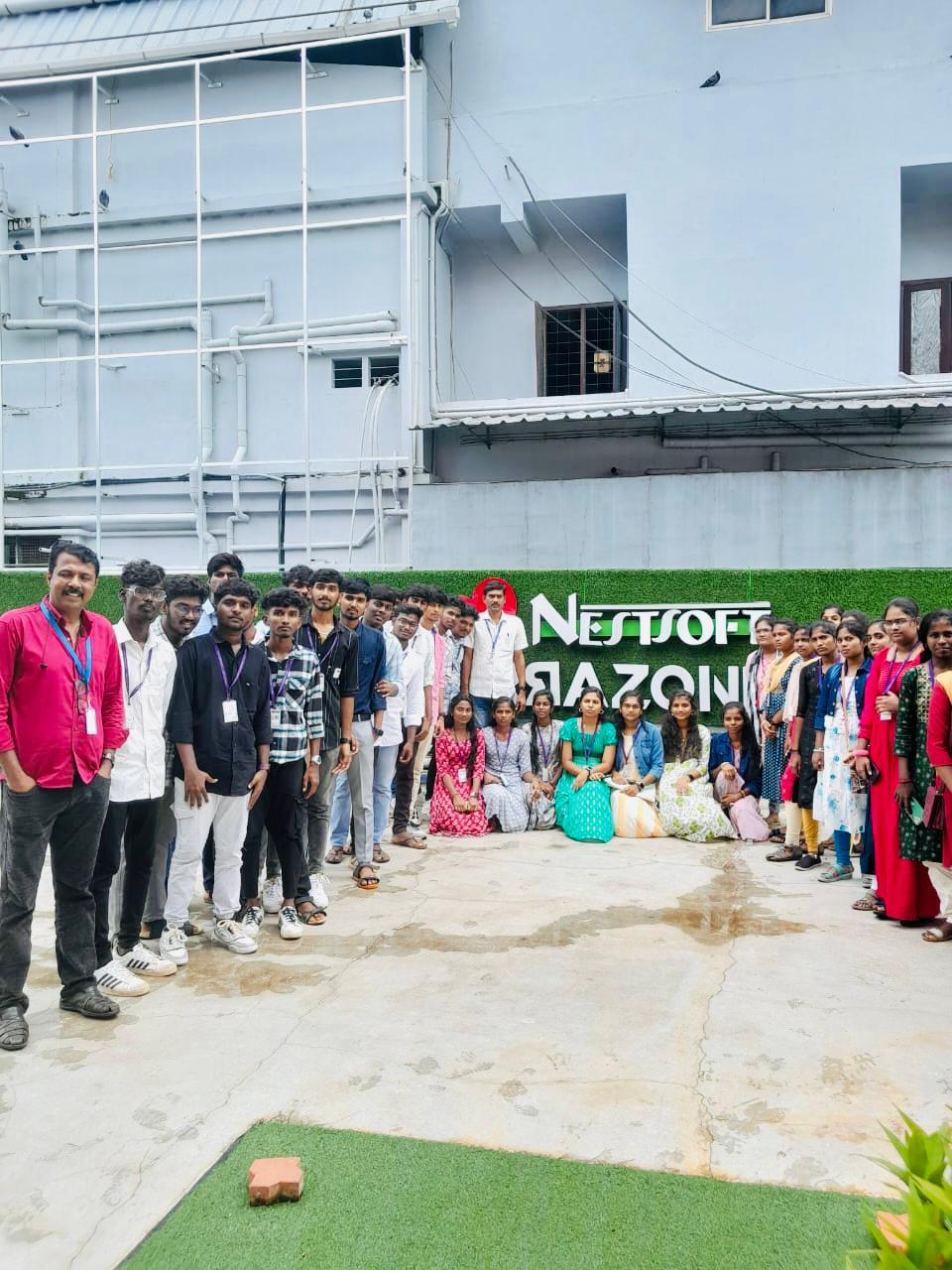
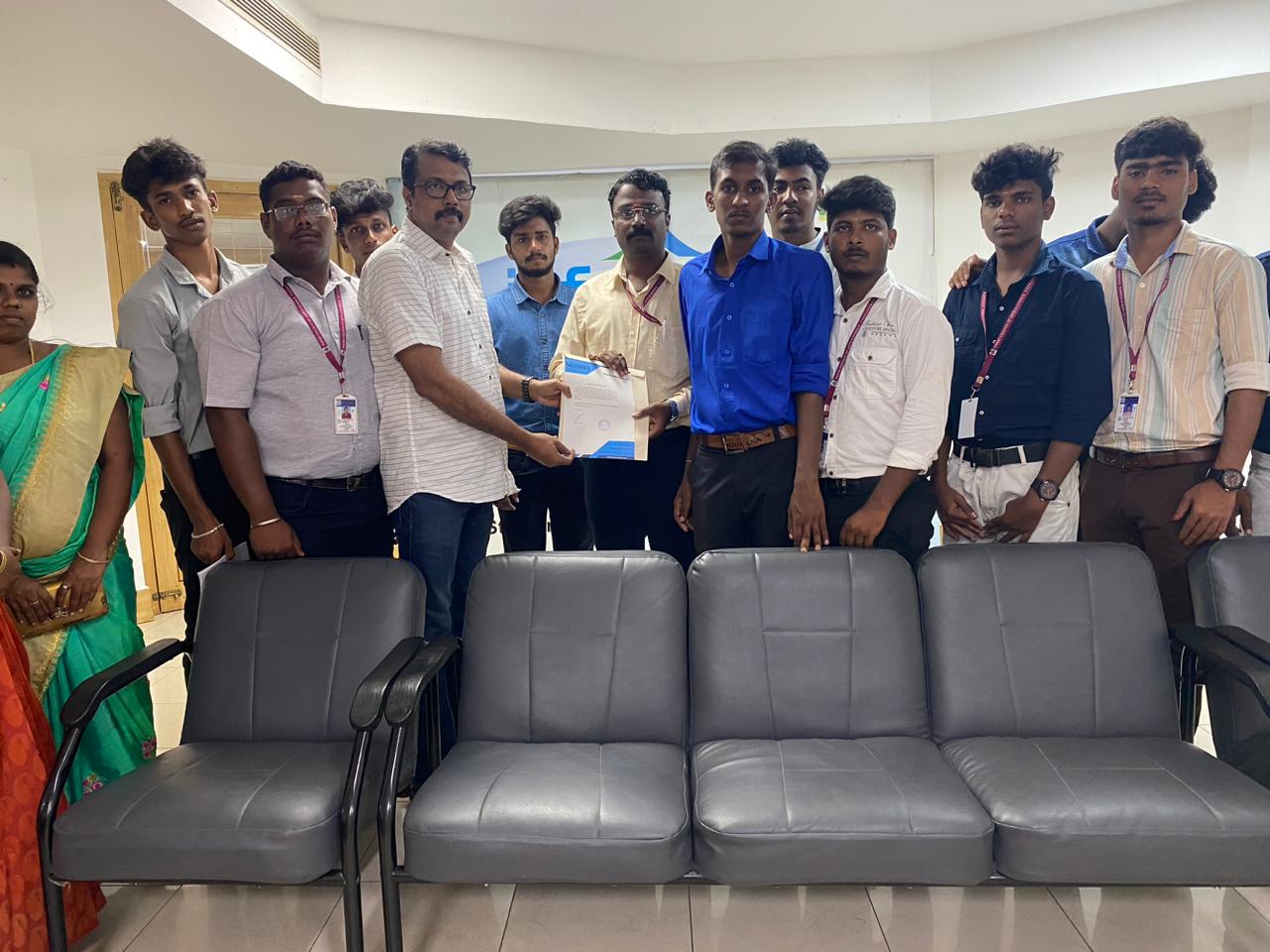
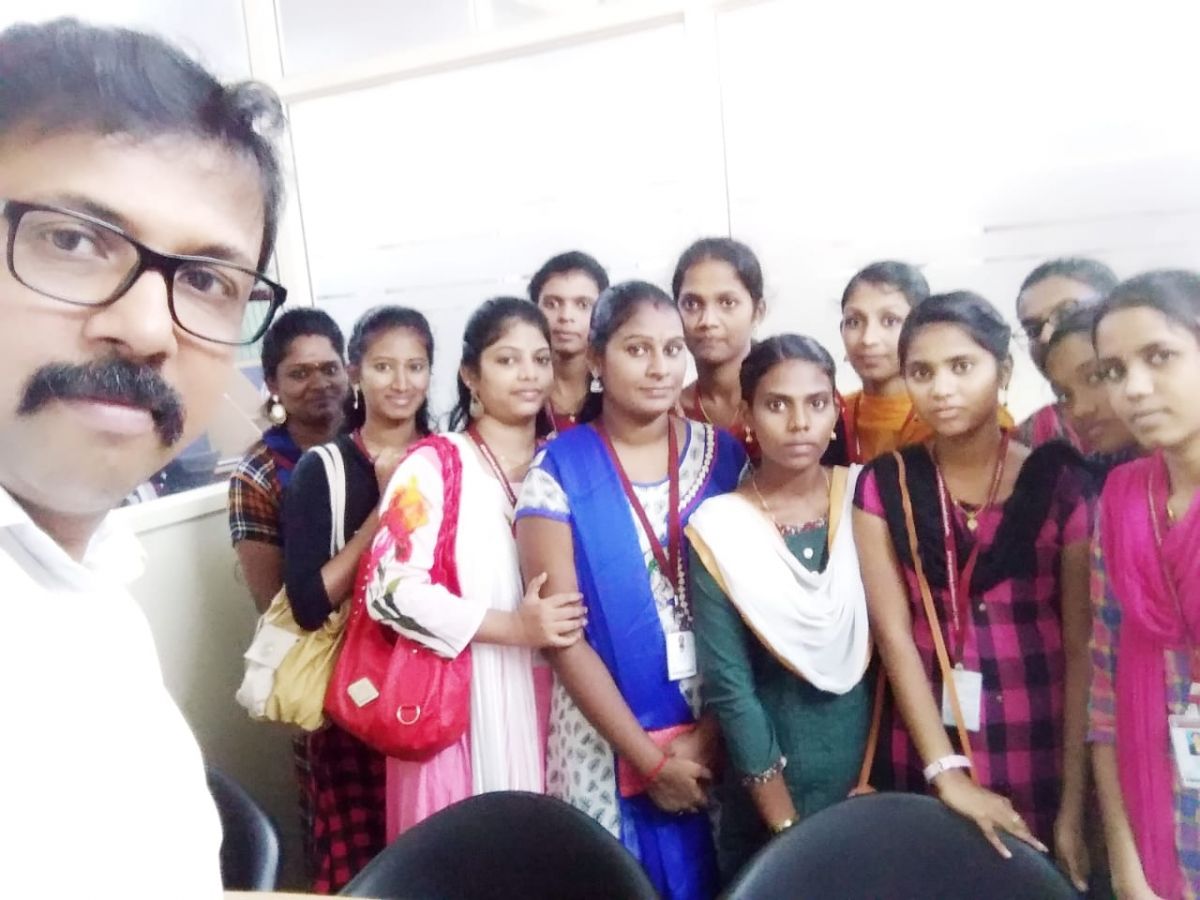
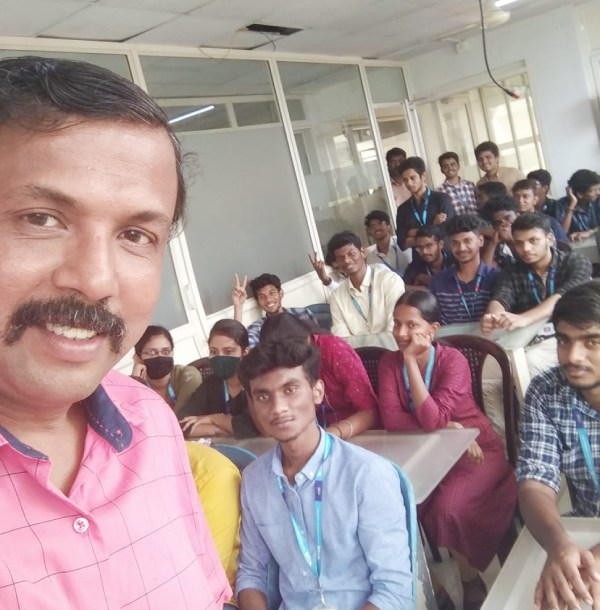
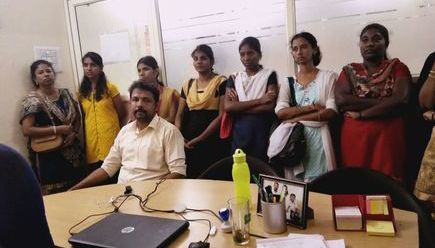
Photos of Training / Internships

Internship/projects in kottayam

Trained more than 10000+ students who trust Nestsoft TechnoMaster

Get Your Personal Trainer