Send enquiry ⏎

Software Testing (Manual) Online Live Class by Experts

Our Training/Internship Process

Software Testing (Manual) Online Live Classes in Kalyan | Free Demo Training

Software Testing (Manual) - Syllabus, Fees & Duration

Manual Testing Syllabus

    MODULE 1 - Introduction to Manual Testing
    • What is Software testing?
    • Importance of Software testing
    • Basic terminology of Software testing
    • Difference between Manual and Automated Testing
    • Software testingPrinciples
    • Levels of Testing
    MODULE 2 – SDLC and STLC
    • Software development life cycle
    • Requirements phase
    • Analysis phase
    • Design phase
    • Coding phase
    • Testing phase
    • Release and maintenance phase
    • Software Development life cycle models
    • Waterfall model
    • Agile model
    • Spiral model
    • V model
    • Software Testing Life Cycle
    • Testing Constraints
    MODULE 3 – Static and Dynamic Testing
    • Static Test Design
    • Formal review
    • Informal reviews
    • Walkthroughs
    • Technical review
    • Inspection
    • Dynamic test design
    • White-box testing
    • White-box testing technique
    • Black box testing
    • Black box testing technique
    • Grey box testing
    MODULE 4 – Test Plan and Test Case Documents
    • Test plan document
    • Scope of document
    • Objective of testing
    • Customisation of Test Plan document
    • Requirement Traceability Matrix
    • Importance of Test case
    • Test case template
    • Test Scenario
    • Test Strategy
    MODULE 5 – Types of Testing
    • Functional Testing Types
    • Sanity Testing
    • Smoke Testing
    • Retesting
    • Regression testing
    • Adhoc testing and types
    • UI testing
    • Positive Testing
    • Negative Testing
    • Alpha and Beta Testing
    • Non-functional Testing
    • Performance testing
    • Load testing
    • Stress Testing
    • Volume Testing
    • Security testing
    • Portability testing
    MODULE 6 – Bug Report and Test Report Documents
    • What is a bug?
    • Bug life cycle
    • Severity
    • Priority
    • Types of Bugs
    • Bug Report Template
    • Metric types and calculation
    • Test Report Template

Download Syllabus - Software Testing (Manual)
This syllabus is not final and can be customized as per needs/updates
   
10000+
20+
50+
25+

Software Testing (Manual) Jobs in Kalyan

Enjoy the demand

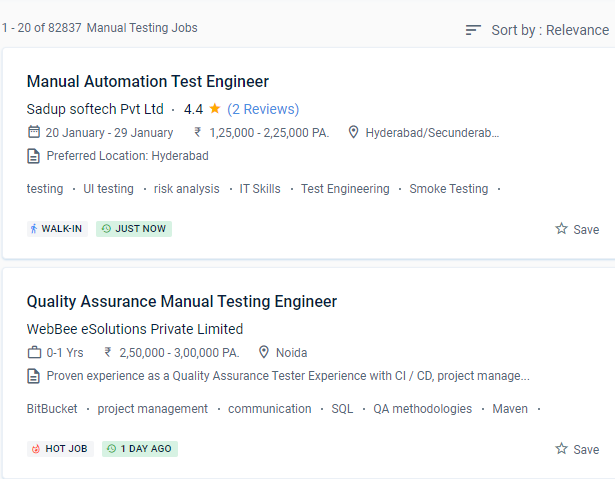
Find jobs related to Software Testing (Manual) in search engines (Google, Bing, Yahoo) and recruitment websites (monsterindia, placementindia, naukri, jobshybrid.com, indeed.co.in, shine.com etc.) based in Kalyan, chennai and europe countries. You can find many jobs for freshers related to the job positions in Kalyan.

  • Manual tester
  • Software test engineer
  • Test engineer-manual testing
  • QA engineer - manual testing
  • Automation/manual testing
  • Quality Assurance Engineer
  • Software manual tester
  • Analyst- manual testing
  • Quality engineer
  • Manual test engineer.

Software Testing (Manual) Internship/Course Details

Software Testing (Manual) internship jobs in Kalyan
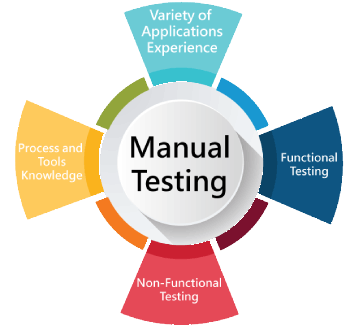
Software Testing (Manual) . Before any creative application can be automated, it must first be manually tested. Manual testing consumes a considerable amount of human resources, is expensive in the near term, and takes a long time. No client will buy a faulty product and Software Testing aids administrations in delivering a quality product with no bugs to stay in business. Are a low-cost activity that does not necessitate the use of automation tools. Assist in ensuring that the actual result matches the planned outcome. Manual testing is a method for detecting flaws and faults in software deprived of the custom of automated testing tools. There are a variety of manual testing methods to choose from. Manual software testing takes longer and requires more effort, but it is necessary to see if automation is viable. The topics learned in class can be applied to real-world initiatives in businesses.


Meet a Few of our Industry Experts 🚀 Your Pathway to IT Career

Vishnu

Mobile: +91 91884 77559
Location: Online (Kalyan, India)
Qualification: BCA

Experience: Keyword research Content moderating Off-page seo On-page SEO Link building   more..

Aniket

Mobile: +91 89210 61945
Location: Online (Kalyan, India)
Qualification: Msc computer science

Experience: I do have experience in Android application development ivi kotlin java Android sdk mvvm Google sdk retrofit volley firebase  more..

Shwetali

Mobile: +91 98474 90866
Location: Online (Kalyan, India)
Qualification: BE - IT

Experience: I have 2+ years of experience in web development currently working as a Angular developerApplication for Angular JS  more..

Soundarya

Mobile: +91 89210 61945
Location: Online (Kalyan, India)
Qualification: B.Tech

Experience: I have a 1 year experience as a UI developer in resilient lab Pvt Ltd Kolhapur   more..

Ramakrushna

Mobile: +91 8301010866
Location: Online (Kalyan, India)
Qualification: MCA

Experience: I am a experience android devloper with proficient knowledge on java kotlin XML and flutter dart also i know I  more..

Priyanka

Mobile: +91 91884 77559
Location: Online (Kalyan, India)
Qualification: Bachelor’s of Engineering

Experience: Having 2 5 year of experience with software developer   more..

neethu

Mobile: +91 94975 90866
Location: Online (Kalyan, India)
Qualification: MCA

Experience: Myself Neethu a freelance web developer and trainer with 5 years of experience and ready to take online classes in  more..

susmitha

Mobile: +91 8301010866
Location: Online (Kalyan, India)
Qualification: M.E

Experience: Laravel stripe payment gateway api development boostrap ajax jqueryApplication for PHP Laravel  more..

sirajudheeen

Mobile: +91 91884 77559
Location: Online (Kalyan, India)
Qualification: Bca

Experience: python angular ionic C# Asp Net Django Flask Mysql SqlServer 6 month python internshp 4 month fullstack developerApplication for Meanstack  more..

Karthiga

Mobile: +91 9895490866
Location: Online (Kalyan, India)
Qualification: Mca

Experience: I'm a frontend developer with 1 6 yrs of professional experience in developing a user friendly website |   more..

Tanuj

Mobile: +91 91884 77559
Location: Online (Kalyan, India)
Qualification: B.E. in ECE

Experience: I have worked as an Academic counsellor in inurture Skills: Technical skills including Computer programming and MS Excel my soft  more..

Shivam

Mobile: +91 89210 61945
Location: Online (Kalyan, India)
Qualification: B.Tech

Experience: I am skills in UXUI Design I am well versed with latest design process and design software tools such as  more..

Shalu

Mobile: +91 8301010866
Location: Online (Kalyan, India)
Qualification: Bachelor of technology

Experience: We are working currently in it recruiterment We have knowledge in Python Html CSS Oops SDLC STLC Agile methodology Regression  more..

More

Mobile: +91 89210 61945
Location: Online (Kalyan, India)
Qualification: English, telugu

Experience: ETL teaching Maths Data Engineer SQL PYthon software development etc  more..

vaishnavi

Mobile: +91 8301010866
Location: Online (Kalyan, India)
Qualification: BE

Experience: I have 2+ years of experience in software testing with core skills of selenium tool automation testing Java Eclipse IDE  more..

Ankit

Mobile: +91 91884 77559
Location: Online (Kalyan, India)
Qualification: B.Sc.Physical Science in computer science

Experience: Fresher Problem solving using python Microsoft azure 900 Analytical skills  more..

Darren

Mobile: +91 94975 90866
Location: Online (Kalyan, India)
Qualification: BCA

Experience: CompTIA Security+ certified Developed and executed a project plan delegated tasks and delivered a fully functional module of an android  more..

V

Mobile: +91 89210 61945
Location: Online (Kalyan, India)
Qualification: B tech

Experience: Android developer 5 year Kotlin e year Mvvm 2 years  more..

Priya

Mobile: +91 8301010866
Location: Online (Kalyan, India)
Qualification: Btech

Experience: AWS cloud python linux  more..

Vaishnavi

Mobile: +91 8301010866
Location: Online (Kalyan, India)
Qualification: BE

Experience: Proficient in C# NET core SQL Server and MVC Framework Proficient in C# NET core SQL Server and MVC Framework  more..

Jesteena

Mobile: +91 8301010866
Location: Online (Kalyan, India)
Qualification: MSc computer science

Experience: I am recently pass out postgraduate in MSc computer science with top honours I have knowledge in python Machine learning  more..

Jonnalagadda

Mobile: +91 89210 61945
Location: Online (Kalyan, India)
Qualification: B. Tech

Experience: I have the 3 years experience in web development like design hosting Etc and I have created a my personal  more..

Thejaswarreddy

Mobile: +91 91884 77559
Location: Online (Kalyan, India)
Qualification: degree

Experience: Striving Digital Marketing excutive bringing 2+ years of experience in creating on-brand marketing content managing online campaigns SEO and Analytics  more..

Ranjana

Mobile: +91 8301010866
Location: Online (Kalyan, India)
Qualification: B. Tech computer engg

Experience: Training in core php html css wordpress   more..

Success Stories

The enviable salary packages and track record of our previous students are the proof of our excellence. Please go through our students' reviews about our training methods and faculty and compare it to the recorded video classes that most of the other institutes offer. See for yourself how TechnoMaster is truly unique.

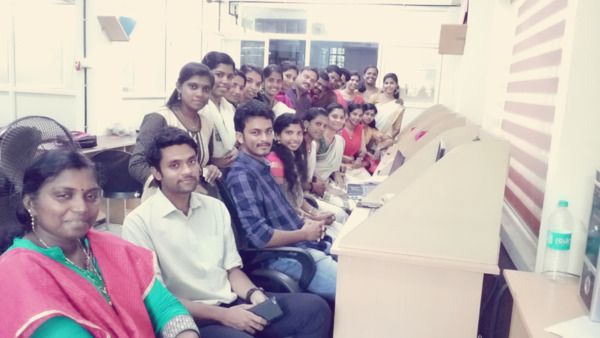
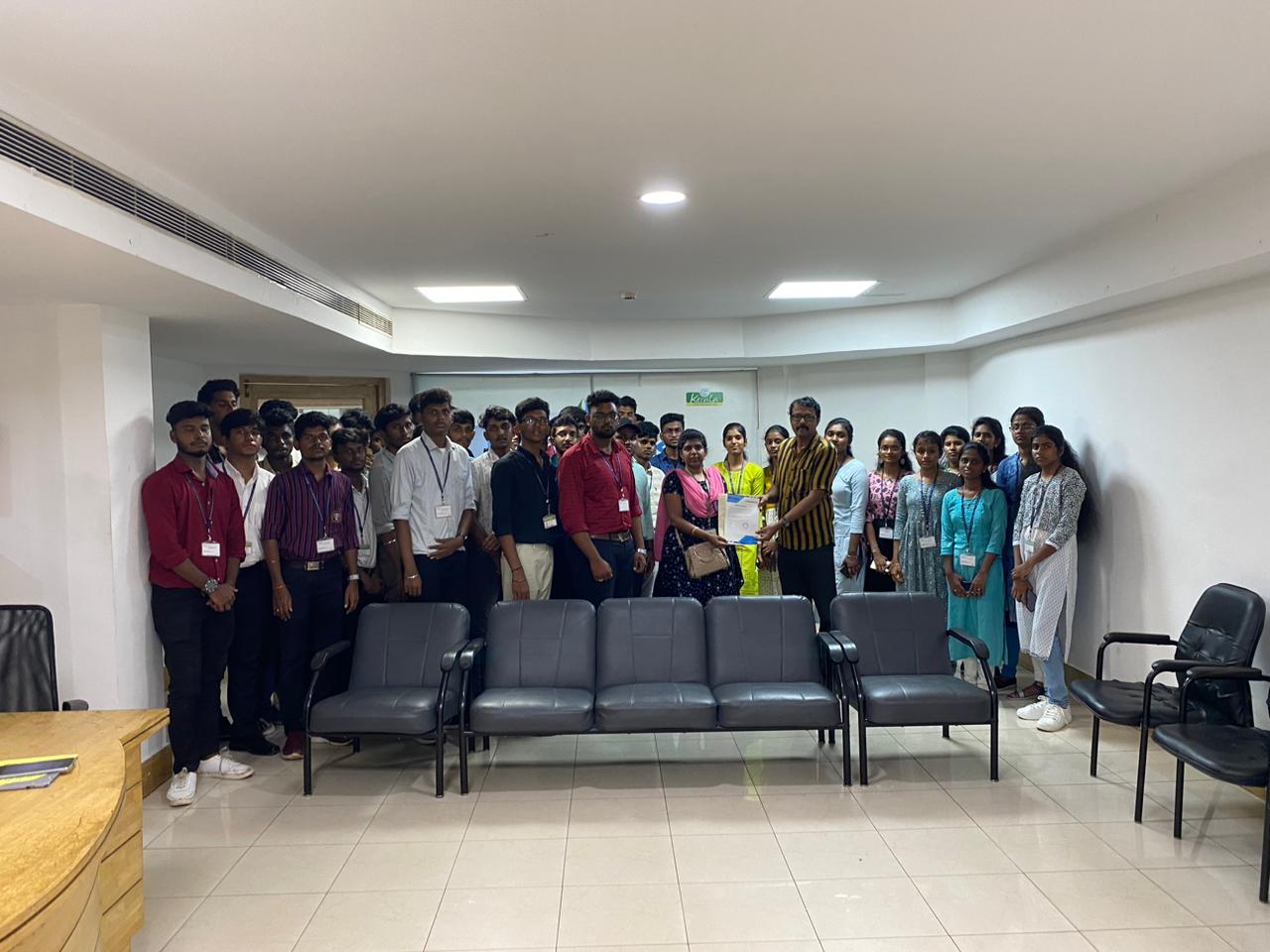
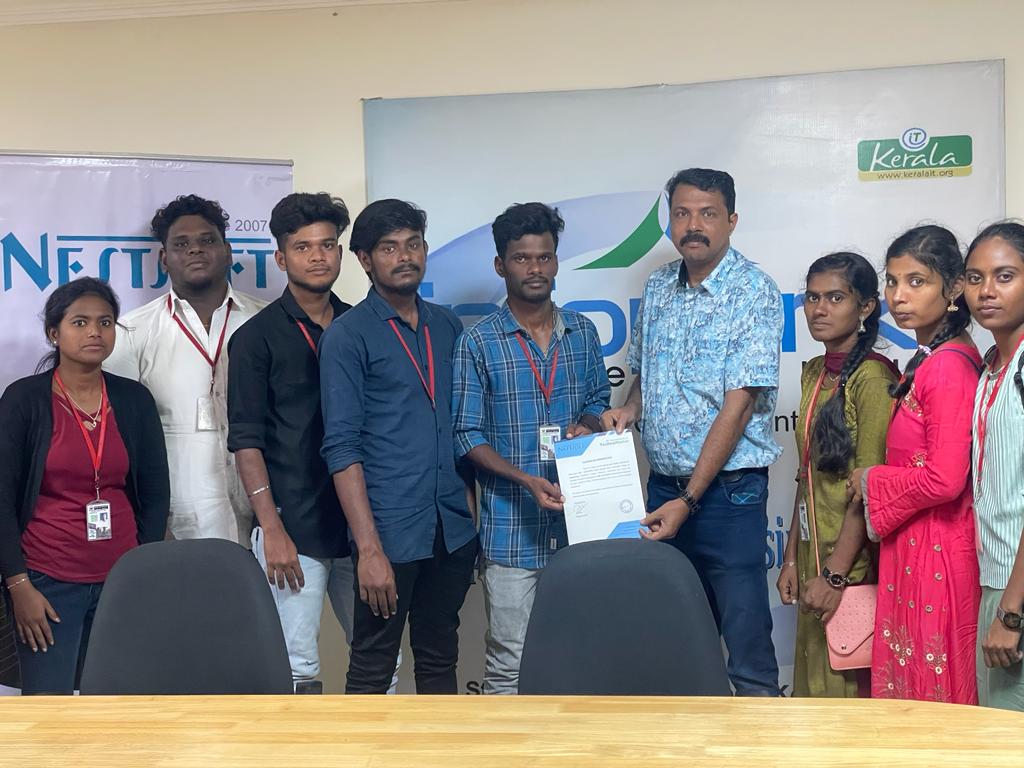
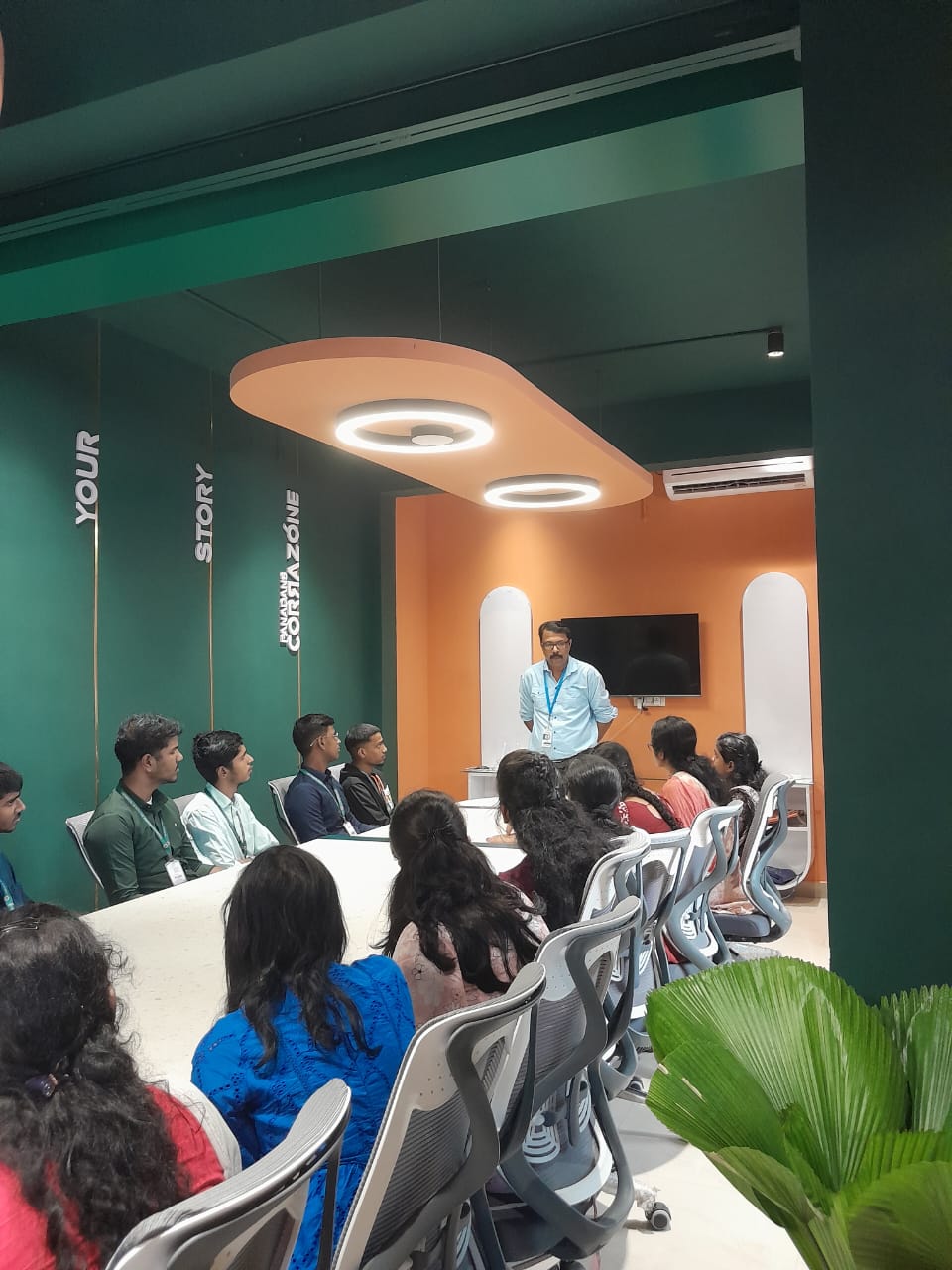
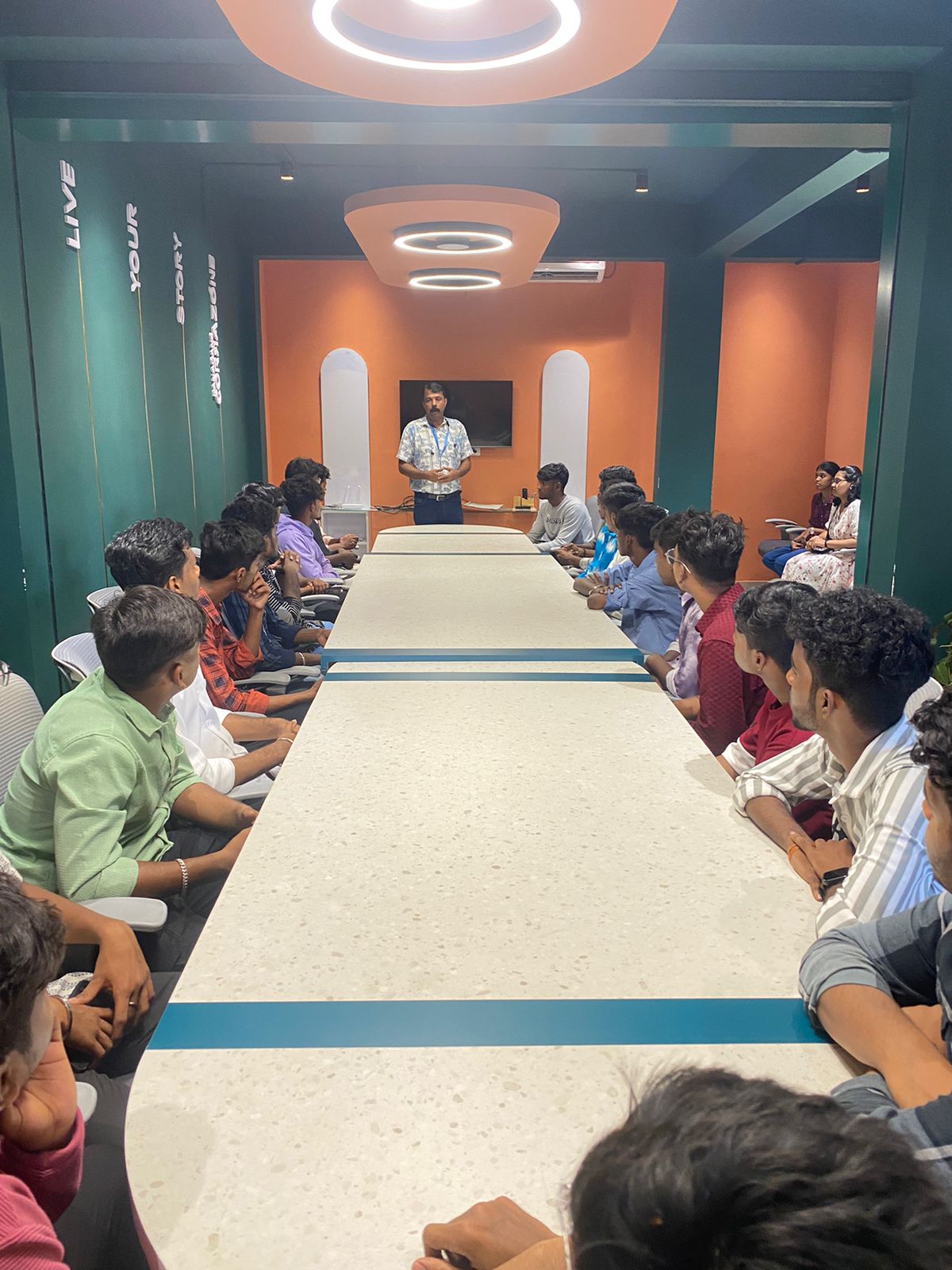
Photos of Training / Internships

Internship/projects in kalyan

Trained more than 10000+ students who trust Nestsoft TechnoMaster

Get Your Personal Trainer