Send enquiry ⏎

Adobe XD Online Live Class by Experts

Our Training/Internship Process

Adobe XD Online Live Classes in Salem | Free Demo Training

Adobe XD - Syllabus, Fees & Duration

Section 1

Creating New Files & Designing on a Grid
  • Creating a new file
  • Setting up artboards
  • Importing text
  • Creating colored backgrounds for text
Importing & Cropping Photos
  • Importing a photo as an image fill (crop a photo)
  • Rounding corners
Vector Graphics, Colors, Shadows, & More
  • Importing & modifying vector graphics
  • Aligning & distributing layers
  • Layer opacity vs. fill opacity
  • Reusing colors (color swatches)
  • Adding a drop shadow
Character Styles
  • Creating & Editing Character Styles

Section 2

Repeat Grids
  • Creating a Repeat Grid
  • Customizing the content
  • Adjusting the design
Components (Reusable Elements)
  • Creating & editing components
  • Overriding content in one instance vs. globally updating all components
  • Detaching from a component
  • Components versus Repeat Grids
Turning a Design into a Clickable Prototype
  • Linking between artboards Previewing the prototype Creating an overlay Background blur Fixing the position of elements so they don’t scroll Making a recording of a prototype
Exporting Assets for Web: SVG, JPEG, & PNG
  • Exporting individual assets Exporting artboards
Sharing XD Files (For Review, Developers, etc.)
  • Sharing an XD file Commenting on shared files Pinning a comment Updating an existing shared file Sharing for Development

Section 3

Stacks, Padding, & Responsive Resize
  • Creating a Stack & Adjusting the Spacing Rearranging & Adding Items to a Stack Responsive Resize, Stacks, & Padding Keystrokes for Working with Stacks & Padding Nesting Stacks (Stacks Within Stacks)
Linking Up/Down a Page & Scrollable Areas
  • Making Links that Scroll Up/Down a Page Making the Navbar Fixed to the Screen Adjusting the Position & Speed of the Scroll Creating a Scrollable Area Within a Page
Intro to Auto-Animate
  • The Basics of Auto-Animate Different Kinds of Easing Adding a Timed Animation
Parallax Animation
  • Setting Up the Parallax Assets
  • Building the Parallax Animation
Component States (Hover & More)
  • Adding a Hover State to a Button
  • Custom Component States

Section 4

Creating 3D Transforms
  • Adding 3D Transforms
  • Front to Back versus Z Position
Adding Interactions to a Slideshow: Tap, Drag, & Keys
  • Creating a Working Slideshow Prototype
  • Adding Tap Interactions
  • Adding the Ability to Drag
  • Adding Keystrokes
Time Interactions & Adding Audio (Sound Effects)
  • Adding a Drag Interaction
  • Adding a Time Interaction
  • Adding a Sound Effect
  • Adding a Keystroke
Linked Components & Shared Libraries
  • Linked Components
  • Shared Libraries

Download Syllabus - Adobe XD
This syllabus is not final and can be customized as per needs/updates
   
10000+
20+
50+
25+

Adobe XD Jobs in Salem

Enjoy the demand

Find jobs related to Adobe XD in search engines (Google, Bing, Yahoo) and recruitment websites (monsterindia, placementindia, naukri, jobshybrid.com, indeed.co.in, shine.com etc.) based in Salem, chennai and europe countries. You can find many jobs for freshers related to the job positions in Salem.

  • Graphic Designer
  • UX/UI Designer
  • Digital Marketing Executive
  • UI/UX Artist
  • Freelance Graphic Designer
  • Ui/ux Mobile Designer
  • Adobe XD Web Design
  • UI/UX Front End Developer
  • Ux Designer
  • Website Designer

Adobe XD Internship/Course Details

Adobe XD internship jobs in Salem
Adobe XD it's a similar kind of interactive prototyping therefore simple to make a model of key pages that are indistinguishable from the real factor without having to write down any code. you'll be able to ask queries, concentrate, and communicate with the trainer, even proportion your display screen as a part of these interactive classes. after this course, you may be able to use XD for your production work. Nestsoft helps you to attain job oriented coaching on Adobe XD to boost your design career. Our institute offers one of the wonderful Adobe XD courses. It supports vector style and web site wireframing and manufacture easy interactive click-through prototypes. Adobe XD empowers designers with the speed, precision, and quality to seamlessly repeat and share interactive prototypes with team members and reviewers across devices and platforms, along with Windows, Mac, iOS, and android. Our team helps you to make attractive UI/UX websites and app designs. . This course may be an advanced analysis of Adobe XD working techniques to be used for the creation and later implementation of our project into a totally fleshed, operating website, whereas not even one line of code.


Meet a Few of our Industry Experts 🚀 Your Pathway to IT Career

manoj

Mobile: +91 94975 90866
Location: Online (Salem, India)
Qualification: BA

Experience: html css bootstrap besic javascript phpotoshop figma mysql core php wordpress   more..

Santosh

Mobile: +91 91884 77559
Location: Online (Salem, India)
Qualification: MSc Computer Science

Experience: Automation meeting selenium core java Test Driven Framework API testing With POSTMAN Database feeling with SQL Mandal Meeting Experience 3  more..

Bhushan

Mobile: +91 8301010866
Location: Online (Salem, India)
Qualification: Bachelor of engineering

Experience: I completed my bachelor of engineering in computer technology I have completed more projects in Java and Frontend development   more..

Aravindh

Mobile: +91 98474 90866
Location: Online (Salem, India)
Qualification: BCA

Experience: Html css js bootstrap wordpress php mysql canva adobe photoshop  more..

Rupamudra

Mobile: +91 91884 77559
Location: Online (Salem, India)
Qualification: Mca

Experience: 1 5 years experience in frontend developer my skill Html Css javascript And SEO bootstrap SSL update   more..

Sahil

Mobile: +91 8301010866
Location: Online (Salem, India)
Qualification: M.sc(Comp.Sci)

Experience: Skills : JavasScript Java C++ HTML5 CSS3 Tailwind CSS React js React Redux Git MongoDB SQL Building visually appealing user-friendly  more..

Monima

Mobile: +91 94975 90866
Location: Online (Salem, India)
Qualification: Master Of Computer Application(MCA)

Experience: I am currently working as software developer at Techfo Solutions Kannur My responsibilities include developing web based applicaton(Laravel and Codeignitor)  more..

Shaly

Mobile: +91 91884 77559
Location: Online (Salem, India)
Qualification: B.E Electronics and Instrumentation

Experience: Quality Analyst Data Quality Elastic search Kibana Software testing Selenium Jmeter  more..

Sreeresmy

Mobile: +91 8301010866
Location: Online (Salem, India)
Qualification: Msc cs

Experience: I am interested to work with your company Worked as software developer Now looking to restart my career Application  more..

Amitha

Mobile: +91 89210 61945
Location: Online (Salem, India)
Qualification: MCA

Experience: Programming languages known like python HTML mysql c c++  more..

Paru

Mobile: +91 9895490866
Location: Online (Salem, India)
Qualification: BE(computer science & engineering)

Experience: wordpress css java script jquery ajax html have experiance of all it field subjects as teaching purpose  more..

Nitesh

Mobile: +91 91884 77559
Location: Online (Salem, India)
Qualification: Bachelor's Degree in Computer Applications

Experience: I have a strong track record of designing user-friendly and visually appealing interfaces for both web and mobile applications As  more..

KARTHIK

Mobile: +91 91884 77559
Location: Online (Salem, India)
Qualification: bsc

Experience: i have pretty good with python and sql and know c and c++  more..

Ubaid

Mobile: +91 91884 77559
Location: Online (Salem, India)
Qualification: Graduate

Experience: I have an year of experience in Seo I have knowledge in all three forms of seo on page off  more..

Kavya

Mobile: +91 91884 77559
Location: Online (Salem, India)
Qualification: MCA

Experience: java programing php mysql java Script css ML cloud computing and network security  more..

Janish

Mobile: +91 94975 90866
Location: Online (Salem, India)
Qualification: Under Graduation

Experience: Expert poster making in canva Expert in video editing in Capcut VN Expert in web design logo crration |   more..

Sajith

Mobile: +91 91884 77559
Location: Online (Salem, India)
Qualification: BCA , Cyber Security Professional

Experience: I have 3 months of internship from comprinno techinologies and have AWS certified cloud practitioner certification and my skills are  more..

Abhishek

Mobile: +91 94975 90866
Location: Online (Salem, India)
Qualification: Btech

Experience: Wix developer Knowledge of html html 5 css Done 5 projects  more..

Nilesh

Mobile: +91 98474 90866
Location: Online (Salem, India)
Qualification: Post graduate

Experience: I have more than 4 year of experience in angular 2 4 6 7 8 and 13 along with ui  more..

Mahesh

Mobile: +91 91884 77559
Location: Online (Salem, India)
Qualification: Bachelor's of Technology

Experience: Figma Prototyping Wireframing Icons design Style guide User persona Color theory Mockups Site maping User maping  more..

Nidarsh

Mobile: +91 9895490866
Location: Online (Salem, India)
Qualification: M.Tech

Experience: Automation frame work and manual testing of 2 5 years experience  more..

Patrick

Mobile: +91 98474 90866
Location: Online (Salem, India)
Qualification: BTECH CST (AIML) 1st year

Experience: I am a hard working individual looking for a challenging position where I can showcase my skills and contribute to  more..

Akhil

Mobile: +91 89210 61945
Location: Online (Salem, India)
Qualification: Mca

Experience: ->Experienced Fullstack Developer skilled in the MERN stack (MongoDB Express React Node js) ->Proficient in asynchronous programming and REST API  more..

Nayana

Mobile: +91 98474 90866
Location: Online (Salem, India)
Qualification: BTech

Experience: 1 year experience as a software testing Trainee Manual Testing  more..

Success Stories

The enviable salary packages and track record of our previous students are the proof of our excellence. Please go through our students' reviews about our training methods and faculty and compare it to the recorded video classes that most of the other institutes offer. See for yourself how TechnoMaster is truly unique.


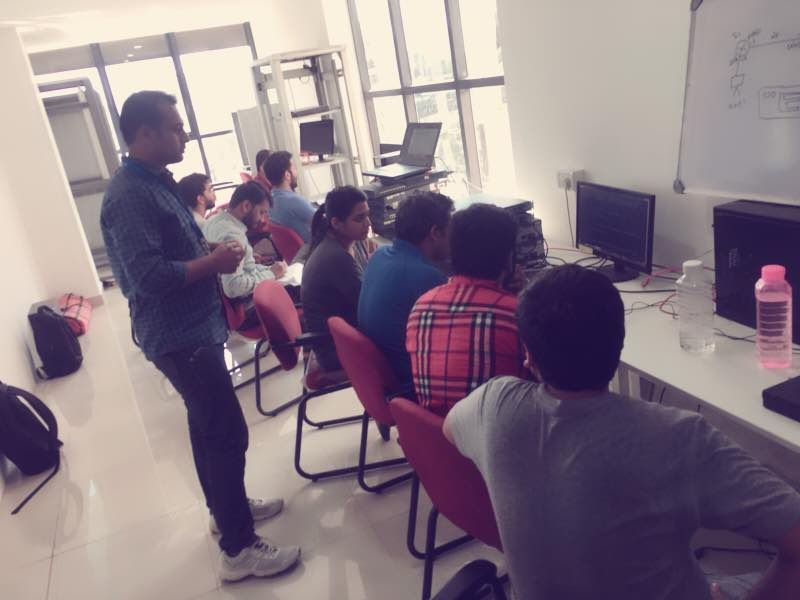
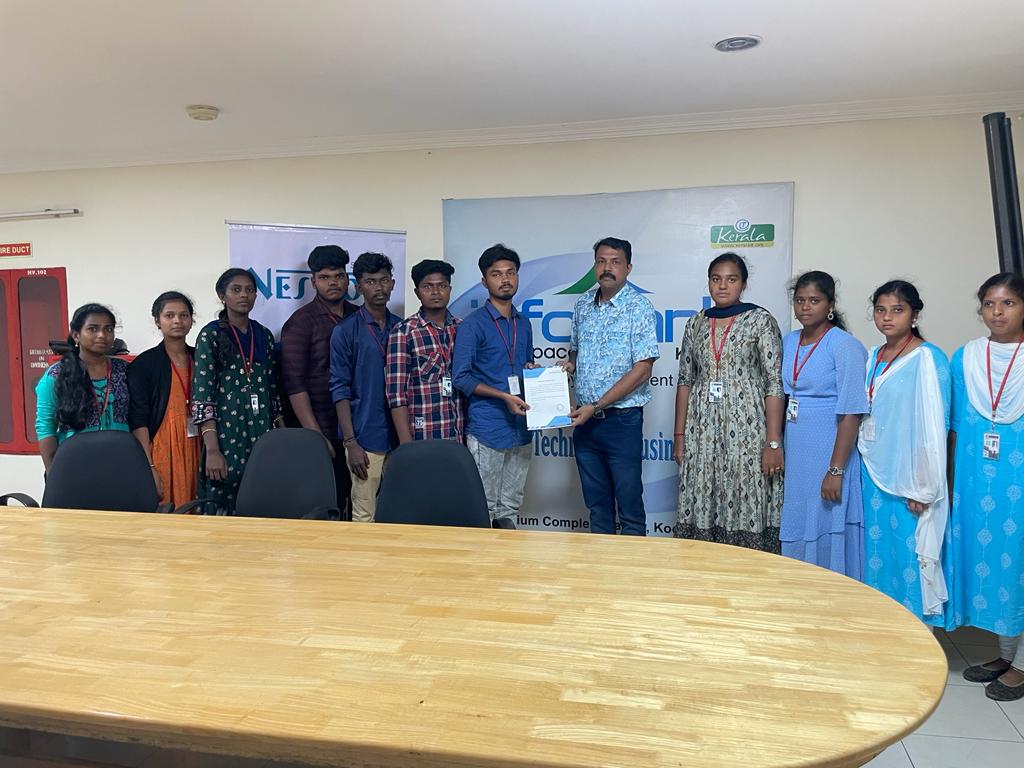
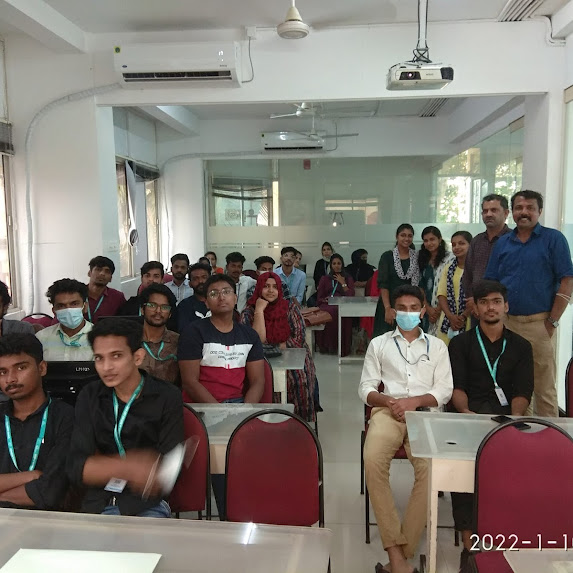
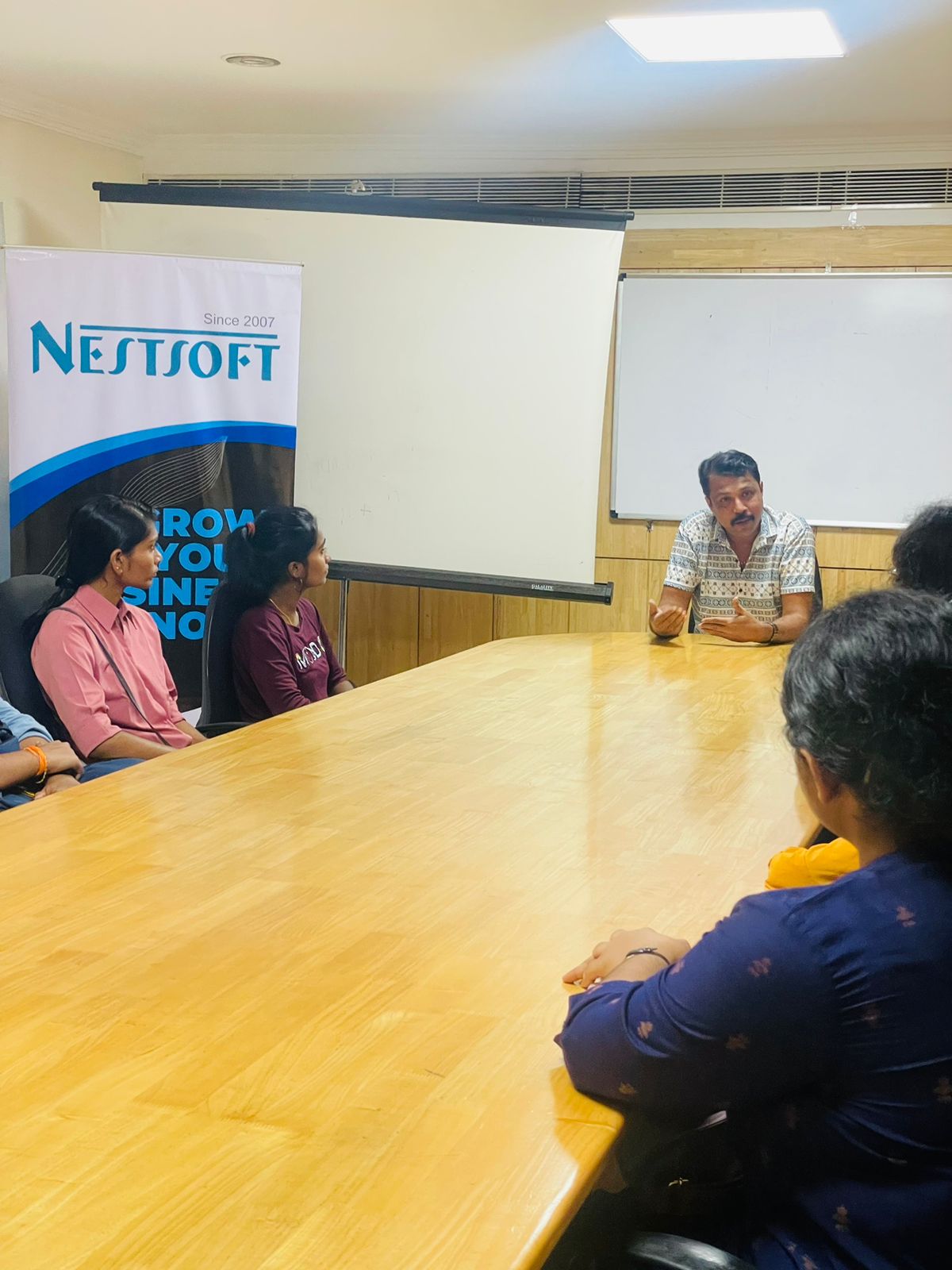
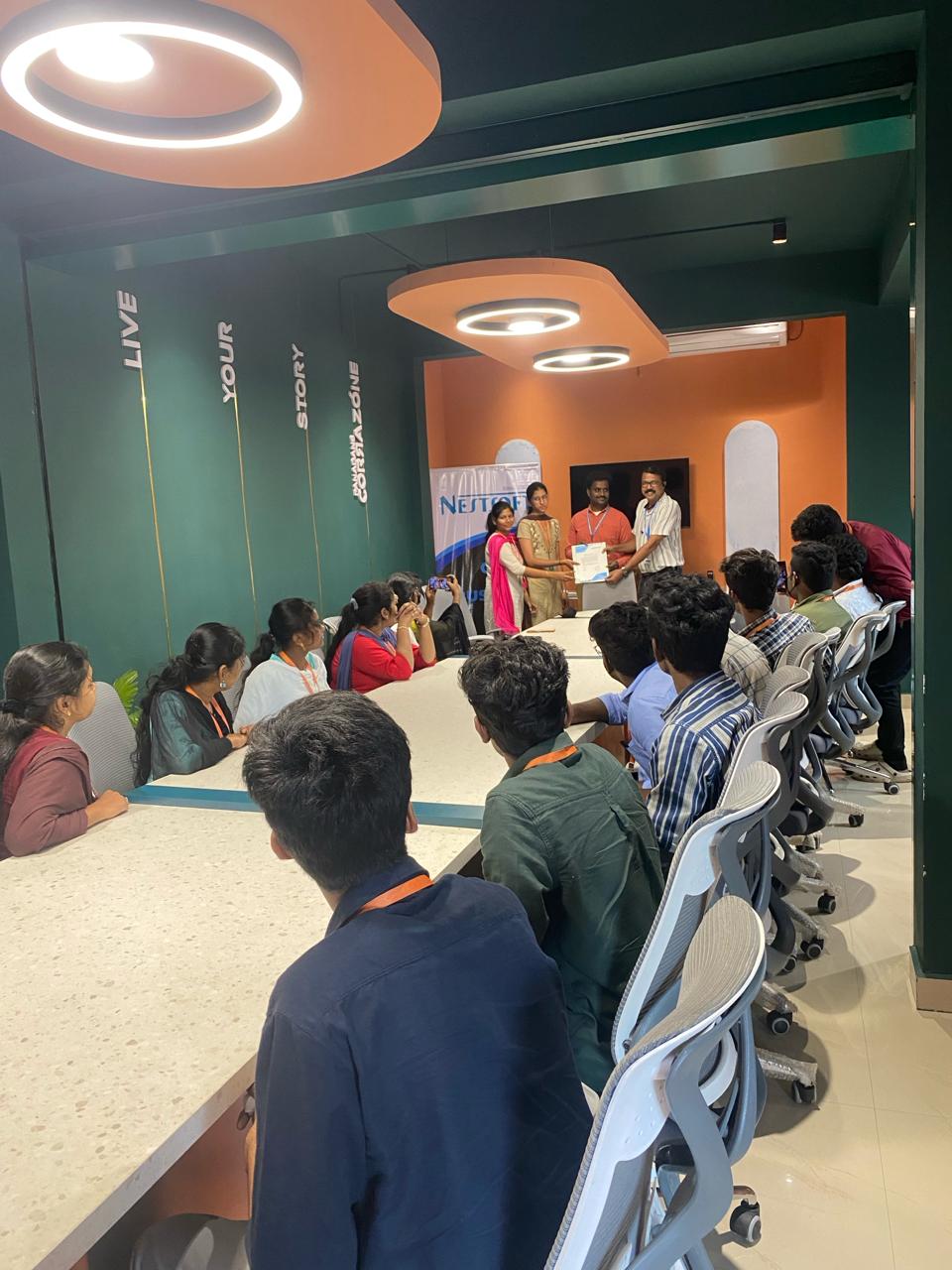
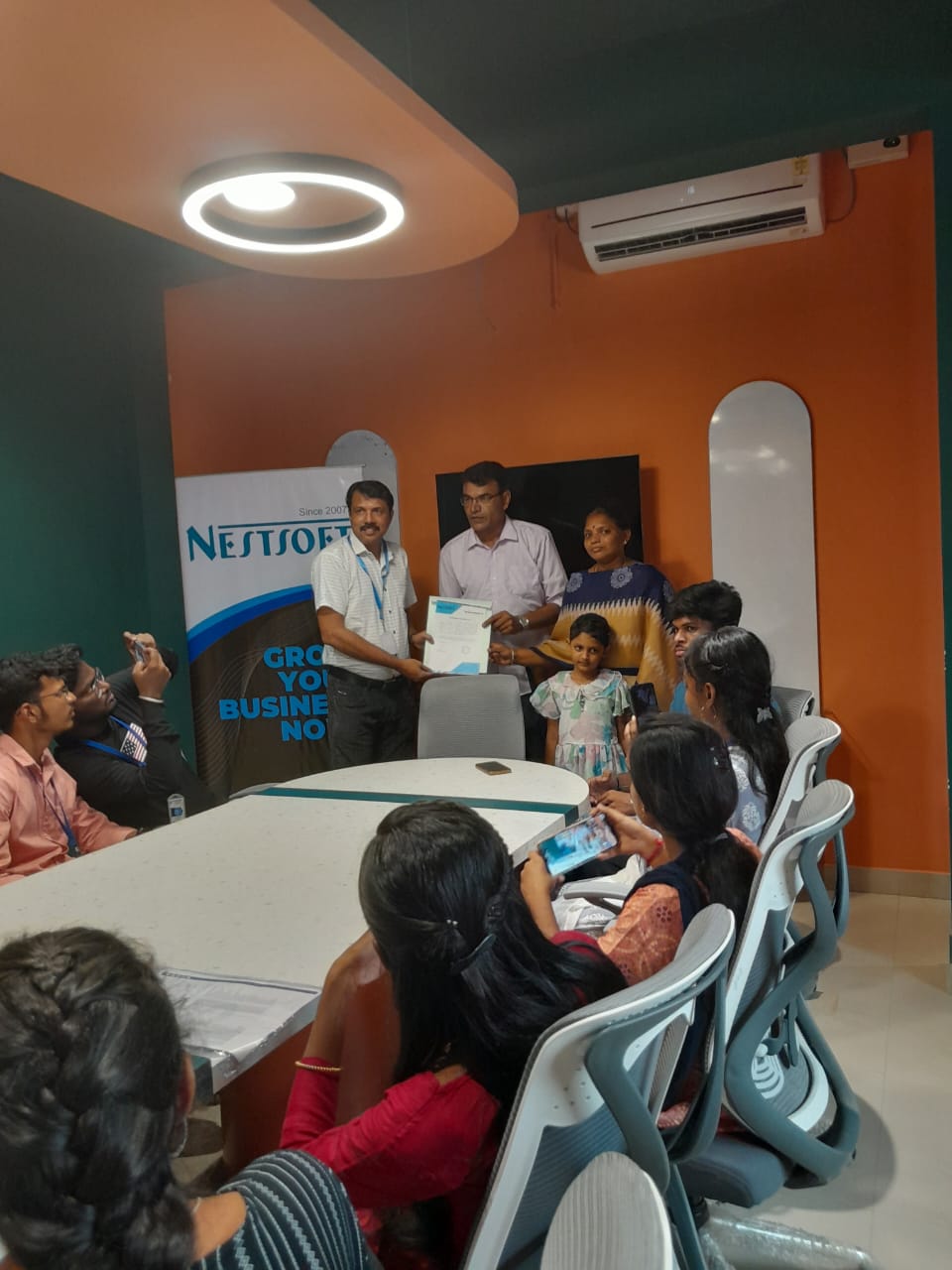
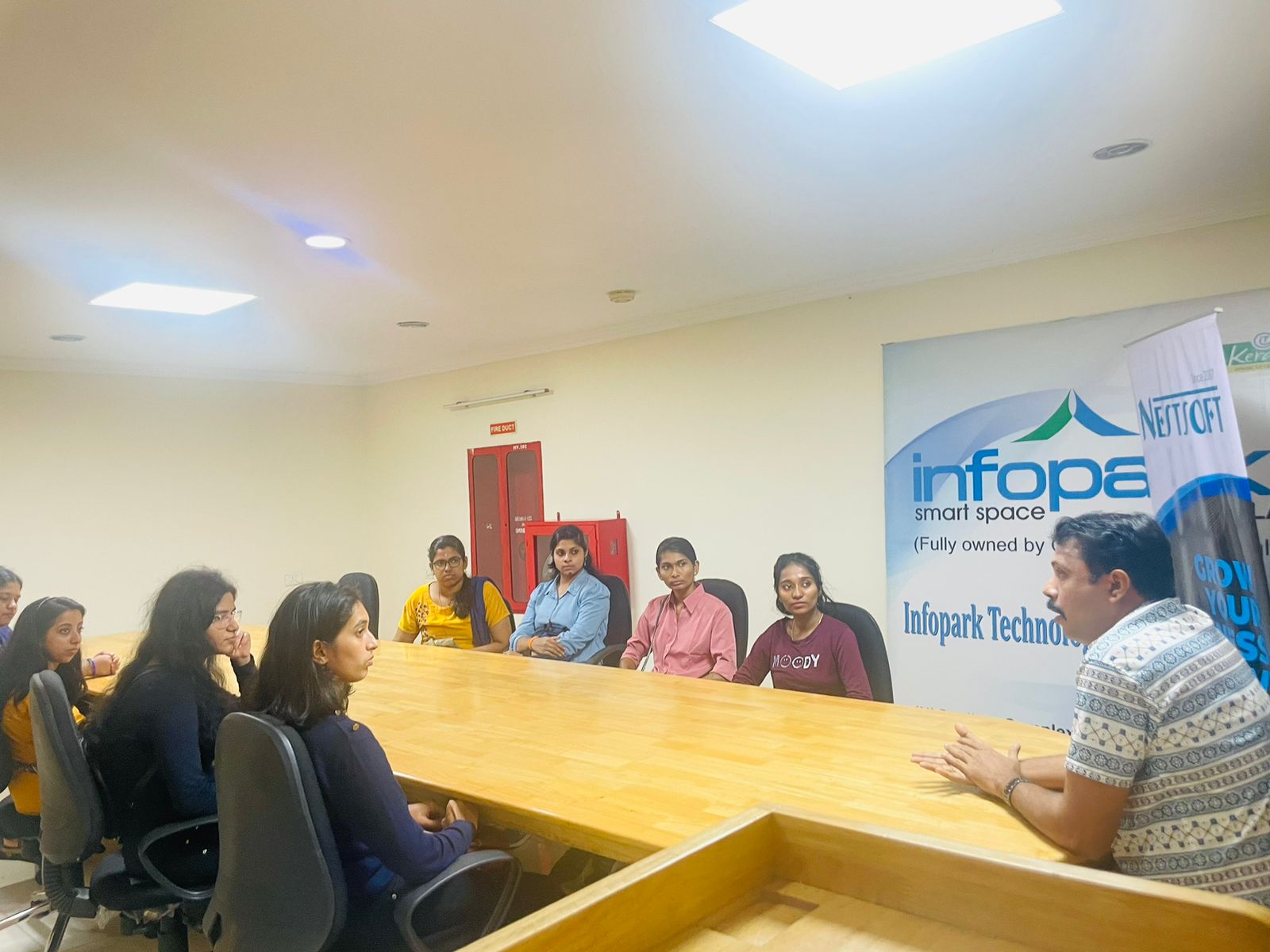
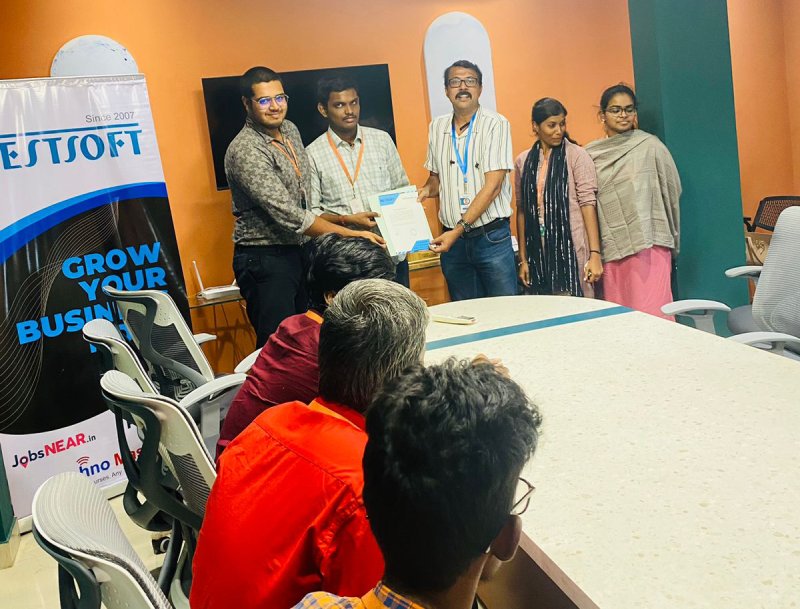
Photos of Training / Internships

Internship/projects in salem

Trained more than 10000+ students who trust Nestsoft TechnoMaster

Get Your Personal Trainer