Send enquiry ⏎

React JS Online Live Class by Experts

Our Training/Internship Process

React JS Online Live Classes in Kottayam | Free Demo Training

React JS - Syllabus, Fees & Duration

Module 1: Introduction to React

  • What is React?
  • Why React?
  • React version history
  • React 16 vs React 15
  • Just React – Hello World
  • Using create-react-app
  • Anatomy of react project
  • Running the app
  • Debugging first react app

Module 2: Templating using JSX

  • Working with React. create Element
  • Expressions
  • Using logical operators
  • Specifying attributes
  • Specifying children
  • Fragments

Module 3: About Components

  • Significance of component architecture
  • Types of components
  • Functional
  • Class based
  • Pure
  • Component Composition

Module 4: Working with state and props

  • What is state and it significance
  • Read state and set state
  • Passing data to component using props
  • Validating props using prop Types
  • Supplying default values to props using default Props

Module 5: Rendering lists

  • Using react key prop
  • Using map function to iterate on arrays to generate elements

Module 6: Event handling in React

  • Understanding React event system
  • Understanding Synthetic event
  • Passing arguments to event handlers

Module 7: Understanding component lifecycle and  handling errors

  • Understand the lifecycle methods
  • Handle errors using error boundaries

Module 8: Working with forms

  • Controlled components
  • Uncontrolled components
  • Understand the significance to default Value prop
  • Using react ref prop to get access to DOM element

Module 9: Context

  • What is context
  • When to use context
  • Create Context
  • Context Provider
  • Context Consumer
  • Reading context in class

Module 10: Code-Splitting

  • What is code splitting
  • Why do you need code splitting
  • React lazy
  • Suspense
  • Route-based code splitting

Module 11: hooks

  • What are hooks
  • Why do you need hooks
  • Different types of hooks
  • Using state and effect hooks
  • Rules of hooks

Module 12: Routing with react router

  • Setting up react router
  • Understand routing in single page applications
  • Working with Browser Router and Hash Router components
  • Configuring route with Route component
  • Using Switch component to define routing rules
  • Making routes dynamic using route params
  • Working with nested routes
  • Navigating to pages using Link and NavLink component
  • Redirect routes using Redirect Component
  • Using Prompt component to get consent of user for navigation
  • Path less Route to handle failed matches

Module 14: Immutable.js

  • What is Immutable.js?
  • Immutable collections
  • Lists
  • Maps
  • Sets

Module 17: Unit Testing

  • Understand the significance of unit testing
  • Understand unit testing jargon and tools
  • Unit testing react components with Jest
  • Unit testing react components with enzyme

Module 18: Web pack Primer

  • What is web pack
  • Why web pack
  • Install and setup web pack
  • Working with web pack configuration file
  • Working with loaders
  • Working with plugins
  • Setting up Hot Module Replacement

Module 19: Isomorphic React

  • What is server-side rendering (SSR)?
  • Why SSR
  • Working with render To String and render To Static Markup methods

Download Syllabus - React JS
This syllabus is not final and can be customized as per needs/updates
   
10000+
20+
50+
25+

React JS Jobs in Kottayam

Enjoy the demand

Find jobs related to React JS in search engines (Google, Bing, Yahoo) and recruitment websites (monsterindia, placementindia, naukri, jobshybrid.com, indeed.co.in, shine.com etc.) based in Kottayam, chennai and europe countries. You can find many jobs for freshers related to the job positions in Kottayam.

  • Full stack Developer
  • Web Developer
  • React JS Developer
  • Web developer Intern
  • React Native Developer
  • Lead ReactJS Developer
  • Front-End Developer
  • Java Full Stack Developer
  • Frontend Lead Developer
  • Senior Frontend Developer

React JS Internship/Course Details

React JS internship jobs in Kottayam
React JS React(also named React. React web framework is presently being used by reputed companies as well as Netflix, NASA, BBC, Facebook, Paypal, etc. js or ReactJS) could be a free and open-source front-end JavaScript Library for building user interface or UI elements. Get to understand the necessities of React JS and learn from the fundamentals from Nestsoft. Begin your journey towards turning into a React skilled by enrolling during this course, which is based on Version 16. React has countless benefits, the most reason for people to choose react is its quicker performance and smart interface. the chance of reusing the codes and additionally creating component modules for convenience enabling the developers to perform unit tests that guarantee no system crashes within the close to future is the great thing of using ReactJS. Our established ReactJS coaching Institute can make you ready for technical interviews. It presents to the developers an incredible mechanism for debugging the user interface errors alongside the information relating to the bugs that are causing the errors. Be it net development or mobile application development, developers intimate with JavaScript will effortlessly learn ReactJS.


Meet a Few of our Industry Experts 🚀 Your Pathway to IT Career

Jobins

Mobile: +91 98474 90866
Location: Online (Kottayam, India)
Qualification: MCA

Experience: Problem solving leadership communication advanced analytical thinking programming Team work Adaptability knowledge in user interface Additional skills in programming language  more..

Samridhi

Mobile: +91 89210 61945
Location: Online (Kottayam, India)
Qualification: Bca

Experience: I am last year bca student at chitkara University Skills: Web development Digital marketing Leadership  more..

Mahalakshmi

Mobile: +91 9895490866
Location: Online (Kottayam, India)
Qualification: B.Tech

Experience: 1 HTML 2 CSS 3 Java Programming 4 Web development 5 Microsoft word 6 Video editing 7 Git and github  more..

dinesh

Mobile: +91 94975 90866
Location: Online (Kottayam, India)
Qualification: msc

Experience: I have an experience in API development and web development   more..

Rajeev

Mobile: +91 98474 90866
Location: Online (Kottayam, India)
Qualification: B. Tech

Experience: Manual testing api testing postman automation testing  more..

Jatin

Mobile: +91 98474 90866
Location: Online (Kottayam, India)
Qualification: Btech CSE 3rd year Student

Experience: Web development -3 years C++ development- 2 years Supervised ML - 0 5 years Video Editing Graphic Designing Event Management  more..

Kalidaspandian

Mobile: +91 91884 77559
Location: Online (Kottayam, India)
Qualification: B.Tech (Computer Science)

Experience: I am new to Digital Marketing platform and as a quick learner i can able to catch up the points  more..

sunil

Mobile: +91 9895490866
Location: Online (Kottayam, India)
Qualification: Bachelor's degree

Experience: Hi I am sunil completed my front end developer trainee in AAVI LABS   more..

Souro

Mobile: +91 8301010866
Location: Online (Kottayam, India)
Qualification: Btech

Experience: Seeking a career in Networking & related systems in a challenging environment that would give me the opportunity to bring  more..

Muhammad

Mobile: +91 91884 77559
Location: Online (Kottayam, India)
Qualification: Bca

Experience: Manual testing SDLC STLC agile methodology scrum methodology testcase preparation levels of testing j meter post man problem solving decision  more..

Ragavan

Mobile: +91 8301010866
Location: Online (Kottayam, India)
Qualification: C-Tech

Experience: Graphic design & video editing |   more..

Salomi

Mobile: +91 98474 90866
Location: Online (Kottayam, India)
Qualification: B.Tech IT

Experience: Manual testing Selenium Core Java TestNG Cucumber Api testing Postman SQL query | Resume for   more..

Vishnu

Mobile: +91 8301010866
Location: Online (Kottayam, India)
Qualification: MCA

Experience: Html css puthon c c++ php mysql These are my programming skills and my other computer skills are ms office  more..

VAIBHAV

Mobile: +91 98474 90866
Location: Online (Kottayam, India)
Qualification: B Tech

Experience: I have experience of working in php mysql for 10 years ang would like to share my knowledge  more..

Mohammad

Mobile: +91 98474 90866
Location: Online (Kottayam, India)
Qualification: mca

Experience: I’ve been working as an Angular front end web developer at We Dig Tech Solution for 1 year and SLT  more..

Khelan

Mobile: +91 98474 90866
Location: Online (Kottayam, India)
Qualification: B.E

Experience: Communication(English Hindi Gujarati) team work html css javascript react php sql  more..

Sajmi

Mobile: +91 9895490866
Location: Online (Kottayam, India)
Qualification: Bachelors of computer applications

Experience: Apache hadoop pig hive sqoop sql numpy pandas matplotlib seaborn python data science artificial intelligence machine learning nlp deep learning  more..

palanivelrajan

Mobile: +91 94975 90866
Location: Online (Kottayam, India)
Qualification: be (cse)

Experience: php mysql html css javascript(5 years) jquery(4 years) wordpress opencart(2 years) codeigniter(1 year)   more..

SAGUL

Mobile: +91 98474 90866
Location: Online (Kottayam, India)
Qualification: Diploma in Computer Engineering (Polytechnic)

Experience: An Passionate Digital marketer and Experienced Multimedia designer with a demonstrated history of working in the Media and Marketing industry  more..

Akil

Mobile: +91 9895490866
Location: Online (Kottayam, India)
Qualification: B.E

Experience: Manual Testing Automation Testing (Selenium+Java) Test planning Manual test case preparation Regression testing understanding Accessibility Azure DevOps Technical Support  more..

Nikita

Mobile: +91 89210 61945
Location: Online (Kottayam, India)
Qualification: MCA

Experience: Quickblox • Retrofit • Asynctask • Stripe • Sms gateway • RoomDatabase • SQLite • Razorpay Integration • Push Notification  more..

Palak

Mobile: +91 8301010866
Location: Online (Kottayam, India)
Qualification: Bachelor's in computer applications

Experience: Basic computer knowledge (ms excel word) Basic web development skills(html css bootstrap agile scrum) MVC Development  more..

Seema

Mobile: +91 89210 61945
Location: Online (Kottayam, India)
Qualification: B.Tech IT

Experience: Highly skilled Android developer with 4+ years of experience in designing and developing innovative mobile applications Proficient in Java and  more..

sudha

Mobile: +91 91884 77559
Location: Online (Kottayam, India)
Qualification: BCA

Experience: hi this is sudha i know and good knowledge in wordpress php seo google analytics google search console sem bootstrap  more..

Success Stories

The enviable salary packages and track record of our previous students are the proof of our excellence. Please go through our students' reviews about our training methods and faculty and compare it to the recorded video classes that most of the other institutes offer. See for yourself how TechnoMaster is truly unique.

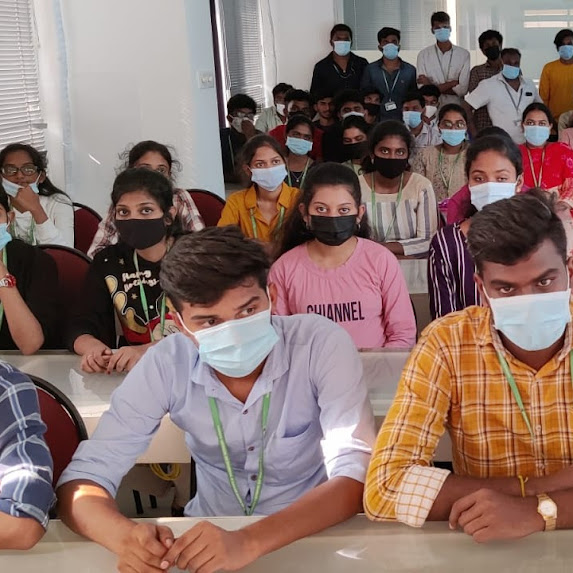
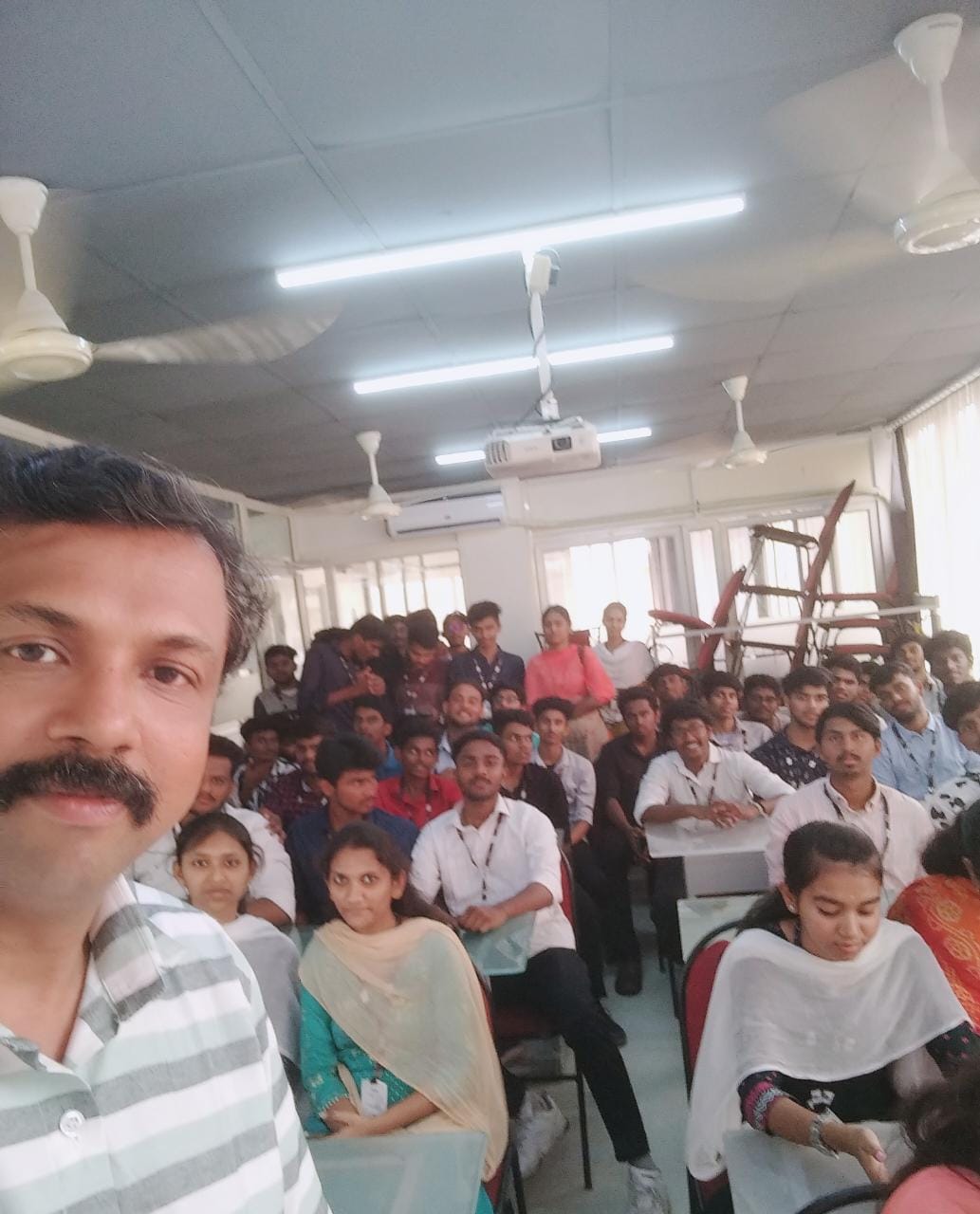
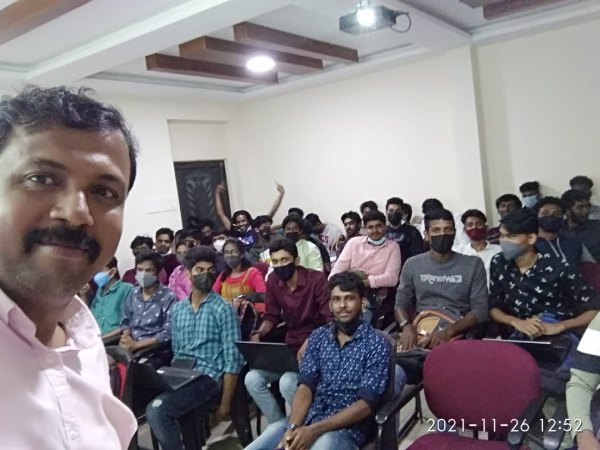
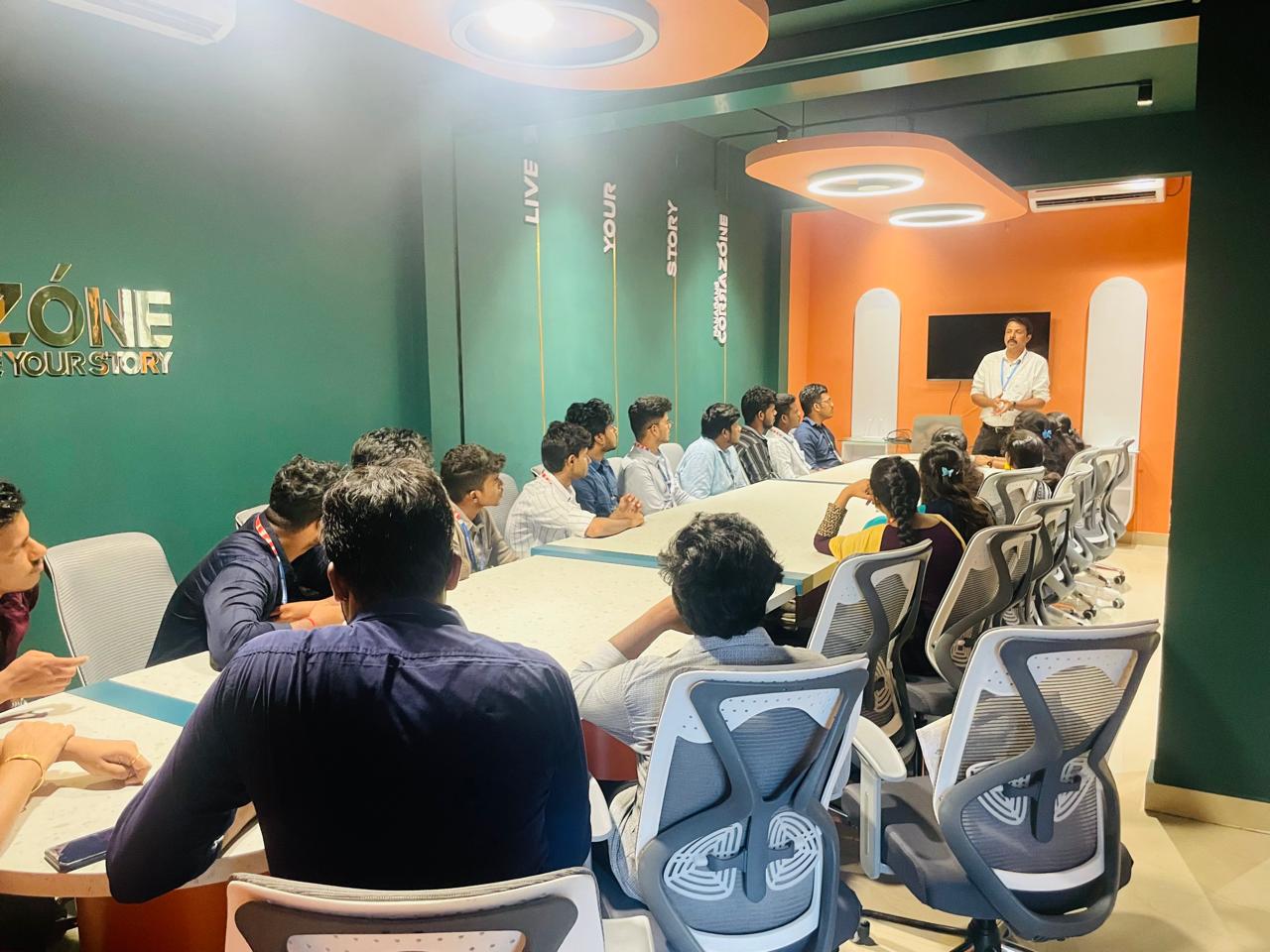
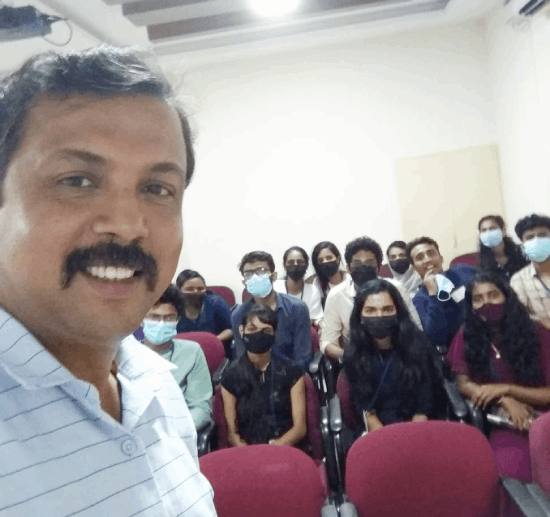
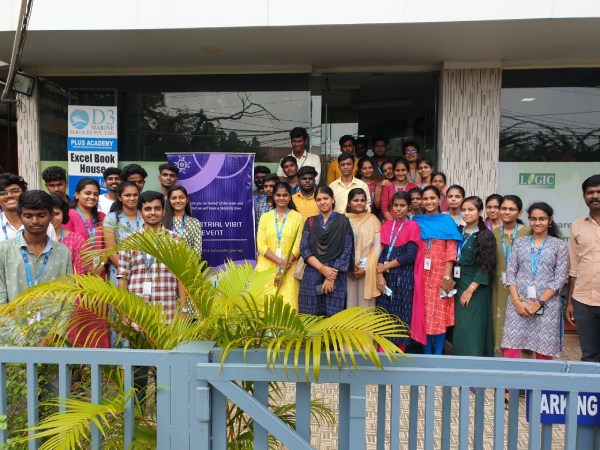
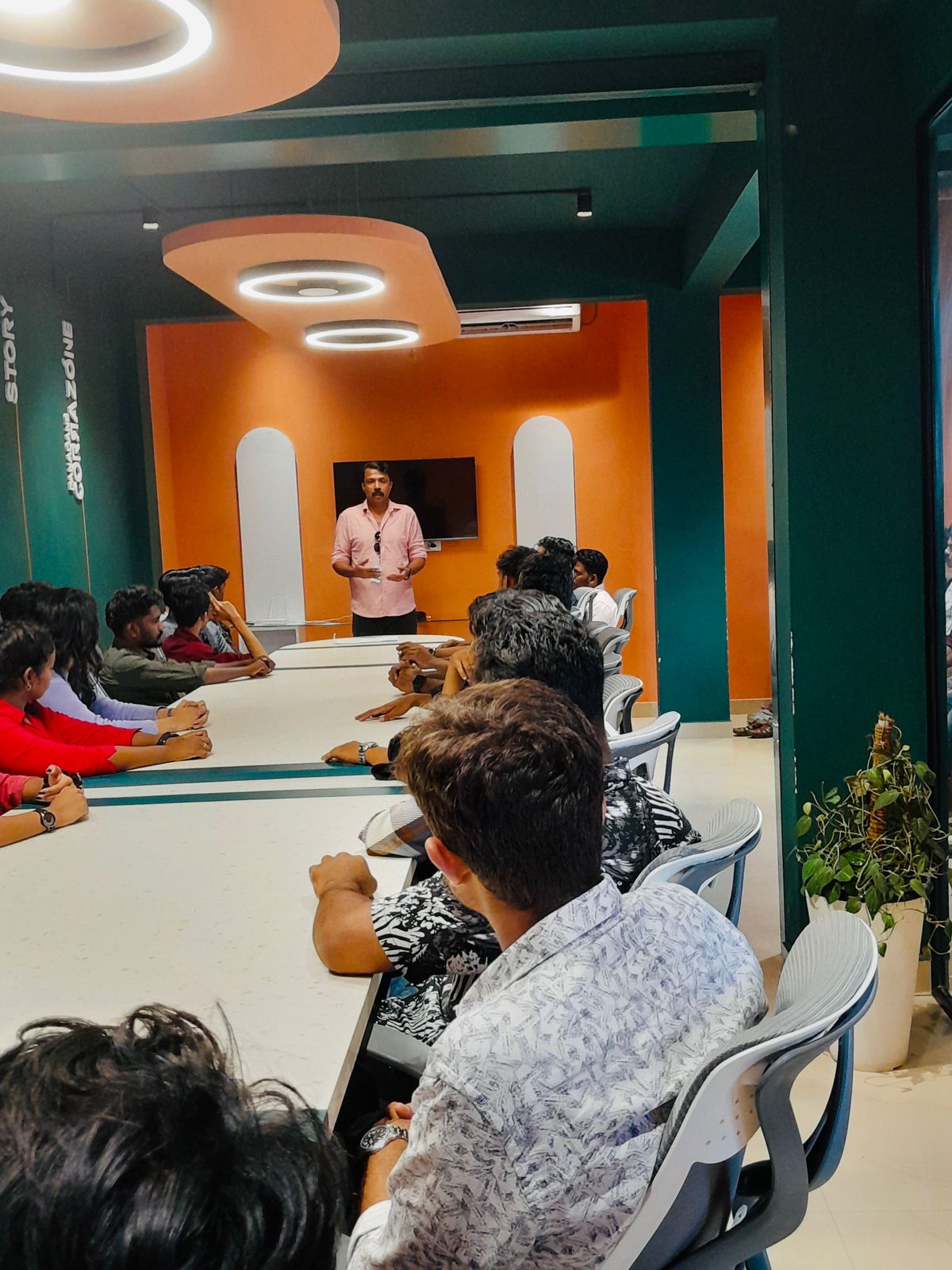
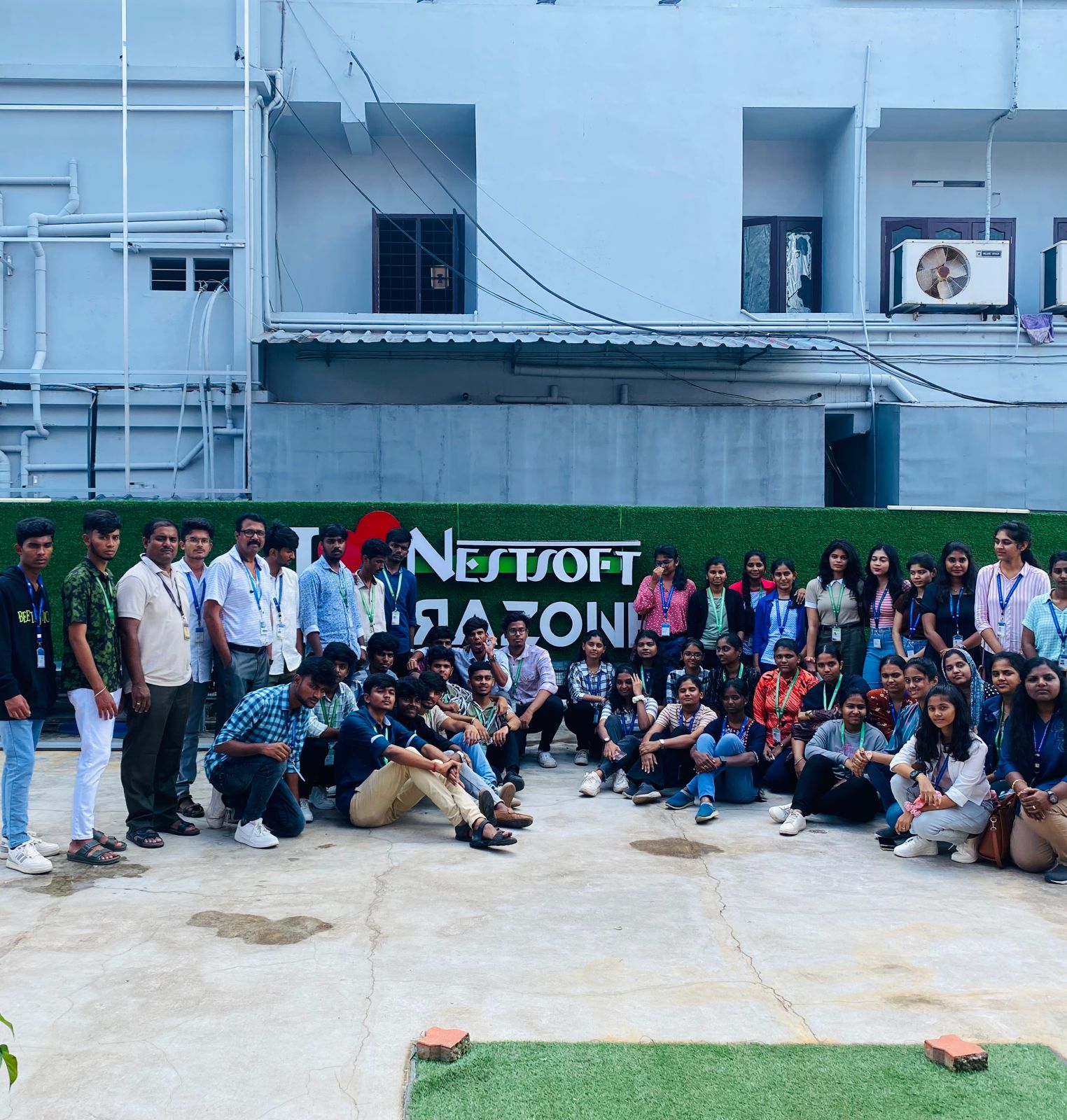
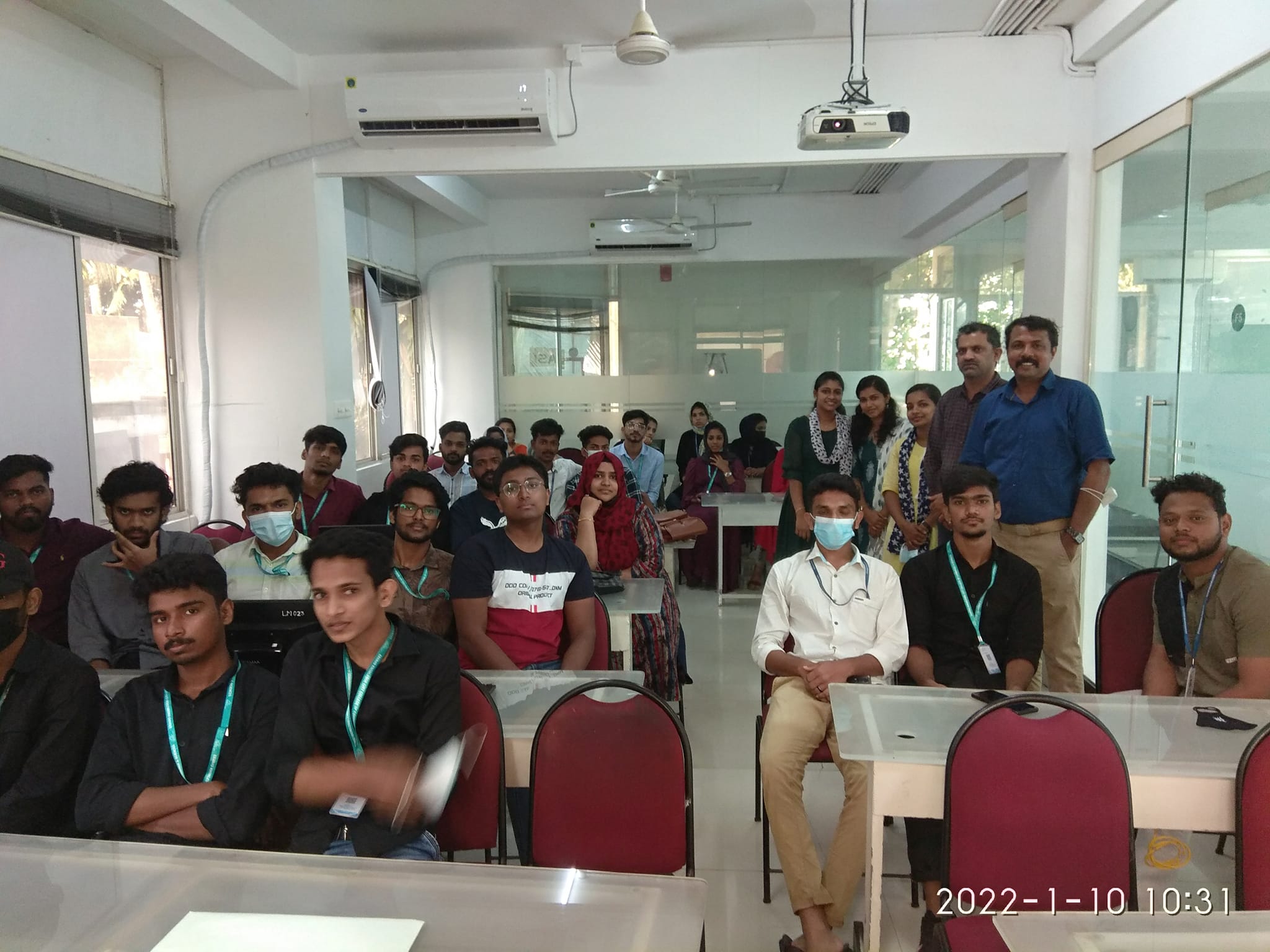
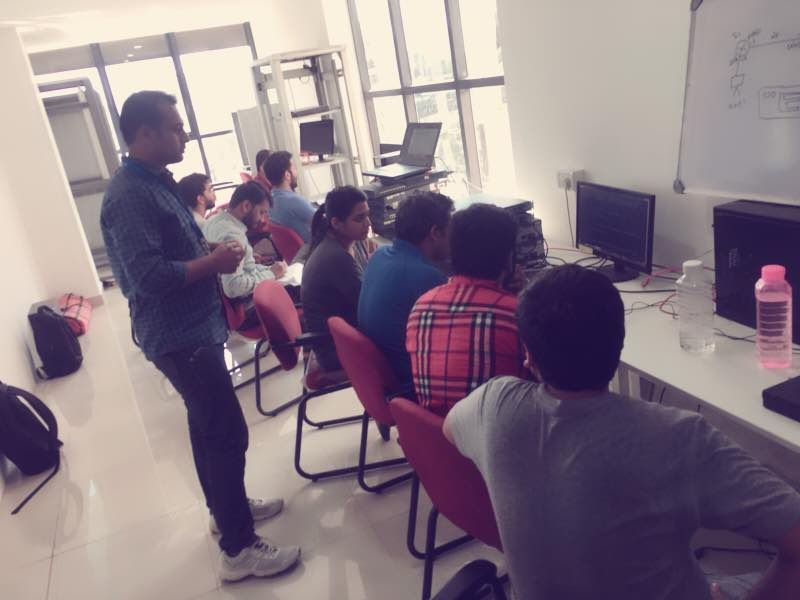
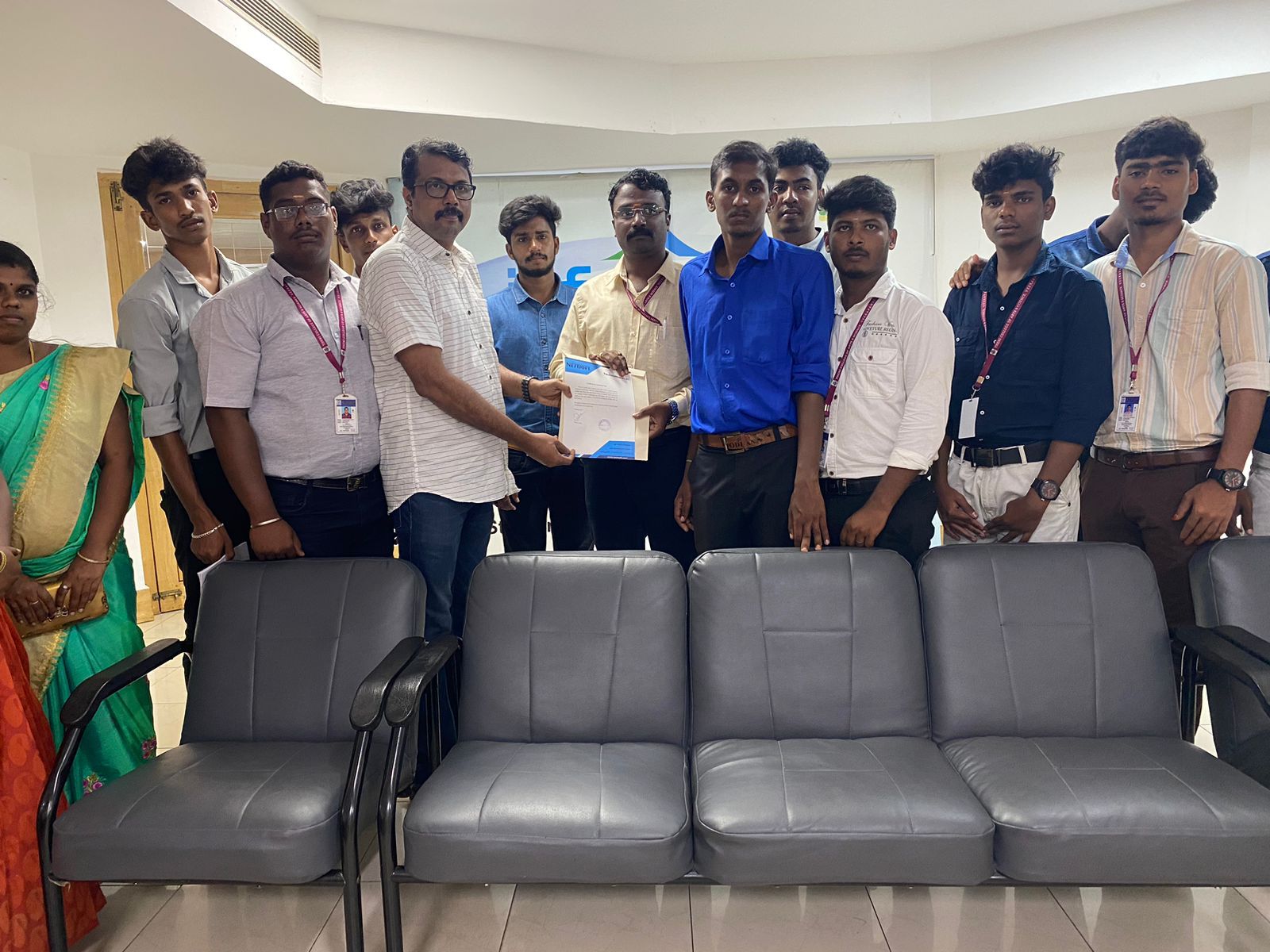
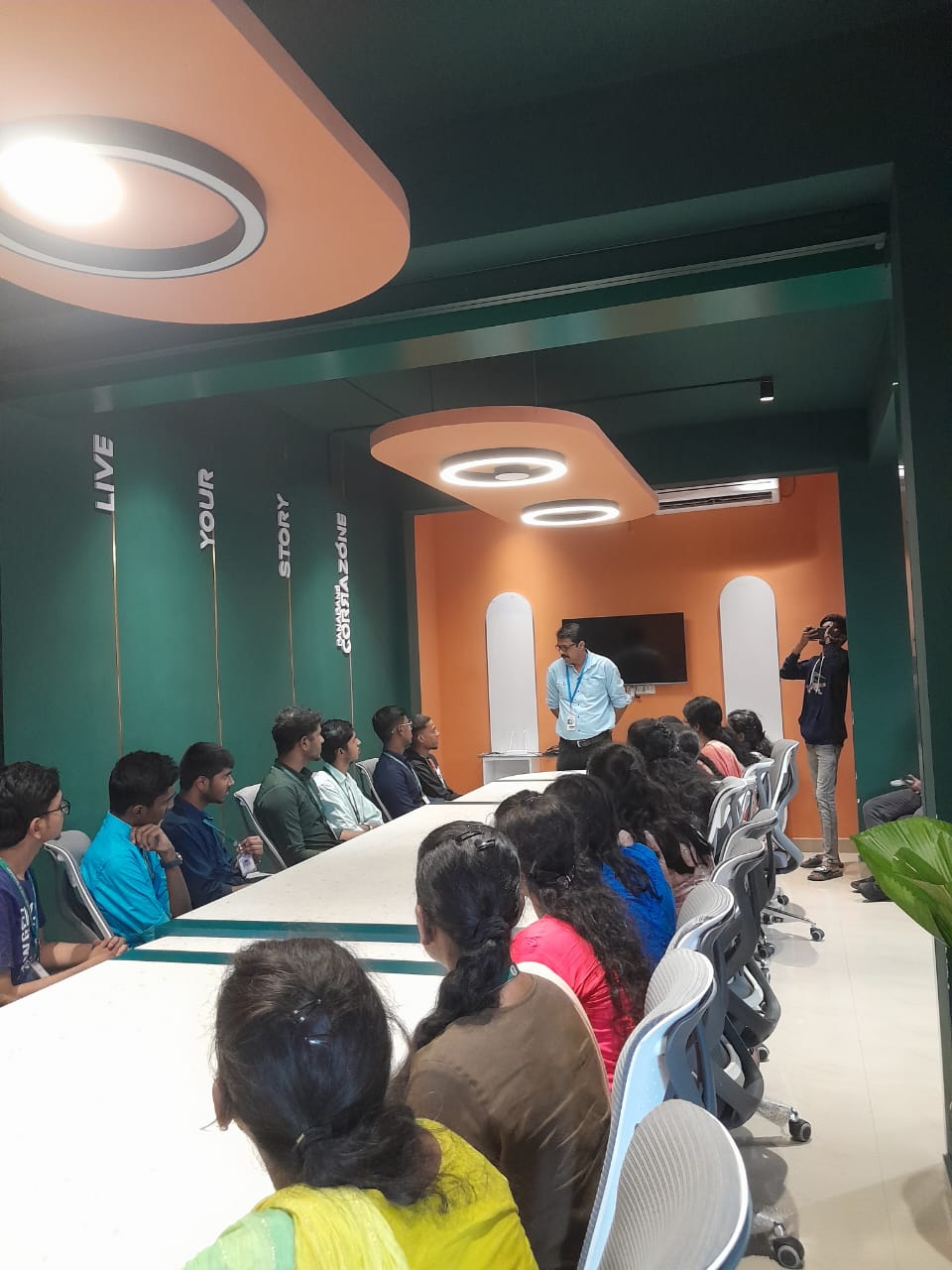
Photos of Training / Internships

Internship/projects in kottayam

Trained more than 10000+ students who trust Nestsoft TechnoMaster

Get Your Personal Trainer