MCSE Online Live Class by Experts
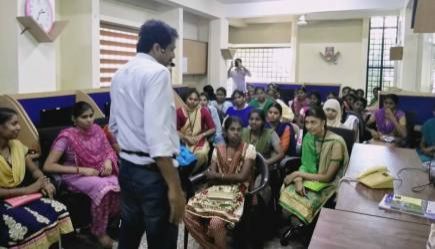
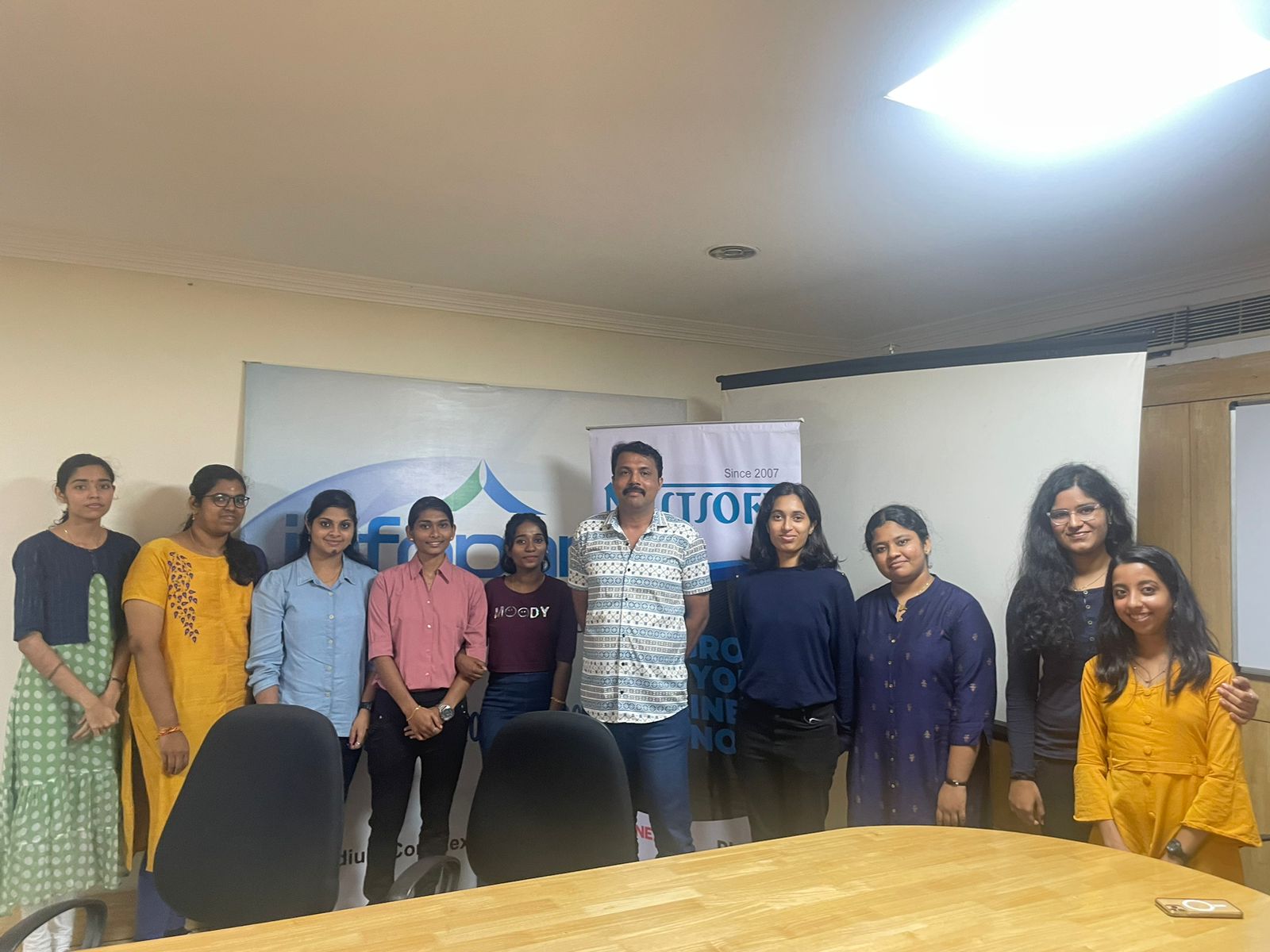
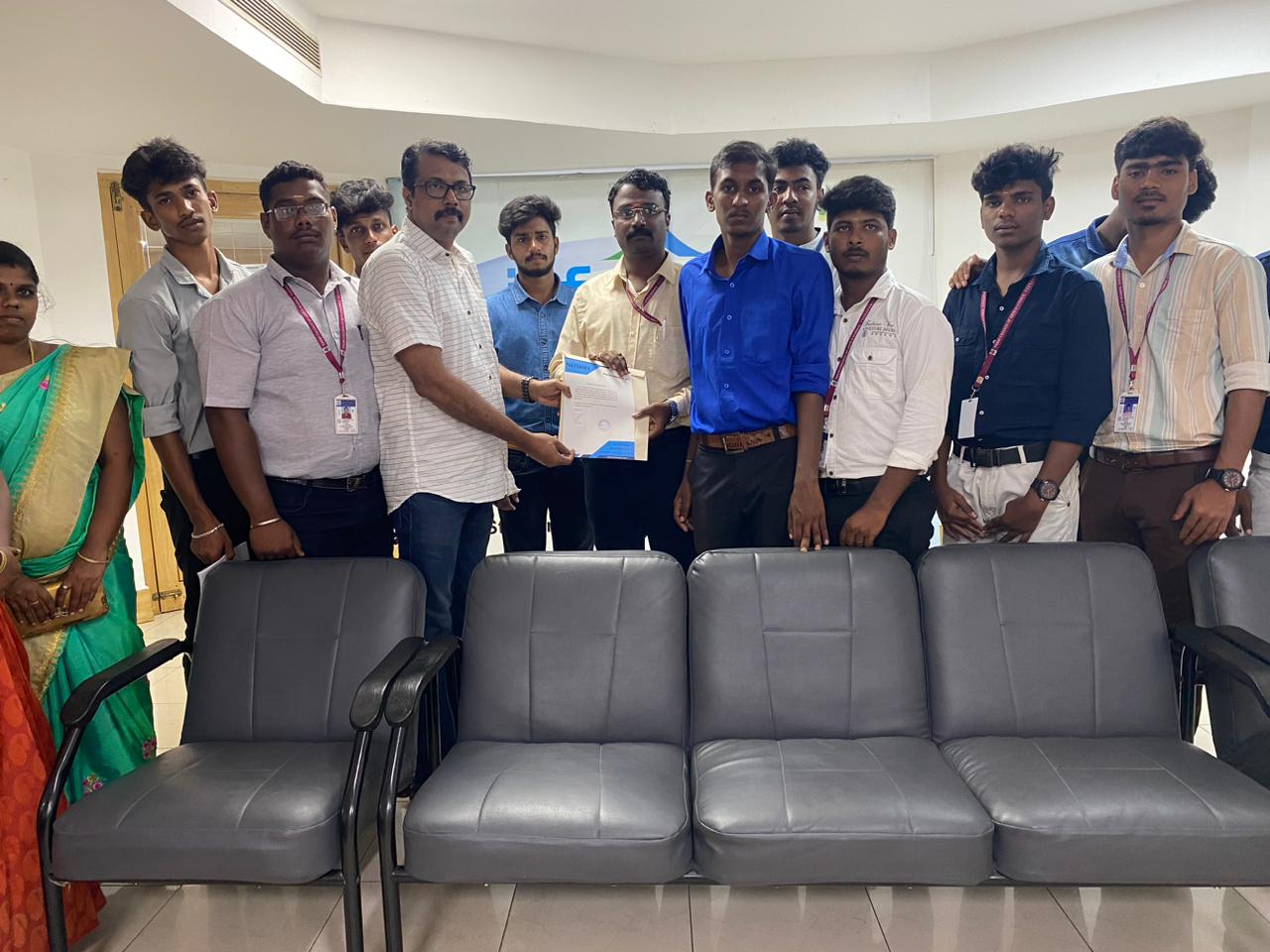
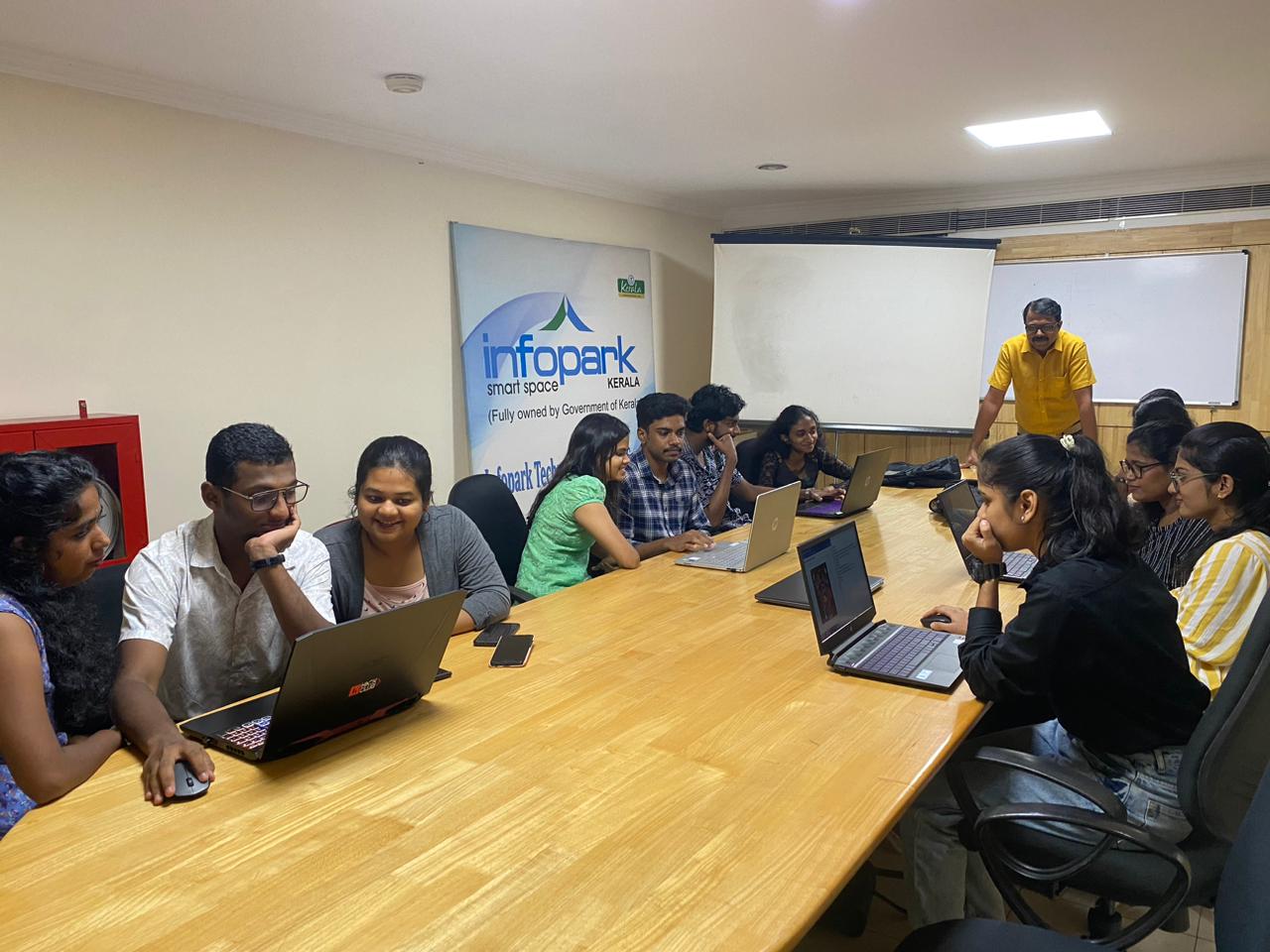
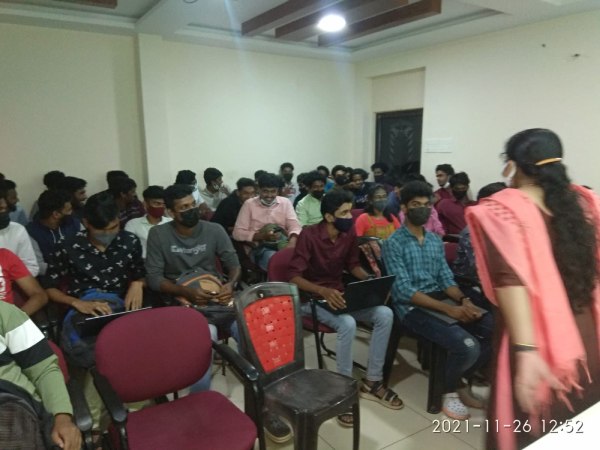
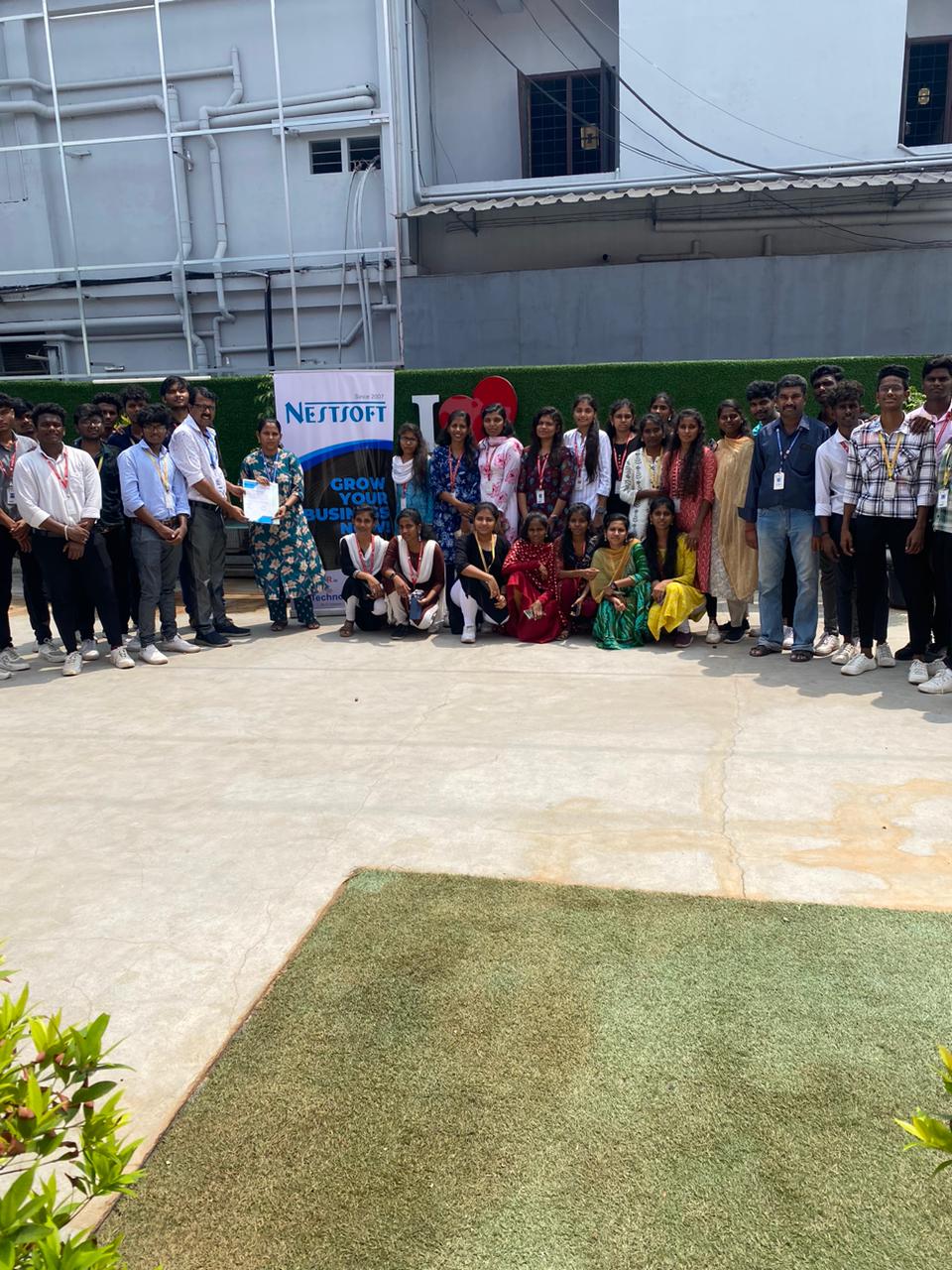
Our Training/Internship Process

MCSE - Syllabus, Fees & Duration
MODULE 1
- Windows Server 2012 Overview
- Overview of Windows Server 2012 Management
- Installing Windows Server 2012
- Post-Installation Configuration of Windows Server 2012
- Introduction to Windows PowerShell
MODULE 2
- Introduction to Active Directory Domain Services
- Overview of AD DS
- Overview of Domain Controllers
- Installing a Domain Controller
MODULE 3
- Managing Active Directory Domain Services Objects
- Managing User Accounts
- Managing Group Accounts
- Managing Computer Accounts
- Delegating Administration
MODULE 4
- Automating Active Directory Domain Services Administration
- Using Command-line Tools for Administration
- Using Windows PowerShell for Administration
- Performing Bulk Operations with Windows PowerShell
MODULE 5
- Implementing IPv4
- Overview of TCP/IP
- Understanding IPv4 Addressing
- Subnetting and Supernetting
- Configuring and Troubleshooting IPv4
MODULE 6
- Implementing DHCP
- Installing a DHCP Server Role
- Configuring DHCP Scopes
- Managing a DHCP Database
- Securing and Monitoring DHCP
MODULE 7
- Implementing DNS
- Name Resolution for Windows Client and Servers
- Installing and Managing a DNS Server
- Managing DNS Zones
MODULE 8
- Implementing IPv6
- Overview of IPv6
- IPv6 Addressing
- Coexistence with IPv6
- IPv6 Transition Technologies
MODULE 9
- Implementing Local Storage
- Overview of Storage
- Managing Disks and Volumes
- Implementing Storage Spaces
MODULE 10
- Implementing File and Print Services
- Securing Files and Folders
- Protecting Shared Files and Folders Using Shadow Copies
- Configuring Network Printing
MODULE 11
- Implementing Group Policy
- Overview of Group Policy
- Group Policy Processing
- Implementing a Central Store for Administrative Templates
MODULE 12
- Securing Windows Servers Using Group Policy Objects
- Windows Security Overview
- Configuring Security Settings
- Restricting Software
- Configuring Windows Firewall with Advanced Security
MODULE 13
- Implementing Server Virtualization with Hyper-V
- Overview of Virtualization Technologies
- Implementing Hyper-V
- Managing Virtual Machine Storage
- Managing Virtual Networks
MODULE 14
- Administering windows server
- Deploying and Maintaining Server Images
- Configuring and Troubleshooting Domain Name System
- Maintaining Active Directory Domain Services
- Managing User and Service Accounts
- Implementing a Group Policy Infrastructure
- Managing User Desktops with Group Policy
- Configuring and Troubleshooting Remote Access
- Installing, Configuring, and Troubleshooting the Network Policy Server Role
- Implementing Network Access Protection
- Optimizing File Services
- Configuring Encryption and Advanced Auditing
- Implementing Update Management
- Monitoring Windows Server 2012
MODULE 15
- Configuring Advanced Windows Server Services
- Implementing Advanced Network Services
- Implementing Advanced File Services
- Implementing Dynamic Access Control
- Implementing Distributed Active Directory Domain Services Deployments
- Implementing Active Directory Domain Services Sites and Replication
- Implementing Active Directory Certificate Services
- Implementing Active Directory Rights Management Services
- Implementing Network Load Balancing
- Implementing Failover Clustering
- Implementing Failover Clustering with Hyper-V
- Implementing Disaster Recovery
This syllabus is not final and can be customized as per needs/updates
- Since 2001, Making IT Experts by Experts
- Duration: 40 Hours (Vary as per your skill)
- Course Fees
- Individual Live Classes (1:1)
- Batch Classes @ Low Fees
- Training on Your Time, Any Where
- Access to Recorded Videos
- Practical Internship on Projects
- 100% Placement Support by our jobsNEAR.in
- Training/Internship Certificate
- Agra
- Ahmedabad
- Alappuzha
- Aurangabad
- Bangalore
- Belgaum
- Bellary
- Bhubaneswar
- Chennai
- Cochin
- Coimbatore
- Delhi
- Dindigul
- Erode
- Gulbarga
- Guntur
- Gurgaon
- Haryana
- Hyderabad
- Idukki
- Indore
- Jaipur
- Kalyan
- Kannur
- Kanpur
- Kasaragod
- Kerala
- Kolkata
- Kollam
- Kottayam
- Kozhikode
- Lucknow
- Madurai
- Malappuram
- Mangaluru
- Mumbai
- Mysuru
- Nagpur
- Nashik
- Navi Mumbai
- Nizamabad
- Noida
- Palakkad
- Pathanamthitta
- Pune
- Punjab
- Salem
- Shimla
- Solapur
- Surat
- Thane
- Thanjavur
- Thirunelveli
- Thoothukudi
- Thrissur
- Tiruchirappalli
- Tiruppur
- Trivandrum
- Vadodara
- Varanasi
- Vellore
- Vijayawada
- Visakhapatnam
- Wayanad
Course Highlights

Our Locations

 We are capable of designing and constructing networks. The Microsoft Certified Solutions Associate (MCSA) certification qualifies a candidate for the professional-level certification MCSE. With MCSE certification training in Mysuru, you will be able to implement cloud-based solutions using a variety of technologies. Managing users, updating the server environment, monitoring the file server, recovering from hardware failure, backup procedure, IP addressing, TCP/IP setup and name resolution, and DNS server are some of the subjects covered during online certification training. Because this certification is industry-standard and globally recognized, it gives you an advantage over your peers and qualifies you for raises in pay and promotions. The trained individual can come up with a unique solution to a problem in the business and create it from the ground up.
. In the MCSE online training course, our skilled educators will give you certification guidance. MCSE online training in a specific Mysuru is a job-oriented course. The MCSE syllabus has been intended to cover every relevant topic.
We are capable of designing and constructing networks. The Microsoft Certified Solutions Associate (MCSA) certification qualifies a candidate for the professional-level certification MCSE. With MCSE certification training in Mysuru, you will be able to implement cloud-based solutions using a variety of technologies. Managing users, updating the server environment, monitoring the file server, recovering from hardware failure, backup procedure, IP addressing, TCP/IP setup and name resolution, and DNS server are some of the subjects covered during online certification training. Because this certification is industry-standard and globally recognized, it gives you an advantage over your peers and qualifies you for raises in pay and promotions. The trained individual can come up with a unique solution to a problem in the business and create it from the ground up.
. In the MCSE online training course, our skilled educators will give you certification guidance. MCSE online training in a specific Mysuru is a job-oriented course. The MCSE syllabus has been intended to cover every relevant topic.