Send enquiry ⏎

Laravel Online Live Class by Experts

Our Training/Internship Process

Laravel Online Live Classes in Kannur | Free Demo Training

Laravel - Syllabus, Fees & Duration

Section 1 : Introduction of Laravel PHP Framework

  • Installing Laravel
  • Artisan CLI ( command-line interface )
  • Laravel Directory Structure
  • Configuring a new Laravel project

Section 2 : Architecture & Basics

  • Architecture overview -Basic routing
  • Call a controller method from a route
  • Passing variables from controllers to views
  • CSRF protection
  • Validation
  • Error handling
  • Controller
  • Request
  • Response
  • Views
  • Session

Section 3 : HTML Template to Laravel Blade Template

  • Master layout
  • Extending the master layout
  • Displaying variables
  • Blade conditional statements & loops
  • PHP functions in blade
  • Creating and using a basic views
  • Loading a view into another view/nested views
  • Adding assets
  • Integrating with Bootstrap

Section 4 : Security & Session

  • Authentication
  • Authorization
  • Encryption
  • Hashing
  • Using Security
  • Sessions Effective

Section 5 : Database

  • Introduction
  • Query Builder
  • Migrations
  • Seeding

Section 6 : Eloquent ORM ( Storing and Using Data )

  • Eloquent ORM Models
  • Naming conventions
  • Table name and primary keys
  • Timestamps
  • Eloquent ORM INSERT, READ , UPDATE , DELETE
  • Using models in controllers
  • Displaying data from models in views

Section 7 : Creating a registration & user login form

  • Artisan command to create inbuilt user register and login system
  • Authenticating Your Application
  • Adding Custom Fields to Registration Form
  • Creating user profile page

Section 8 : Admin Panel Setup

  • Introduction
  • Setup Admin Panel using Bootstrap theme
  • Create Admin login
  • Creating an admin authentication system
  • Encrypting and decrypting data

Section 9 : Using Ajax and jQuery

  • Introduction
  • Getting data from another page
  • Setting up a controller to return JSON data

Section 10 : Project

Download Syllabus - Laravel
This syllabus is not final and can be customized as per needs/updates
   
10000+
20+
50+
25+

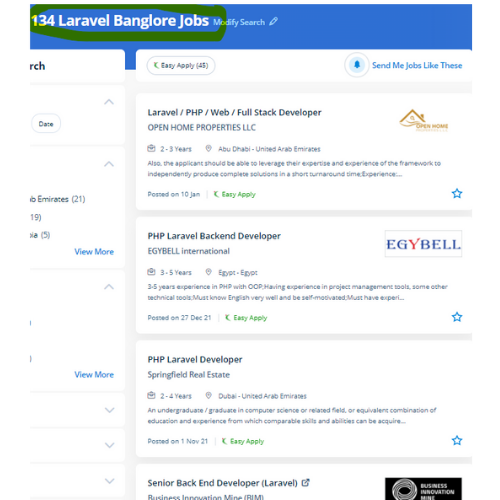
Laravel Jobs in Kannur

Enjoy the demand

Find jobs related to Laravel in search engines (Google, Bing, Yahoo) and recruitment websites (monsterindia, placementindia, naukri, jobshybrid.com, indeed.co.in, shine.com etc.) based in Kannur, chennai and europe countries. You can find many jobs for freshers related to the job positions in Kannur.

  • Full stack Developer
  • PHP Developer Laravel
  • Laravel Developer
  • Backend Developer
  • Senior Php Web Developer
  • Senior Backend Developer
  • Software Engineer-Laravel
  • Systems developer
  • Lead Full Stack Developer
  • Programmer

Laravel Internship/Course Details

Laravel internship jobs in Kannur
Laravel The crucial viewpoint of Laravel is the concern that the software development system should be as simple, high-quality, and quick as possible. This small feature will prevent thousands of dollars. The Laravel credential procedure is easier by enabling the users to configure the functions by applying effective authorization logic and giving allowances to the resources. . Our Laravel training helps course PHP developers to easy to understand to make and deploy a high-performance Laravel application. The safeguarded resources are entered by authentic and registered users are demanded by web application owners. This coaching covers fabricating ready a development environment, configuration, and step by step moving on to the various factors. In such situations, you would like architectures that guard your web apps. During this course, you would be learning the advanced options of using Laravel PHP Framework like about Laravel-Localization, Sessions, Forms, Validations, Laravel and AJAX, Laravel, andE-mail, and Error Handling Laravel is a PHP frame for contemporary web apps. Laravel has many inventor-oriented options, which offer progressive work quality.


Meet a Few of our Industry Experts 🚀 Your Pathway to IT Career

Kacha

Mobile: +91 8301010866
Location: Online (Kannur, India)
Qualification: MCA

Experience: SEO On page Off page SMM Keyword research Link building wordpress   more..

Prapti

Mobile: +91 91884 77559
Location: Online (Kannur, India)
Qualification: MCA

Experience: C# net net core asp net MVC ef core javascript rest api  more..

guddu

Mobile: +91 94975 90866
Location: Online (Kannur, India)
Qualification: B.tech CSE

Experience: Java kotlin dart flutter  more..

Abhishek

Mobile: +91 91884 77559
Location: Online (Kannur, India)
Qualification: B-Tech CSE

Experience: I am an experienced in Dot net programming and a hardworking employee who with his expertise can help the company  more..

Rahul

Mobile: +91 89210 61945
Location: Online (Kannur, India)
Qualification: B. Tech in CSE

Experience: Skills: HTML css js Jquery react hooks basic in WordPress  more..

Md

Mobile: +91 89210 61945
Location: Online (Kannur, India)
Qualification: Digital marketing expert

Experience: Hi iam digital markets expert and a graphic design   more..

Jatin

Mobile: +91 9895490866
Location: Online (Kannur, India)
Qualification: Btech CSE 3rd year Student

Experience: Web development -3 years C++ development- 2 years Supervised ML - 0 5 years Video Editing Graphic Designing Event Management  more..

Vishnu

Mobile: +91 8301010866
Location: Online (Kannur, India)
Qualification: B tech

Experience: I have 8 month internship experience in manual and automation testing   more..

Pavan

Mobile: +91 89210 61945
Location: Online (Kannur, India)
Qualification: B. E

Experience: I am right now working on real time project and language used are angular 5 and node js Application for  more..

Achal

Mobile: +91 9895490866
Location: Online (Kannur, India)
Qualification: B. Tech Cse

Experience: Dear sir I'm a B Tech CSE student at Shri Ramswaroop Memorial University with a passion for building innovative Android  more..

Doigobinda

Mobile: +91 89210 61945
Location: Online (Kannur, India)
Qualification: B-tech

Experience: Creation and modification storage account of azure vault creation File & Folder shearing with on premises system knowledge of Azure  more..

Medha

Mobile: +91 91884 77559
Location: Online (Kannur, India)
Qualification: 3rd year Btech

Experience: Keen interest in web development and know the concepts of html css js mongodb   more..

Dileep

Mobile: +91 91884 77559
Location: Online (Kannur, India)
Qualification: Graduate B.Sc (Computer Science)

Experience: Expertise: Computer Science: Proficiency in programming languages and software development Freelancing: Experienced in delivering high-quality work on platforms like Fiverr  more..

Rajesh

Mobile: +91 91884 77559
Location: Online (Kannur, India)
Qualification: 12th pass

Experience: Hello 👋 I am writing to express my strong interest in the WordPress Developer With my extensive experience in WordPress  more..

Sudhakar

Mobile: +91 91884 77559
Location: Online (Kannur, India)
Qualification: Bachelor of Engineering

Experience: Hi Sir Madam I'm Sudhakar having 2 6 years of experience in web development as a full stack developer My  more..

Anumo

Mobile: +91 9895490866
Location: Online (Kannur, India)
Qualification: Bsc Computer science

Experience: SEO wordpress  more..

dinesh

Mobile: +91 89210 61945
Location: Online (Kannur, India)
Qualification: msc

Experience: I have an experience in API development and web development   more..

vipin

Mobile: +91 91884 77559
Location: Online (Kannur, India)
Qualification: Graduation

Experience: My name is vipin and I am a frontend developer and I am proficient in programming langiage such as c  more..

Athira

Mobile: +91 98474 90866
Location: Online (Kannur, India)
Qualification: ME

Experience: Preparing study plan Curriculum development Teaching Computer skills  more..

Mateen

Mobile: +91 91884 77559
Location: Online (Kannur, India)
Qualification: Bacholer

Experience: 1year of experience in Articles writing seo digital marketing   more..

Pavel

Mobile: +91 98474 90866
Location: Online (Kannur, India)
Qualification: Honors

Experience: My name is Pavel Asad I am Bangladeshi I'm a Wix developer I have been working with Wix for 4  more..

Talla

Mobile: +91 89210 61945
Location: Online (Kannur, India)
Qualification: Mba

Experience: Proficient in conducting keywordresearch competitor analysis optimizing website seo analysis and audits using tools like google analytics semrush and other  more..

Tejaswini

Mobile: +91 9895490866
Location: Online (Kannur, India)
Qualification: Mtech

Experience: I have 4 5 years Experience as software test engineer I have experience in Manual testing and automation testing and  more..

Prasad

Mobile: +91 9895490866
Location: Online (Kannur, India)
Qualification: BE in Mechanical Engineering

Experience: Currently working as trainee fullstack developer at Techprimelab software pvt ltd   more..

Success Stories

The enviable salary packages and track record of our previous students are the proof of our excellence. Please go through our students' reviews about our training methods and faculty and compare it to the recorded video classes that most of the other institutes offer. See for yourself how TechnoMaster is truly unique.

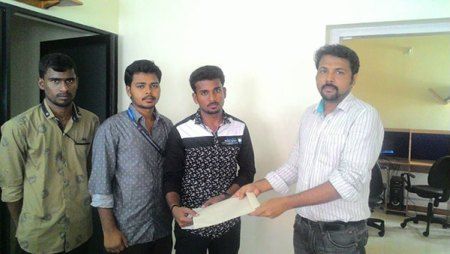
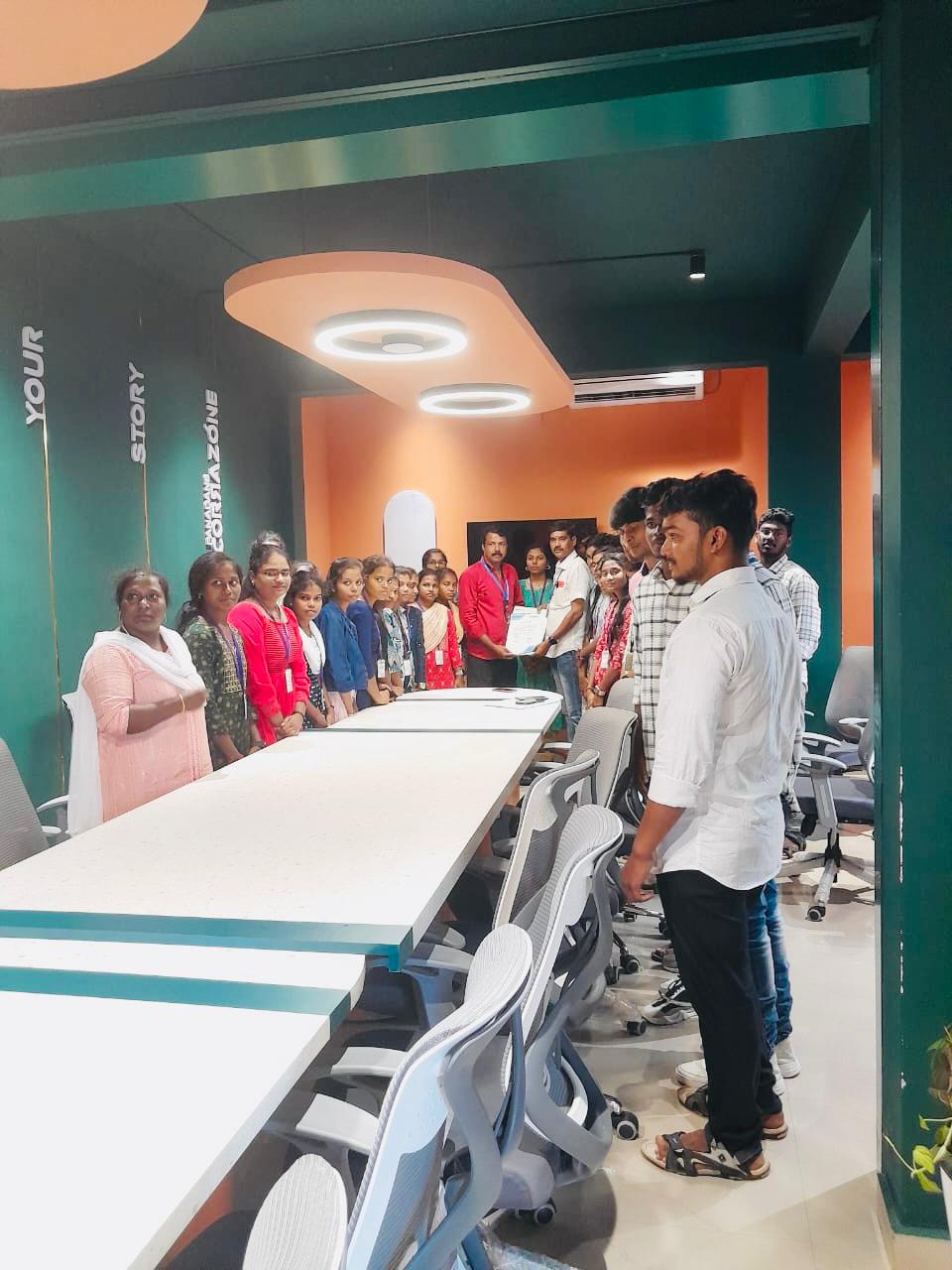
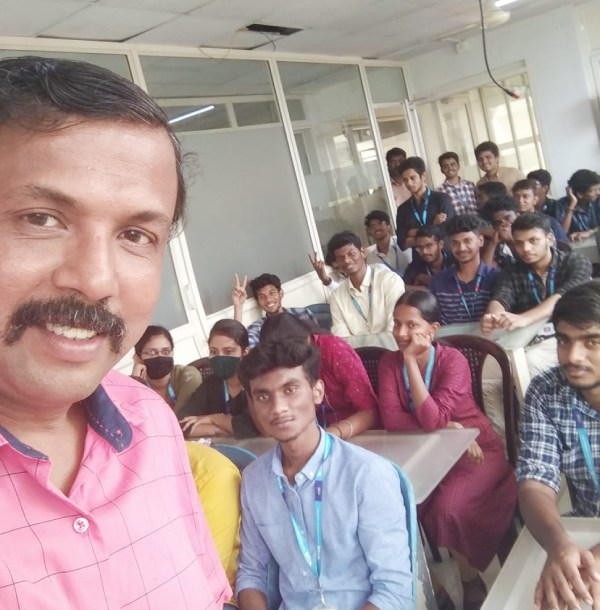
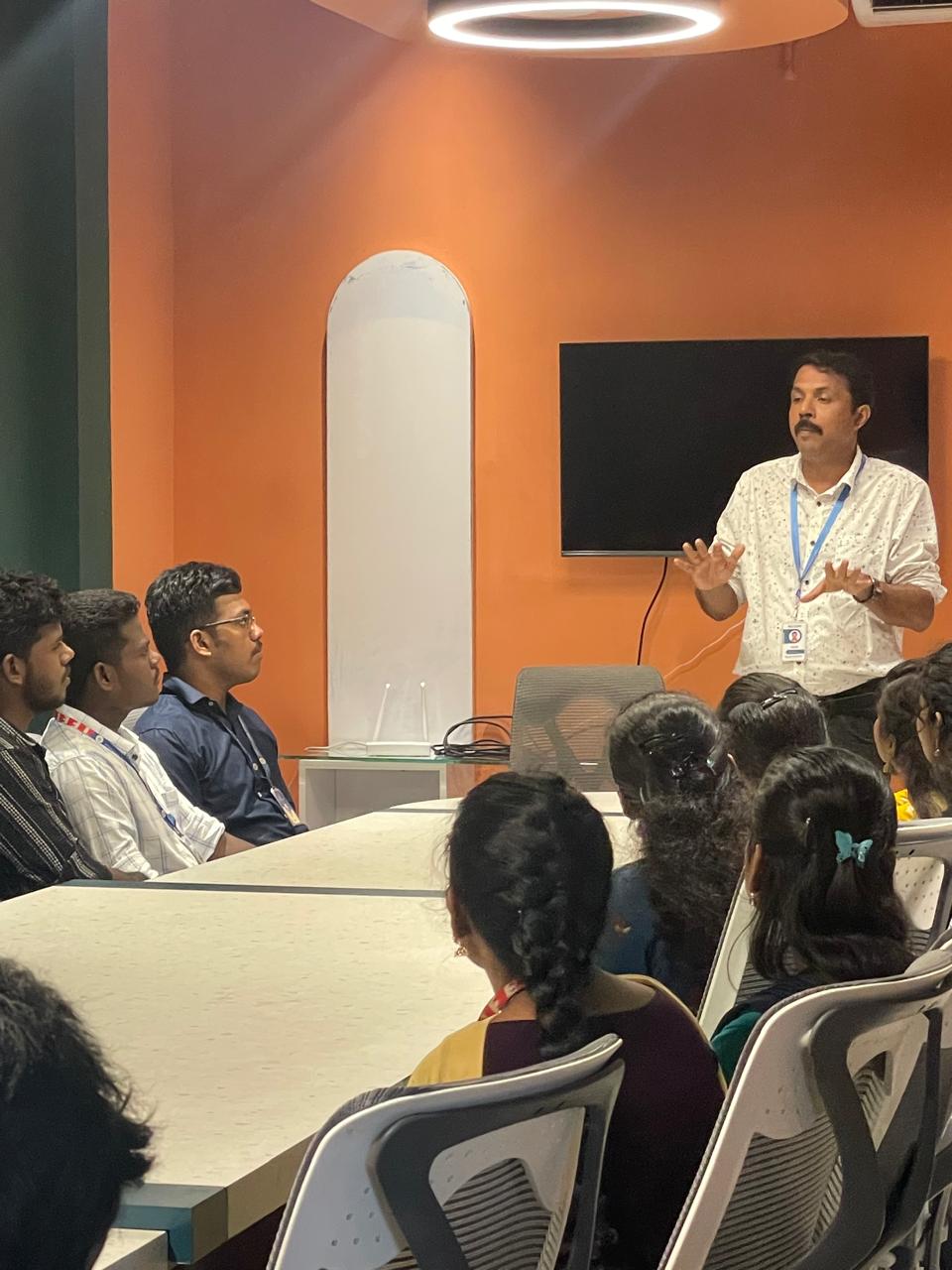
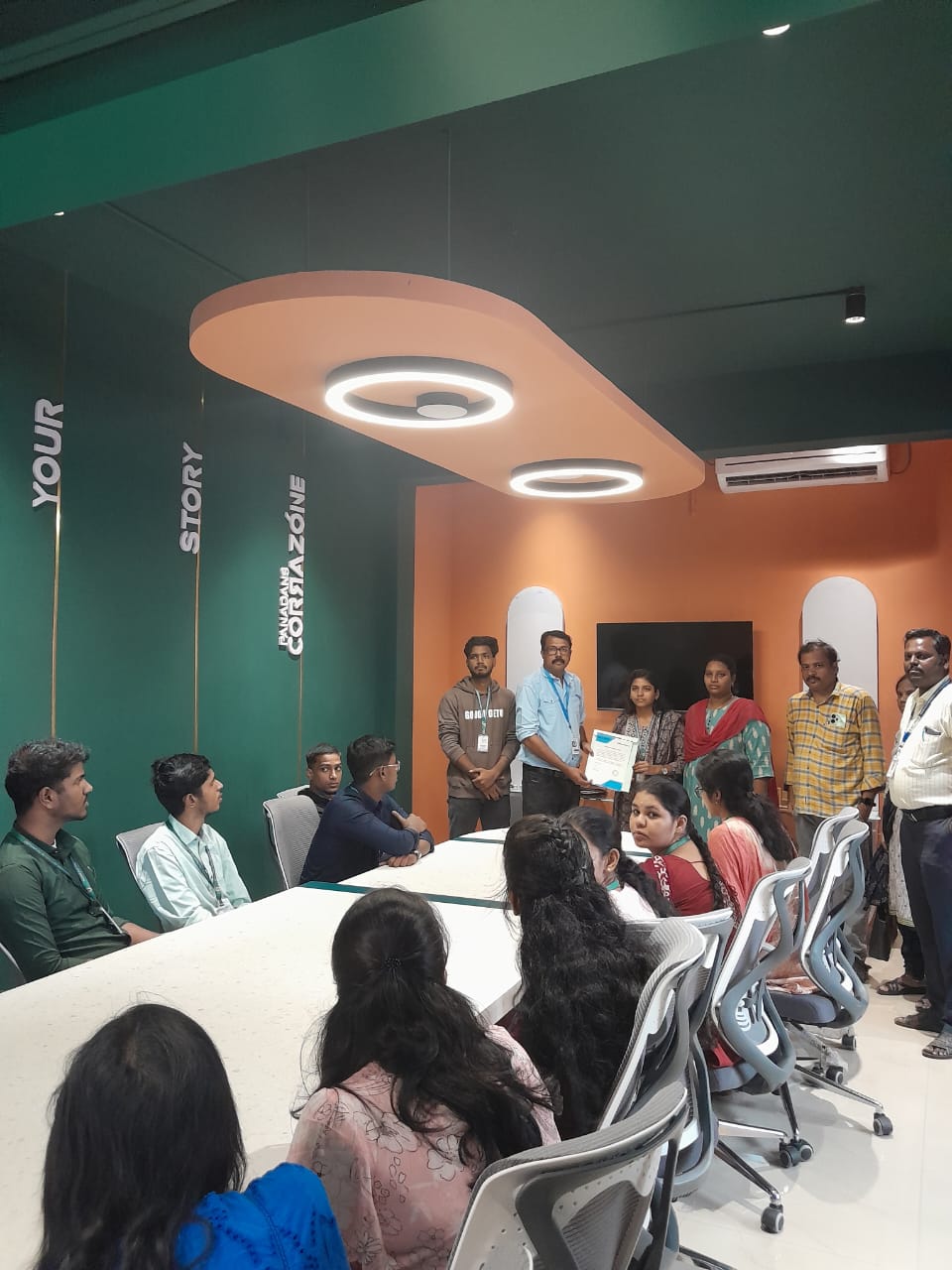
Photos of Training / Internships

Internship/projects in kannur

Trained more than 10000+ students who trust Nestsoft TechnoMaster

Get Your Personal Trainer