Send enquiry ⏎

Autodesk Maya Online Live Class by Experts

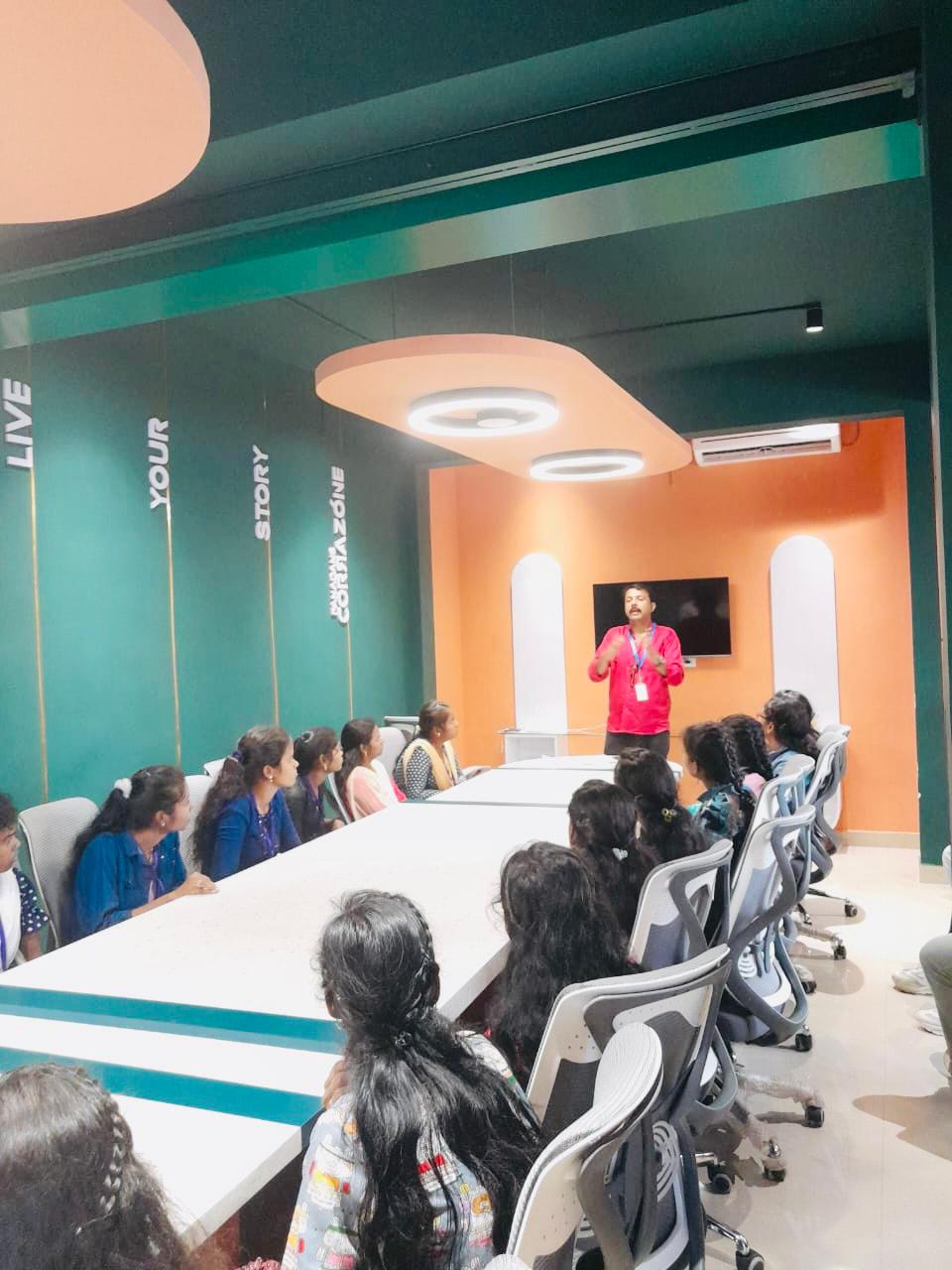
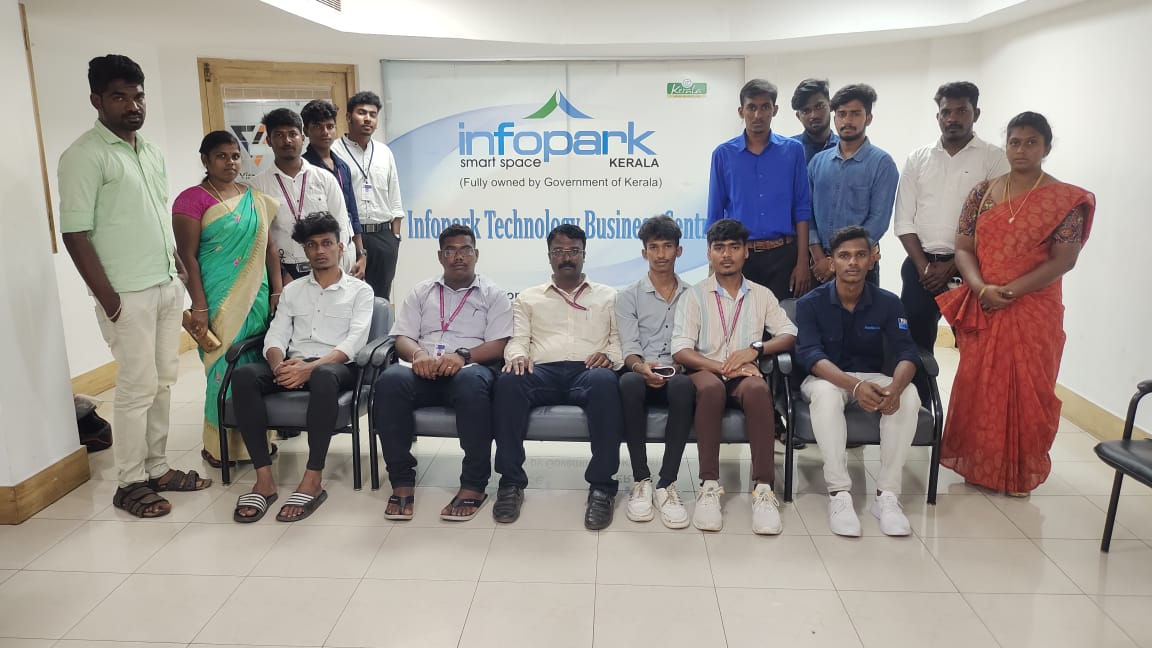
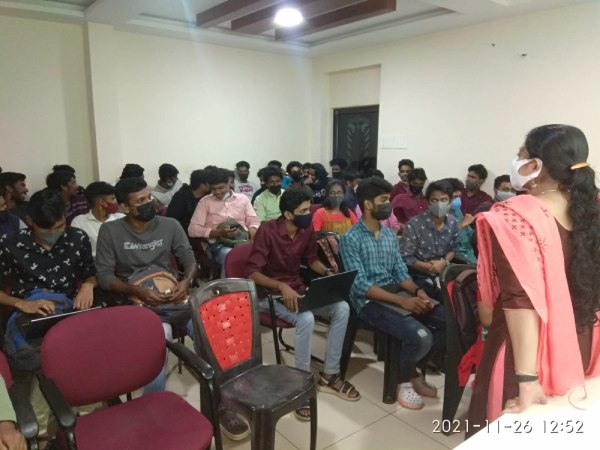
Our Training/Internship Process

Autodesk Maya Online Live Classes in Mumbai | Free Demo Training

Autodesk Maya - Syllabus, Fees & Duration

Overview of Maya

  • Understanding the Maya interface
  • Setting up files and Maya projects
  • Configuring viewports
  • Customizing the interface
  • Navigating the Maya workspace
  • Using the hotbox and marking menus
  • Selecting objects
  • Using the Move tool
  • Rotating and scaling objects
  • Working with pivots
  • Understanding the Channel Box
  • The Attribute Editor

Maya Scenes

  • Organizing Maya Scenes
  • Working with the Outliner
  • Dealing with hierarchies
  • Object groups
  • Exploring Hypergraph
  • Hiding and showing objects
  • Working with layers
  • Working with selection masks

Working with Polygons

  • Creating Polygonal Models
  • Differences between NURBS and polys
  • Selecting polygonal components
  • Using Soft Select and reflection
  • Sculpting with the Sculpt tool
  • The Combine and Separate commands
  • Working with subdivision surfaces

Working with Meshes

  • Working with edge loops
  • Using Edge Flow for smooth geometry
  • Reorienting geometry using Spin Edge
  • Drawing detail with the Connect tool
  • Mirroring geometry
  • Modeling with nonlinear deformers
  • Modeling with lattices

NURBS-based Modelling

  • Refining NURBS Models
  • Extracting NURBS curves from surfaces
  • Open/ Close curves and surfaces
  • Creating curves on a surface
  • Projecting curves on surfaces
  • Trimming NURBS surfaces
  • Using fillets to connect surfaces
  • Converting NURBS to polygons

Using Materials

  • Creating Materials
  • Overview of Maya renderers
  • The basics of materials
  • Creating and applying maps
  • Using bitmaps as texture
  • Working with the Hype shade window
  • Using the Ramp material
  • Displacement and bump maps
  • Mental ray materials

Using Textures

  • Applying Textures
  • Texture mapping
  • Projecting textures on surfaces
  • Applying multiple materials
  • UV mapping
  • The UV Texture Editor

Rendering your Scene

  • Render Settings
  • Lights and lighting types
  • Rendering shadows
  • Camera basics
  • Depth of field
  • Motion Blur
  • Reflections and refractions
  • Matching lights and shadows to images
  • Batch rendering

Animating in Maya

  • The animation interface
  • Set Key
  • The Graph Editor
  • The Dope Sheet
  • Animating objects along spline paths
  • Ghosting animation
  • Animation playback using Playblast
  • Creating animation cycles

Download Syllabus - Autodesk Maya
This syllabus is not final and can be customized as per needs/updates
   
10000+
20+
50+
25+

Autodesk Maya Jobs in Mumbai

Enjoy the demand

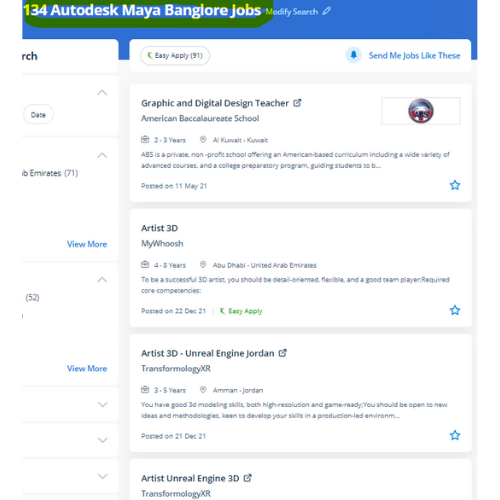
Find jobs related to Autodesk Maya in search engines (Google, Bing, Yahoo) and recruitment websites (monsterindia, placementindia, naukri, jobshybrid.com, indeed.co.in, shine.com etc.) based in Mumbai, chennai and europe countries. You can find many jobs for freshers related to the job positions in Mumbai.

  • Graphic Designer
  • Maya Trainer
  • Motion Graphic Designer
  • Generalist 3d
  • Technical Designer
  • Interior Designer
  • Designing Trainer
  • Freelance Graphic Designer
  • 3d designer
  • AutoCAD Draftsman

Autodesk Maya Internship/Course Details

Autodesk Maya internship jobs in Mumbai
Autodesk Maya additionally, Maya is very optimized for using and editing new Python scripts or MEL within the daily workflow. they are even culpable for writing the program content which can be a mixture of absolute diligence and their promoting expertise. Maya software is widely used so probably everybody with eyes has been exposed to one factor designed with Maya software. Our live training classes are handled by specialists in this field and the syllabus starts from the basics to the most advanced of the subject our team can assist you If a candidate gets any doubts or errors while using this. Students can learn the flexibleness to create a top-quality CG base character which will be used for customizing games, machinima, animations, portfolios, and programming based mostly on computer science graphics courses consistent with industry standards and techniques. it is the integration with alternative Autodesk software systems like motion builder and Mudbox. Trainees will get to search out excuses for all the ideas from basics to advanced level. Nestsoft provides the most effective Autodesk Maya online training course. It offers wonderful support for scripting languages and everybody can produce plugins for Autodesk Maya with C++ and smart memory handling. .

Meet a Few of our Industry Experts 🚀 Your Pathway to IT Career

Amrutha

Mobile: +91 98474 90866
Location: Online (Mumbai, India)
Qualification: BCA cloud technology and information security management

Experience: Cloud computing information security management programming dbms  more..

Priyanka

Mobile: +91 89210 61945
Location: Online (Mumbai, India)
Qualification: BTech

Experience: Hi sir ma'am Hope you are doing well My name is Priyanka Priyadarshini I have completed my BTech in 2023  more..

MUKARA

Mobile: +91 91884 77559
Location: Online (Mumbai, India)
Qualification: B>A

Experience: Experienced in all testing methodologies various levels of testing test-ability analysis & requirements definition test analysis & design techniques and  more..

rishi

Mobile: +91 8301010866
Location: Online (Mumbai, India)
Qualification: JCHNP

Experience: sophos firewall configuration and server support configuration  more..

Sruti

Mobile: +91 94975 90866
Location: Online (Mumbai, India)
Qualification: MCA

Experience: Java python networking security+ sql  more..

Jakka

Mobile: +91 94975 90866
Location: Online (Mumbai, India)
Qualification: BA

Experience: 1 Extensive knowledge of cyber security principles practices and technologies 2 Proficient in conducting vulnerability assessments and penetration testing 3  more..

Anagha

Mobile: +91 98474 90866
Location: Online (Mumbai, India)
Qualification: B-tech

Experience: I have completed internship from luminar technolab in the area of software testing Through the internship i gained knowledge in  more..

Asif

Mobile: +91 89210 61945
Location: Online (Mumbai, India)
Qualification: B-Tech Computer Science and Engineering

Experience: • Angular AngularJS • MongoDB • Expressjs • NodeJS • javascript typescript • ES6 • Rxjs • React • Git  more..

Rahul

Mobile: +91 98474 90866
Location: Online (Mumbai, India)
Qualification: Bsc.IT

Experience: Automation testing as well As Manual Testing POM Design Patterns TestNG SQL Stored procedure API Testing Using Postman   more..

KUNDAN

Mobile: +91 89210 61945
Location: Online (Mumbai, India)
Qualification: MBA ,CFP

Experience: As a stock market Expert my skills and experience include: 1 Market Analysis: - Technical analysis using chart patterns indicators  more..

ASIF

Mobile: +91 94975 90866
Location: Online (Mumbai, India)
Qualification: b.tech(cse)

Experience: php ajajx jqurey (bassic) css html JavaScript boostrap  more..

Minu

Mobile: +91 9895490866
Location: Online (Mumbai, India)
Qualification: MBA

Experience: English Language Proficiency: A strong command of the English language including grammar vocabulary pronunciation and fluency OET Knowledge: In-depth understanding  more..

Jayesh

Mobile: +91 94975 90866
Location: Online (Mumbai, India)
Qualification: B.C.A

Experience: I have 6 year of experience in Wordpress development I’m Wordpress backend developer an able to integrate custom theme development  more..

Krishna

Mobile: +91 9895490866
Location: Online (Mumbai, India)
Qualification: Bca

Experience: 2 years experience in Android kotlin and java 6 months experience of flutter dart  more..

Yeswanthkumar

Mobile: +91 89210 61945
Location: Online (Mumbai, India)
Qualification: Bsc computer science

Experience: I have 2 years of experience in front office associate in hotel industry later I have completed data analyst course  more..

Saikat

Mobile: +91 91884 77559
Location: Online (Mumbai, India)
Qualification: B.tech

Experience: Programming Python SQL Data structures and Algorithms Machine Learning Algorithms Linear regression Logistic regression KNN Support Vector Machines Decision Trees  more..

siddharth

Mobile: +91 94975 90866
Location: Online (Mumbai, India)
Qualification: 12th,BCA

Experience: i can work in C C++ python html css   more..

Shraddha

Mobile: +91 91884 77559
Location: Online (Mumbai, India)
Qualification: Bacholer of computer engineering

Experience: I have good knowledge of cyber security and ethical Hacking I have also done internship in cyber security and Ethical  more..

Divakar

Mobile: +91 89210 61945
Location: Online (Mumbai, India)
Qualification: B.E Mechanical Engineering

Experience: I had a 6 months internship training at ARi in software testing  more..

Bhagyashree

Mobile: +91 98474 90866
Location: Online (Mumbai, India)
Qualification: Master of computer Applications MCA

Experience: I have trained for six months in java full stack developer skills  more..

Harish

Mobile: +91 94975 90866
Location: Online (Mumbai, India)
Qualification: MA - ENGLISH

Experience: Content Writing Customer Support firewall |   more..

Priya

Mobile: +91 9895490866
Location: Online (Mumbai, India)
Qualification: Btech

Experience: AWS cloud python linux  more..

Rajesh

Mobile: +91 94975 90866
Location: Online (Mumbai, India)
Qualification: 12th pass

Experience: Hello 👋 I am writing to express my strong interest in the WordPress Developer With my extensive experience in WordPress  more..

Pankaj

Mobile: +91 98474 90866
Location: Online (Mumbai, India)
Qualification: B.Tech

Experience: I am an android developer with 2+ years of experience and had gathered skills on kotlin android studio xml room  more..

Success Stories

The enviable salary packages and track record of our previous students are the proof of our excellence. Please go through our students' reviews about our training methods and faculty and compare it to the recorded video classes that most of the other institutes offer. See for yourself how TechnoMaster is truly unique.

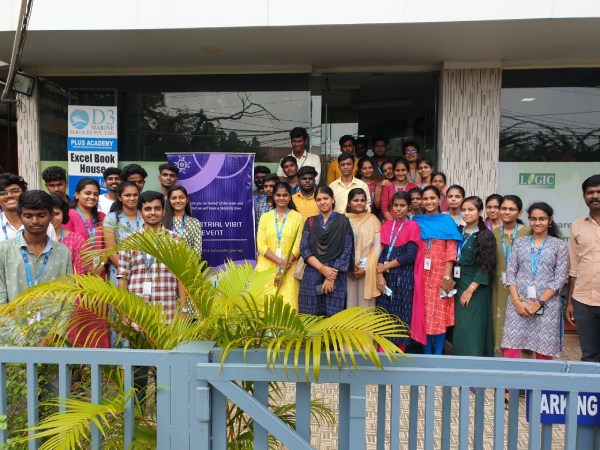
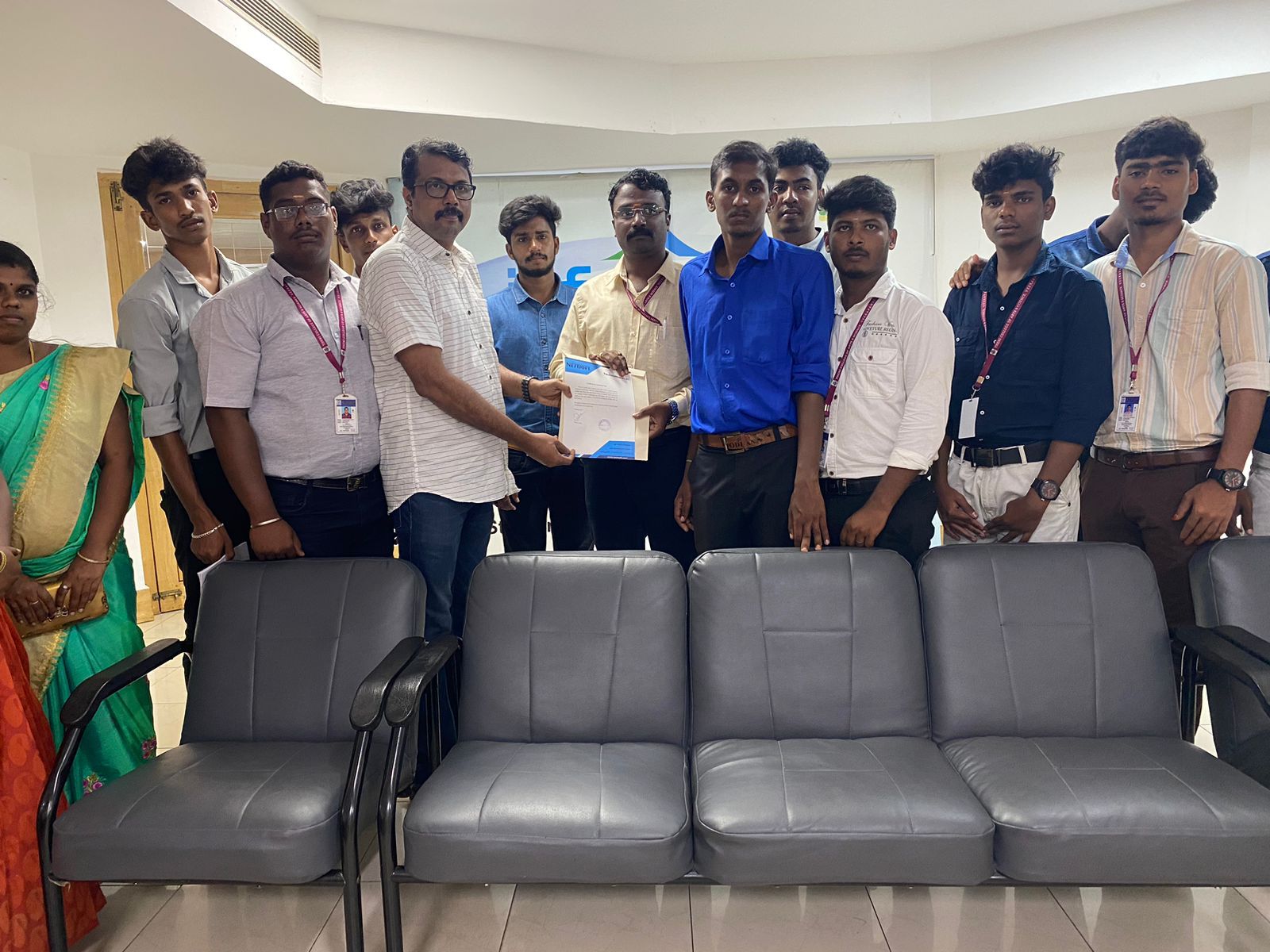
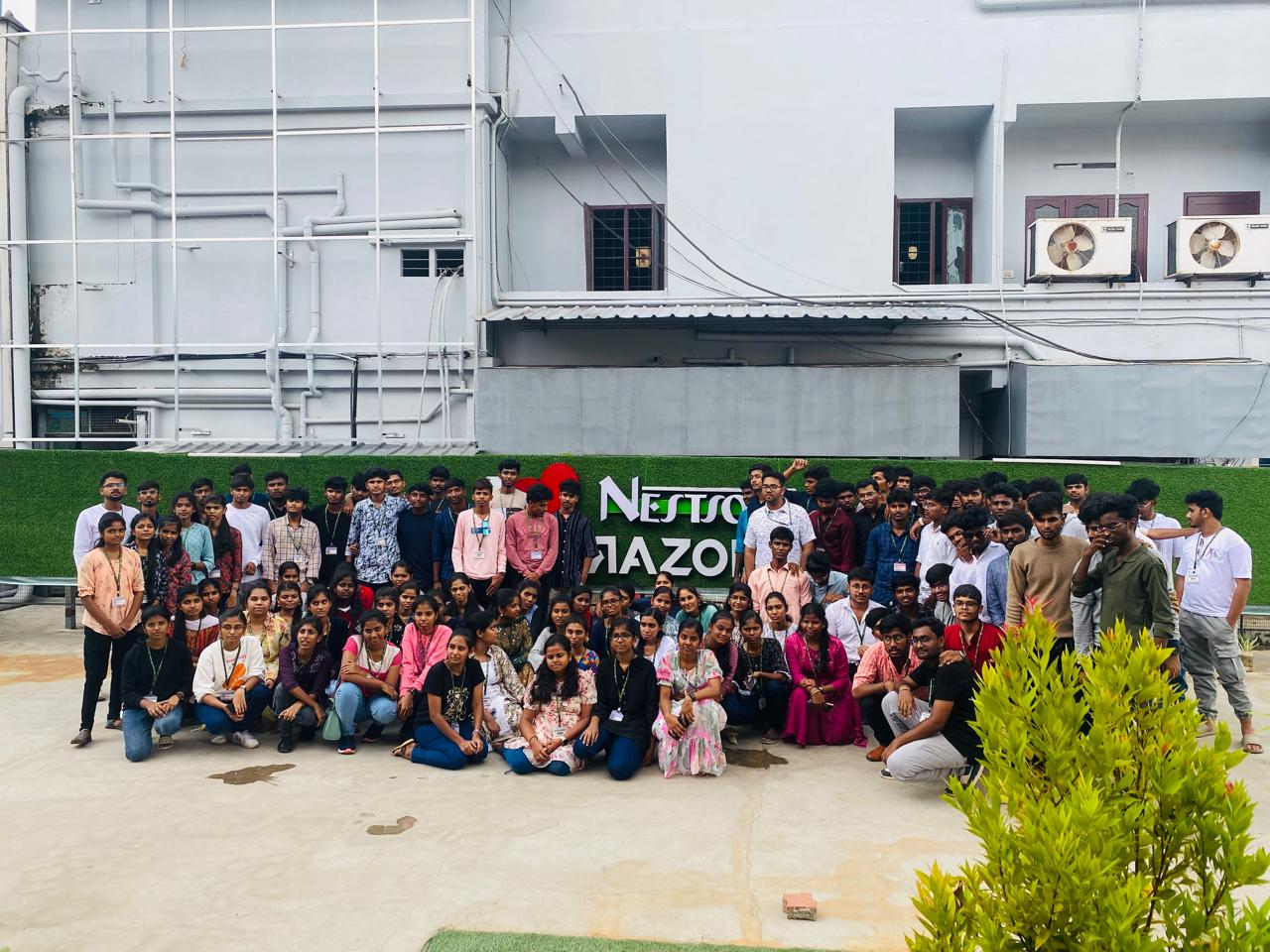
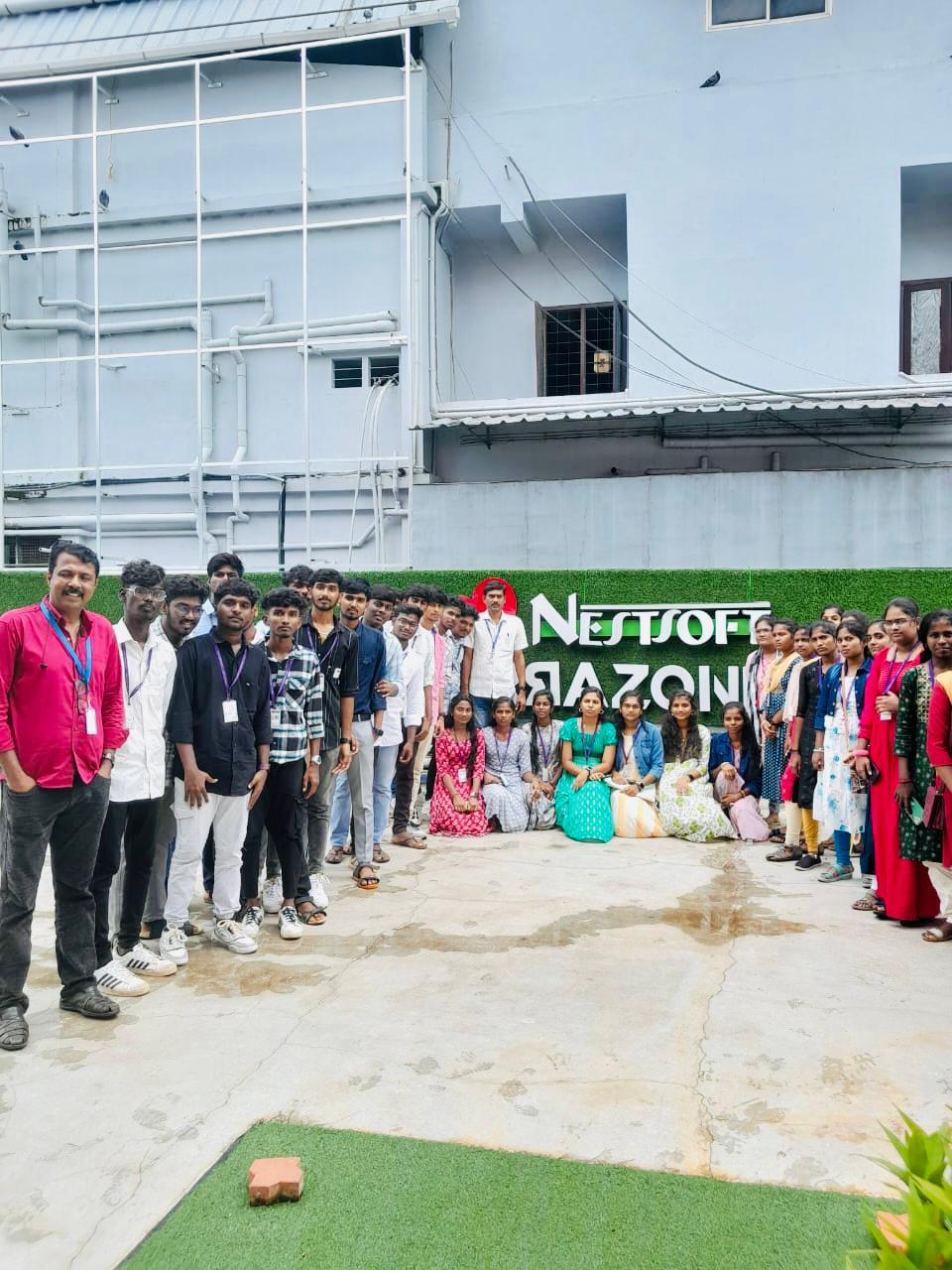
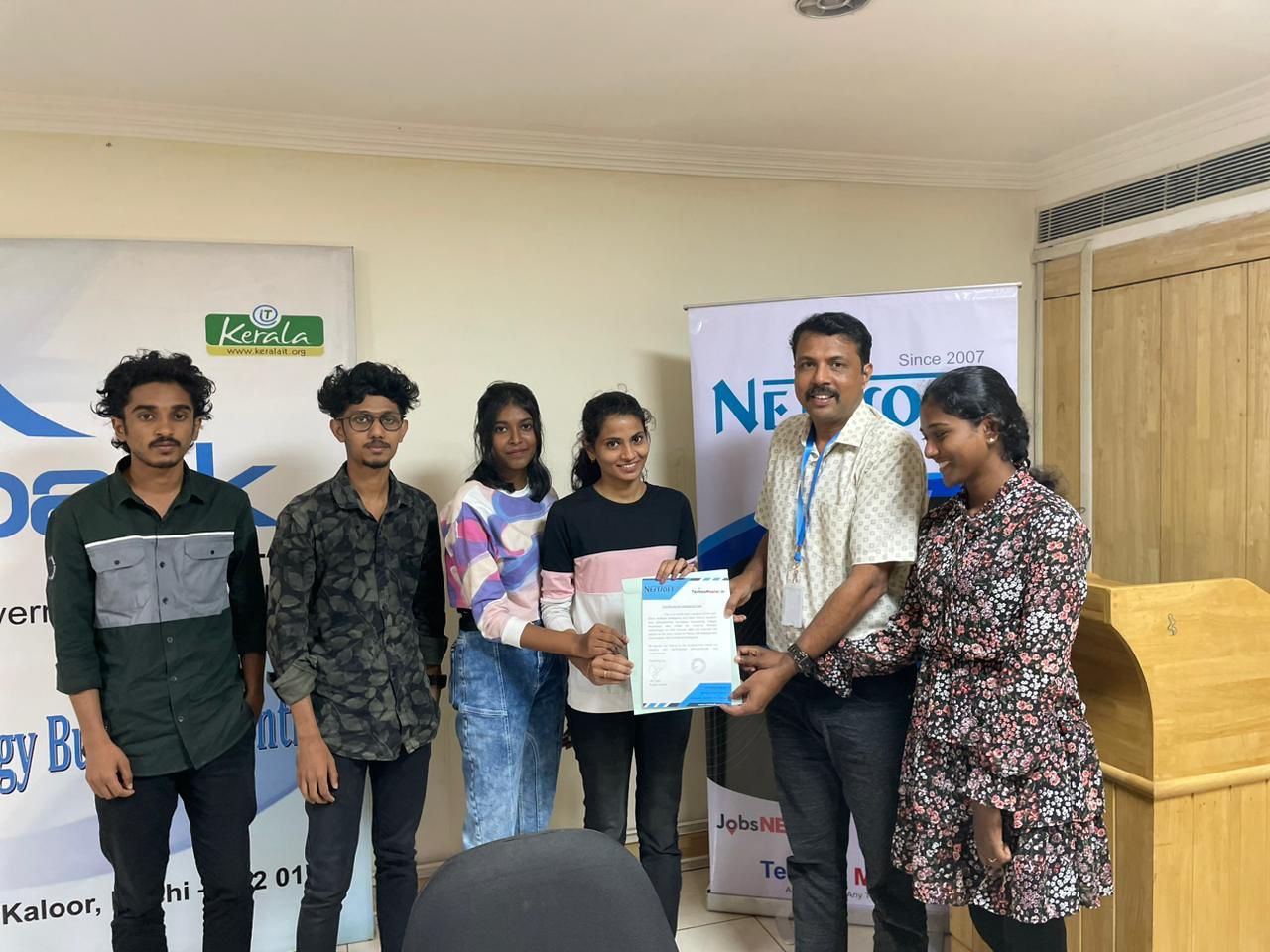
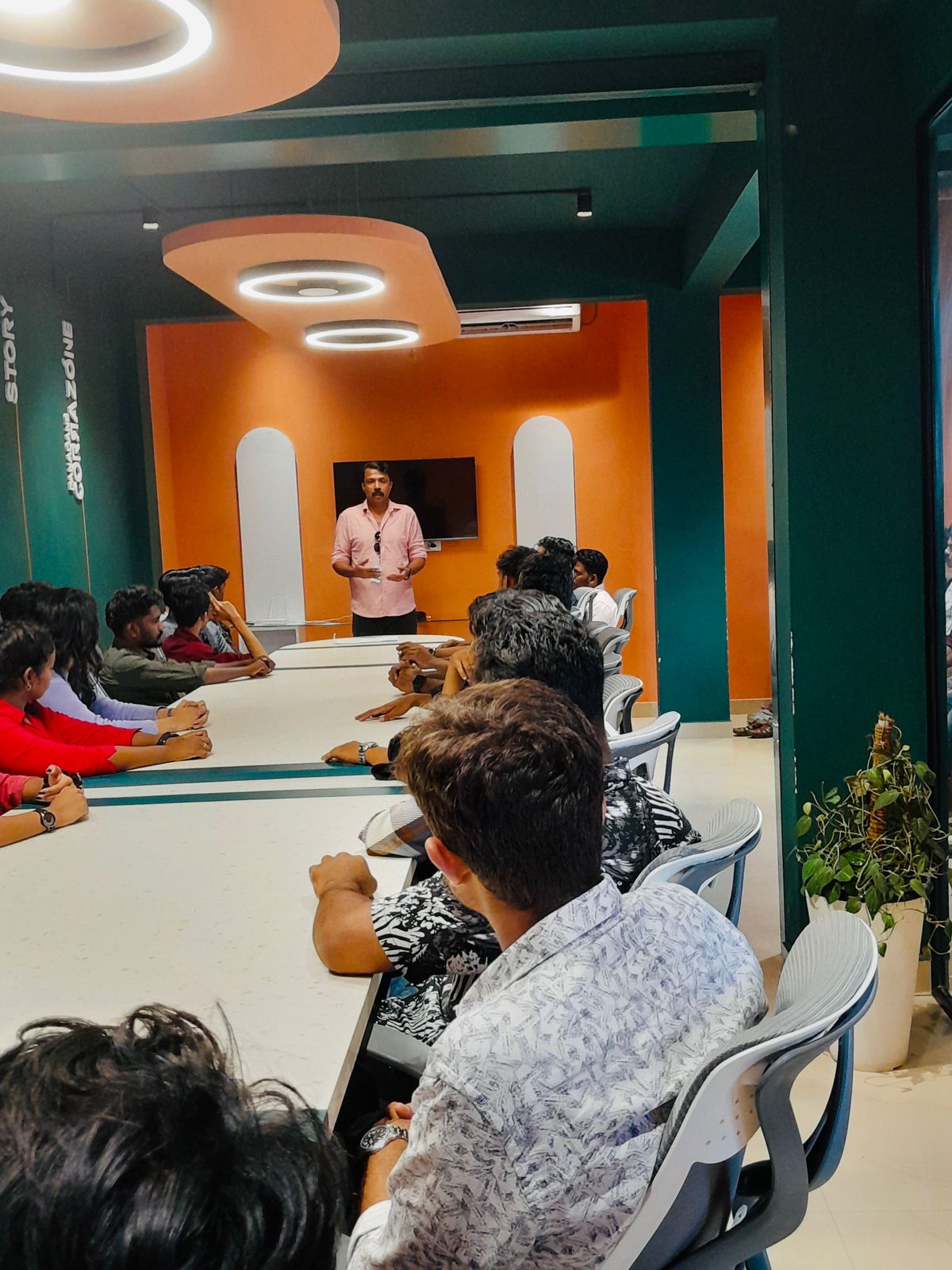
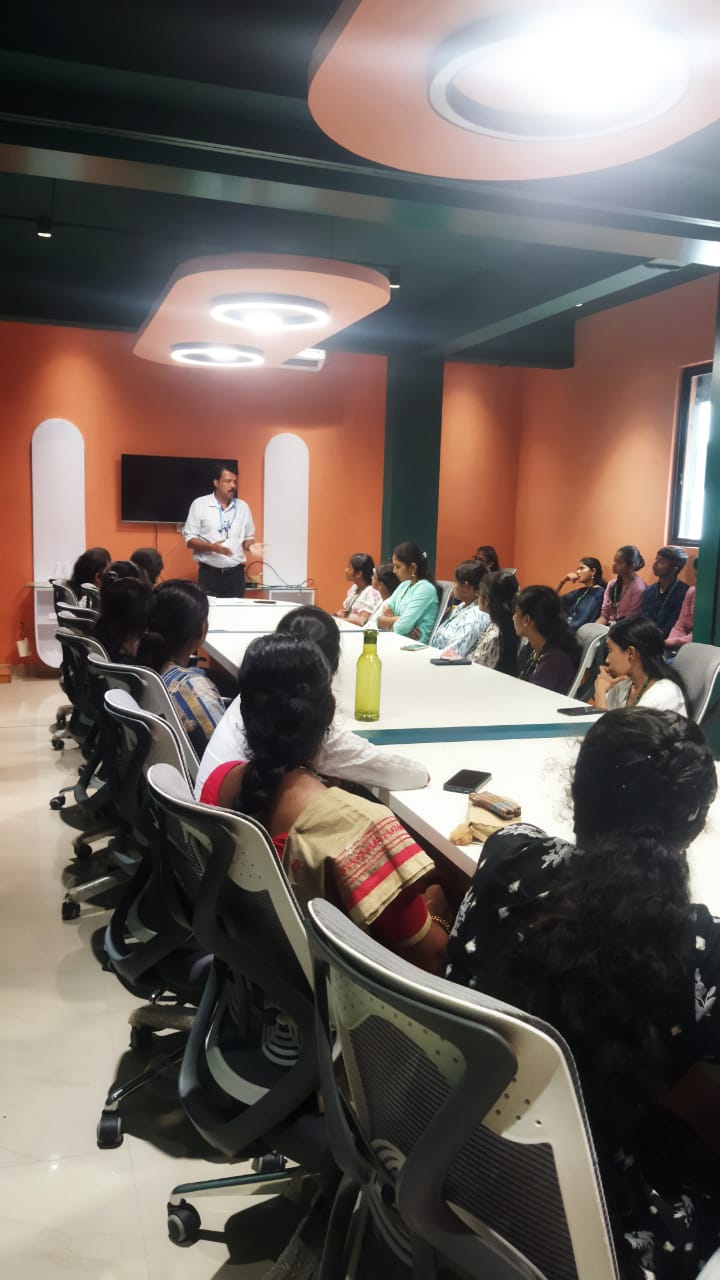
Photos of Training / Internships

Internship/projects in mumbai

Trained more than 10000+ students who trust Nestsoft TechnoMaster

Get Your Personal Trainer