Send enquiry ⏎

Autodesk 3Ds Max Online Live Class by Experts

Our Training/Internship Process

Autodesk 3Ds Max Online Live Classes in Alappuzha | Free Demo Training

Autodesk 3Ds Max - Syllabus, Fees & Duration

Getting to Know 3ds Max

  • Touring the Interface
  • The Viewports
  • Getting to Know the Command Panel
  • Working with Objects
  • Transforming Objects
  • Copying an Object
  • Understanding the Perspective Viewing Tools
  • Using Multiple Viewports

Introducing 3ds Max Objects

  • Understanding Standard Primitives
  • Adjusting Objects' Parameters
  • Accessing Parameters
  • Modeling Standard Primitives with Modifiers
  • Using the Modifier Stack Tools
  • Making Clones That Share Properties
  • Using Various Modifiers
  • Understanding Extended Primitives
  • Working with Groups

Creating Shapes with Splines

  • Drawing using Splines
  • Lathing a Spline
  • Modifying a Shape Using Sub-object Levels
  • Flipping Surface Normals
  • Creating Thickness with a Spline
  • Combining and Extruding Splines
  • Introducing Other Spline Types
  • Editing Splines

Editing Meshes and Creating Complex Objects

  • Polygon Modeling Techniques
  • Using Graphite Modeling Tools
  • Creating buildings using modifiers

Working with External Design Data

  • Importing AutoCAD Plans into 3ds Max
  • Extruding the Walls

Creating AEC Objects

  • Creating a Parametric Wall
  • Adjusting the Wall’s Parameters
  • Adding Doors and Windows to Walls
  • Creating a Parametric Window
  • Creating Stairs
  • Creating Foliage

Organizing and Editing Objects

  • Naming Objects
  • Organizing Objects by Layers
  • Setting Up Layers
  • Assigning Objects to Layers
  • Assigning Color to Layers
  • Lofting an Object
  • Lofting a Shape Along a Path
  • Using Different Shapes Along the Loft Path
  • Extruding with the Sweep Modifier
  • Aligning Objects

Light and Shadow

  • Understanding the Types of Lights
  • Adding a Spotlight to Simulate the Sun
  • Rendering a View
  • Adding Shadow Effects
  • Softening Shadow Edges

Shading and Texturing

  • Understanding Bitmap Texture Maps
  • Diffuse Color Maps
  • Understanding Surface Properties
  • Adding Materials to Objects
  • Understanding Material Libraries
  • Editing Materials
  • Using Bump Maps
  • Understanding Mapping Coordinates
  • Adjusting the UVW Mapping Gizmo
  • Assigning Materials to Parts of an Object
  • Creating a Multi/Sub-Object Material

Using the 3ds Max Camera

  • Understanding the 3ds Max Camera
  • Adding a Camera
  • Editing the Camera Location with the Viewport Tools
  • Setting Up an Interior View
  • Creating an Environment
  • Working with Walkthrough-Assistant

Creating Animations

  • Using Animation controls
  • Using Keyframe animation
  • Bouncing a Ball
  • Adding Camera Motion
  • Adjusting the Camera Path
  • Creating Preview Animation
  • Compressing and Expanding Time
  • Rendering the Animation

Mental Ray Concepts

  • Understanding Mental Ray
  • Understanding Global Illumination
  • Understanding Final Gather
  • Assigning the Mental Ray Renderer
  • Using the Rendered Frame Window Controls

Gamma Correction

  • Understanding Gamma and Linear Workflow
  • Applying gamma correction

Materials

  • Understanding Autodesk materials
  • Understanding Arch & Design materials
  • Creating various materials

Rendering

  • Improving Rendering Quality
  • Rendering an Exterior Scene
  • Rendering an Interior Scene

VRay

  • What is VRay and how to setup VRay
  • Global Illumination in VRay
  • VRay Image Saving Options
  • VRay Lights
  • VRay Camera

Rendering Scenes

  • Rendering an interior scene using V-Ray
  • Rendering an exterior scene using V-Ray

Download Syllabus - Autodesk 3Ds Max
This syllabus is not final and can be customized as per needs/updates
   
10000+
20+
50+
25+

Autodesk 3Ds Max Jobs in Alappuzha

Enjoy the demand

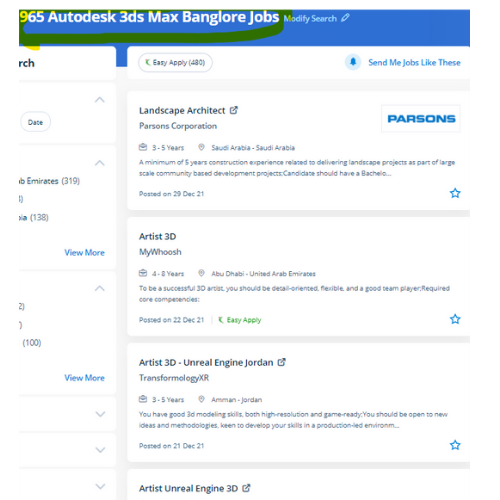
Find jobs related to Autodesk 3Ds Max in search engines (Google, Bing, Yahoo) and recruitment websites (monsterindia, placementindia, naukri, jobshybrid.com, indeed.co.in, shine.com etc.) based in Alappuzha, chennai and europe countries. You can find many jobs for freshers related to the job positions in Alappuzha.

  • 3Ds Max Designer
  • Graphic Designer
  • Visualizer 3d
  • 3Ds Max Trainer
  • Architectural 3d Visualizer
  • 3d Modeling
  • AutoCAD Draftsman
  • Designing Trainer
  • Motion Graphic Designer
  • Generalist 3D

Autodesk 3Ds Max Internship/Course Details

Autodesk 3Ds Max internship jobs in Alappuzha
Autodesk 3Ds Max Our training solutions are here to assist develop your active skills to unleash your creativity to a future level, whether you're a new user or a professional in Autodesk 3D Max and it has plenty of job opportunities these days. Being a 3D modeler or animator suggests being well familiar with each kind and choice of 3D modeling and animation software tools that are used to highlight your creations. . Sophisticated models have created a very easy manner. you'll conclude how to configure and render scenes, produce and edit 3D geometry, understand and apply lighting and materials for realism and eventually produce desktop animations. In fact, operating with software becomes simple, and it is a lot more fascinating. Nestsoft offers 3DTraining programs that are self-paced and conducted online using our patent-pending interactive simulator platform together with live-online classes and sessions are handled by industry experts. It facilitates operating with a lot of, 3ds max has lots of very little tools that create the work done faster, There are some nice plugin renderers accessible for 3ds max. 3Ds max software system consists of the numerous wealthy choices that facilitate the modelers, the renders, and the designers to form flawless photo-realistic 3D images moreover 3D animations of any construction element, furthermore as it is a giant ranging usage in Media, advertisement, and entertainment industry. With it, users area unit ready to create and put along with geometric figures of various shapes, moreover as apply surface and mesh modeling.


Meet a Few of our Industry Experts 🚀 Your Pathway to IT Career

Priyanka

Mobile: +91 94975 90866
Location: Online (Alappuzha, India)
Qualification: B-tech

Experience: Google webmaster google analytics keyword planner semrush seo on page seo off page html wordpress  more..

Vanshika

Mobile: +91 91884 77559
Location: Online (Alappuzha, India)
Qualification: B.A. Hons English

Experience: I possess a background in instructing German language courses at Sarvodaya Co-ed Vidyalaya where I demonstrated proficiency in curriculum development  more..

Nitish

Mobile: +91 94975 90866
Location: Online (Alappuzha, India)
Qualification: Master's

Experience: Experience 2 years User Research wireframing mobile design Prototyping  more..

Manoj

Mobile: +91 98474 90866
Location: Online (Alappuzha, India)
Qualification: B-tech

Experience: Odoo python xml html css Postgres and Git 1 2 years of experience in odoo  more..

varre

Mobile: +91 94975 90866
Location: Online (Alappuzha, India)
Qualification: M.Tech

Experience: angular javascript c#Application for Angular JS  more..

Rajvi

Mobile: +91 8301010866
Location: Online (Alappuzha, India)
Qualification: Bachelor of Computer Applications

Experience: I am writing to express my interest in the iOS developer position at netsoft as advertised indeed With 2 5  more..

Nishant

Mobile: +91 98474 90866
Location: Online (Alappuzha, India)
Qualification: B. Tech (3rd year)

Experience: Im Inclined towards penetration testing but have also completed internship under godrej group ltd in the SOC team Worked on  more..

Vishal

Mobile: +91 8301010866
Location: Online (Alappuzha, India)
Qualification: Graduation

Experience: My skills in seo and smo- onpage off page tecnical seo local seo organically grow social media and paid ads  more..

Aastha

Mobile: +91 98474 90866
Location: Online (Alappuzha, India)
Qualification: MCA

Experience: 3+ years of experience in WordPress development in which I have worked on Theme customization Security related issues troubleshooting ACF  more..

Johns

Mobile: +91 8301010866
Location: Online (Alappuzha, India)
Qualification: B tech computer science and engineering

Experience: I am Johns Thomas fresher Candidate looking forward to start career as a software engineer I am familiar with Java  more..

Mrunal

Mobile: +91 8301010866
Location: Online (Alappuzha, India)
Qualification: MBA

Experience: Skilled in digital marketing SEO PPC social media ads graphic design video marketing and email marketing Experienced in cross-selling market  more..

Manish

Mobile: +91 9895490866
Location: Online (Alappuzha, India)
Qualification: MTech

Experience: python sql machine learning scikit-learn numpy scipy matplotlib pandas linear-regression logistic-regression decisiontrees random-forest adaboost xgboost hierarchical-clustering k-means  more..

Kashish

Mobile: +91 98474 90866
Location: Online (Alappuzha, India)
Qualification: M.com

Experience: With two years of experience as a dedicated PTE (Pearson Test of English) trainer I bring comprehensive expertise to my  more..

Ankita

Mobile: +91 8301010866
Location: Online (Alappuzha, India)
Qualification: BE

Experience: Automation testing and manual testing   more..

Mateen

Mobile: +91 94975 90866
Location: Online (Alappuzha, India)
Qualification: Bacholer

Experience: 1year of experience in Articles writing seo digital marketing   more..

Himani

Mobile: +91 9895490866
Location: Online (Alappuzha, India)
Qualification: BE Computer

Experience: Experience with all stages of development life cycle for dynamic project Develop project concepts and maintain optimal workflow Mostly interaction  more..

Muaaz

Mobile: +91 89210 61945
Location: Online (Alappuzha, India)
Qualification: 12th

Experience: I m graphic design social media flyer Software photoshop and premier pro  more..

vaishnavi

Mobile: +91 9895490866
Location: Online (Alappuzha, India)
Qualification: BE

Experience: I have 2+ years of experience in software testing with core skills of selenium tool automation testing Java Eclipse IDE  more..

Namita

Mobile: +91 91884 77559
Location: Online (Alappuzha, India)
Qualification: Post graduate diploma in business administration and learning from crio.do as fr

Experience: I am from non tech background but recently started learning in frontend development role from crio do which is helping  more..

Manoj

Mobile: +91 8301010866
Location: Online (Alappuzha, India)
Qualification: Btech

Experience: android developer firebase retrofit java kotlin flutter dart  more..

Muthukamaleswari

Mobile: +91 94975 90866
Location: Online (Alappuzha, India)
Qualification: BE

Experience: 1year and 4 months of working experience as a Frontend developer   more..

Y

Mobile: +91 9895490866
Location: Online (Alappuzha, India)
Qualification: B Tech

Experience: Html css javascript react js basics photoshop illustrator canvas figma I have 3 and half yrs experience in web designing  more..

Hemant

Mobile: +91 94975 90866
Location: Online (Alappuzha, India)
Qualification: Btech in computer science

Experience: Graphic design Web design Content writing and rewriting Social media management Canva   more..

Abhishek

Mobile: +91 91884 77559
Location: Online (Alappuzha, India)
Qualification: Btech

Experience: Semi Conductor Laboratory Mohali Dept of space Govt of India FSG advantages over USG inter-metal dielectric (Thin Film) and Unit  more..

Success Stories

The enviable salary packages and track record of our previous students are the proof of our excellence. Please go through our students' reviews about our training methods and faculty and compare it to the recorded video classes that most of the other institutes offer. See for yourself how TechnoMaster is truly unique.

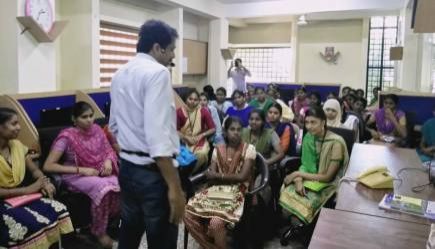
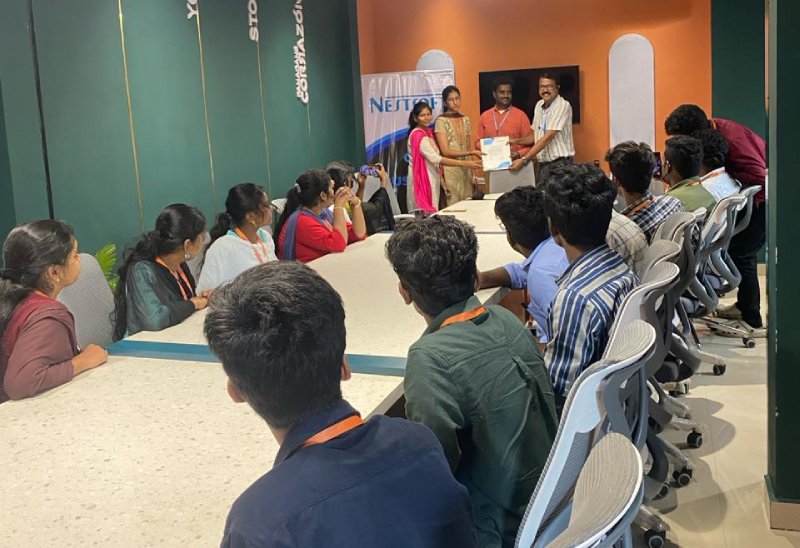
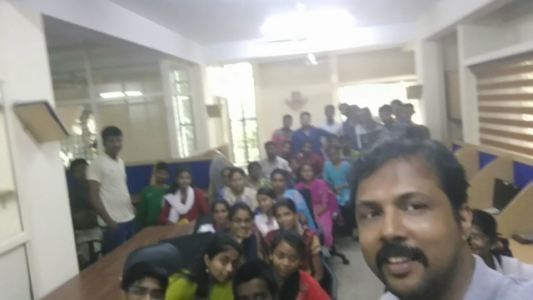
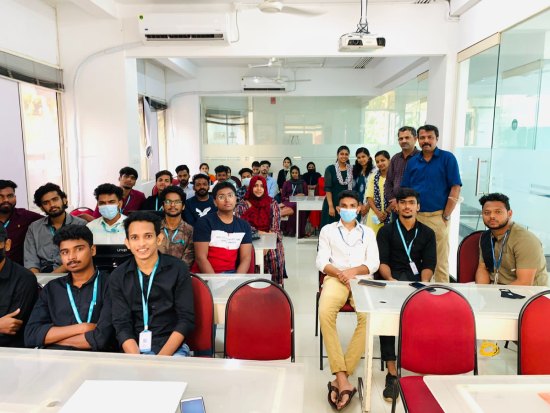
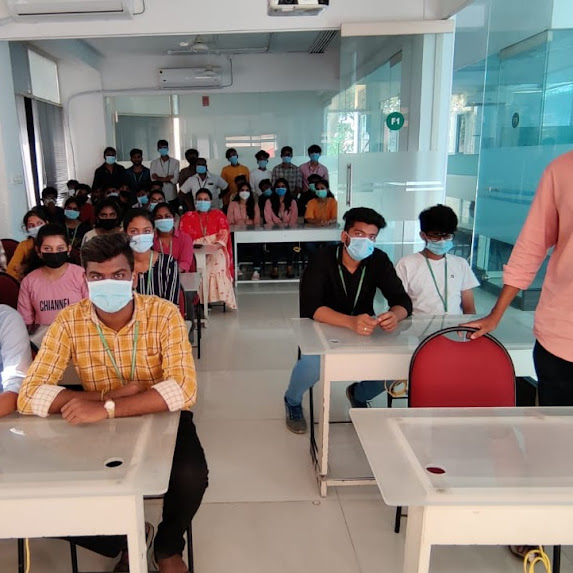
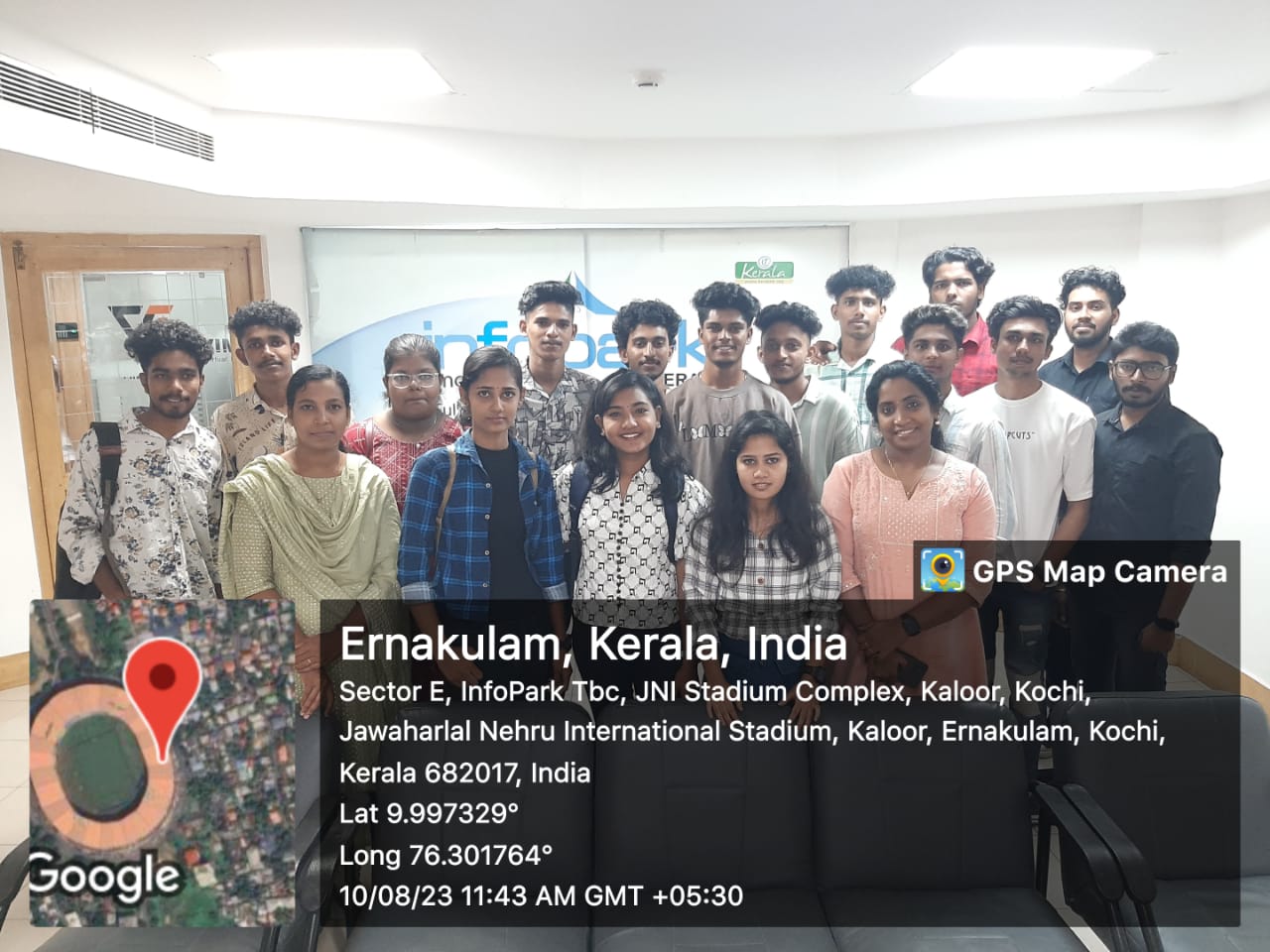
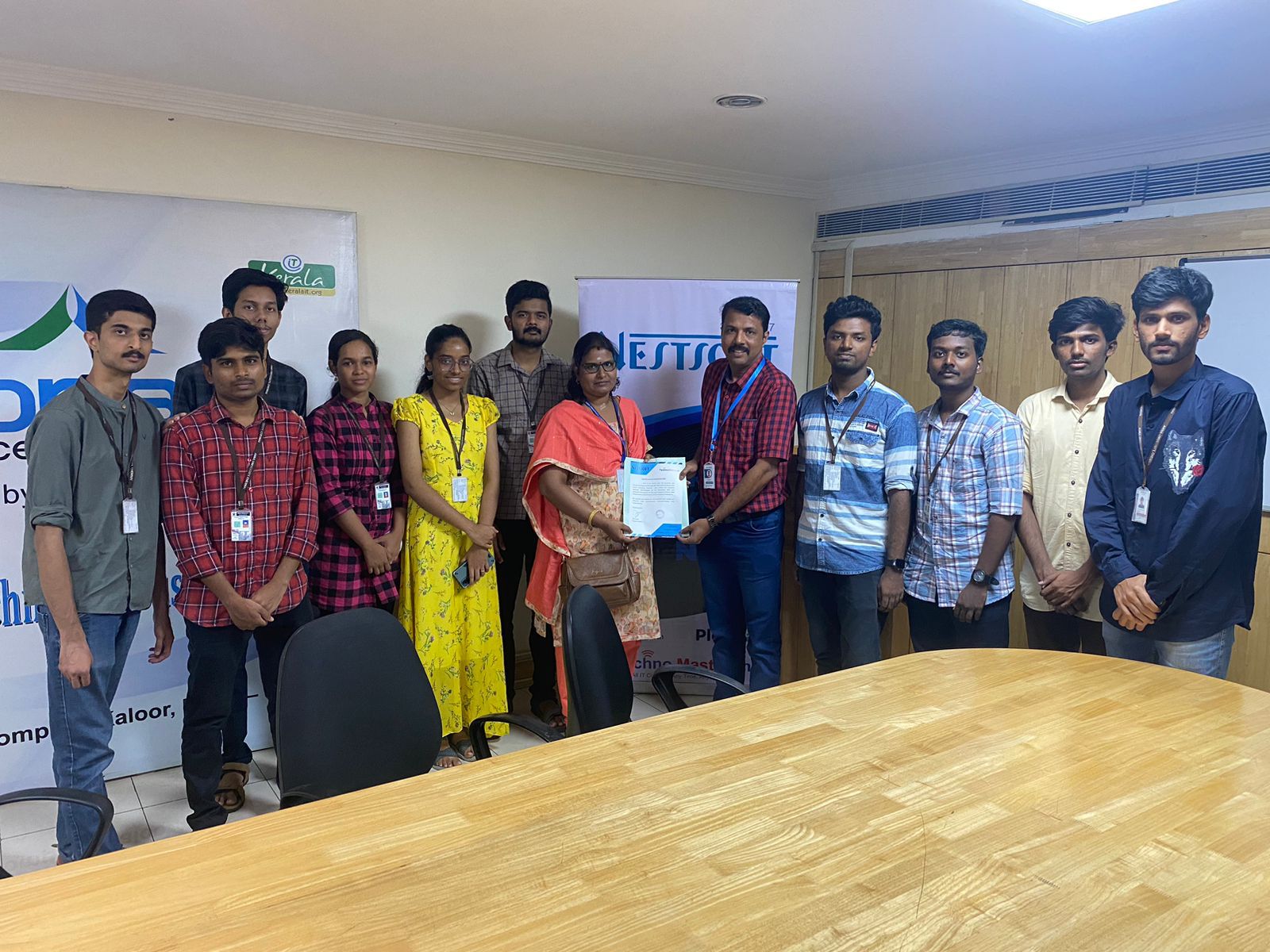
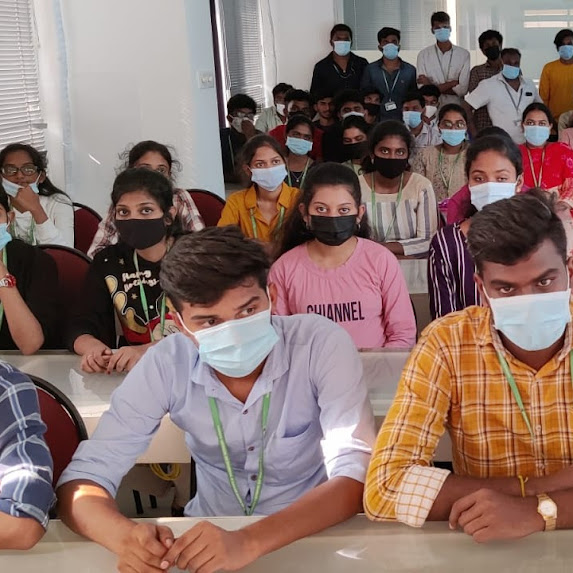
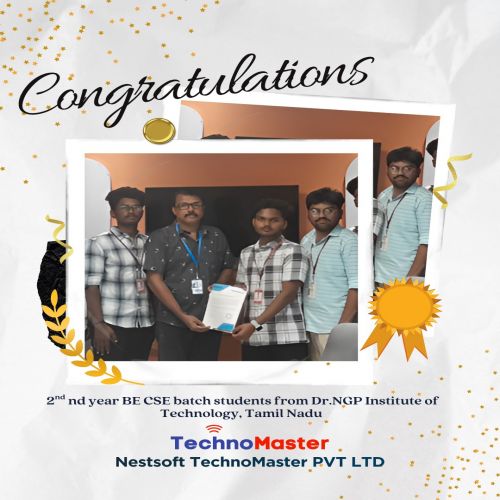
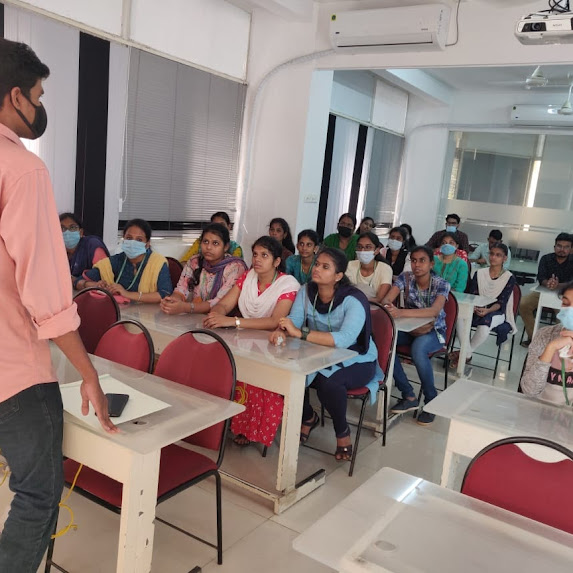
Photos of Training / Internships

Internship/projects in alappuzha

Trained more than 10000+ students who trust Nestsoft TechnoMaster

Get Your Personal Trainer