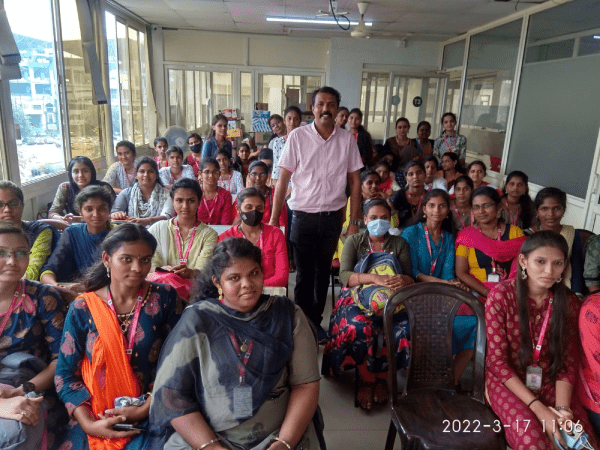
Angular JS Online Live Class by Experts
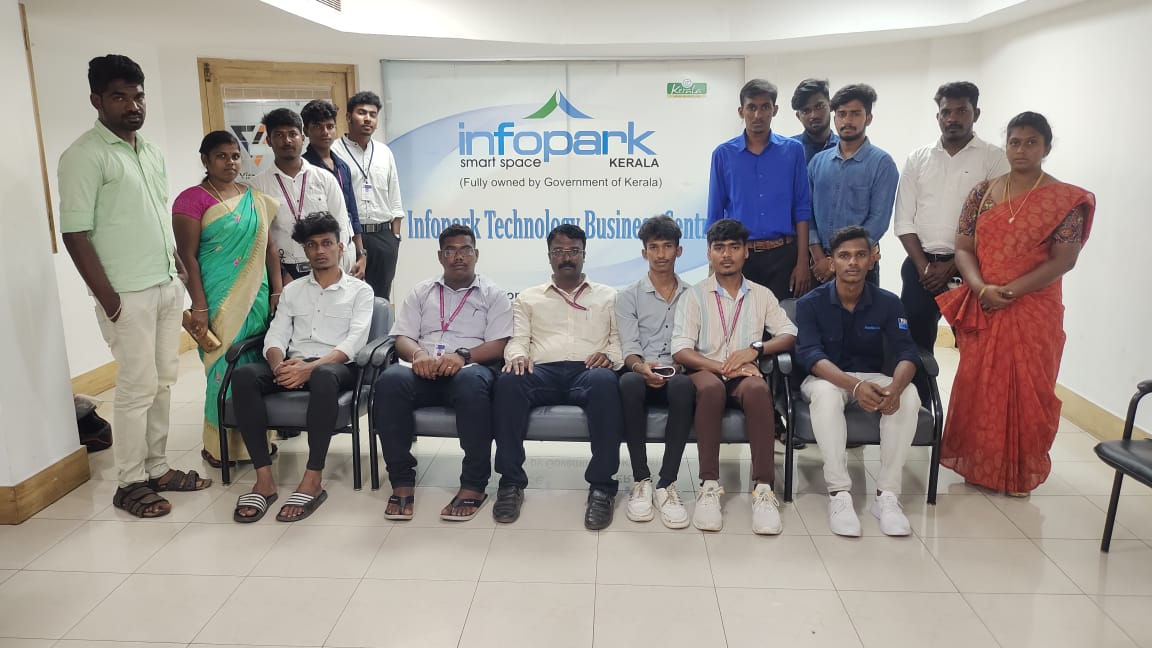
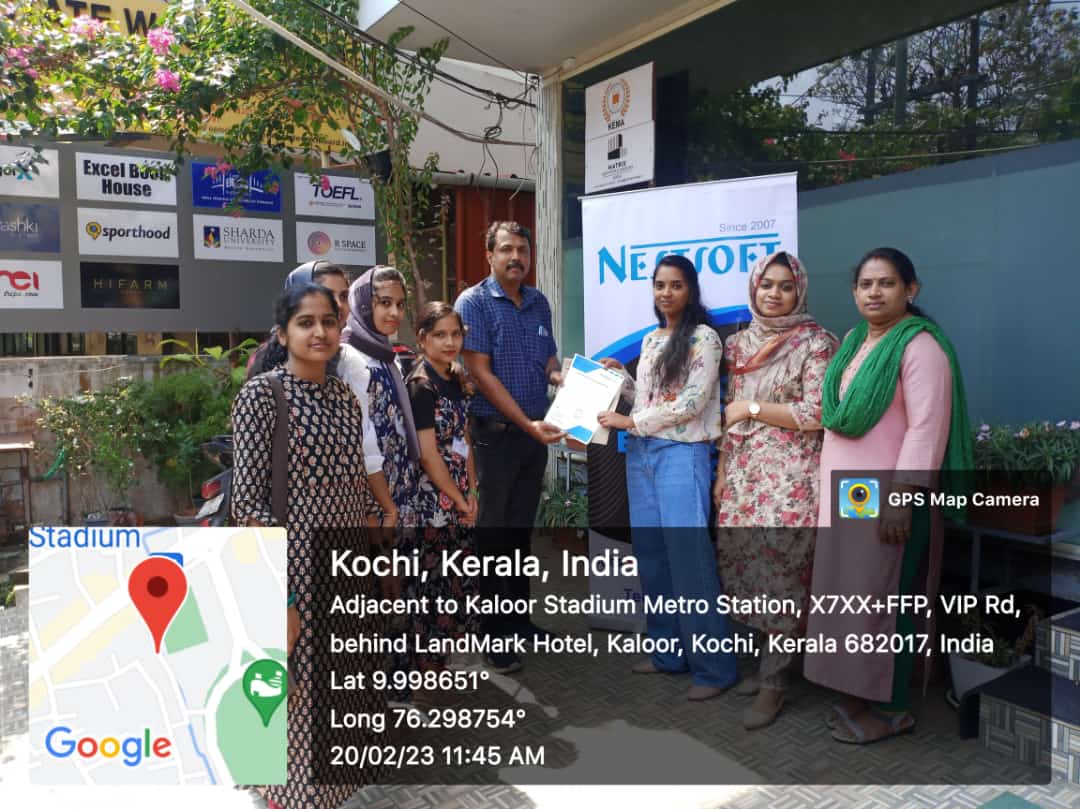
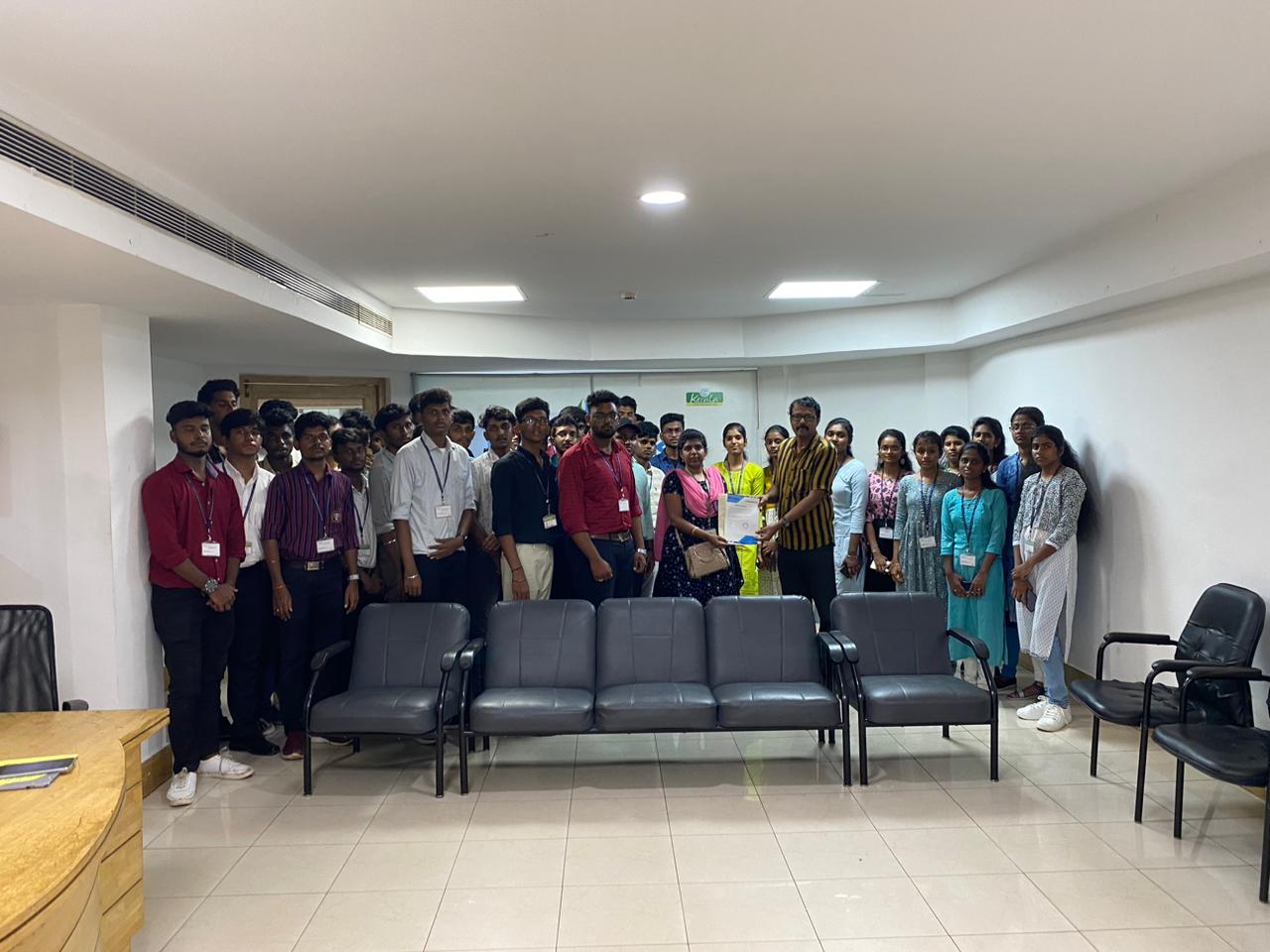
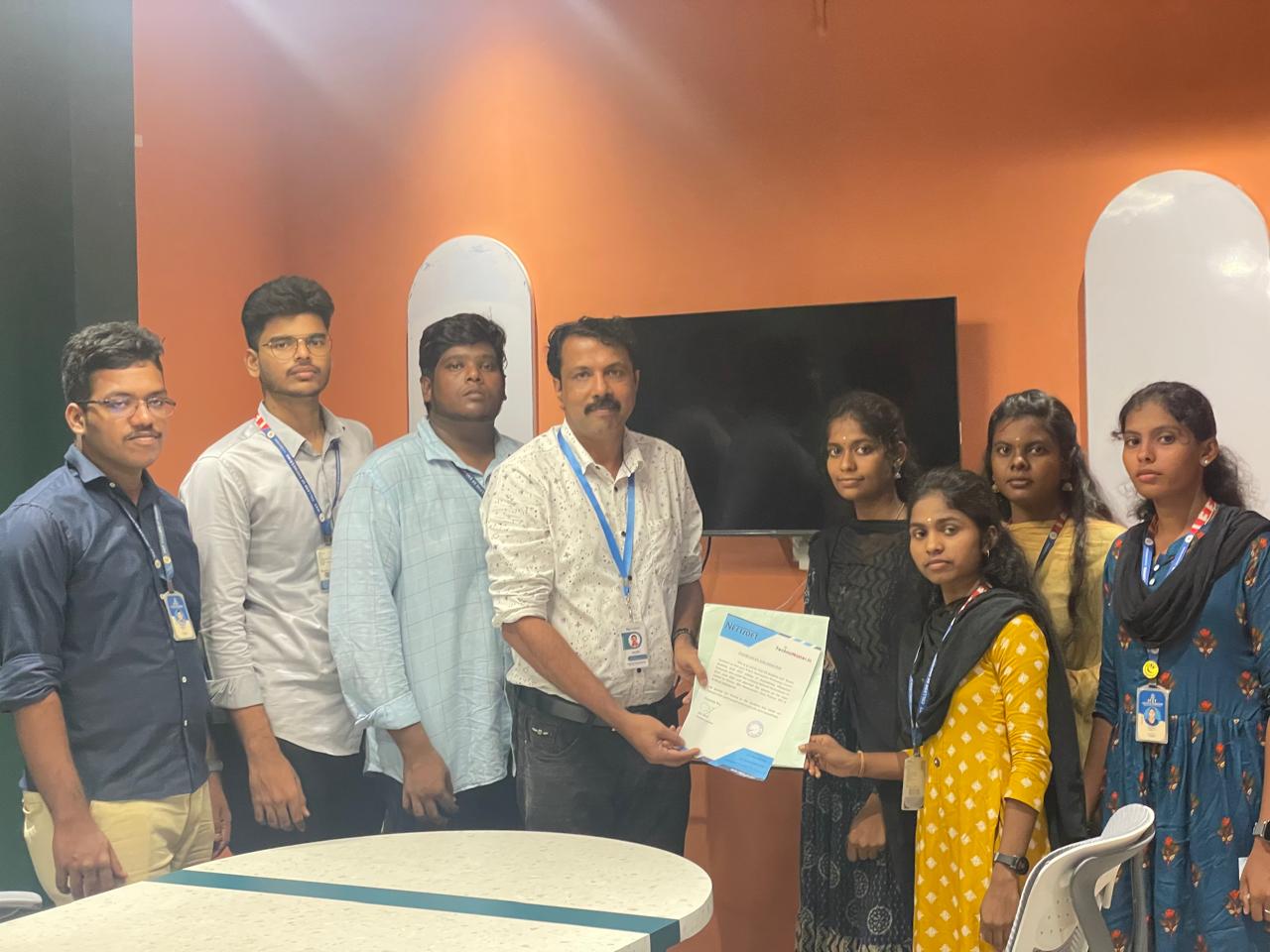
Our Training/Internship Process

Angular JS - Syllabus, Fees & Duration
Module 1: Introduction to HTML
- HTML Basics, Elements, Attributes, Styles
- Forms, Form Elements, Input Element Types
- Input Attributes, File Paths, Script tag
- HTML & XHTML
Module 2: Introduction to CSS
- CSS Introduction, Syntax, Selectors, Styling
- Pseudo class, Pseudo Elements
- CSS Tables, CSS Box Models
- CSS Opacity, CSS Navigation Bar, Dropdowns
Module 3: Introduction to JavaScript
- JavaScript Statements, Keywords, Functions
- JavaScript Programs, Operators, Functions
- Function Parameters, Function Return Types
- Data Types, Primitive Types
Module 4: Working with Objects
- Object Oriented Programming, Object Creation
- Adding Methods of Objects
- JavaScript Loops Iteration
- Adding Properties of Objects
- JavaScript Conditional Statements
- Enumerating Properties, Callbacks, JSON
Module 5: Angular JS Basics
- What is Angular JS?
- Why Angular JS?
- Why MVC matters
- MVC-The Angular JS way
- Features of Angular JS ,Model-View-Controller
- My First Angular JS app
Module 6: Angular Expressions
- All about Angular Expressions
- How to use expressions, Angular vs JavaScript
Module 7: Filters
- Built-In Filters, Using Angular JS Filters
- Creating Custom Filters
Module 8: Directives
- Introduction to Directives, Directive Lifecycle
- Binding controls to data, Matching directives
- Using Angular JS built-in directives
- Creating a custom directive
Module 9: Controllers
- Role of a Controller, Controllers Modules
- Attaching Properties and functions to scope
- Nested Controllers, Using Filters in Controllers
- Controllers in External Files
Module 10: Angular JS Modules
- Introduction to Angular JS Modules
- Bootstrapping Angular JS
Module 11: Angular JS Forms
- Working with Angular Forms, Model Binding
- Forms Events, Updating Models with a Twist
- Form Controller, Validating Angular Forms
- $error object
Module 12: Scope
- What is scope, Scope Lifecycle
- Scope Inheritance, Scope & Controllers
- Root scope, Scope Broadcasting
- Two-way data binding, Scope Inheritance
- Scope & Directives, $apply and $watch
- Scope Events
Module 13: Dependency Injection Services
- What is Dependency Injection
- Creating Services, Factory, Service & Provider
- Using Dependency Injection, What are services
- Using Angular JS built in services
Module 14: Single Page Application (SPA)
- What is SPA, Pros and Cons of SPA
- Passing Parameters, Changing location
- Installing the ng Route module, Configure routes
- Resolving promises, Creating a Single Page Apps
Module 15: Angular JS Animation
- ng Animate Module, CSS Transforms
- CSS Transitions, Applying Animations
Module 16: Introduction to Node JS
- Introduction to Node JS
- Advantages of Node JS
- What is Node JS, Node.js Process Model
- Traditional Web Server Model
Module 17: Setup Development Environment
- Install Node.js on Windows
- Working in REPL, Node JS Console
Module 18: Node JS Modules
- Functions, Buffer, Module
- Modules Types
- Core Modules, Local Modules
- Modules Exports
Module 19: Node Package Manager
- What is NPM, Installing Packages Locally
- Installing package globally
- Adding dependency in package json
- Updating packages
Module 20: Creating Web Server
- Creating Web Server
- Sending Requests
- Handling http requests
Module 21: File System
- read File, Writing a File
- Opening a file, Deleting a file
- Writing a file asynchronously
- Other IO Operations
Module 22: Debugging Node JS Application
- Core Node JS Debugger
Module 23: Events
- Event Emitter class
- Inheriting Events
- Returning event emitter
Module 24: Express JS
- Configuring Routes
- Working with Express
Module 25: Serving Static Resources
- Serving Static Files
- Working with Middle Ware
Module 26: Database Connectivity
- Connecting String, Configuring
- Updating Records
- Working with Select Command
- Deleting Records
Project Development
This syllabus is not final and can be customized as per needs/updates
- Since 2001, Making IT Experts by Experts
- Duration: 20 Hours (Vary as per your skill)
- Course Fees
- Individual Live Classes (1:1)
- Batch Classes @ Low Fees
- Training on Your Time, Any Where
- Access to Recorded Videos
- Practical Internship on Projects
- 100% Placement Support by our jobsHybrid.com
- Training/Internship Certificate
- Agra
- Ahmedabad
- Alappuzha
- Aurangabad
- Bangalore
- Belgaum
- Bellary
- Bhubaneswar
- Chennai
- Cochin
- Coimbatore
- Delhi
- Dindigul
- Erode
- Gulbarga
- Guntur
- Gurgaon
- Haryana
- Hyderabad
- Idukki
- Indore
- Jaipur
- Kalyan
- Kannur
- Kanpur
- Kasaragod
- Kerala
- Kolkata
- Kollam
- Kottayam
- Kozhikode
- Lucknow
- Madurai
- Malappuram
- Mangaluru
- Mumbai
- Mysuru
- Nagpur
- Nashik
- Navi Mumbai
- Nizamabad
- Noida
- Palakkad
- Pathanamthitta
- Pune
- Punjab
- Salem
- Shimla
- Solapur
- Surat
- Thane
- Thanjavur
- Thirunelveli
- Thoothukudi
- Thrissur
- Tiruchirappalli
- Tiruppur
- Trivandrum
- Vadodara
- Varanasi
- Vellore
- Vijayawada
- Visakhapatnam
- Wayanad
Course Highlights

Our Locations

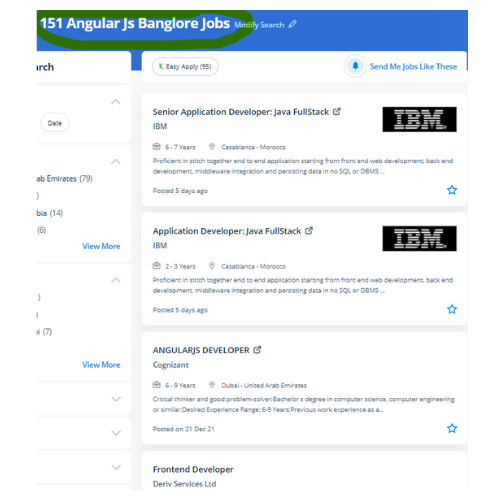
 Our Job oriented AngularJS coaching is instructed by experienced certified professionals with extensive real-world experience. It is used for developing single-page applications. AngularJS helps developers in maintaining web infrastructures with proficiency & simplicity. changing the current source code based on business wants is easy due to the framework simplifying it into shortcodes. AngularJS allows developers to stay in web infrastructures with ease & comfortability. Angular, with its advanced tools, makes for the most effective front-end framework for a single-page web app like Forbes that desires constant content updates. AngularJS could be a famous framework maintained by Google to modify development & look for strategies among developers across the world. The Angular framework doesn't need to incorporate any third-party libraries for making essential functionality for the web and app solution.
. Developers can presently re-use the codes or the weather of the codes written before in various applications so making Angular JS development an awfully unique framework.