Send enquiry ⏎

Adobe Photoshop Online Live Class by Experts

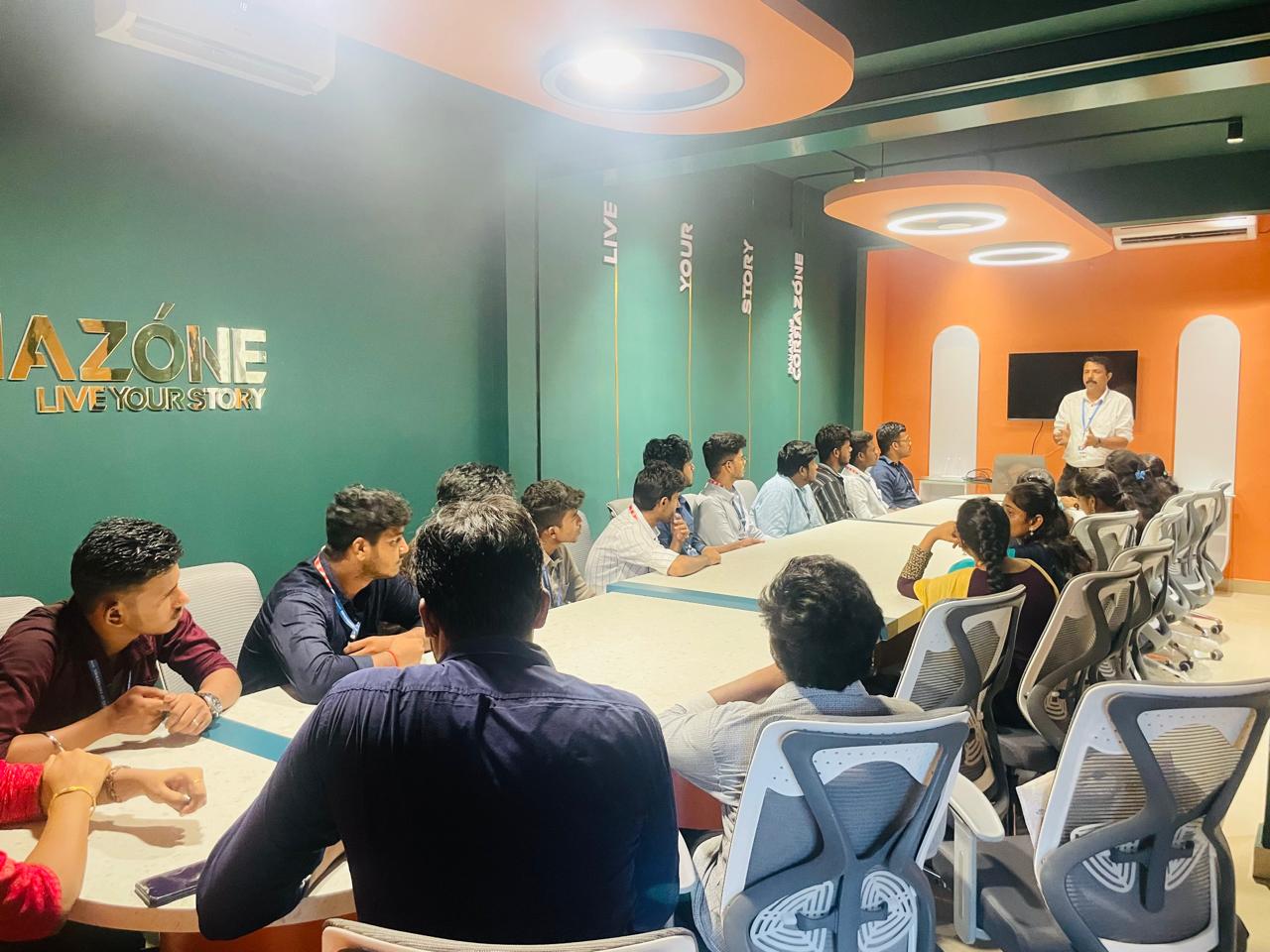
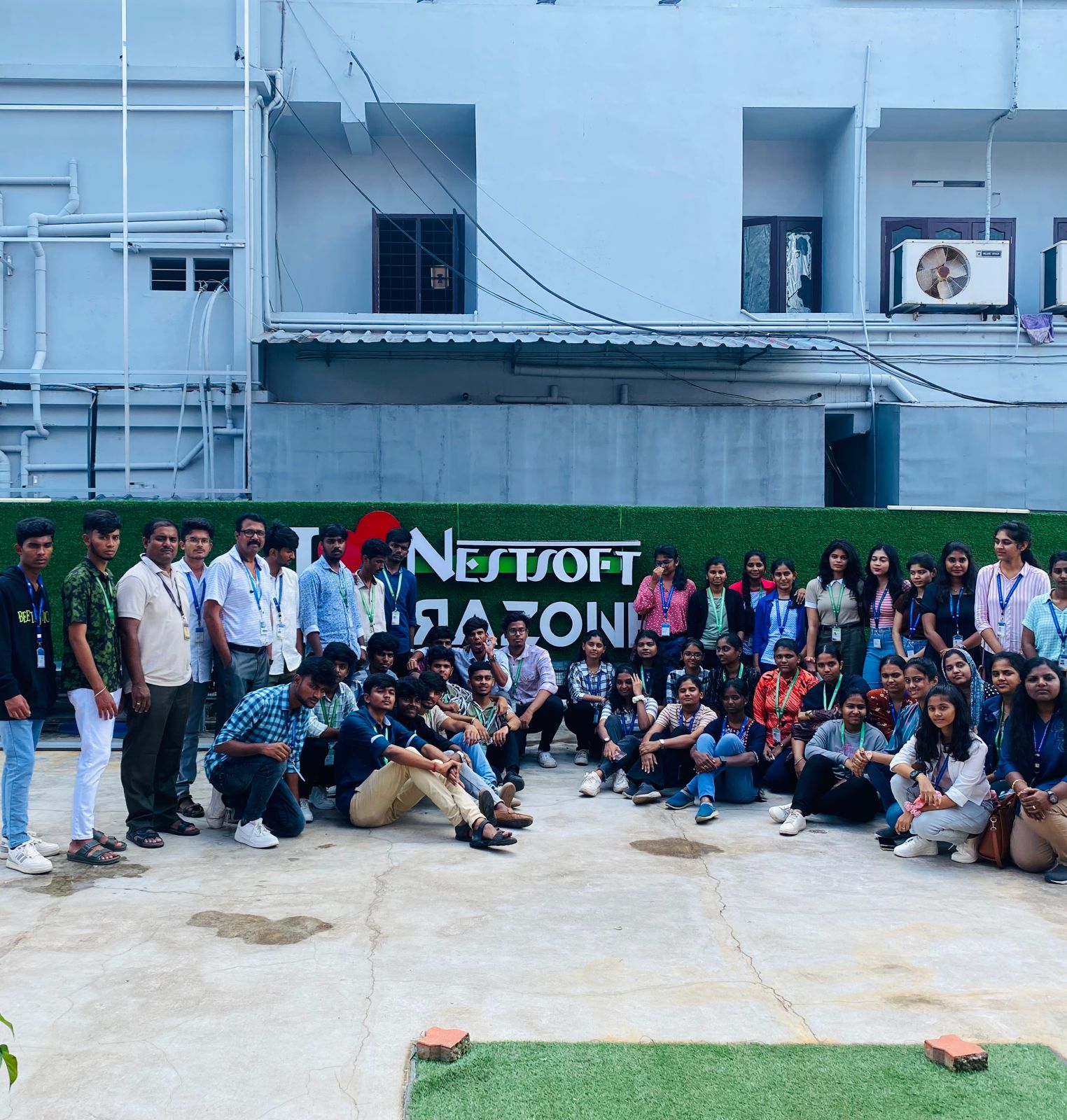
Our Training/Internship Process

Adobe Photoshop Online Live Classes in Pathanamthitta | Free Demo Training

Adobe Photoshop - Syllabus, Fees & Duration

      Module 1: Introduction to Photoshop (2 Hours)

      Objective: Understand the basics of Photoshop, its interface, and core tools.

      • Overview of Photoshop and its applications
      • Introduction to the workspace:
        • Toolbar, options bar, panels, and canvas
      • Setting up a new document and file formats
      • Basic navigation: Zoom, pan, and rotate view
      • Saving and exporting projects

      Practical: Create and save a simple document with basic shapes.

      Module 2: Working with Layers and Selections (2 Hours)

      Objective: Master layers, layer properties, and selection tools.

      • Understanding layers and the Layers panel
      • Layer types: Text, adjustment, and shape layers
      • Using selection tools:
        • Marquee, Lasso, and Quick Selection tools
        • Refine Edge and Select Subject
      • Basic masking techniques

      Practical: Create a composition using multiple images and adjust layer opacity.

      Module 3: Image Adjustments and Enhancements (3 Hours)

      Objective: Learn to enhance photos using adjustments and filters.

      • Adjusting brightness, contrast, and levels
      • Color corrections: Hue/Saturation and Color Balance
      • Using Adjustment Layers for non-destructive editing
      • Introduction to filters and smart filters
      • Sharpening and blurring images

      Practical: Enhance a photograph by correcting color and applying filters.

      Module 4: Retouching and Repairing Images (2 Hours)

      Objective: Use retouching tools for professional image editing.

      • Healing Brush, Spot Healing Brush, and Patch tools
      • Clone Stamp tool
      • Content-Aware Fill and Move
      • Removing unwanted objects from images
      • Basic portrait retouching techniques

      Practical: Remove blemishes and unwanted objects from a provided image.

      Module 5: Text and Typography (2 Hours)

      Objective: Add and manipulate text for graphic design purposes.

      • Adding text and using the Type tool
      • Formatting text: Fonts, sizes, and styles
      • Working with paragraph and character panels Applying text effects: Drop shadows, strokes, and gradients
      • Typographic layouts and text on paths

      Practical: Create a poster with creative text effects.

      Module 6: Creative Tools and Special Effects (2 Hours)

      Objective: Explore creative possibilities with Photoshop tools and techniques.

      • Introduction to the Pen Tool for paths and shapes
      • Applying layer styles and blending modes
      • Using gradients and patterns
      • Introduction to brushes and custom brushes
      • Creating basic photo manipulations

      Practical: Design a surreal photo manipulation using multiple tools.

      Module 7: Final Project and Review (2 Hours)

      Objective: Consolidate learning by applying all techniques in a final project.

      • Planning and executing a creative project
      • Reviewing core tools and concepts
      • Tips and best practices for Photoshop workflows
      • Feedback on student projects

      Practical: Complete a final project (e.g., a social media post, flyer, or edited photo).

Download Syllabus - Adobe Photoshop
This syllabus is not final and can be customized as per needs/updates
   
10000+
20+
50+
25+

Adobe Photoshop Jobs in Pathanamthitta

Enjoy the demand

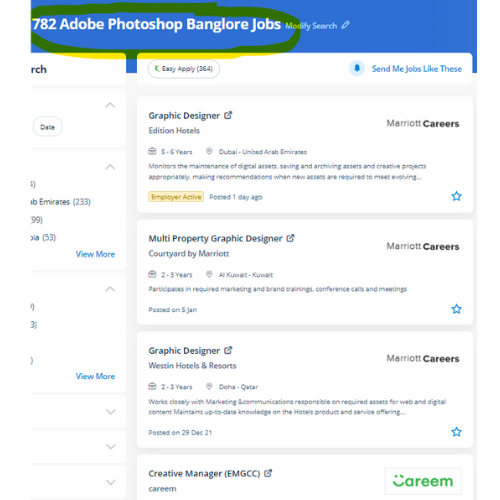
Find jobs related to Adobe Photoshop in search engines (Google, Bing, Yahoo) and recruitment websites (monsterindia, placementindia, naukri, jobshybrid.com, indeed.co.in, shine.com etc.) based in Pathanamthitta, chennai and europe countries. You can find many jobs for freshers related to the job positions in Pathanamthitta.

  • Photoshop Expert
  • Graphic Designer
  • Visual Designer
  • Motion Graphics Designer
  • Photoshop Editor
  • Adobe Photoshop-Architect
  • Graphics Design Trainer
  • Photographer
  • Design Assistant
  • 2d Motion Designer

Adobe Photoshop Internship/Course Details

Adobe Photoshop internship jobs in Pathanamthitta
Adobe Photoshop Most graphic designers use photoshop for their skilled work because photoshop is one of the foremost skilled editing codes available nowadays. you create changes to the files using Photoshop and directly use the outputs from that software. With courses and coaching from Nestsoft, you may research the skills to become a Photoshop expert. using Adobe Photoshop will permit you to design and find out something you want. Also, it has wide job opportunities within the middle east. Photoshop permits you to convert your photos to the workings of your training and exhibit them for the world to examine The Advanced Adobe Version also offers sport to windows touch devices. Usually, it produces the most effective products for a majority of the process effects. Photoshop creates an artist's virtual studio/darkroom. . Photographers, web designers, or graphic designers must skill to use Adobe Photoshop.


Meet a Few of our Industry Experts 🚀 Your Pathway to IT Career

Manikaran

Mobile: +91 91884 77559
Location: Online (Pathanamthitta, India)
Qualification: B.Tech

Experience: Github Link : github com manikaran21 Certificates: drive google com drive folders 1Q-ptc395b998Lu111wdaudi_Lw73YVZ7?usp=sharing HackerRank Profile : hackerrank com masanmb17tes?hr_r=1 I  more..

Parvathy

Mobile: +91 8301010866
Location: Online (Pathanamthitta, India)
Qualification: Btech in electrical and electronics engineering

Experience: Manual testing Automation testing selenium JMeter Jira postman SQL Java testcase preperation bug report   more..

Bhavana

Mobile: +91 89210 61945
Location: Online (Pathanamthitta, India)
Qualification: Mca

Experience: Html5 Css3 Sass wordpress  more..

Ananya

Mobile: +91 98474 90866
Location: Online (Pathanamthitta, India)
Qualification: Postgraduate in Chemist

Experience: Iam a dedicated chemistry educator with a passion for nurturing young minds With two years of experience I've had the  more..

Vanshil

Mobile: +91 8301010866
Location: Online (Pathanamthitta, India)
Qualification: Bachelor of engineering in computer engineering

Experience: Hi myself Vanshil Currently pursuing in final year of computer engineering I had done with two projects at college level  more..

Chitimelly

Mobile: +91 91884 77559
Location: Online (Pathanamthitta, India)
Qualification: B.tech

Experience: I am good at python programming c programming SQL and machine learning  more..

Aravindh

Mobile: +91 91884 77559
Location: Online (Pathanamthitta, India)
Qualification: BCA

Experience: Html css js bootstrap wordpress php mysql canva adobe photoshop  more..

GOKULNATH

Mobile: +91 94975 90866
Location: Online (Pathanamthitta, India)
Qualification: Bsc

Experience: User research Usability Testing Wireframe Prototype Responsive design Figma Adobe XD Sketch Framer Invision Photoshop illustrator Aftereffects   more..

Dipak

Mobile: +91 98474 90866
Location: Online (Pathanamthitta, India)
Qualification: Bachelor of computer application

Experience: Firstly I want to said that if you mentally strong to your work then no work hard for you self  more..

Anil

Mobile: +91 91884 77559
Location: Online (Pathanamthitta, India)
Qualification: B.tech cse

Experience: Fullstack - Node js express js mongodb react js javascript tailwind css html git DBMS MySQL postman RESTFUL apis phyton  more..

Narasimha

Mobile: +91 98474 90866
Location: Online (Pathanamthitta, India)
Qualification: B.Tech

Experience: 2 years experience in Automation testing having worked in a product based company I have deep understanding in test strategies  more..

Tejaswini

Mobile: +91 94975 90866
Location: Online (Pathanamthitta, India)
Qualification: BCA

Experience: Communication skill Ambitious Known with programming languages  more..

P.C.MANOJ

Mobile: +91 94975 90866
Location: Online (Pathanamthitta, India)
Qualification: Bsc software application

Experience: BDD Cucumber testng manual testing selenium web driver automation testing scrum test planning agile methodologies sql  more..

kummari

Mobile: +91 89210 61945
Location: Online (Pathanamthitta, India)
Qualification: bachelors of commerce

Experience: html css Javascript React js Github Sql python and by using the frotend technologies i can build interactive and dynamic  more..

Ankita

Mobile: +91 91884 77559
Location: Online (Pathanamthitta, India)
Qualification: BE ENTC

Experience: Software testing course completed have good knowledge about manual and automation testing java programming jira eclipse sql  more..

Niharika

Mobile: +91 9895490866
Location: Online (Pathanamthitta, India)
Qualification: Bca

Experience: Digital marketing Web development frontend  more..

Ranjan

Mobile: +91 98474 90866
Location: Online (Pathanamthitta, India)
Qualification: B.Tech

Experience: Customizing Odoo OpenERP modules to fit your unique business needs Django Python development WordPress web development Payment & SMS gateway  more..

Sowmya

Mobile: +91 91884 77559
Location: Online (Pathanamthitta, India)
Qualification: M.tech

Experience: Siem IBM Qradar malware analysis host analysis wireshark ips ids firewall  more..

Pavan

Mobile: +91 91884 77559
Location: Online (Pathanamthitta, India)
Qualification: B. E

Experience: I am right now working on real time project and language used are angular 5 and node js Application for  more..

Guna

Mobile: +91 91884 77559
Location: Online (Pathanamthitta, India)
Qualification: UG

Experience: "Passionate UI UX Designer with a strong foundation in design principles and a proven track record I successfully completed a  more..

AAKASH

Mobile: +91 91884 77559
Location: Online (Pathanamthitta, India)
Qualification: Bsc. Computer Science Graduate

Experience: I have been working as QA Test Engineer with 1 Year of Experience on Manual and Automation Testing I have  more..

Krishnapriya

Mobile: +91 94975 90866
Location: Online (Pathanamthitta, India)
Qualification: B. Tech

Experience: Java kotlin flutter(basics) REST APIs JSON SQLite MYSQL XML JavaScript  more..

Sunita

Mobile: +91 9895490866
Location: Online (Pathanamthitta, India)
Qualification: MCA

Experience: 5 4 Year experience in Manual and automation testing skills: Selenium Java CUCUMBER TestNg Jira  more..

Damini

Mobile: +91 91884 77559
Location: Online (Pathanamthitta, India)
Qualification: BE

Experience: Experience: 1 year 10 month Skills: angular javascript html css Application for Angular JS  more..

Success Stories

The enviable salary packages and track record of our previous students are the proof of our excellence. Please go through our students' reviews about our training methods and faculty and compare it to the recorded video classes that most of the other institutes offer. See for yourself how TechnoMaster is truly unique.

Photos of Training / Internships

Internship/projects in pathanamthitta

Trained more than 10000+ students who trust Nestsoft TechnoMaster

Get Your Personal Trainer